 Samuel Abyan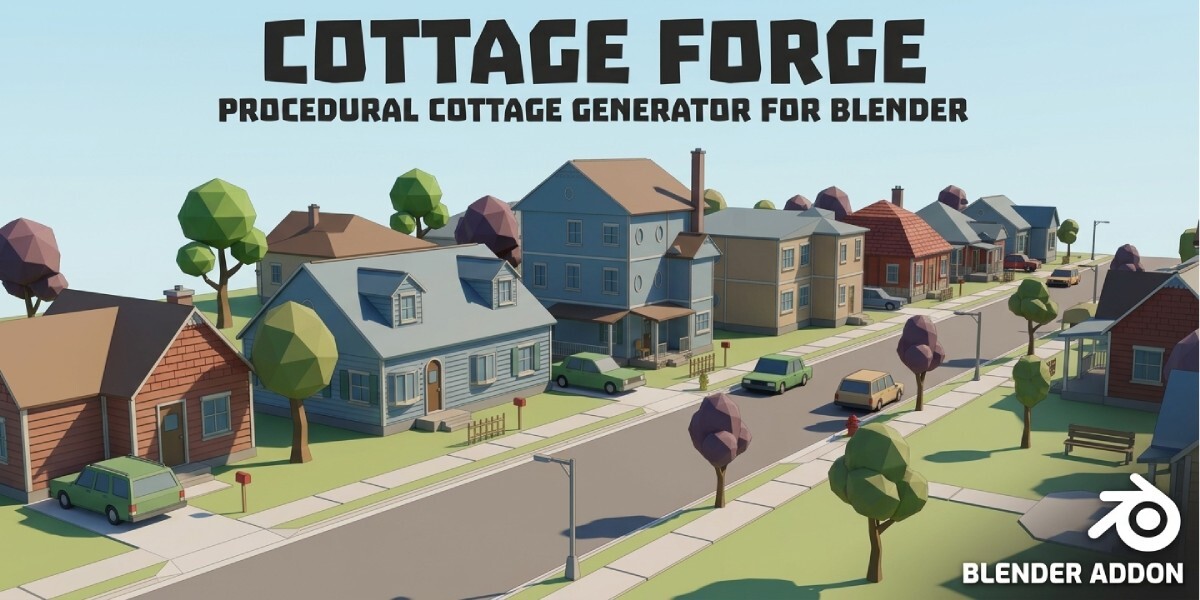
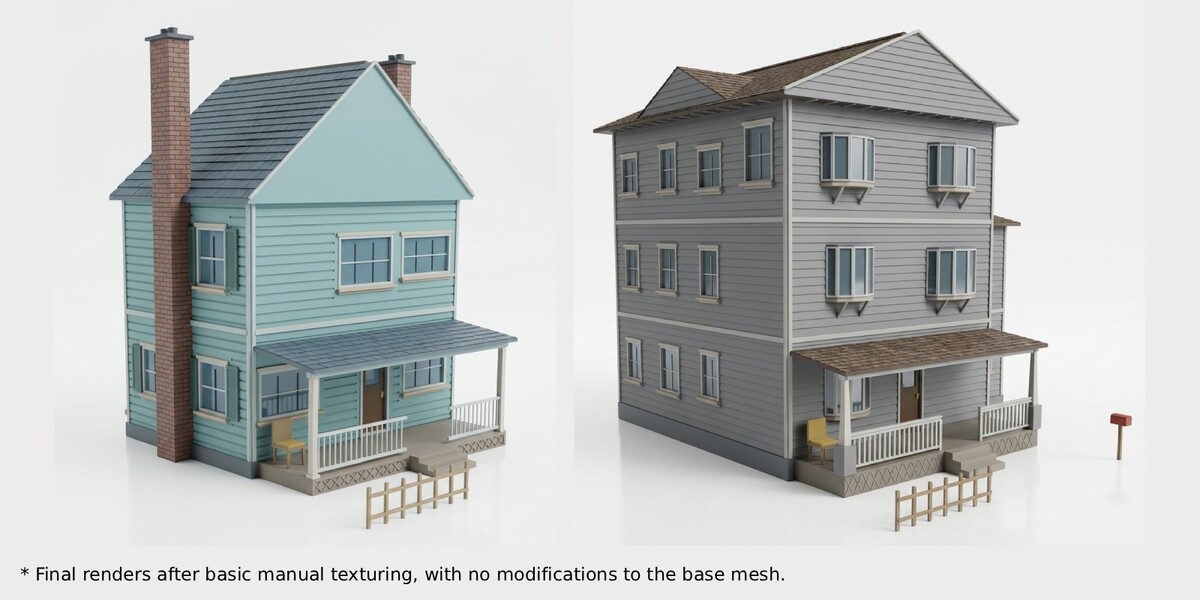
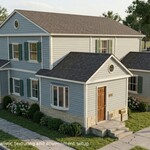
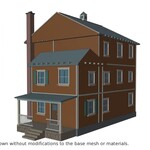
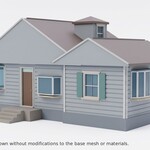
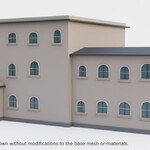
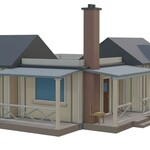
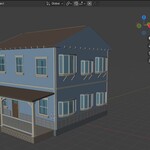
Press a button and get a new house.
If you've built a street of houses by hand, you know the problem: by house number five, everything looks the same. Cottage Forge builds each house from many separate random decisions, so a Cape Cod and a Victorian differ in structure, not only in color.
Who it's for
- Game developers filling towns, suburbs, and villages with believable buildings
- Environment artists who need background houses fast, ready for their own texturing
- 3D artists who want a strong starting mesh for a custom house
What you'll do in your first minute
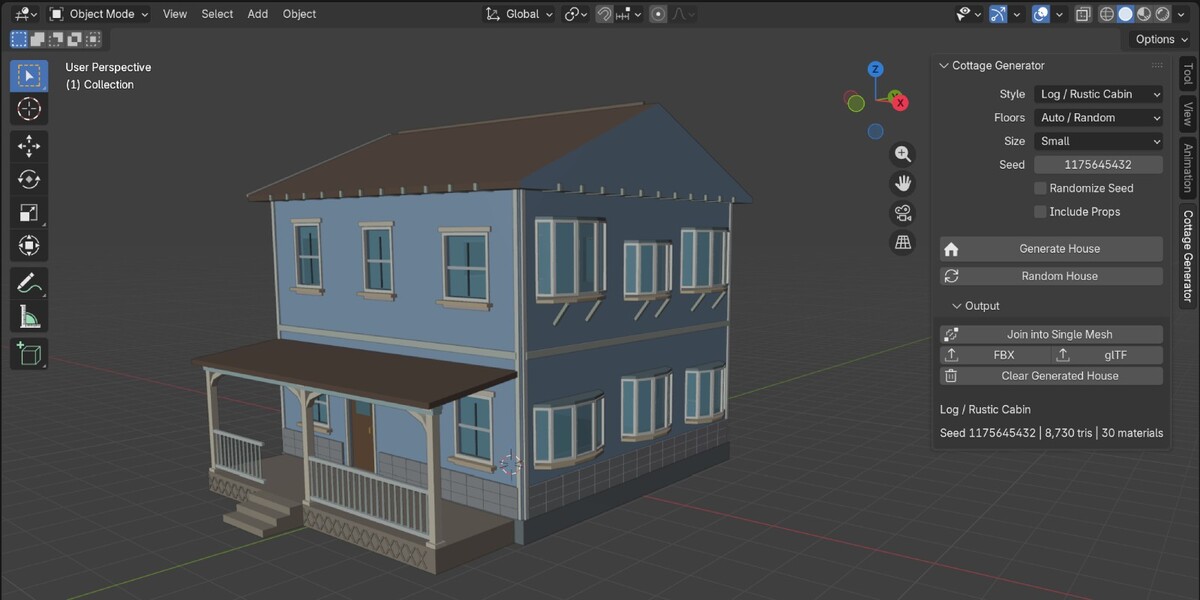
Install the extension, open the N-panel, and click Random House. A finished house appears at your 3D cursor, with a roof, porch, chimney, and openings you didn't have to place. Click again and you get a different one. When you find one you like, note the seed and regenerate it any time.
What makes each house different
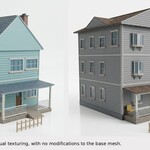
Styles change what's likely, never what's fixed. Eleven styles are included: Colonial, Cape Cod, Craftsman, Victorian, Farmhouse, Tudor, Spanish Revival, Ranch, Rustic Cabin, Dutch Colonial, and Modern Farmhouse.
- Footprints: rectangle, L, T, U, stepped, garage or side wing, bay projections, octagonal towers, and wrap-around compositions
- Roofs: gable, cross-gable, hip, gambrel, mansard, shed, saltbox, half-hip, flat with parapet, and tower caps, plus dormers, cupolas, and chimneys
- Porches: stoops, full-width, wrap-around, recessed, barrel porticos, and arcades, with several column and railing styles
- Openings: double-hung, casement, round-top, oval, bay, and bow windows; single, double, Dutch, arched, sidelight, and transom doors; garage doors
- Details: corner boards, belt courses, shutters, brackets, rafter tails, half-timbering, stone wainscot, and scalloped gable bands, all real geometry
- Optional props: porch furniture, mailbox, and fence
- Anti-repetition: the generator checks recent houses and steers away from near-duplicates, while keeping results reproducible
Built for your workflow
- Real-world scale in meters, with the origin at the footprint center on the ground
- Windows and doors are cut into the walls, with frames and panes inset
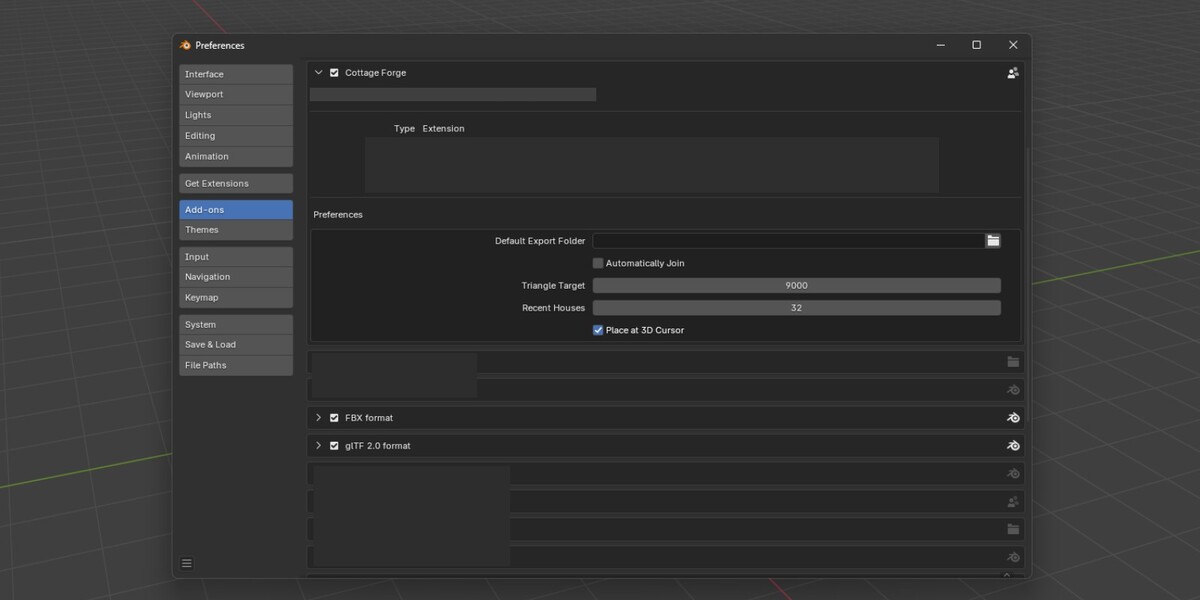
- Default budget of 10,000 triangles, adjustable from 6,000 to 12,000. Optional details are dropped first if a house runs over
- Output is a parent Empty with organized child objects, and an optional Join that keeps your material slots
- One-click FBX and GLB export (FBX and GLB addons should be enabled for this feature to work)
- Works offline, no third-party dependencies
Please read: a few houses may need a touch-up
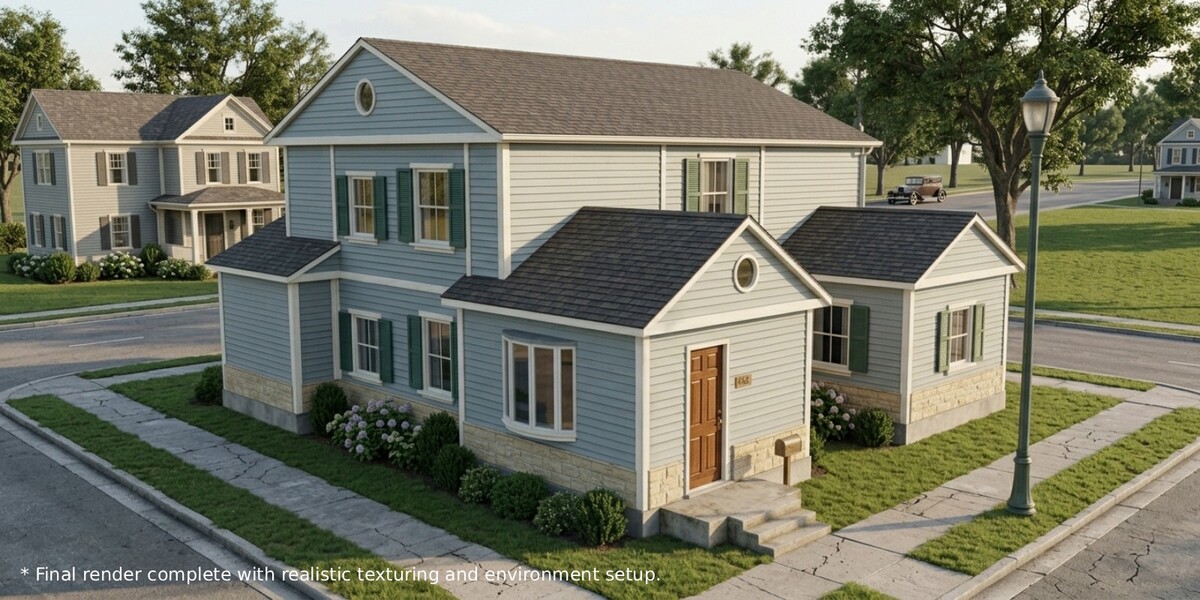
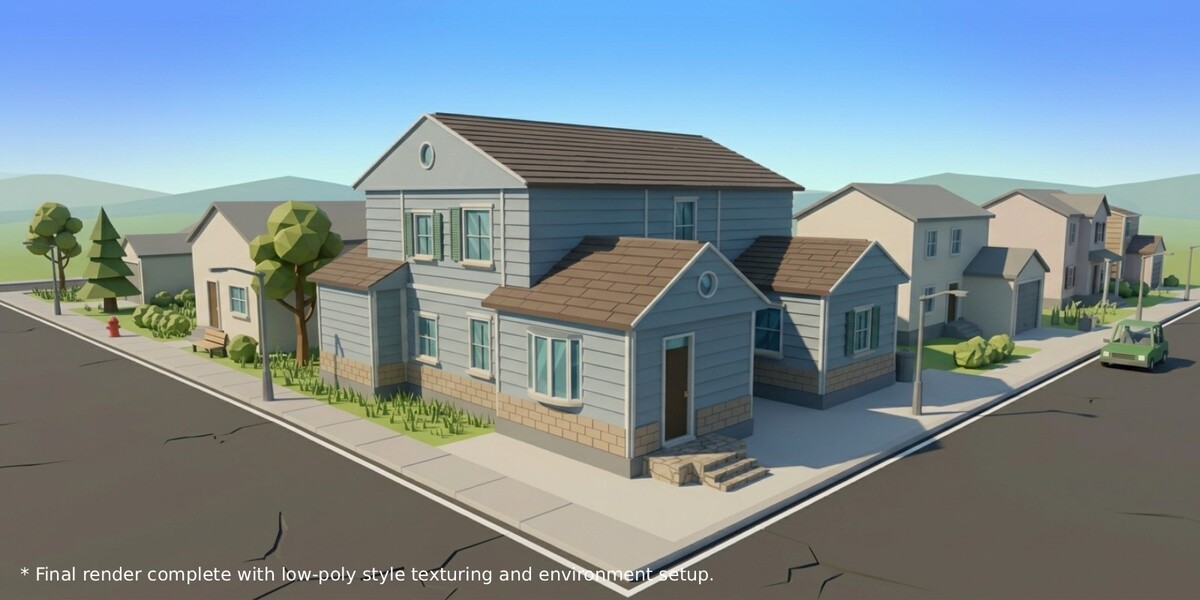
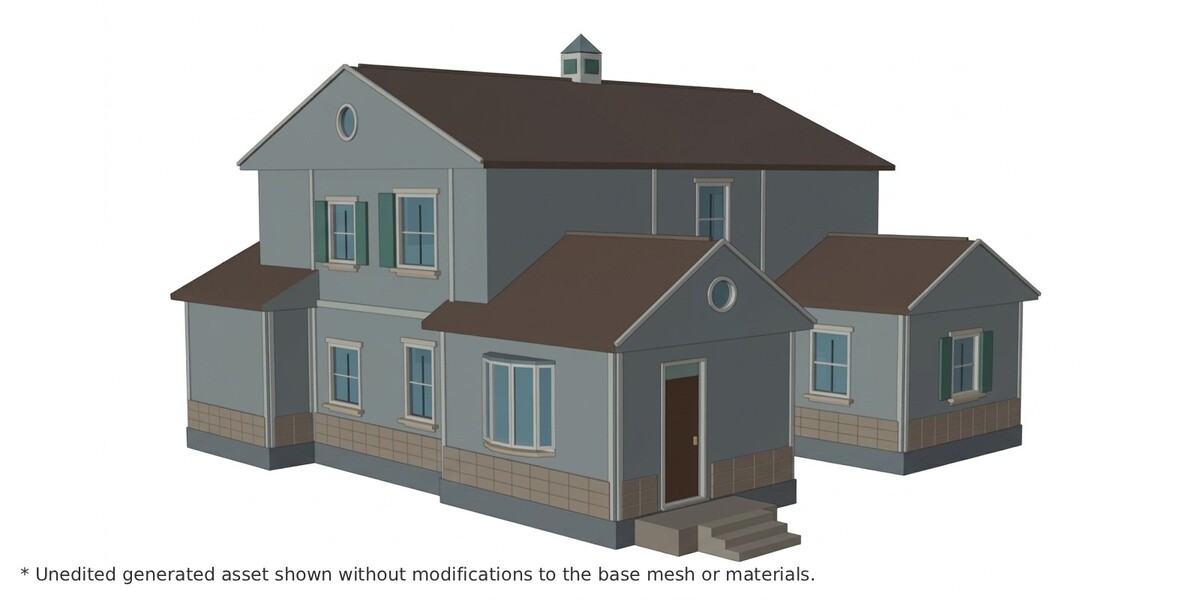
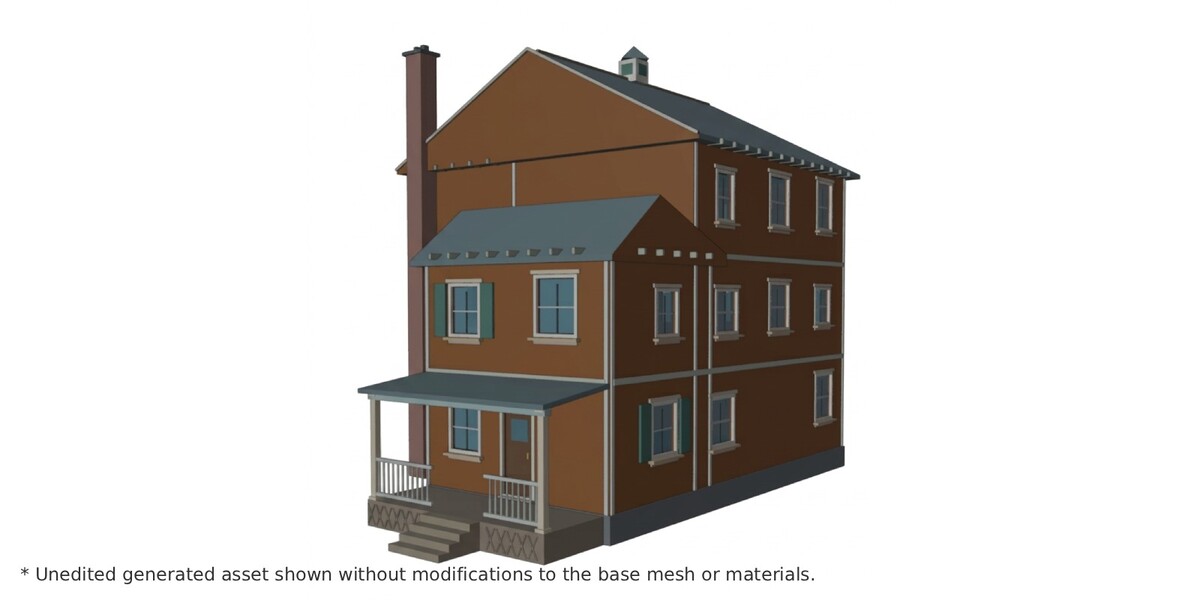
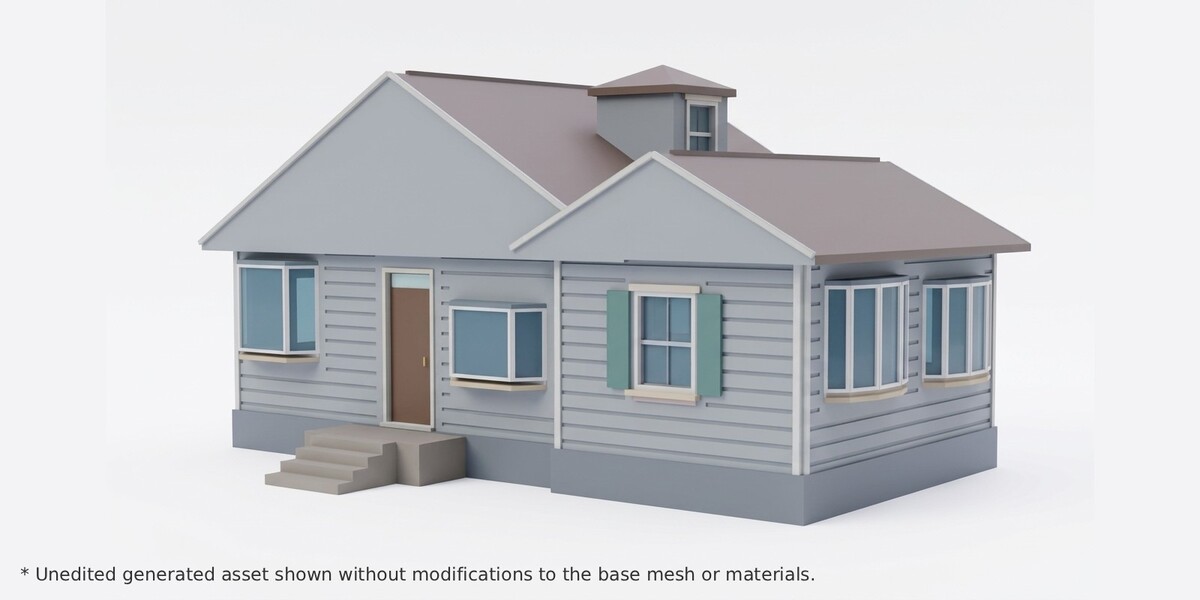
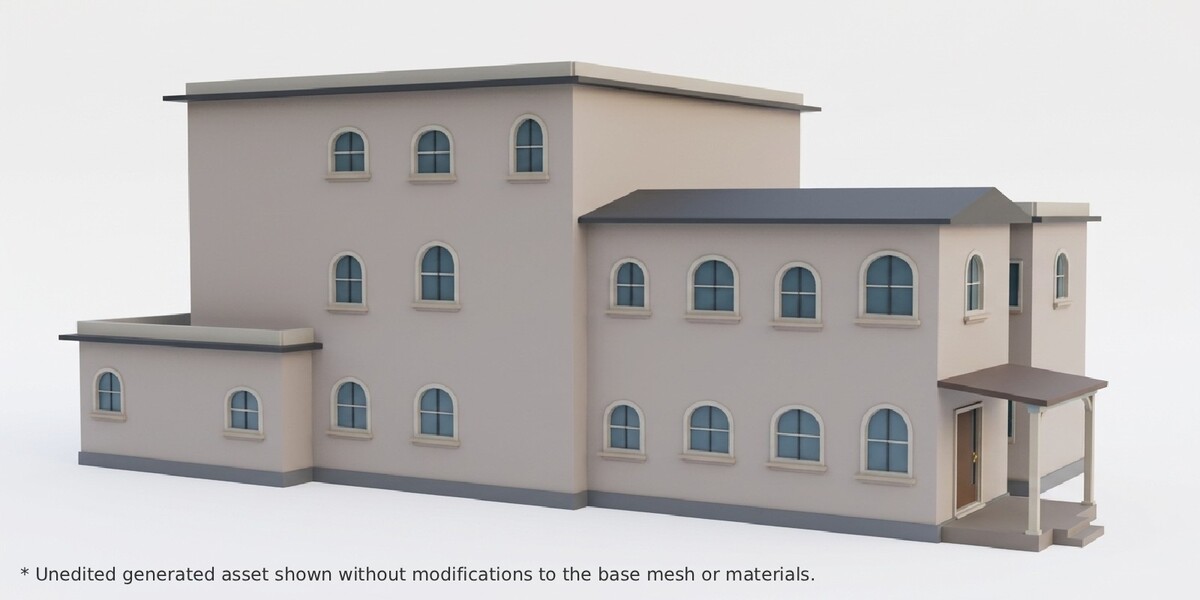
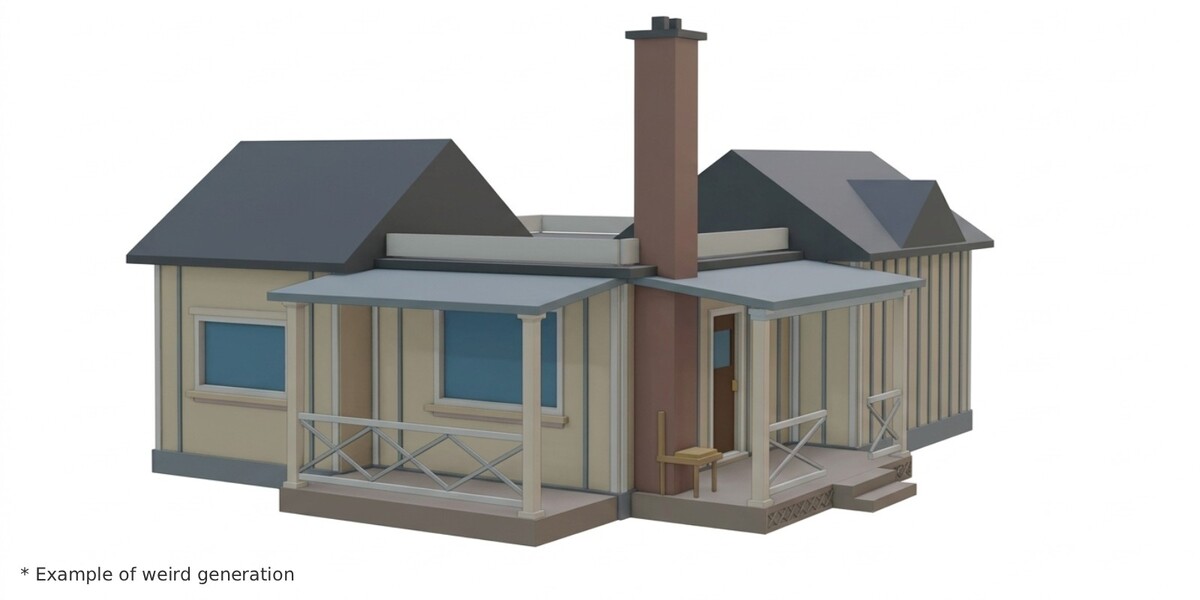
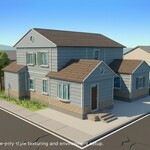
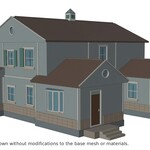
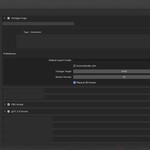
Every house is assembled procedurally from many random choices. Most come out clean. Occasionally one will have a small issue, such as an overlapping trim piece, an odd joint, or a detail that sits slightly off. These are usually quick fixes, so a little user effort may be needed. See screenshots for details.
If a house isn't right, click Random House again, or change the seed. You can also fix the small flaw by hand and keep the rest.
What this is, and isn't
To keep expectations clear:
- It's an exterior assembly, not a navigable interior
- Materials are split for texturing
- No UVs and no images. Every part gets a flat, color-coded material (
Wall_Siding,Roof_Shingles,Window_Glass,Porch_Railing, and so on) so you can see which part needs which texture
Requirements
Blender 5.0 or newer. Generating requires Object Mode.
