Cottage Forge - Low Poly House Generator
 Samuel Abyan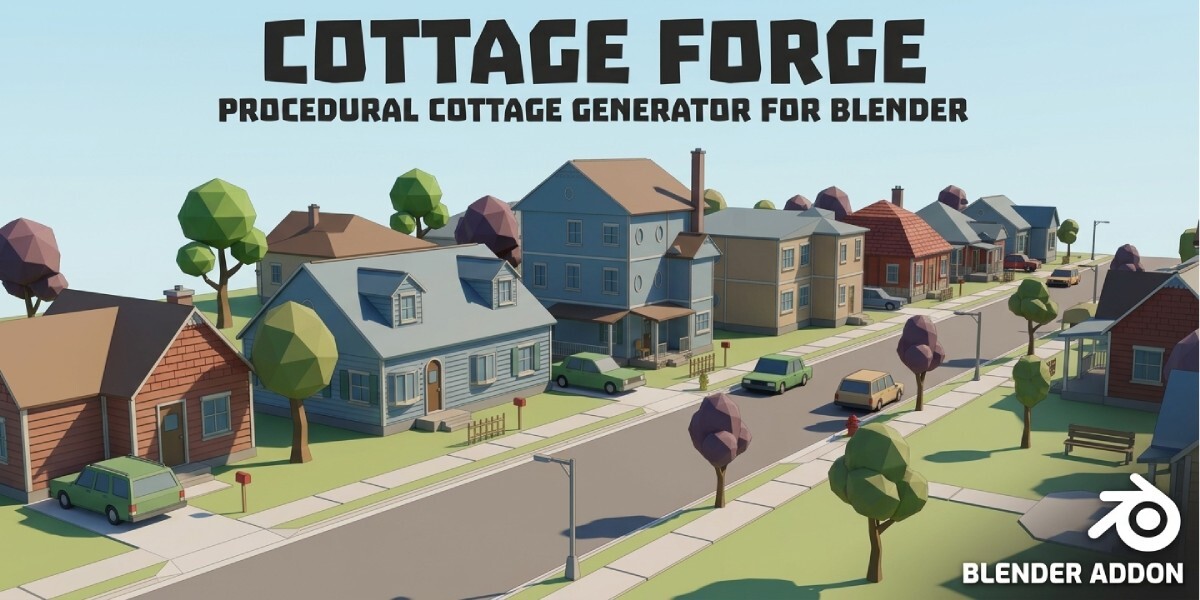
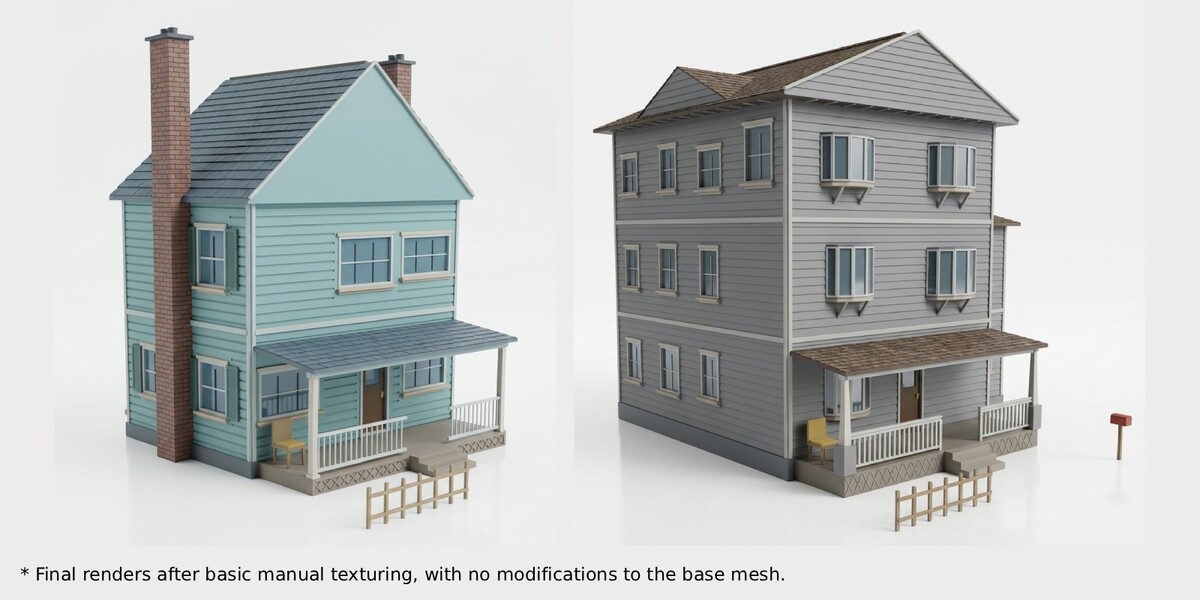
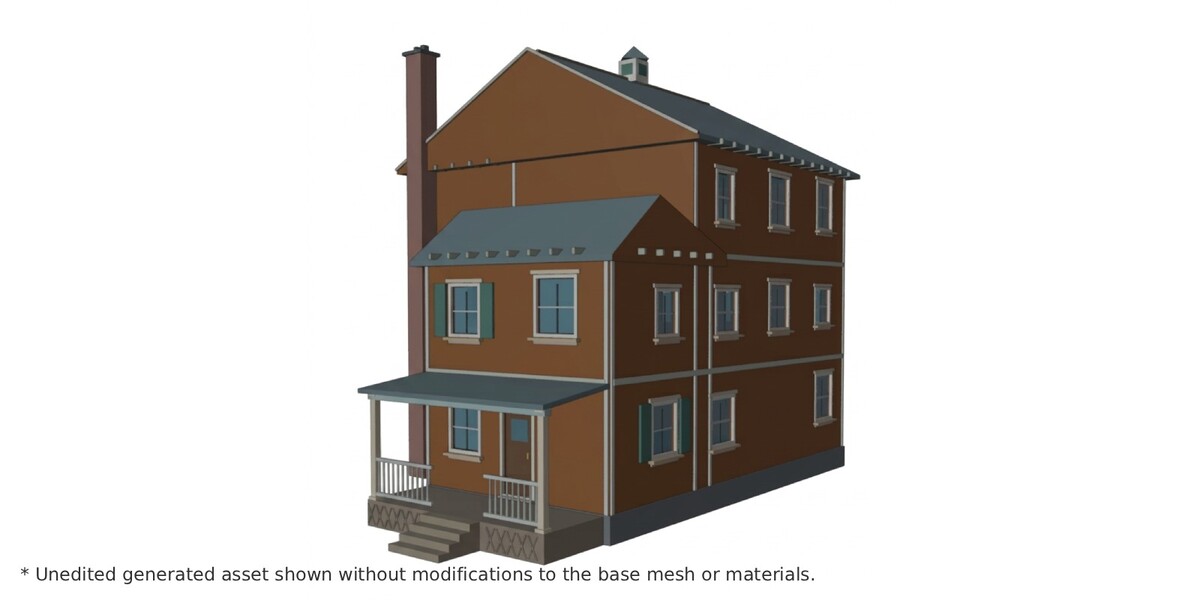
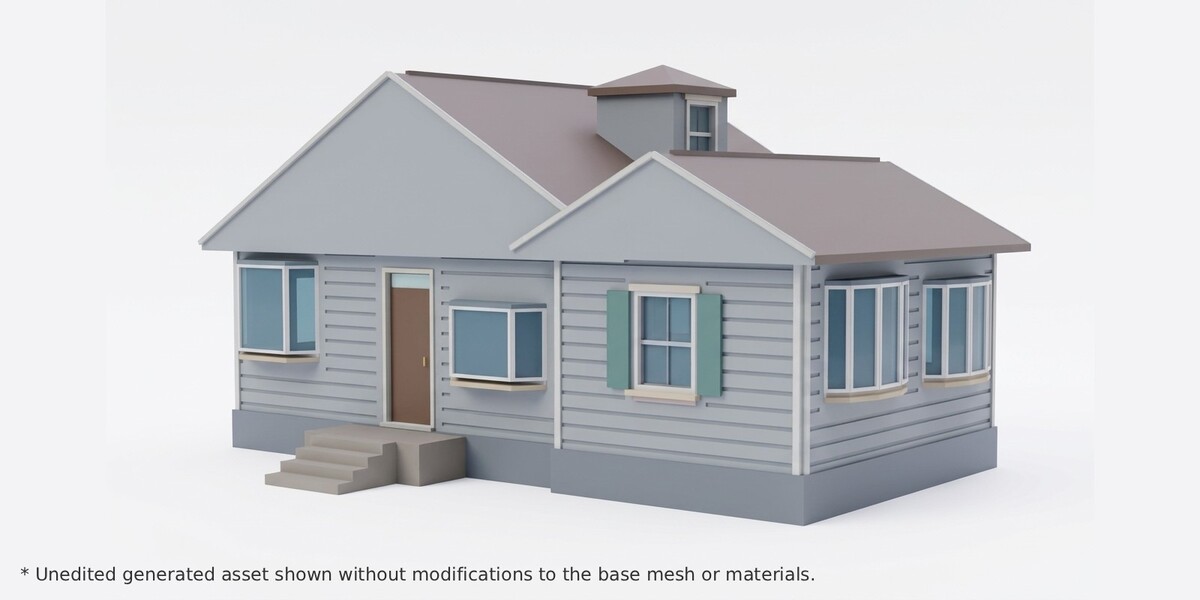
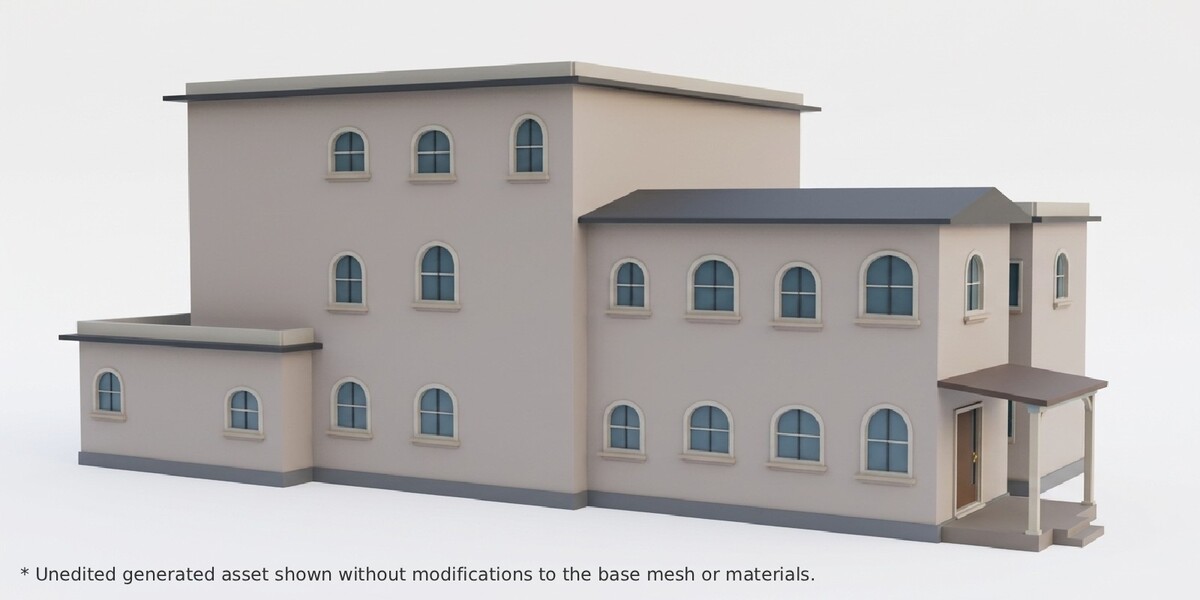
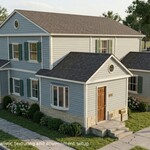
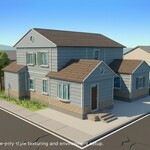
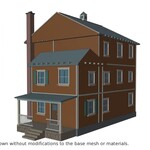
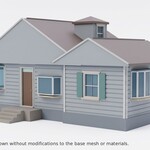
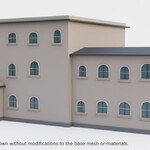
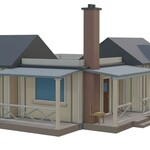
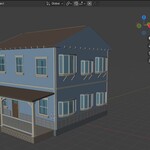
Cottage Forge: Quick Start
Install
- Blender 5.0+: Edit > Preferences > Get Extensions.
- Top-right menu > Install from Disk, choose the ZIP, and enable it.
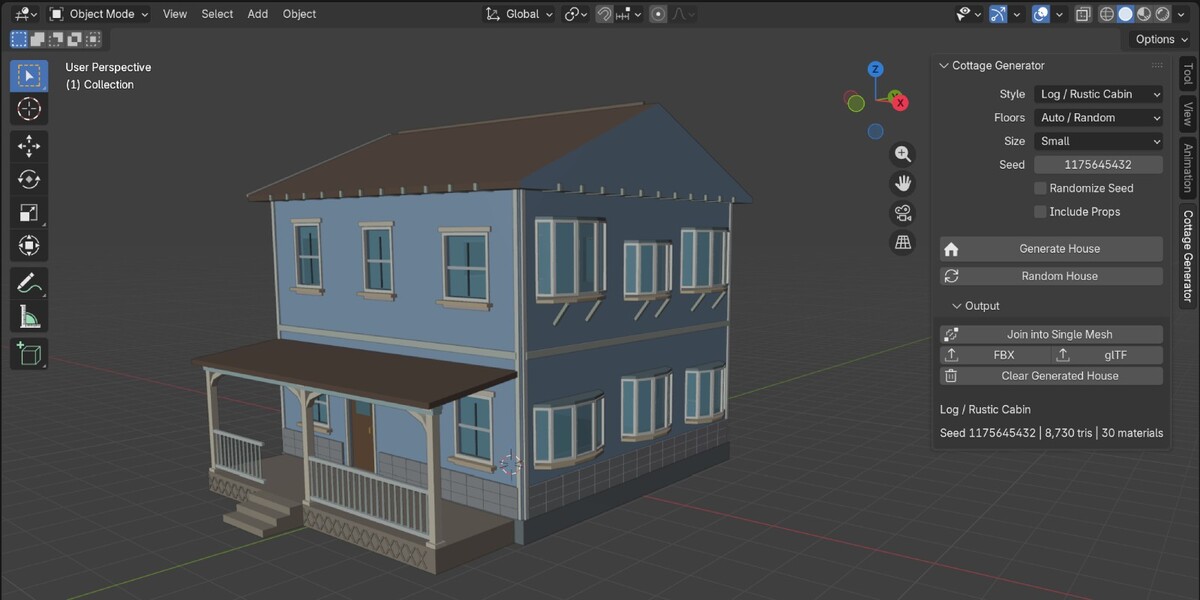
- In the 3D Viewport, press N and open the Cottage Generator tab.
You must be in Object Mode. The house appears at your 3D cursor.
Generate a house
| Control | What it does |
|---|---|
| Style | Sets which architecture is likely (Colonial, Cape Cod, Craftsman, Victorian, Farmhouse, Tudor, Spanish Revival, Ranch, Log/Rustic Cabin, Dutch Colonial, Modern Farmhouse). Choose Random to let the seed decide. |
| Floors | 1, 2, 3, or Auto/Random. |
| Size | Small, Medium, Large, or Random. |
| Seed | The number that defines the house. Same seed and settings give the same house. |
| Randomize Seed | When on, each Generate picks a new seed. Turn it off to keep or replay a seed. |
| Include Props | Adds porch furniture, a mailbox, and a short fence. |
| Generate House | Builds a house from the current settings. |
| Random House | Randomizes everything (style, floors, size, seed) and generates immediately. |
Each new generation replaces the previous house. If a build fails, your current house stays.
Save a house you like
Note the seed shown at the bottom of the panel, along with Style, Floors, Size, and Include Props. Later, enter the same values, turn Randomize Seed off, and click Generate House.
Output section
- Join into Single Mesh: merges all parts into one object and keeps your material slots.
- FBX / glTF: one-click export to the folder set in the add-on Preferences.
- Clear Generated House: removes the current house and its parts.
- Info line: shows style, seed, triangle count, and material count.
Materials and texturing
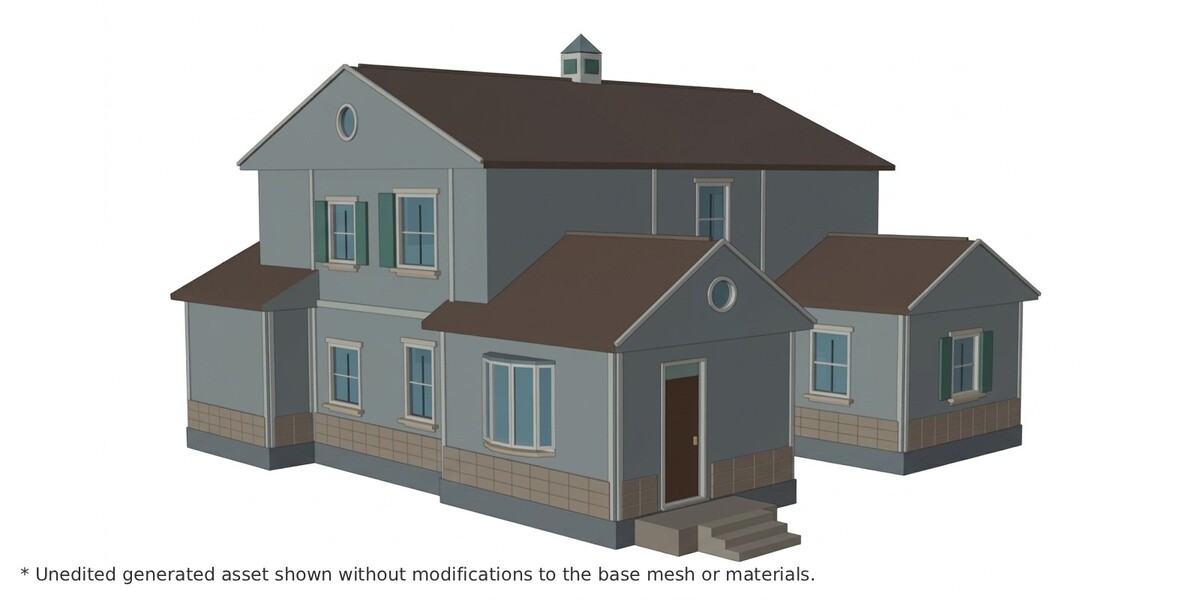
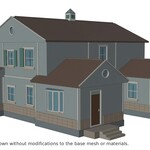
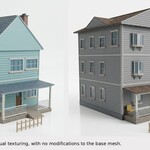
Every part has its own flat, color-coded material (Wall_Siding, Roof_Shingles, Window_Glass, and so on). There are no UVs or textures, so you can unwrap and texture each part yourself. Use Material Preview, or Solid mode with Color set to Material, to see the colors.
Preferences
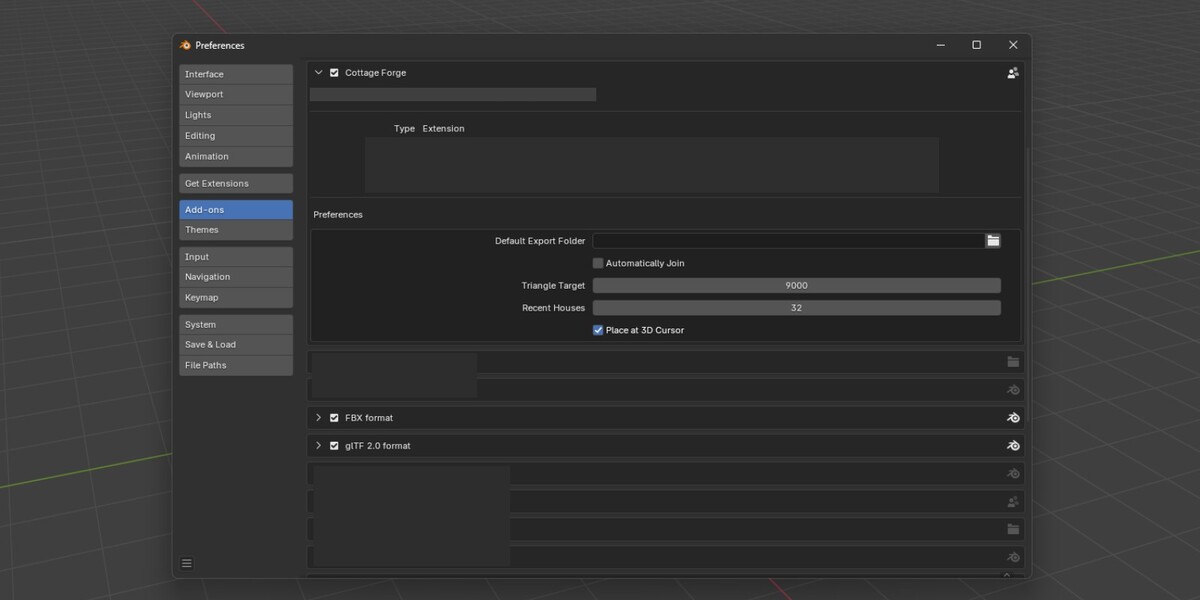
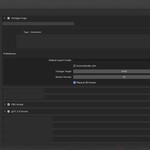
Under Edit > Preferences > Add-ons > Cottage Forge: export folder, auto-join, triangle target (6,000 to 12,000), history length, and placement at the 3D cursor.
Tips
- Click Random House repeatedly to browse ideas, then lock a favorite by switching off Randomize Seed.
- If details are missing, the triangle target pruned them. Raise it in Preferences.
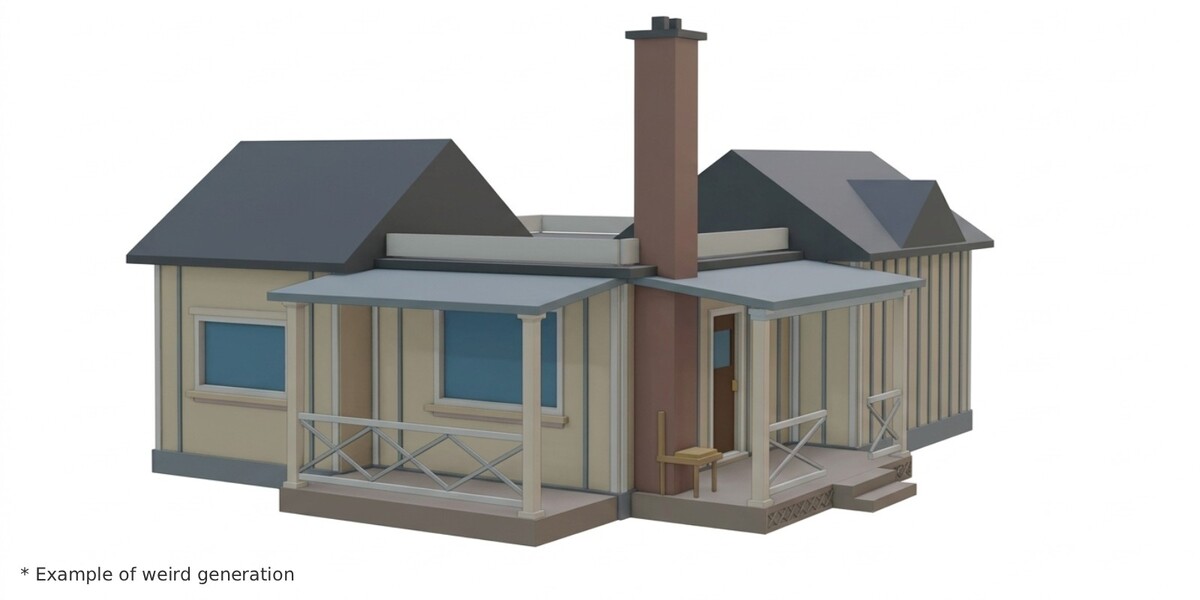
- Occasionally a house may have a small flaw, such as an overlapping trim piece. Click Random House again, or fix it by hand.
- The panel is greyed out? Switch to Object Mode.
Have questions about this product?
Login to message
| Blender Extension Compatible | Yes |
| Published | about 9 hours ago |
| Blender Version | 5.0 - 5.2 |
| Extension Type | Add-on |
| License | GPL |

Discover more products like this
building generator Level Design low poly town House Generator game ready addon procedural village farmhouse modular