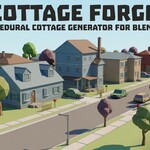
Cottage Forge - Low Poly House Generator
 Samuel Abyan
Can I edit a house after generating it?
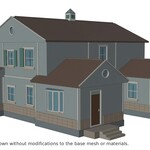
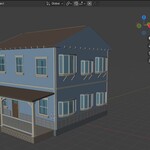
Yes. Move your edited copy to a separate collection and remove its cf_token custom property, or it may be replaced on the next generation. Alternatively, copy it to another Blender file or export and import.
Can I use the houses in commercial projects?
Yes.
Is it game-ready?
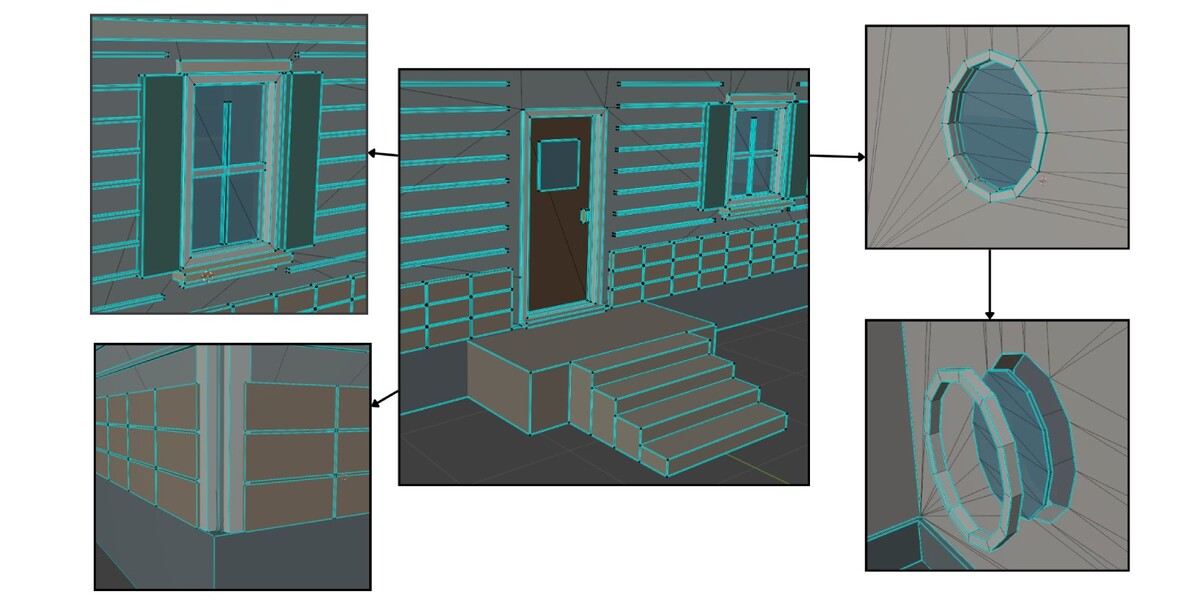
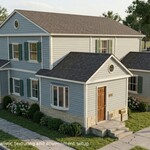
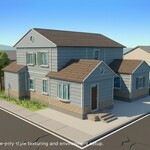
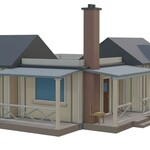
The meshes are low-poly, real-world scale, with origin at ground level and transforms applied. Materials are split for texturing, not optimized for draw calls, so merge or atlas them for your final pipeline.
How many triangles does a house have?
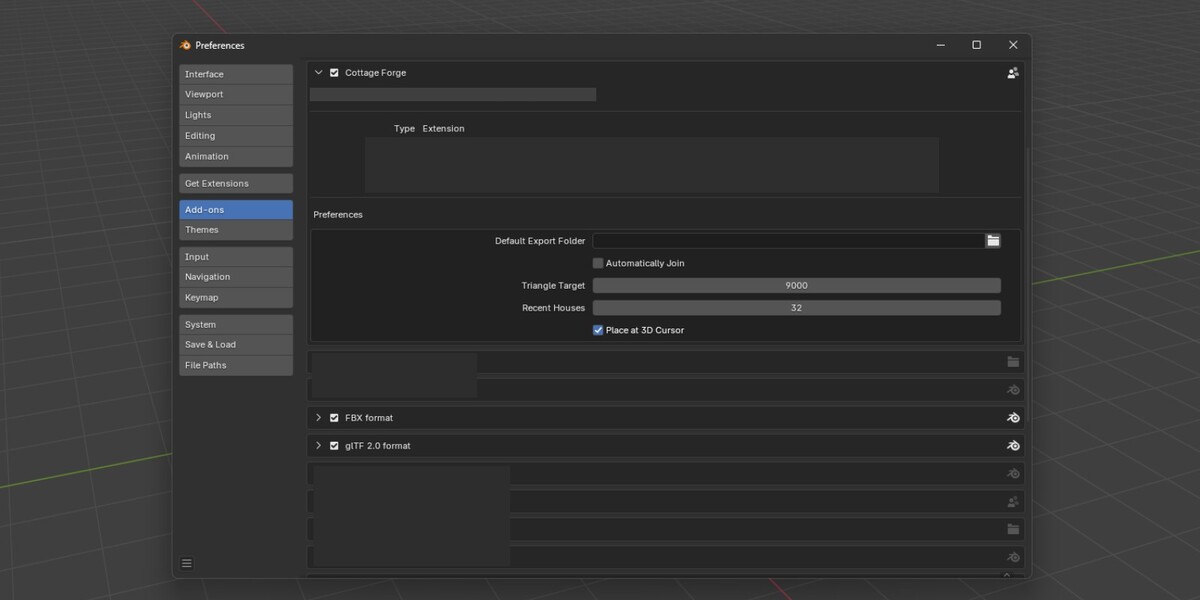
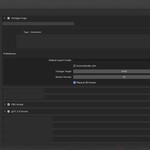
Around 10,000 by default. You can set a target of 6,000 to 12,000 in Preferences. Small houses may come in lower, and complex ones can slightly exceed the target.
How do I recreate a house I like?
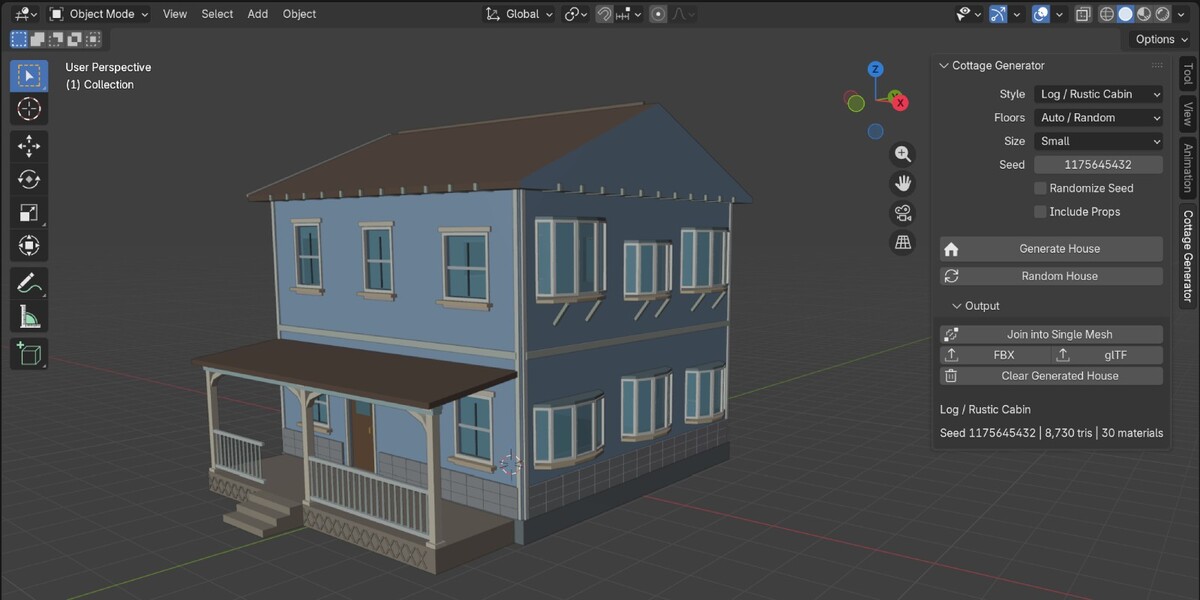
Note the seed, Style, Floors, Size, and Include Props. Enter them, turn off Randomize Seed, and click Generate House. Use the same add-on version and triangle setting for identical results.
Will every house be different?
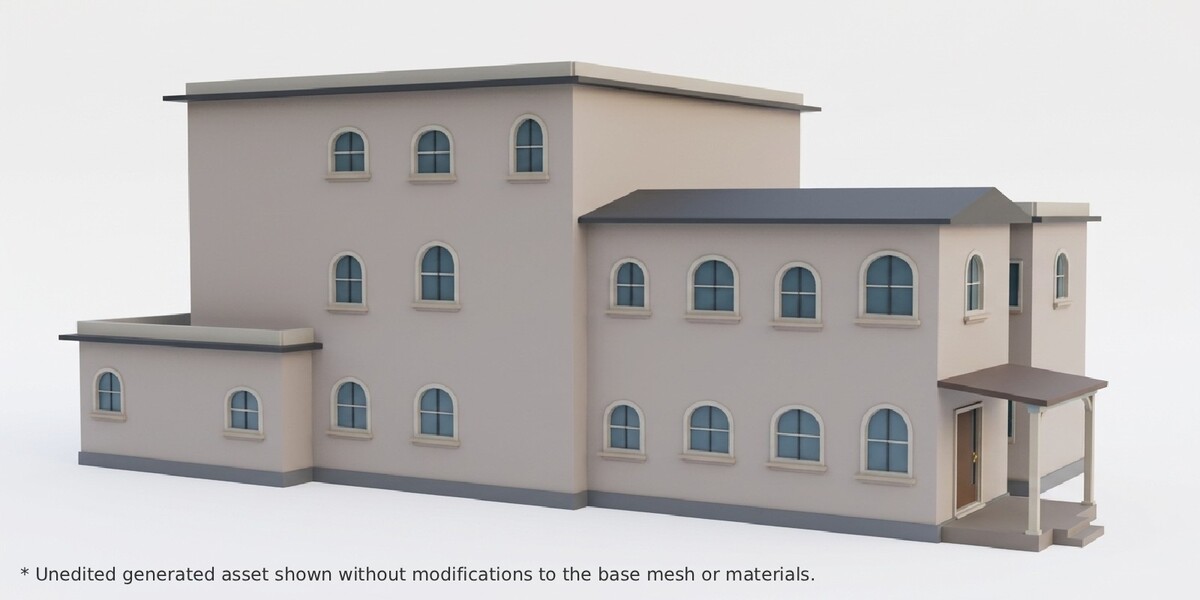
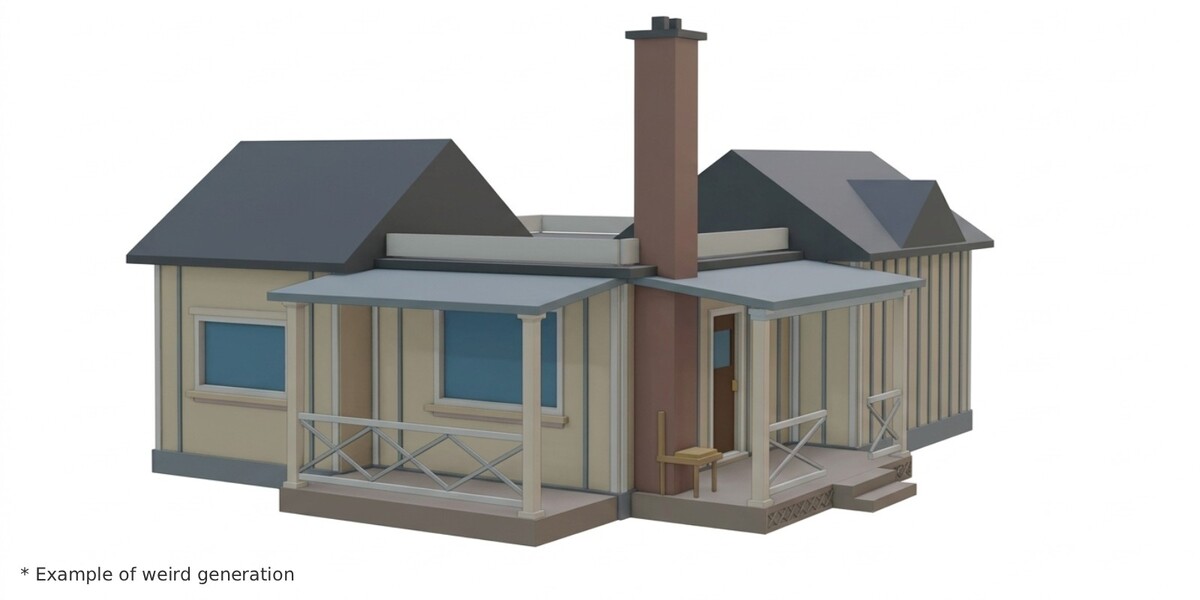
Generally, yes. Each house is built from many random choices (footprint, roof, porch, openings, details), and the generator checks recent houses and steers away from near-duplicates. But it's randomized, so you may occasionally get two houses that look alike or similar. If that happens, click Random House again or change the seed.
Does it include textures or UVs?
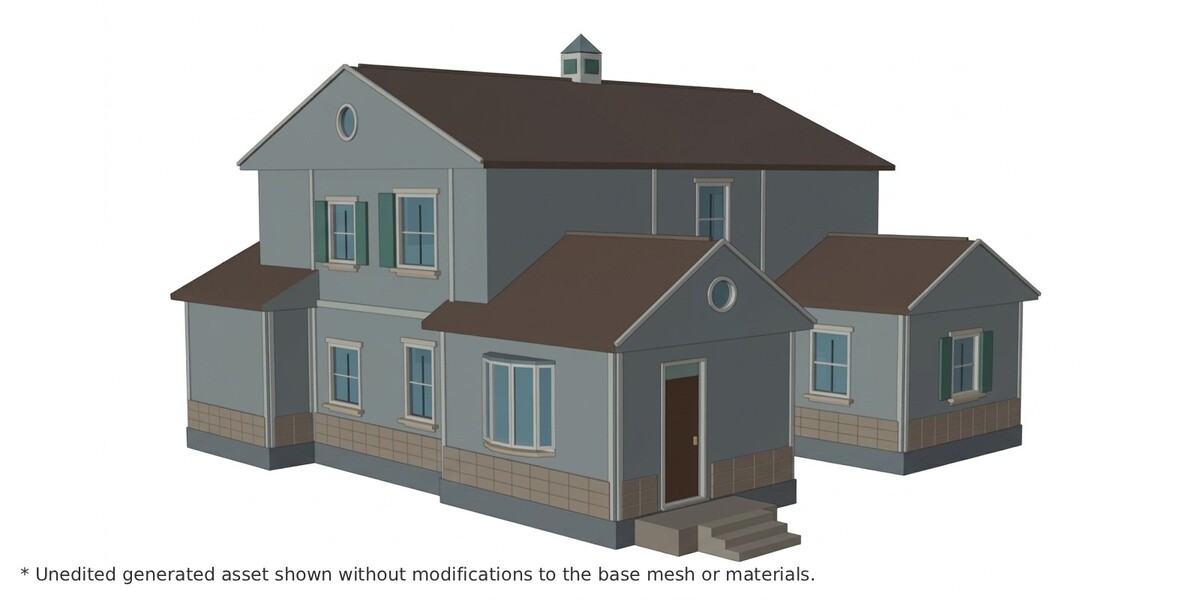
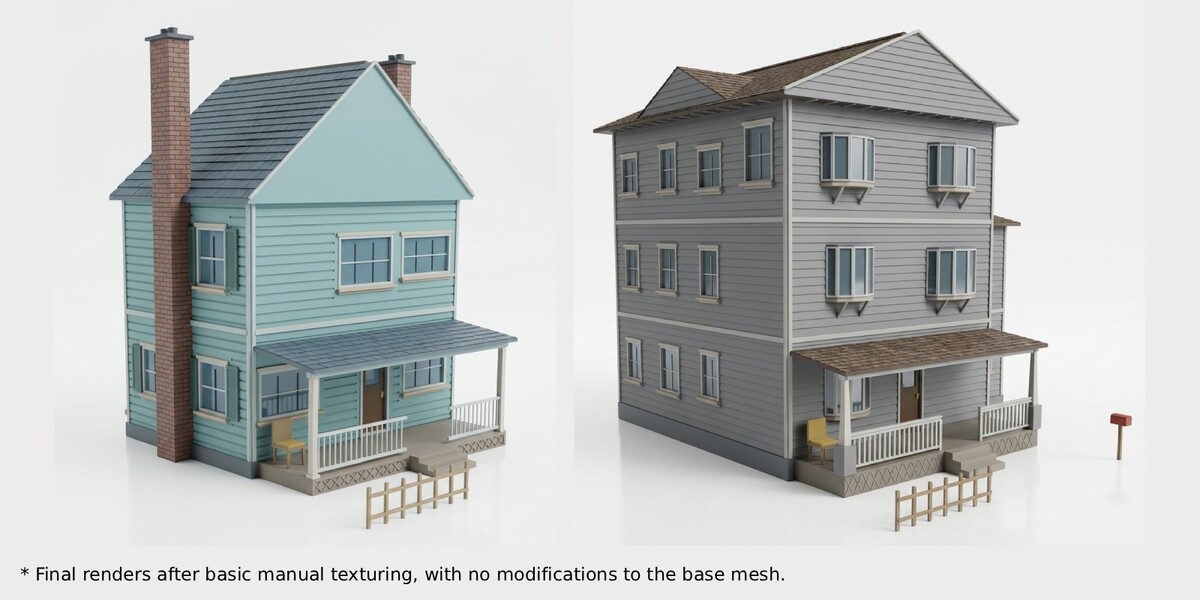
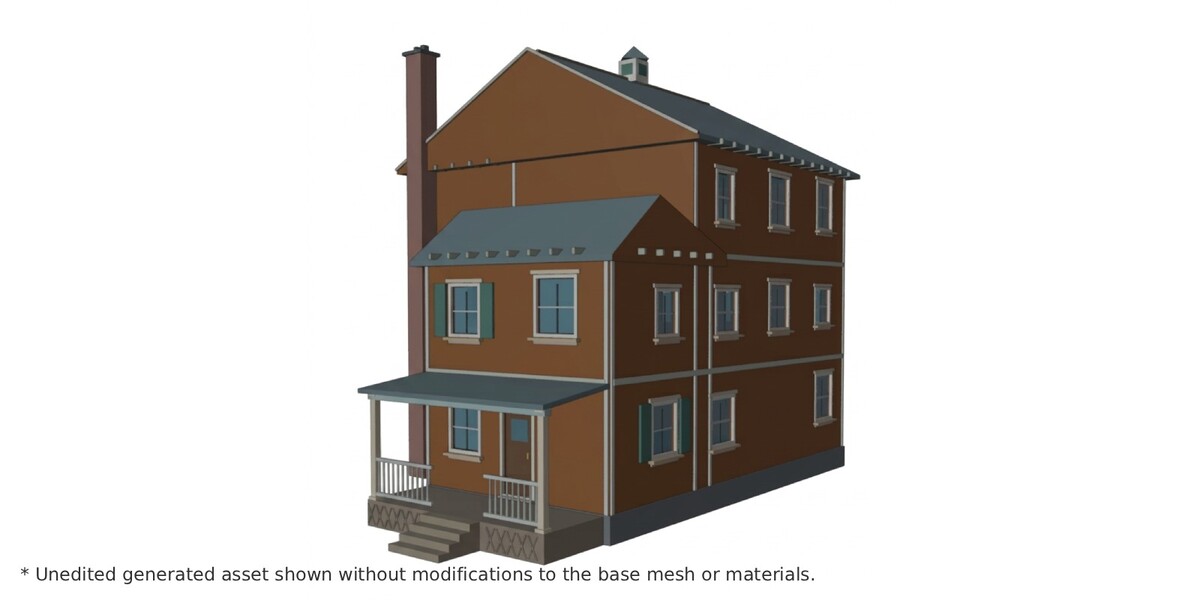
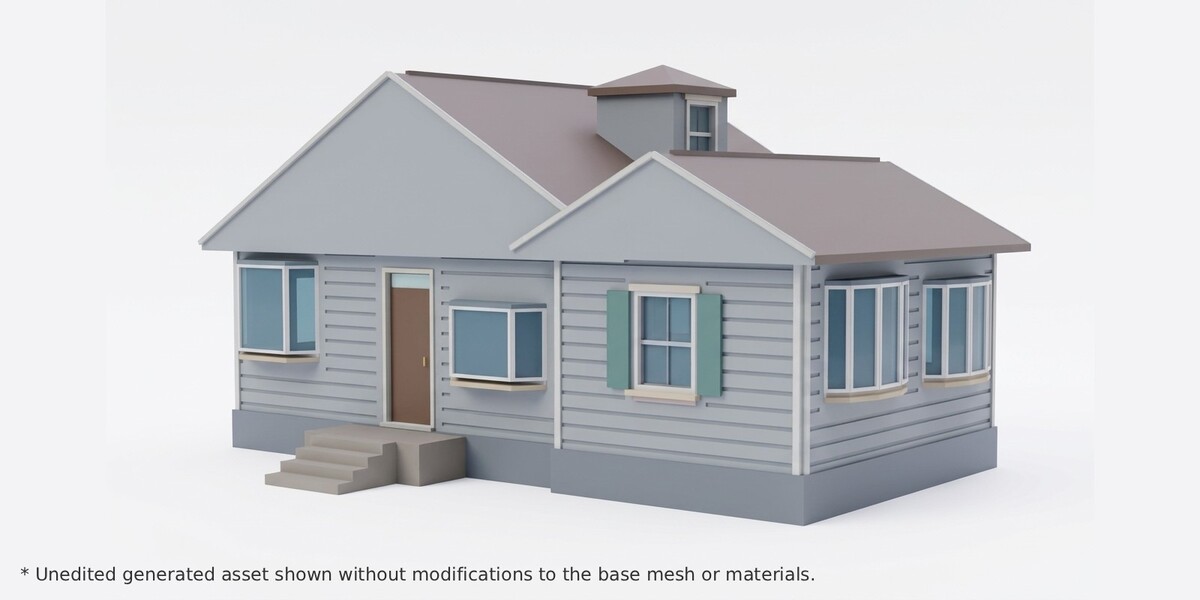
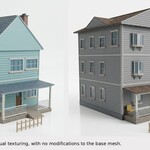
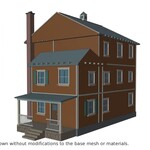
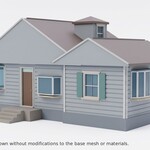
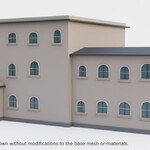
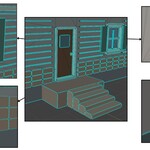
No. Every part has a flat, color-coded material so you can see what to texture. UV unwrap and texturing are up to you.
$19
Have questions about this product?
Login to message
| Blender Extension Compatible | Yes |
| Published | about 19 hours ago |
| Blender Version | 5.0 - 5.2 |
| Extension Type | Add-on |
| License | GPL |

Discover more products like this
procedural low poly Level Design game ready addon modular House Generator village town farmhouse building generator