 za studio



How do I create a curve from a cream stroke?
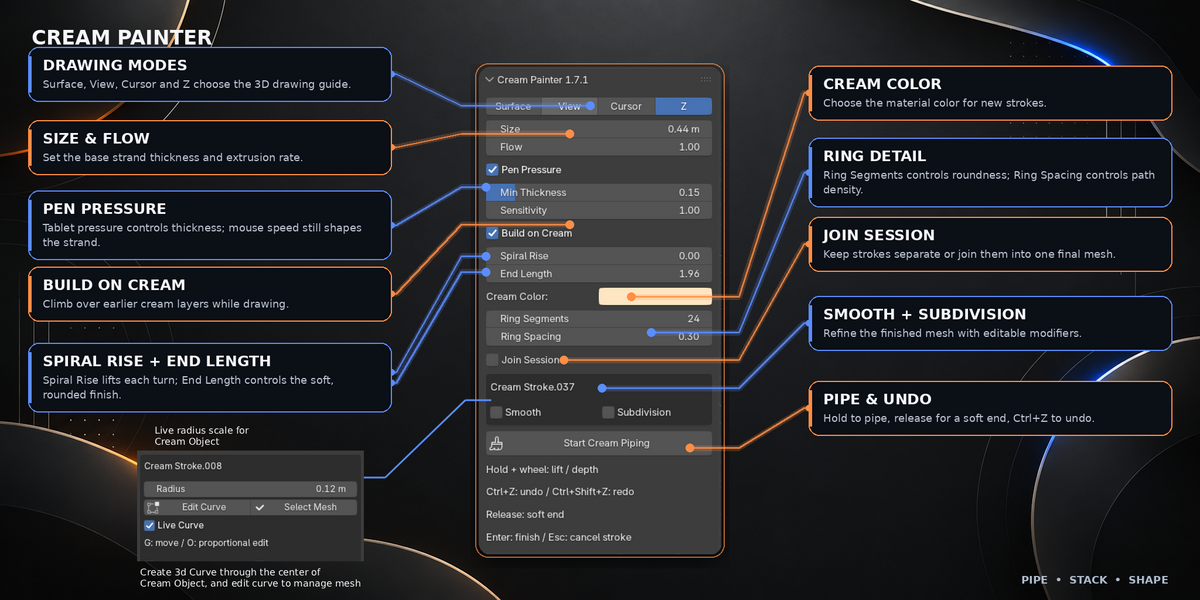
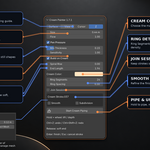
Select a finished Cream Painter mesh and click Create Curve in the CP panel. Blender creates a 3D Curve through the center of every saved stroke, including strokes joined into one session.
Can I change the cream after I finish drawing?
Yes. Select the cream mesh in Object Mode and adjust Radius, Ring Segments or Ring Spacing in the CP panel. The saved stroke data rebuilds the mesh while keeping its centerline, materials and modifiers.
Does Cream Painter require a graphics tablet?
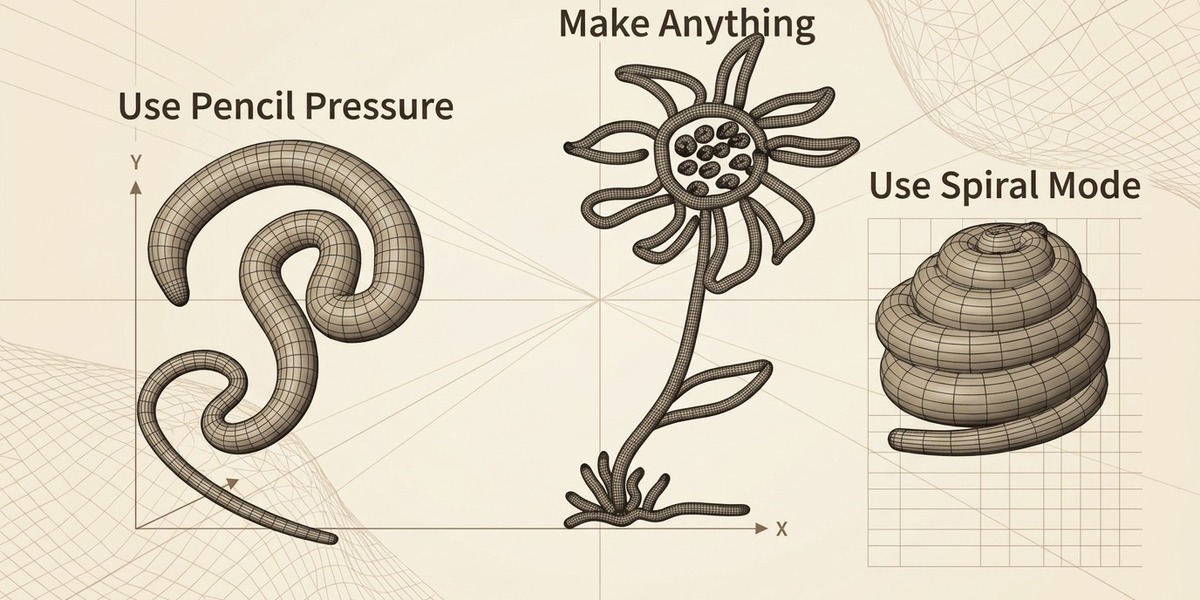
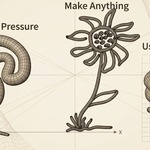
No. A mouse works for every drawing mode. Enable Pen Pressure only when you want a supported tablet's pressure to control the strand thickness. With Pen Pressure disabled, Size remains a consistent radius.
$8
Have questions about this product?
Login to message
| Blender Extension Compatible | Yes |
| Published | 16 days ago |
| Blender Version | 4.2 - 5.2 |
| Extension Type | Add-on |
| Render Engine Used | Blender-Internal |
| License | GPL |
Discover more products like this
surface 3D Sculpting character design Cake Decoration organic modeling Cream Piping blender tools 3D drawing stylized modeling 3d modeling Blender Add-on