 CrossstarDesigns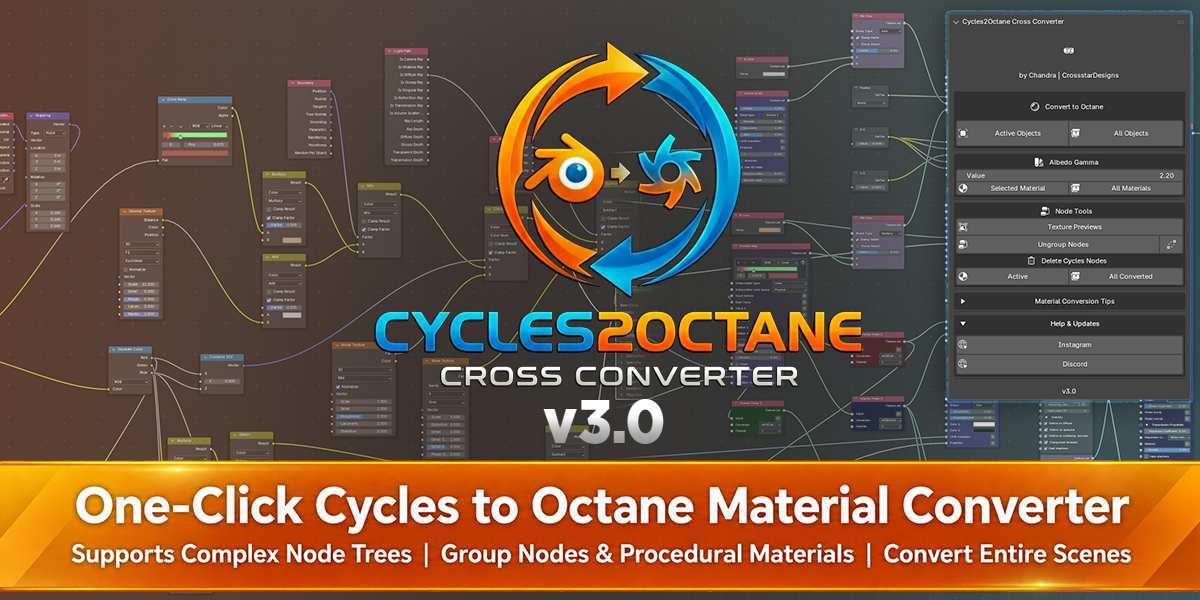
Convert Blender Cycles Materials to Octane in One Click
Cycles to Octane Cross Converter is a Blender Octane addon designed to save hours of manual shader rebuilding. If you render with Octane for Blender but regularly use complex Cycles assets, PBR materials, procedural shaders, or downloaded models, Cross Converter lets you convert them without rebuilding node trees by hand.
It works as an intelligent Cycles to Octane material converter, translating even complex procedural shaders and large node trees into clean Octane Universal Material and Standard Surface setups, so you can spend more time on lighting, rendering, and look development.
Cross Converter v3.0 handles complex procedural node trees, Node Groups, selected objects, and entire scenes with one-click conversion. Original Cycles shader graphs stay intact by default, giving you a safe, non-destructive workflow with optional scene-wide Cycles cleanup when you're ready.
What's New in Cross Converter 3.0

- Node group conversion: Node groups convert to Octane groups. Adjust values at group level after conversion.
- Auto Ungroup: If a group needs to be flattened first, Auto Ungroup opens it, keeps links and values, then converts. No manual ungroup.


- Convert entire scene: All Objects converts every convertible asset in the scene. No selecting objects first.
- Convert selected objects: Active Objects converts materials on the current selection.
-
Remove Cycles nodes: Active cleans one material. All Converted cleans every converted material in the scene.
- Better conversion: Better node tracing, value transfer, link preservation, and more reliable conversion of complex Cycles materials to Octane
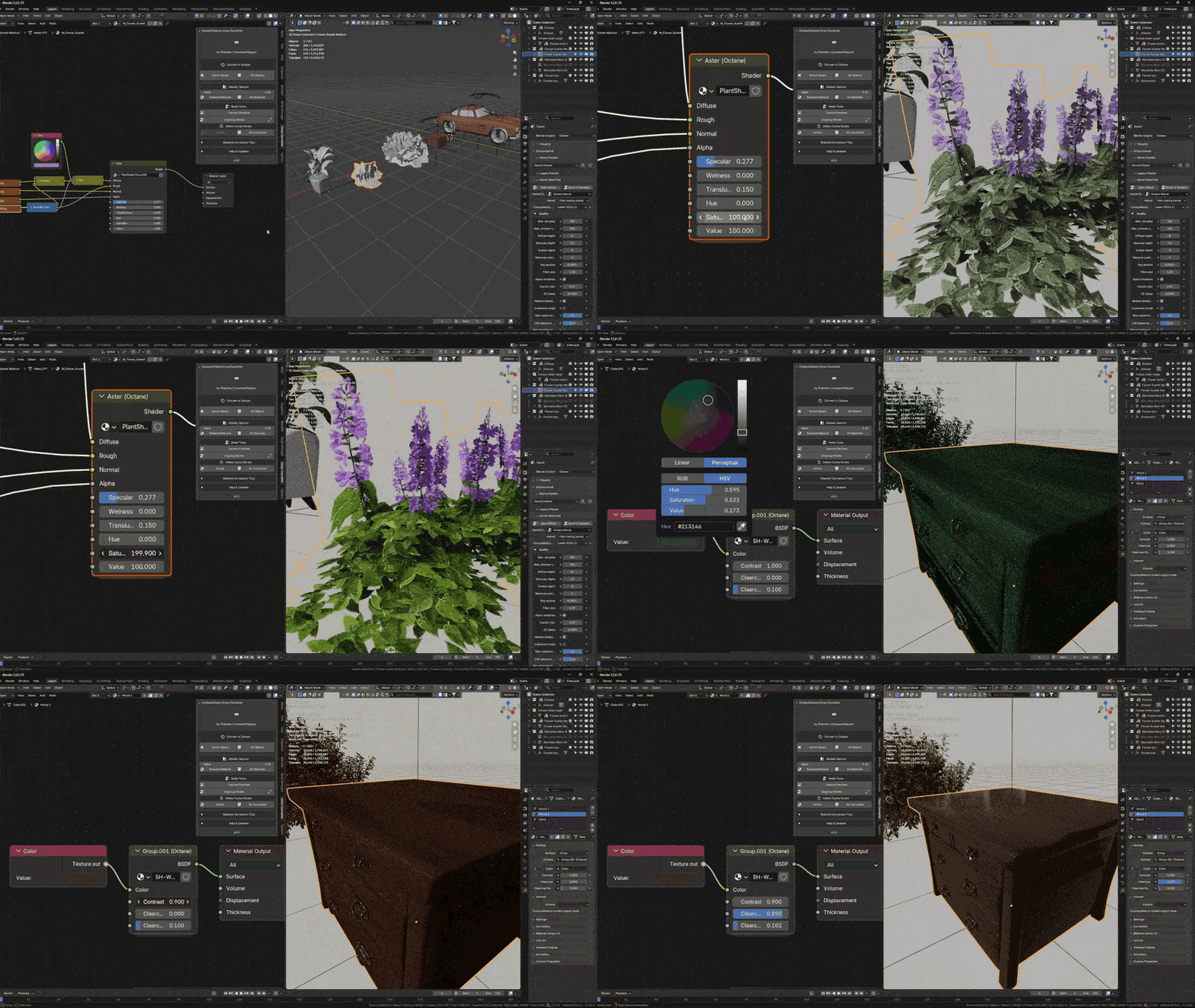
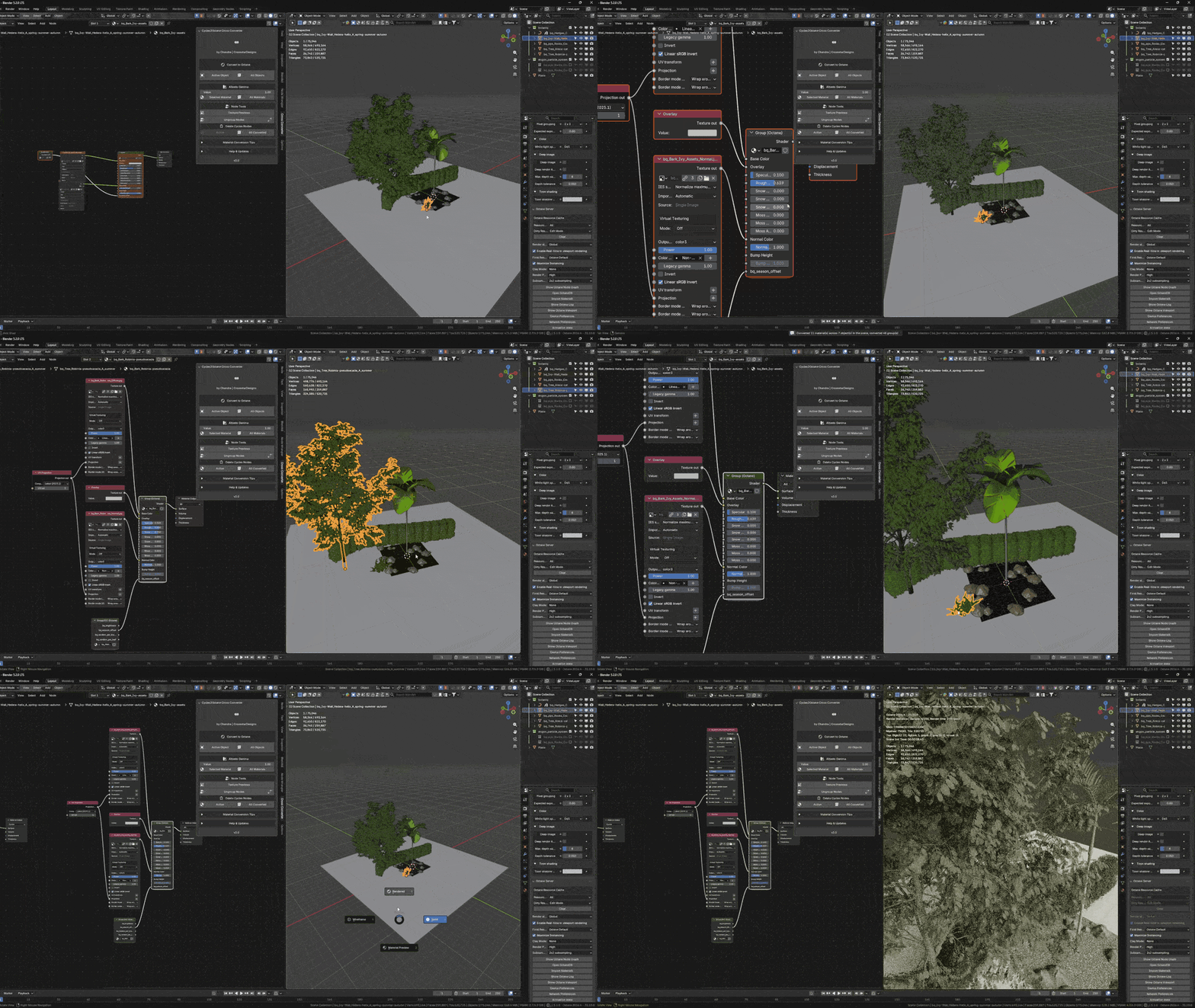
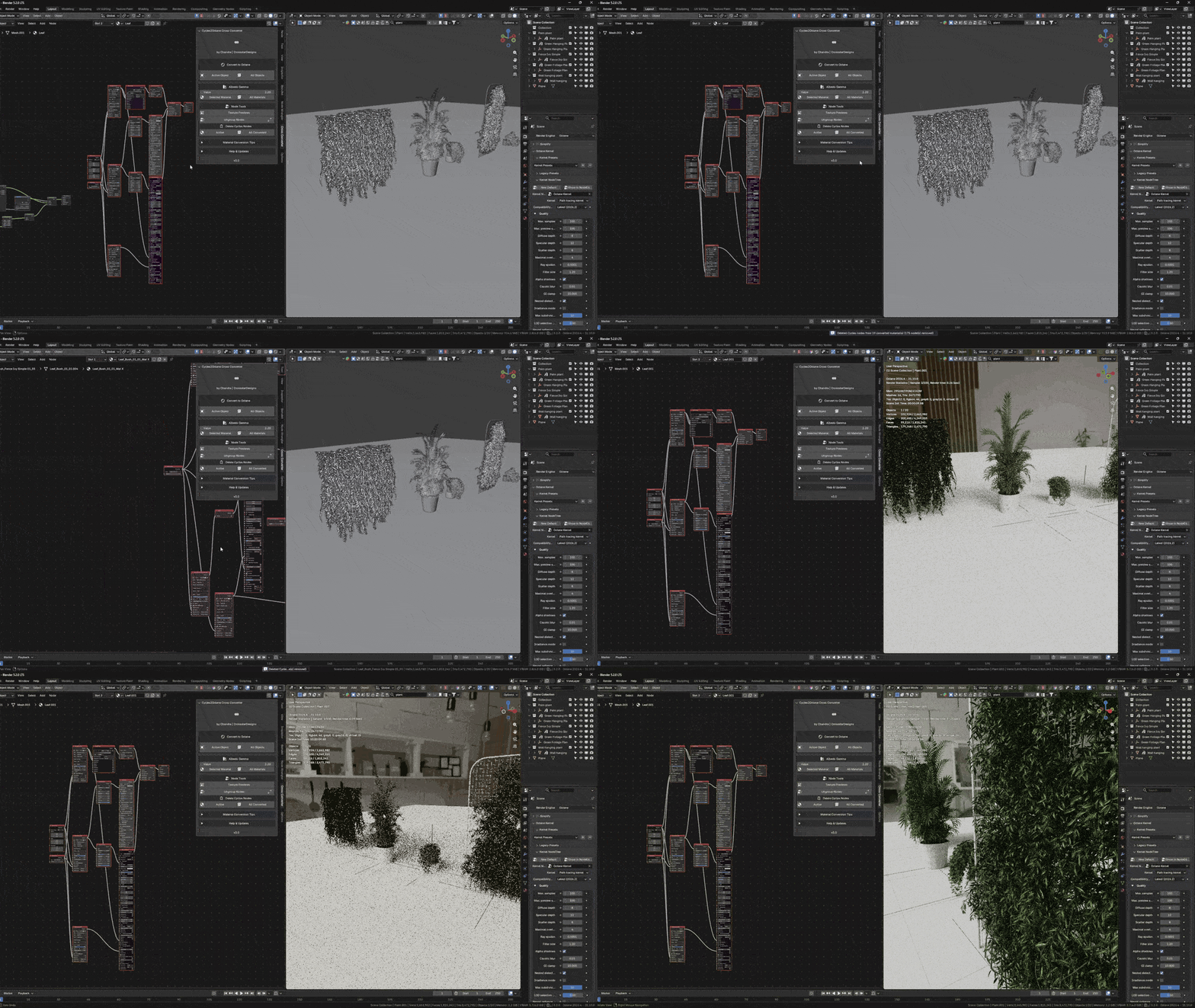
How It Works (Smart Context)

Unlike simple conversion scripts that rely on static table matching or naive 1-to-1 socket swapping, Cross Converter is powered by a context-aware Smart Logical Engine. It traces backward through your entire node chain (Image → Color Ramp → Mix → BSDF) to understand your material's true shading intent, reliably converting complex large production setups without breaking links or leaving orphaned nodes.
Comprehensive Shader & 100+ Node Tree Support
Our Smart Logical Engine natively translates and bakes across every major Blender shading category
Shaders: Principled BSDF (SSS, Coat, Sheen), Glass BSDF, Glossy, Translucent, Diffuse, Transparent, Refraction, Mix Shader, Add Shader, Volume Absorption, Volume Scatter.
Procedural Textures: Image Texture (with Alpha), Noise, Voronoi, Wave, Musgrave, Checker, Brick, Gradient.
Math & Color: Color Ramp, MixRGB, Hue/Saturation/Value, Bright/Contrast, Gamma, RGB Curves, Invert, Math (Add, Multiply, Divide, Power, etc.), Clamp, Map Range.
Input & Vector: Texture Coordinate, UV Map, Mapping, RGB, Value, Geometry, Attribute, Light Path, Vertex Color, Fresnel, Layer Weight, Ambient Occlusion, Normal Map, Bump, Displacement.
Core Conversion Features
Materials & Shading:
- Smart Glass Handling: Automatically detects when Transmission is on. It sets Albedo to black, routes Base Color to Dielectric Transmission, and enables GGX Energy Preserving so Octane glass shaders render cleanly and instantly.
- Emission Logic: Detects emission shaders even if Strength is 0, provided a color is set. Automatically enables Surface Brightness to match the exact Cycles look in Blender Octane Render.
- Alpha & Opacity Detection: Automatically identifies when the Alpha output from Image Textures is used and builds the proper Octane Opacity setup.
- Advanced Volumetrics: Supports Volume Absorption and Volume Scatter nodes, ensuring liquids, fog, and thick glass transfer accurately into Octane volume shaders.
Procedural & Mathematical Accuracy:
Procedural Math: Calculates the correct mathematical transformations based on object dimensions for Noise, Voronoi, and Musgrave textures, ensuring pattern sizes match 1:1 between engines.
Bump & Normal: Converts bump nodes with proper strength scaling. When both Bump and Normal are used together, it chains them in the correct mathematical order.

Albedo Gamma Control: A dedicated slider controls the gamma for Base Color textures globally during conversion. Defaulted to 1.5 (Middle Ground), it can be adjusted to 1.0 or 2.2 depending on the asset source for perfect colors.
100% Non-Destructive Workflow (Preserves Cycles Shaders):
- Cross Converter never modifies or replaces your original Cycles shader graph. It creates a dedicated Octane Material Output alongside your existing material, preserving every node, connection, and custom setting. Your assets remain fully functional in both Cycles and Octane, allowing you to switch render engines anytime without losing a single wire or rebuilding your materials.
Ecosystem Integration:
Procedural & Geometry Nodes Support: The tool scans Geometry Nodes, locates all "Set Material" nodes, and converts those embedded materials automatically.

Light & Decal Conversion: Convert light setups and decals directly alongside materials for a complete scene transition.
Next-Gen Support: Fully tested and compatible with Blender 5.2+ and the Blender Octane Addon 2026+.
Workflow and options
Convert to Octane:
- Active Objects: convert materials on the selected objects.
- All Objects: convert every convertible object in the scene.
Albedo Gamma:
Set gamma for base color textures (default 2.20; try 1.0 / 1.5 / 2.2 by asset source).
- Selected Material: apply gamma to the active material.
- All Materials: apply gamma to all converted materials.
Node Tools:
- Texture Previews: view albedo, normal, roughness, and opacity in the Shader Editor and viewport.
- Ungroup Nodes: ungroup while keeping links and values. Use this when a group must be flattened before conversion. Auto Ungroup does that step for you, then converts.
Delete Cycles Nodes:
- Active: remove leftover Cycles nodes from the active converted material.
- All Converted: remove leftover Cycles nodes from every converted material in the scene.
Conversion stays non-destructive until you use Delete Cycles Nodes. The original Cycles graph remains until you choose to clean it.
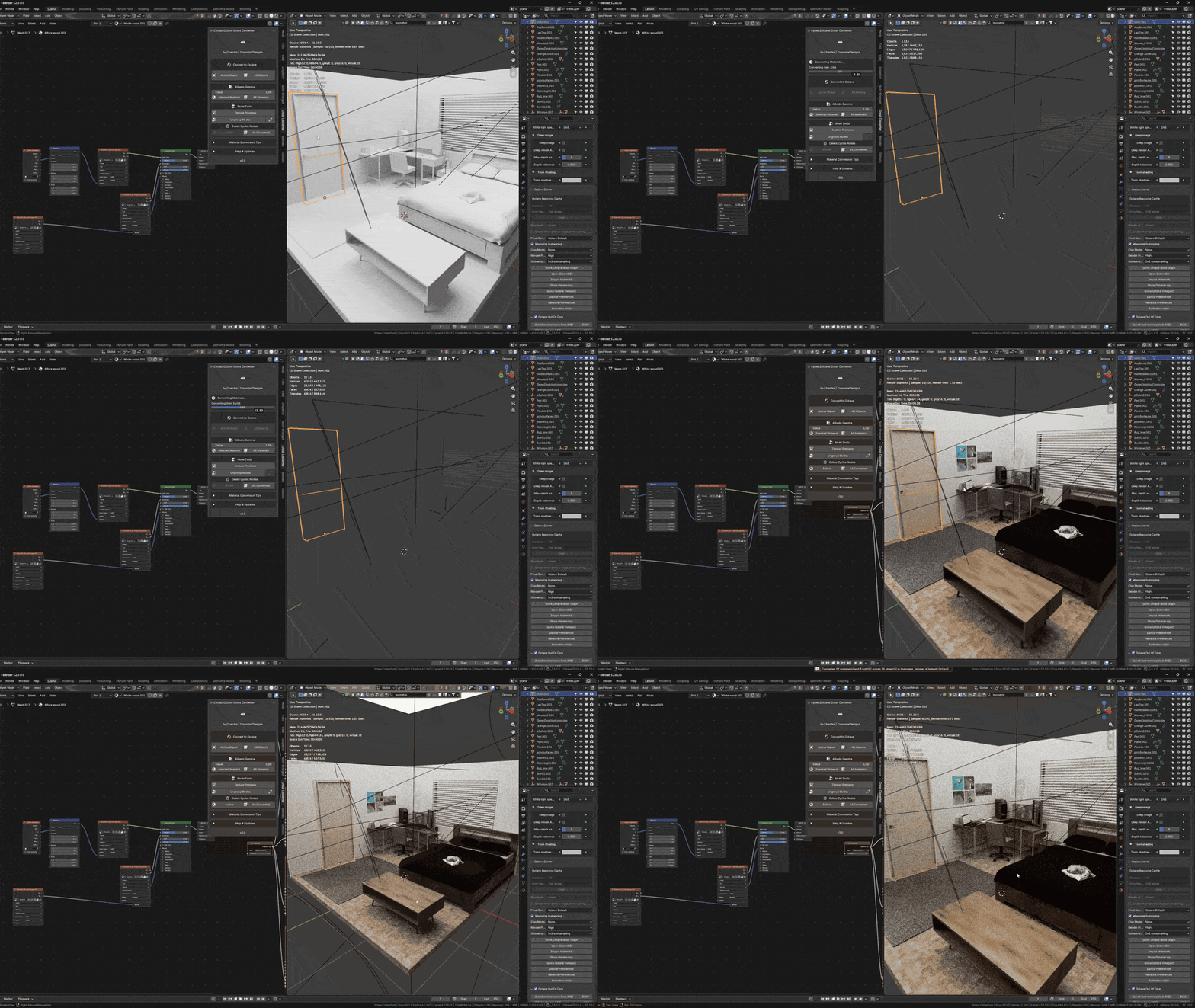
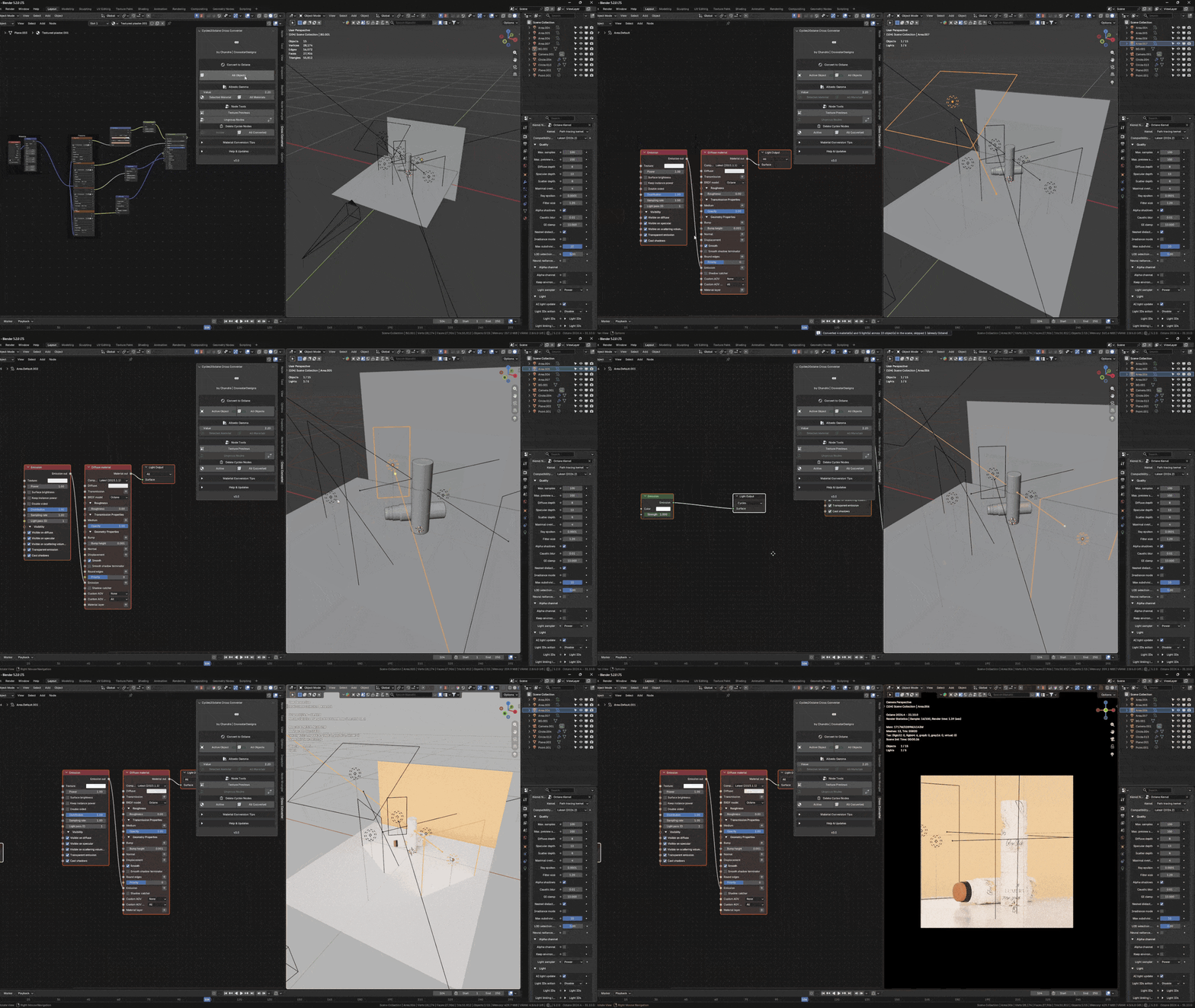
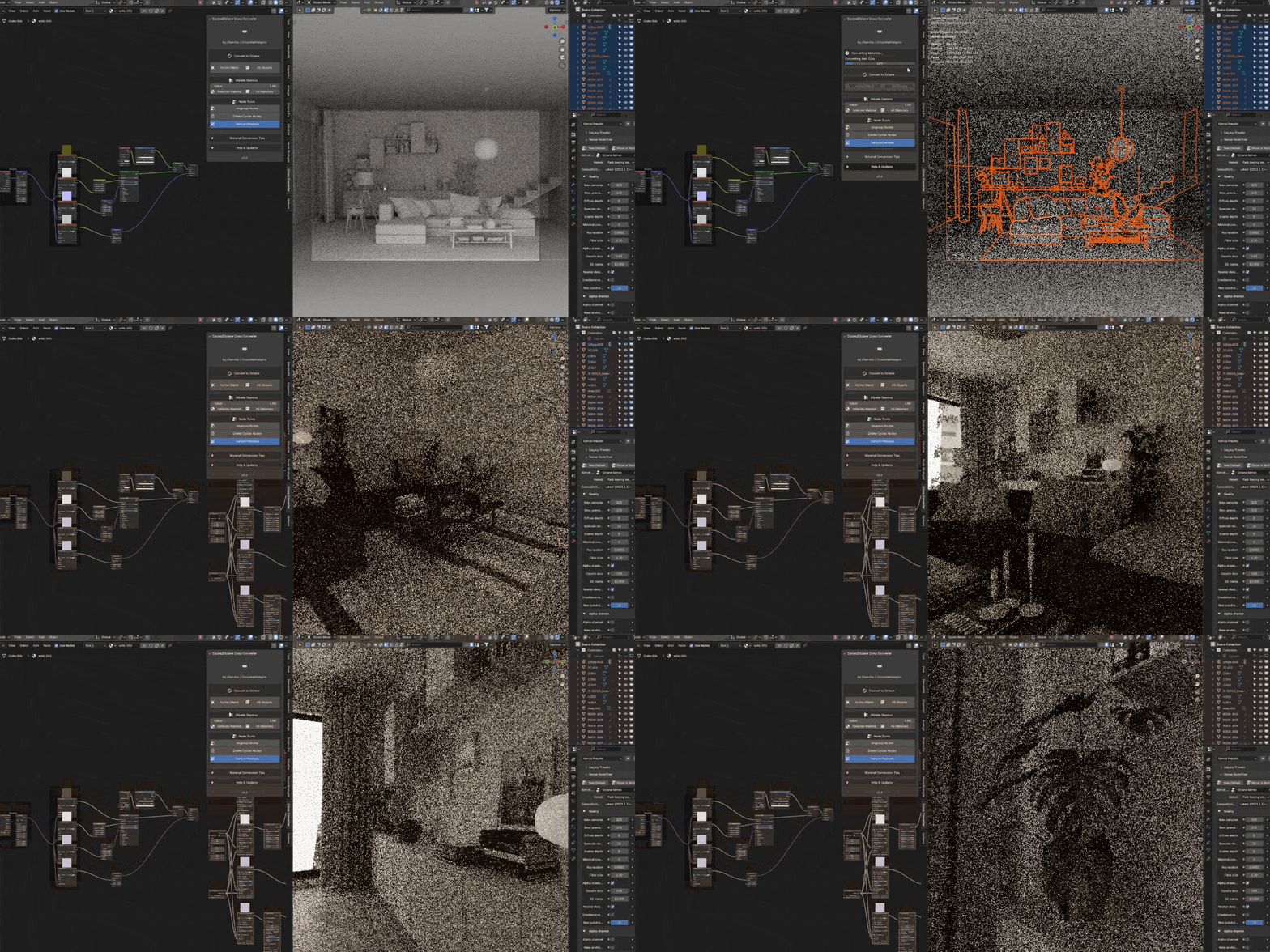
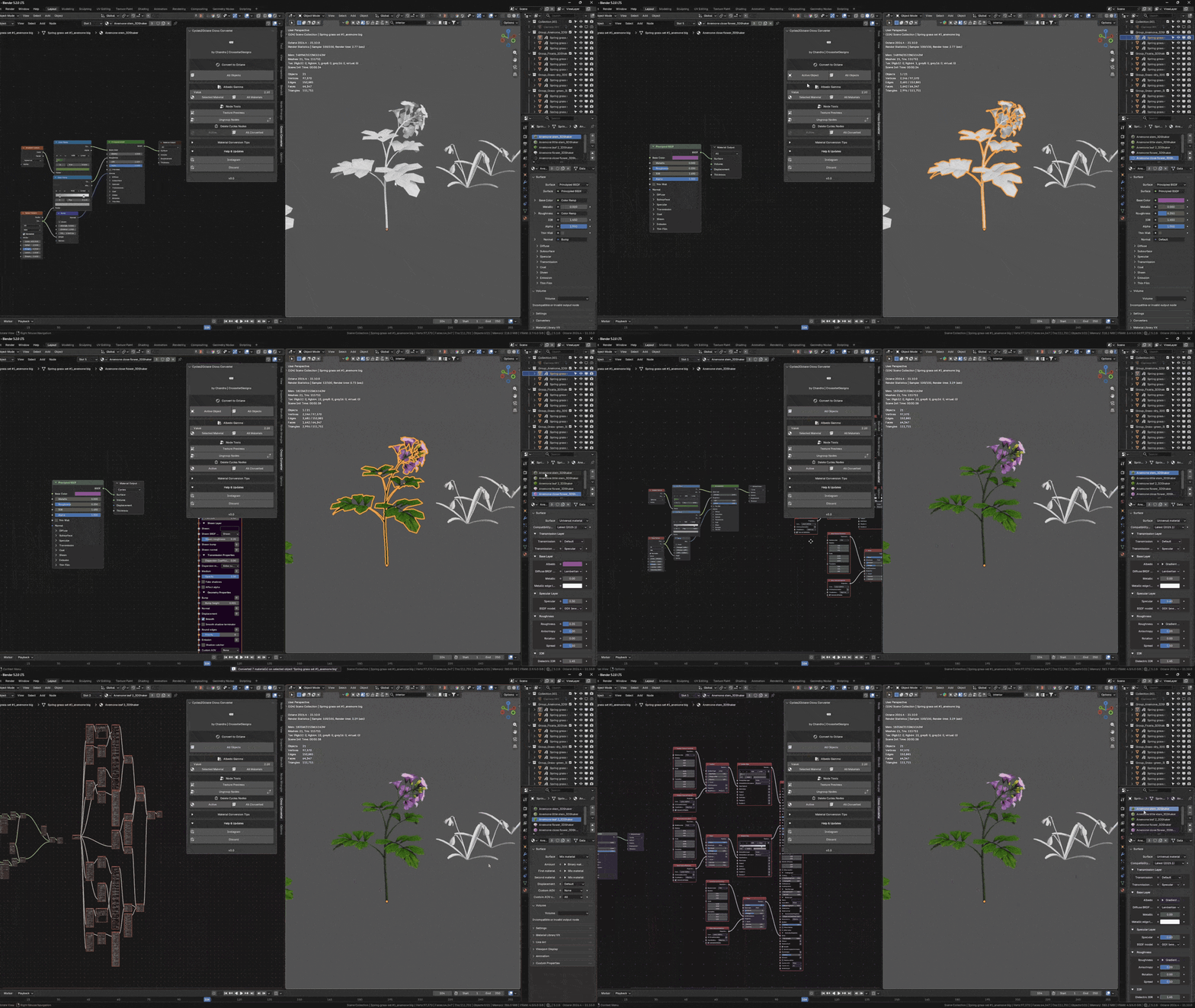
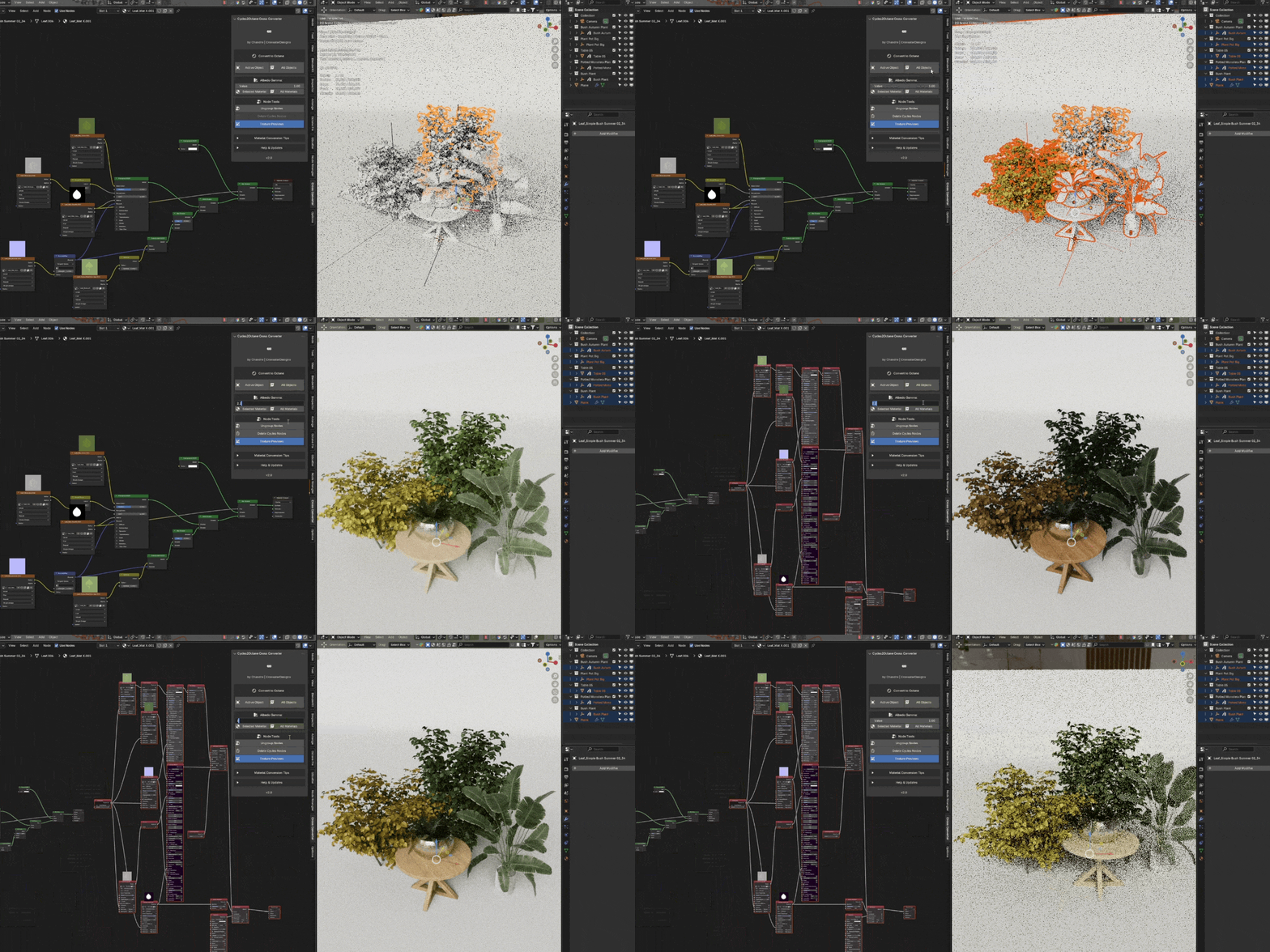
Instant Viewport & Texture Previews
Stop guessing which texture is connected where. Cross Converter includes interactive texture previews that display visual thumbnails and active channel overlays directly inside the Shader Editor and 3D Viewport. Easily verify albedo maps, normal maps, roughness maps, and opacity masks at a glance, making it faster to inspect, debug, and fine-tune your materials.
Built-In Octane Node Wrangler
One of the most requested features for artists rendering with Octane for Blender is full Node Wrangler workflow support. Cross Converter v3.0 includes a dedicated, built-in Octane Node Wrangler. Using the familiar Ctrl + Shift + Click shortcut on any compatible node in your Octane shader graph, you can instantly isolate, inspect, and preview textures, procedural noise, masks, and roughness channels directly in the render Viewport. Whether you're building custom Octane shaders from scratch or inspecting converted materials, the Octane Node Wrangler provides immediate real-time visual feedback to speed up look development and material editing.
Additional Cycles to Octane Features
Subsurface Scattering Conversion: When a Cycles Principled BSDF uses both Base Color and Subsurface Scattering, the converter now defaults to Octane's Standard Surface Material to match the visual output more closely.
World Environment Conversion: Added support for converting Cycles environment nodes. A new option in the World properties panel translates the background and HDRI node setups directly to Octane.
Composite Texture Layers: Cycles "Mix Color" nodes now convert to Octane's native Composite Texture Layers instead of standard mix nodes for more accurate color blending and better performance.
Native Procedural Noises: Cycles noise textures (like Voronoi and FBM) now convert to Octane's native noise nodes to maintain the correct scale and pattern matching.
Displacement Selection: Fixed displacement bugs from previous versions. Added a new option in the Addon Preferences to manually select between Texture Displacement and Vertex Displacement for subdivided meshes.
Node Wrangler Updates: Improved the built-in Node Wrangler functionality for more consistent node previewing and connecting within the Octane node tree.
Volume Conversion: Updated the conversion logic for volumetric materials to better handle fog and density settings.
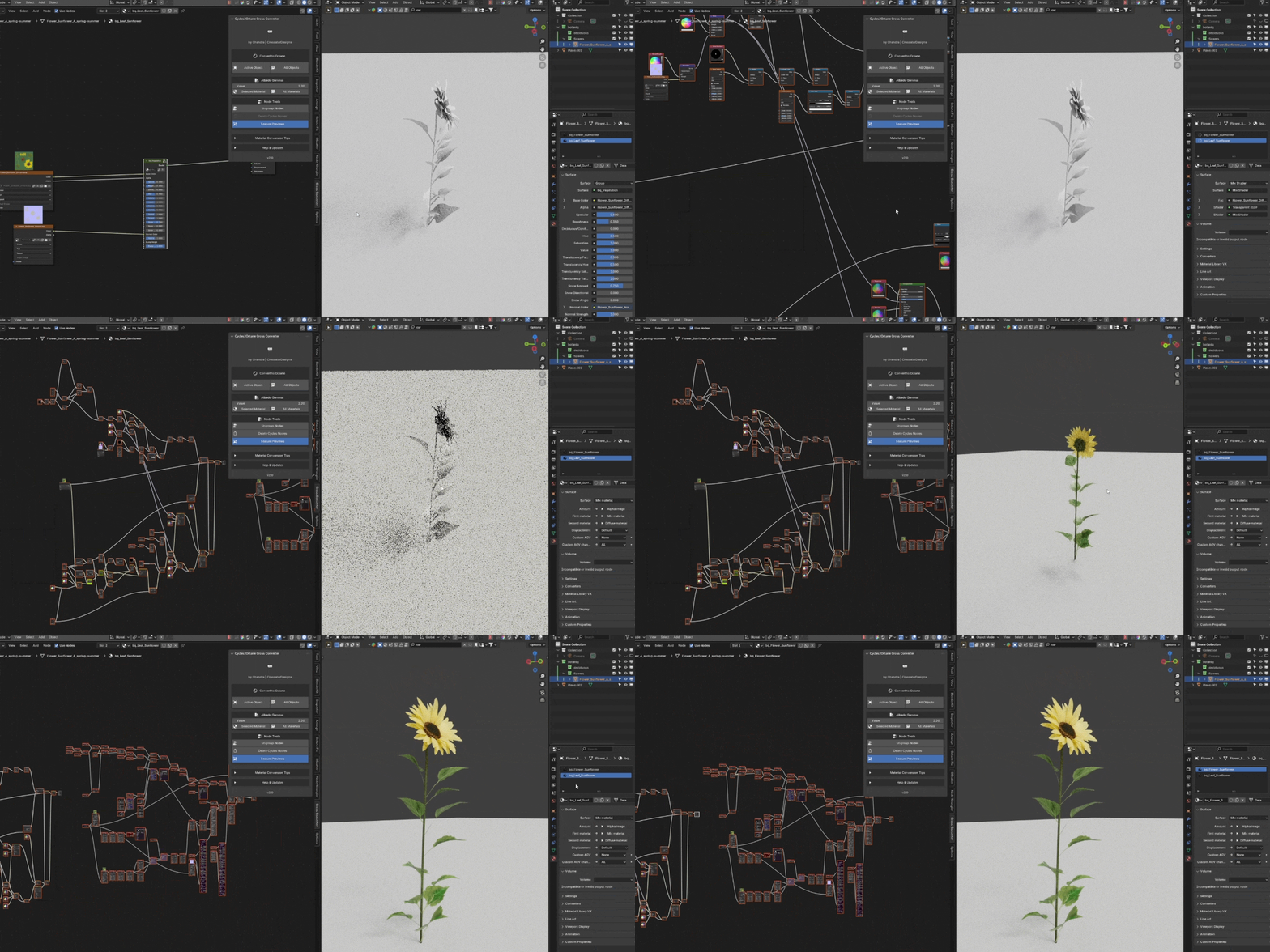
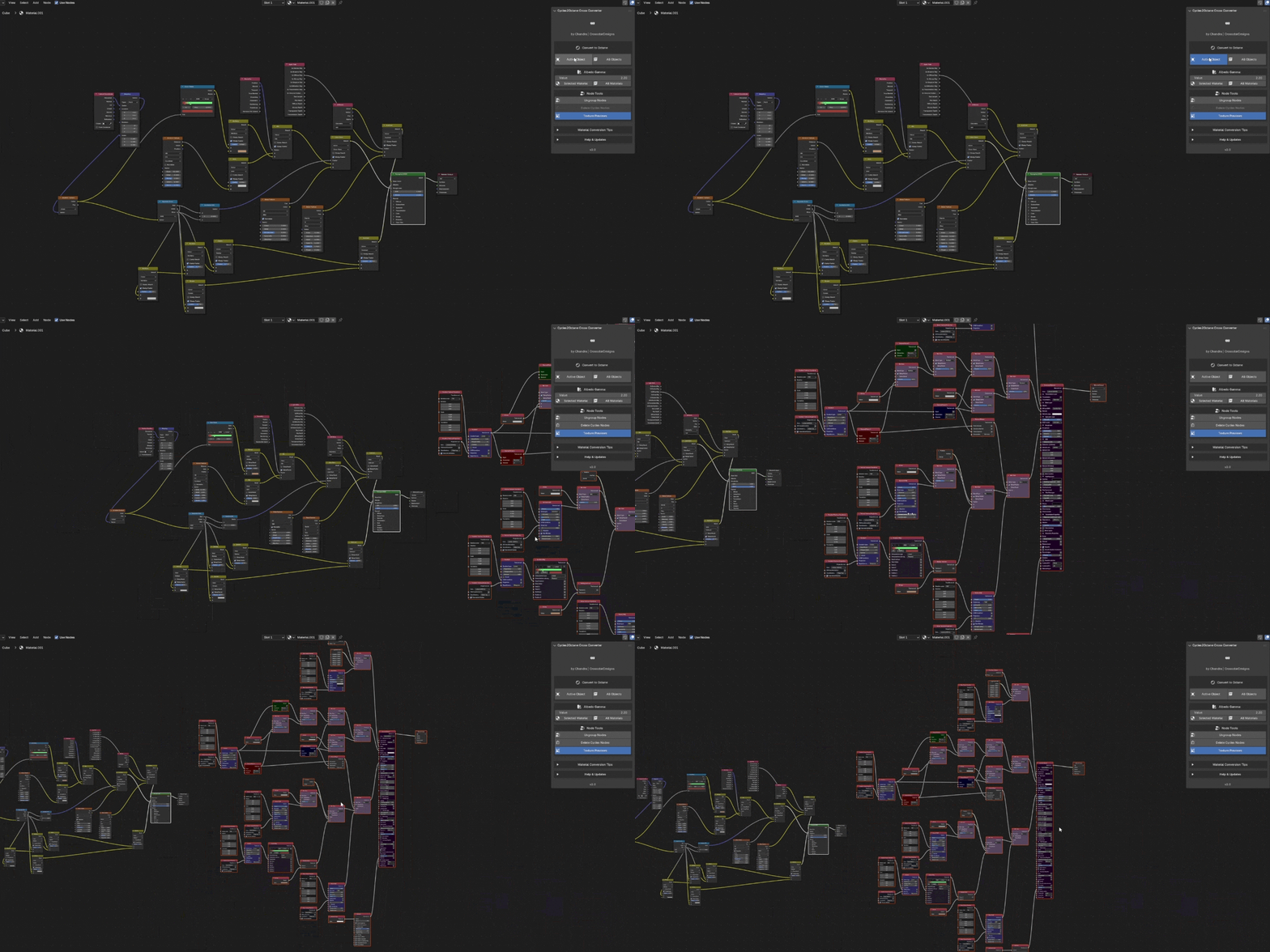
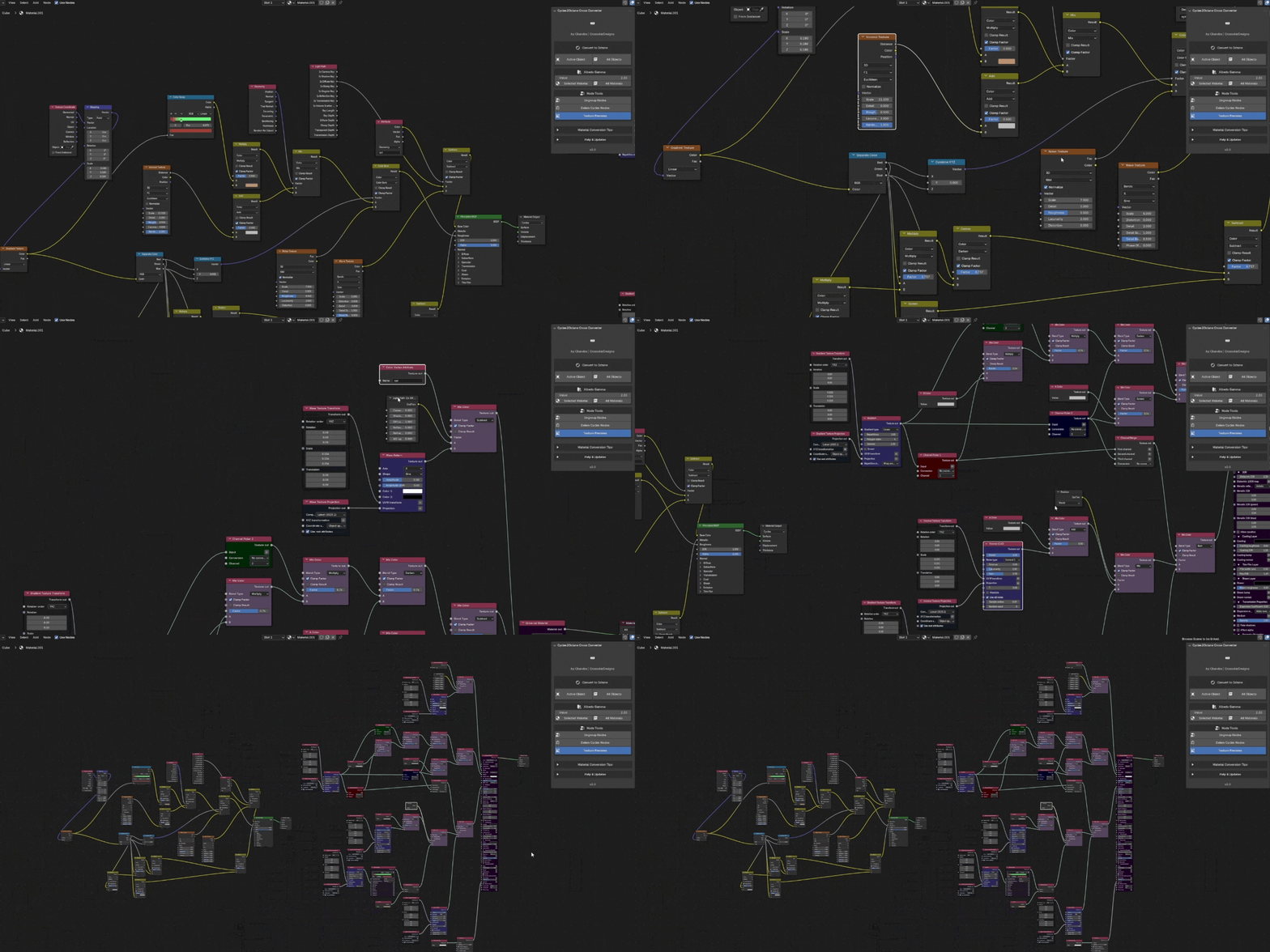
Visual Organization
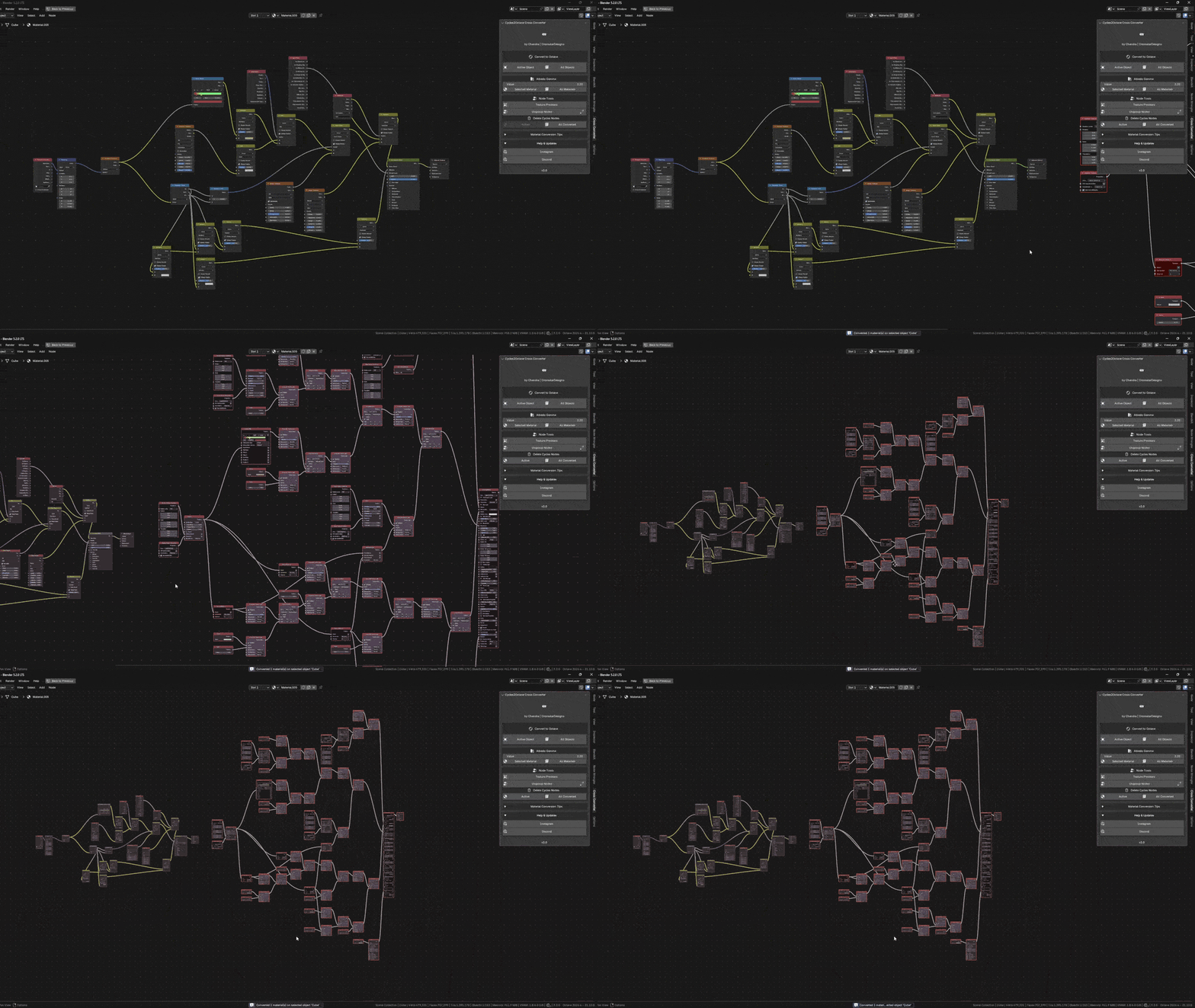
- Converted node trees are clean and readable:
- Color-coded nodes by type
- Automatic layout (left-to-right flow)
- Clear naming
- No overlapping nodes
Technical Specifications & Usage
Compatibility: Blender 4.5–5.2 and Octane 2025/2026
Location: 3D Viewport and Shader Editor Side Panel (N-Panel) → "Cross Converter" tab.
Size: ~2MB (No external dependencies).
What You Get
Cross Converter Addon (.zip)
Updates include future improvements, bug fixes, and compatibility updates when available.
-
Direct support from the developer.
Cross Converter is the Cycles to Octane conversion addon by Chandra | CrossstarDesigns, built and maintained for production artists who need reliable, non-destructive conversion plus studio tools (Octane Node Wrangler, texture previews, environment conversion, smart ungroup, and more).
Works with any Cycles material from any source. Stop rebuilding materials by hand and simplify your Octane workflow today.
