 Dennis Hafemann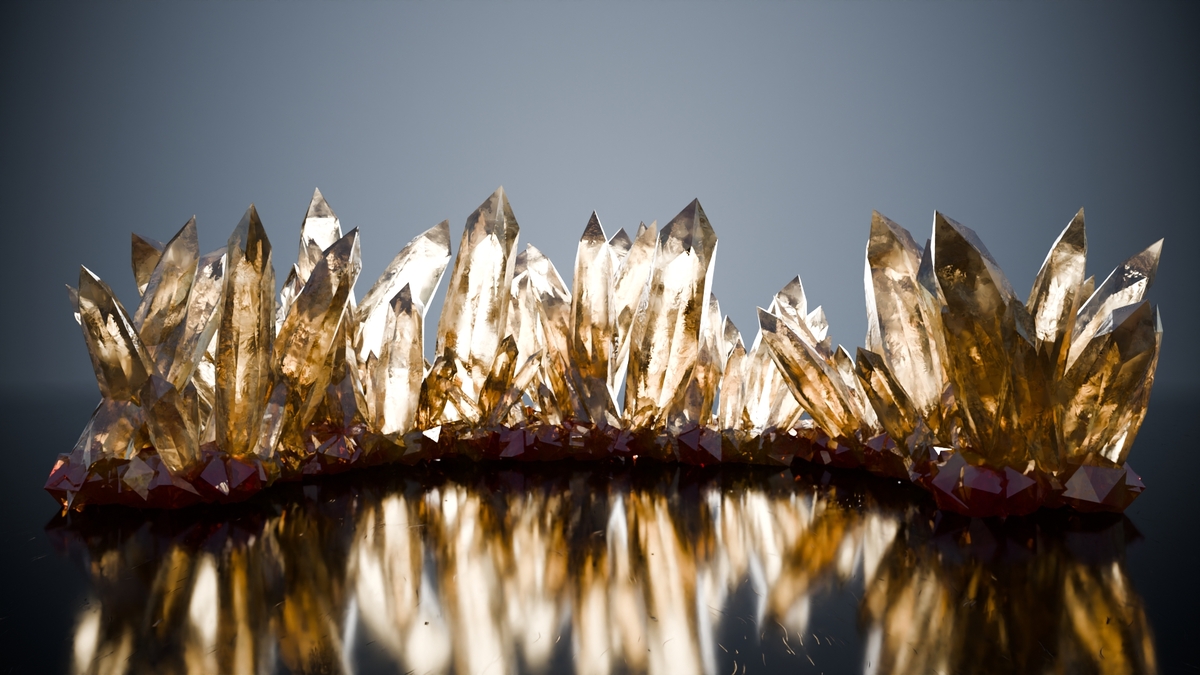
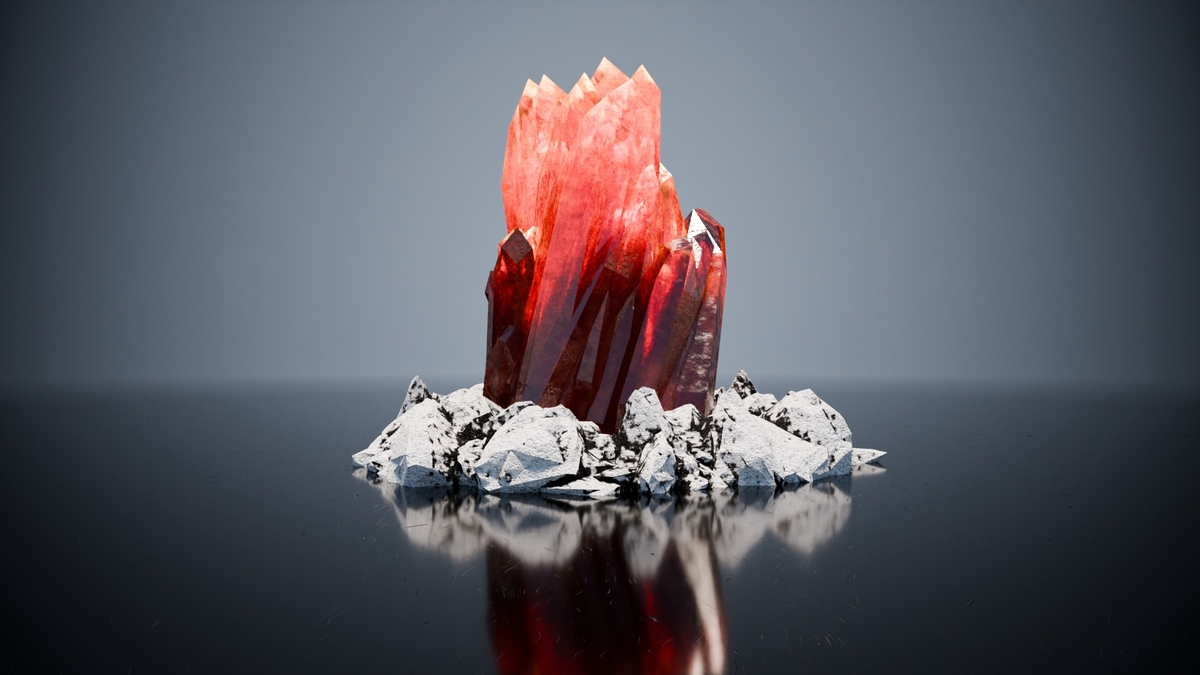
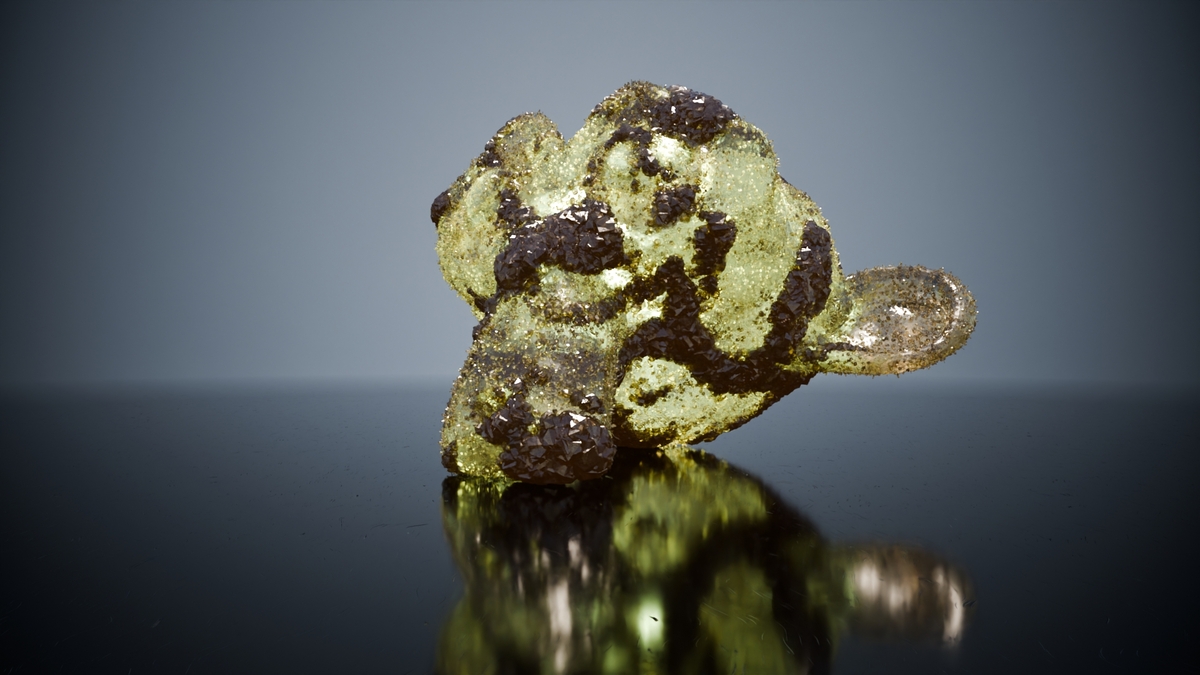

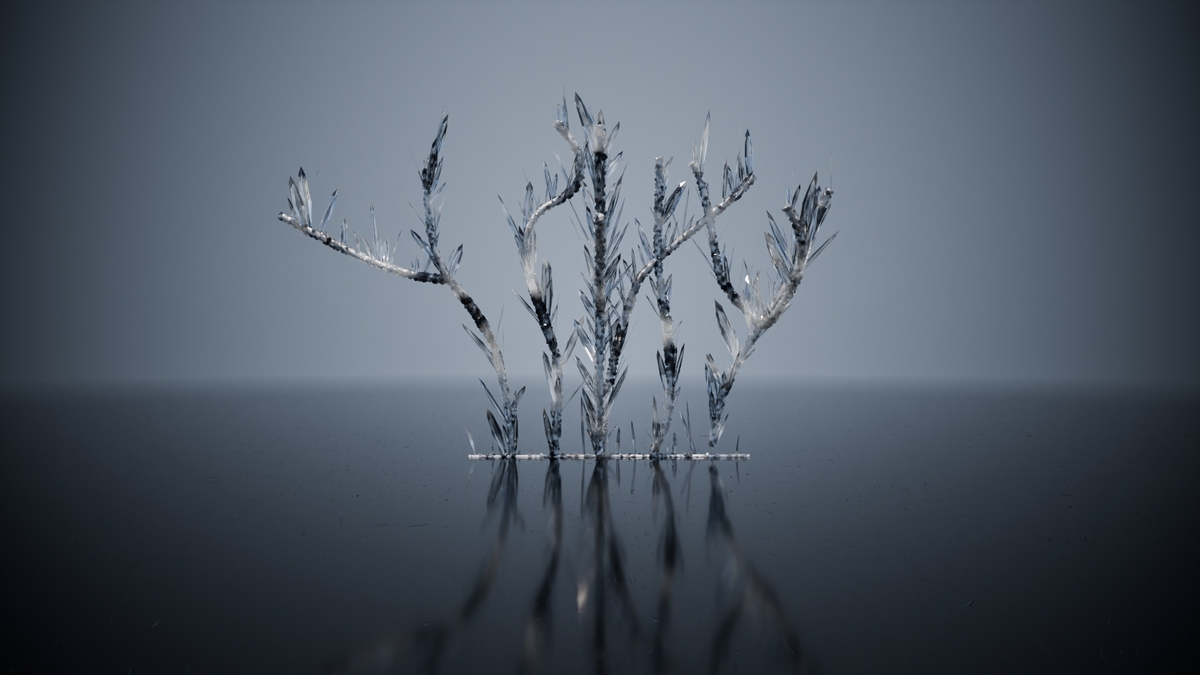
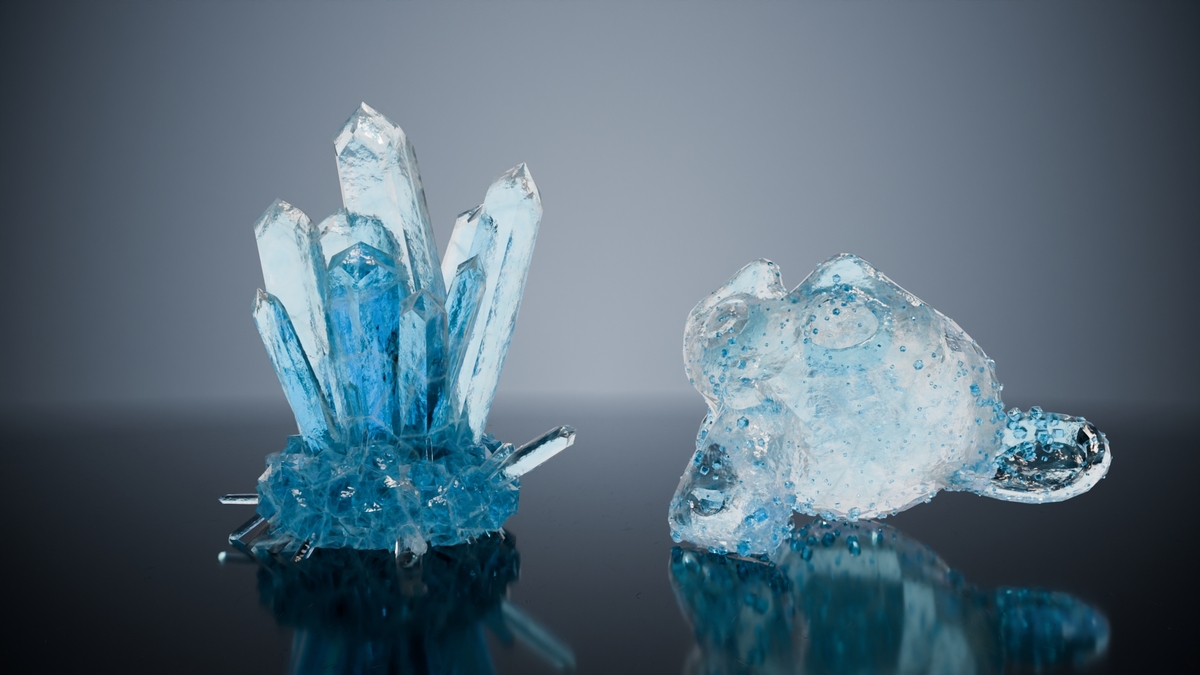
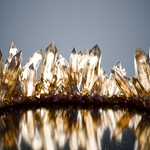
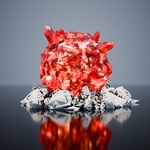
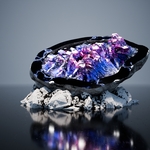
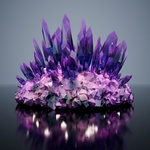
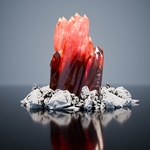
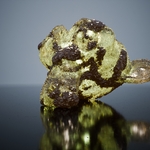
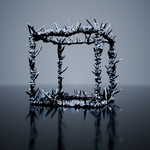
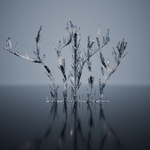
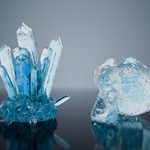
Crystals Formation (Geometry Nodes Modifier)
This tool is also available, bundled in the addon On The Rocks.
|
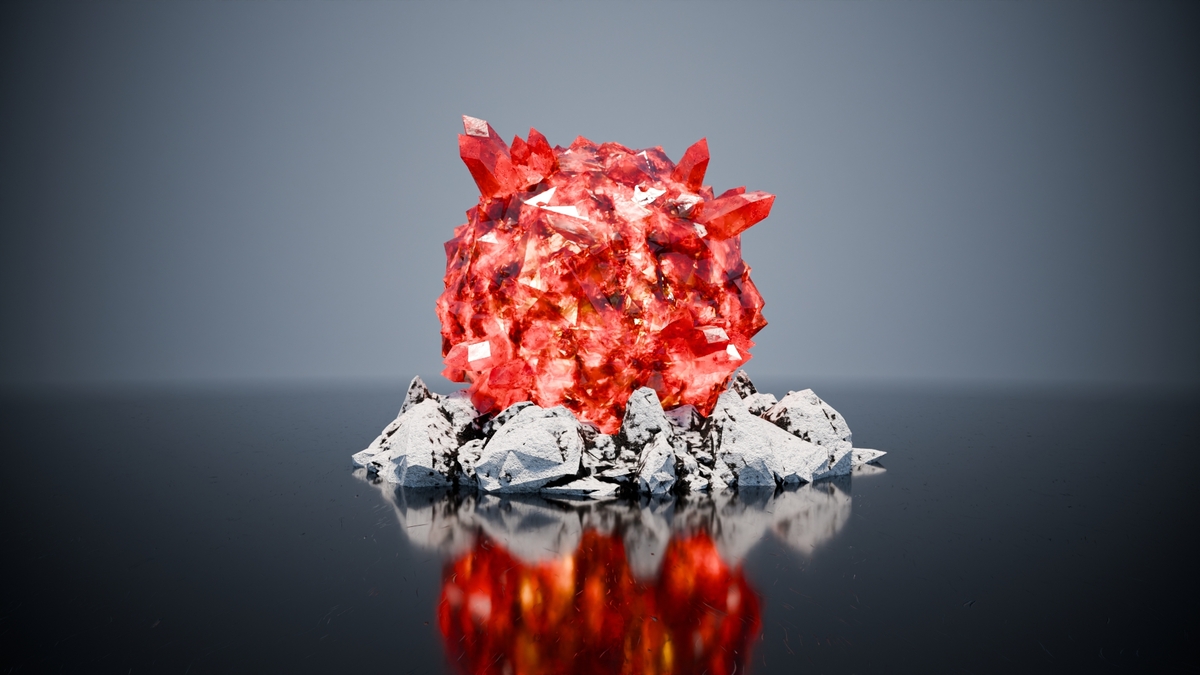
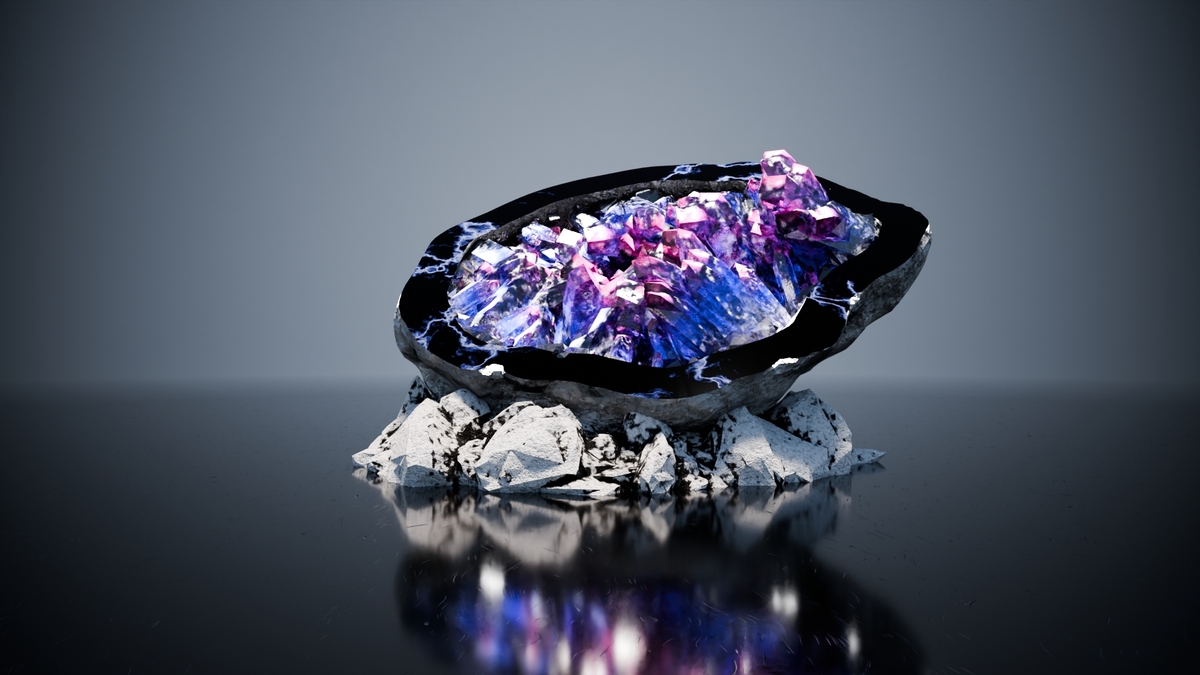
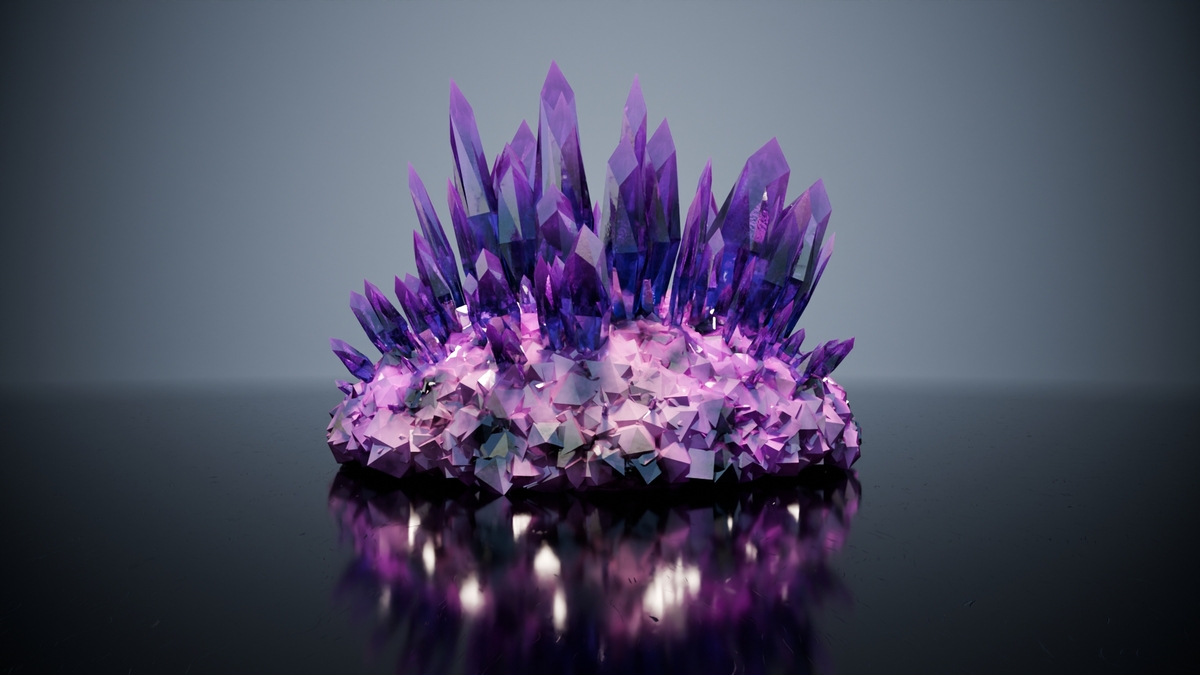
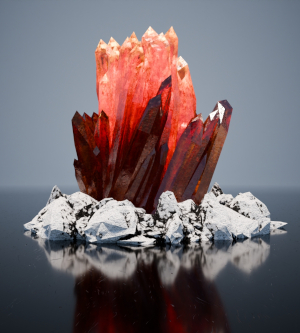
The geometry nodes modifier "Crystals Formation" for Blender provides a powerful and flexible solution for creating realistic, stylized and abstract crystals formations. By combining geometric primitives, mathematical functions and various noise generators, users can create a huge variety of crystal shapes and arrangements. Whether natural crystal structures or futuristic crystal buildings - the possibilities are in your mind. The modifier "Crystals Formation" brings extensive options for settings, adjustments and generation and is easy to understand and to use. Visualize crystals pillars and ground crystal separately, in material, weighted and approximation distribution and density on faces and in volume, size, thickness, randomness, sharpness, normal directioning, offsetting, rotation, noising, volumization, and more. |
Short YouTube Video for showing off and demonstration:
Crystals Formation with ease | Geometry Nodes Modifier for Blender
Features
- Geometry nodes, fast and non-destructive
- Generate crystals on mesh, convert to curve or draw with a curve.
- Create crystal pillars and crystal grounds.
- Density- and weight-distribution
- Sizes, Thickness
- Edges / Roundness / Sharpness
- Normal factor and additional rotation
- Position offset
- Randomization
- Apply different materials
- Volumization
- Distribution (Weight Map)
- Object directioning
- Proximity distribution
- etc, many more features
Including
- Geometry nodes modifier "Crystals Formation"
- 10 presets crystals-models, showing how to use the modifier
- Multiple crystal materials
- Basic Scene, ready to render
Usage
- Download and extract .zip file.
- Open .blend file in Blender, ready to render.
- Import / Append (F4) modifier/objects "Crystal ...", or any material or separated object to your scene, as you like.
- Modifier/Objects are marked as asset and can be imported from Blenders asset browser "Crystal...", if extracted .blend file is located in your asset library path.