 RealDevCode




|
LAUNCH OFFER
Cursor Manager is 50% off
|
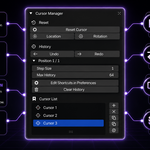
Cursor Manager
If you use the 3D Cursor a lot, you probably know the situation: you move it somewhere, work for a while, and then need to put it back where it was a few steps ago. Cursor Manager was made to make that part a little easier.
Save PositionsBrowse History|
History
Previous Positions
|
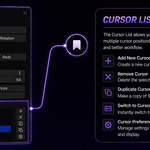
Store
Important Positions
|
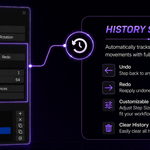
Undo / Redo
History Control
|
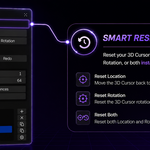
Reset
Location & Rotation
|
Why I made Cursor Manager
The 3D Cursor is something I use quite often in Blender, but going back toan older cursor position wasn't always convenient. I wanted a simple wayto keep those positions around without having to manually place the cursoragain.
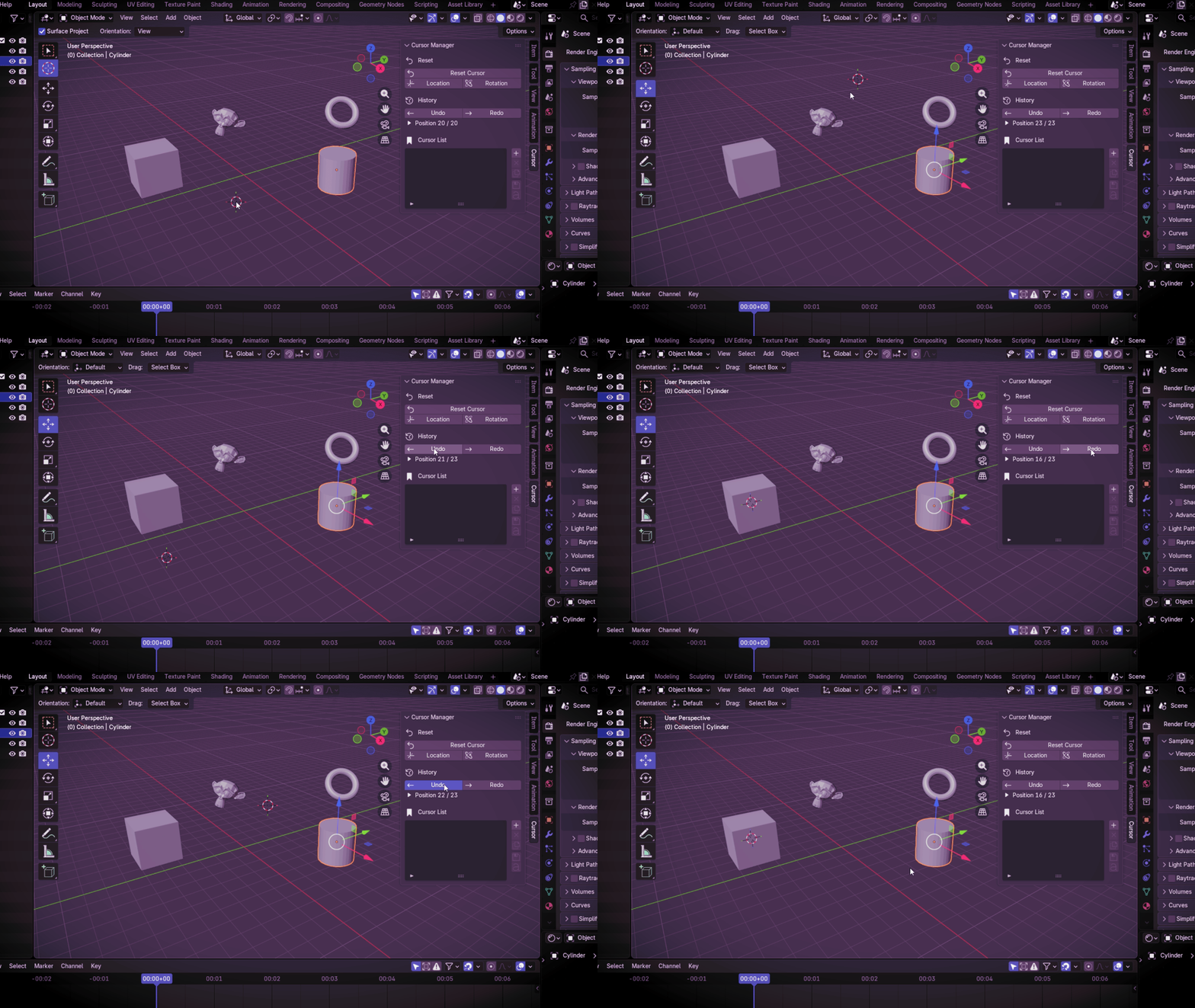
So Cursor Manager keeps a history of cursor movements and also lets youstore positions that you know you'll want to use again.
A few things Cursor Manager can do
The useful bits, without getting in the way
Cursor Manager is focused on one thing: making the 3D Cursor easier to work with.
Automatic HistoryKeep track of cursor movements automatically and browse previous positions. |
History Undo / RedoMove backward and forward through the cursor history. |
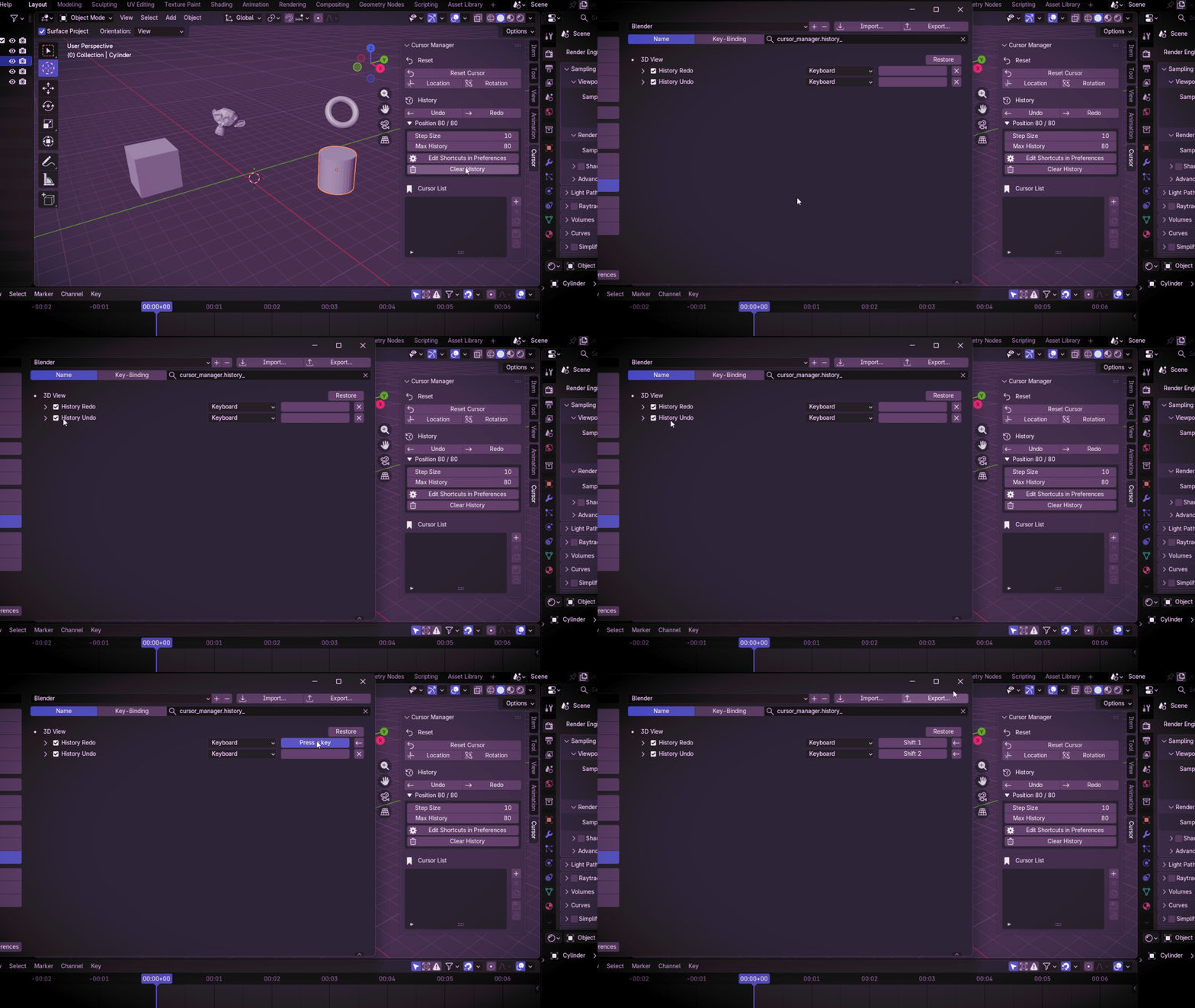
History SettingsAdjust the history step size and maximum number of history entries. |
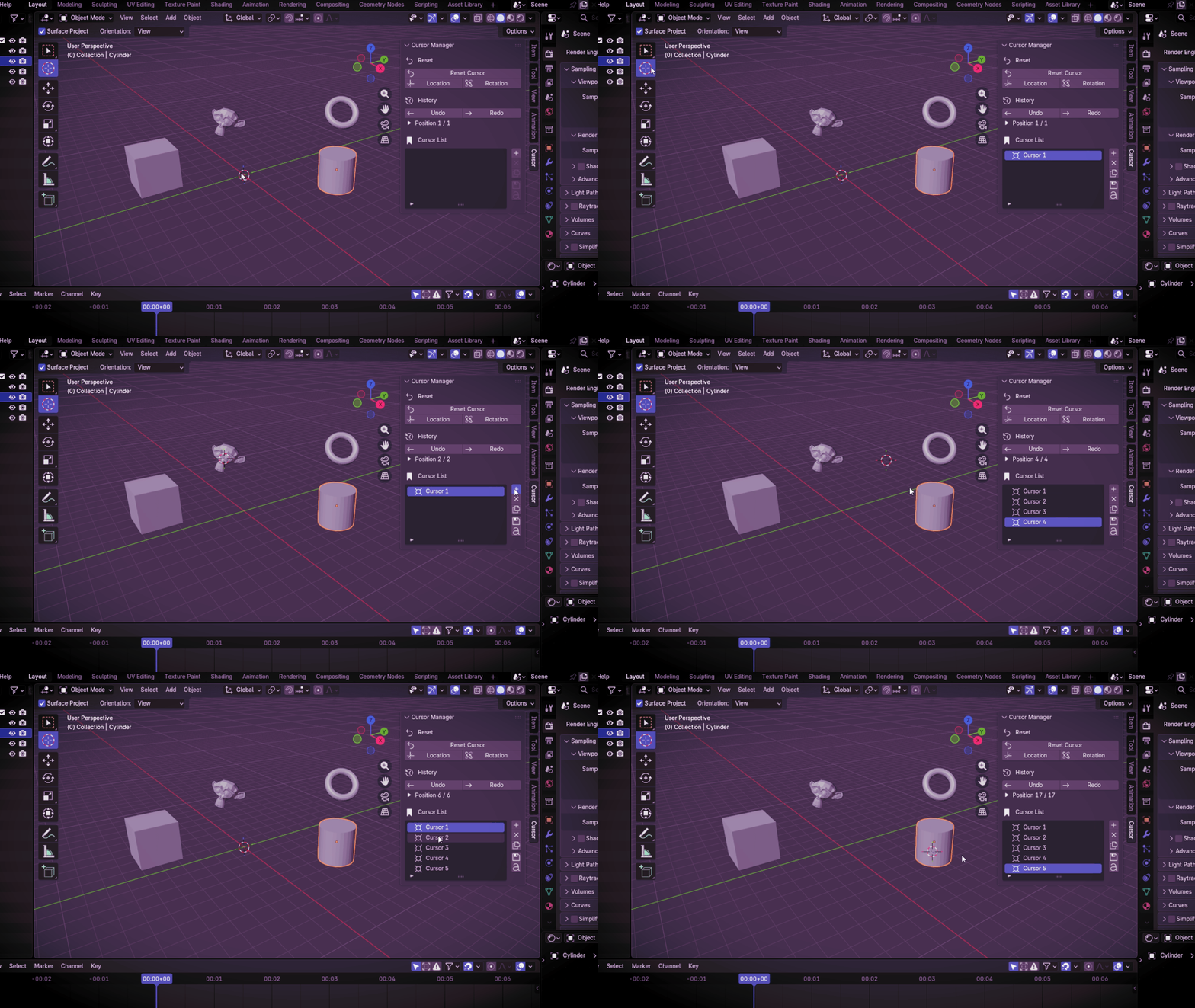
Stored CursorsKeep cursor positions you want to reuse inside your current Blender file. |
Rename & DuplicateGive stored cursors useful names and make copies when needed. |
Update Stored CursorsUpdate a stored cursor with its current location and rotation. |
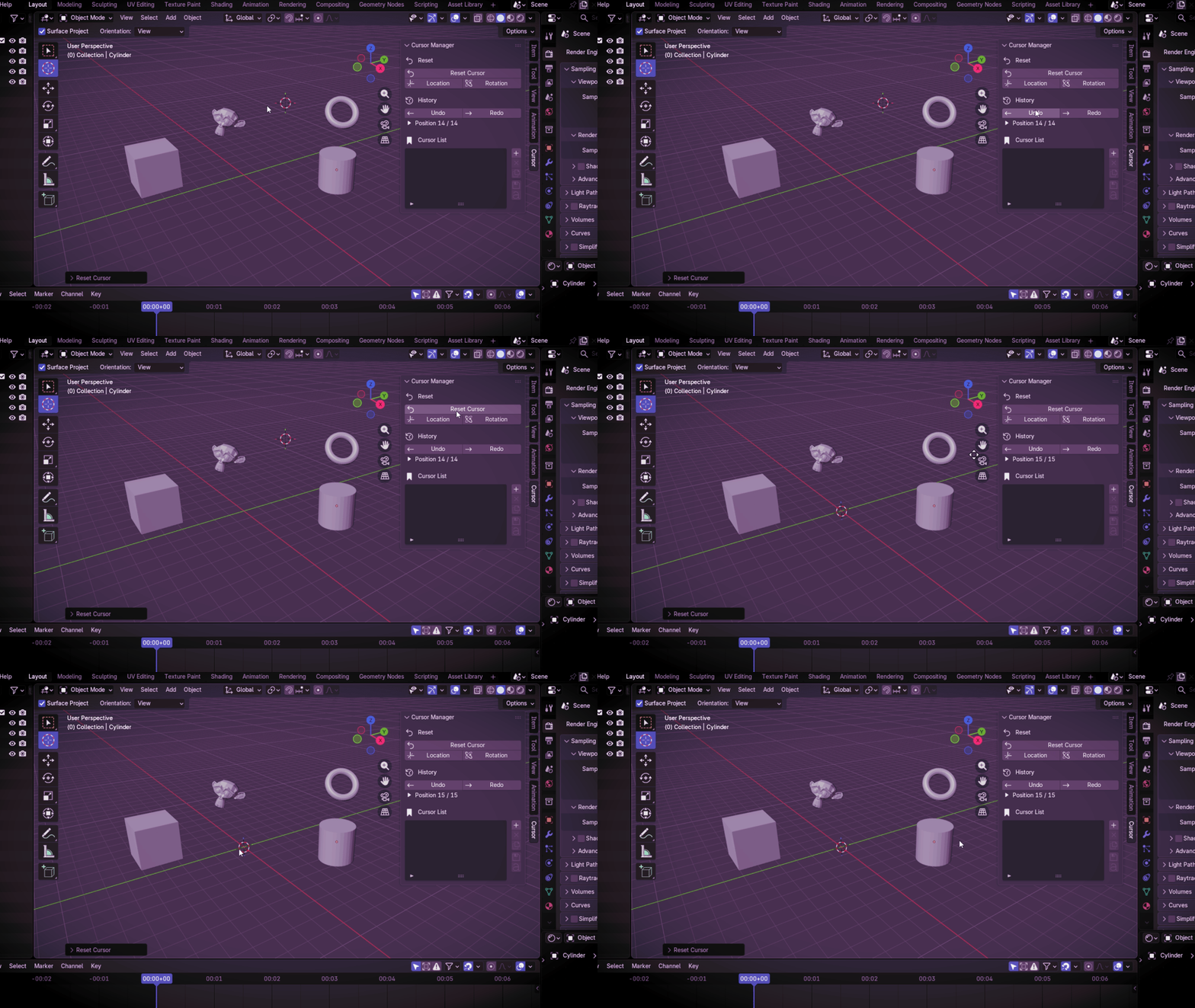
Smart ResetReset the location, rotation, or both. |
N-Panel & Quick MenuUse Cursor Manager from the 3D Viewport N-Panel or the quick menu. |
Move it. Keep it. Come back to it.
|
01
MoveMove the 3D Cursor as you normally would. |
02
StoreSave positions that you know you'll need again. |
03
BrowseUse the history to move between previous positions. |
04
ReturnSelect a stored cursor and go straight back to it. |
Where to find it
|
N-PANEL
3D Viewport → N → CursorThe main Cursor Manager interface is available from the Sidebar. |
QUICK MENU
Shift + Alt + SA quick way to access the cursor tools. |
Less Cursor Repositioning. More Time Working.
Cursor Manager is a focused little tool for anyone who works with the3D Cursor regularly and wants an easier way to keep track of it.
Cursor Manager