 iralon
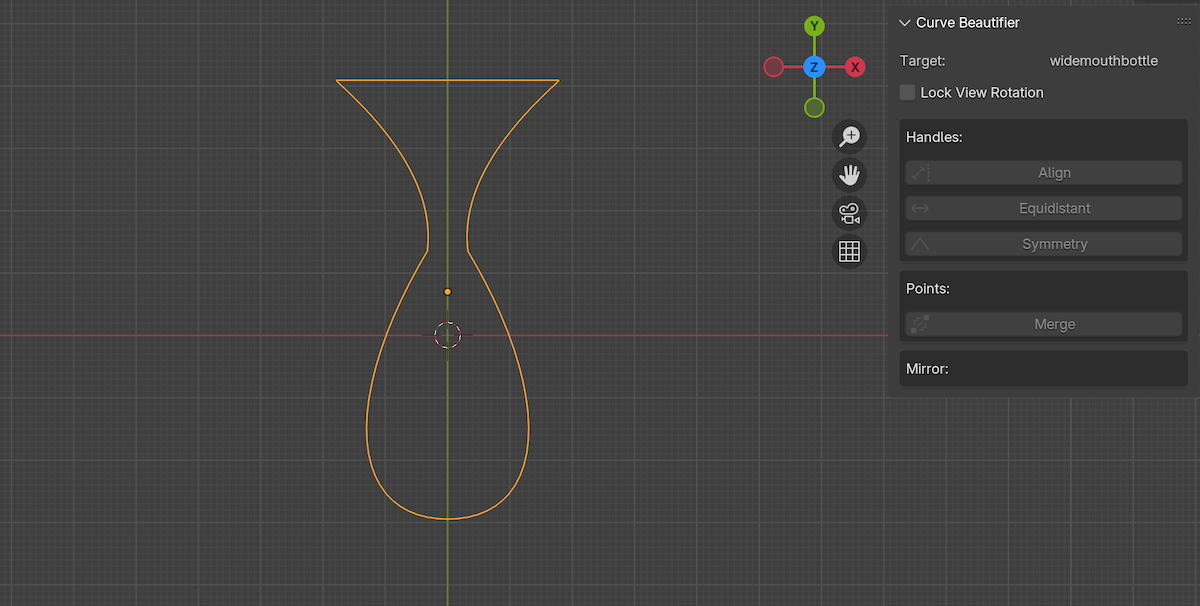

Installation:
- Download the curve_beautifier.zip file.
- In Blender, navigate to
Edit > Preferences > Add-ons - Click Install, and find where you downloaded the zip file. Then hit the
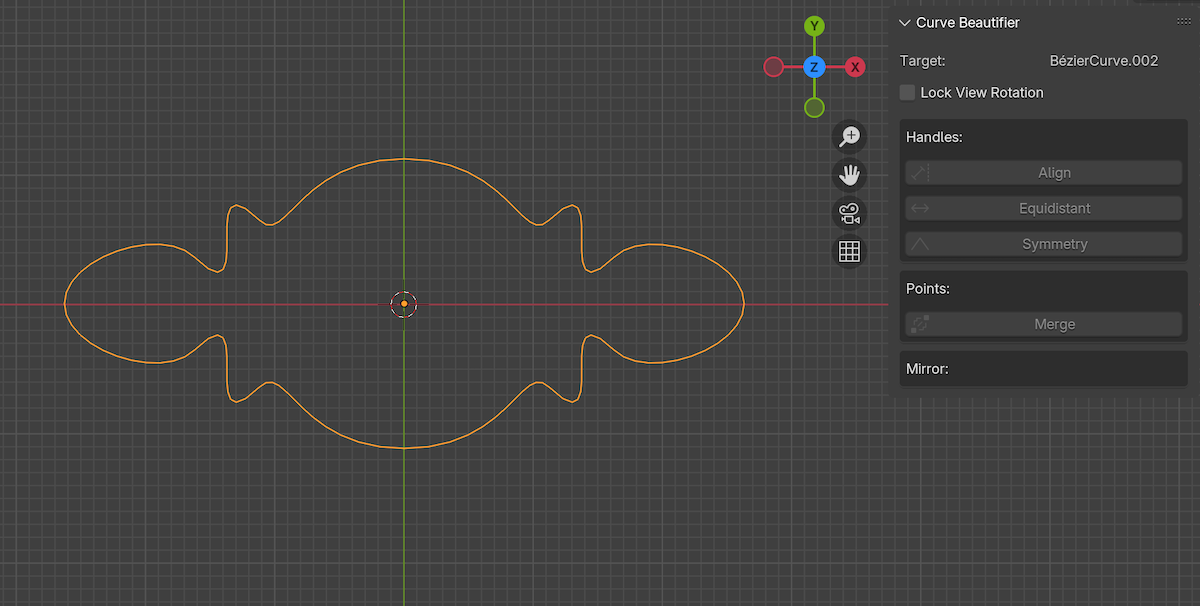
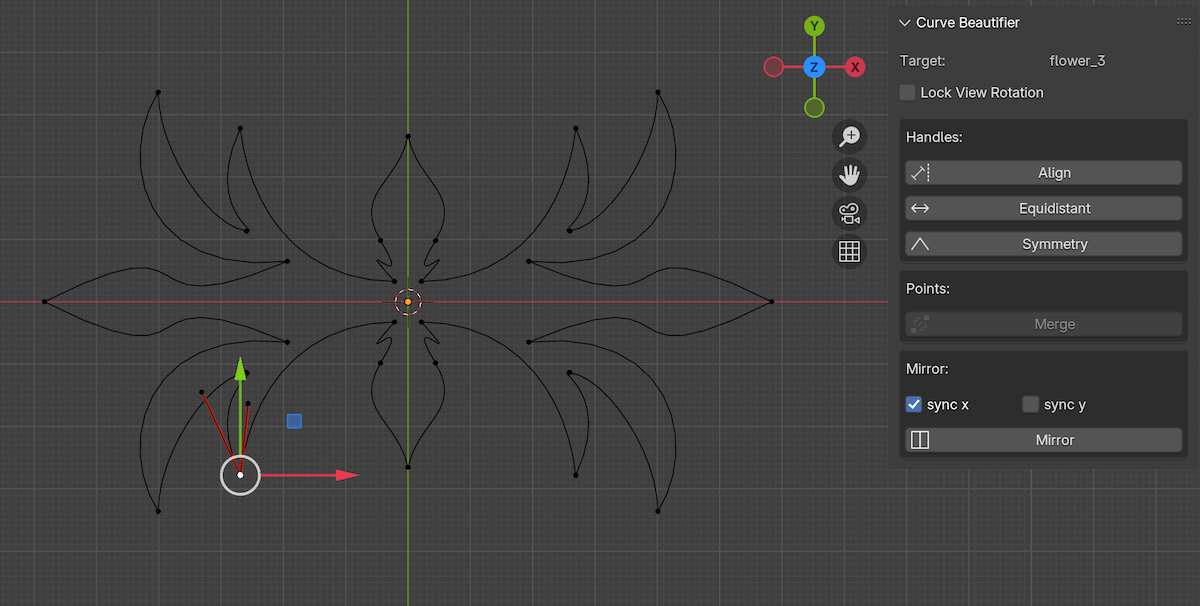
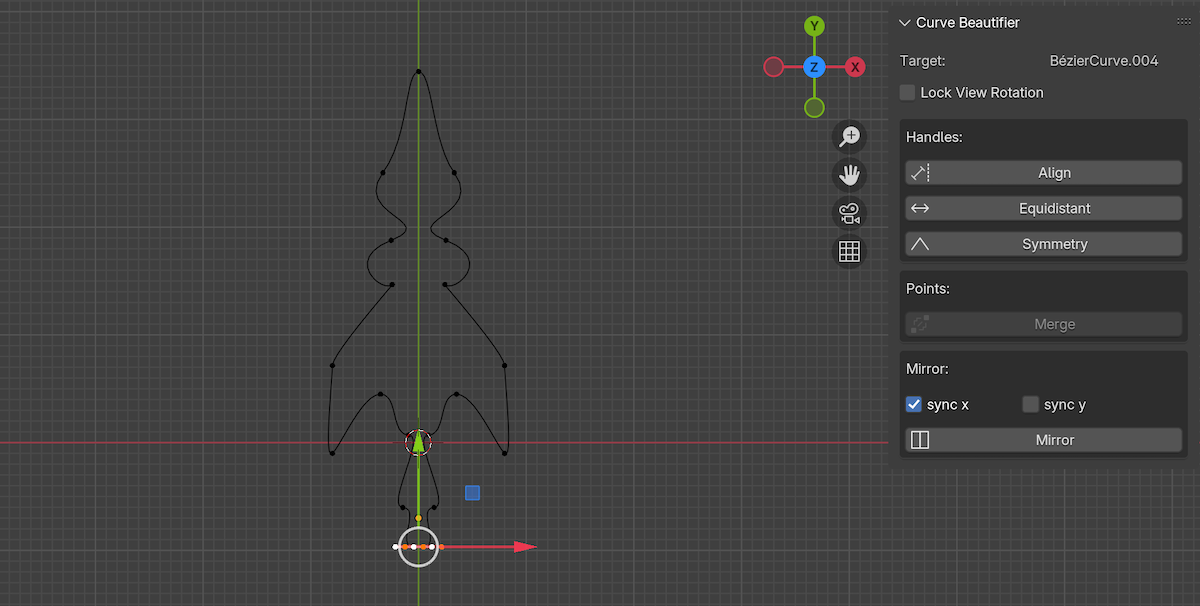
Install Add-onbutton. - In the sidebar panel, (shortcut key N), you will see CurveBF, click on it.
Change Log:
$10
Have questions about this product?
Login to message
| Blender Extension Compatible | Yes |
| Published | over 1 year ago |
| Blender Version | 3.3 - 5.0 |
| Extension Type | Add-on |
| Render Engine Used | Blender-Internal, Blender-Game-Engine, Cycles, Eevee |
| License | GPL |