 Pixonomic



Full documentation at:
https://docs.pixonomic.com/blender-addons/curve-doctor/
Installing. Drag the zip onto Blender and let it install, or Edit › Preferences › Get Extensions › the menu at the top right › Install from Disk, and pick the zip.
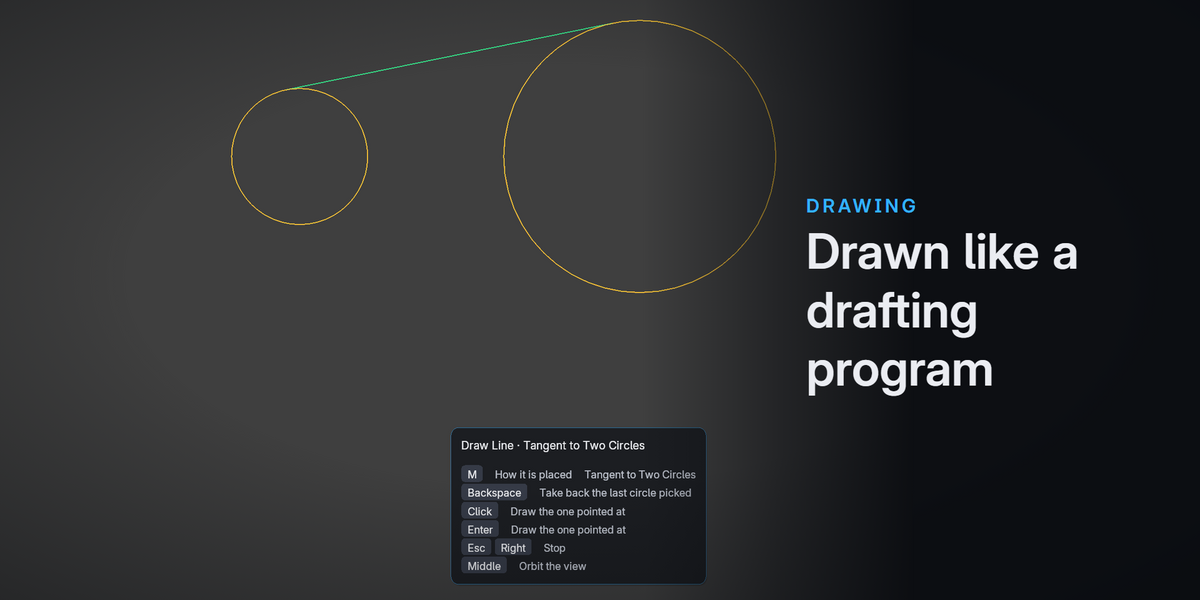
Where the tools are. The 3D View sidebar (N), under a tab you can rename. Everything is also on a pie menu at Ctrl+Shift+D — eight groups, so any tool is two flicks away — and in the right click menu. File › Import and Export carry DXF and SVG; Add › Curve carries the drawing tools. Object mode and edit mode, both.
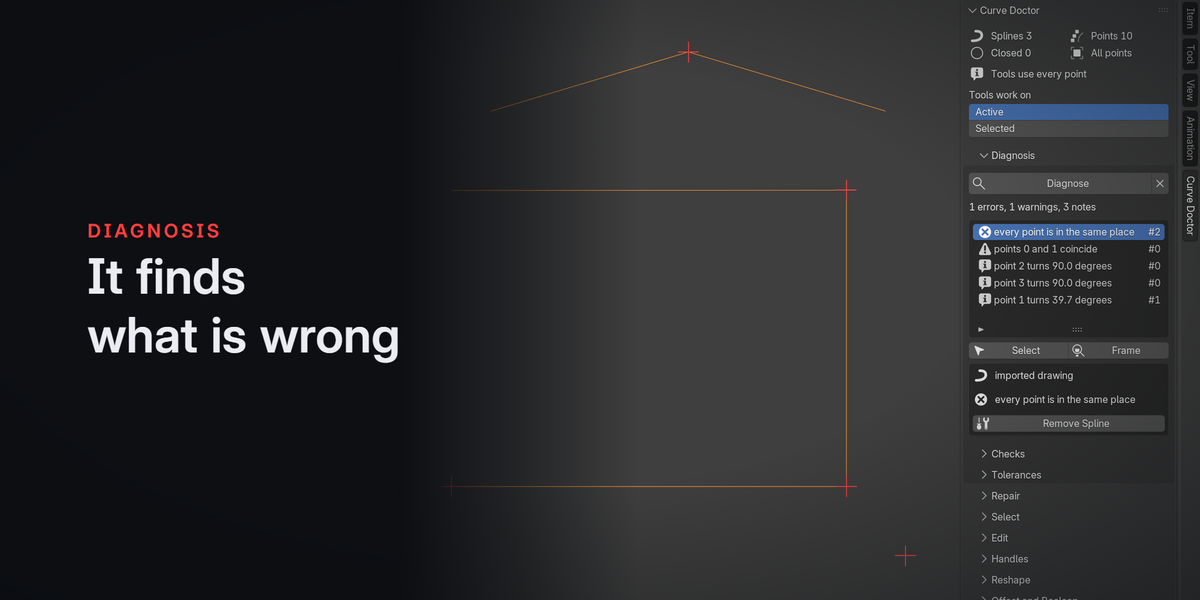
Where to start. With no curve active, the sidebar shows Start: an example drawing written by another program, with faults in it on purpose, to try every tool on. Press Diagnose on it and walk the report.
Requirements. Blender 4.2 or later; tested on 4.2, 4.5 and 5.1. No dependencies, nothing to compile, no internet access needed. The only permission it asks for is to read and write files: the DXF drawings it imports, and the SVG and DXF files it exports.
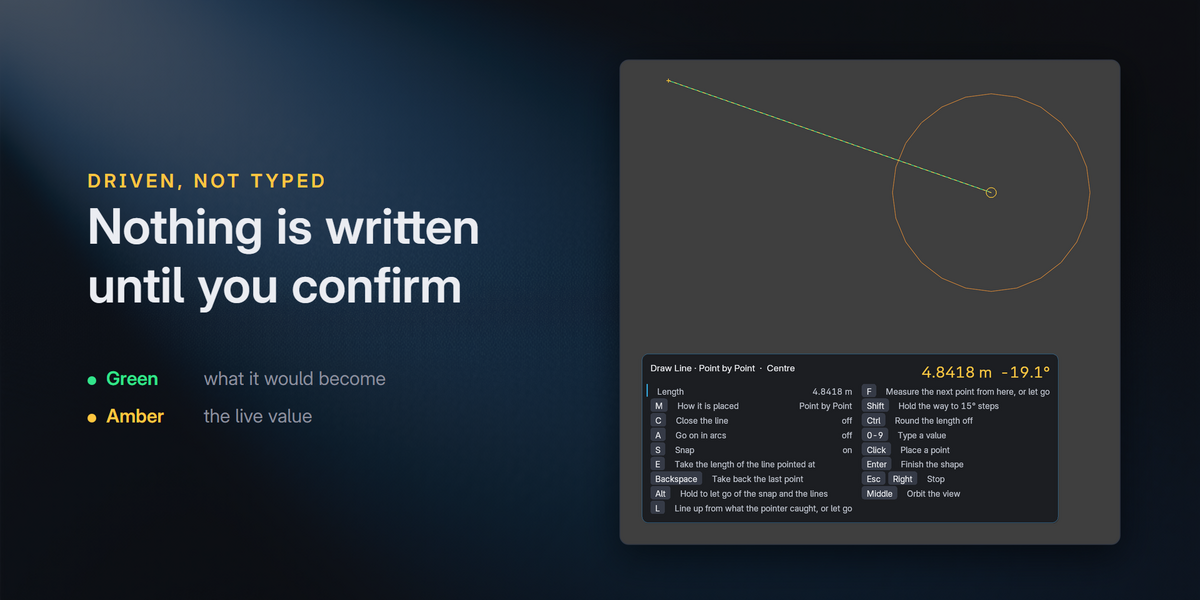
Keyboard. Every driven tool is listed in the preferences ready for a shortcut of your own.
Have questions about this product?
Login to message
| Blender Extension Compatible | Yes |
| Published | about 14 hours ago |
| Blender Version | 4.2 - 5.1 |
| Extension Type | Add-on |
| Render Engine Used | Cycles |
| License | GPL |