Curve Merge by Distance
 one99addons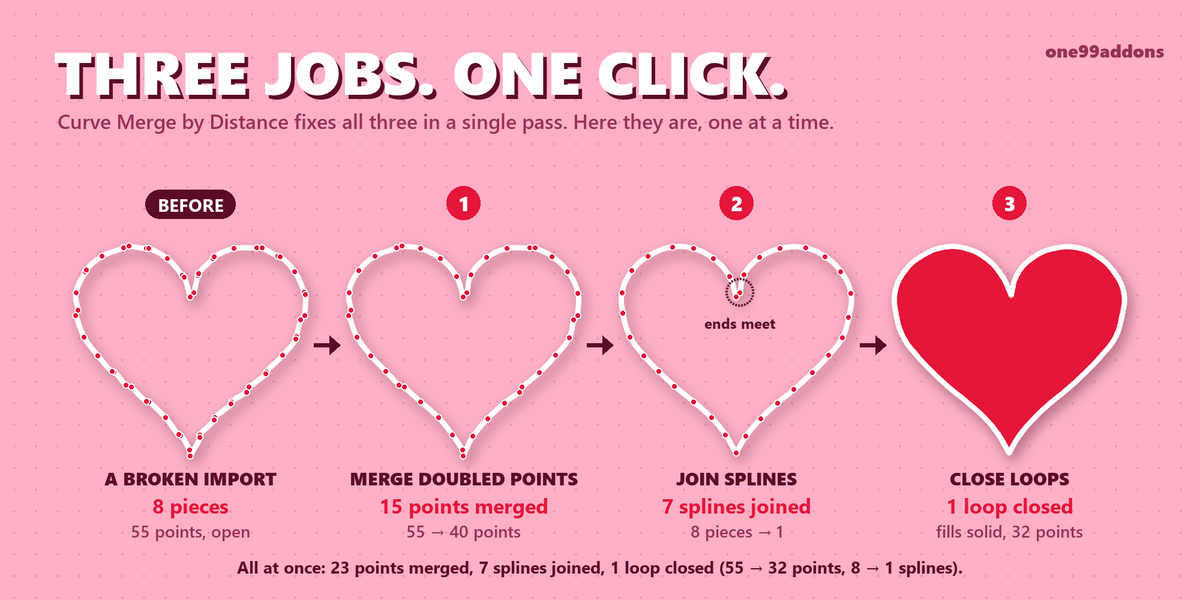


Curve Merge by Distance - Documentation
1. Install
- Download curve_merge_v1.0.0.zip. Do not unzip it.
- In Blender: Edit > Preferences > Add-ons, click the drop-down arrow at the top right and choose Install from Disk...
- Pick curve_merge_v1.0.0.zip and tick "Curve Merge by Distance" in the list.
- If Auto-Save Preferences is off, click Save Preferences (bottom left).
2. Where to find it
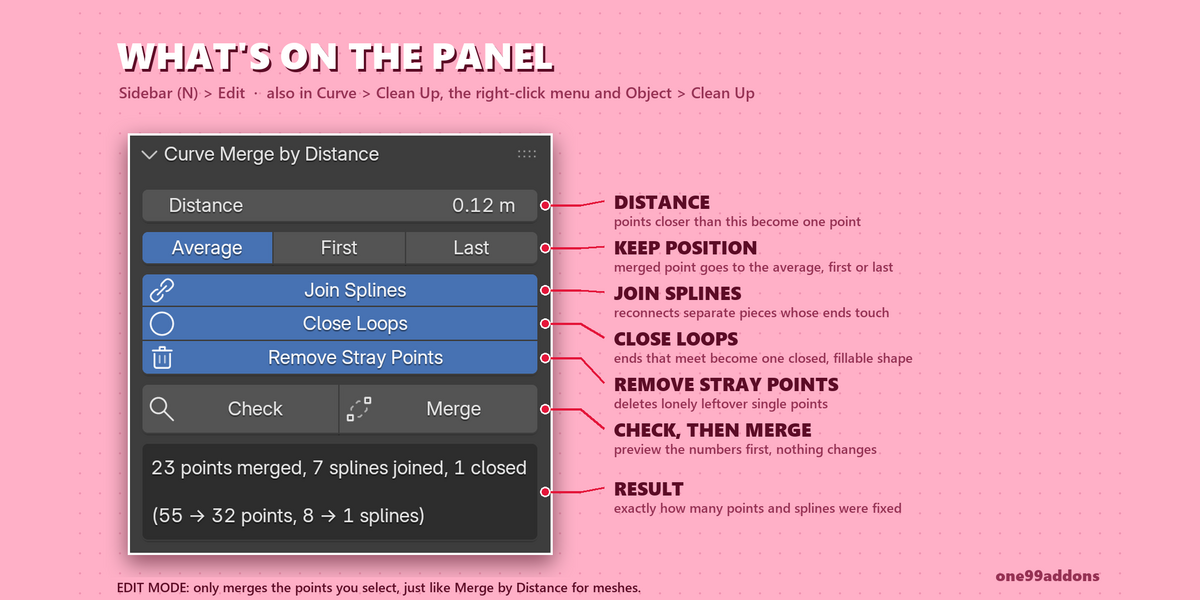
- 3D Viewport > Sidebar (press N) > Edit tab > Curve Merge by Distance. The panel only shows when the active object is a curve.
- Edit Mode: Curve > Clean Up > Merge by Distance, or the right-click menu.
- Object Mode: Object > Clean Up > Merge by Distance.
3. How to use it
- Object Mode: select one or more curve objects. Edit Mode: select the points you want to clean.
- Press N, open the Edit tab and find Curve Merge by Distance.
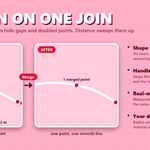
- Set the Distance and press Check. The panel shows what would change, without changing anything.
- Press Merge. The result line shows points merged, splines joined and loops closed, with the before and after counts.
- Not quite right? Open Adjust Last Operation (bottom left) and change the Distance or options, or press Ctrl Z.
4. Settings
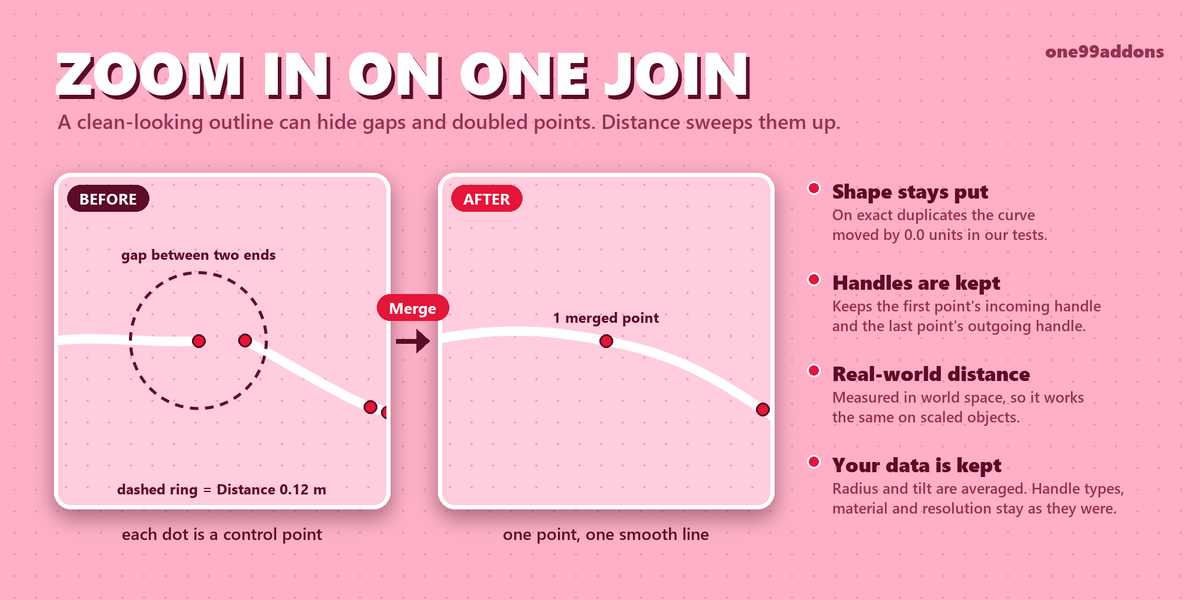
- Distance: points closer than this are merged (default 0.001 m, measured in world space).
- Position: Average, First or Last. Where merged points end up.
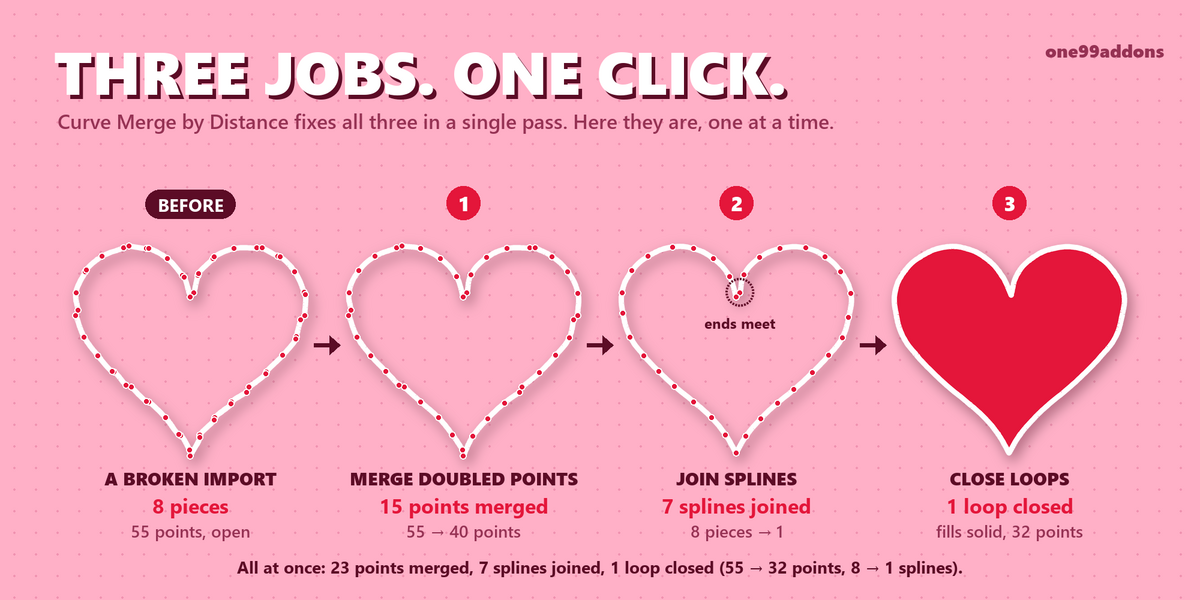
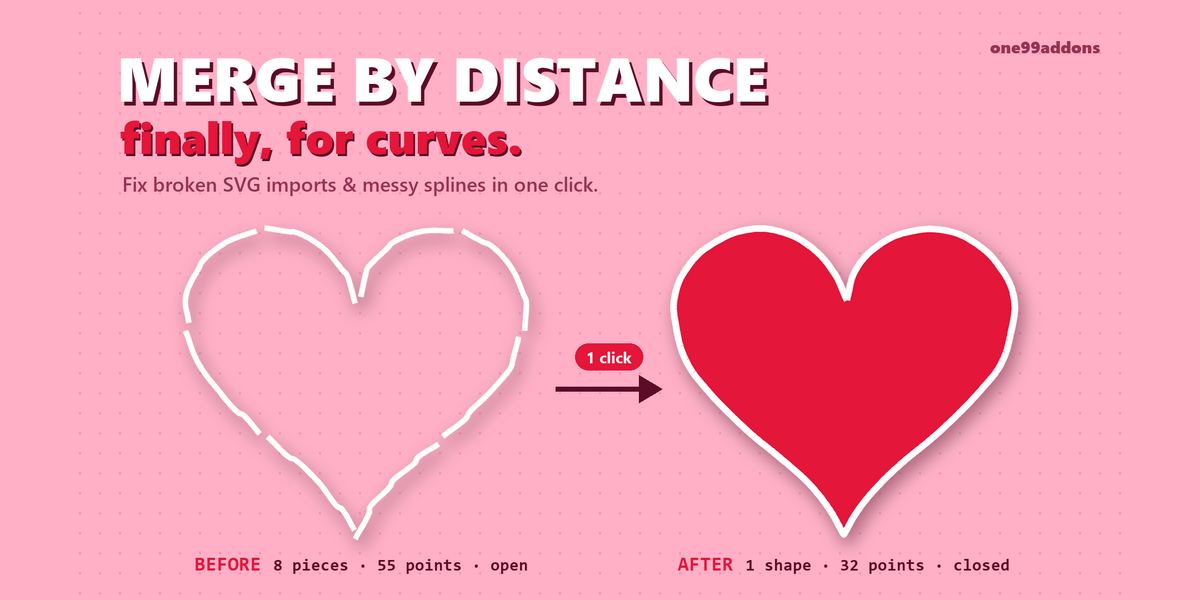
- Join Splines: connect splines whose ends touch (default on).
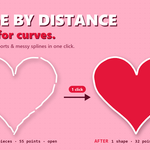
- Close Loops: make a spline cyclic when its first and last points touch (default on).
- Remove Stray Points: delete splines that end up as a single point (default on).
- Selected Only: Edit Mode only. Only merge selected points (default on).
5. Troubleshooting
- No panel? The active object must be a Curve object, and the panel is in the Edit tab of the sidebar.
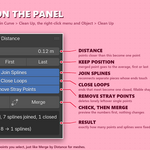
- 0 points merged? The Distance is too small (SVG imports often need more), or in Edit Mode with Selected Only on, the points are not selected.
- Splines do not join? Their ends are further apart than the Distance, they are different spline types, Join Splines is off, or in Edit Mode the end points are not selected.
- A loop does not close? Close Loops must be on and both ends within the Distance. Very short splines (under 3 points for Bezier, under 4 for Poly and NURBS) are not closed.
- Closed but not filled? Filling needs a 2D curve: Object Data > Shape > 2D, with Fill Mode not set to None.
- "skipped ... (has shape keys)": curves with shape keys are left alone on purpose.
- Install error? Make sure you picked the .zip itself, not an unzipped folder, and that you are on Blender 5.2 or newer.
6. Updating
- Download the new zip from your Superhive library, uninstall the old version in Edit > Preferences > Add-ons, restart Blender, then install the new zip.
7. Uninstall
- Edit > Preferences > Add-ons, expand Curve Merge by Distance and choose Uninstall. Your cleaned curves are normal Blender curves and stay as they are.
Support
- Have a question, a bug or an idea for a new feature? Mail me at [email protected]. Please include your Blender version and operating system.
Have questions about this product?
Login to message
| Published | 3 days ago |
| Blender Version | 5.2 |
| Extension Type | N/A |
| License | GPL |
Discover more products like this
join curves close curve bezier curves cleanup logo merge by distance svg cleanup splines remove doubles