 Al-Dezel

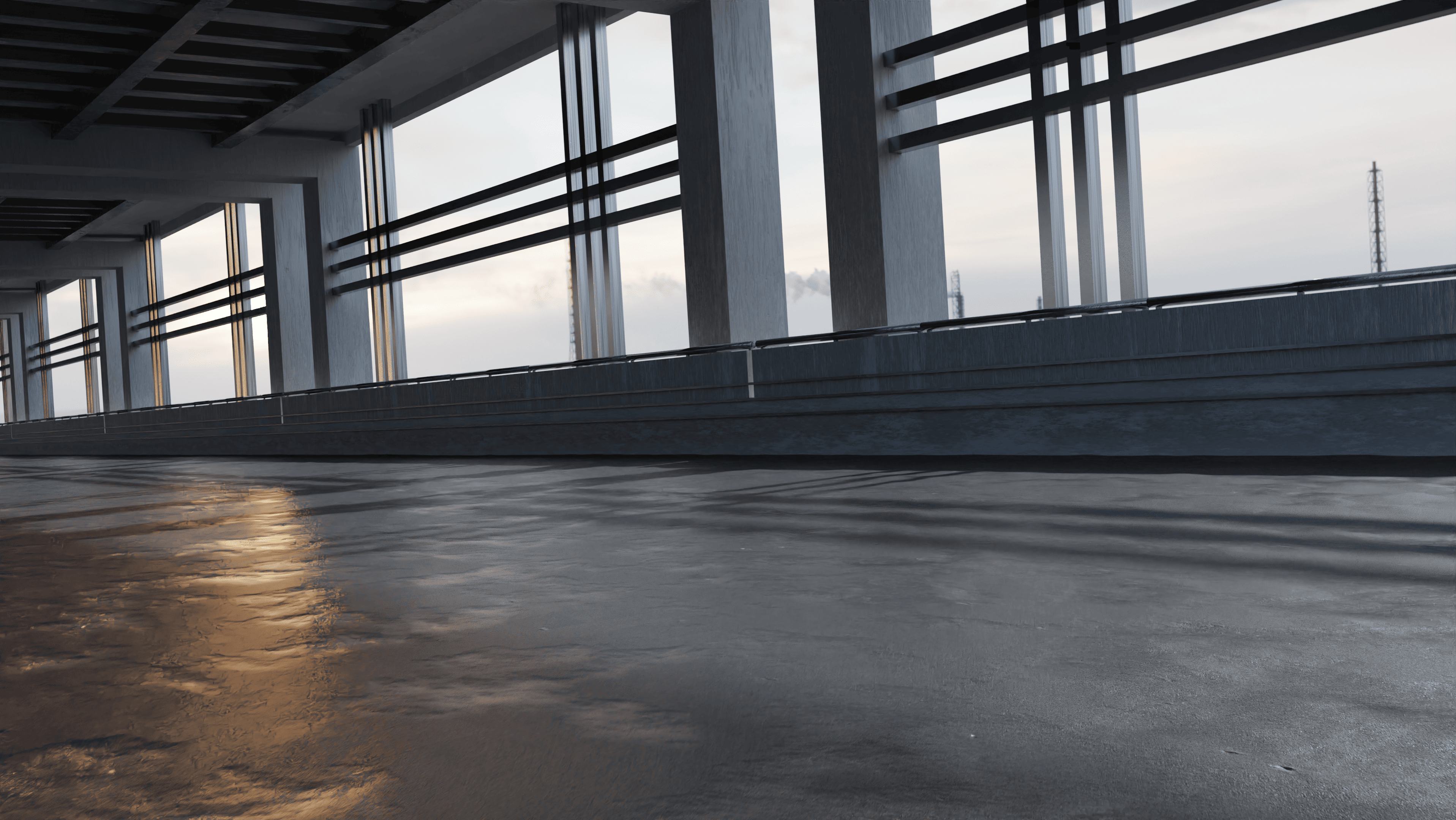
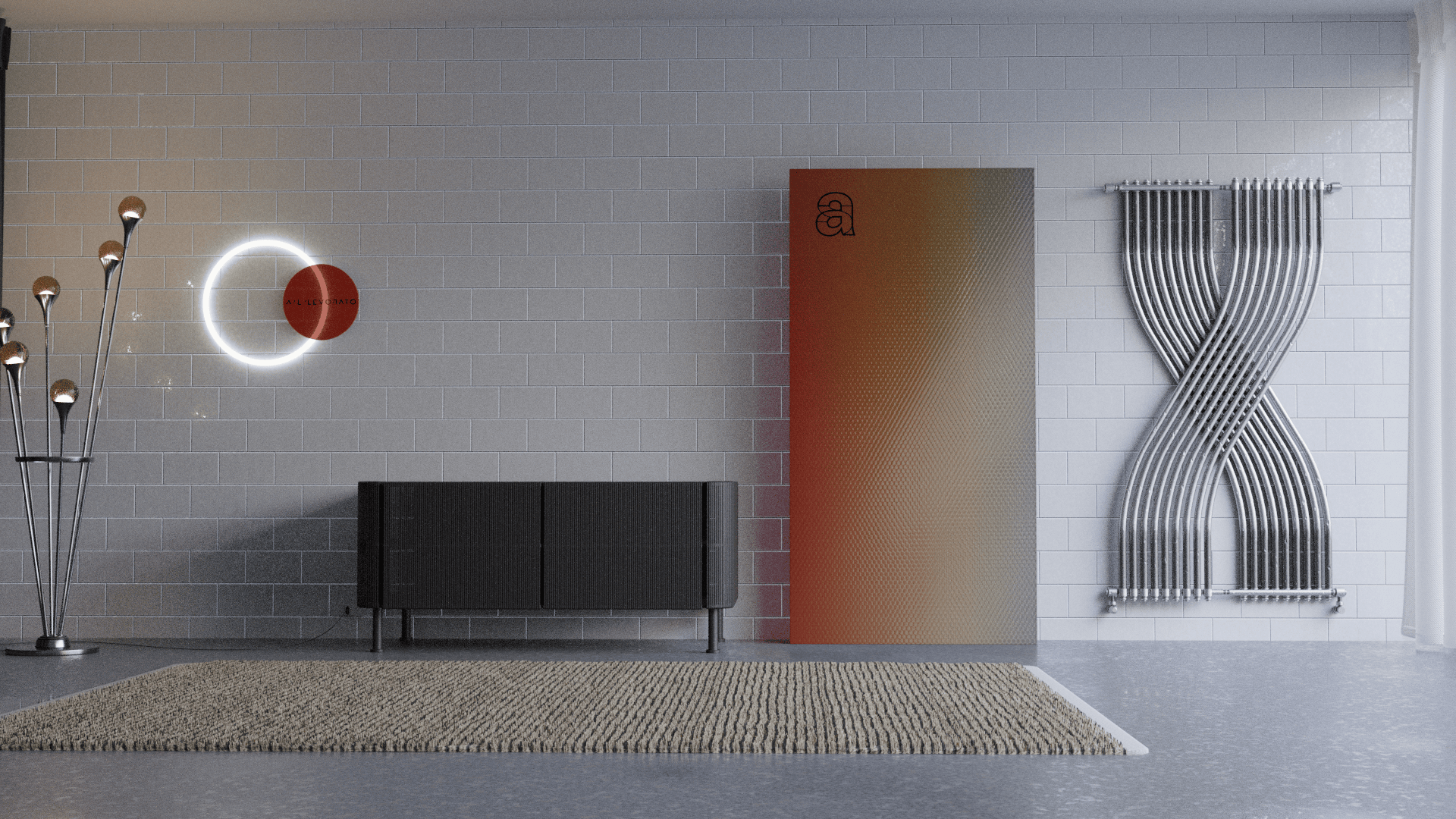
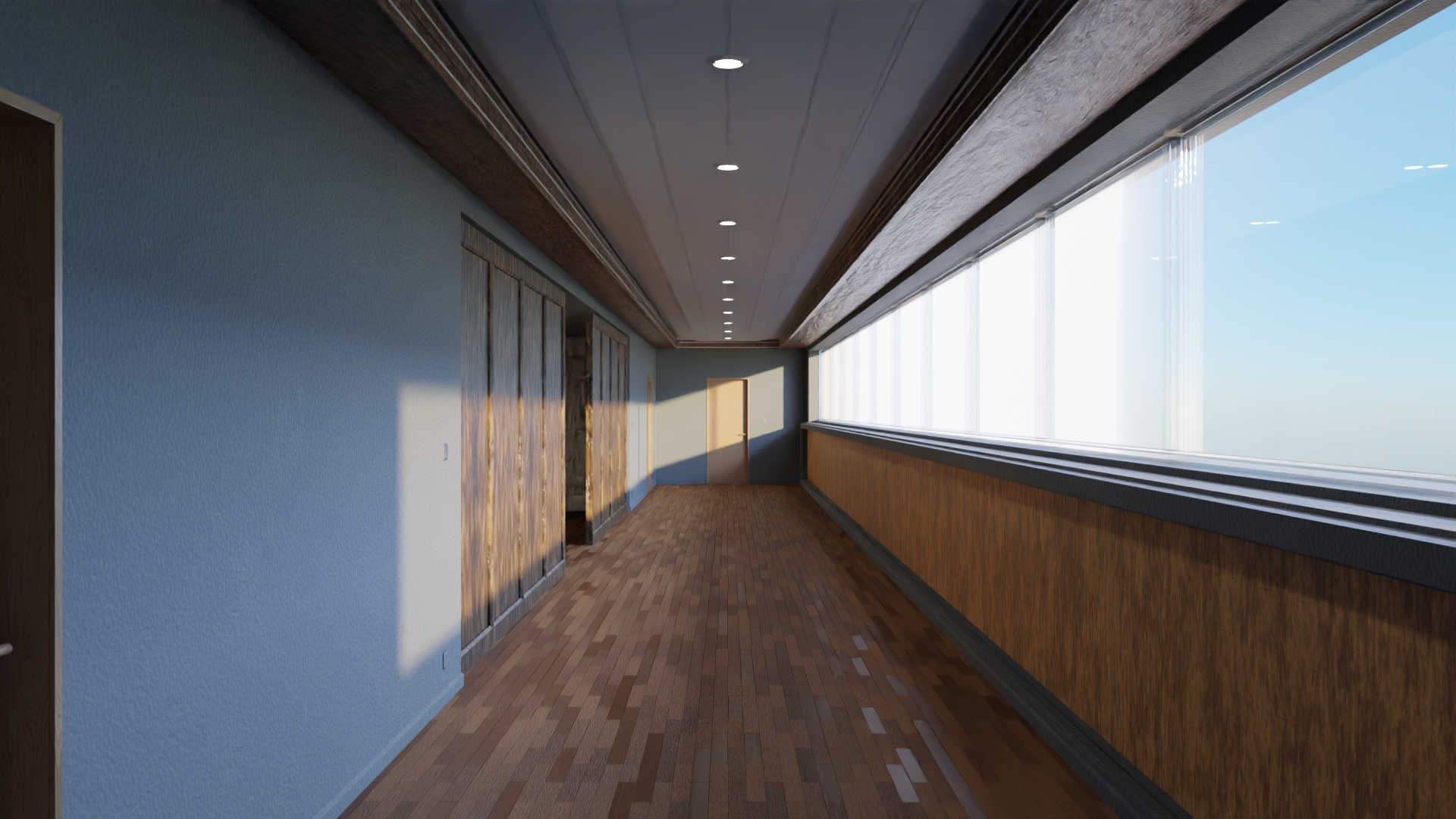
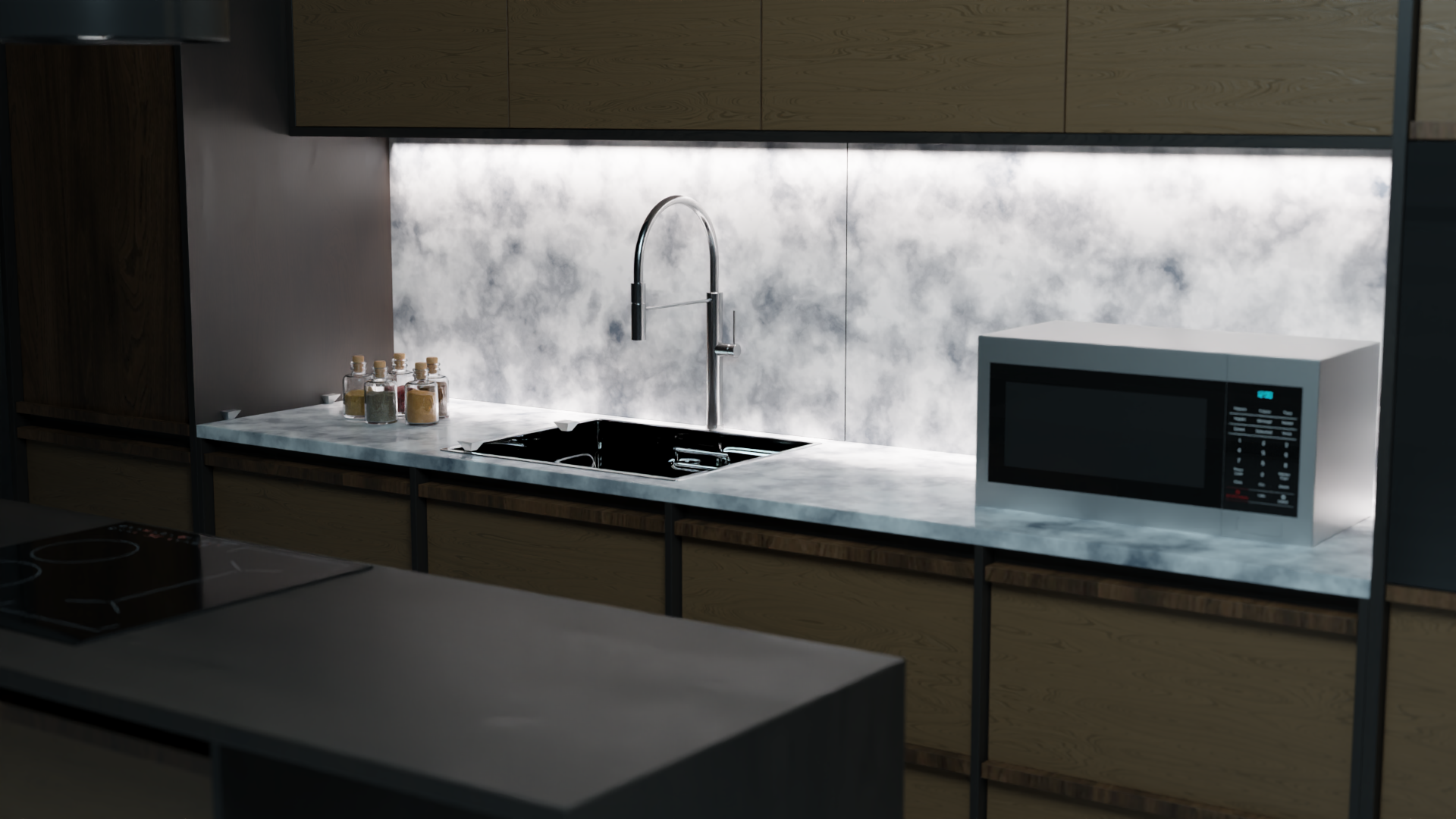


Get 30% OFF the Full Version: Use code clm-v3 🎁
Introducing the Custom Lazy Materials Blender addon, a game-changing tool for 3D artists and designers. With over 320 procedural materials that are fully customizable + more than 100 PBR materials + 14 Geometry Nodes, this addon allows you to create stunning and unique textures for your projects.
Bring your scenes to life in seconds with
Custom Lazy Materials
 The Custom Lazy Material Addon simplifies the creation of custom materials in blender. No more struggling with complex material settings or searching for the perfect texture.
About Our Add-on
This addon is designed to save you time and effort, allowing you to focus on the creative aspects of your work. Whether you're a beginner, an experienced professional, or a hobbyist, our custom lazy materials addon is the perfect tool to enhance your creative workflow and bring your designs to life.
 It offers a user-friendly panel for creating various types of materials, including wood, metal, glass, car paint, fabric, synthesis, planets, organic materials, and a lot more, we've got you covered.
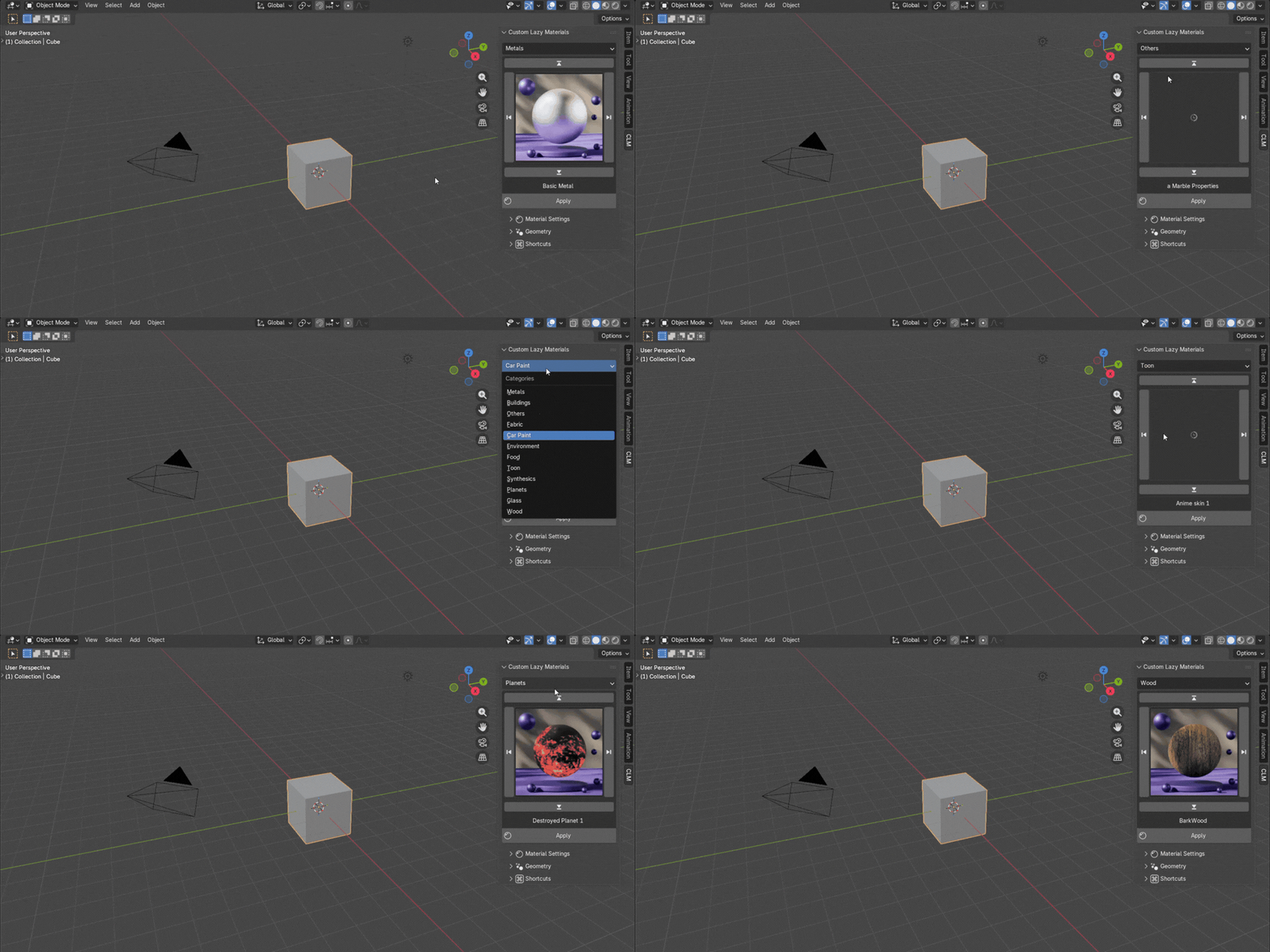
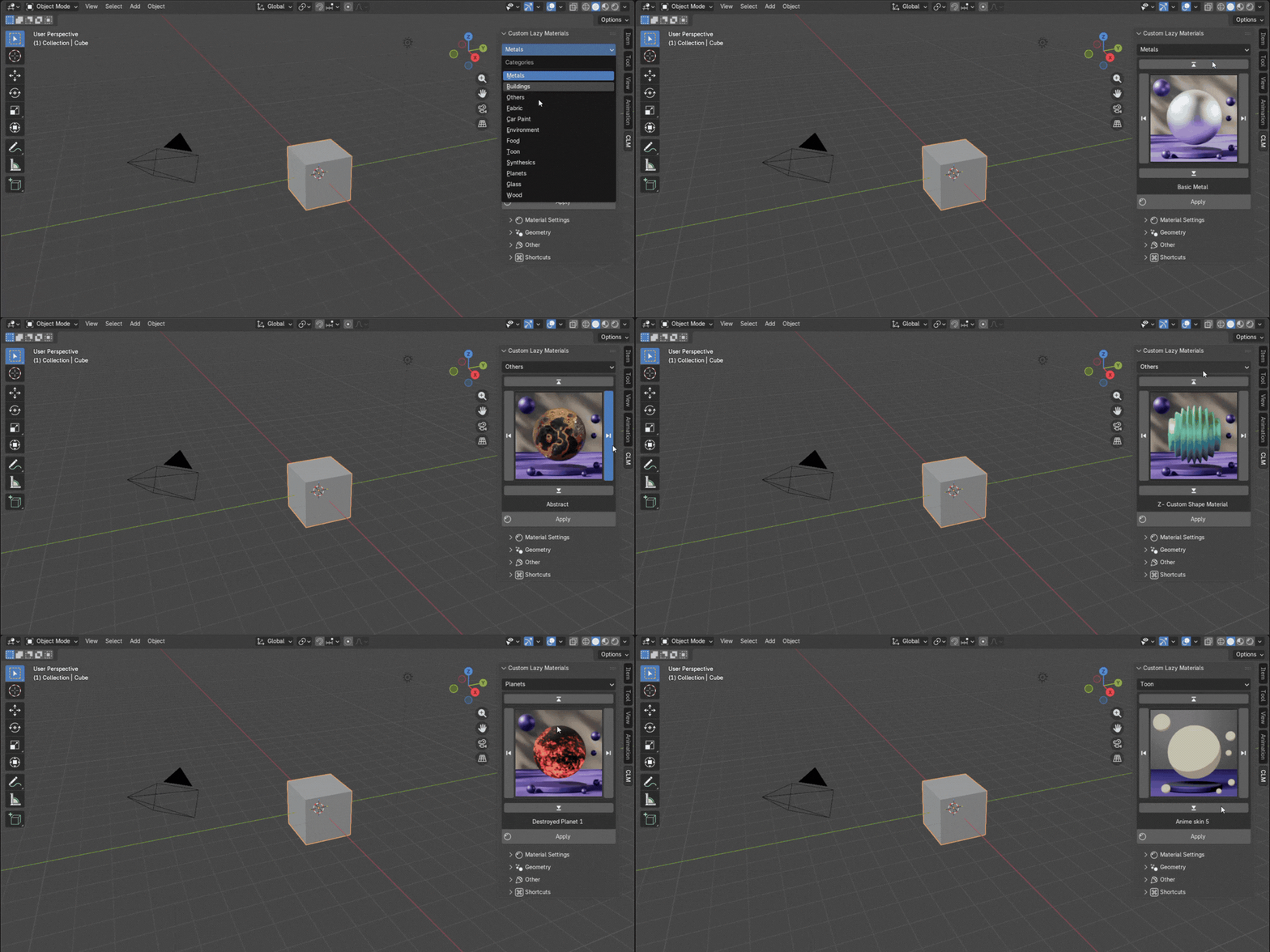
Navigate through categories and materials easily with V 3.0 Beta
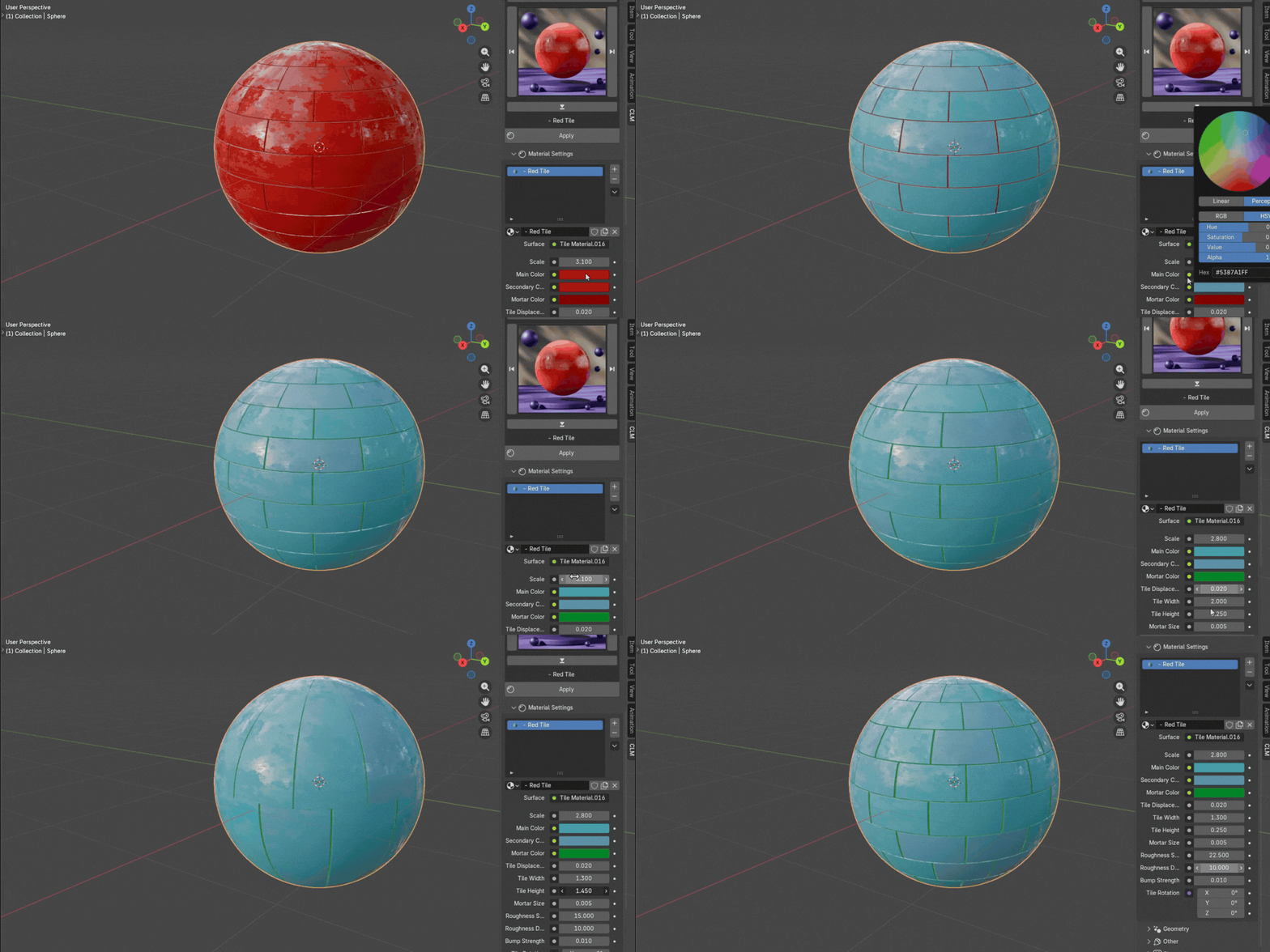
 With just a few clicks, you can create tens of different shapes from one material, eliminating the need for repeating patterns or boring textures.
Materials
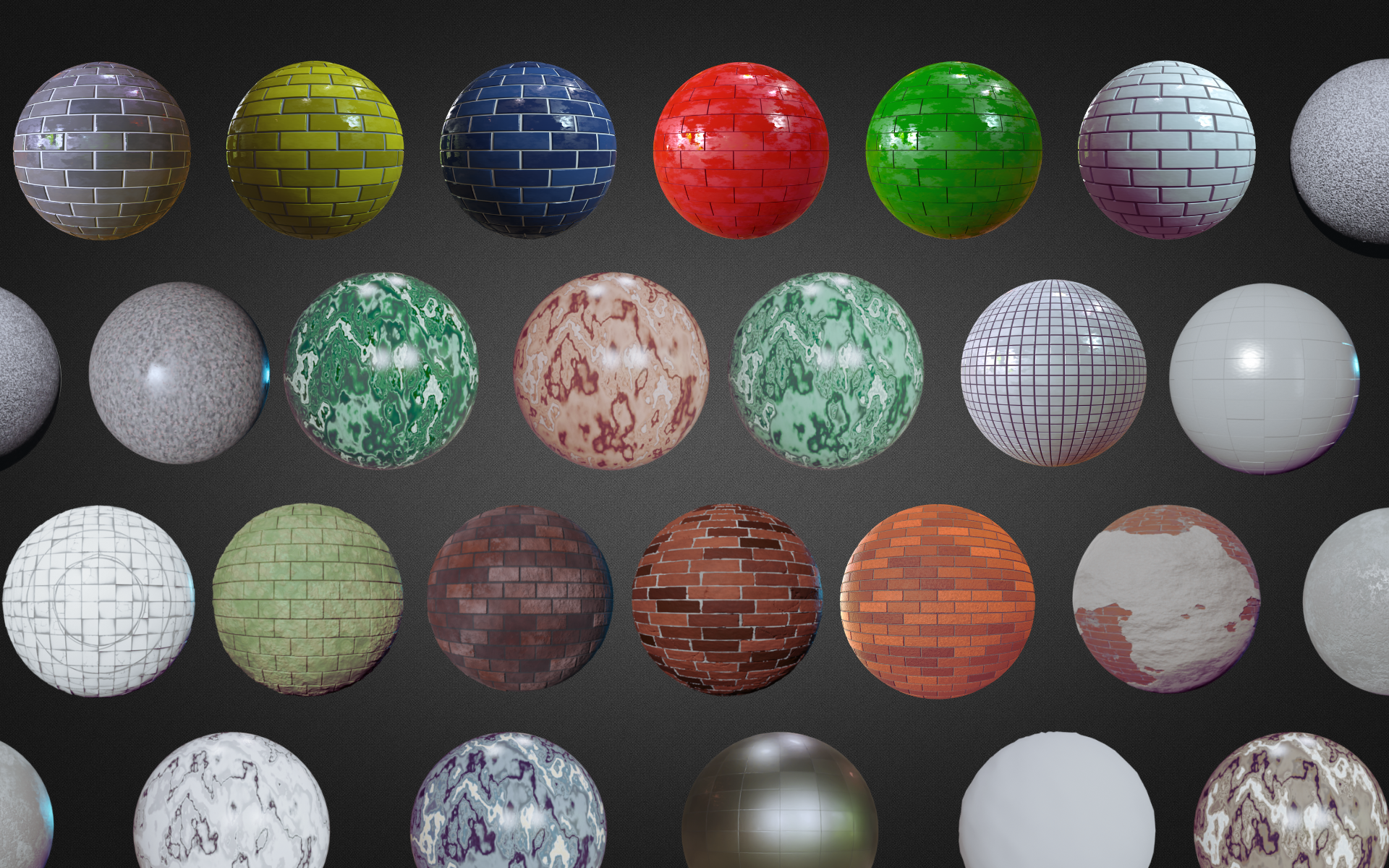
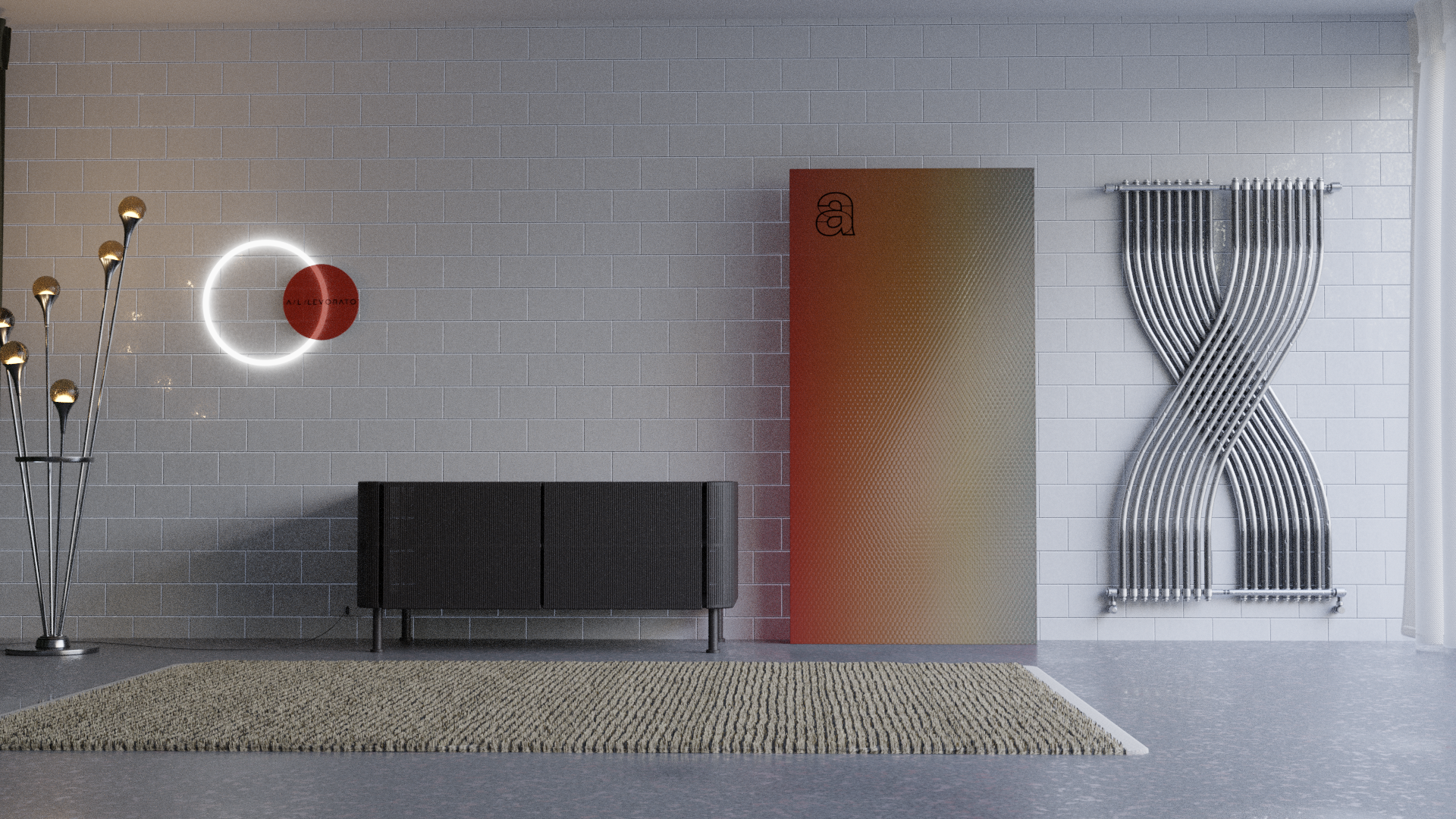
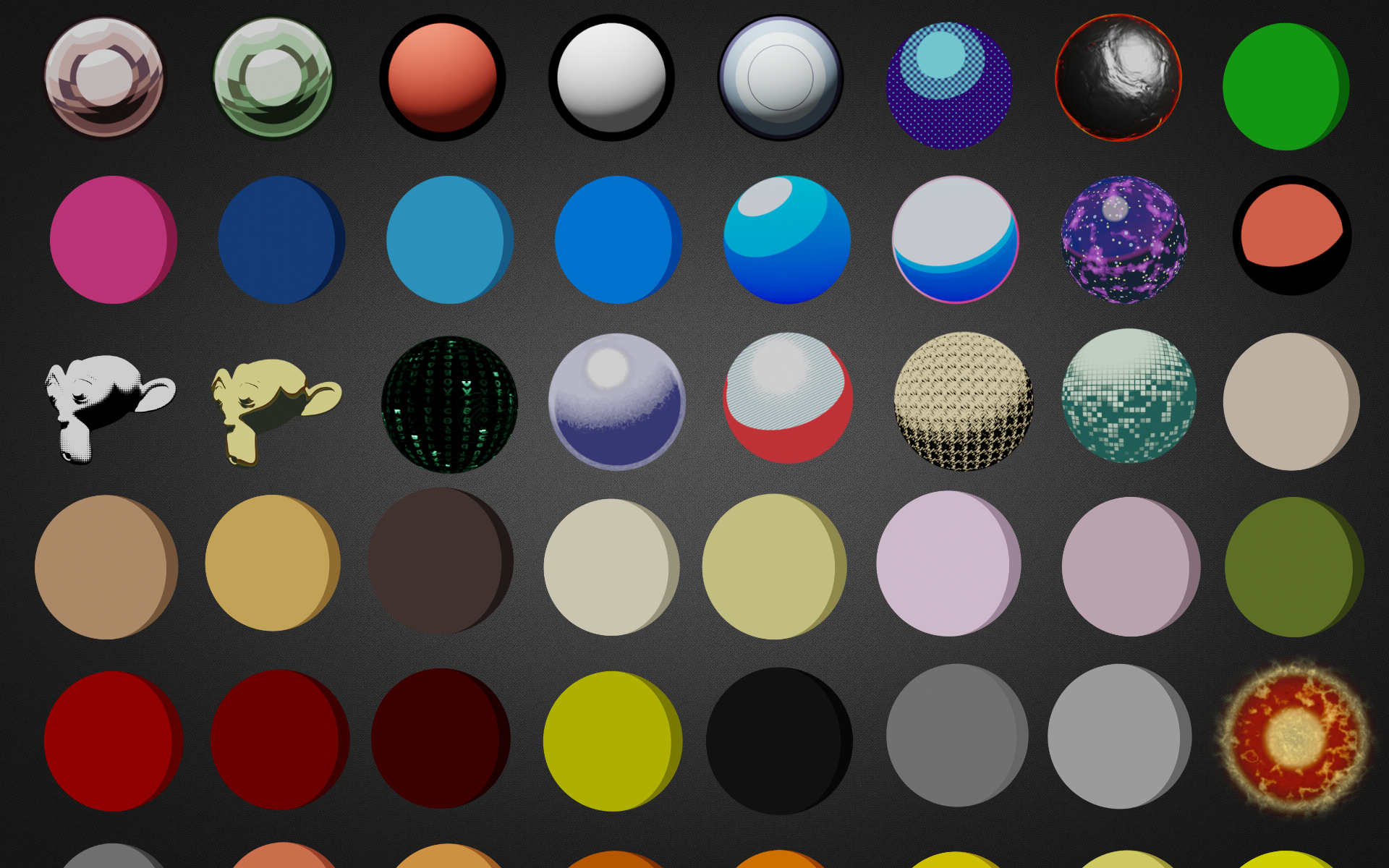
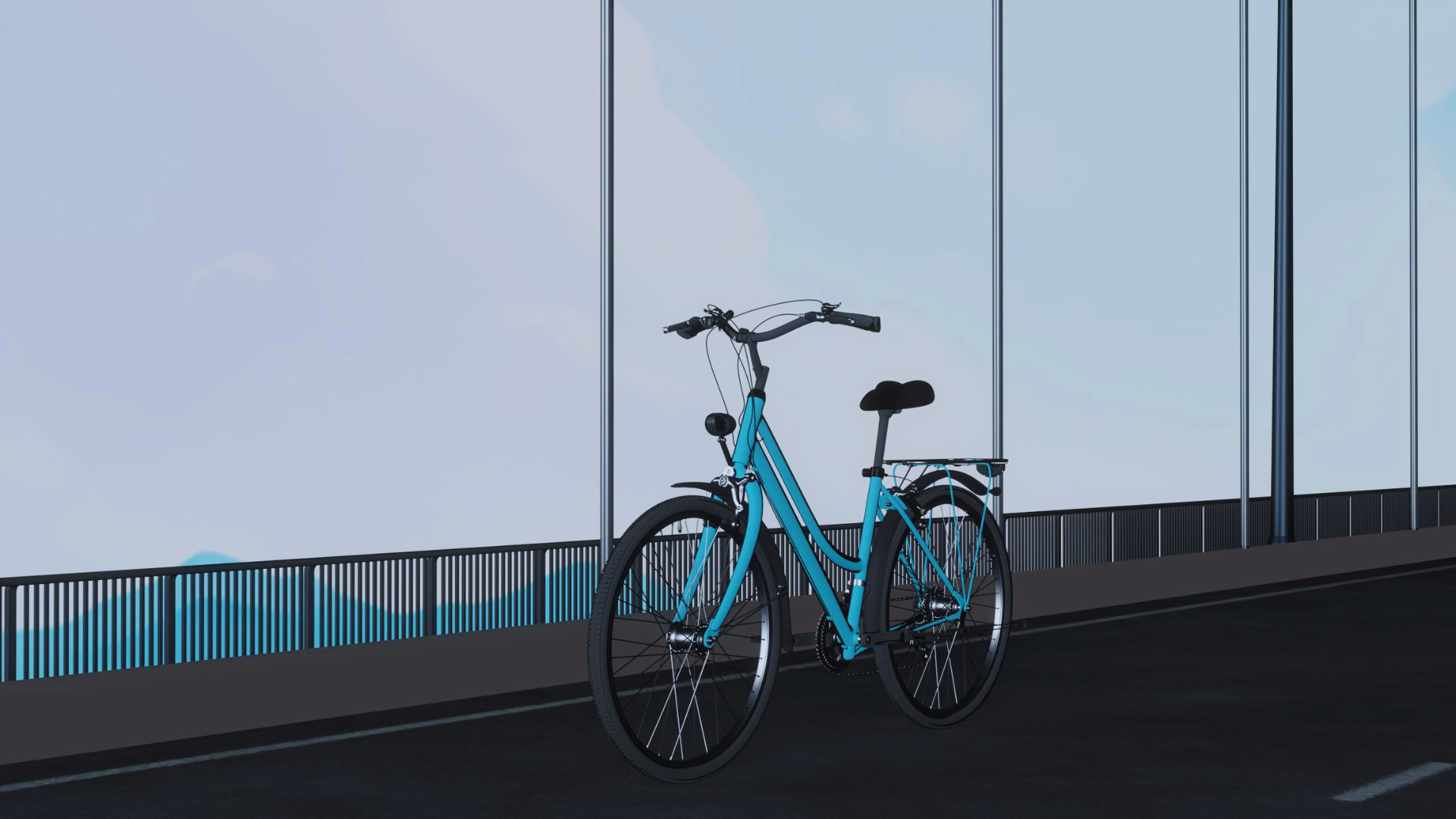
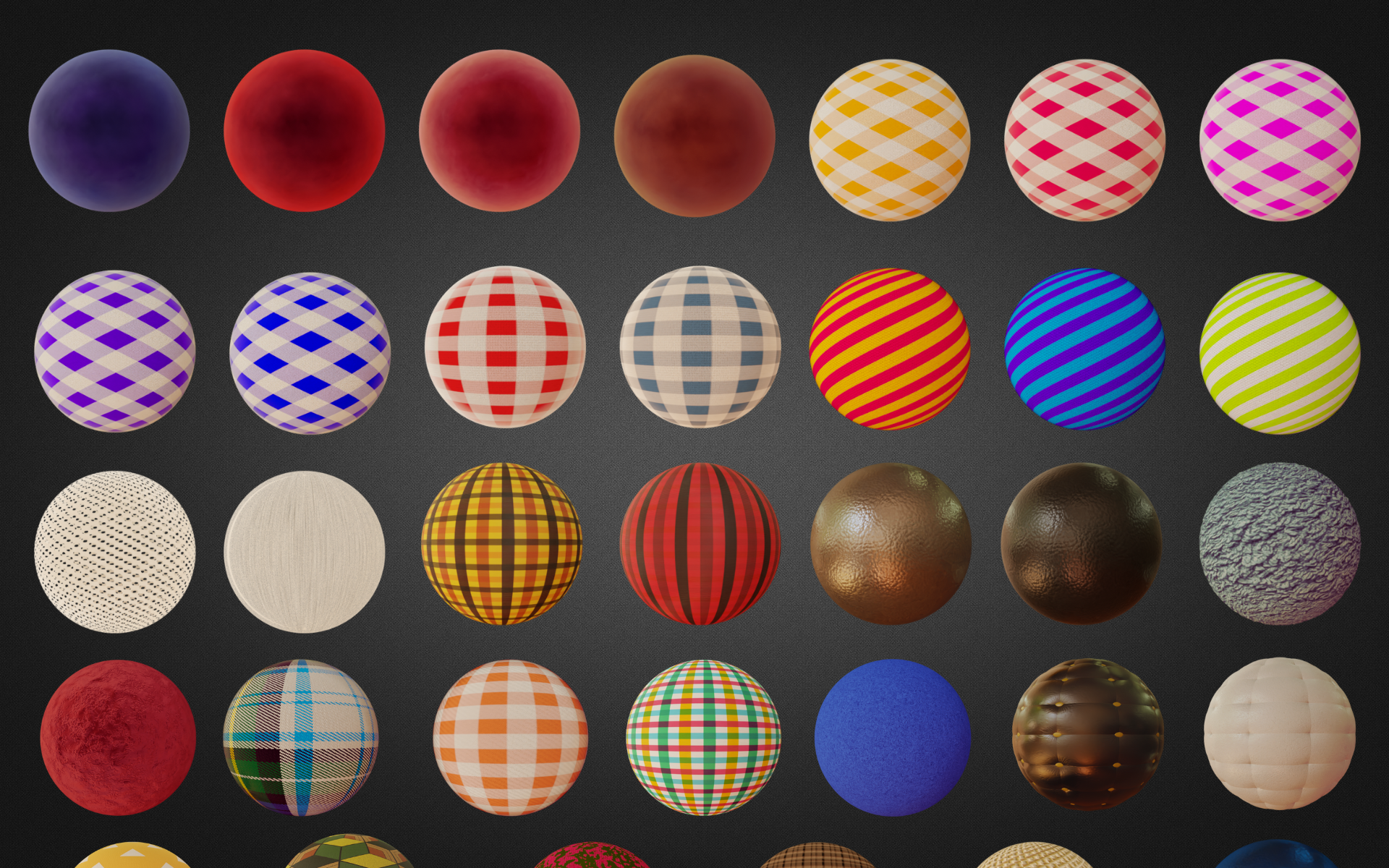
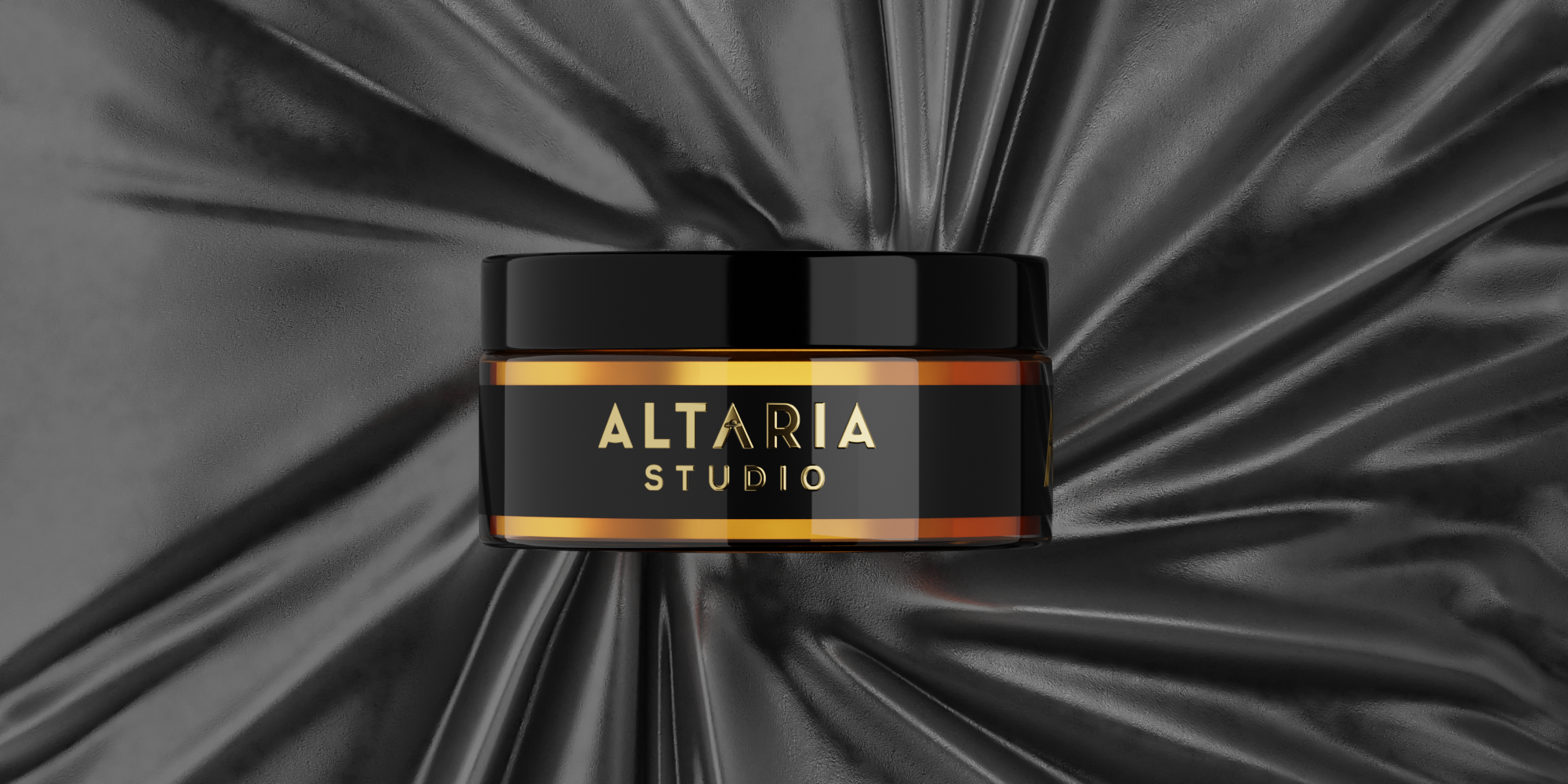
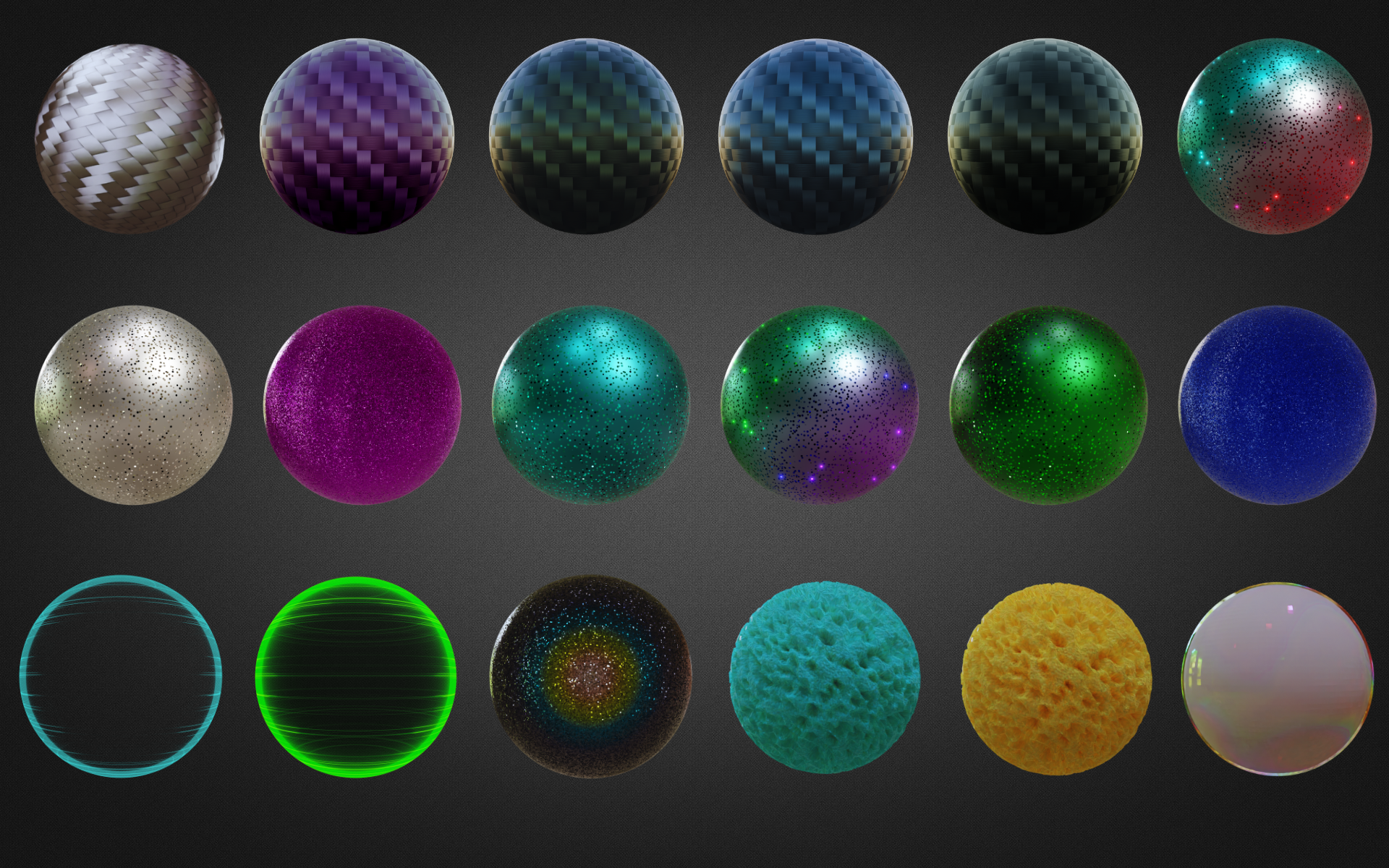
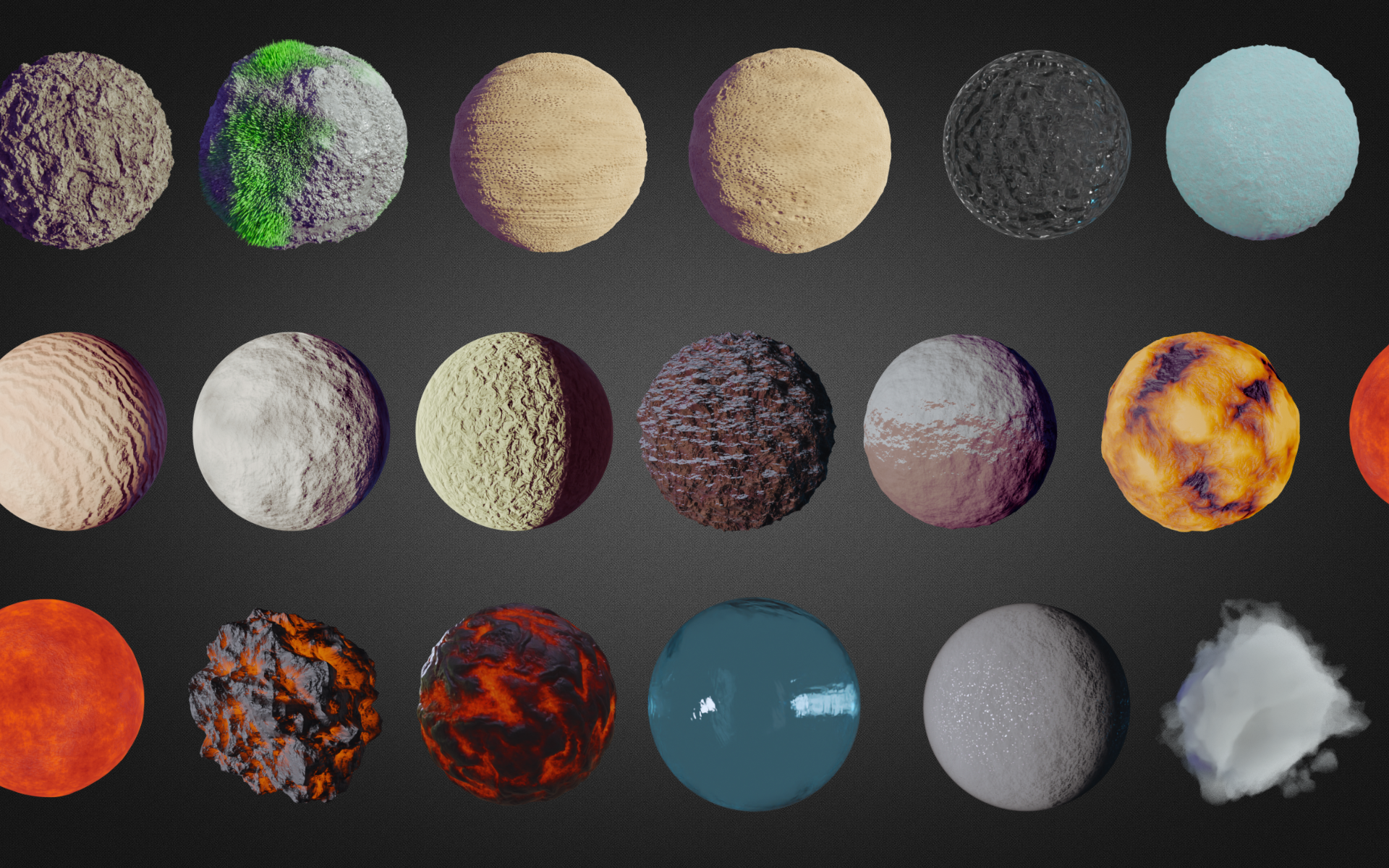
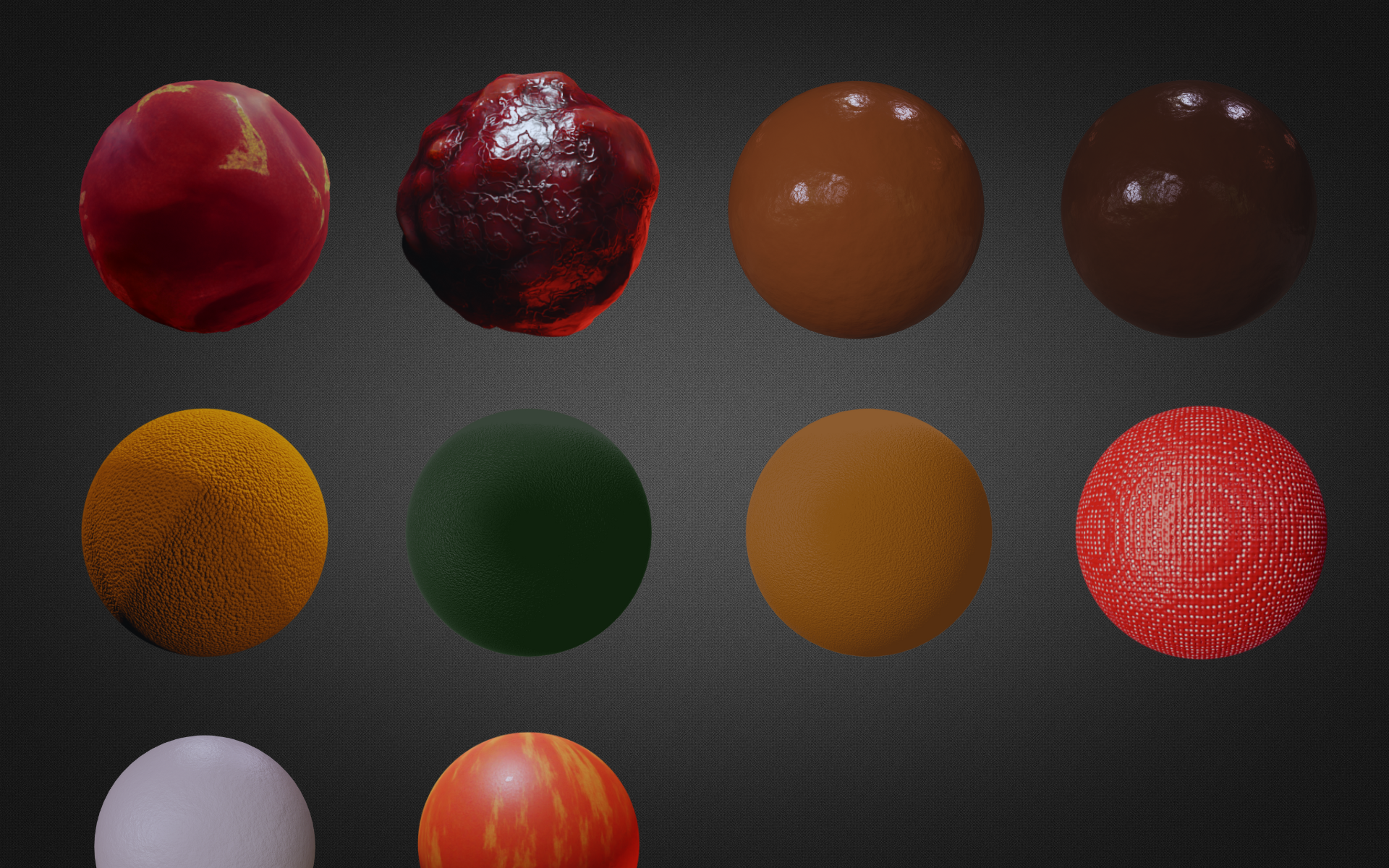
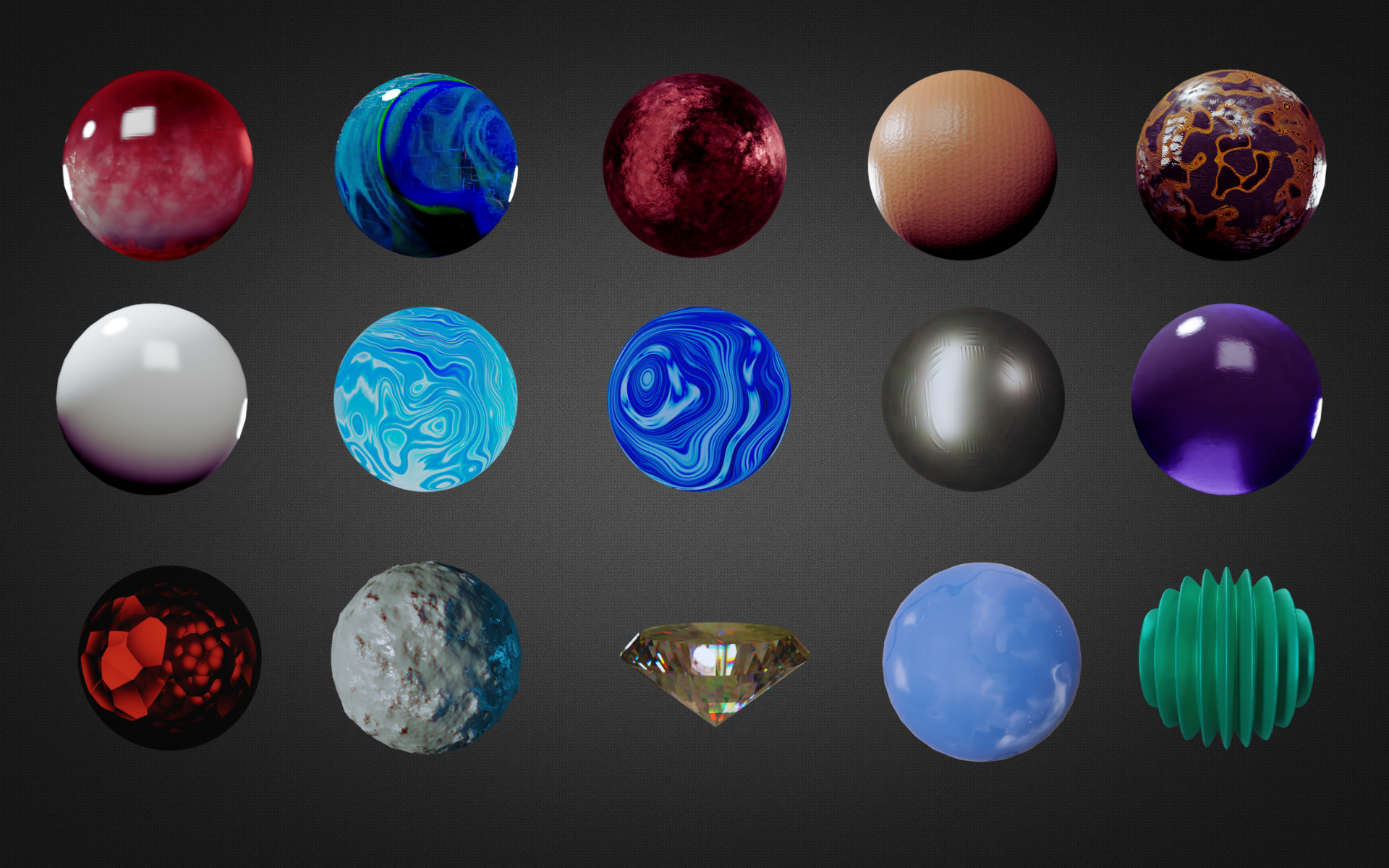
Our addon includes more than 320 procedural materials that are fully customizable. These materials have been thoughtfully organized into different categories, making it easy for you to find exactly what you need. Whether you're working on a project that requires realistic wood textures, vibrant fabric designs, stunning building materials, eye-catching car paint, playful toon styles, or shiny metals, we have you covered.

Metals

--------------------
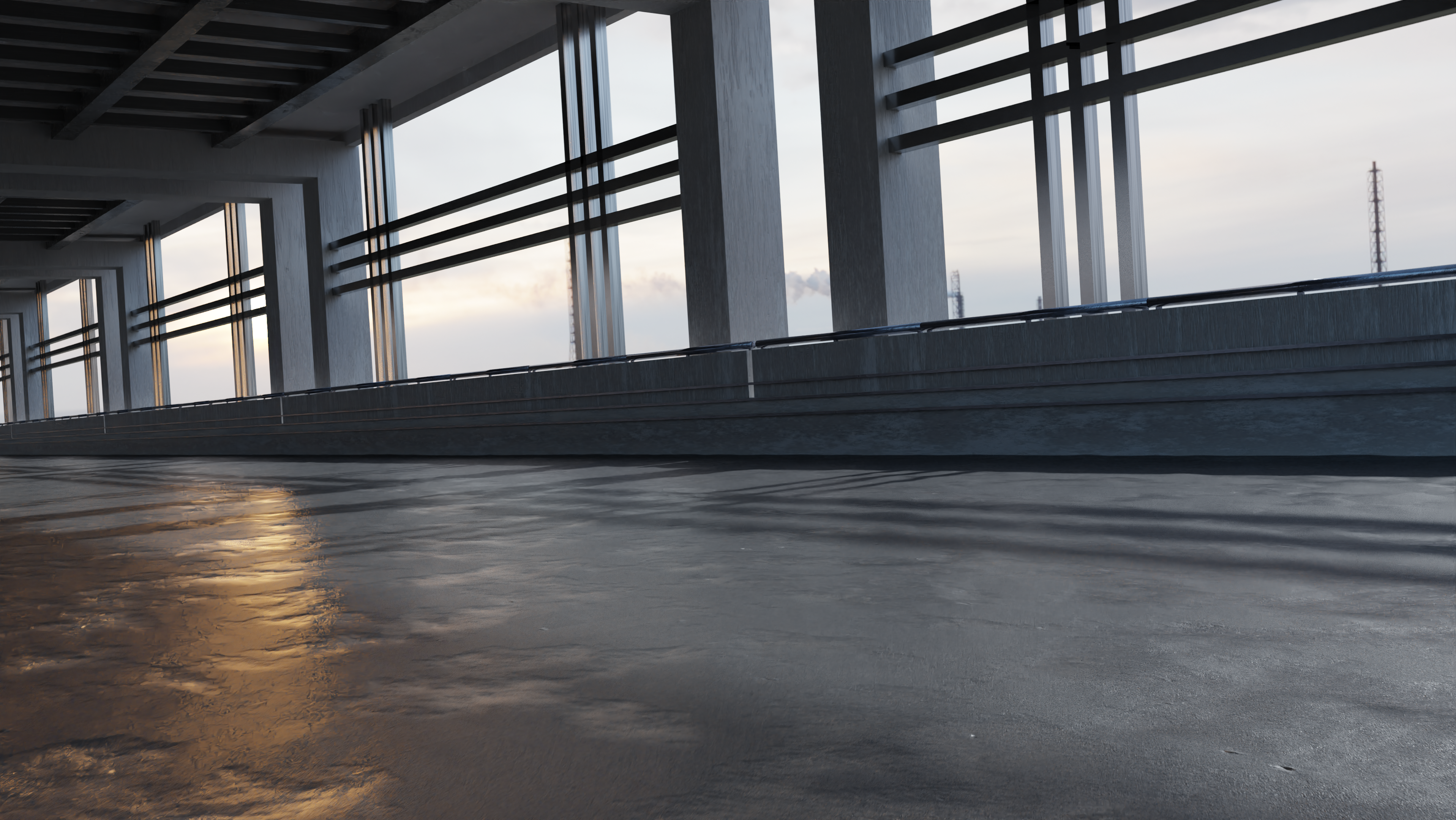
Buildings
--------------------

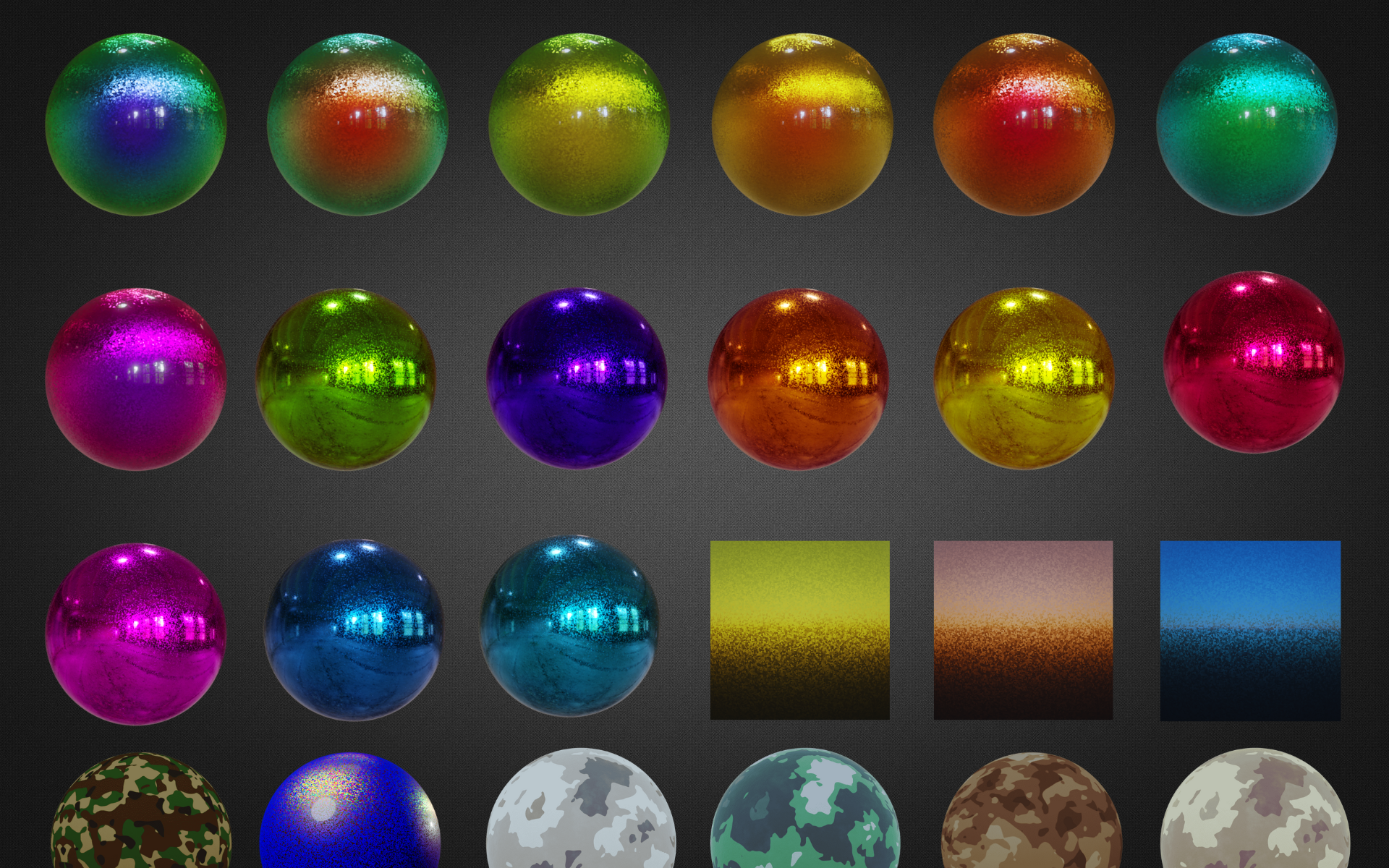
Car Paint

--------------------

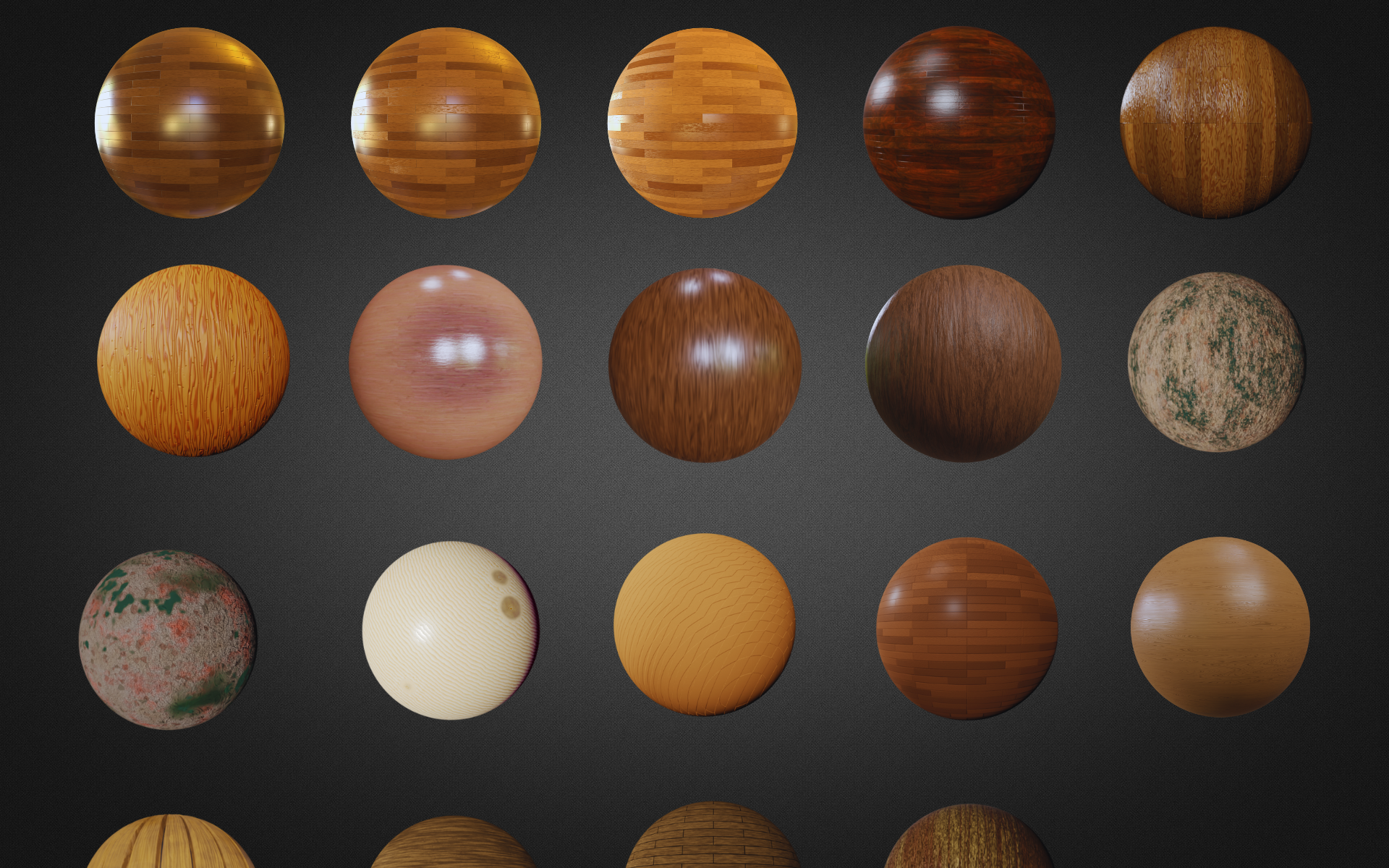
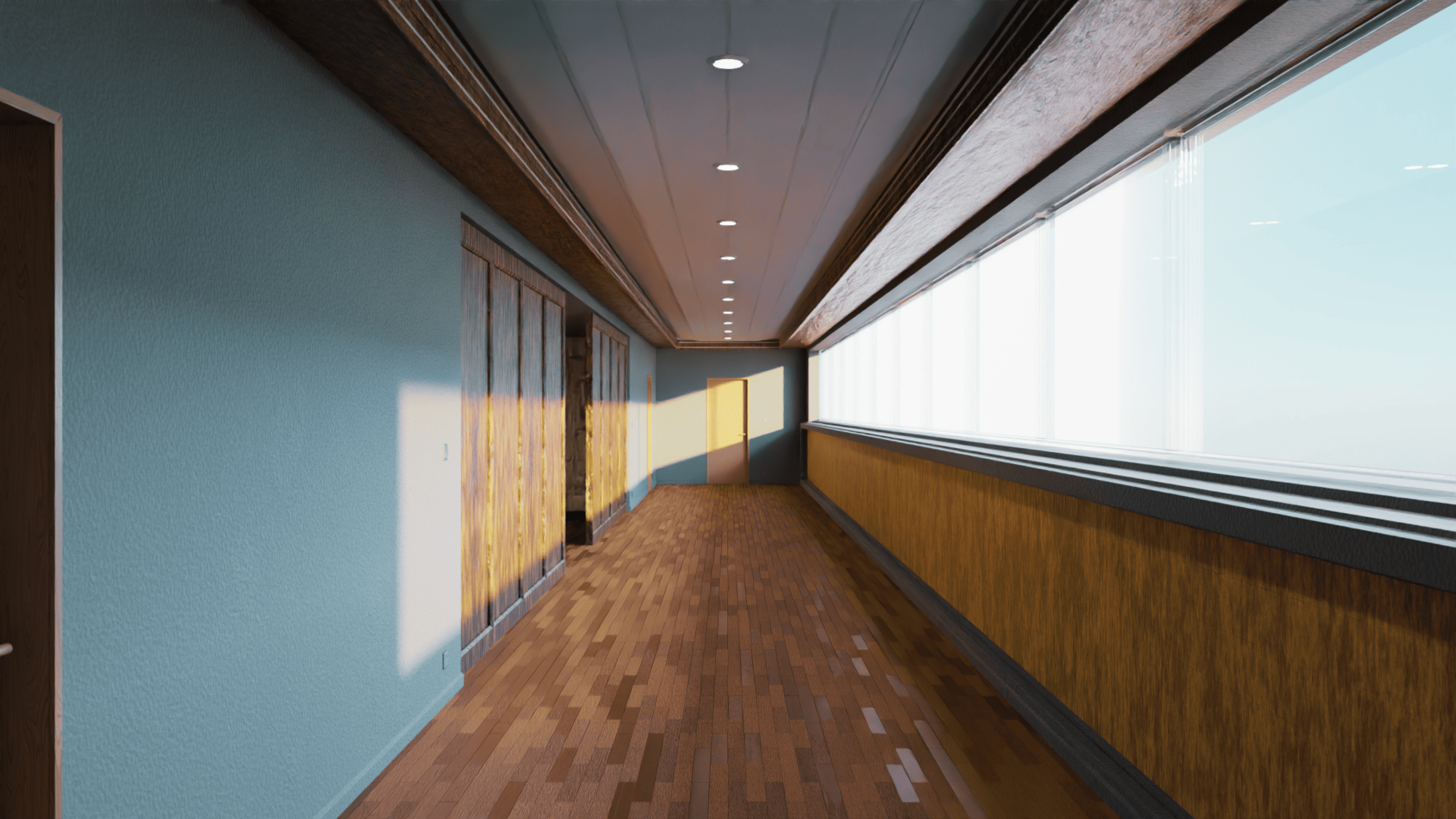
Wood
--------------------

Toon

--------------------

Fabric
--------------------

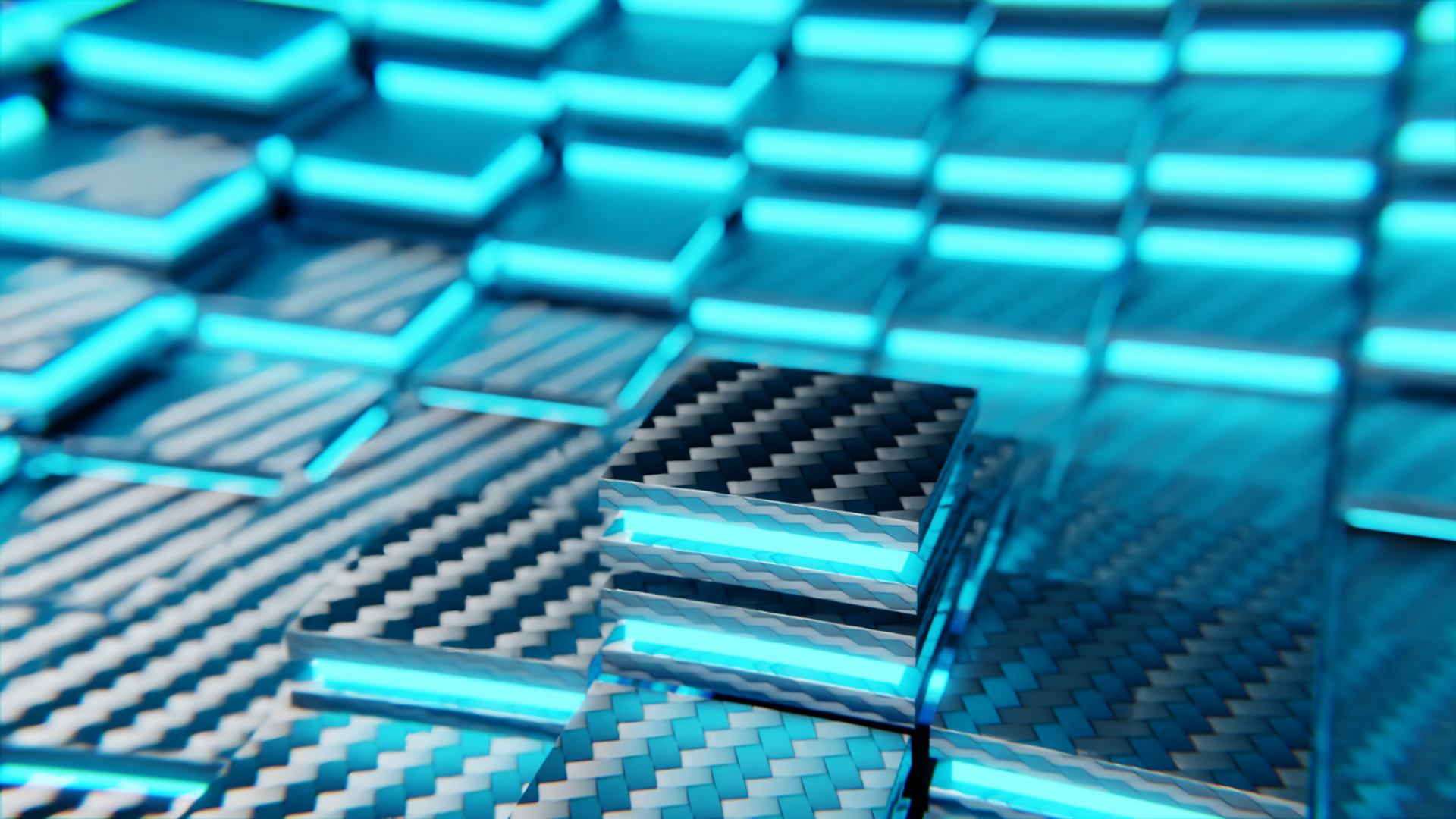
Synthetics
--------------------

Environment
--------------------

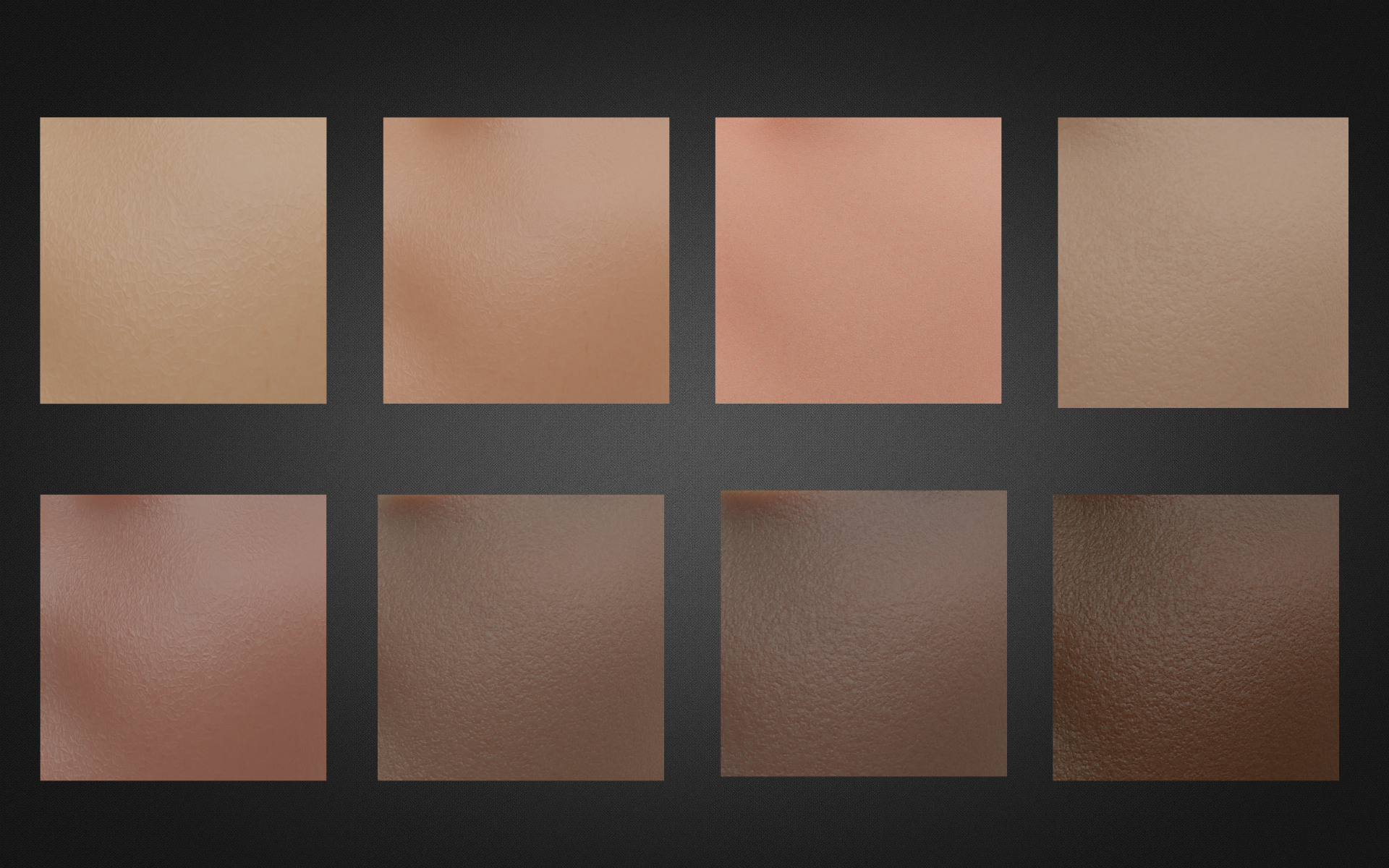
Skins
--------------------

Food
--------------------

Others
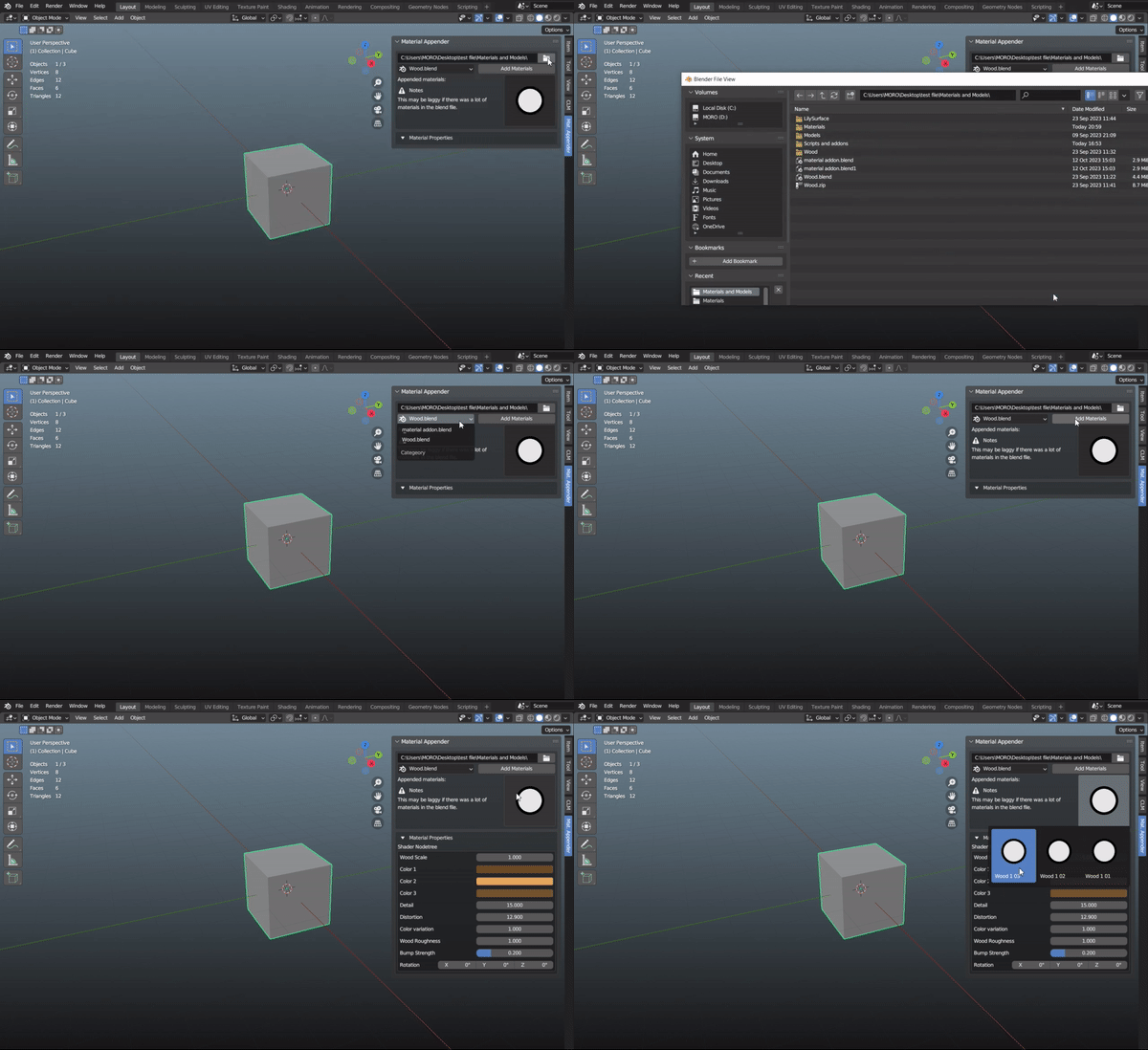
Append Your Materials

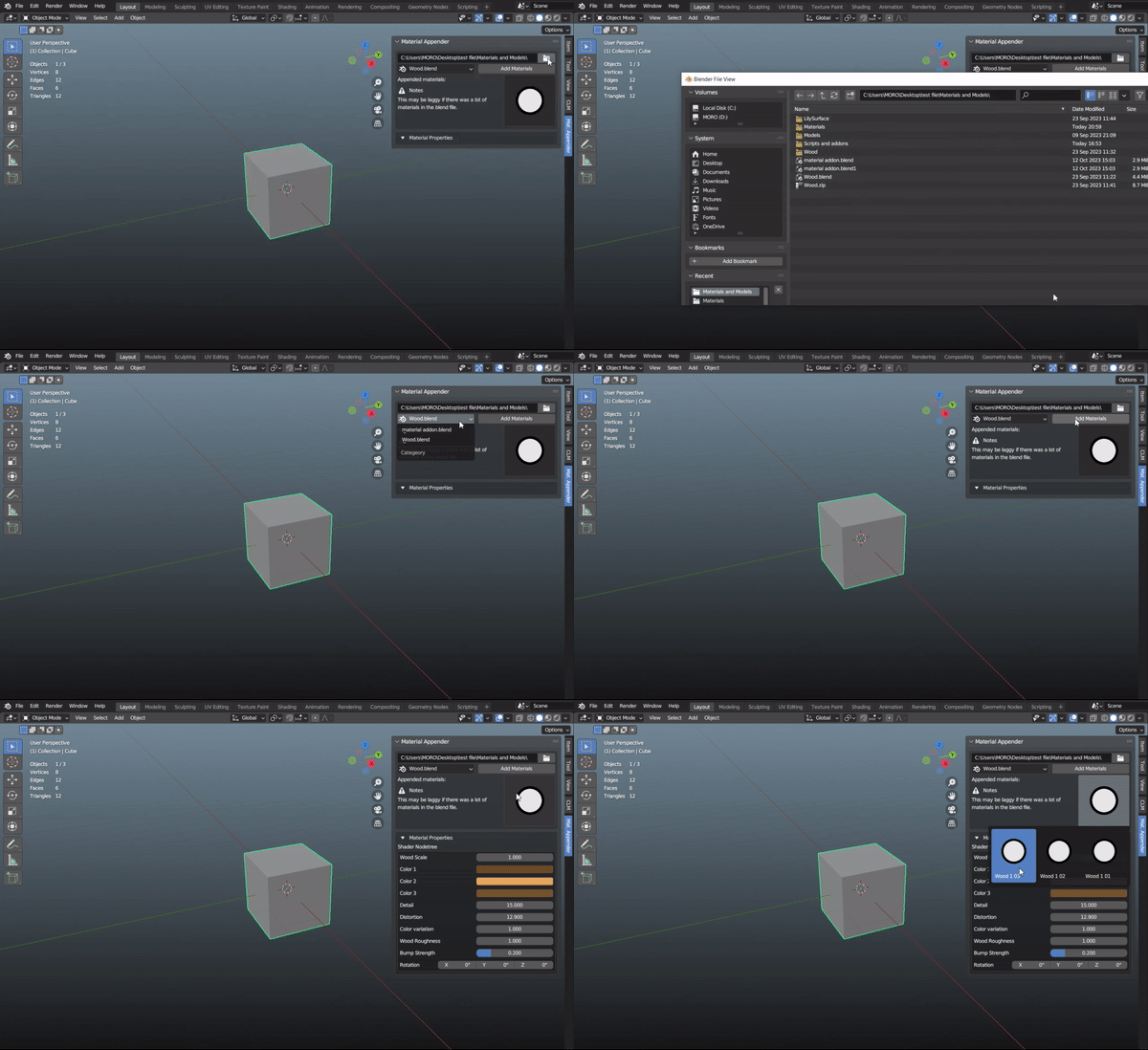
Append Your Materials with just few clicks:
1- Choose the directory
2- Select the file that you want to append the materials from
3- Click "Add Material"
and all materials that was in that file will be shown in an icon gallery to know the materials you appended
You will also find
Custom Material Property
customize your materials in just a few clicks.

The intuitive interface of Custom Material Property makes it incredibly easy to use. Simply select the material you want to customize, and with just a few clicks, you can modify its color, texture, glossiness, and many other properties.
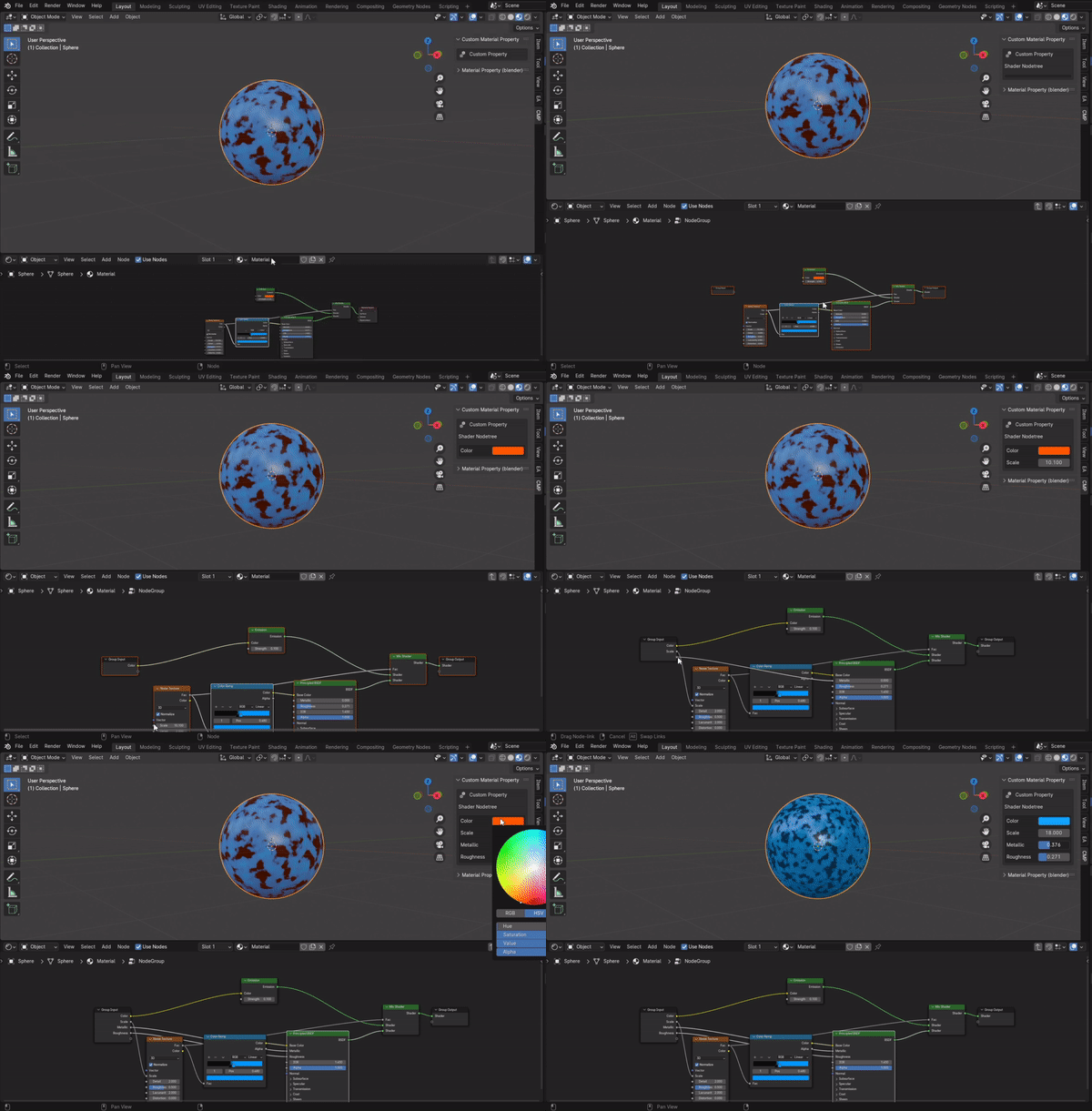
This powerful add-on simplifies the customization process, saving you valuable time and effort.
But wait, there's even more!

The addon also includes over 40 high-quality 2D people pose images, enhancing the realism and life of your scenes. Say goodbye to tedious material creation and hello to stunning, realistic materials.


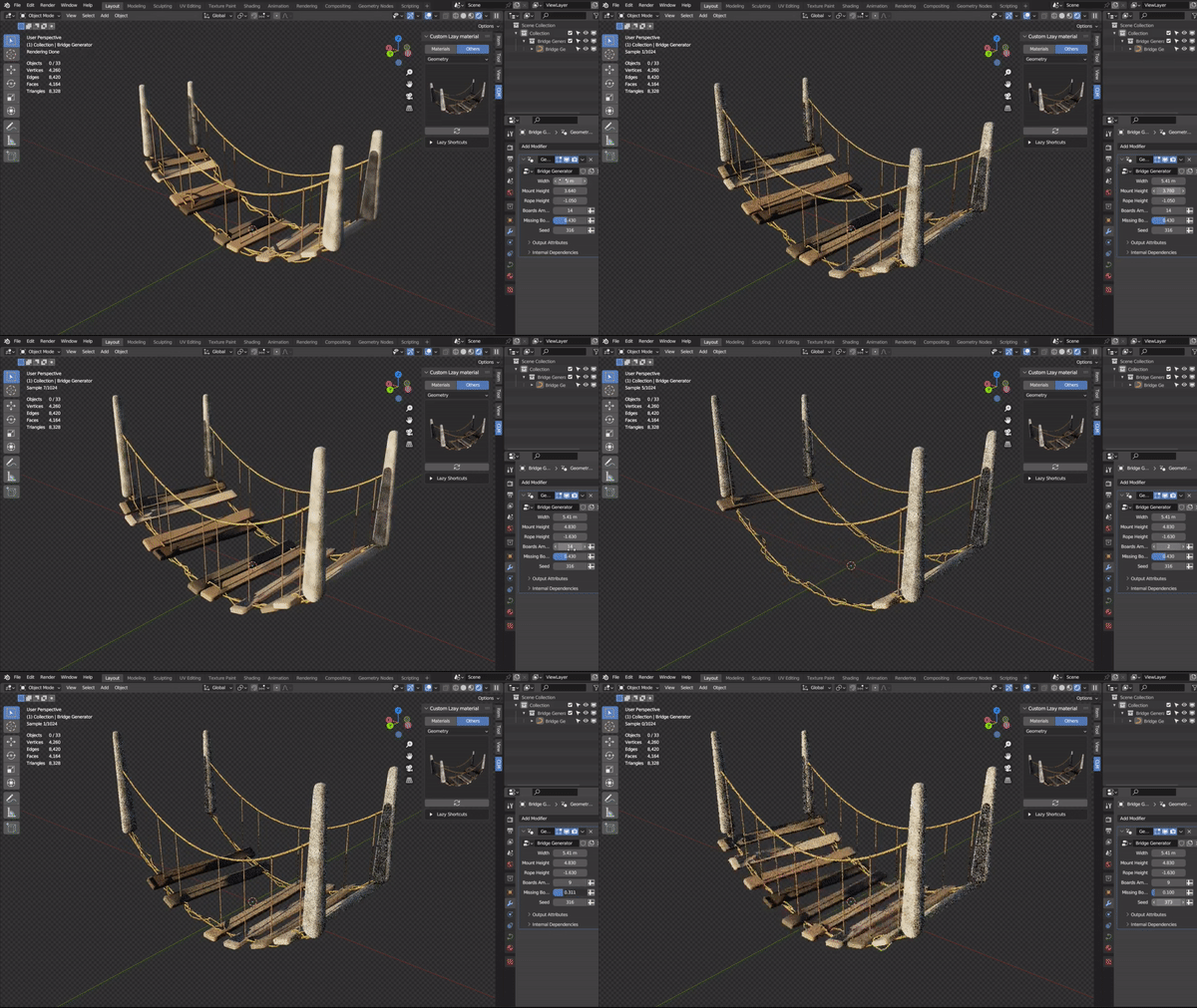
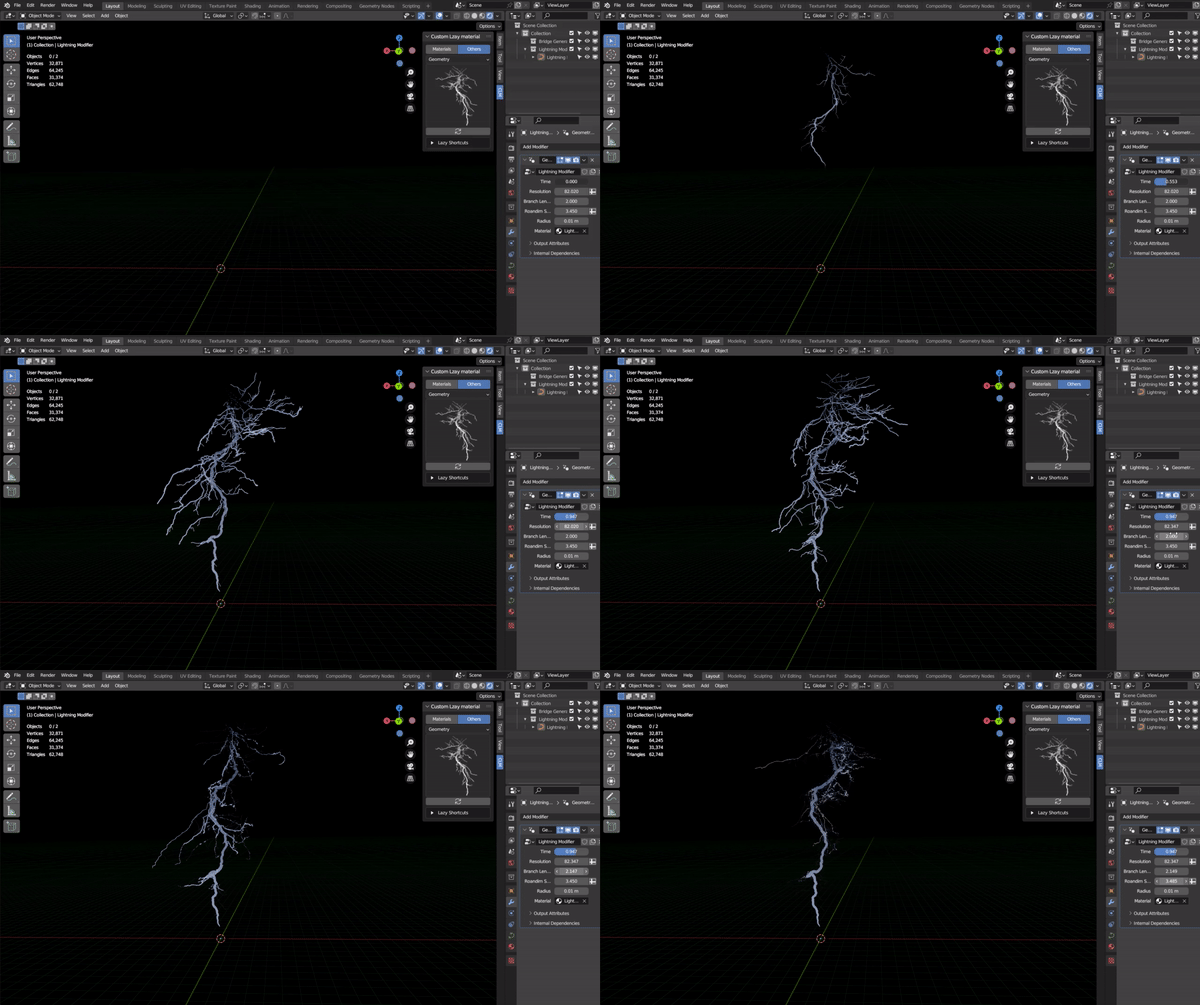
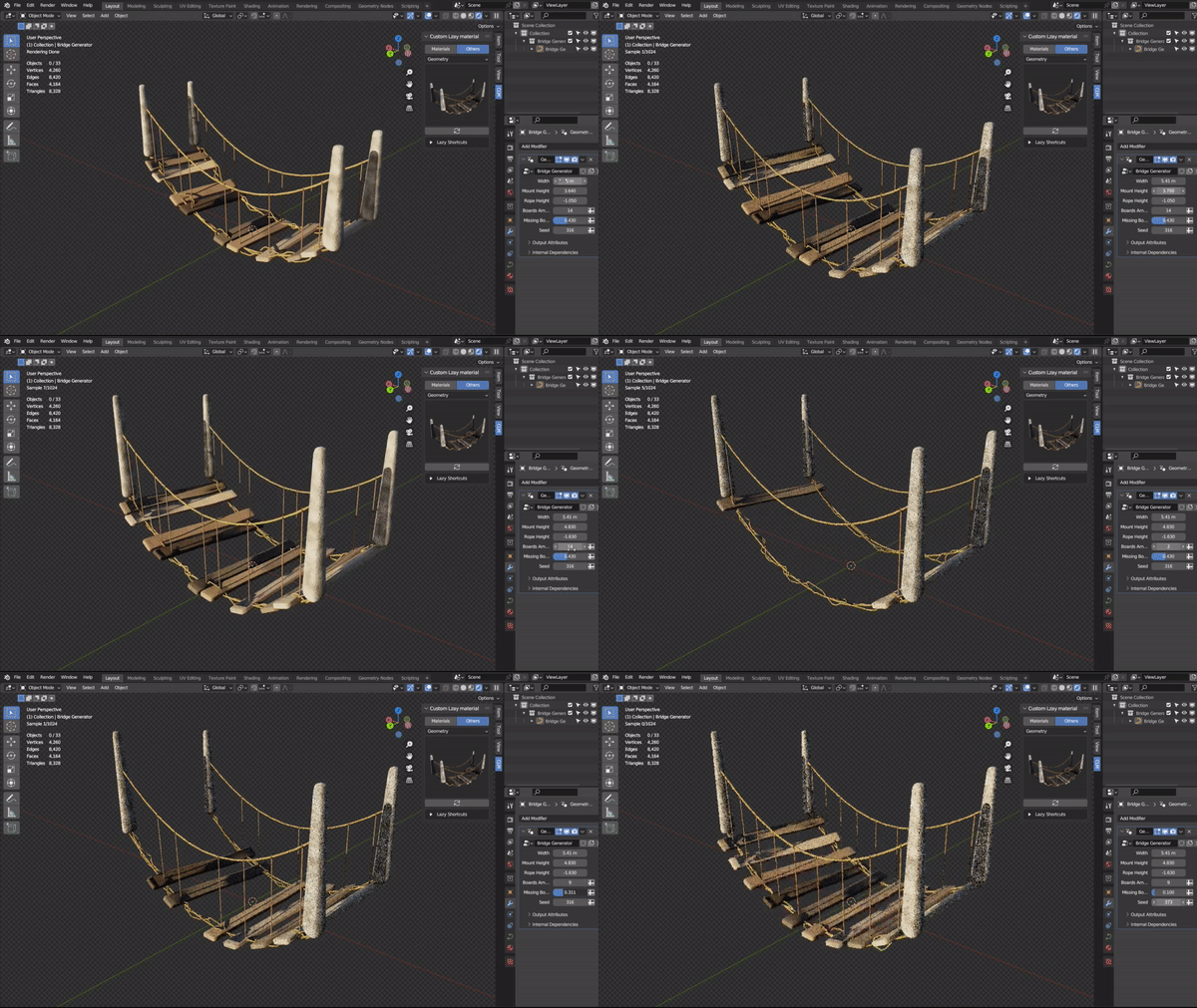
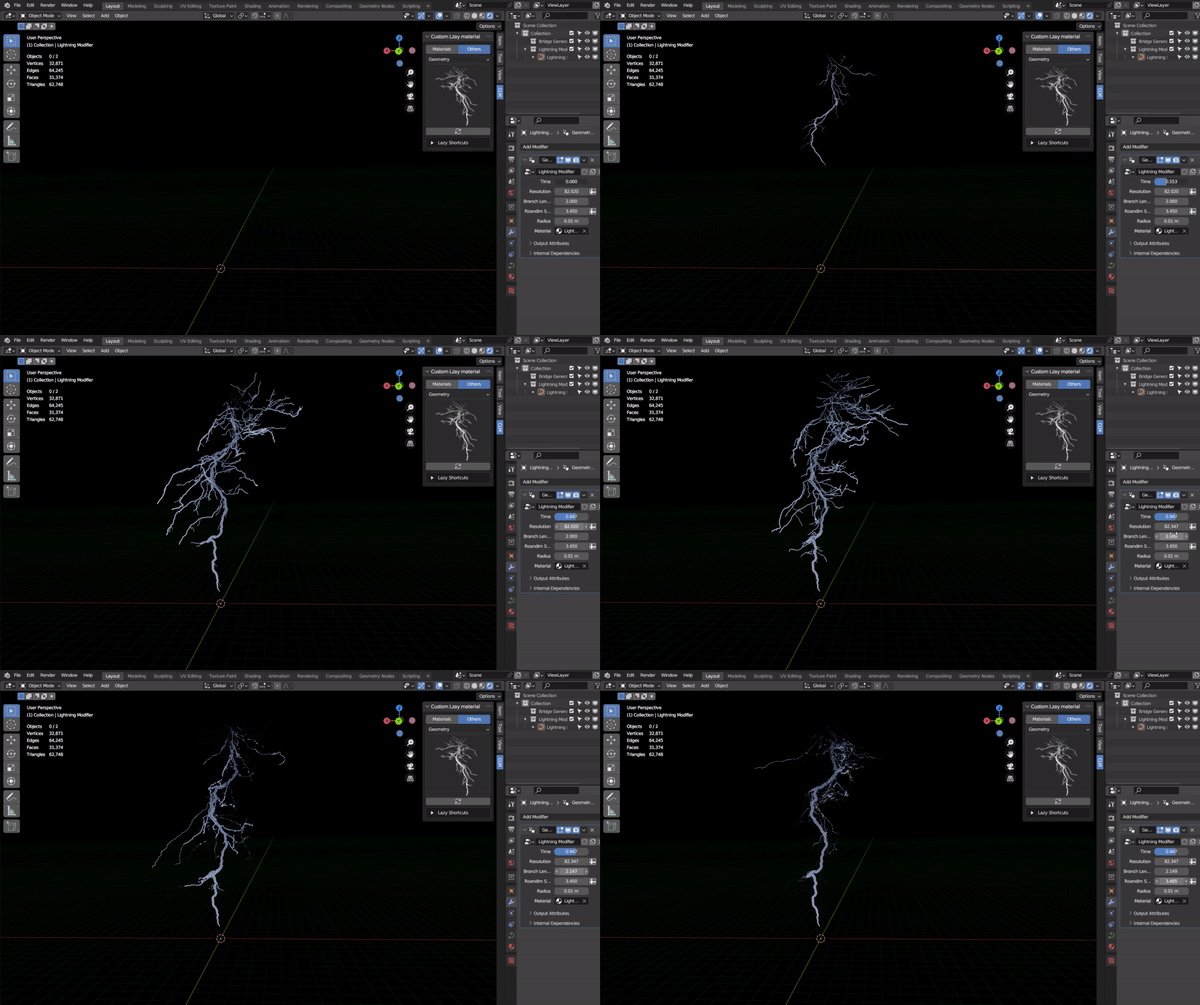
There are also 14 Geometry Nodes come with the add-on
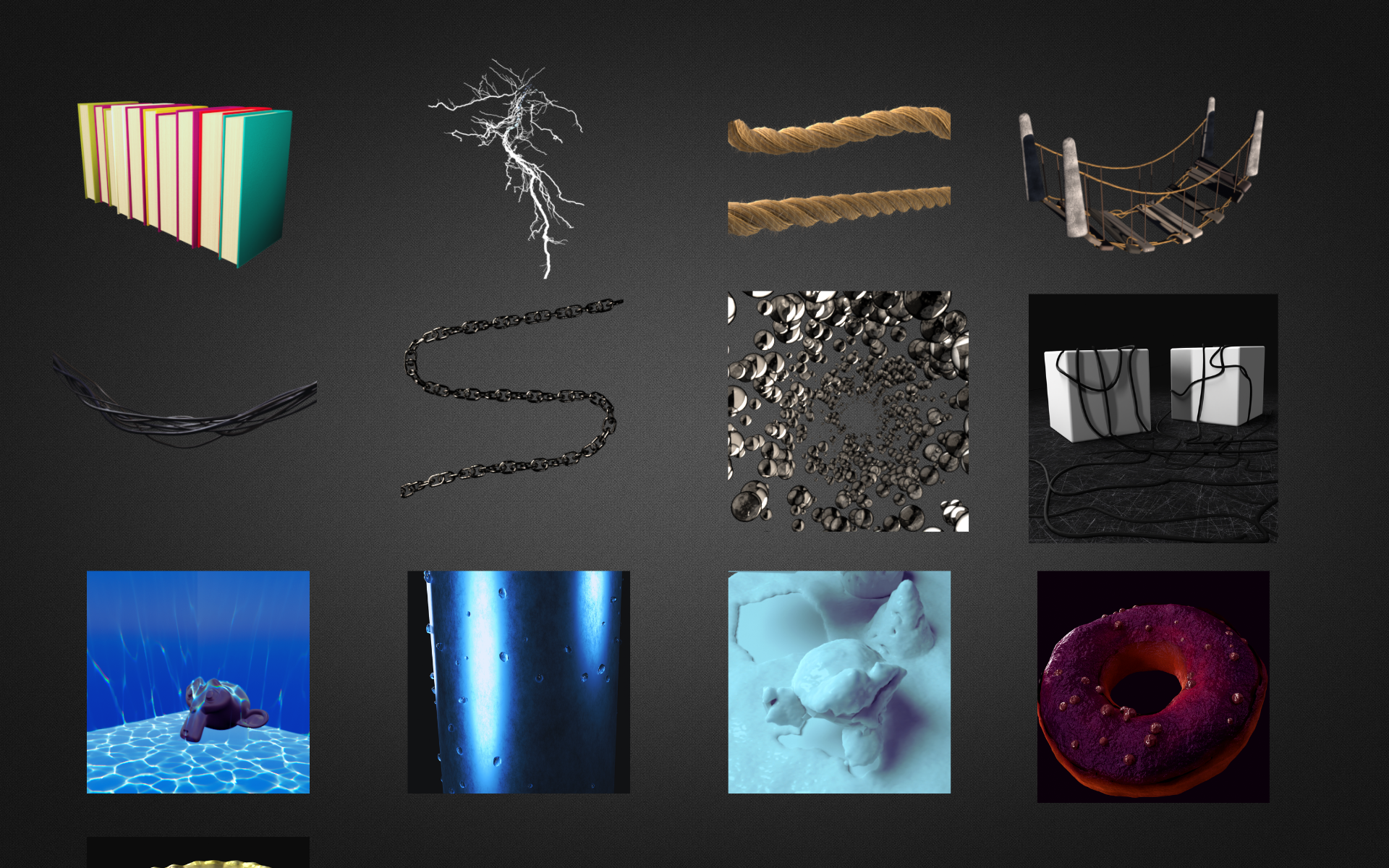
Bride
_______________
Thunder
_______________
Chains
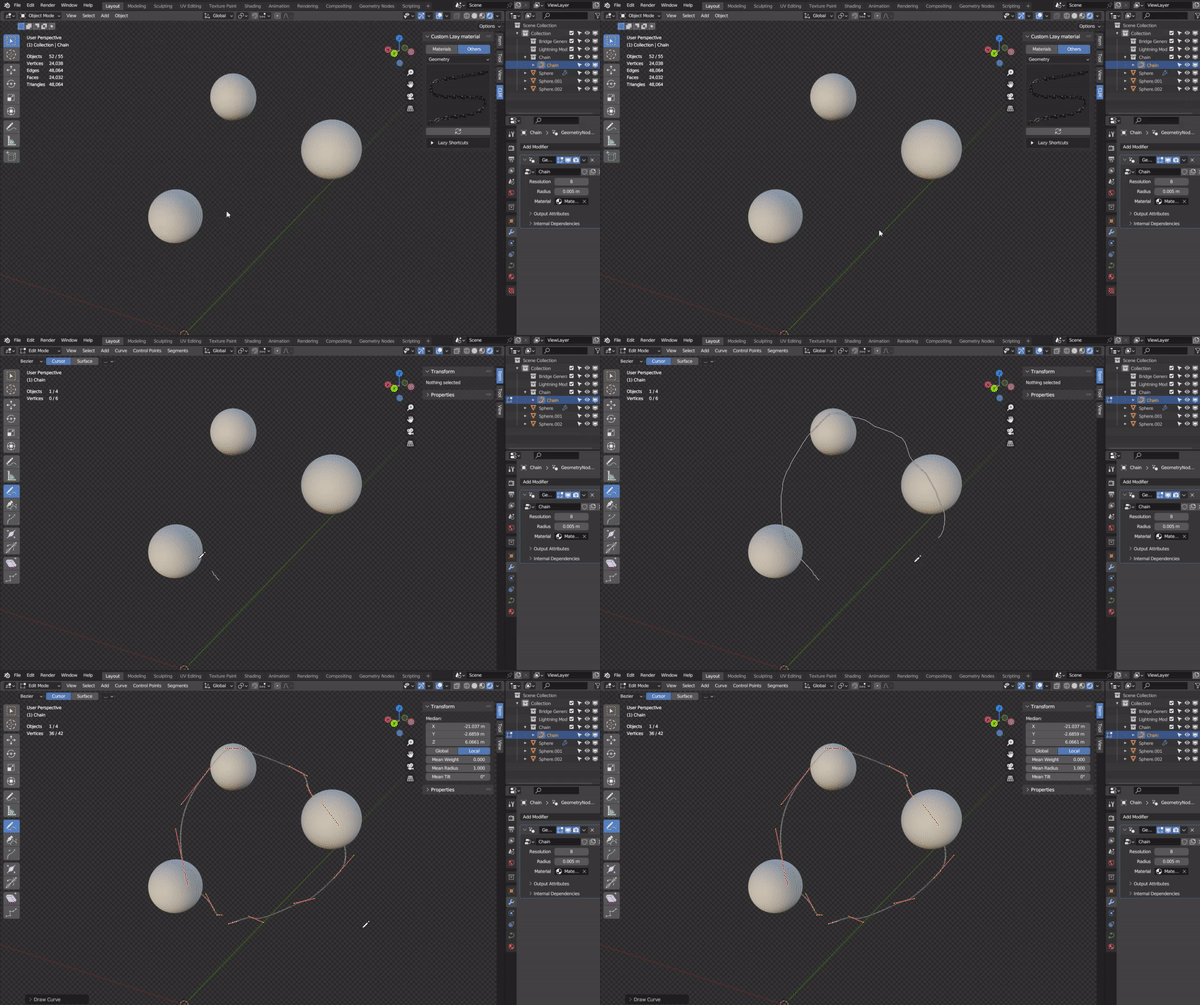
And More waiting for you
About the materials:
 Add-on offers a variety of materials that can be accessed through either the panel or the Asset Browser. This allows for flexibility and convenience in selecting the materials that best suit your needs. Whether you prefer to browse through the panel or use the Asset Browser.
===========================================================
🚀 Custom Lazy Materials V 3.0 | Beta
We are excited to introduce the new evolution of your workflow. 🎉
This update focuses on power, speed, and the future of Blender.
What’s New?
Blender 5.0+ Support ✅ | Fully compatible with the newest Blender versions.
Pro Interface 🖥️ | A new, clean design that is very easy to use.
10x Faster ⚡ | New logic makes the addon work much faster than before.
Smaller Size 📦 | Faster to download and faster to install.
Better Stability 🛠️ | Many bug fixes for a smooth and professional experience.
We value your work. Please try the Beta and let us know your thoughts! 🙏
===========================================================
✨ Custom Lazy Materials V2.0 ✨
We're thrilled to announce the launch of Custom Lazy Materials v2.0! 🎉
What's New?
- Sleek New Interface: We've revamped the interface for a smoother, more intuitive user experience.
- Bug Fixes: Say goodbye to those pesky bugs! We've squashed them all for a smoother workflow.
- Geometry Nodes Power-Up: We've added awesome new functionalities to Geometry Nodes, making it easier than ever to use.
- Reduced Size: The addon is now lighter and more efficient.
Get ready to experience the power of Custom Lazy Materials like never before! ✨
Let us know what you think! We're eager to hear your feedback.
===========================================================
Note: most of the materials are under cc0 license, so you can do whatever you want with it. We just made it more customizable, added some effects, and making the addon UI as simple as possible so you could easily use them in your projects.
Time took to make the addon (4 months)
This addon was made with Serpens.
Scenes are from Blenderkit
The amazing Icons.