Custom Lazy Materials
 Al-Dezel







installation
1- Go to settings -----> preferences -----> Addons -----> install addon
Or
Just drag and drop the addon into Blender.
2- Restart Blender (to make the icons load automatically, and you will do it only once)
----------------------------------------------
Versions:
Custom Lazy Materials V1.0 & V2.0 is compatible with Blender 4.0 to 4.5
Custom Lazy Materials V3.0 Beta Is compatible with Blender 5.0 and above
other files
main asset browser material file prosedural.blend : asset browser that contain all the procedural materials
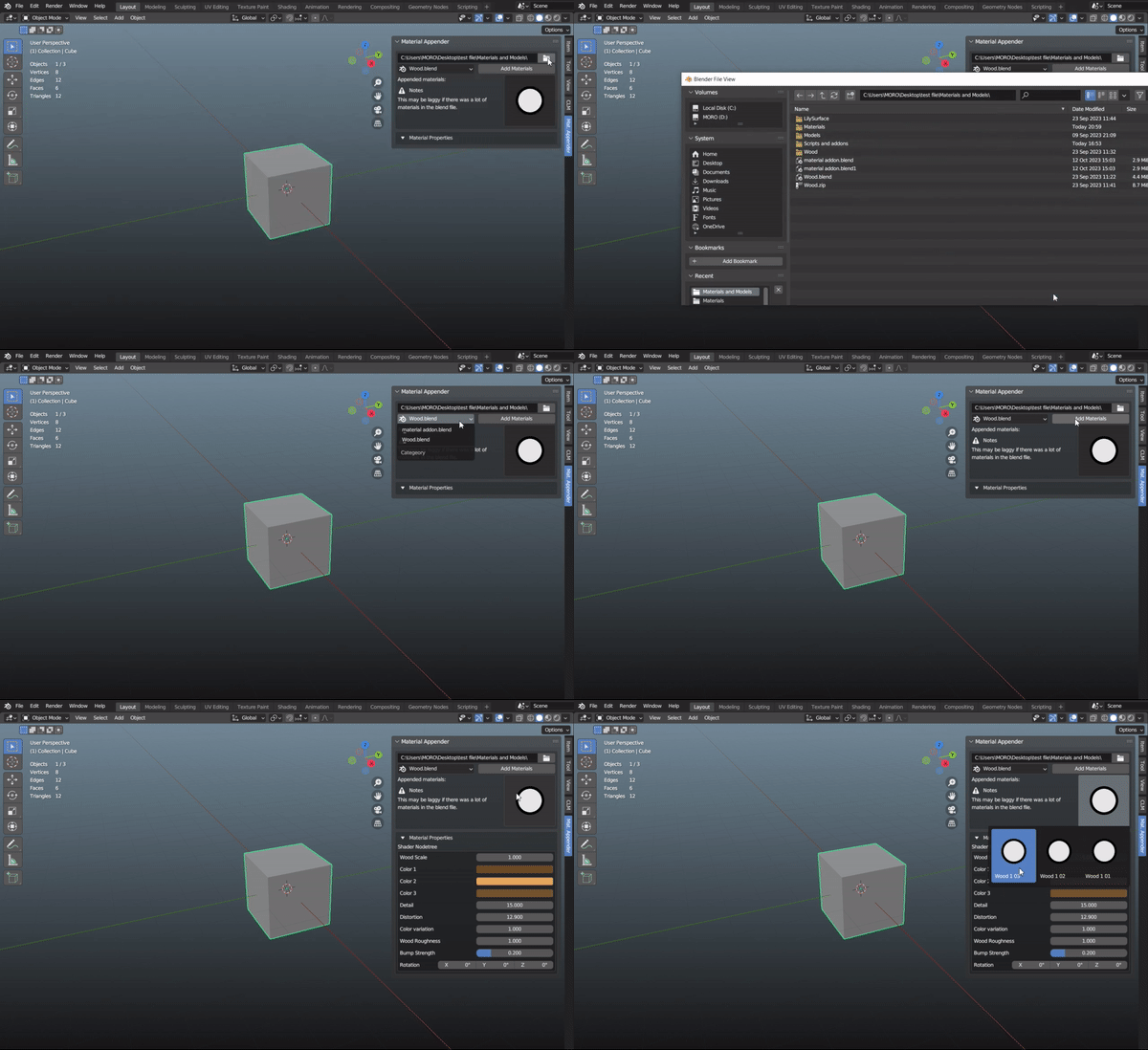
material_appender_1.0.0 : an addon that appends all your materials from your selected blender file and shows the appended materials in the icon gallery to know which materials are appended.
custom_material_property_1.0.0 : an addon that shows you the materials properties on the panel.
main asset browser PBR.zip : asset browser that contain all the PBR materials
----------------------------------------------
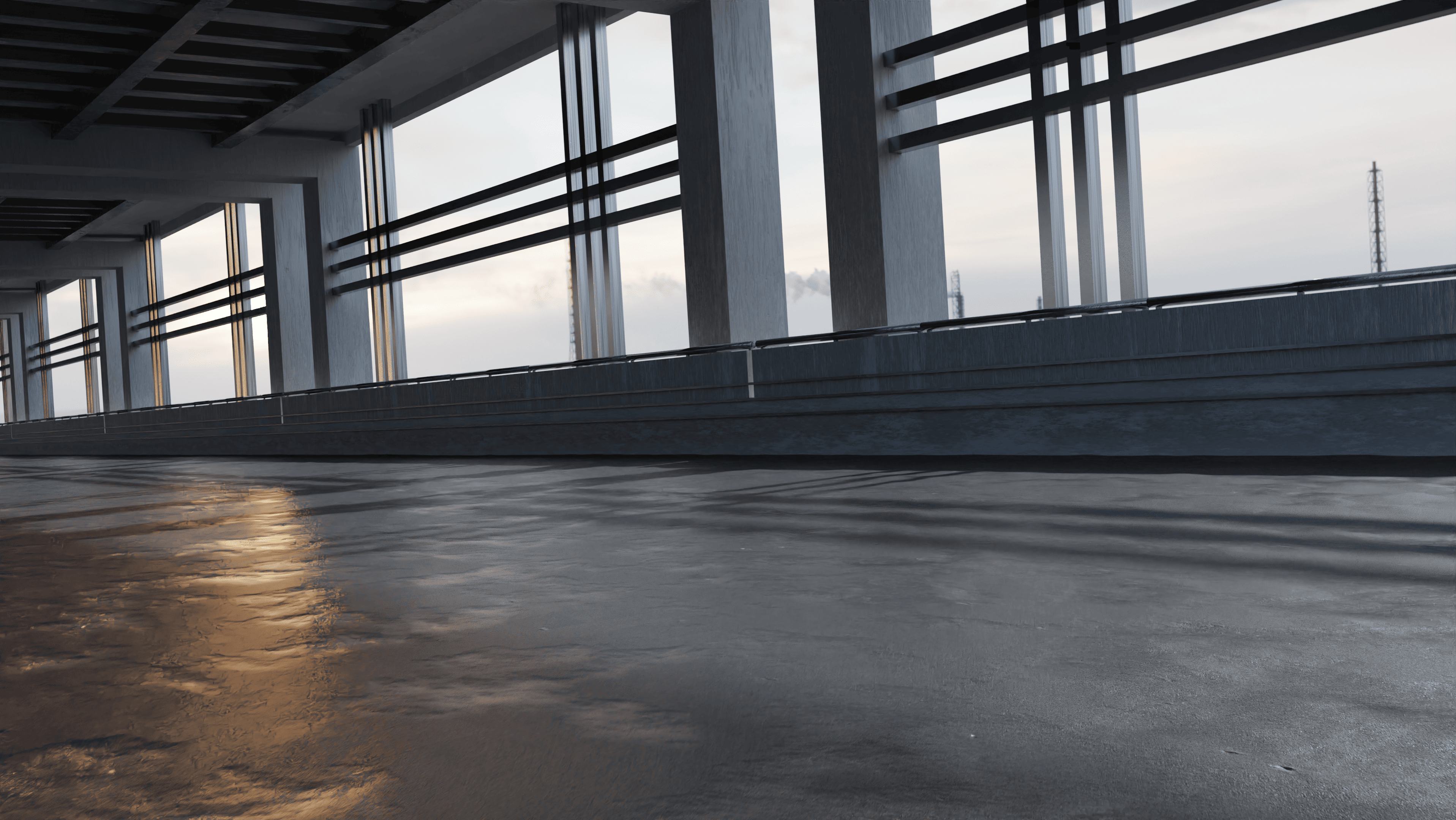
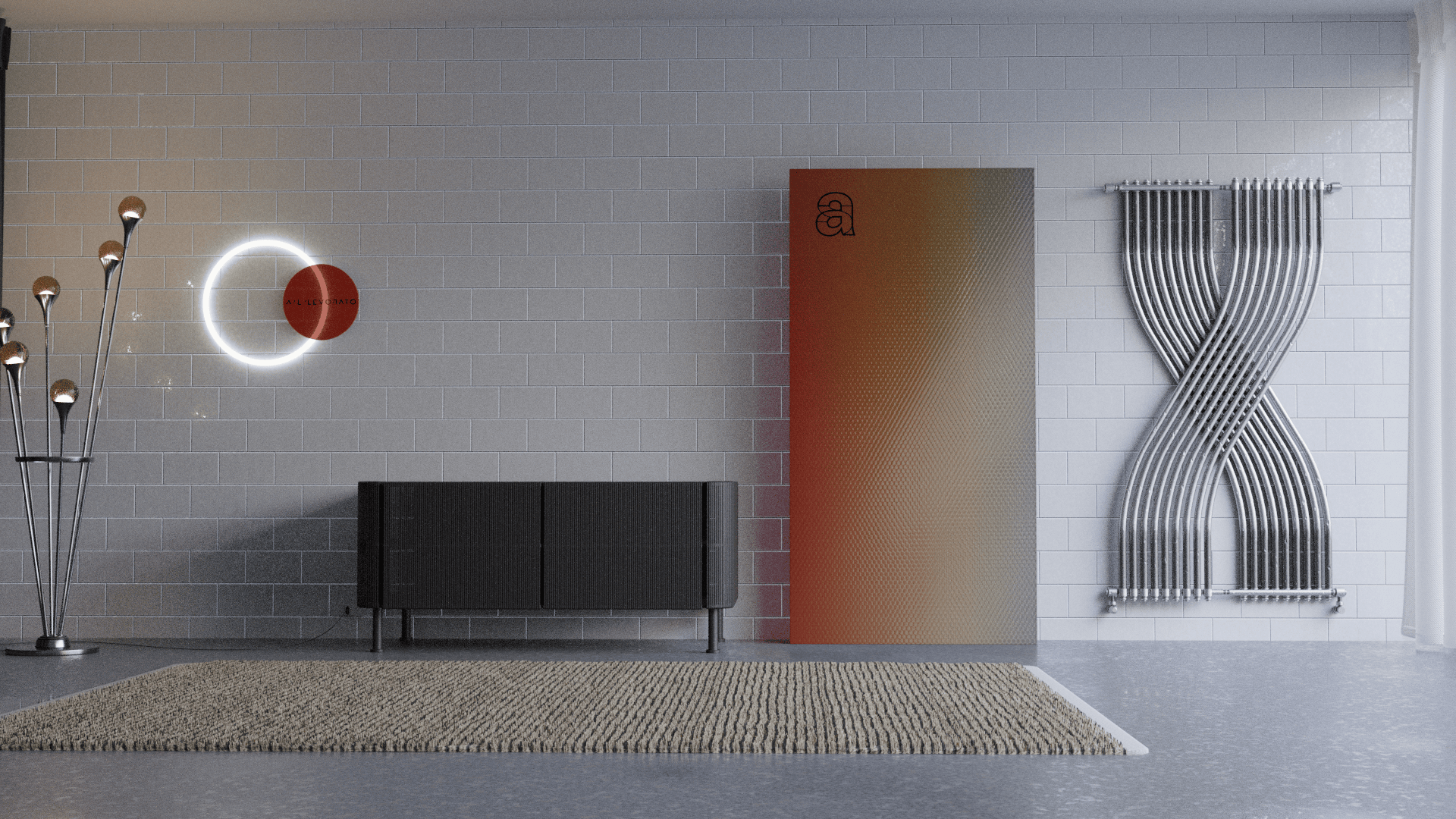
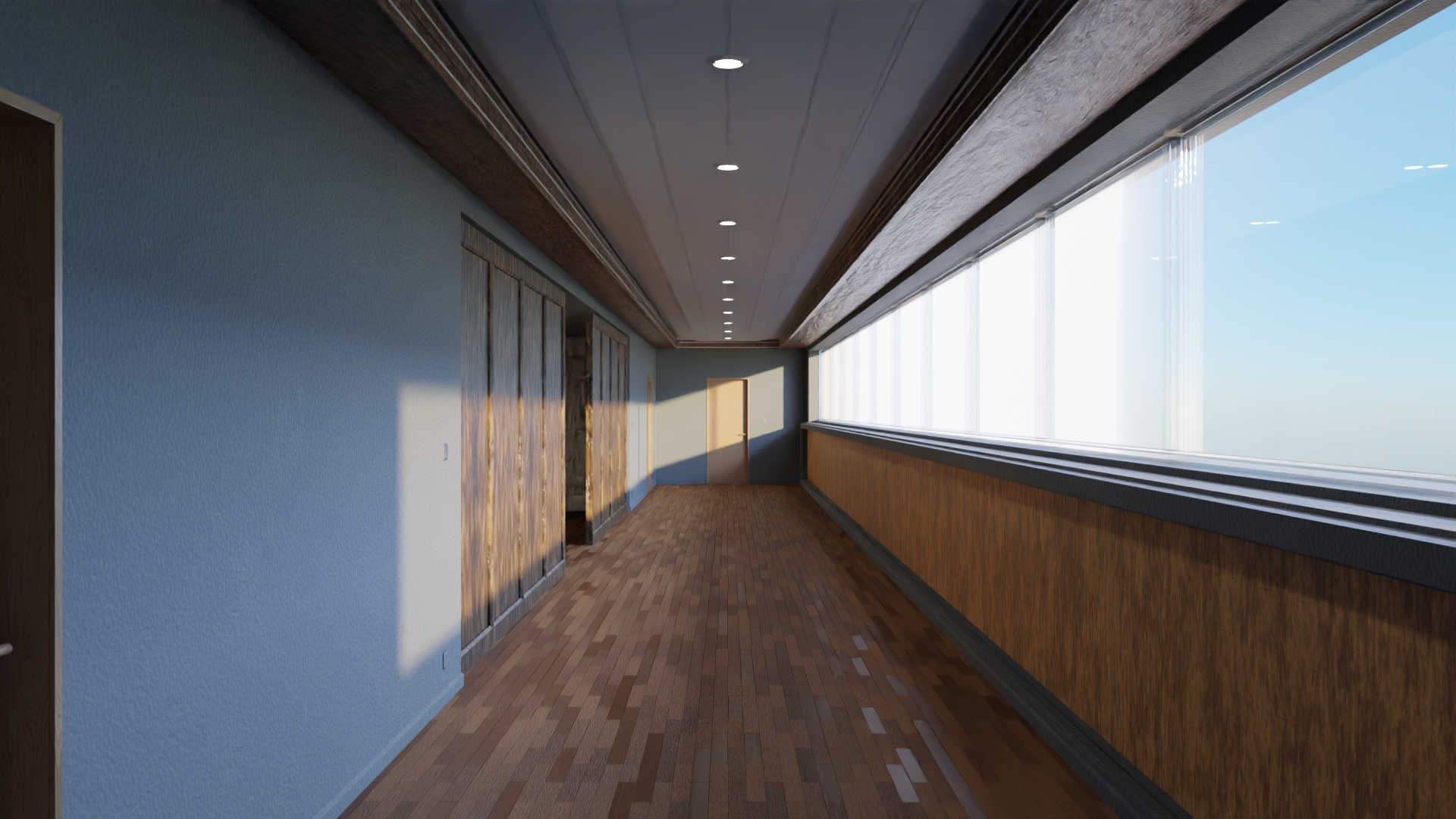
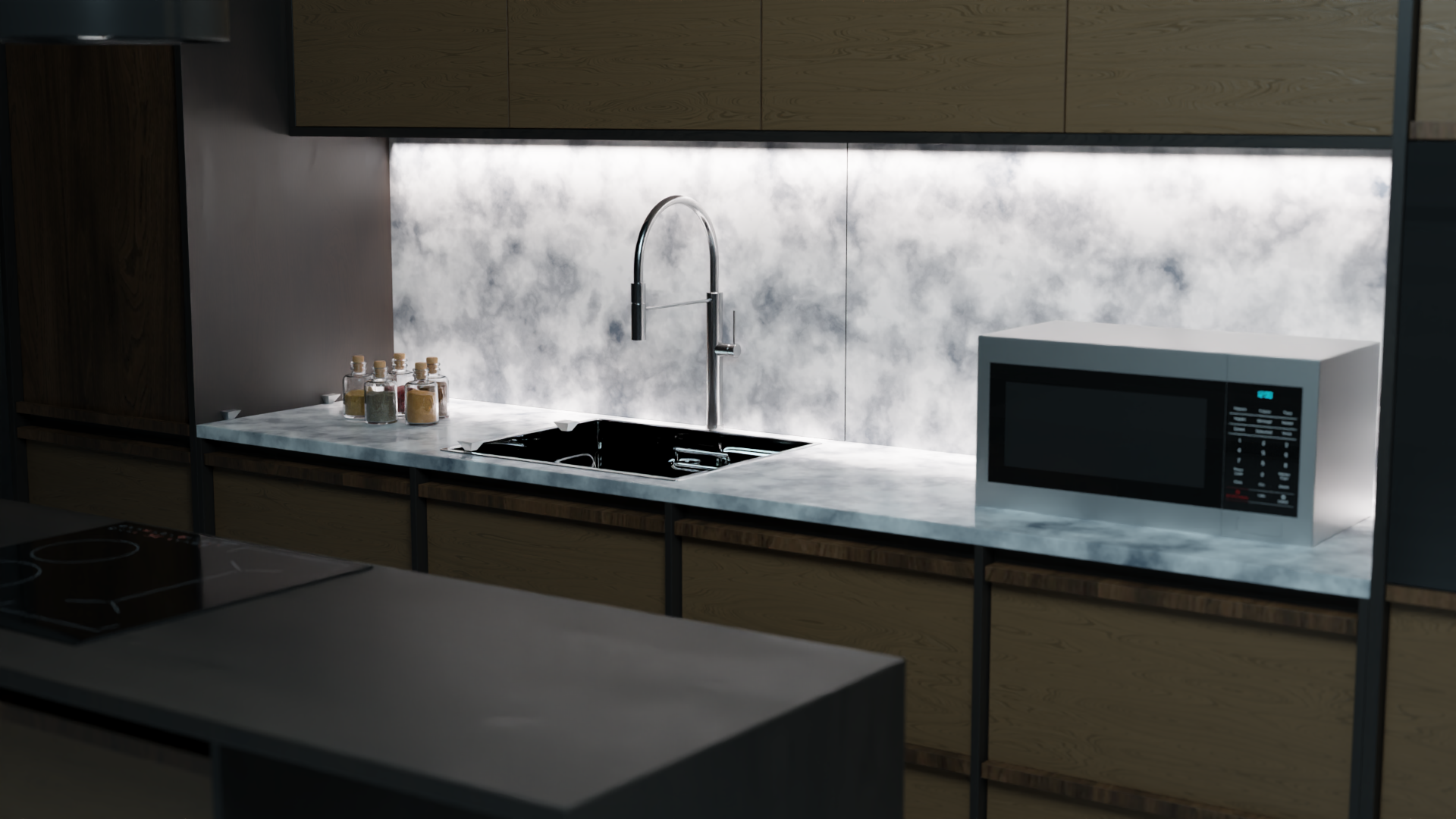
The materials are CC0 which have no requirements so you could use it in any purpose, i made them fully customizable and added some details to make the more realistic and it took me 3 months to develop.
----------------------------------------------
and that is it, If you have any problems or suggestions to enhance our addon, we encourage you to visit our Discord Server.
-
$10
Have questions about this product?
Login to message
Discover more products like this
Custom Shaders blender-shaders oneclick BlenderGeometry material-addon al-dezel 30% off 2023addons blender-procedural-material-pack animated-geometrynode append anime shader