 LarkLab
Blender add-on · by LarkLab
CYBER ARSENAL
Sci-fi weapon effects for Blender, from the charge to the cooling scorch
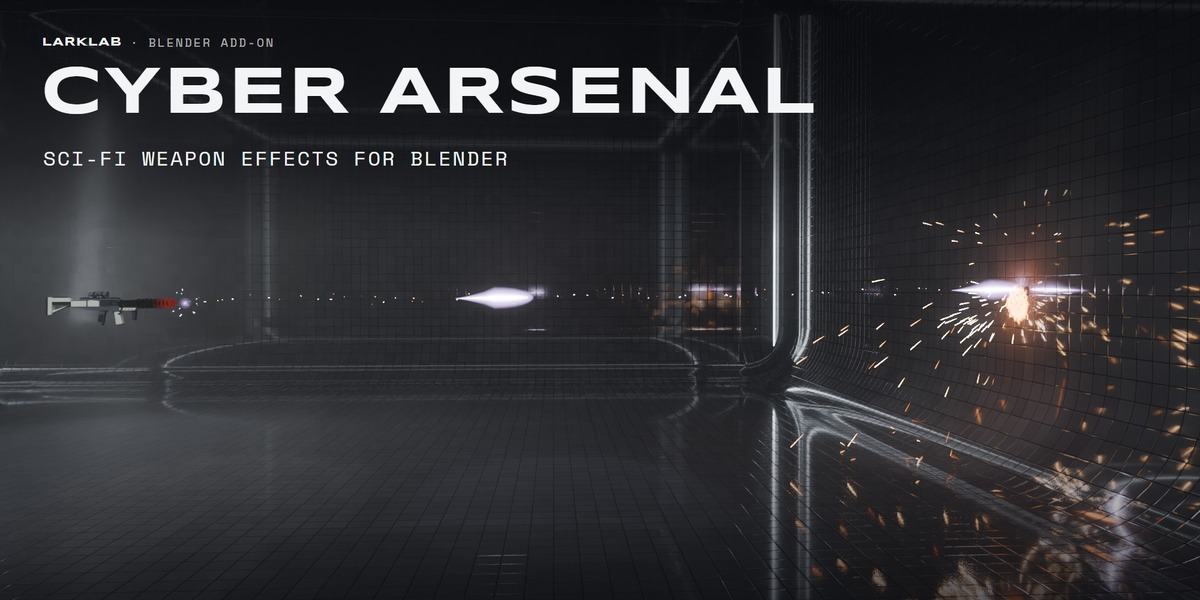
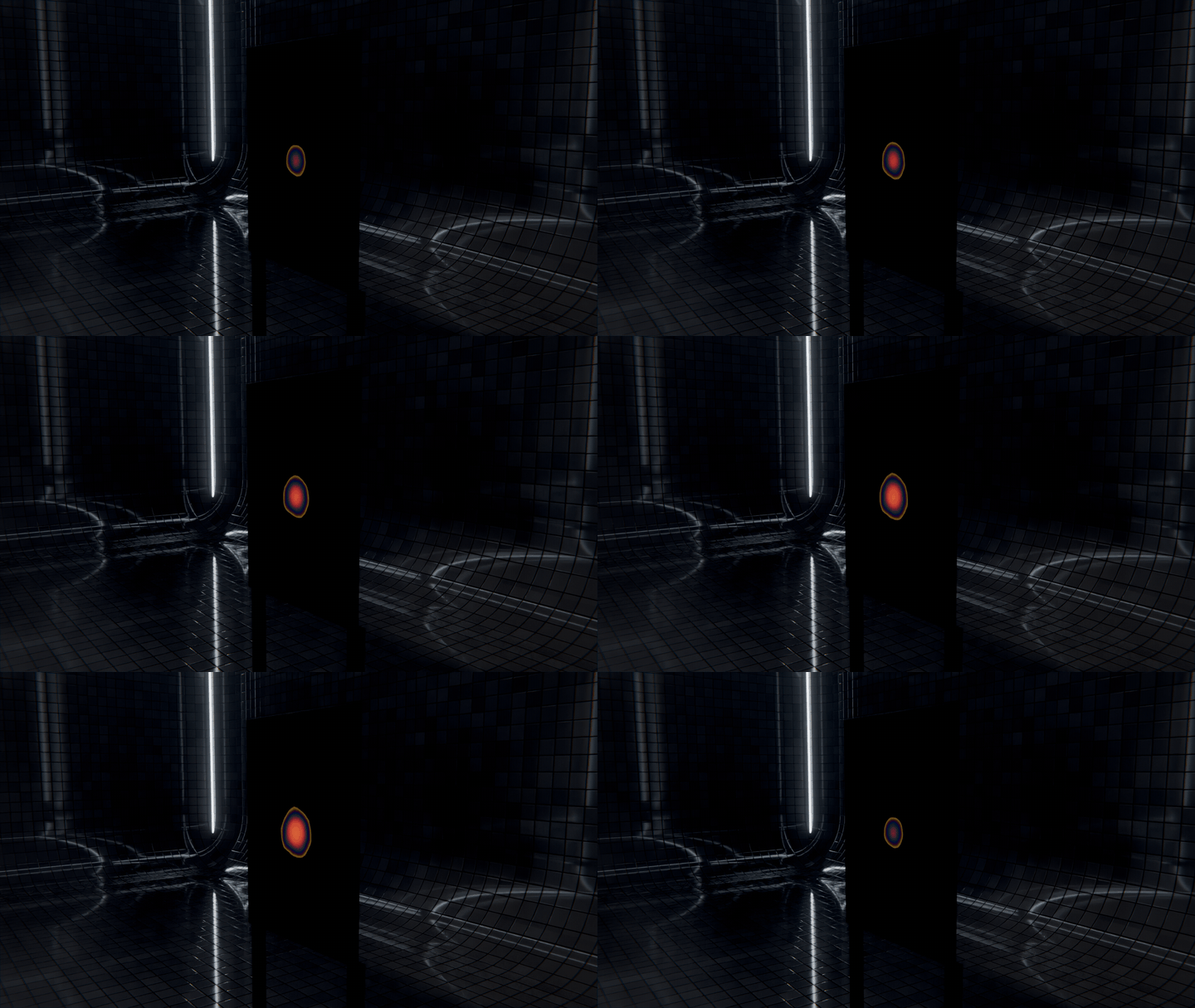
Most sci-fi weapon packs give you a glowing tube on a black background. Cyber Arsenal gives you the whole shot: the gun charges, fires with a flash that lights the room, the shot crosses the set, melts or punches the surface it hits, and the mark cools on Blackbody and stays. Pick a weapon in the sidebar, click Add Weapon, parent its Muzzle to your gun and press play.
The trailer · every shot rendered in Blender with Cyber Arsenal
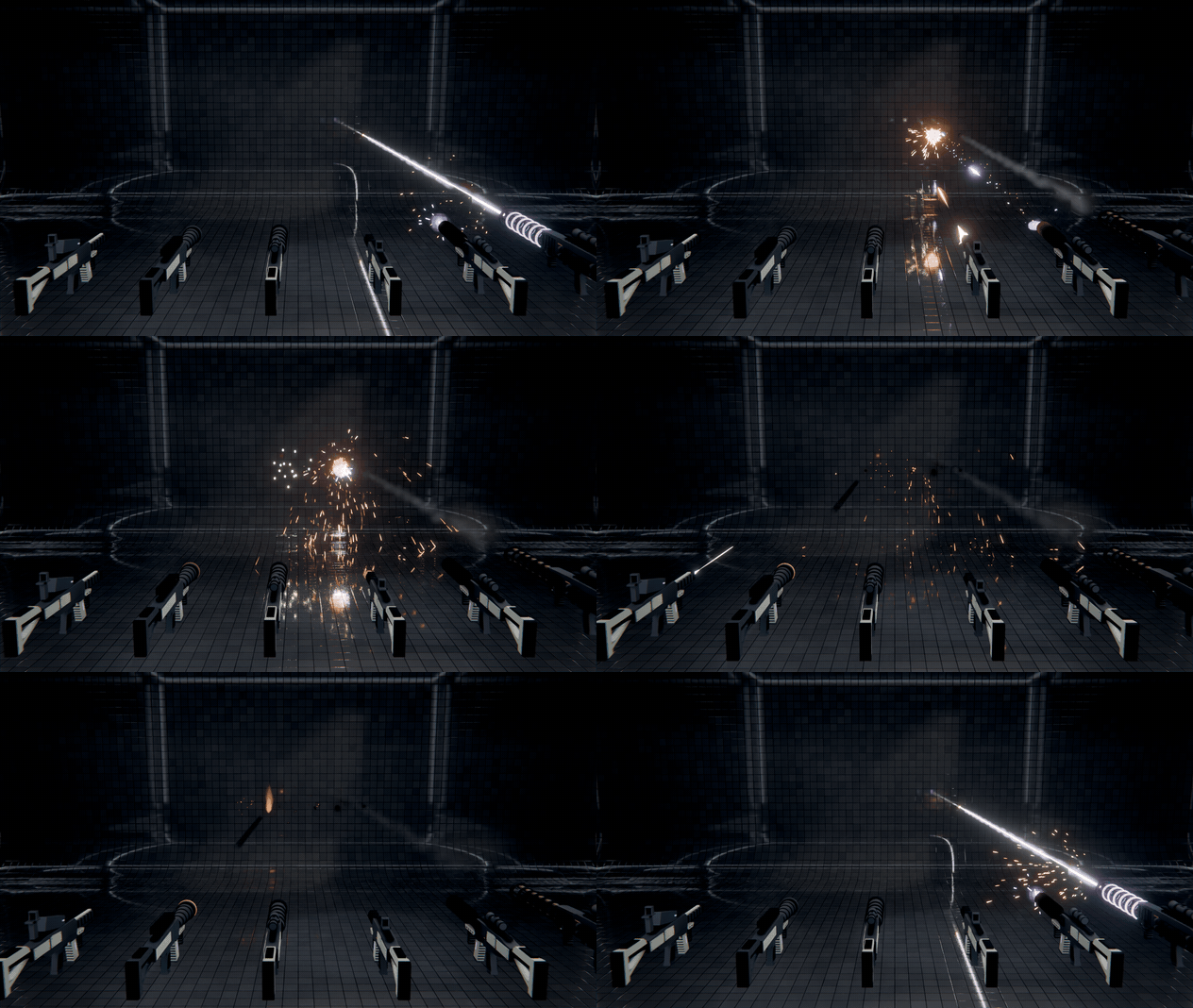
Six of the seven weapons, one per beat · each one its own shot and its own mark
|
One shot, start to finish CHARGE. FIRE. HIT. COOL. |
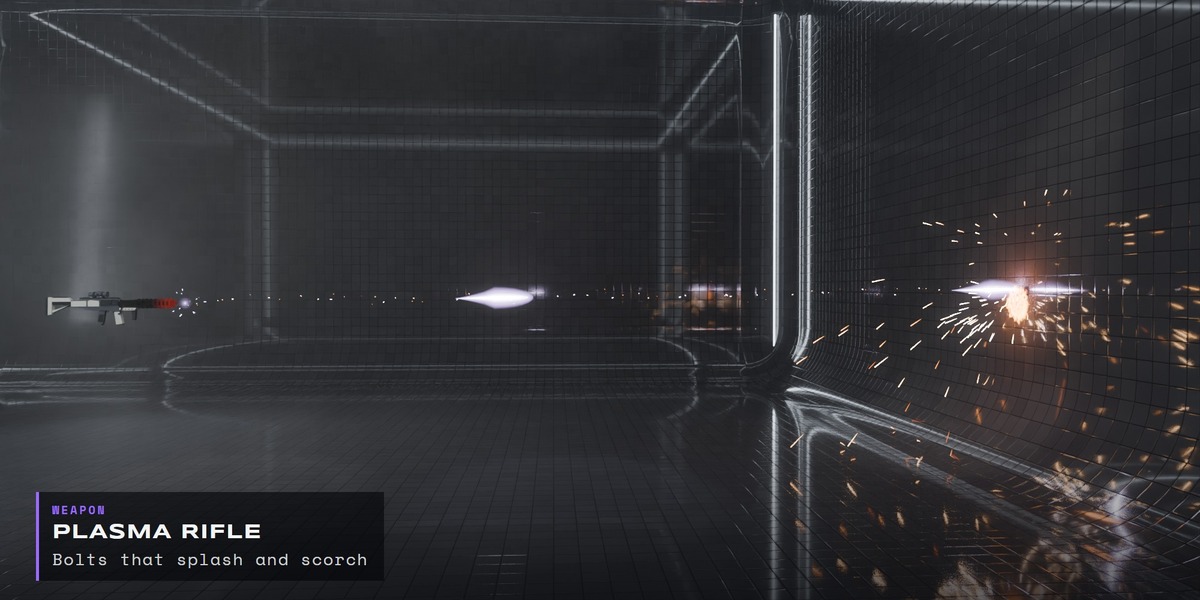
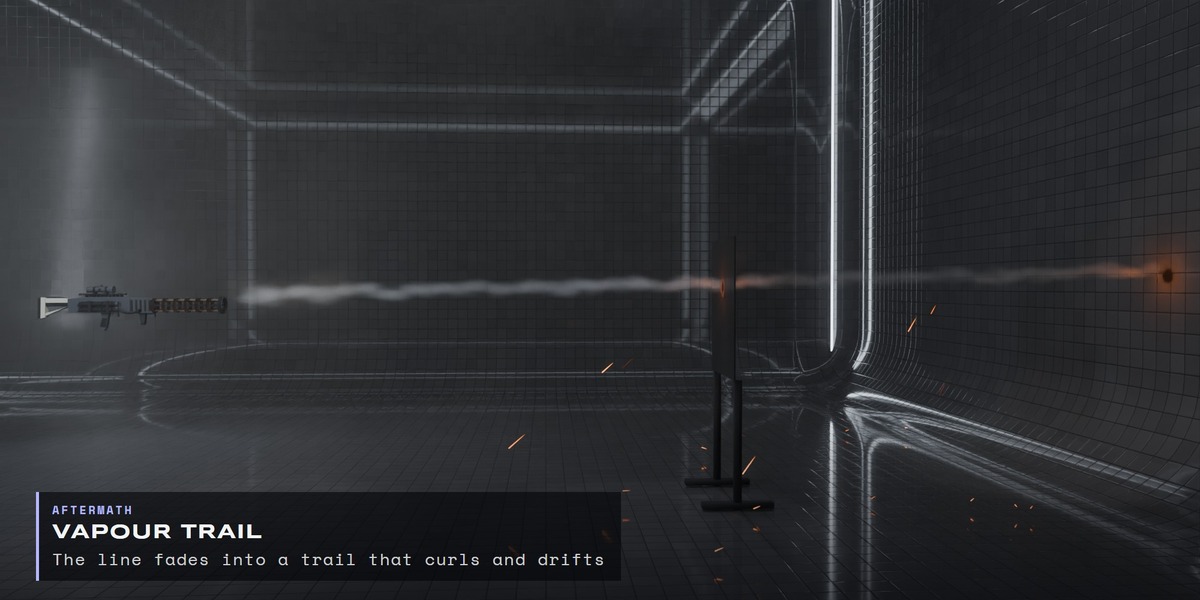
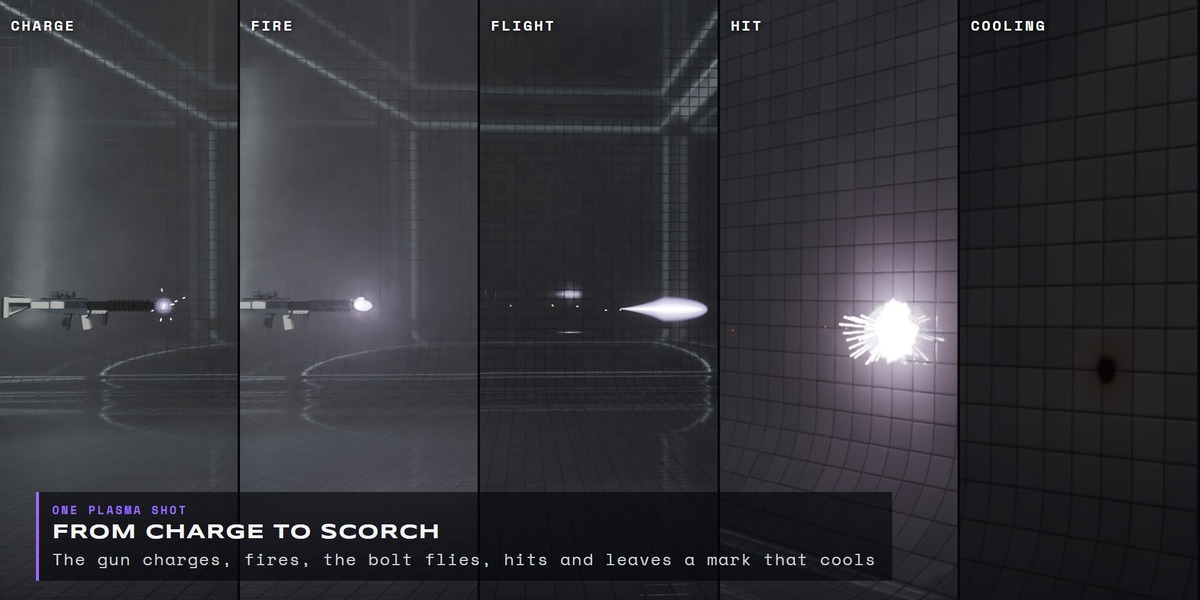
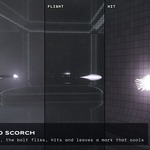
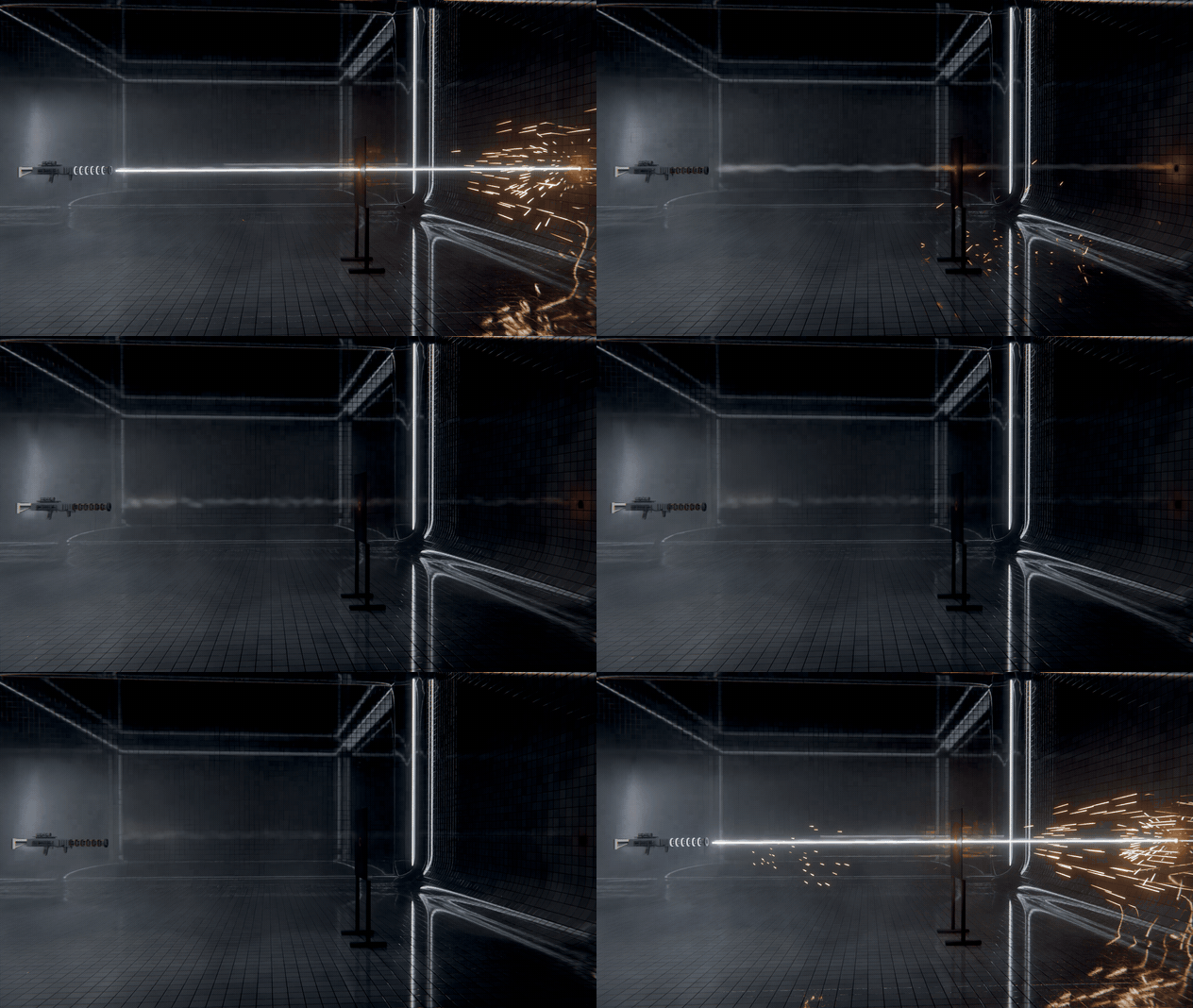
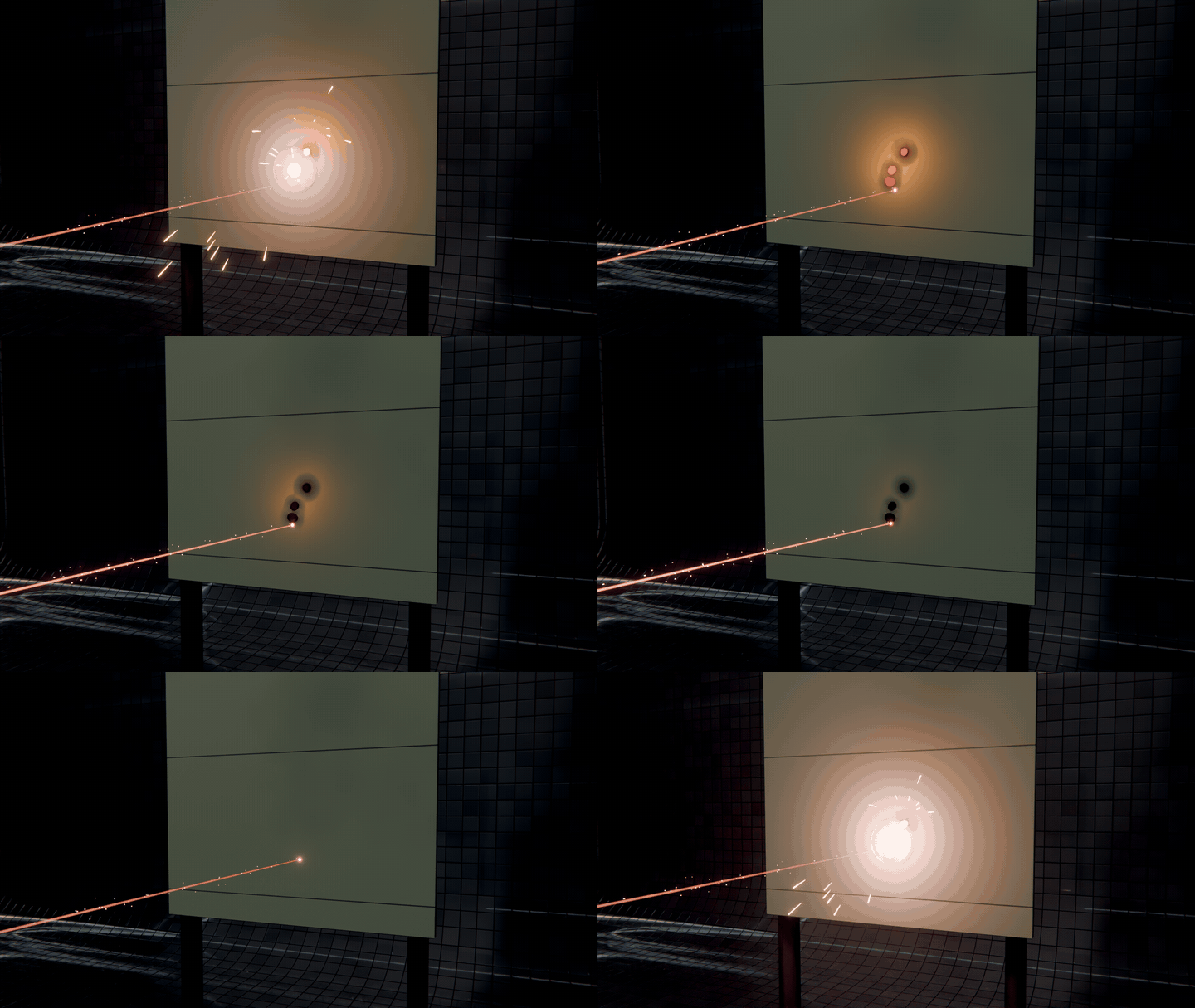
Every weapon plays the same five beats from one Fire Time in seconds: a charge you can see on the gun, a one-frame muzzle flash that lights the set, the shot in flight, a hit that sparks and heats the surface, and the aftermath: smoke, vapour and a mark that cools and stays. Change the frame rate and the timing holds.
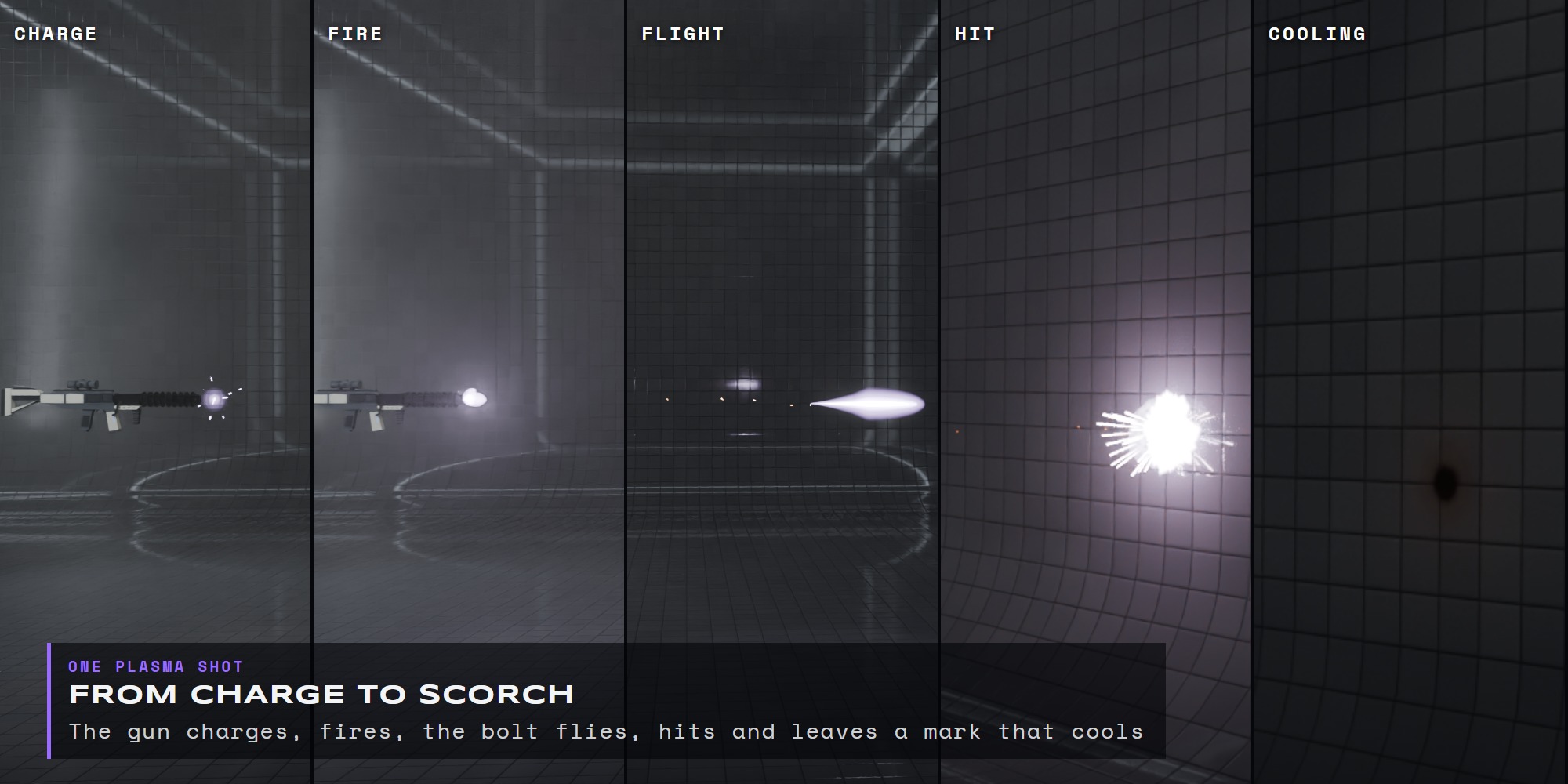
Plasma Rifle · charge → fire → flight → hit → cooling
|
The weapons SEVEN WAYS TO FIRE. |
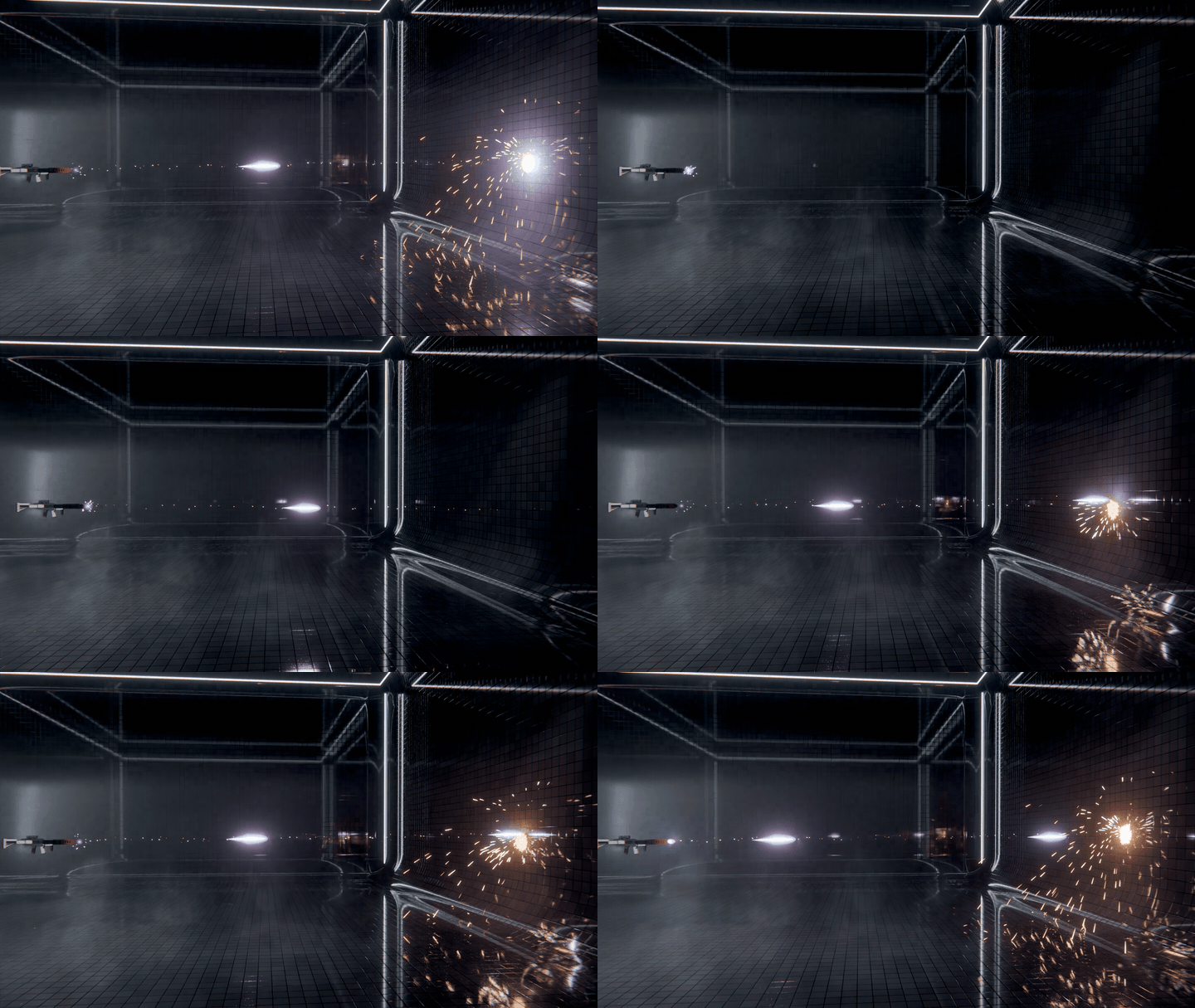
Each weapon is its own idea, with its own silhouette, motion and hit. They are not recolours of one bolt, so a railgun line, a pellet cone and an invisible heat ray each read differently in a shot.
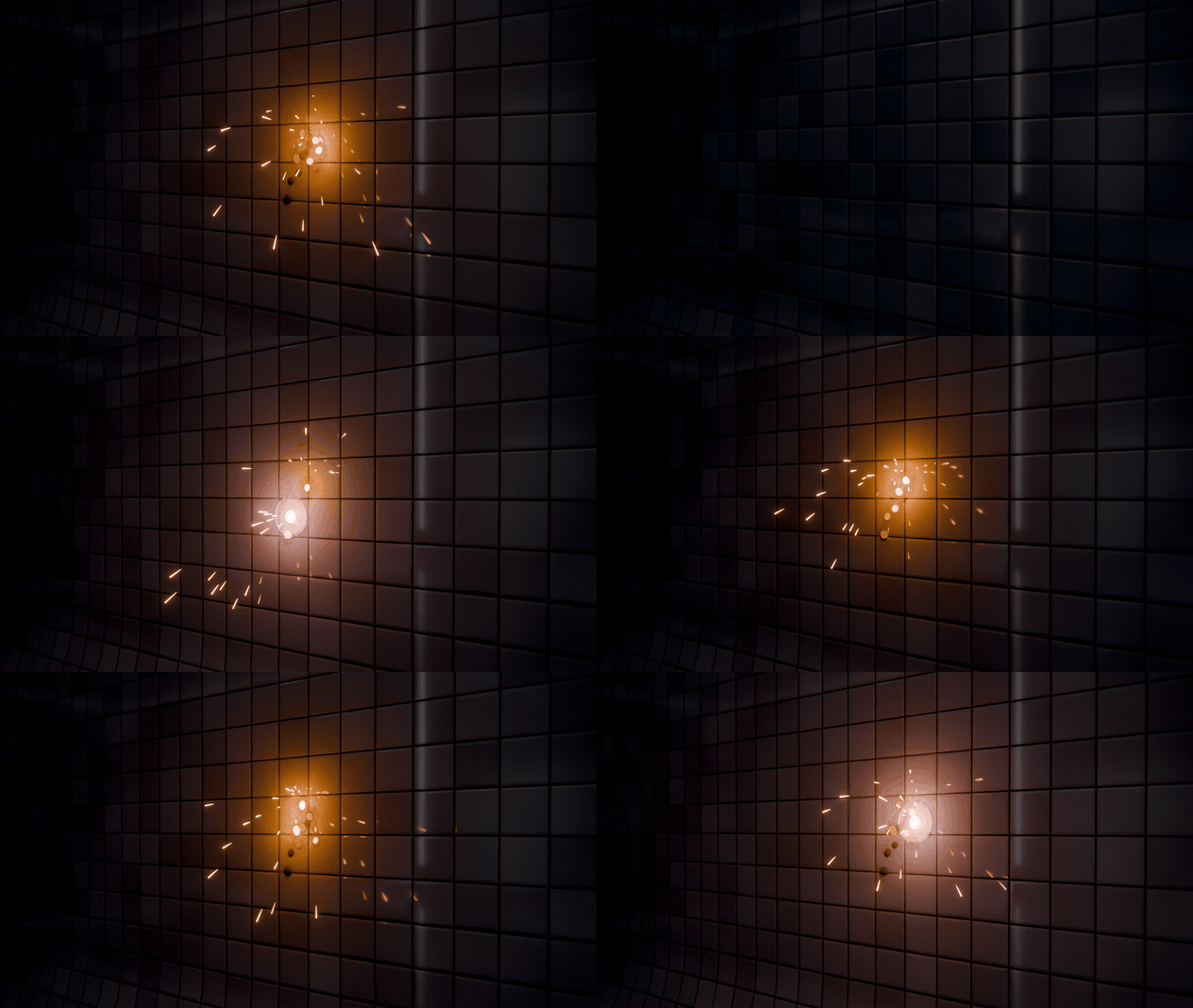
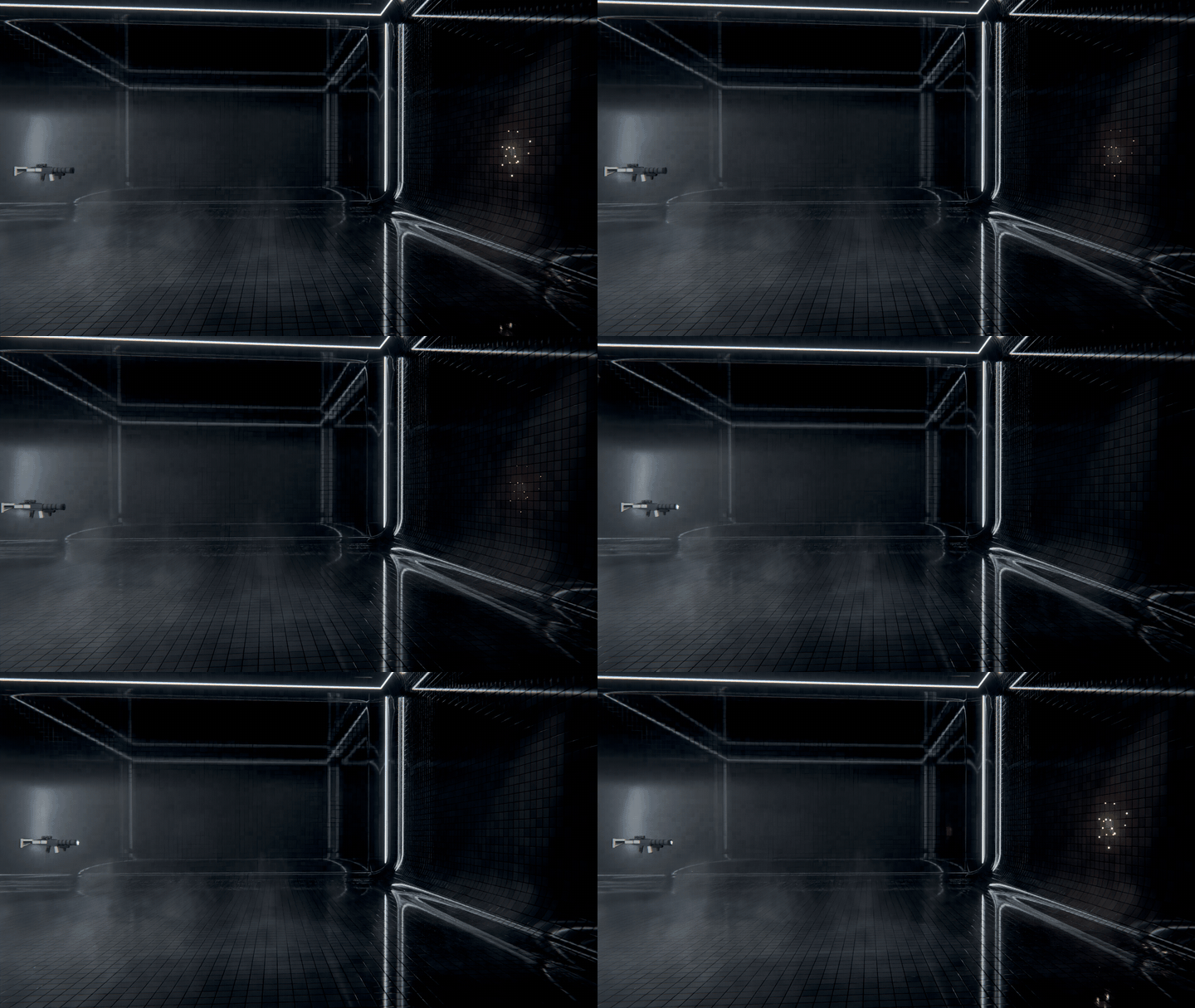
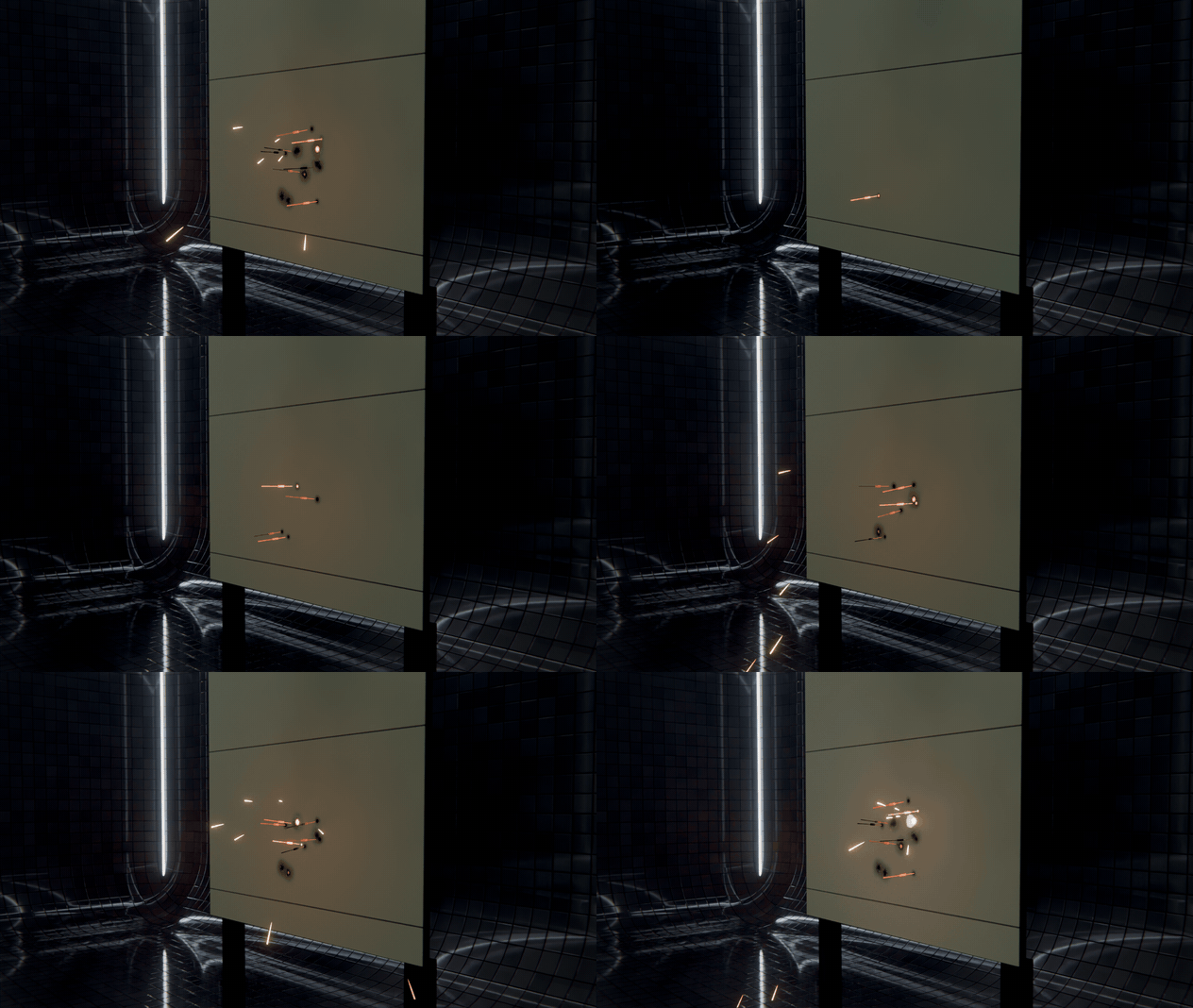
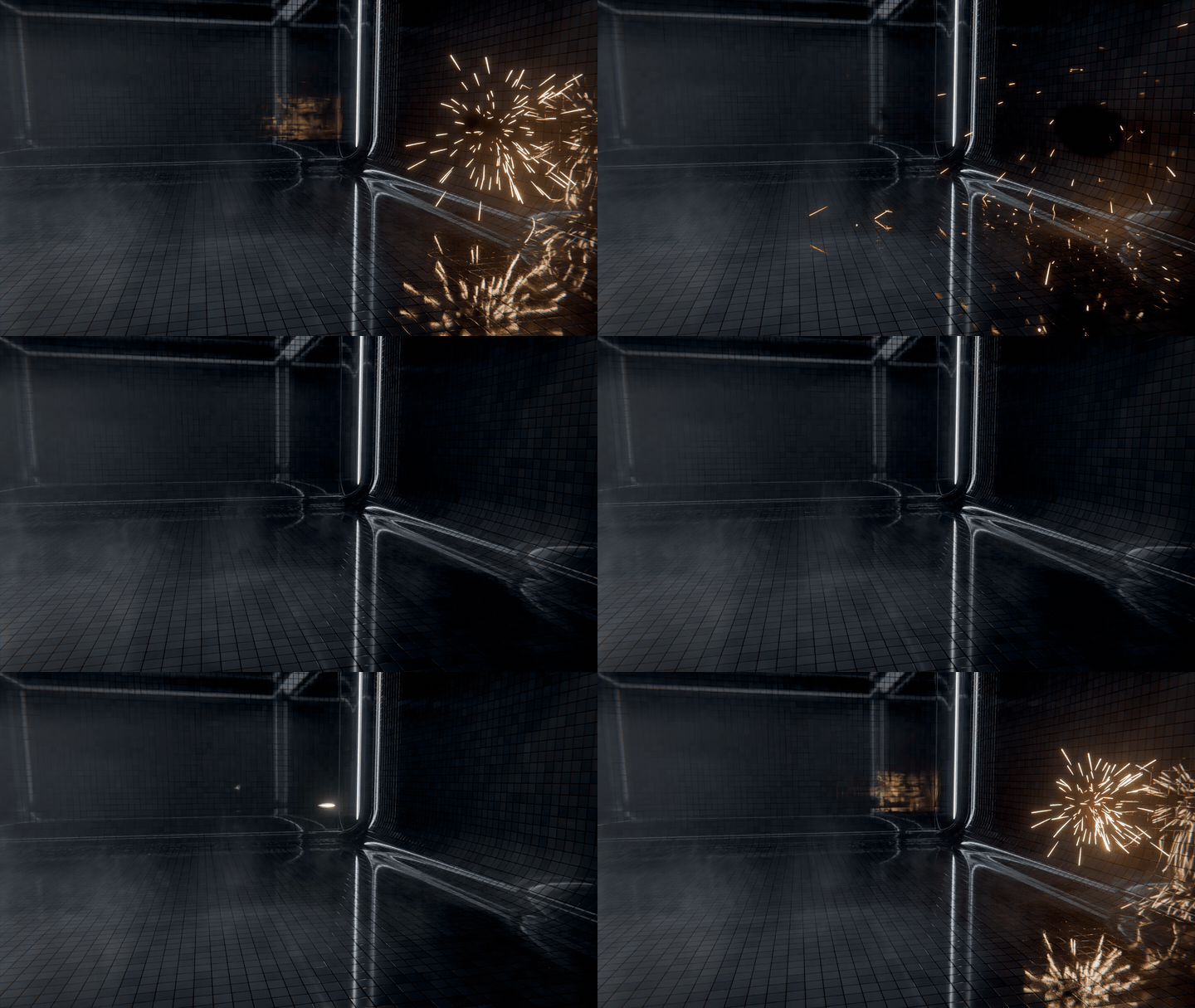
|
Gun modules THE WEAPON REACTS TOO. |
Three modules attach to any weapon and make the gun itself part of the shot.
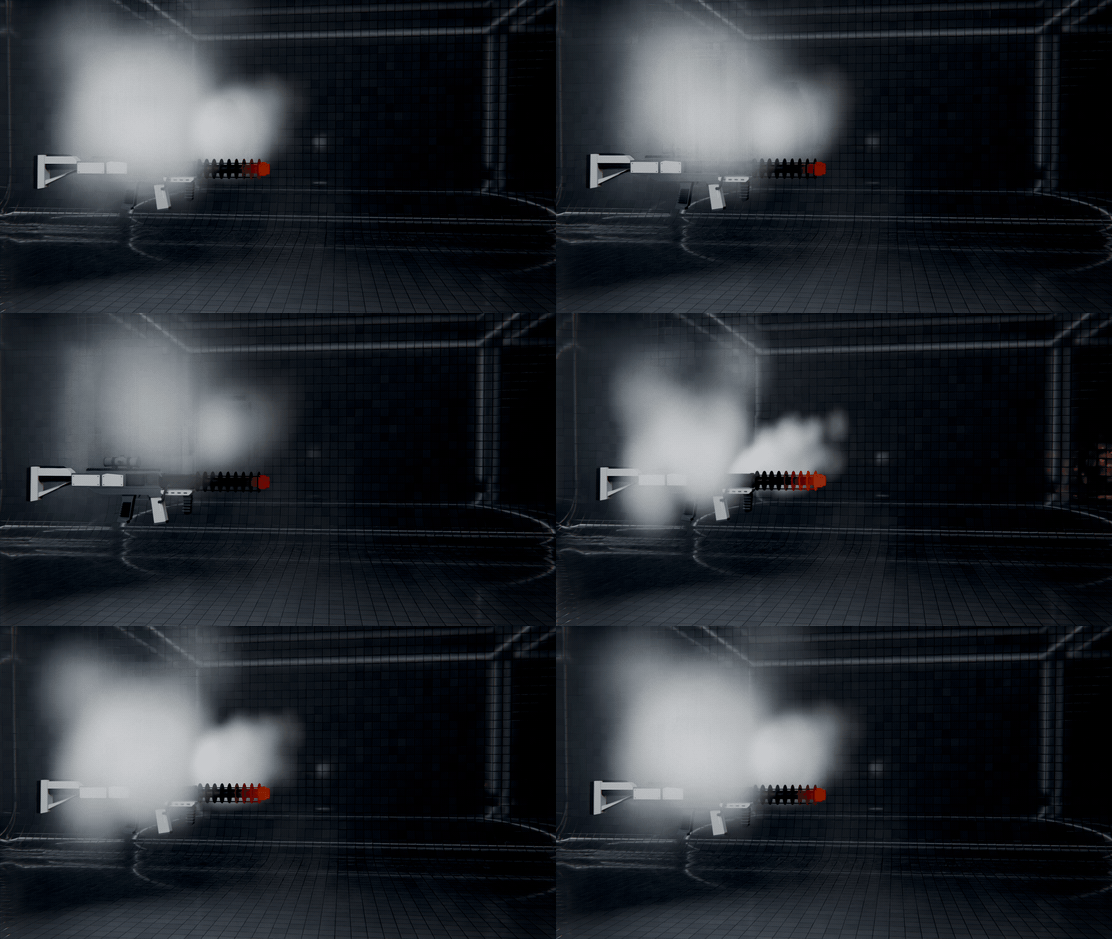
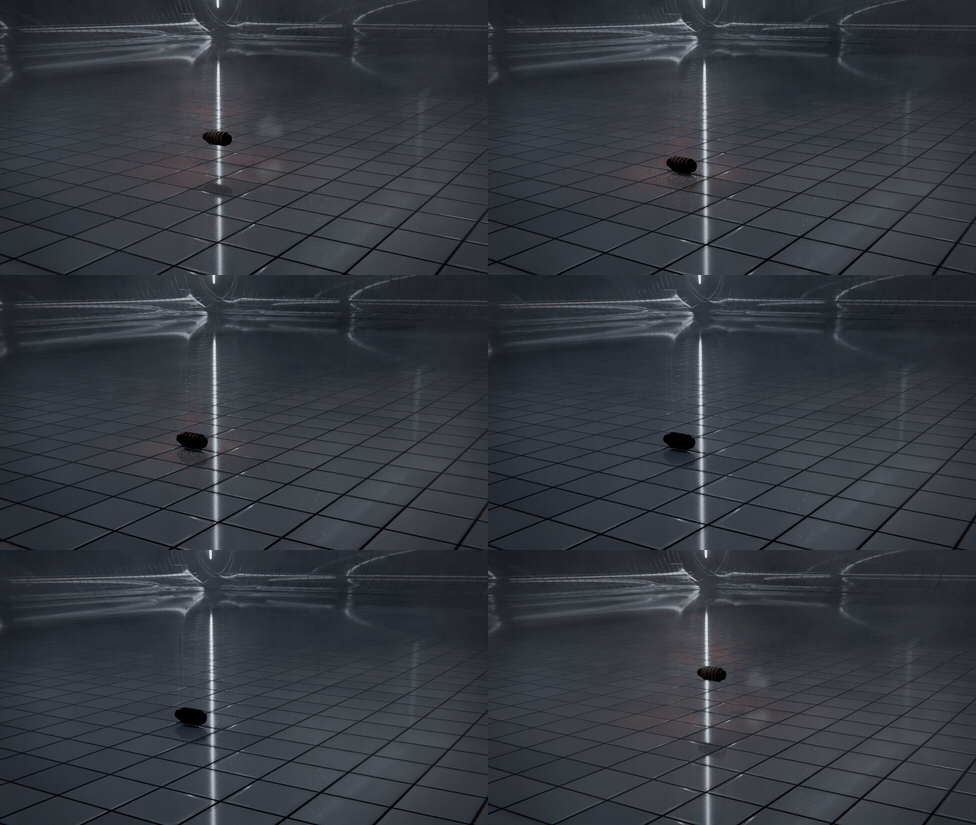
|
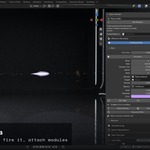
In Blender ADD IT. AIM IT. FIRE IT. |
| 1 |
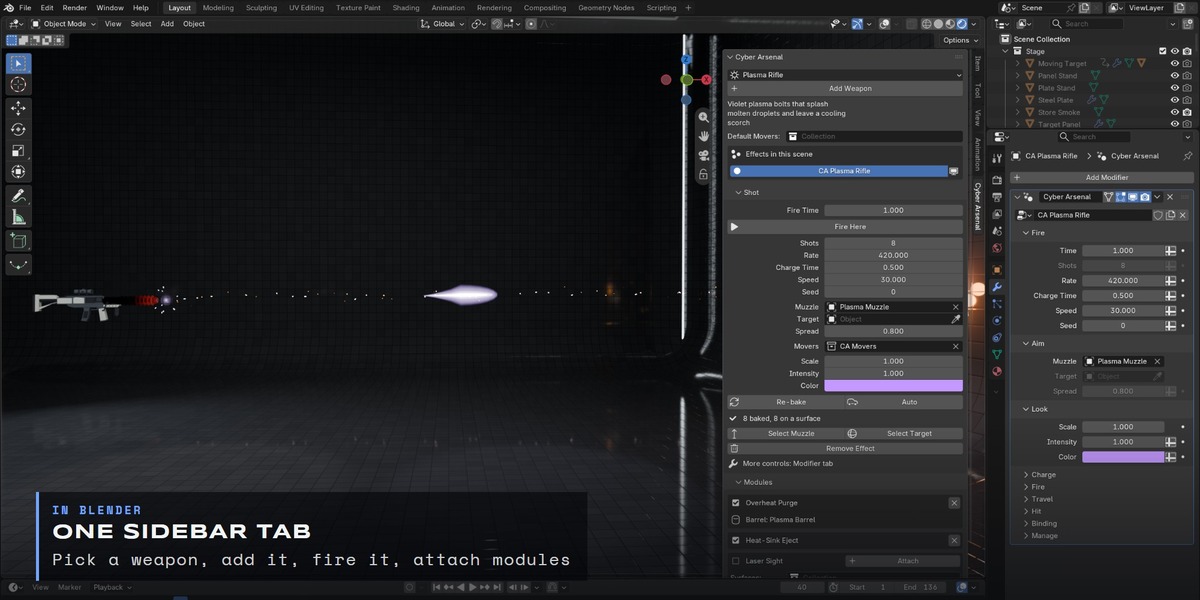
Add a weapon Snap the 3D cursor to the barrel tip, pick a weapon in the Cyber Arsenal sidebar tab and click Add Weapon. A Muzzle and a Target appear and the shot is baked. |
| 2 |
Parent and aim Parent the Muzzle to your gun or to a hand bone, then move the Target to aim. Clear the Target and the shot flies along the Muzzle's +Z to the first surface. |
| 3 |
Time it Move the playhead to the trigger pull and press Fire Here. Fire rate is in rounds per minute, so bursts never snap to whole frames. |
| 4 |
Move anything With Auto on, moving the Muzzle, the Target or any setting re-bakes the shot by itself. Moving objects go in a Movers collection and their hits ride along. |
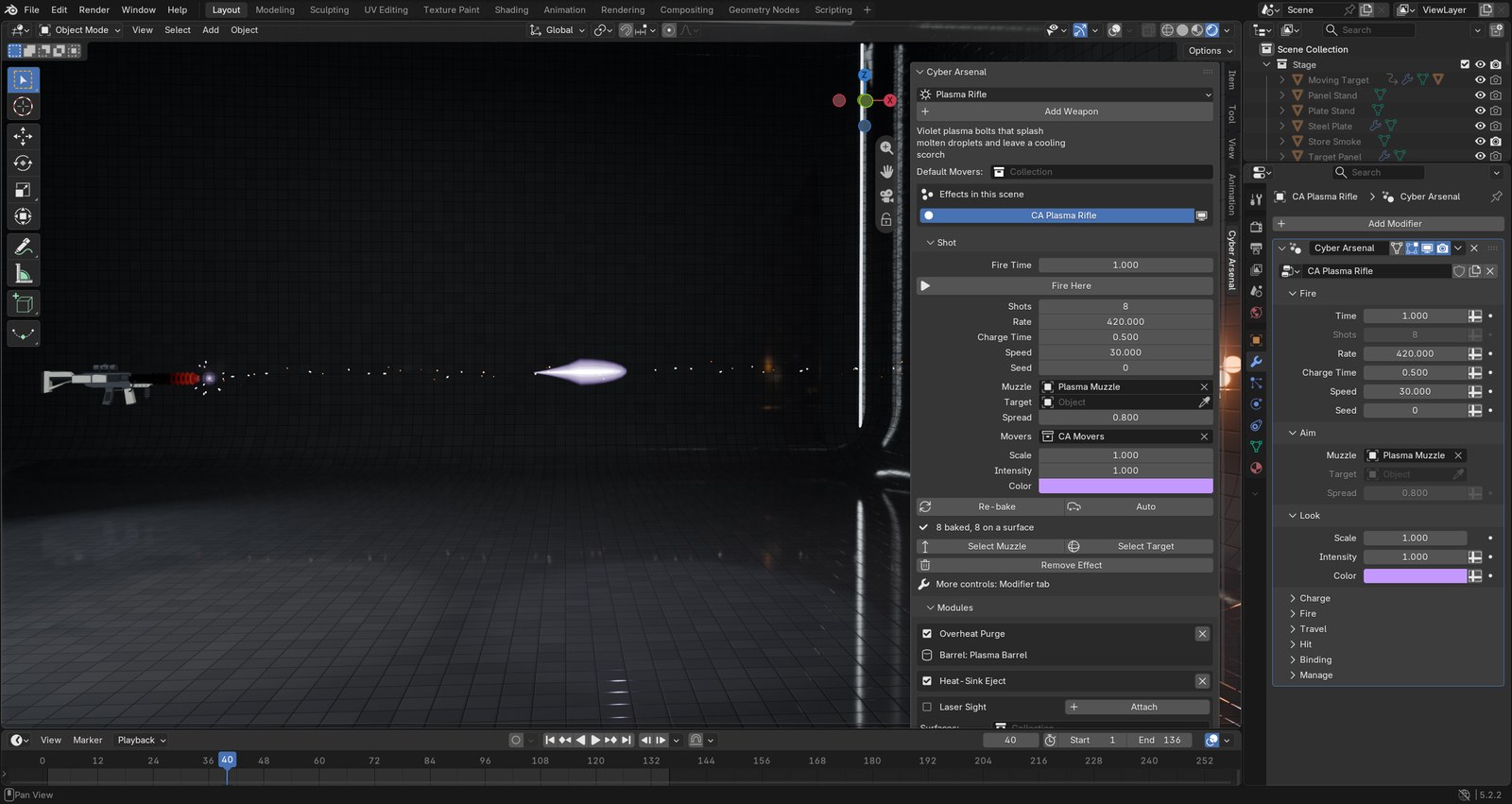
The Cyber Arsenal tab in the 3D Viewport sidebar
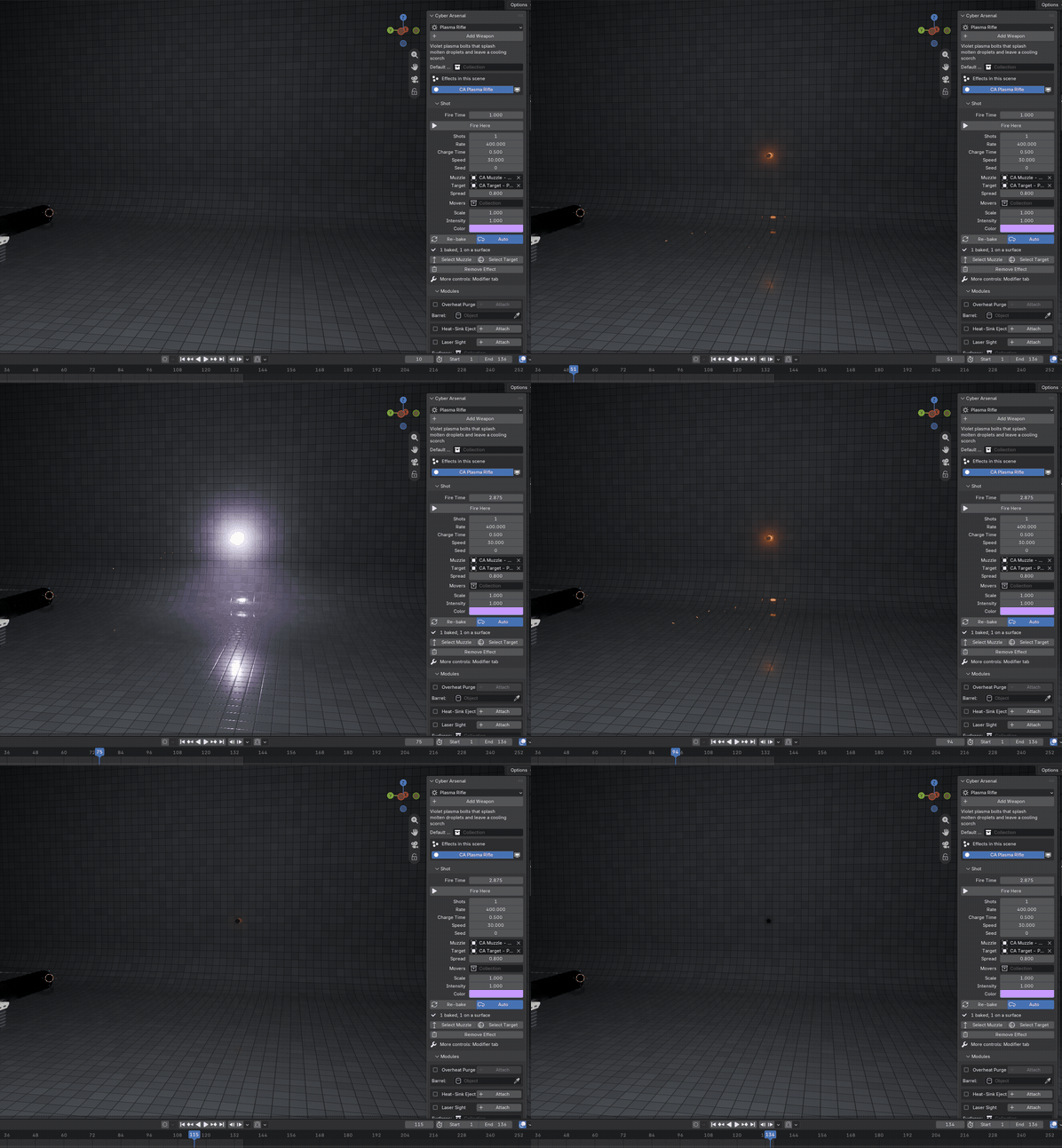
Fire Here · the shot follows the playhead
|
Controls EVERY BEAT HAS ITS OWN PANEL. |
|
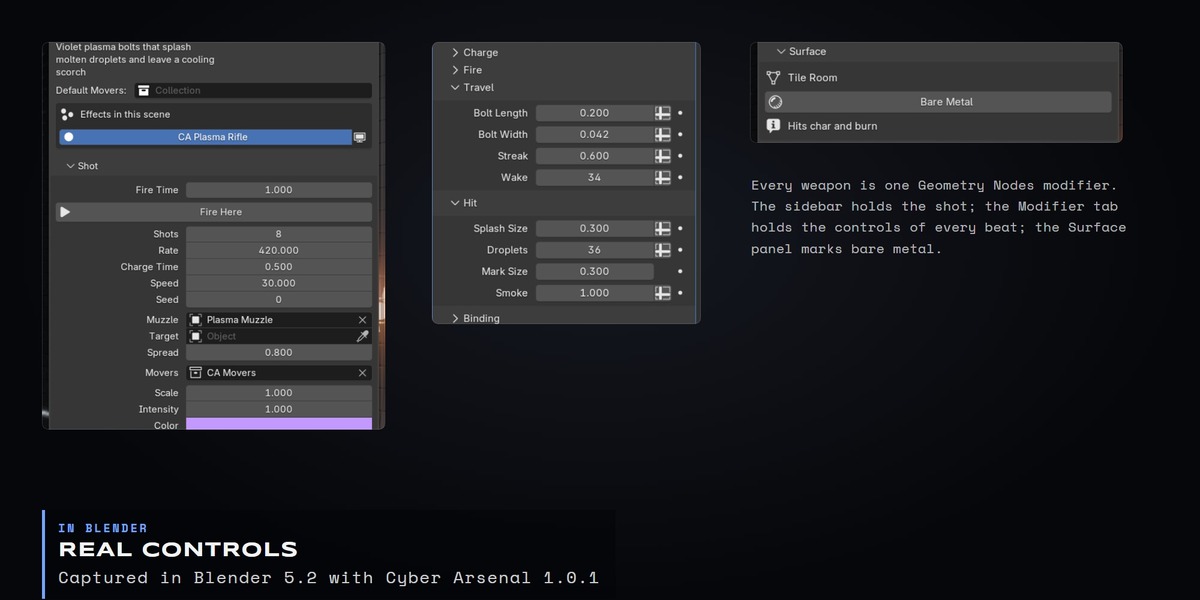
Each weapon is one Geometry Nodes modifier with its inputs grouped by beat. Everything is a normal Blender property, so you can keyframe or drive it.
|
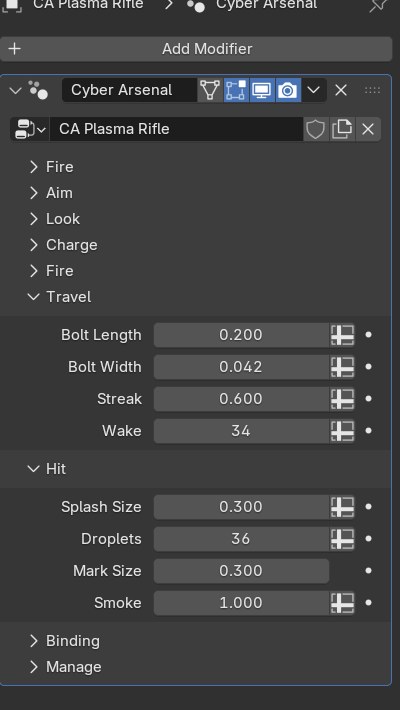
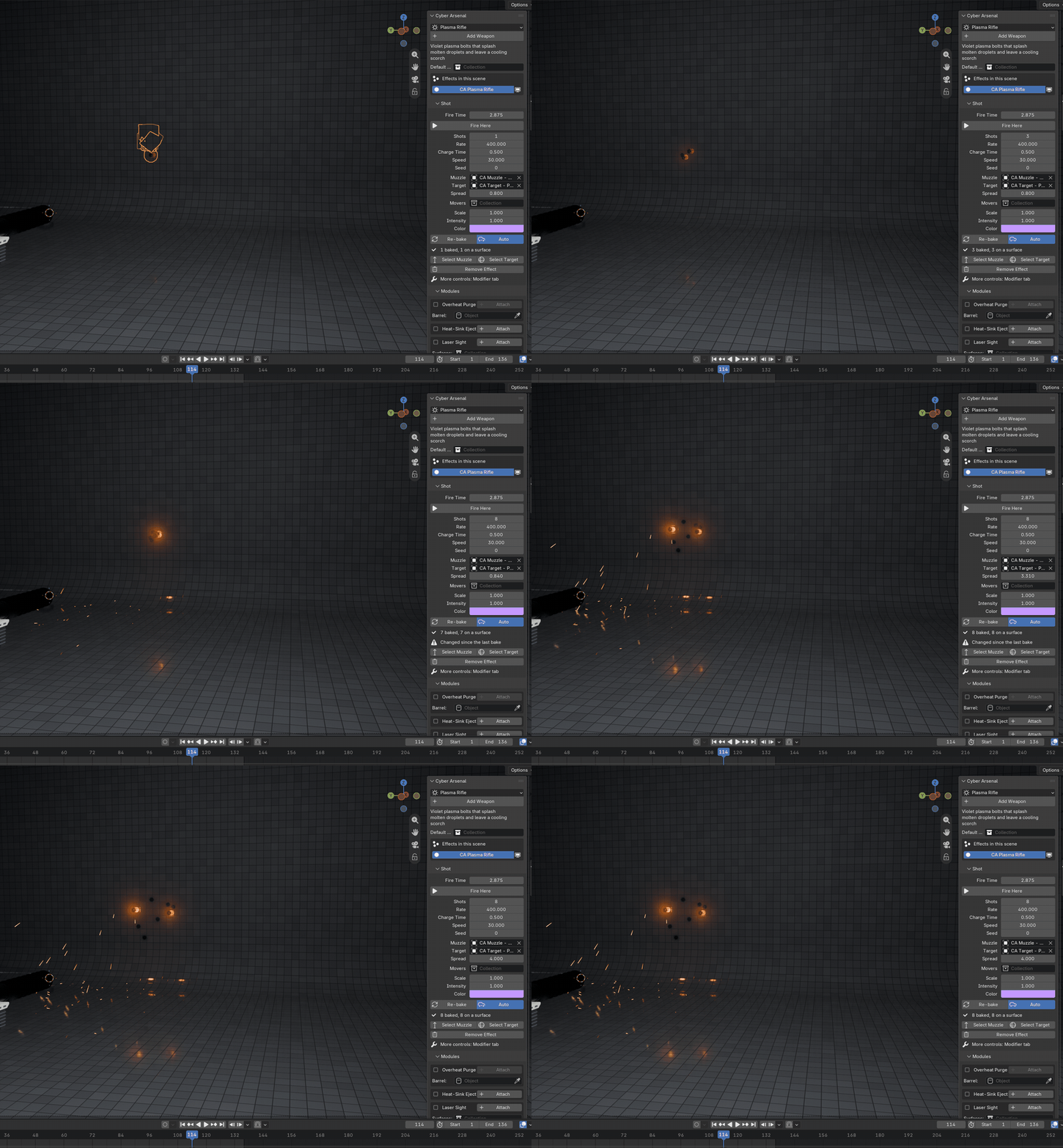
Shots and Spread · Auto re-bakes the burst as you drag
|
Moving targets · both engines IT FOLLOWS. IT RENDERS. |
Marks, hits and hit lights ride with objects that move or turn. The effects light the set with real lamps, so the same shot renders in EEVEE and Cycles.
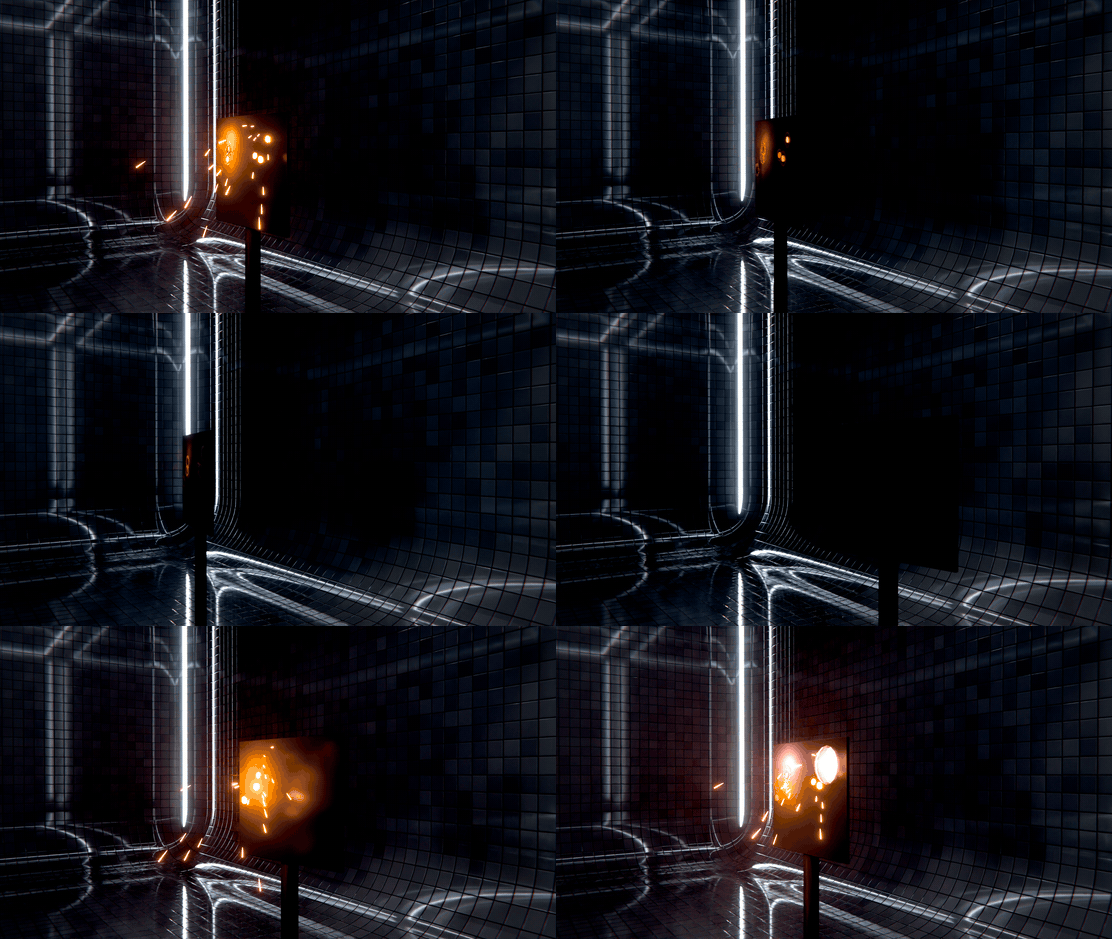
Movers · the scorches stay on the moving target
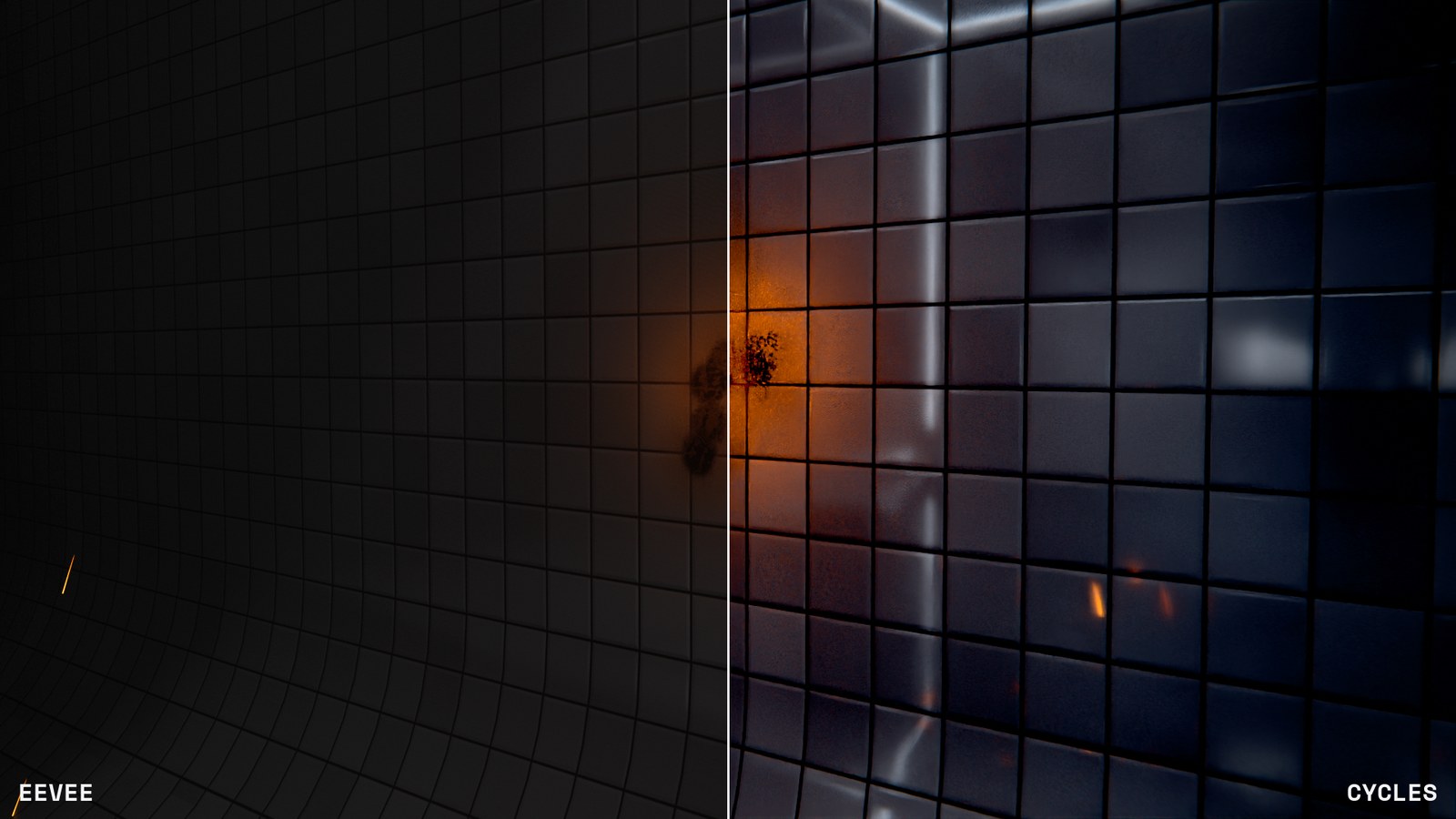
The same frame · EEVEE left, Cycles right
|
Details WHAT YOU GET. |
| Blender | 5.0+ |
| Render | EEVEE and Cycles |
| System | Windows, macOS, Linux |
| Type | Blender extension (add-on), one zip |
| Where | Cyber Arsenal tab in the 3D Viewport sidebar (N) |
| Inside | Seven weapons and three gun modules as Geometry Nodes and shaders, ten demo files with one shot each |
| Not included | The rifle models in these renders |
| Textures | None. Everything is procedural |
| Version | 1.0.1 |
| License | GPL-3.0-or-later |
The full guide is in the Documentation tab.
|
More from the studio LATEST FROM LARKLAB |
All renders on this page were made in Blender with Cyber Arsenal.