 Arun C




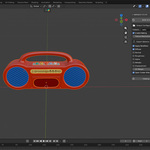
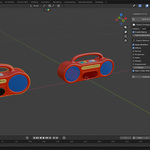
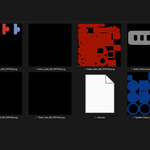
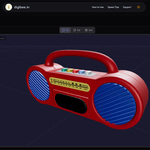
DaeXport – Bringing DAE Export Back to Blender 5+
If you upgraded to Blender 5+ and suddenly realized the official DAE exporter was gone, you’re not alone.
Collada is still required in many pipelines — AR platforms, academic submissions, legacy engines, and cross-software workflows. But exporting a clean DAE used to mean manual baking, UV fixes, mesh joining, and multiple failed attempts.
DaeXport was built to remove that friction.
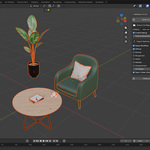
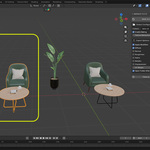
With one click, DaeXport converts complex, multi-objects into a clean, single DAE file. It automatically bakes textures, packs UVs, and prepares export-ready geometry in the background.
Your original scene remains completely untouched.
- No destructive edits.
- No manual cleanup.
- No repeating the same export steps again and again.
Why It Exists
In real production work, DAE is often a delivery requirement — not a choice.
After Blender 5+ removed the built-in exporter, workflows broke overnight. Instead of fighting the pipeline, DaeXport restores it in a reliable and predictable way.
It handles the technical steps quietly in the background so you can stay focused on modeling, design, and production.
What Happens When You Click Export
- Temporary copies are created
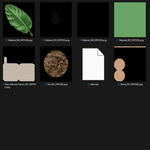
- Materials are baked into texture
- Clean UVs are generated and packed
- Optional geometry cleanup is applied
- A ready-to-use .dae file is exported
Your working file stays exactly as it was.
Built For People Who Actually Need DAE
- Game asset creators working with legacy engines
- AR / VR pipelines that require Collada
- Architectural visualization teams
- Cross-software exchange workflows
- Academic and technical submissions
If DAE is part of your delivery format, DaeXport fits naturally into your pipeline.
Technical Overview
- Blender 3.0 and above (including 5+)
- Custom Collada exporter independent of the removed default exporter
- Texture sizes up to 8192
- Cycles-based baking
- Windows, macOS, Linux
- Fully non-destructive workflow
DaeXport does one job — exporting clean, optimized DAE files — and it does it in a single click.
Fast in. Clean out.
