DaeXport | One-Click DAE (Collada) Export
 Arun C



-
$7.99
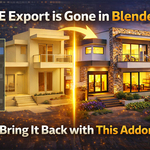
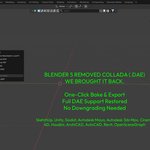
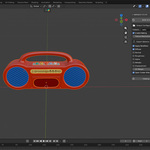
Bring back Blender 4+ legacy DAE export in Blender 5. This addon restores the original native Collada (.dae) export workflow, so you can export models just like before. How it works: Adds a simple export option inside File > Export, using the same legacy system. Where to use: Perfect for game engines, AR/VR, and sharing models across software. Support: Facing any issues? Get quick help and updates here: [email protected]
-
$12.89
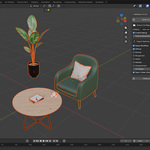
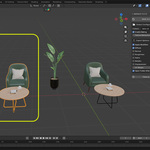
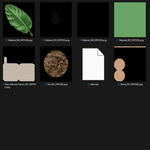
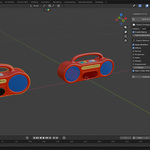
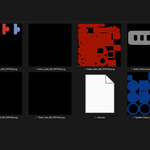
One-click DAE export with auto baking for Blender (including 5.0+). DaeXport brings back Collada export and automates everything—texture baking, UVs, and setup—so you get clean, ready-to-use files instantly. How to use: Select your model → Open DaeXport panel → Click Bake & Export → Done. Perfect for: Game engines, AR/VR, and cross-software workflows. Support: [email protected]
Have questions about this product?
Login to message

Discover more products like this
collada texture atlas Collada export blender 5 dae dae export blender 5 export blender 5 addon collada exporter blender dae game asset export blender collada texture-baking