 wolf_73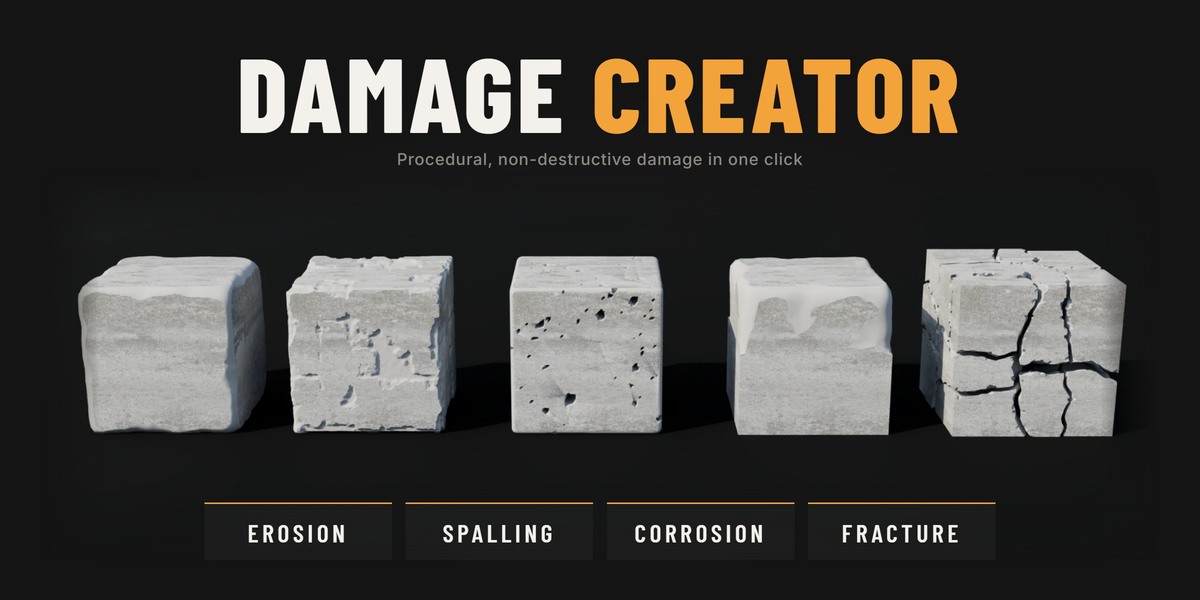
Can I use models made with Damage Creator in commercial work?
Yes. The GPL license covers the add-on's code, not what you create with it. Your models, renders and games are yours to use and sell.
The viewport is slow. What can I do?
Lower Viewport Resolution (Surface Damage) or Viewport Cut Resolution and Iterations (Fracture). Renders still use the higher render settings, so the final quality is not affected.
Can I damage many objects at once?
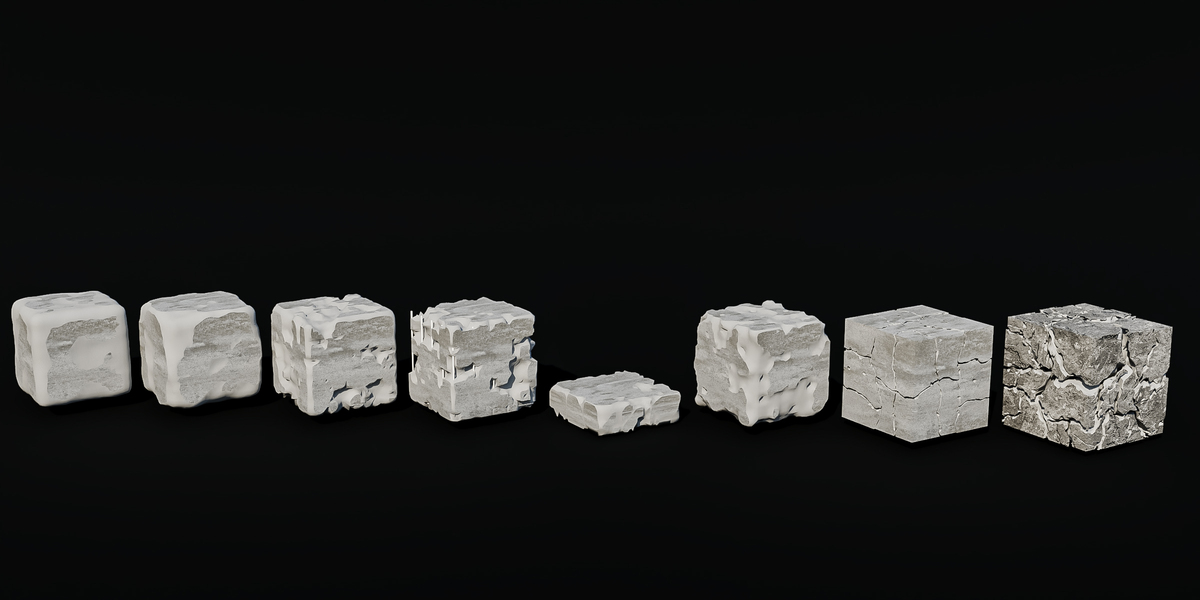
Yes. Every button works on all selected meshes. Copy to Selected gives other objects the same damage, each with its own variation or as an identical copy, and New Variation rerolls the pattern on all of them.
How do I texture the damaged areas?
Turn on Use Damage Material in the Surface Damage modifier to give the damaged areas their own material. Fracture has an Interior Material for the faces inside the cracks. Procedural or box-projected materials work best there.
Can I export damaged models to game engines or other software?
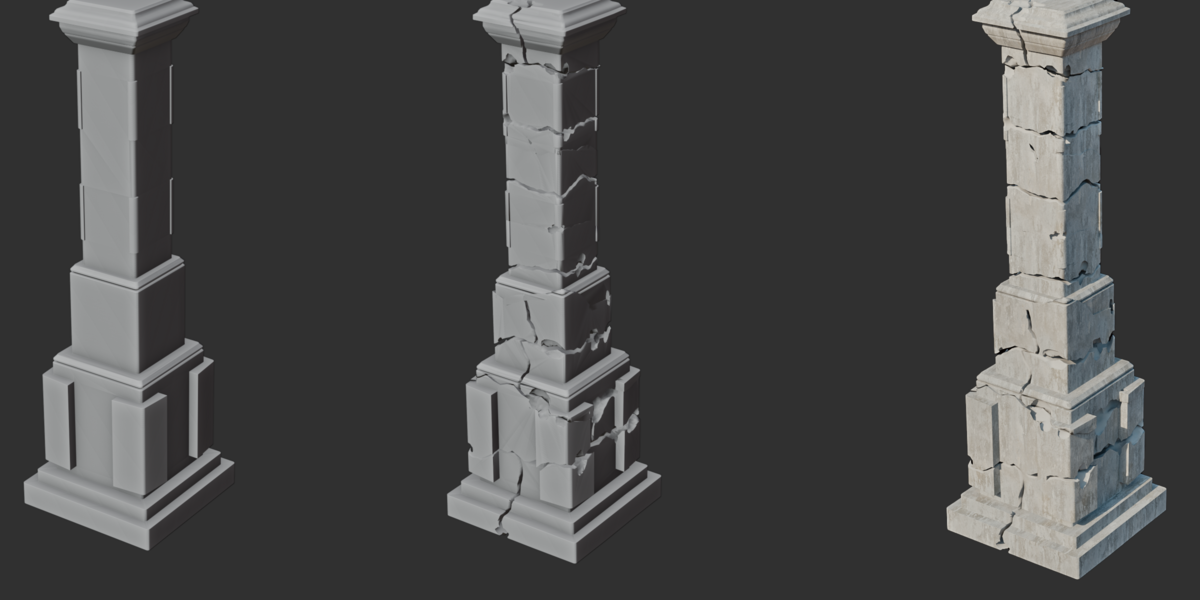
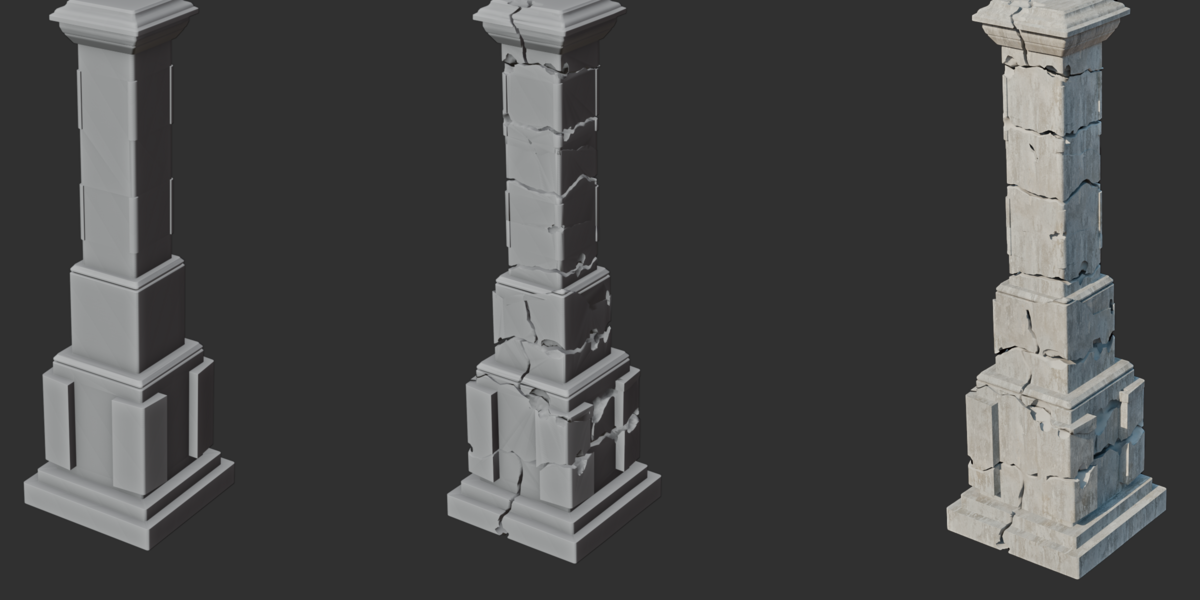
Yes. Click Apply Damage to make it permanent, then export as usual. For soft, game-ready edges on fractured objects, put a Bevel modifier before the Fracture and keep the Weighted Normal after it.
Is the damage real geometry or a displacement/shader effect?
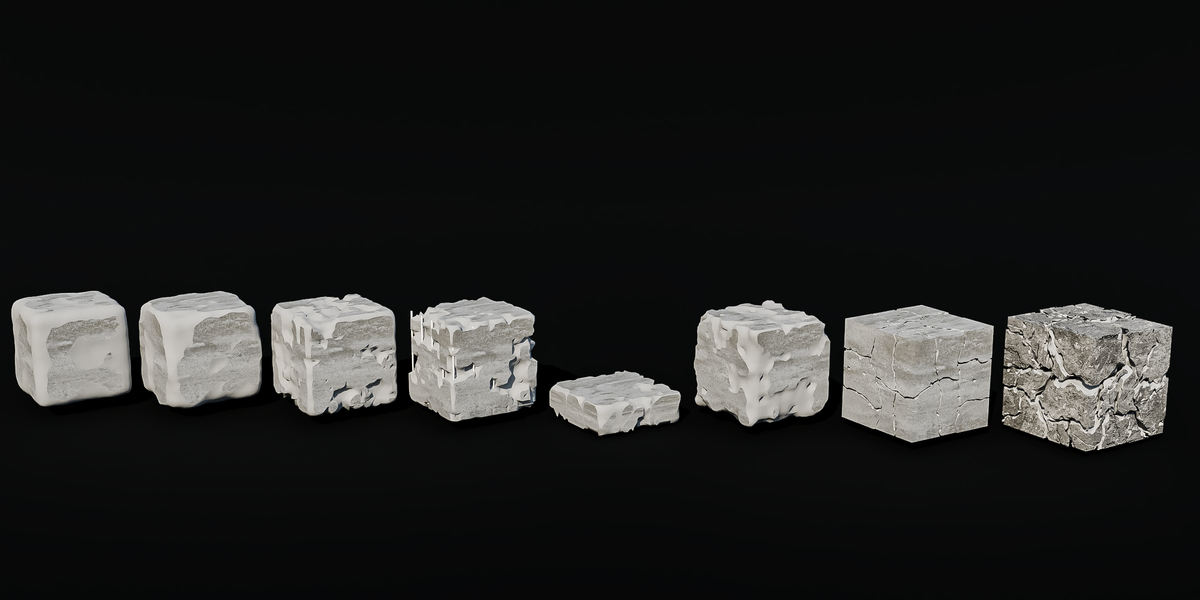
Real geometry. The damage is cut into the mesh, so it works in any render engine and can be exported. Faces the damage doesn't reach keep their original topology.
Does it work on any mesh?
It works on any mesh object, but closed (watertight) meshes give the best results. Open surfaces, like a single plane, are ignored. Close the holes or add a Solidify modifier before the damage.
Which Blender versions are supported?
Blender 4.5 and newer. No extra libraries or downloads are needed.
 Included
Includes 12 months of
- Support from wolf_73
- Product updates
Extend this product’s Support Period +12 months: 50% of product price
Have questions before purchasing?
Login to message
| Blender Extension Compatible | Yes |
| Published | about 11 hours ago |
| Blender Version | 4.5 - 5.1 |
| Extension Type | Add-on |
| Render Engine Used | Arnold, Blender-Internal, Blender-Game-Engine, Cycles, Eevee, Freestyle, Luxrender, Mental-Ray, Octane, Vray |
| License | GPL |

Discover more products like this
Damage Game asset geometry nodes corrosion cracks rebar Concrete destruction fracture erosion procedural ruins