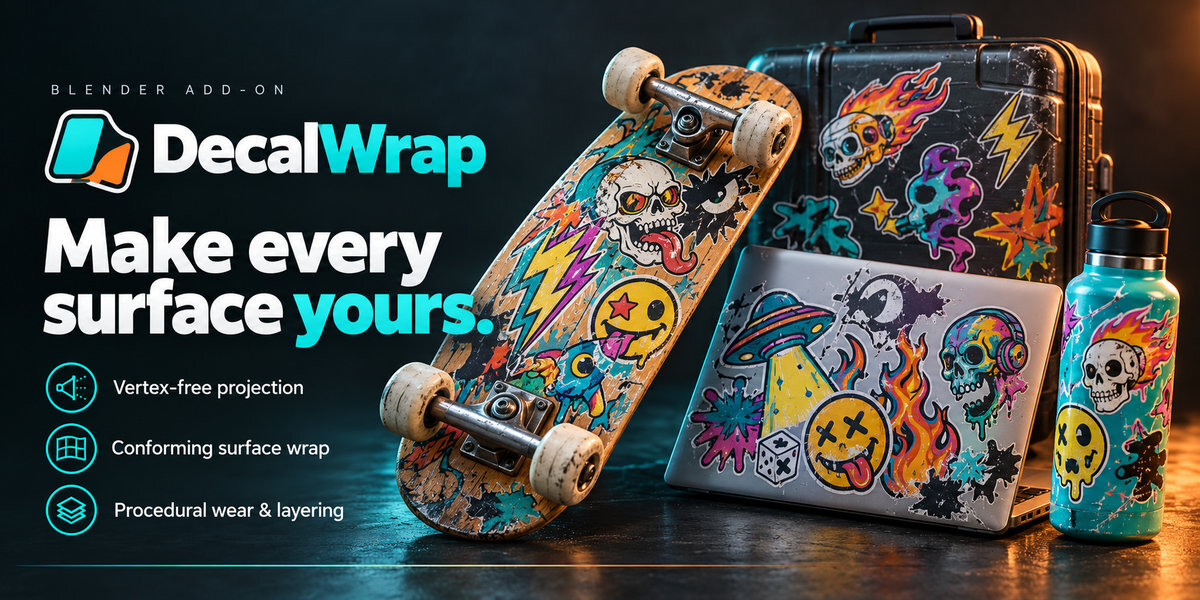

DECALWRAP

Place, Wrap & Weather Decals The Easy Way

Drop decals onto any surface in seconds with interactive 3D viewport widgets and a movable 2D HUD. Switch non-destructively between vertex-free shader projection, conforming curved surface wraps, and deforming cloth patches—then stack layers, dial in procedural damage and wear, save custom presets, bake to textures, and open the built-in offline HTML User Guide anytime right from Blender.

Blender 3.6 - 5.2+ Cycles & EEVEE Projection · Wrap · Cloth Built-In HTML User Guide

Compatibility & Requirements

Blender Version 3.6 LTS – 5.2+ (Single ZIP: Legacy Add-on & Extension)
Render Engine Cycles & EEVEE (Cycles required for texture baking)
Placement Modes Projected (Vertex-Free), Surface Wrap, Cloth / Deforming Mesh
Documentation Built-In Offline HTML User Guide & Manual
OS Windows, macOS, Linux
UPDATES
First release 1.4.2
November 08, 2026

DecalWrap — Non-Destructive Decals for Any Surface

Place stickers, logos, stencils, and graphics onto flat, curved, or deforming meshes directly inside the Blender 3D Viewport. DecalWrap combines raycast surface snapping with an interactive 3D rotation ring, corner scale handles, and a draggable on-screen 2D HUD so you can aim, drop, resize, rotate, flip, and switch wrap modes without ever touching the shader editor.

Choose the right workflow for every object—and switch modes at any time without losing your placement or settings. Use Projected (Vertex-Free) mode to inject decals straight into the target material with zero added geometry, Surface Wrap (Curved Mesh) mode to conform stickers cleanly around cylinders, bevels, and skateboard decks using local surface slicing or geodesic Sticker Wrap, or Cloth / Deforming Mesh mode to bind decals to animated garments and characters via SurfaceDeform.

Stack overlapping decals with full Up/Down layer ordering, automatic Z-fighting prevention, and seven blend modes. Bring your graphics to life with 12 built-in procedural weathering presets and 8 customisable wear channels—Edge & Interior Wear, Chipping, Scratches, Cracks, Peeling, Fading, Colour Ageing, and Dirt/Grime—complete with custom preset saving, wear/protection masks, PBR roughness and bump relief, automatic external image reload, one-click Cycles texture baking, and a comprehensive offline HTML User Guide built right into the add-on.
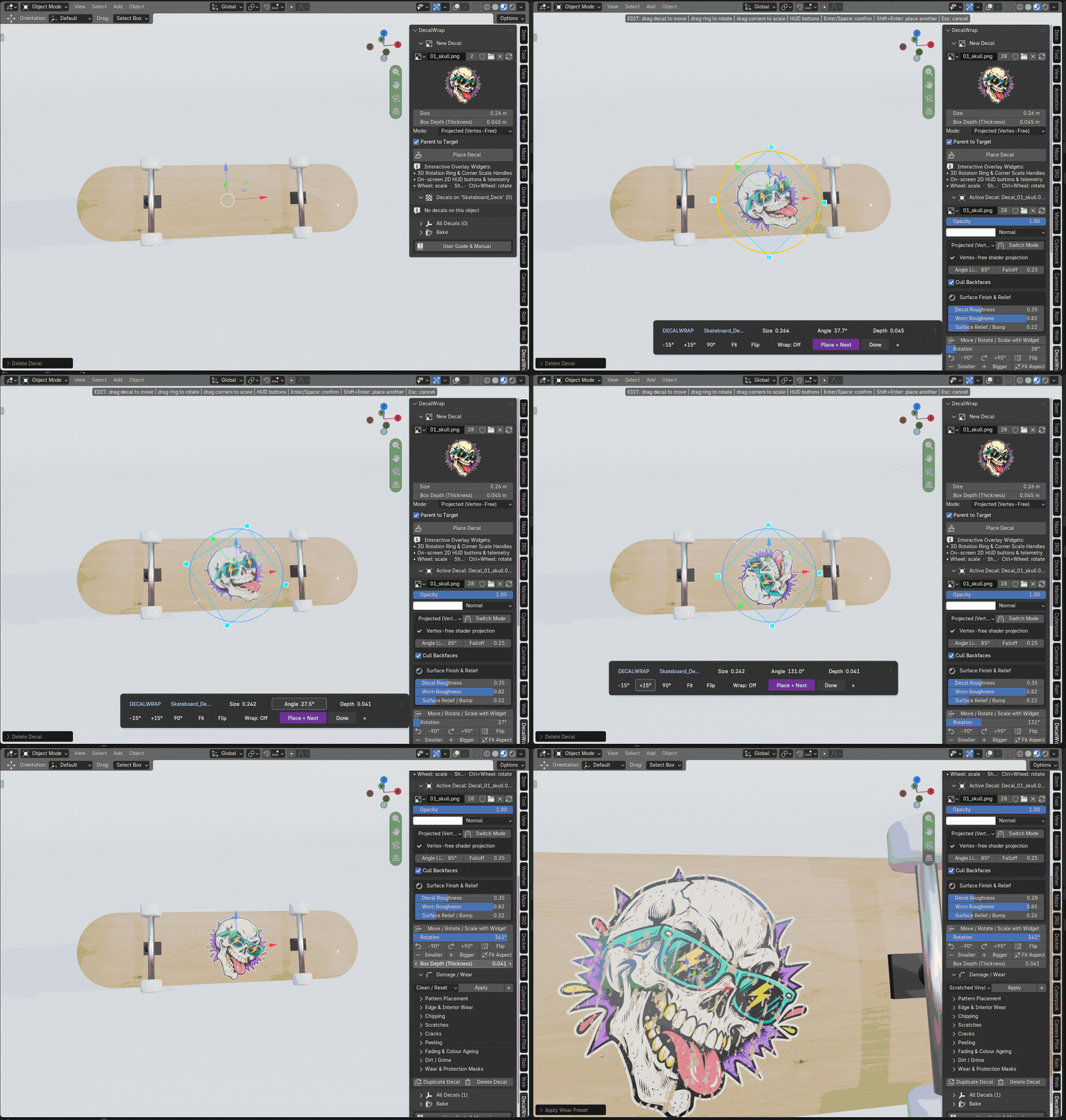
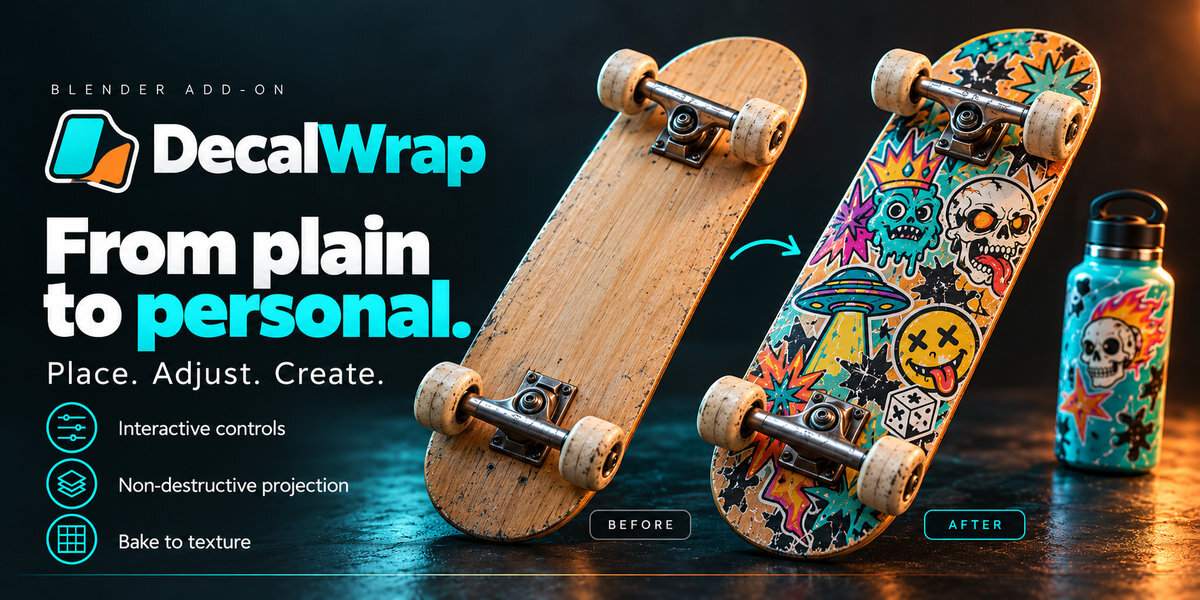
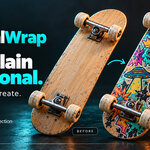
Interactive Decal Placement and 3D Gizmo + 2D HUD
Interactive Viewport Placement: Raycast onto any surface, drop the decal, and fine-tune with the 3D rotation ring, corner scale handles, and movable 2D HUD.
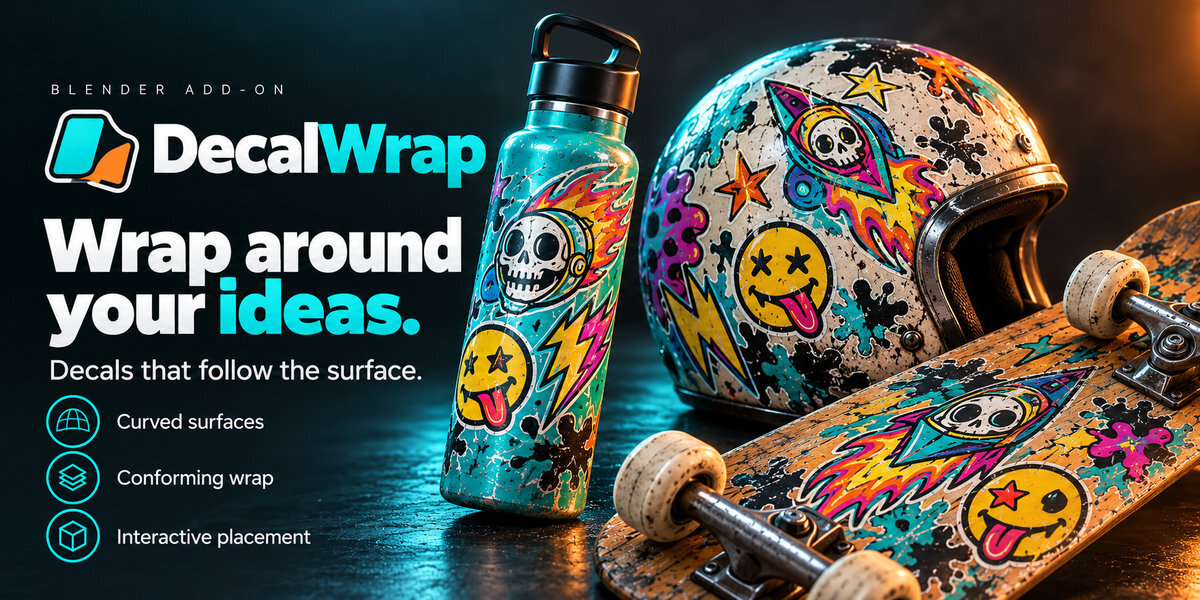
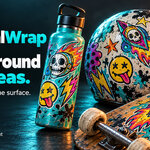
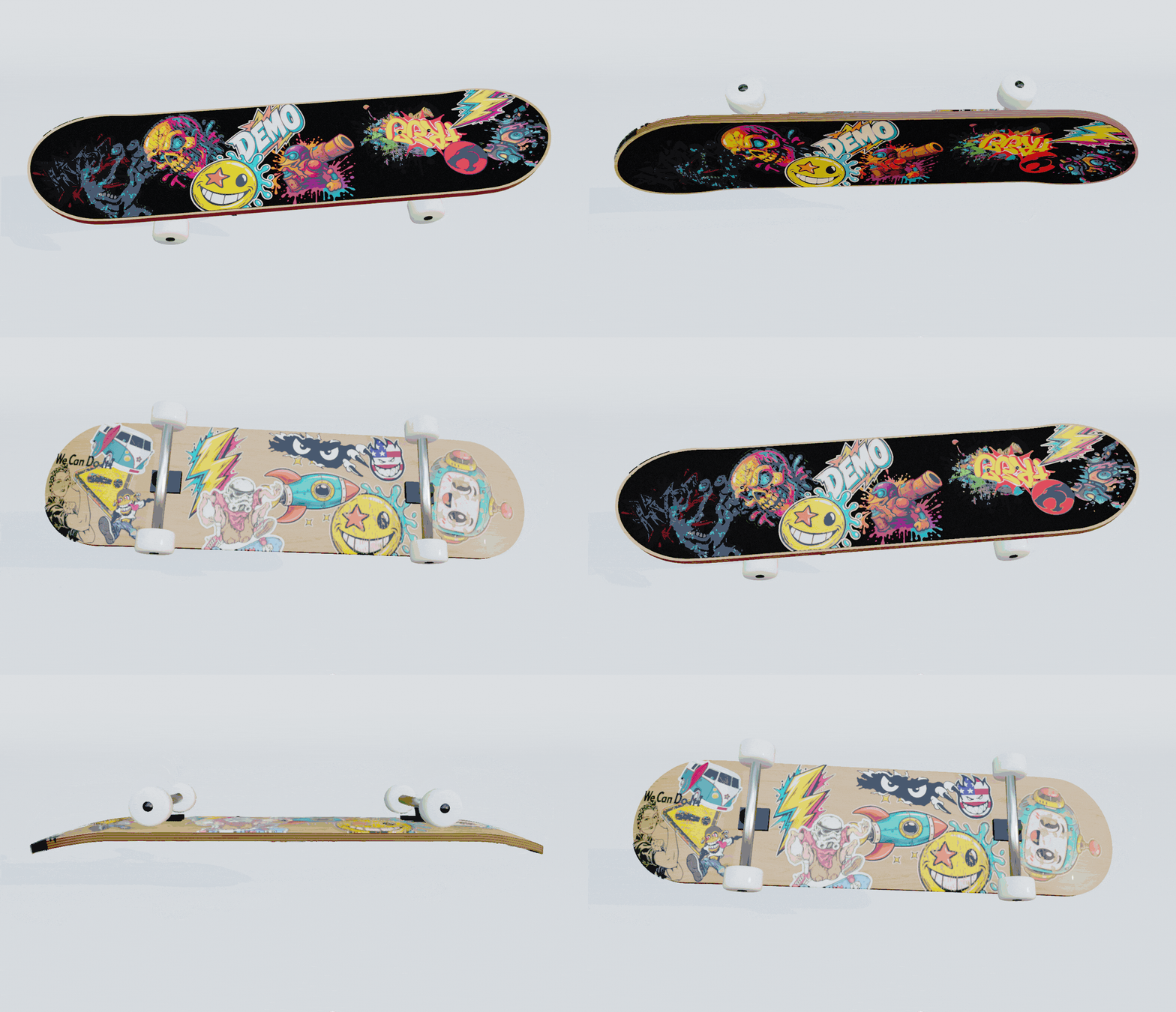
Curved Surface Wrap and Procedural Skate Wear Demo
Curved Surface Wrapping & Layering: Conform stickers over rounded skateboard rails, bevels, and compound curves with multi-layer stacking and procedural wear.
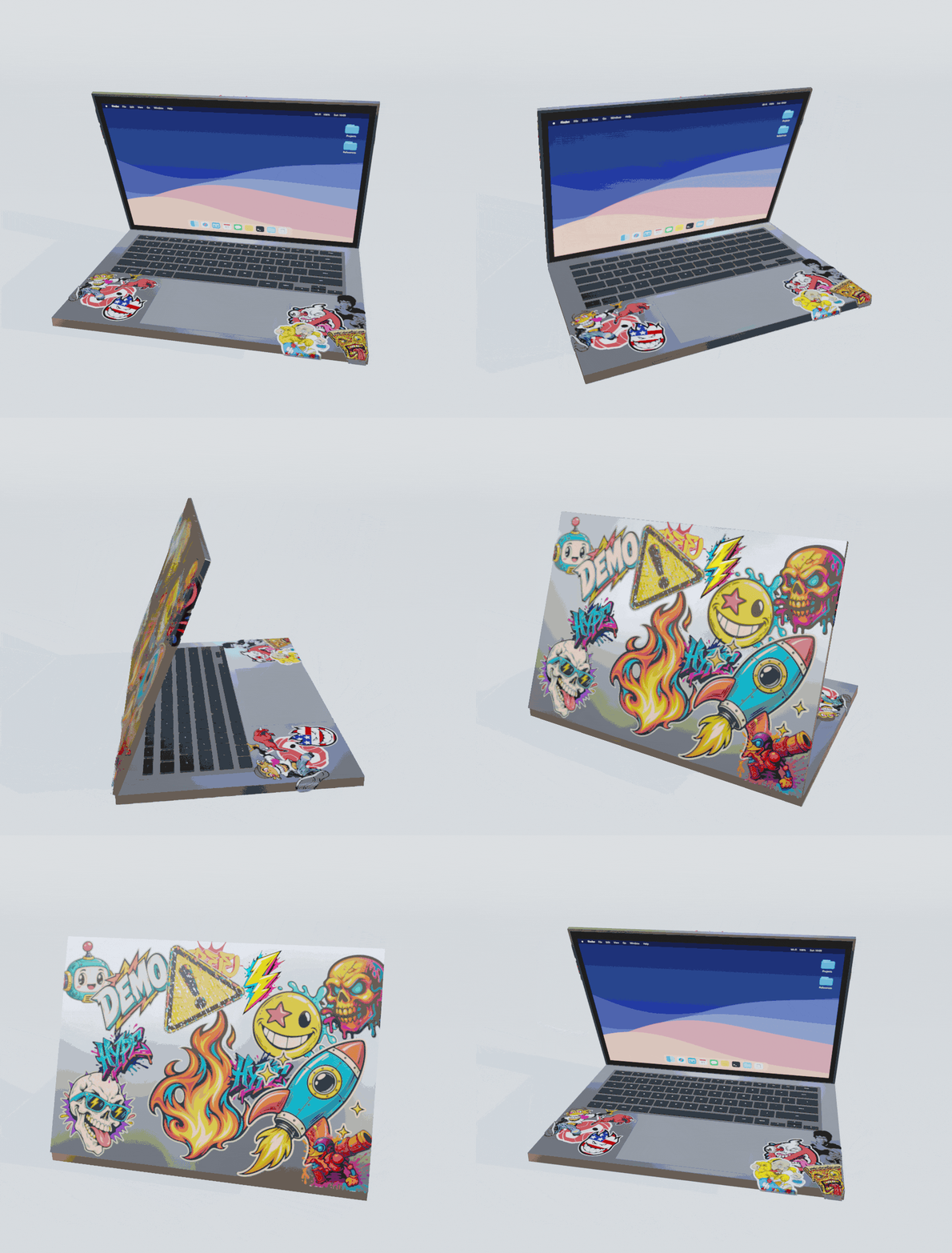
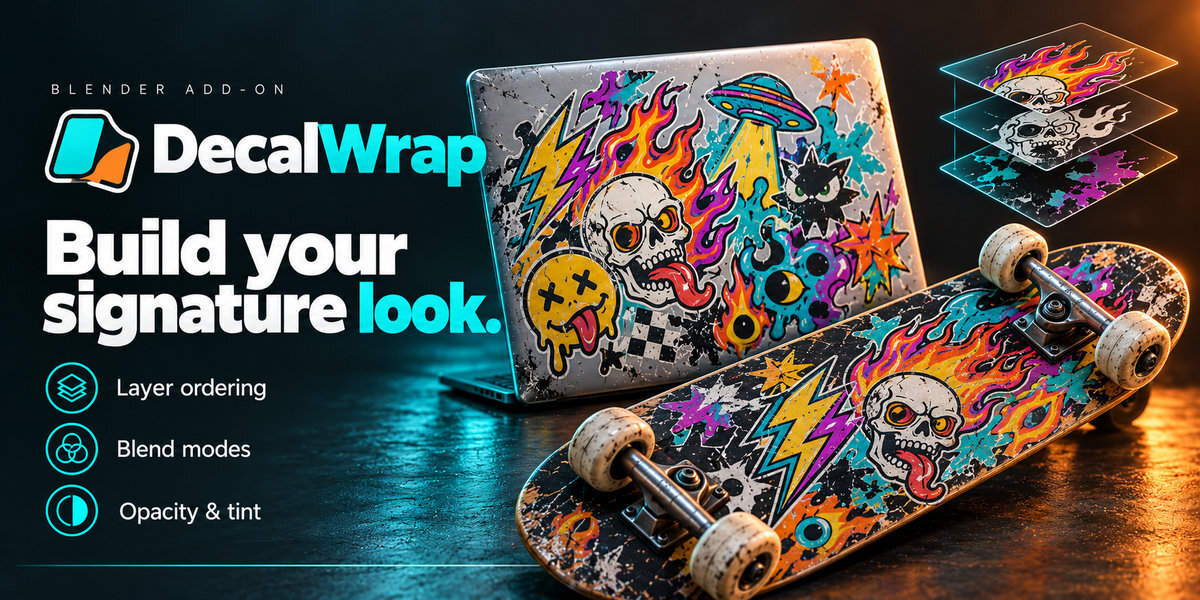
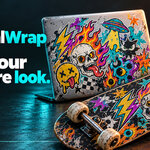
Multi-Decal Sticker Bombing and Weathering on Laptop
Sticker Stacking & Surface Finish: Build complex overlapping sticker layouts with independent roughness, bump relief, and weathering presets.
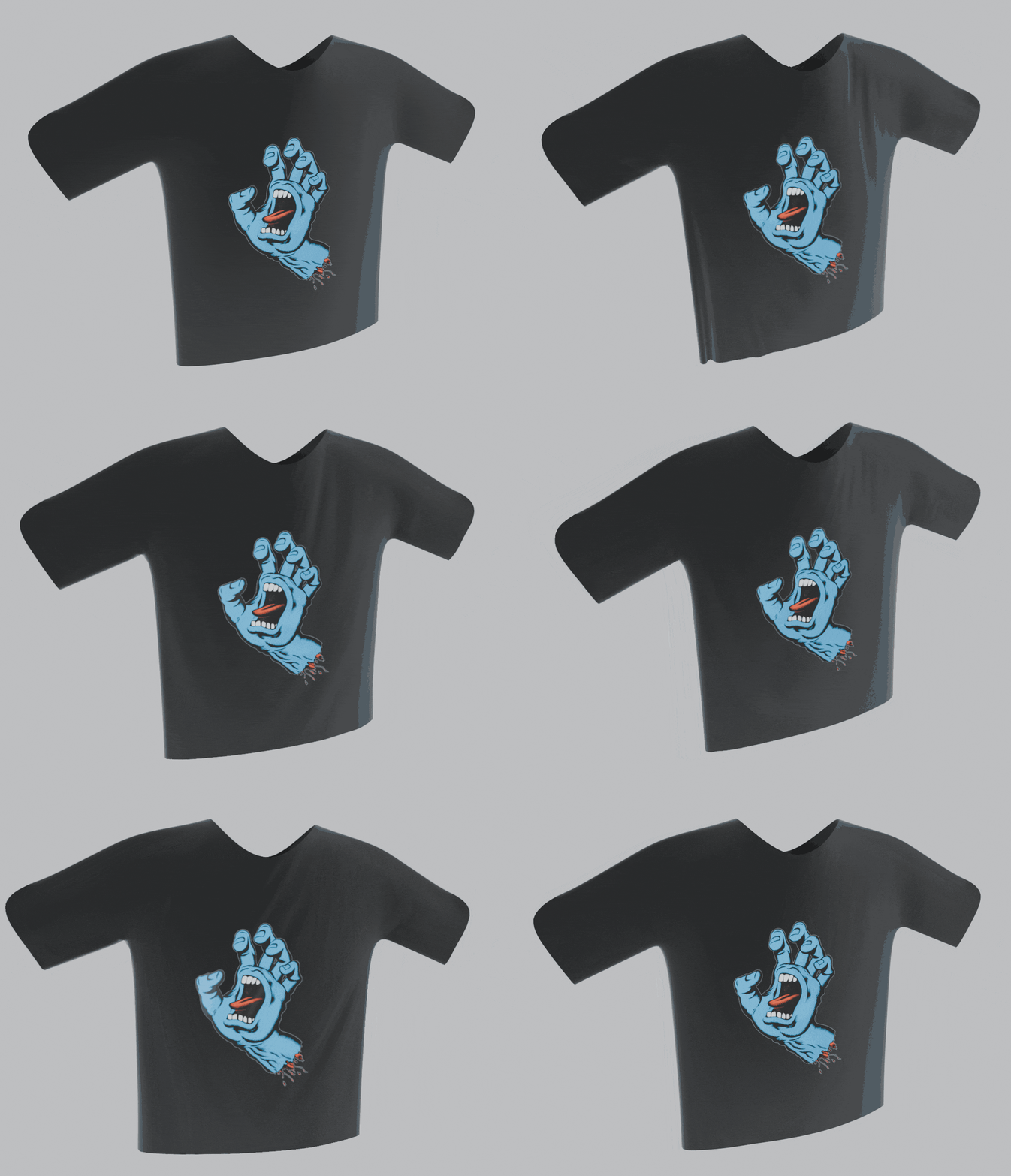
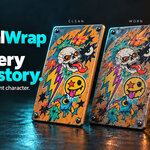
Cloth and Deforming Mesh Decal Mode Demo
Cloth & Deforming Mesh Mode: Bind graphics directly to simulated cloth, t-shirts, and deforming characters so decals wrinkle and move with the mesh.
3 Placement & Wrap Modes
Switch non-destructively between Projected (Vertex-Free), Surface Wrap (Curved Mesh), and Cloth / Deforming Mesh at any time.
3D Gizmo & Movable 2D HUD
Aim over any surface, spin the 3D rotation ring, drag corner scale handles, or scrub size, angle, and depth directly on the viewport HUD.
Cloth & Deforming Meshes
Automatically slices a local surface patch and binds it with SurfaceDeform + Custom Normals so graphics follow cloth and character animation.
Sticker Wrap & Surface Patch
Choose Exact Surface Patch for zero-distortion slicing, Sticker Wrap to fold graphics around sharp 90° edges without stretching, or Shrinkwrap modes.
Multi-Decal Layer Stack
Reorder overlapping decals with Up/Down controls, 7 blend modes (Mix, Multiply, Add, Screen, Overlay, Soft Light, Linear Light), and zero Z-fighting.
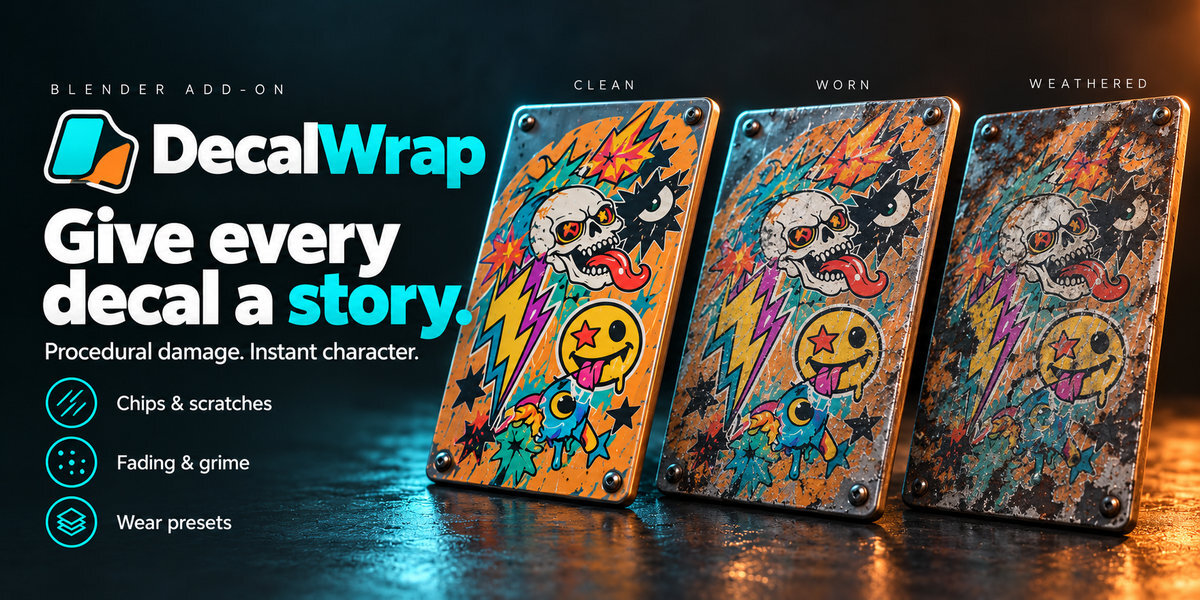
12 Built-In Wear Presets
Apply instant weathering from Subtle Handling, Faded Sticker, Chipped Paint, Scratched Vinyl, and Peeling to Street Skate, Battle Worn, and Abandoned.
8 Procedural Wear Channels
Customise Edge & Interior Wear, Chipping, Scratches, Cracks, Peeling, Fading, Colour Ageing, and Dirt/Grime—all anchored in decal UV space.
Save Custom Wear Presets
Save your own damage and weathering recipes directly to the add-on folder for instant reuse across any Blender project.
Wear & Protection Masks
Plug in custom masks with strength and invert controls to drive targeted damage or protect important text and logos from wear.
PBR Finish & Bump Relief
Dial in Decal Roughness, Worn Roughness, and procedural Surface Bump so intact vinyl stays glossy while chips, scratches, and edges indent naturally.
One-Click Cycles Baking
Bake all decals onto your target mesh's UV map at 1024, 2048, or 4096 px and optionally replace the live decal rig for clean export.
Built-In HTML User Guide
Open a complete, searchable offline HTML manual directly from the N-Panel sidebar or Add-on Preferences—no internet connection required.

Interactive Viewport Controls & Shortcuts

Move Mouse / Left-Click Aim decal along surface normal & drop to open 3D/2D widgets
Mouse Wheel / Corner Handles Scale decal size & box depth proportionally
Ctrl + Wheel / 3D Ring / R Key Rotate in 15° steps, free-spin with ring, or press R for +90°
Shift + Wheel Adjust projection Box Depth (Thickness) independently
W Key / F Key Cycle Wrap Mode (Projected → Surface Wrap → Cloth) / Flip horizontally
Enter / Shift + Enter / Esc Confirm placement / Confirm & place another / Cancel

$7.50

Have questions about this product?
Login to message

Details
Blender Extension Compatible Yes
Dev Fund Contributor
Published 26 minutes ago
Blender Version 3.6 - 5.2
Extension Type Add-on
Render Engine Used Cycles, Eevee
License GPL