 SkdSam


Compatibility & Requirements
DecalWrap — Non-Destructive Decals for Any Surface
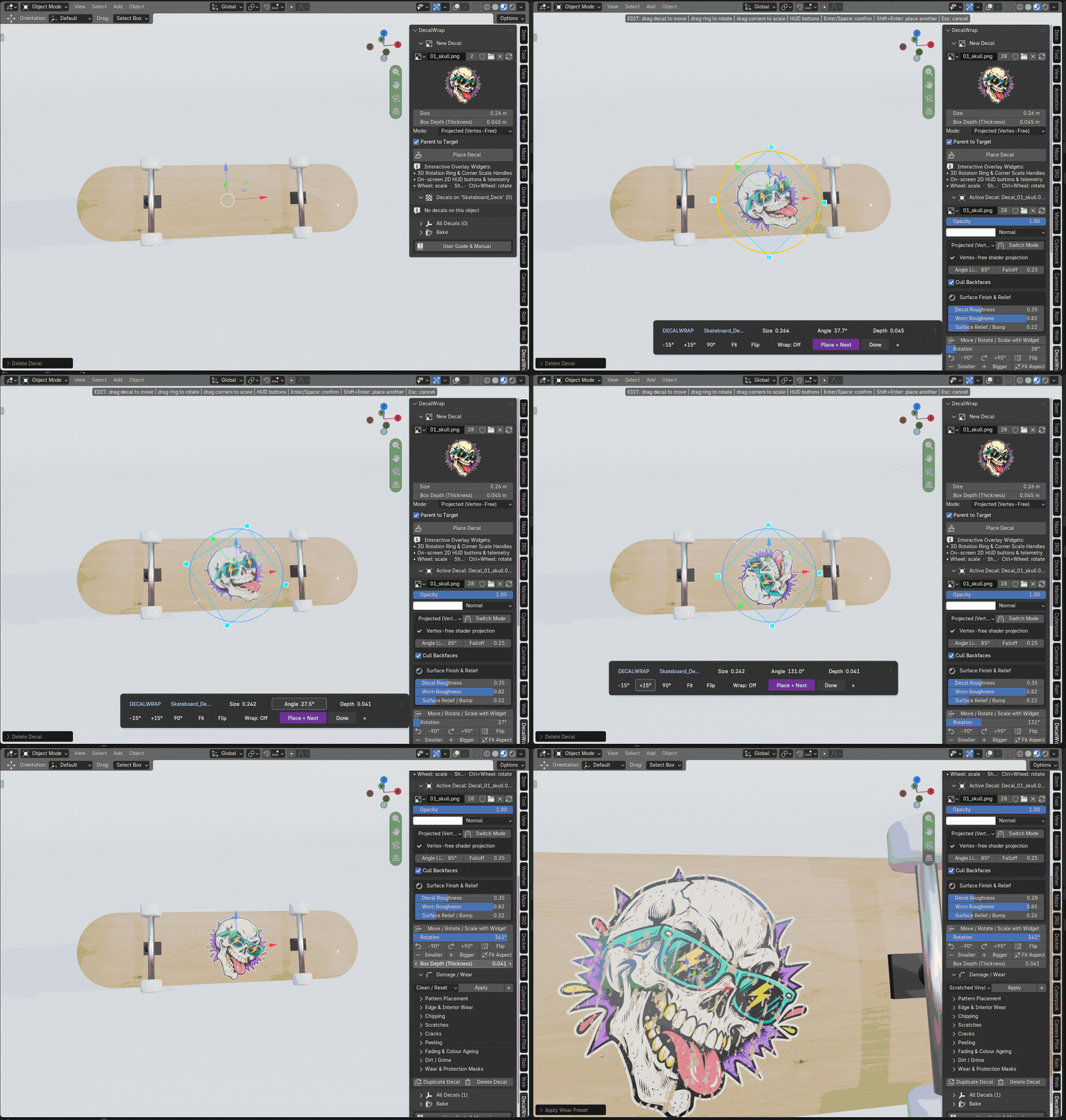
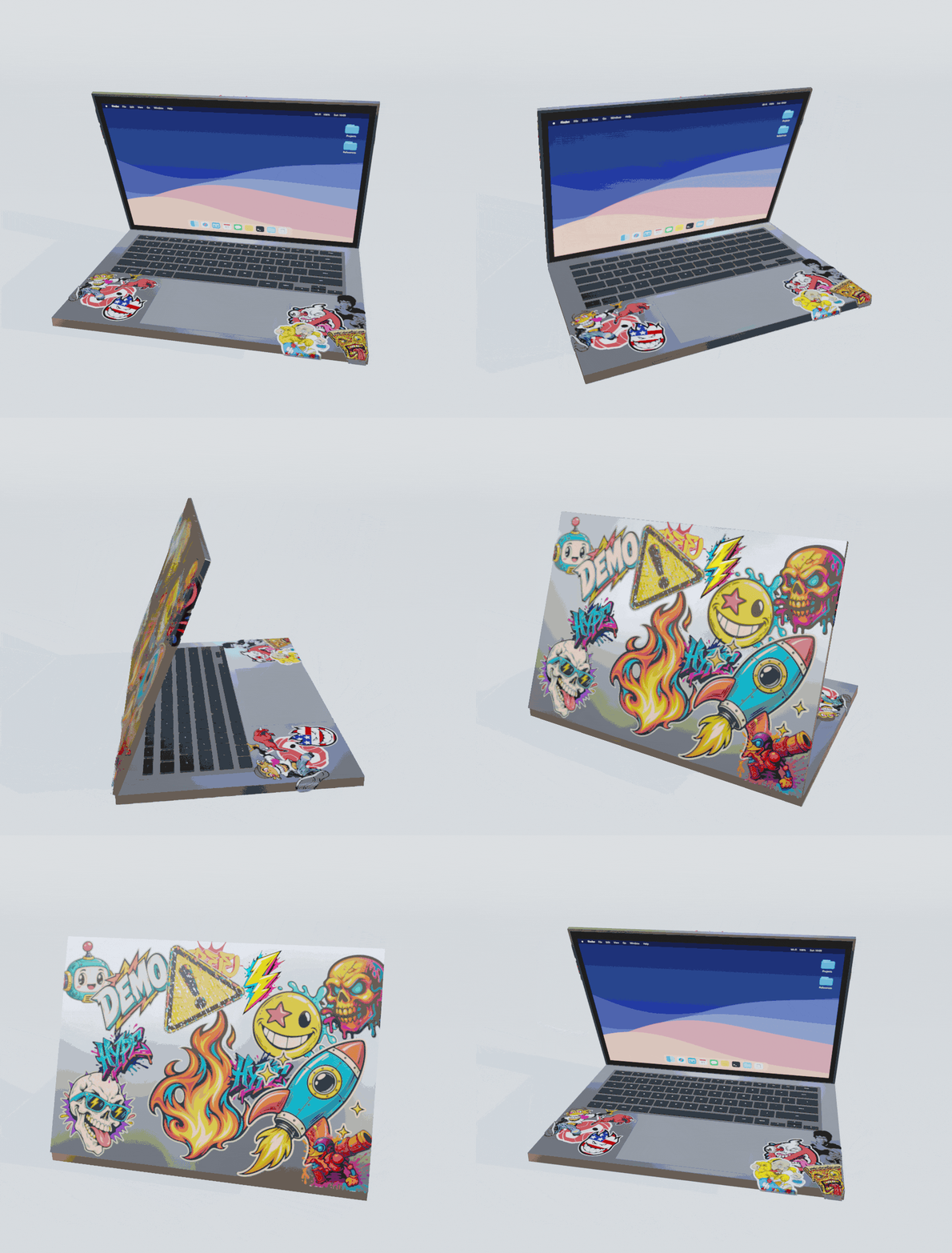
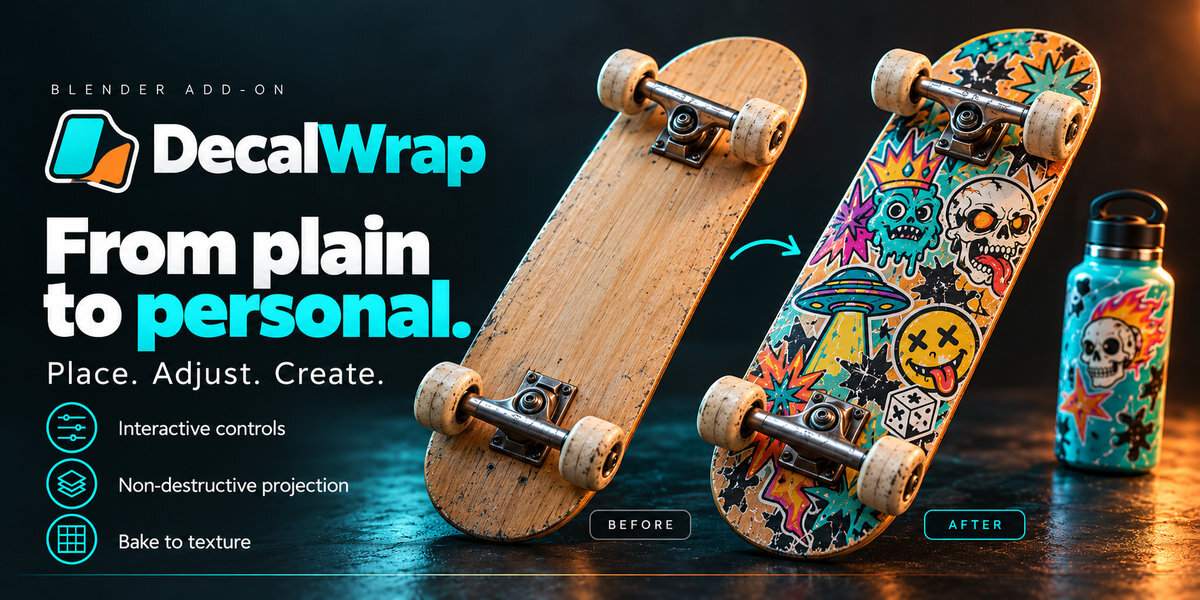
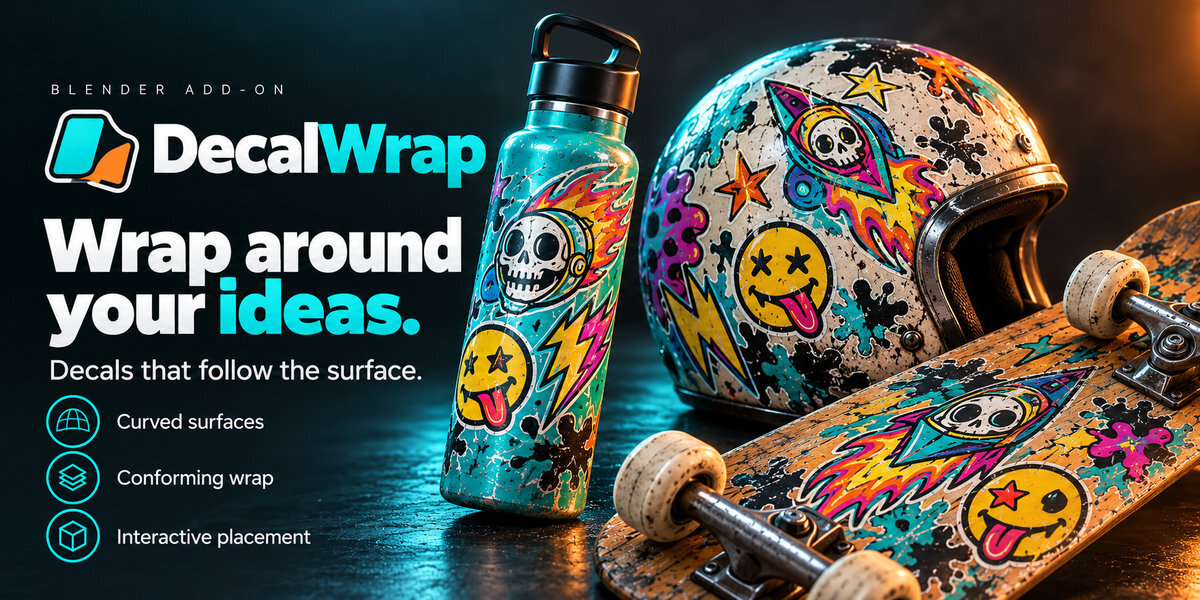
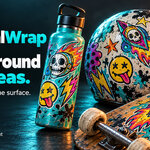
Place stickers, logos, stencils, and graphics onto flat, curved, or deforming meshes directly inside the Blender 3D Viewport. DecalWrap combines raycast surface snapping with an interactive 3D rotation ring, corner scale handles, and a draggable on-screen 2D HUD so you can aim, drop, resize, rotate, flip, and switch wrap modes without ever touching the shader editor.
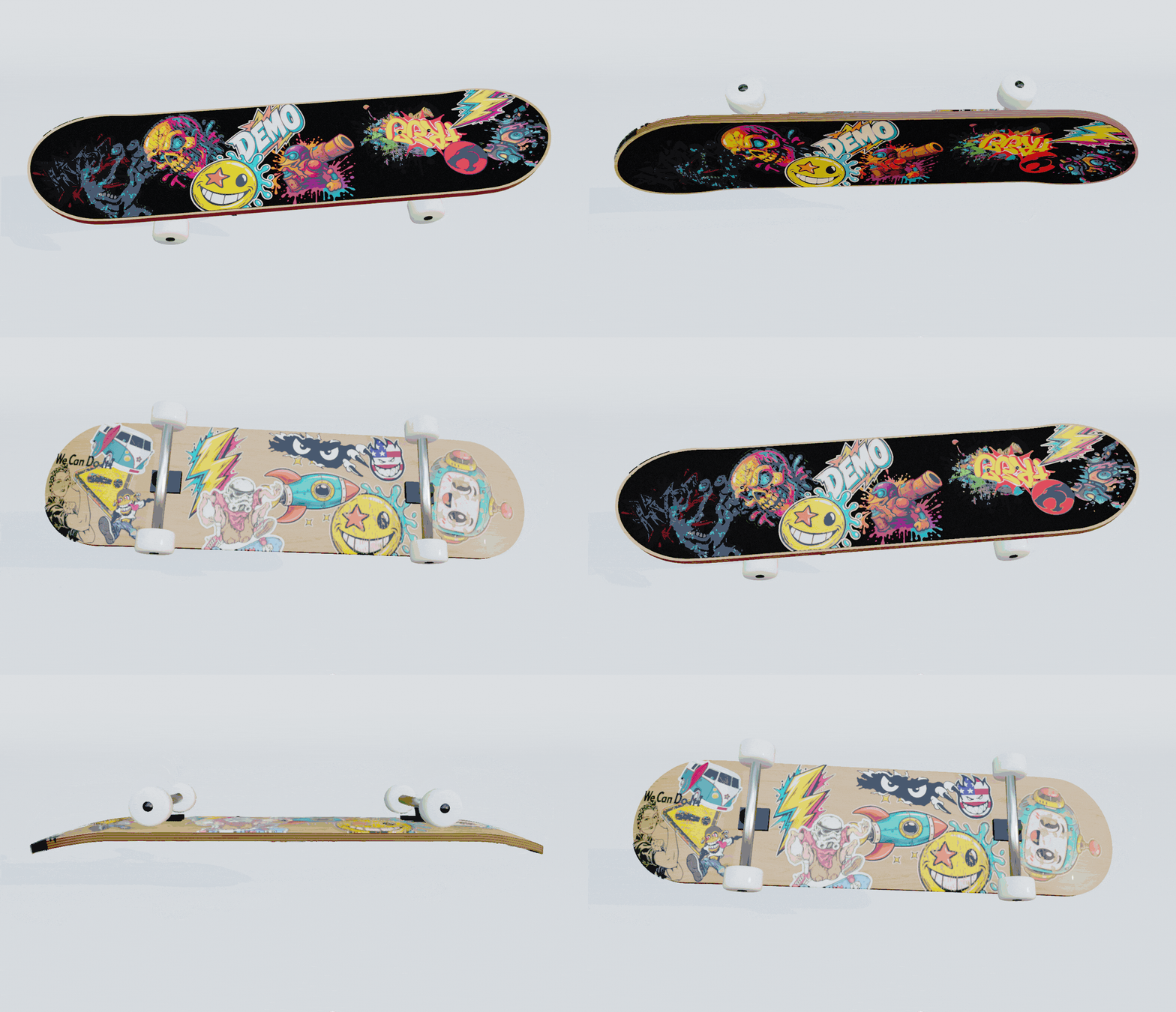
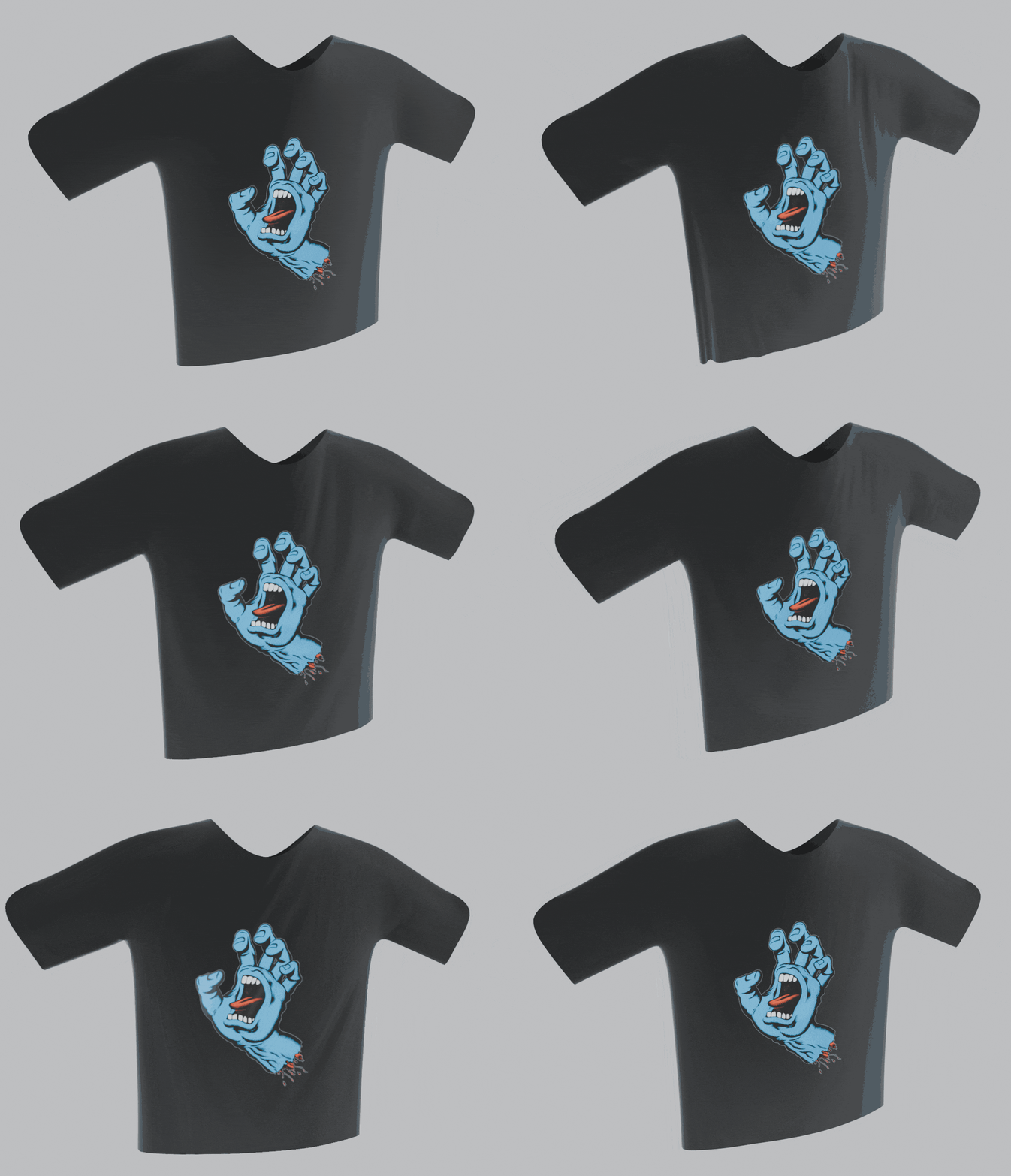
Choose the right workflow for every object—and switch modes at any time without losing your placement or settings. Use Projected (Vertex-Free) mode to inject decals straight into the target material with zero added geometry, Surface Wrap (Curved Mesh) mode to conform stickers cleanly around cylinders, bevels, and skateboard decks using local surface slicing or geodesic Sticker Wrap, or Cloth / Deforming Mesh mode to bind decals to animated garments and characters via SurfaceDeform.
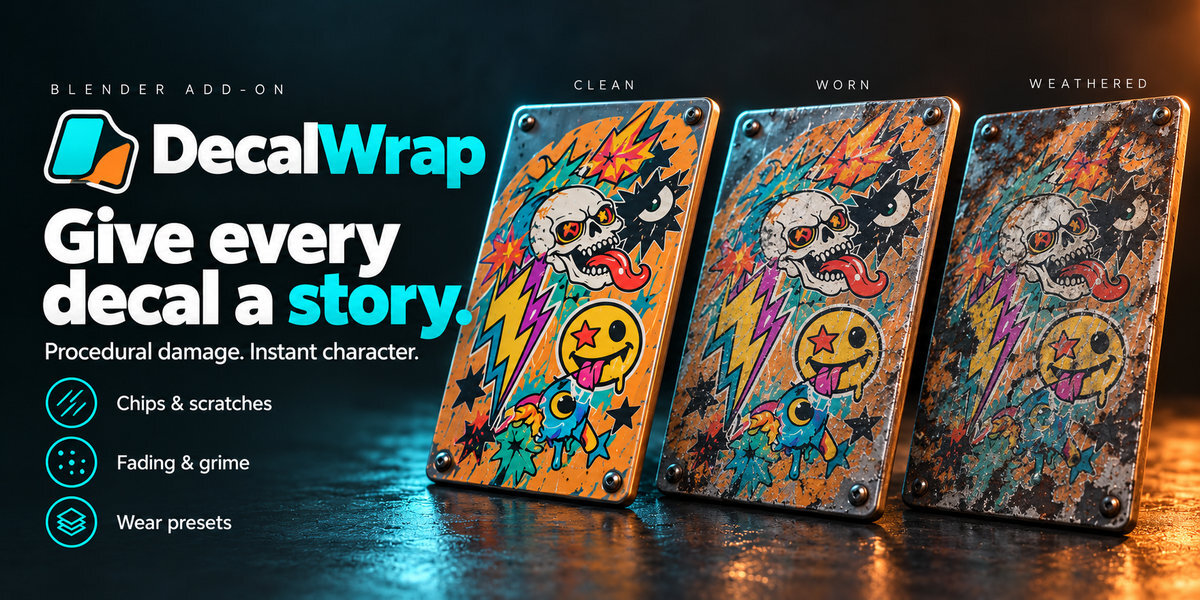
Stack overlapping decals with full Up/Down layer ordering, automatic Z-fighting prevention, and seven blend modes. Bring your graphics to life with 12 built-in procedural weathering presets and 8 customisable wear channels—Edge & Interior Wear, Chipping, Scratches, Cracks, Peeling, Fading, Colour Ageing, and Dirt/Grime—complete with custom preset saving, wear/protection masks, PBR roughness and bump relief, automatic external image reload, one-click Cycles texture baking, and a comprehensive offline HTML User Guide built right into the add-on.