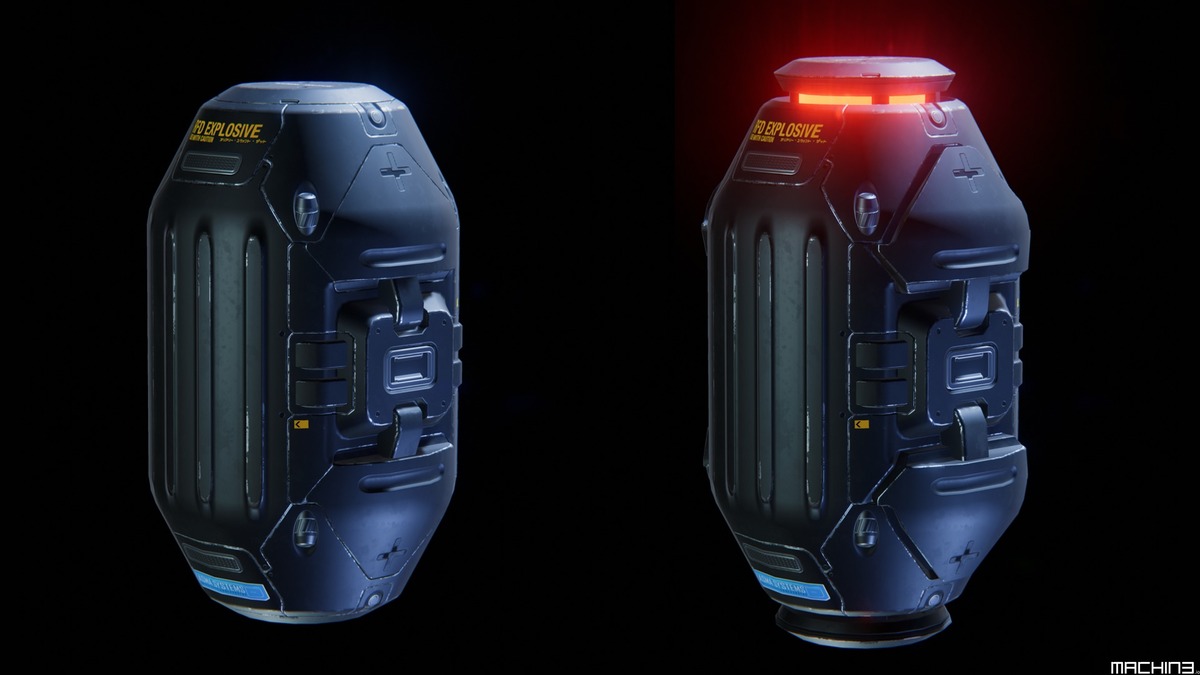
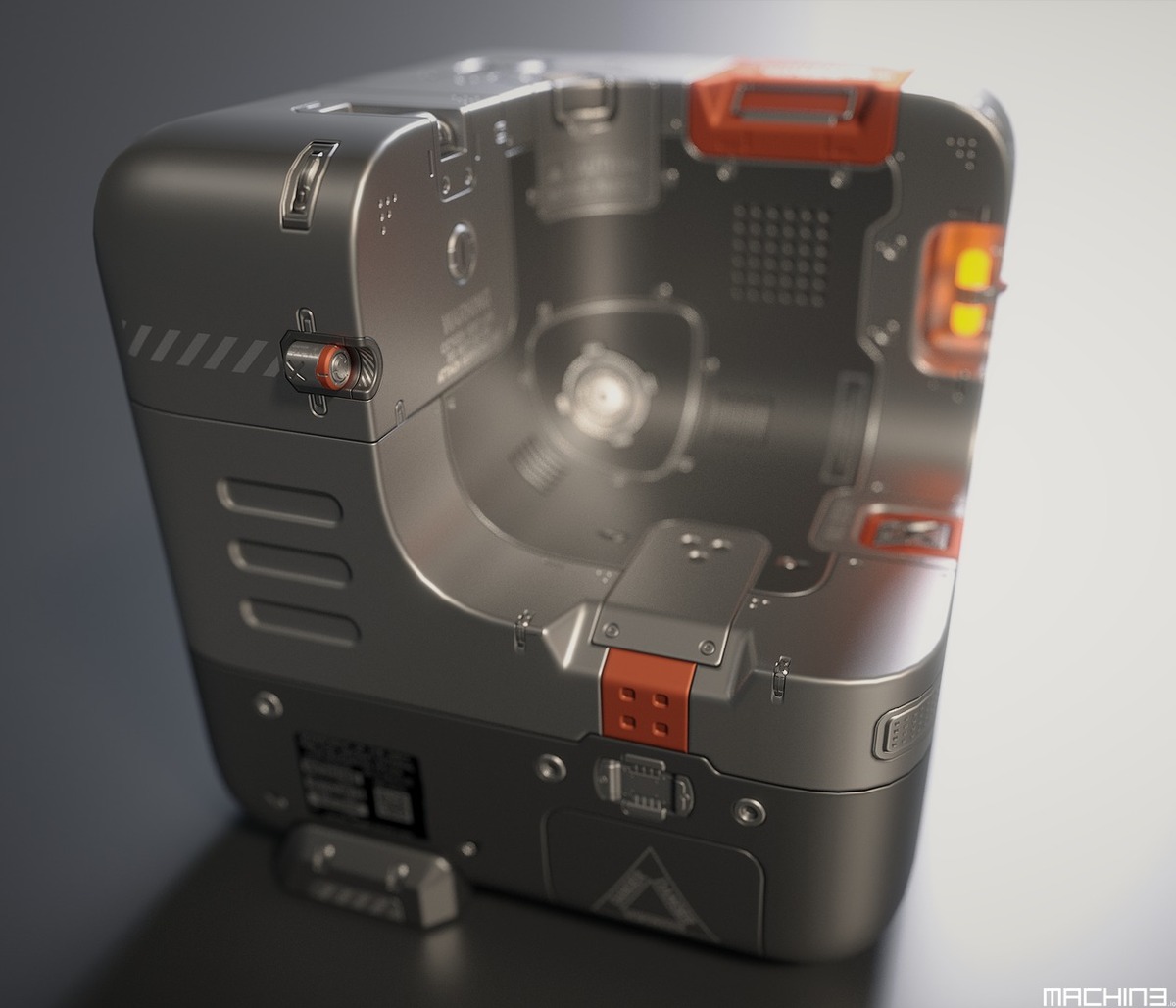
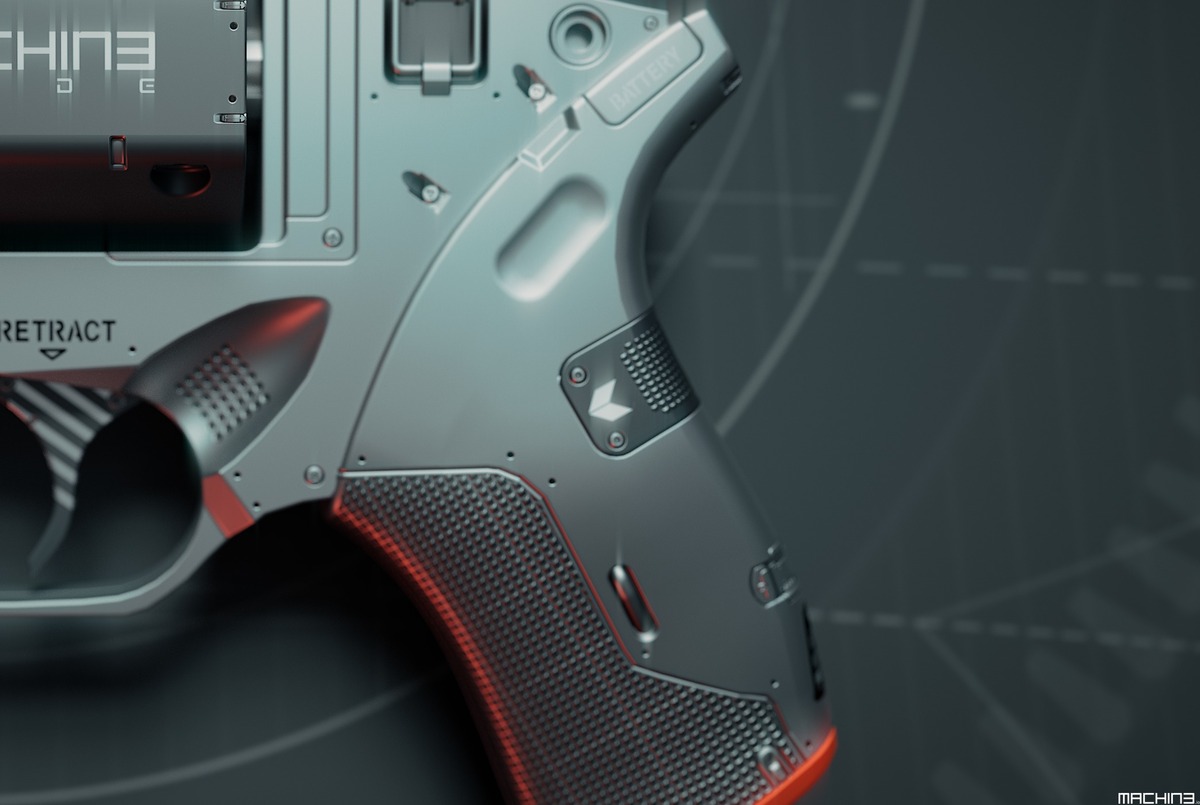





DECALmachine

MACHIN3 in Addons


Item Rating

This item has an average rating of 5 from 99 ratings by the community.

89%
6%
3%
3%
3%

Purchase this item to leave a review!

  • TJ
    over 5 years ago

    I've had quite a few issues getting the geometry the decals produce to actually apply properly, especially around cylindrical shapes. It's a shame that you have to combine textures outside of Blender if you want to do anything else with the normals etc, but it's not the end of the world.

    • MACHIN3

      over 5 years ago

      If you are talking about the baking export workflow, there are numerous places in the docs, where I point out that baking is not an ideal workflow in context of decals. Beyond that, I'm also limited by what Blender can do here, and there's an ongoing Blender bug since 2019, that prevents me from pushing it further.

      People who insist on cramming Decals into their texture painting workflow, instead of leveraging the actual potential of Decals via Atlasing or Trim Sheets, have no place to complain IMO. I warn about it everywhere.

  • Mark Lowe
    about 6 years ago

    This is a great product and I was able to use it a professional capacity with a day of purchasing it. I did find some hiccups with trying to place decals over edges. Not sure if this is a Blender thing or an addon thing. Regardless, the ease of adding planes with textures is really handy. Even for the decals that didn't fix to the surface, I was able to hover them over and the final renders didn't notice. Thank you for this addon.

    • MACHIN3

      about 6 years ago

      I would have preferred it it you had reached out to be to resolve any problem you had. Even though adding an object with face snapping on top of an edge, does not seem to be the addons fault, I probably could have given some advice.

  • Marc Quentel
    over 6 years ago

    The addon is awesome... but the text docuemntation is quite short, and you cant fully use, and in fact, not really use Decal just with it. You need to watch the YouTube channel, and it's not so great.

    • MACHIN3

      over 6 years ago

      How is the documentation not great? I literally go over every single tool and explain things in detail.

  • lcerura
    7 months ago

    Great addon. Minus two stars for the author's rudeness. Must not get out very much to speak to real people.

    • MACHIN3

      7 months ago

      Your passive aggressiveness shines through here too, nice. I think it is you who doesn't get out much, I was dealing with your support case while out on a short easter trip, this is the kind of dedication I have.

      You however came to me, super rude, entitled and in an accusatory manner, complaining about something supposedly not working without providing ANY details at all, that I could comment and provide feedback. You told me about how you used AI to try to solve your issue and how it failed. What am I supposed to do with that information? I told you this, and pointed you to the support process and the support tool, which will give me a base level of information I can work of. I'm not gonna bend over backwards with pleasantries, when you approach me in the tone that you did.

  • Sascha
    almost 6 years ago

    3 Stars and the following may sound a bit negative. So before you read I will let you know that I'm a fan of this addon and I'm happy to have it. Nor I wanna bother the dev or anyone else. But at this time/version it's not for me in manner of creating game assets for Unity URP. I write this for (poor) people/students/hoppyists which are in the same boat and struggeling around to buy or not especially while it's one of the more expensive ones.

    1. Material Match:
    Well it's not working rly flawless. So if you put a decal especially on a procedural texture it will match the underlieng color but not the texture itself. After a while I figured out theres an addon can handle this called "INSTAMAT". But I dont wanna buy another add to fix a lack of the addon itself where I expected it from. The workaround is to fiddle around within the texture editor with the decal material and the underlying material. Thats to inconvenient for me.

    2. I couldn't figure out an easy way to bake down the decals with underlying procedural/other textures. It would be greate to have "1-click"/easy workflow to bake down your high poly with plastered decals to the low ploy cage. The best solution I could find is an 3 year old tutorial video which is declined as "outdated". So the workaround is to create your decal trims sheets/atlasses and bake a combination with the base model maps. So you have to do it for all maps you wanna use. This is quite time intense and error-prone. This belongs in most to the (old) regualr baking steps to use with Unity URP. Anywhere I saw that there is a solution for HDRP and Unreal Engine but I can't tell anything about it now.

    Maybe I'm wrong and I oversaw something or I'm just to stupid but I invested a lot time to watch the vids. But even then theres no easy straight forward tutorial to come across to my points above. If theres someone who can teach me how todo it fast, easy and right, let me know. I will instantly ensure to refine this rating.

    So why do I buy addons... in first they should be time saver for me. If I have to struggle around with em. It makes not that much sense for me except they are time saver later ;). Second I can do things with em I can not without or only with big circumstances

    5 Stars from me as from all others!
    So, what is it good for and do I regret the bought?
    It's a big time saver if you go for conceptiual design or prototyping or to figure things out and inspire yourself.
    Its even good for visualisations and fast renders. As far as is for narmal map based viz. (beware of the cons of normal, diffuse, paralx, etc. -maps, cause decals are in general exactly that)
    The included decals are a bit to few. So I can recommend to buy additional packs or build your own to play out it's real potential.
    So if you are just interessted in these points go for it.
    Over all I do not use it that much cause I wanted to create fast game assets with it. But all in all I like it so much to just plaster your cube with decals. And yeah it looks rly greate. And as I said it can give you a new view of things you normally do. For this I do not regret the bought on a Black Friday for 38 bucks but 50? Hmm atm. I guess for me not compared to other plugs/tools. I mean blender itself cost nothin which is so greate and give you so much. And there are also a lot other ways to craete decals or Kitbashing things. Therefor I think before going for addons blender itself is worth a good donation (Even if they get pushed now by the big players. Hopefolly they can not break their mental).

    I'm a bit sad about that I mailed this to MACHIN3 for about 4 weeks and didn't got a response until now. But it's ok for me... better he will invest his time on the next release and I may get something I was expecting for. ;)

    No harm ment :)

    • MACHIN3

      almost 6 years ago

      1. I have never received an email from you.
      2. If you are using Unity URP, Decals are not for you, because you are missing out on the material blending capabilities provided by deferred rendering. The docs are very clear on that and it is recommended to use trim sheets in that case, see https://machin3.io/DECALmachine/docs/export_atlas/#urp

  • Tommy
    over 5 years ago

    This is awesome for creating some cool looking fast models in Blender. However I primarily got this asset to make Video Game Assets, which involves baking the decals to the model's UV space. However the Bake process does not work at all. I get weird graphical artifacts. There's next to no documentation on how to bake aside from one video that mostly complains about the baking process rather than actually explaining how to bake. There could be a lot more helpful information on what to do if a bake doesn't work properly, but unfortunately there's just a lot of criticism of Blender's baking process and not a lot of information on how to actually do it. As it is, if I can only get this to work in Blender and not in a Game Engine like it advertised then this asset is next to useless to me.

    • MACHIN3

      over 5 years ago

      The documentation is extensive and covers 3 export workflows for game art.

      The 2 main workflows that make sense in a decal workflow are using decal shaders in deferred rendering pipelines and trim sheets.

      Baking decals sucks, because baking in Blender sucks. Baking also sucks because you loose all the benefits of decals.

      I warn about this everywhere in the docs. I've added baking support because people requested it and I regret it everyday.
      See https://machin3.io/DECALmachine/docs/export_introduction/

  • Niall McCaffrey
    over 5 years ago

    Works ok if you just want to stick decals on blank materials and render the results in Blender, but if you try to bake things, use textures, or do anything else it doesn't work. Fully agree with Sashas review. I will add that the author is rude, arrogant and unhelpful when you look for support, so I am only giving this a 2 star review. At this high price, I would expect a very professional level of support, with someone polite and helpful, not a condescending ass who says everything is my problem. Perhaps that is why the author keeps saying to email them with support, so it's not obvious in public how bad it is. Product works for rendering in blender as stated, but forget about baking, forget about the material matching, it doesn't work, and you'll be treated rather rudely when you ask for help.

    • MACHIN3

      over 5 years ago

      This users has written 26 emails in the span of 3 weeks. All of these were not about DECALmachine issues or problems. But general game art workflow. Ok, I tried to be as helpful as I could.
      For instance, his first few emails were about the deferred decal workflow in Unity. I outlined how this works, how you don't need to match materials, as various surface material parameters like color, metallic etc are simply "taken" from the partent object, and not defined in the decal shader.
      All good, part of the job I guess.
      His latest issue was about him attempting to bake trim sheets, instead of exporting them directly. He's trying to bake them with an addon, that I have not created, and that it fails. I pointed out that you absolutely can bake trim sheet materials in Blender manually, so it is an issue with his chosen baking addon, not a DECALmachine issue. This went back and forth a bit with him insisting it's a DECALmachine issue and me insisting it's not, as you can bake them manually just fine in Blender.
      He accused me of being an asshole and trying to push him off to someone else, he then threatened to leave a bad review and here we are now.

  • Tim
    3 months ago

    Every time Blender updates, it feels like rolling the dice with Decal Machine. Stick to the Blender LTS!

    The new version doesn’t really ease those worries. Seems like earlier releases were mostly spent fixing compatibility problems that really should’ve been caught before users ever saw them. The add-on straight up stopped registering because of Blender’s Python changes. Not exactly what you want from something that you intend to use in production.

    The dependency side of things hasn’t been much smoother either. Having to deal with PIL install issues, missing assets, broken libraries, and random errors that usually end up sending you to Reddit posts just to figure out what went wrong. I'm scared to update only to find out it's broken again.

    Finally some long-standing baking and export issues were fixed. But not sure why those issues were hanging around for so long in the first place. When major updates are still patching core workflow problems it doesn’t give me much confidence

    The asset system is another area that can feel a bit fragile. Whenever Blender changes something under the hood, Decal Machine often needs updates or library tweaks just to keep working. Instead of feeling like a smooth extension of Blender it sometimes feels more like its own thing you have to look after.

    To be fair, when everything is working, it could be a cool tool. The issue is just that a lot of the experience ends up being about getting it to work in the first place. Between registration hiccups, dependency headaches, asset maintenance, the creator berating their customers and version compatibility issues, it can sometimes feel like you’re doing more troubleshooting than actual art

    In terms of support from the creator....have fun with that is all I'll say

    • MACHIN3

      3 months ago

      Pure nonsense, this guy has now multiple times 1 star rated all of my addons here, on Supherhive and on gumroad, simply because he is upset I have introduced paid updates for MACHIN3tools (only MACHIN3tools so far). Since these were not actual product reviews, I asked for them to be removed. Now he is back with these manufactured issues, that read like he had them written by ChatGPT. Yeah, well done Tim.

  • Justin Thomas
    over 5 years ago

    I wasted $50 thinking this would be a cool additional tool for adding details before taking them into Substance Painter... if you use Substance Painter, this add on is absolutely pointless.. If I thought recording a video throwing it in the recycling bin and emptying it would get me a refund I'd do it but thats highly doubtful... just chopping it up to a lost $50 on something I'll literally never use...

    • MACHIN3

      over 5 years ago

      These are the first lines of the the product description of DECALmachine:

      "DECALmachine is a blender addon, which through mesh Decals, allows for surface detailing in a very non-committal, non-destructive, UV-less way. As such it represents an alternative approach to hard surface texturing."

      It's like you expect the screwdriver to be a hammer, and then rate it 1/5 when you fail to get the nail into the wall with it. I rate your rating 1/5.

  • $54.99
  • $229.99
  • $454.99
$54.99

Have questions about this product?
Login to message

Details
Sales 15800+
Rating
99 ratings
Published over 9 years ago
Blender Version 4.3 - 5.1
License GPL