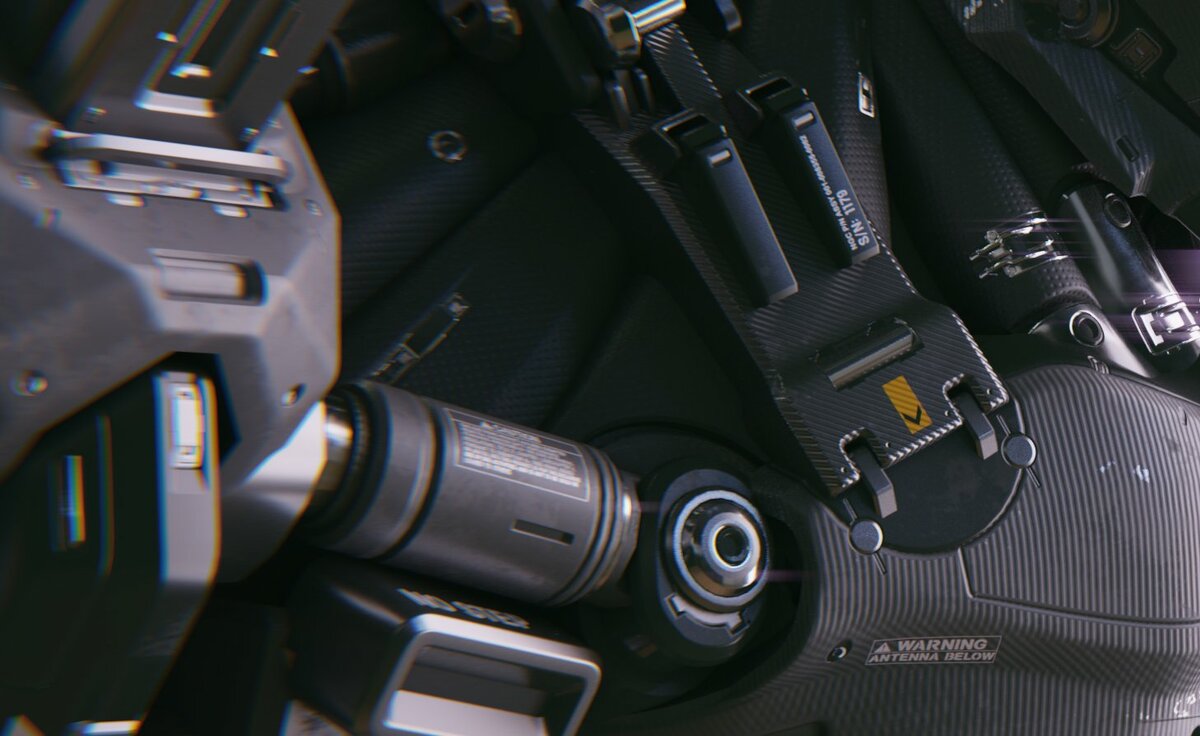
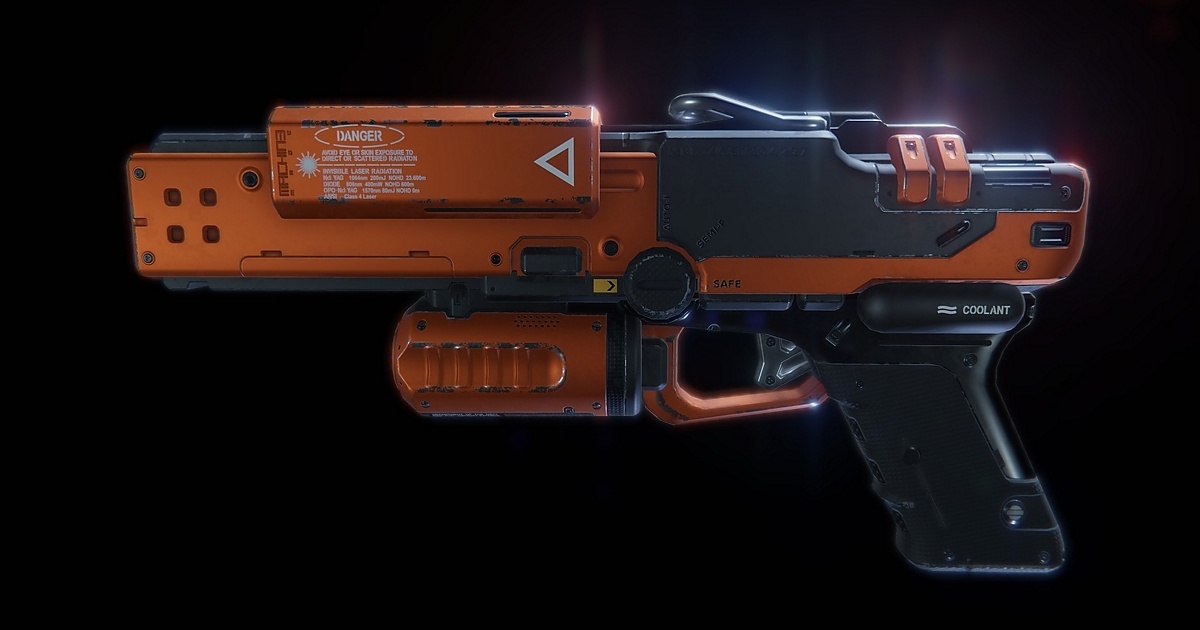
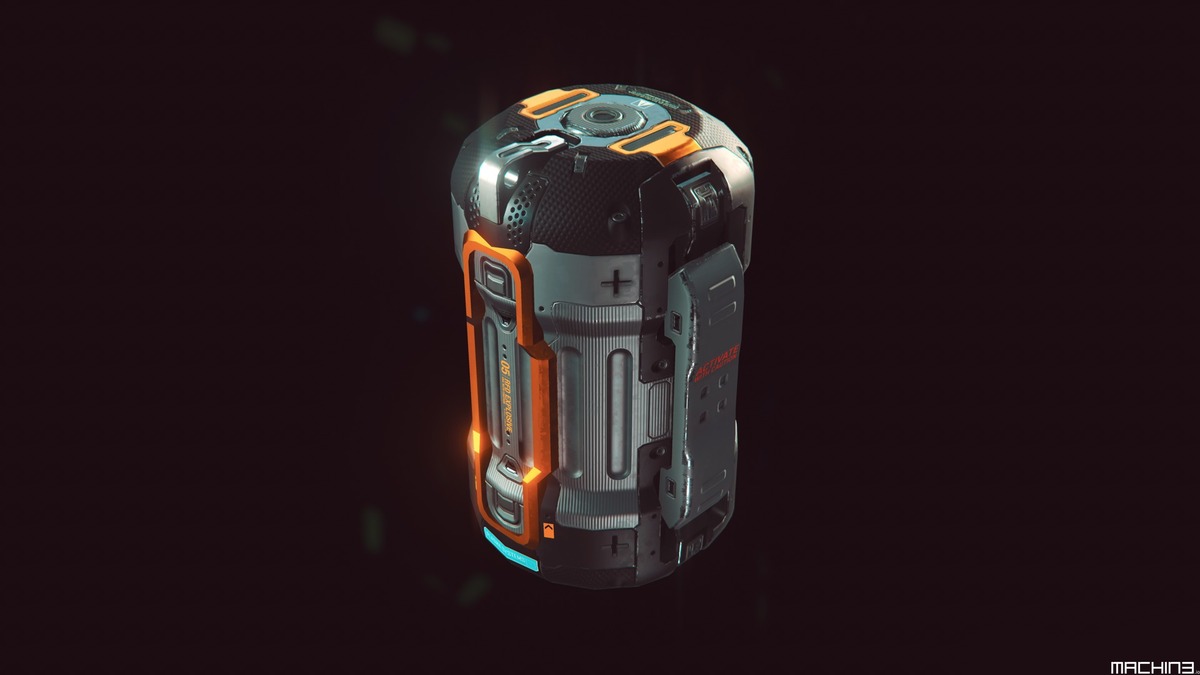
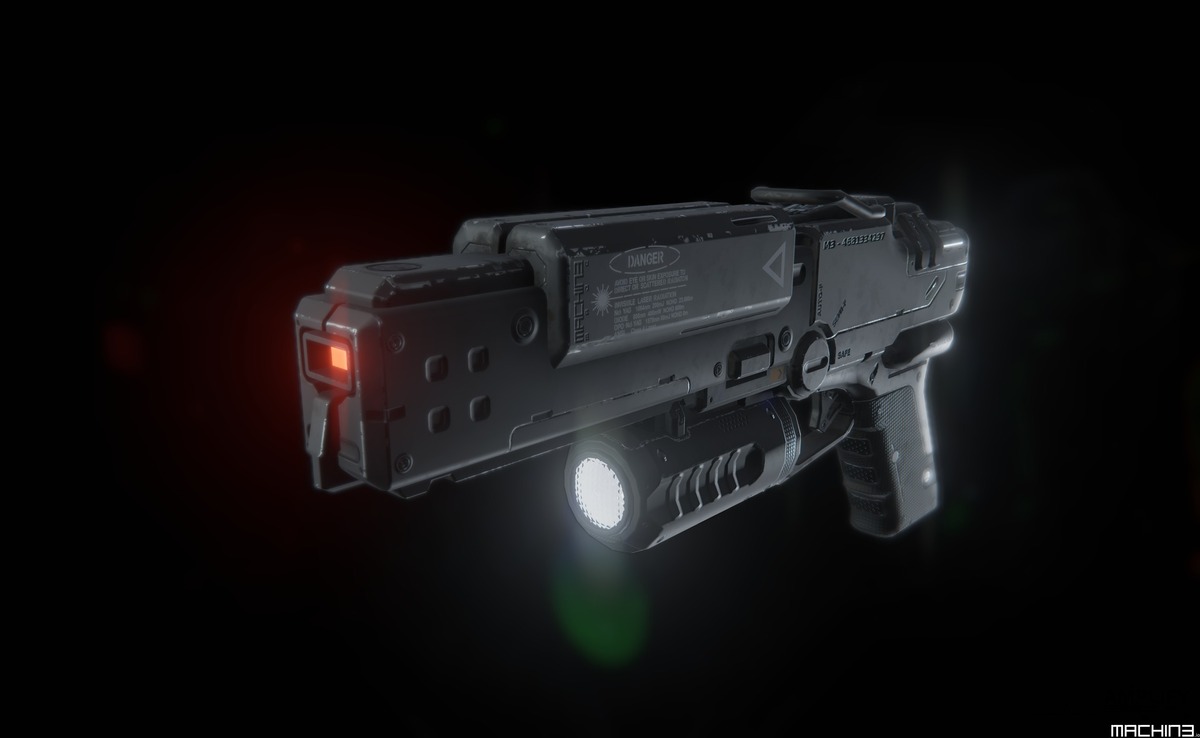
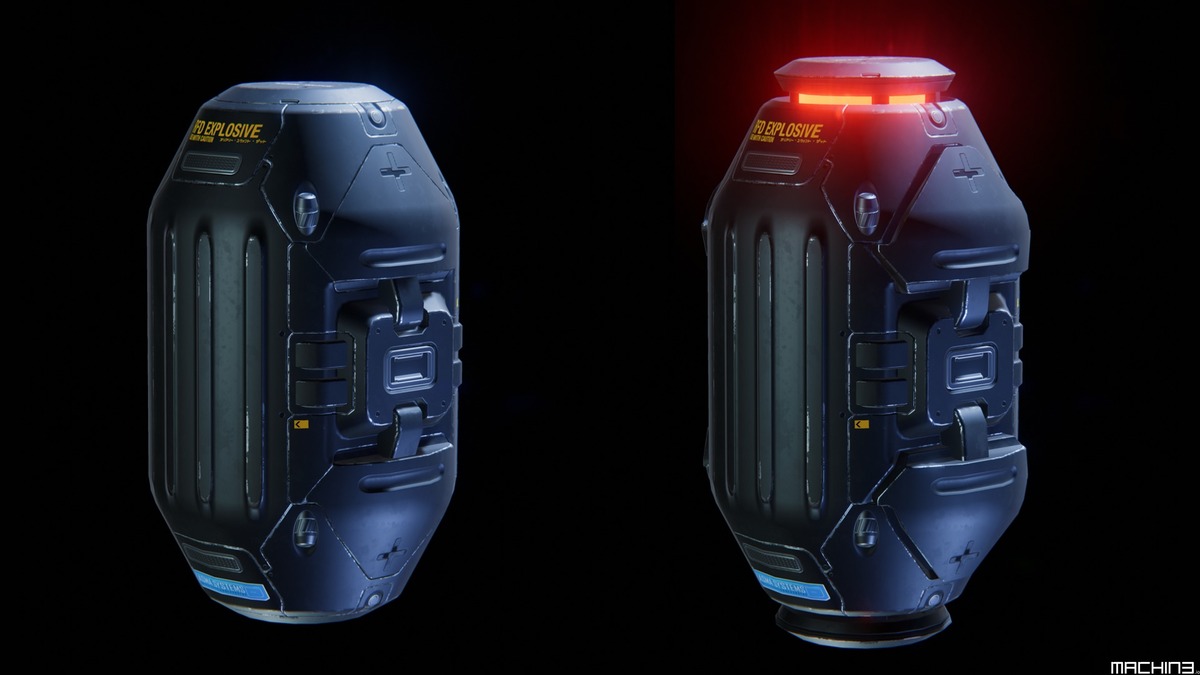
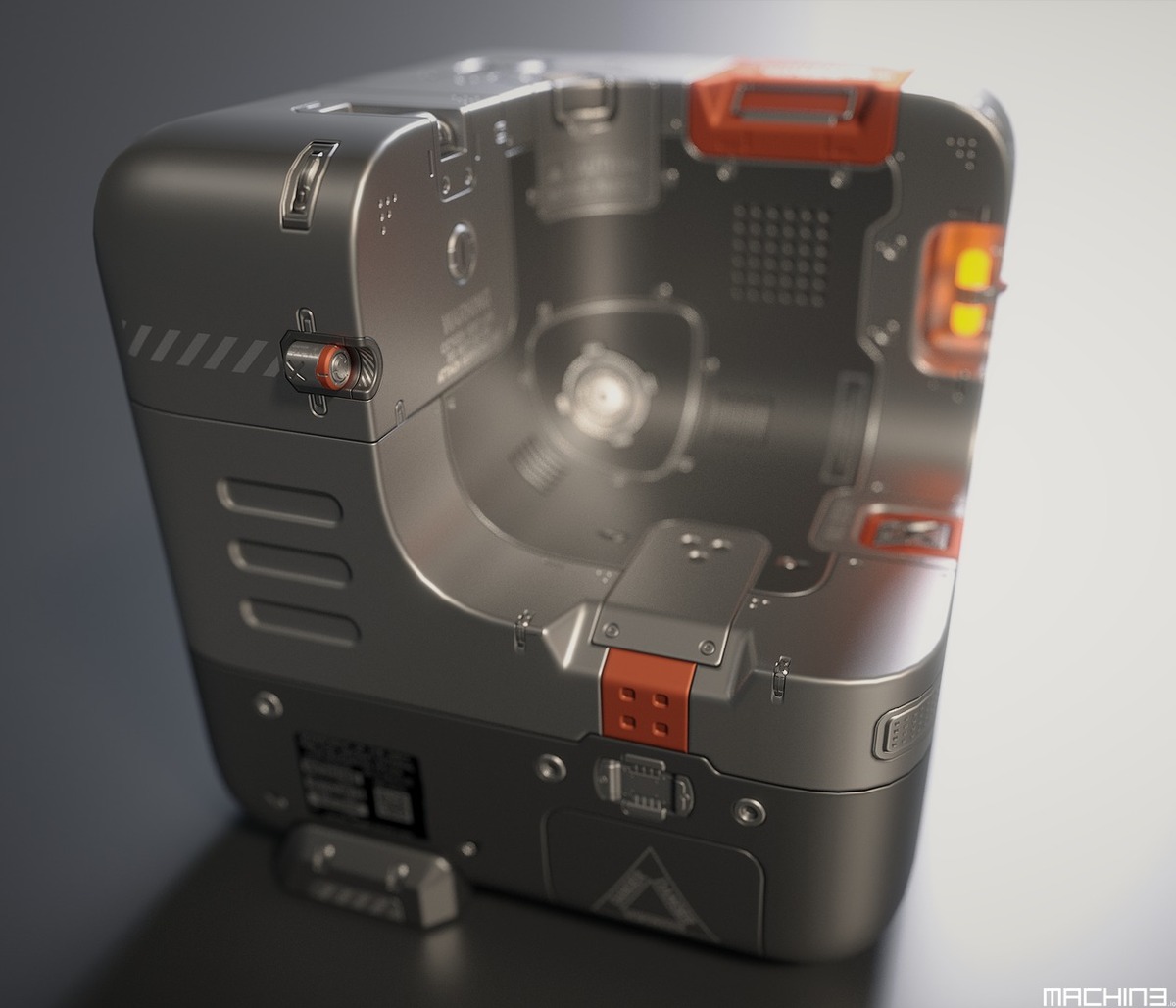
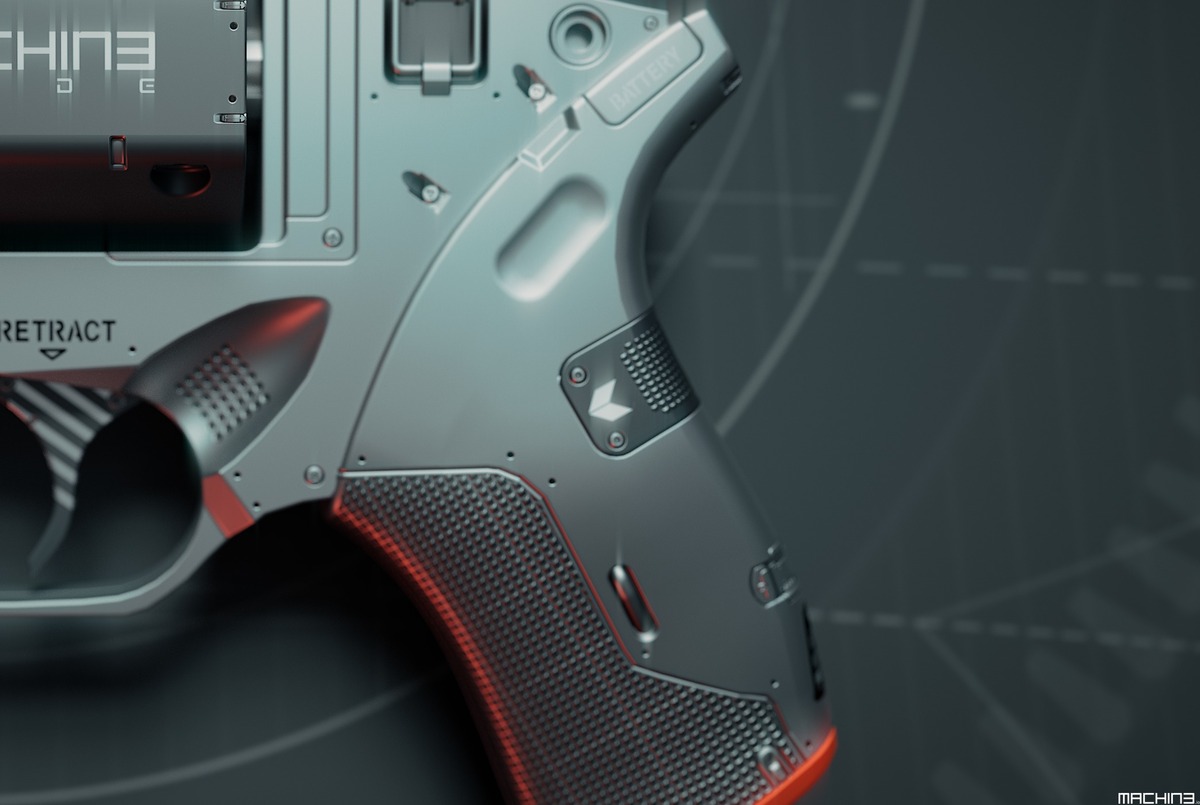

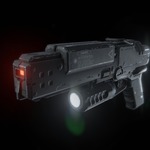
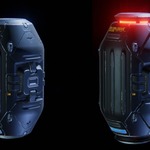
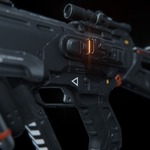
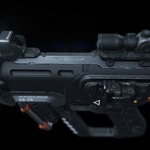
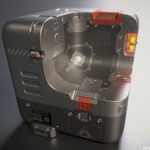
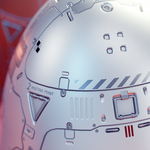


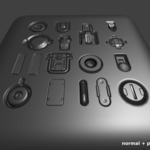
DECALmachine

MACHIN3 in Addons


Item Rating

This item has an average rating of 5 from 99 ratings by the community.

89%
6%
3%
3%
3%

Purchase this item to leave a review!

  • teralink
    over 9 years ago

    This makes hard surface modelling so easy! Feels a bit like cheating ;)

  • tofmusik94
    over 9 years ago

    Very Great Work !! Thanks

  • patrick pomian
    over 9 years ago

    une tuerie, un truc de dingue, fabuleux ! bravo

  • Georgian
    over 9 years ago

    It's an amazing tool!

  • Miguel Paniagua Enriquez
    over 9 years ago

    Speed up hard surface modeling, it is a must have

  • tcwik
    over 9 years ago

    Works!

  • papasmurf7777
    over 9 years ago

    Great addon!

  • Team Csharp
    over 9 years ago

    Greatest tool since that other great tool...

  • dani meier
    6 months ago

    the Addon is amazing when it works. i used a, lets call it "test version" some time ago and had no Problems at all. but decided to get it here to support creators that do such amazing things. But for some time now it became harder and harder to use it. I'm at a point where deleting, reinstalling and updating wont work anymore, so in terms of "easyness of use" its not that good.
    If you can get it to work properly it is an amazing tool that deserves support.

  • Lily Huang
    over 5 years ago

    First of all I want to say that I love this add-on and I love the author's other two add-ons Meshmachine and Mesh3tools, each of them is powerful. About Decal I watched the tutorials and videos for days to learn. So the question is, why I only gave 4 stars. Yes, it is because of the video. I don't know why the author was in such a hurry to make the videos, it was really rushed and every click was as fast as lightning. For people who are familiar with this add-on is not a problem, but for newone to this add-on, my goodness, I just want to see these features what you just said you actually clicked what button and clicked where and then came out of those magic results, and then less than half a second, a flash, everything's done. So, in fact the author provide a lot detailed tutorial videos, I may be quickly familiar with the add-ons, However, I ended up spending a lot of time getting familiar with that videos because I had to keep pressing the pause button or replaying it over and over again just to see what was actually clicked on those 3 frames. This really makes people uncomfortable, why can't you just pause for two seconds to show the operation clearly ....

    The other two add-ons have the same problem, super fast, like Quicksilver

    Another problem, DM is better for basic colors and textures. If you want to use it on those PBR materials, like rusty iron or rocks or something, then even after some adjustments, decals' material and main body are always unable to be the same. So if you really need to use it in this case, you may need to use PS to deal with it.

    Well, at the beginnin I thought Decalmachine was just a tool to quickly paste a PNG or something, but then I realized that it was much more powerful than just pasting a picture. In fact for a quick presentation this thing can save a lot of time. And it's fun to play.

    • MACHIN3

      over 5 years ago

      Which video? The trailer? Obviously that's fast, it crams dozens of features in 1-2 minutes..
      Beyond that, I have over 50 feature videos in the docs, complemented by additional textual information, tips and advice. Nothing about it was rushed. This took a tremendous effort.
      Although unfortunately, I did accidentally record the pre-2.0 videos using a lower framerate.

      As for decals on textured materials, the documentation makes this VERY clear. In fact on the first page of the docs, this is mentioned near very the top:

      ---
      Keep in mind

      The focus of DECALmachine is speed and flexibility in terms of Design and Detailing. Depending on how far you intend to take your designs, and especially if you, intend to use complex shader node setups or do complex texturing such as weathering, floating mesh decals might not be the best workflow, unless you are targeting a deferred rendering solution with mesh decal support, which allows for selective channel blending, instead of just alpha blending as in Blender's Eeevee and Cycles.
      ---

      I'm a bit tired of seeing this as a complaint tbh, people expect DM to do something that it never advertised and that's not practical to do in forward rendering, often due to a fundamental misunderstanding of concepts in 3D.

      Glad to see you enjoy DM nonetheless.

  • $54.99
  • $229.99
  • $454.99
$54.99

Have questions about this product?
Login to message

Details
Sales 15800+
Rating
99 ratings
Published over 9 years ago
Blender Version 4.3 - 5.1
License GPL