 Impression Sunrise


Reduce polycount without destroying important detail. Perfect for cleaning up 3D Scans, AI generated models or sculpts. Built to be able work on meshes with millions of faces or just a few thousand.
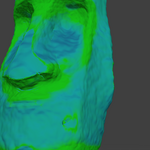
Decimator Pro automatically creates a density heat map from your mesh features, then uses it to drive variable decimation. Hotter areas are preserved more, flatter/less important areas are reduced more. The result is cleaner, more controllable optimization to make models actually useable.
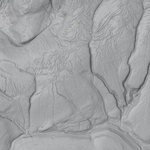
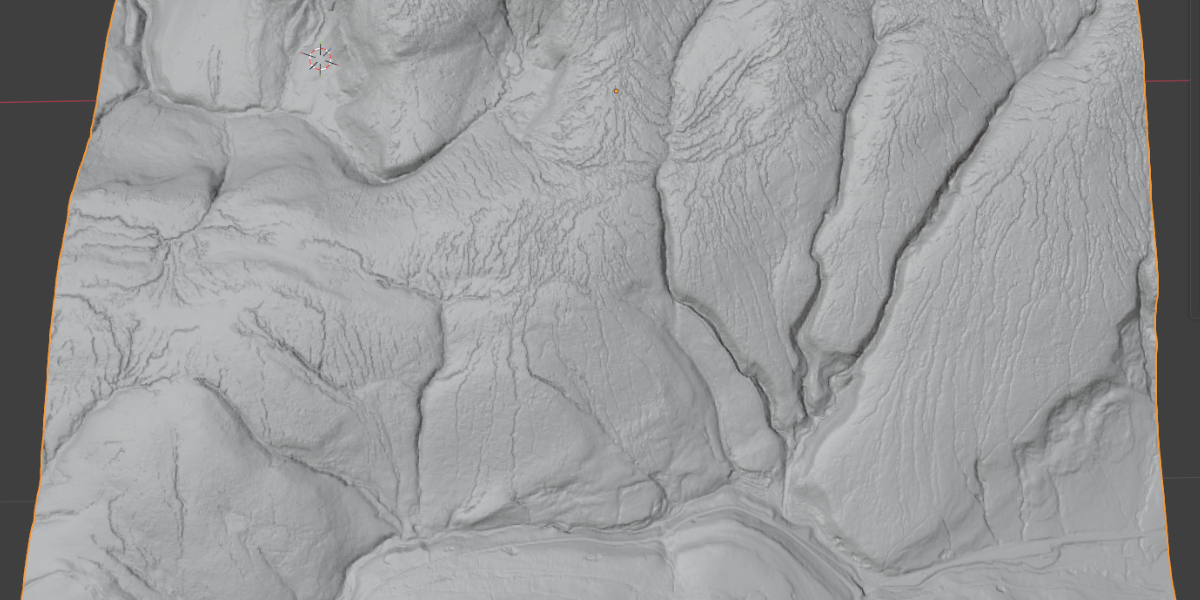
To make the below image I used a Lidar based height map to act as the image for a displacement modifier on a high-poly mesh. It is from some moorland in the UK, it shows the wide flat slows, the jagged tops, and the sharply creased rivers and paths. It's a wonderfully detailed mesh, but not a particularly useful one at the moment considering it has almost a million faces.
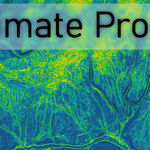
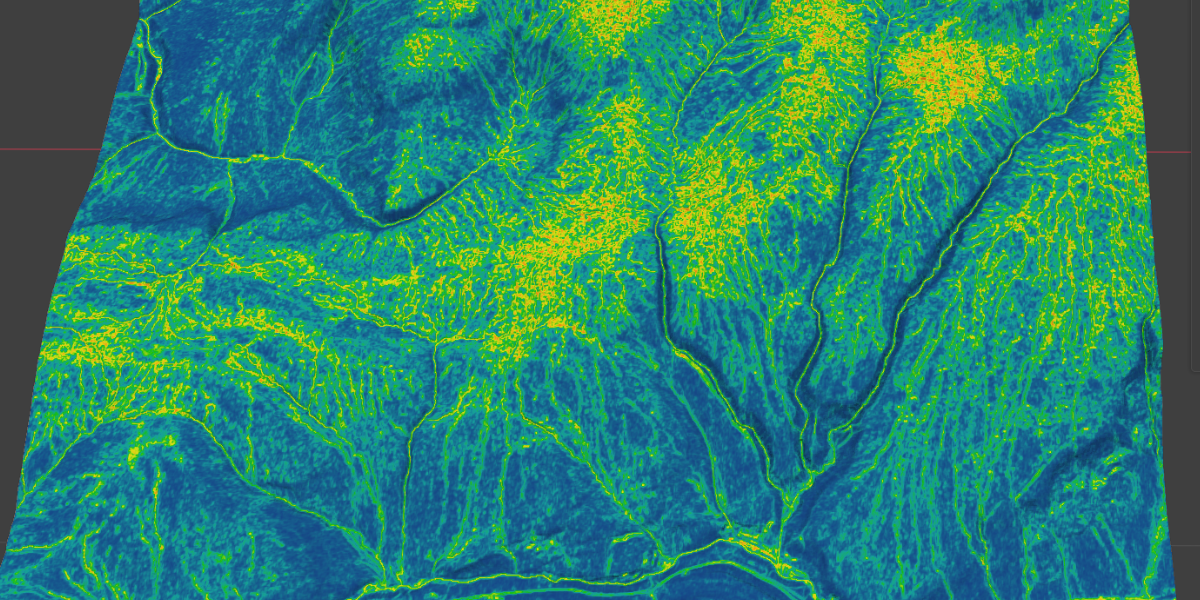
We load up Decimator Pro and view the heat map, then load the Terrain Topology preset, we can see it it will make the cooler coloured areas have fewer faces, and the hotter coloured areas have more faces to accommodate the extra detail needed to describe that part of the surface of the model.
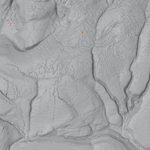
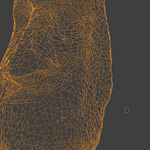
After running the addon with the "Rebuild Mesh" button, we can see that despite there now being approximately one third of the faces, we still keep a tremendous amount of detail.
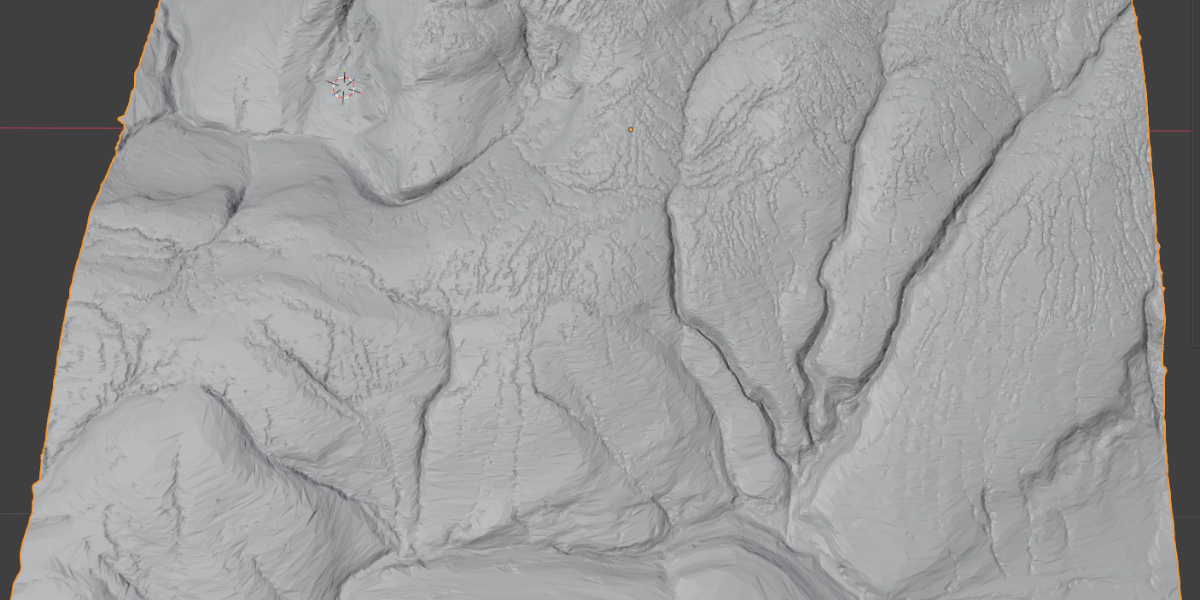
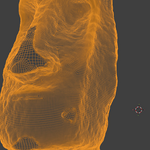
For this model the starting face count was 182k
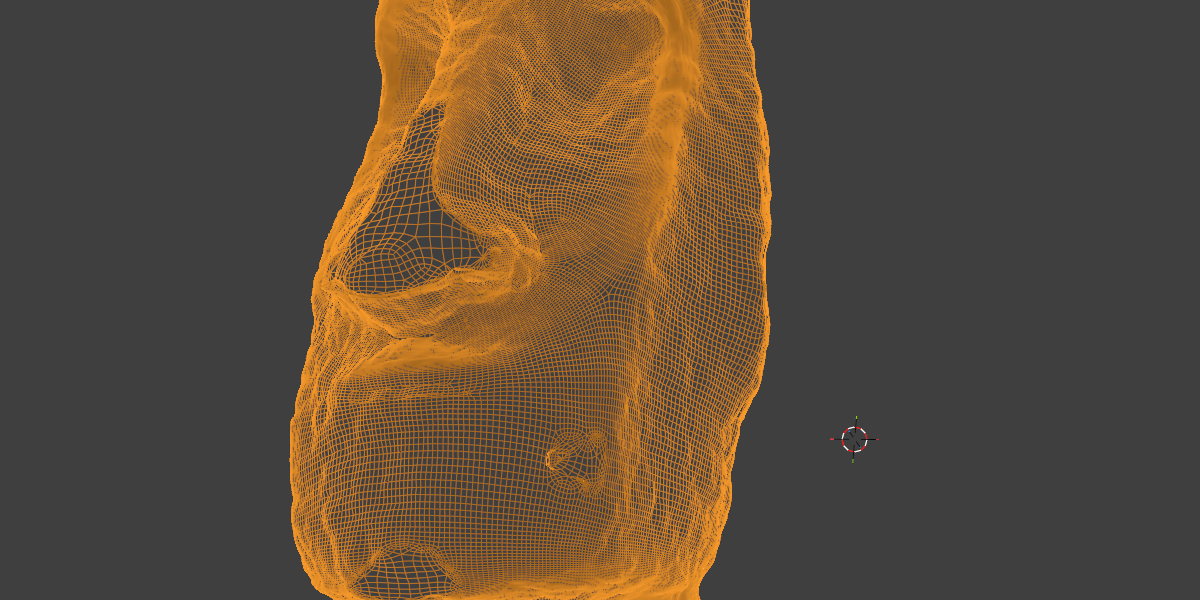
Then we apply our weightmap
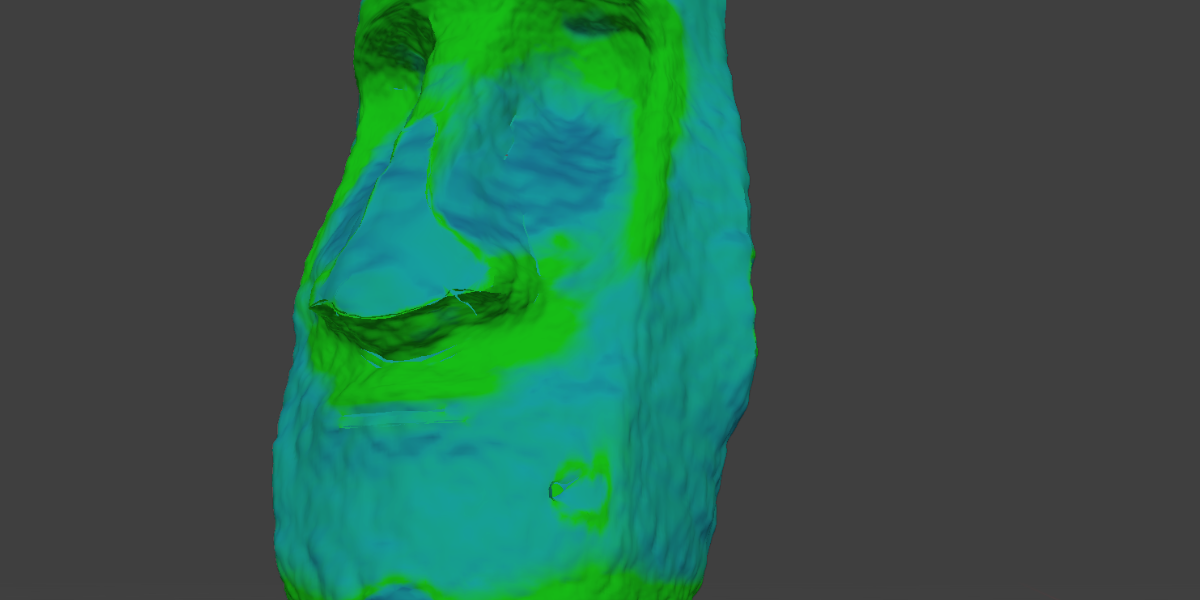
Our final mesh here has a face count reduced by 8.5x.
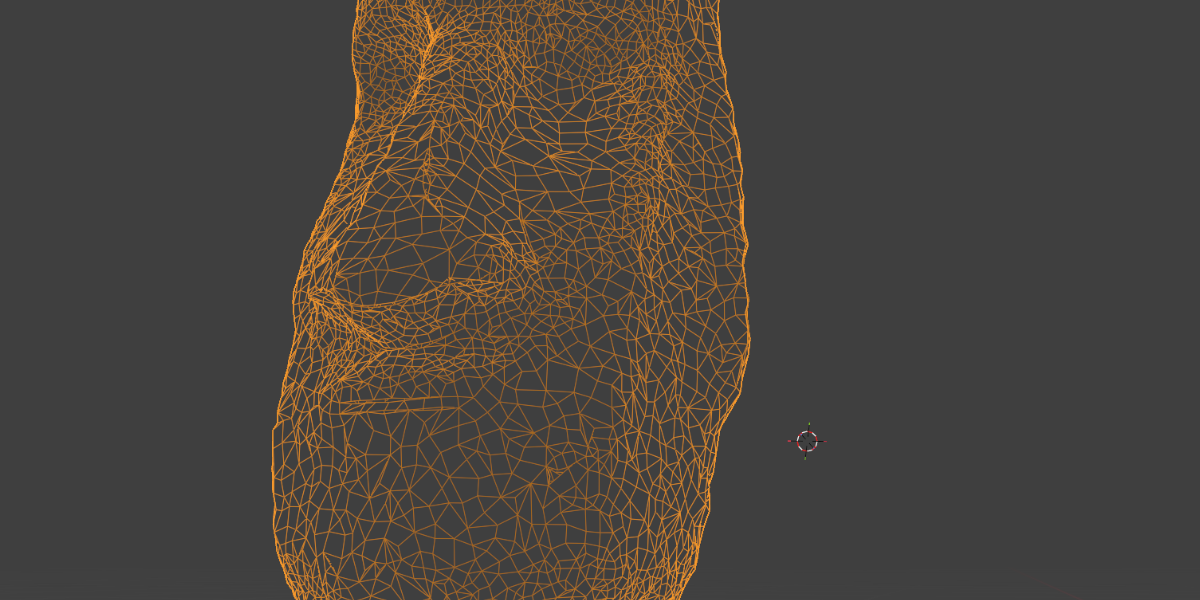
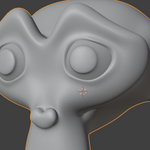
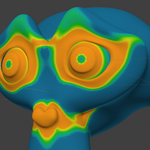
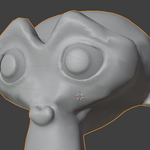
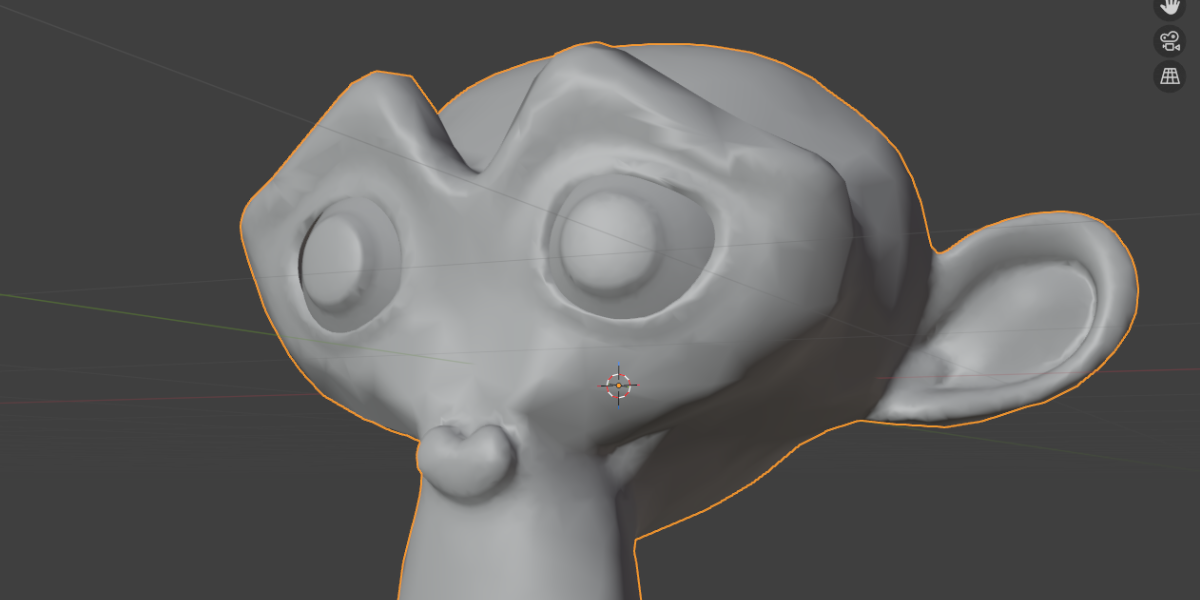
Given everyone knows Suzanne the monkey, I thought I'd include an example of how it would work here :)
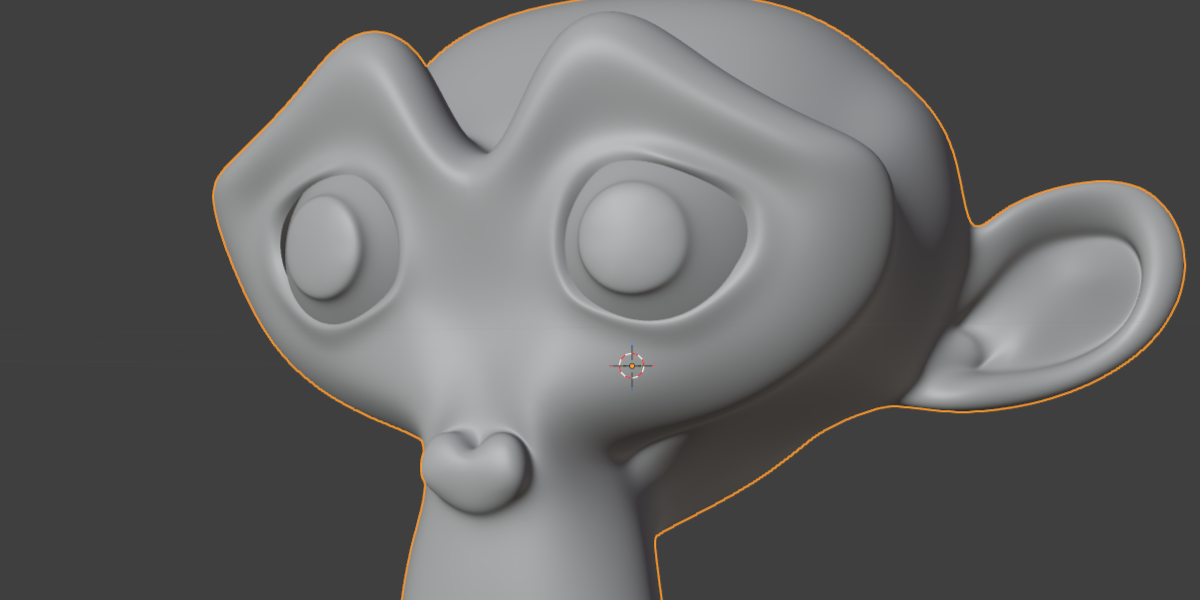
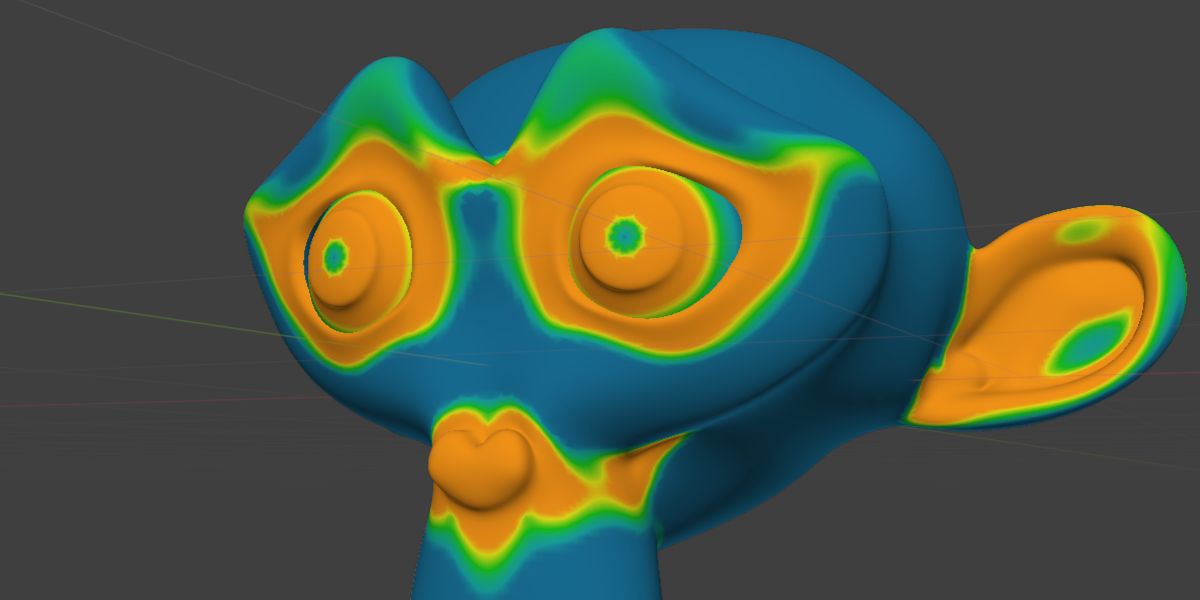
Using the addon we can create a heatmap of the most curved and detailed parts of the mesh, adjusting the parameter until we get a clear visual representation of what we want removing, or just using one of the presets.
I set the decimation ratio to be much more dramatic, the end result is this, it has fewer than a quarter of the faces, but still is a very good representation of the original.
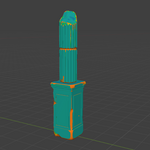
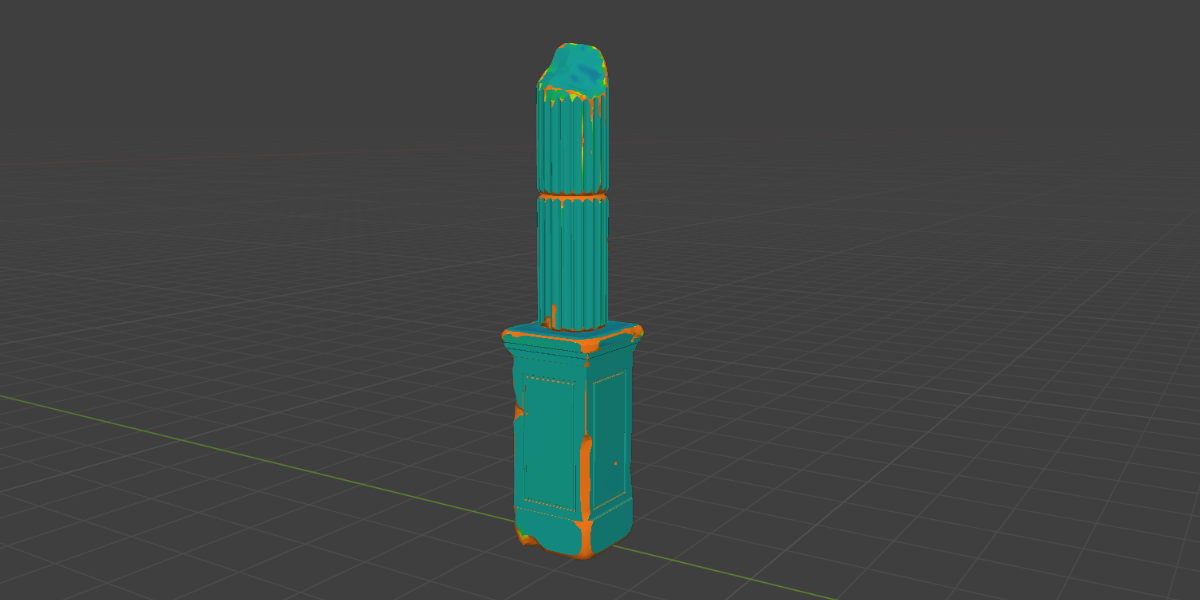
It's not just smooth organic shapes that it can handle, take this column in ruins, we can preserve the flat faces but only target the more detailed areas:
|

|
Surfaces sculpted from texture brushes again need lots of faces initially to get all of that detail, but you then don't really need all of them after, this addon lets you have more control.
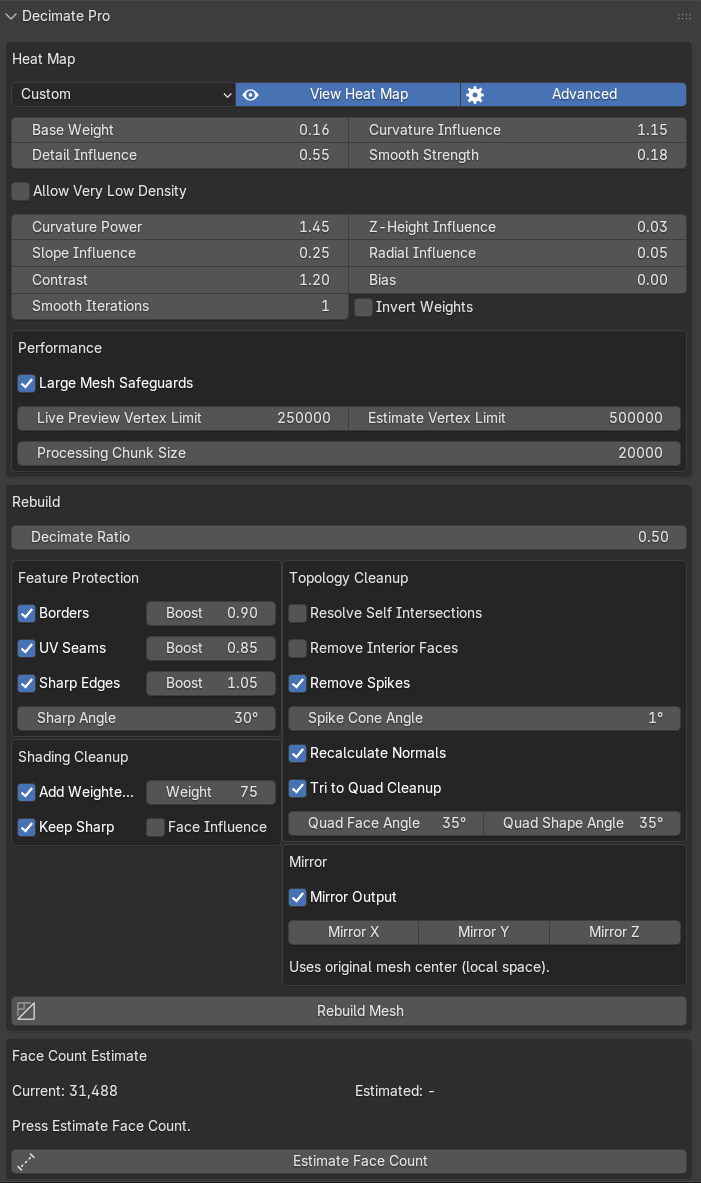
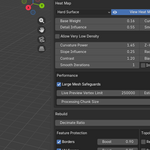
There are two modes for the UI, the first is standard:
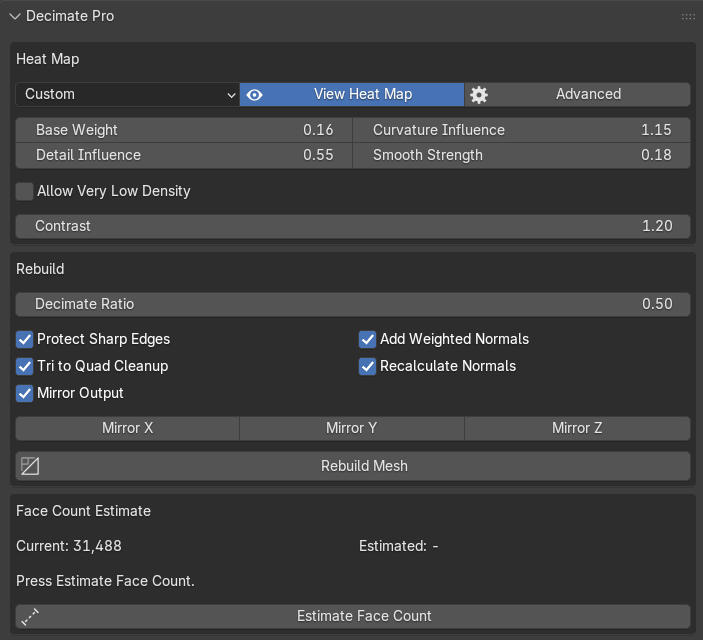
The second is Advance: