 Skava
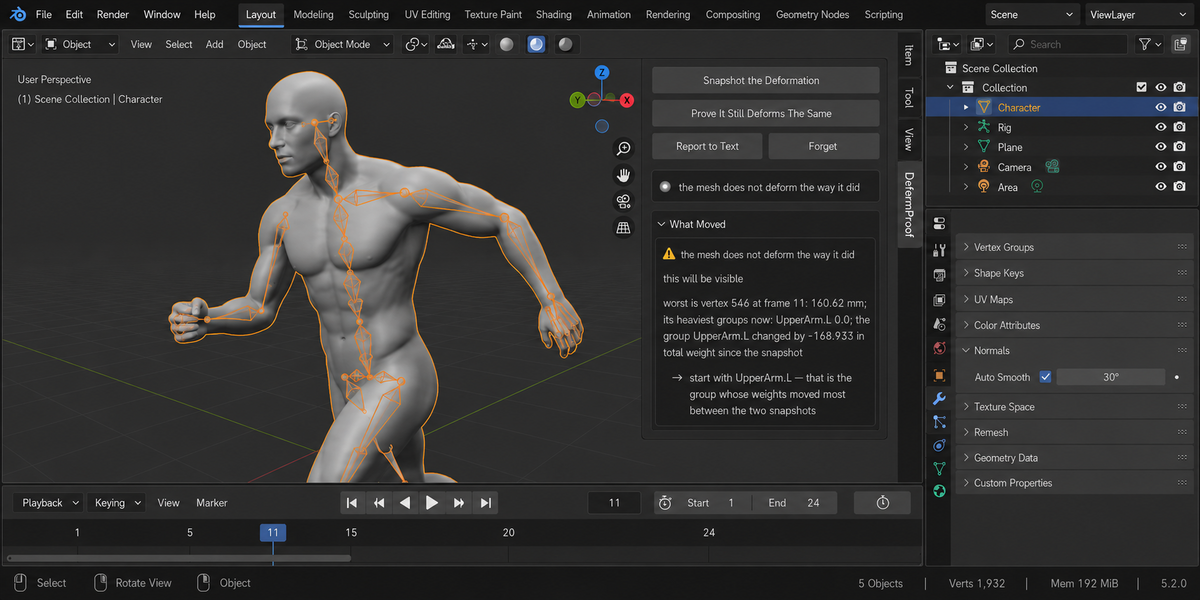
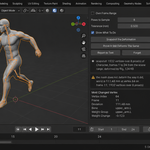
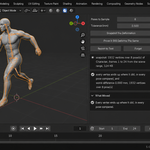
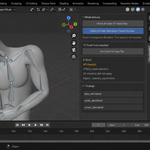
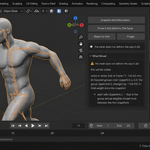
Download the zip and do not unpack it. In Blender open Edit > Preferences > Add-ons, click the drop-down arrow in the top-right corner and choose Install from Disk, then pick the zip. Tick the checkbox next to DeformProof. Press N in the 3D Viewport and open the DeformProof tab in the sidebar.
Blender 4.2 or newer. Tested on 4.2, 5.1 and 5.2.
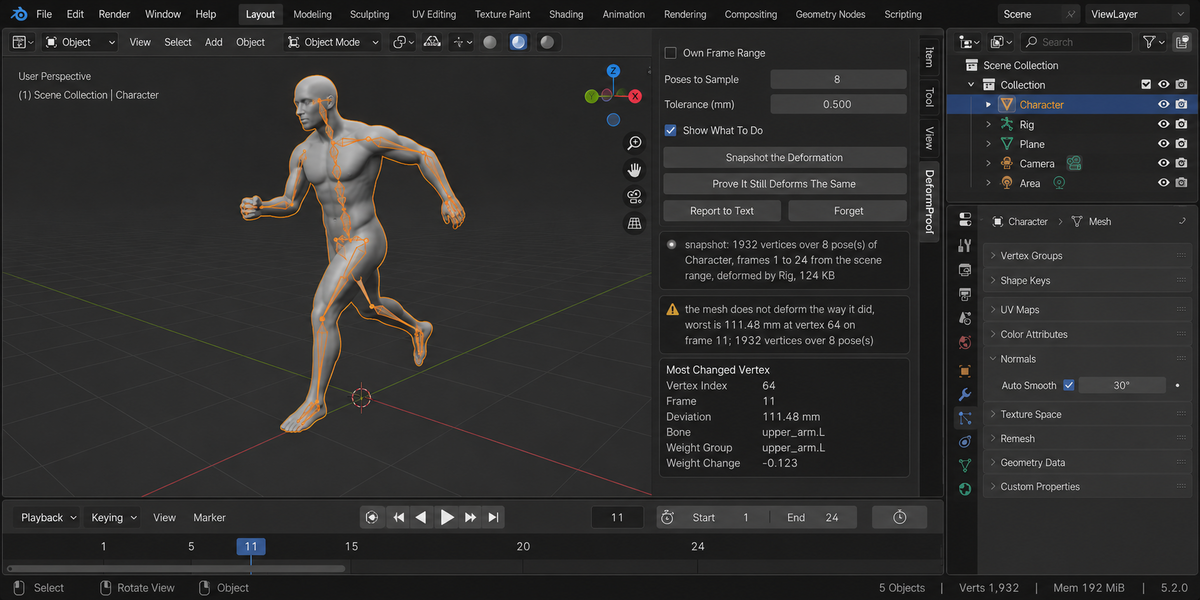
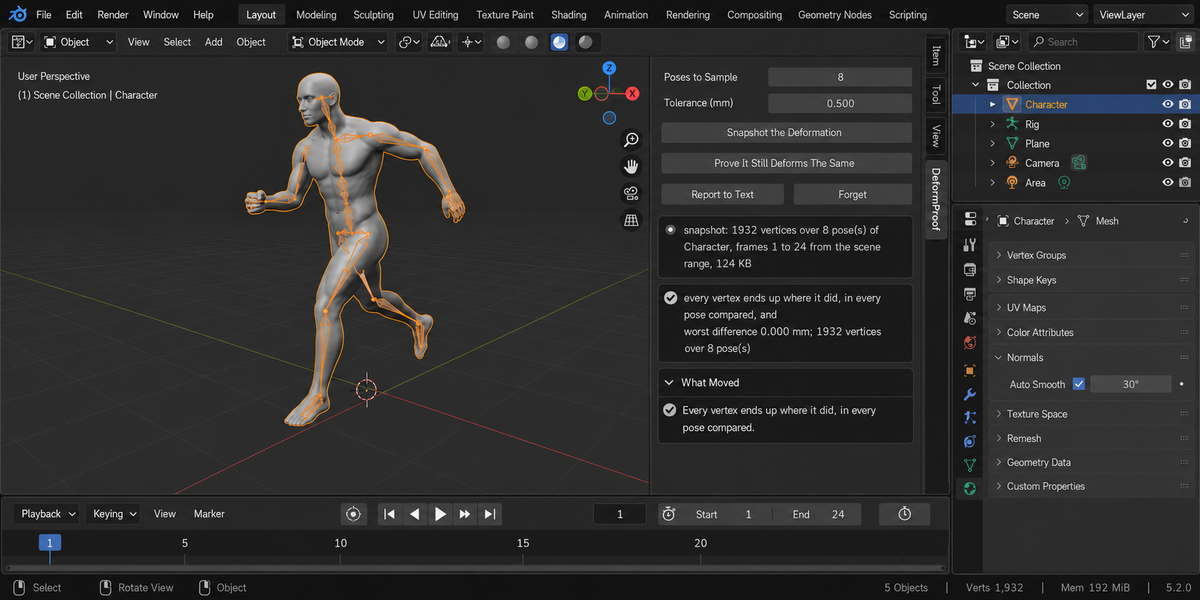
Select the skinned mesh and press Snapshot the Deformation before you touch the weights. Edit the weights any way you like: by hand, by transfer, by automatic weights or with another add-on. Then press Prove It Still Deforms The Same. You get the worst difference in millimetres, the vertex, the pose it happened in, and the weight group most likely behind it.
Because weights are not what anyone sees. Multiply every weight on a vertex by the same number and the skin does not move, because bone contributions are normalised; a weight comparison would call that a change. DeformProof measures the evaluated mesh, the mesh after the armature and every other modifier, which is what the viewer sees and what an exporter writes.
Snapshot and Prove only measure. The one button that writes is Put The Weights Back: when Remember Weights is on (the default), the snapshot also stores the weights, and this button restores them to what the snapshot recorded and measures again. Because the snapshot is a text block called DeformProof Snapshot inside your .blend, this works even after the file was saved and closed. Forget deletes the snapshot and leaves the mesh alone.
Poses to Sample defaults to 8 (up to 64) across the scene frame range, or the preview range if you have one set. Eight poses cost about a hundred kilobytes for a two-thousand-vertex character; a 7,500-vertex character came to 747 KB. If a snapshot would be too large, it refuses and tells you how many poses would fit. Tolerance (mm) defaults to 0.5 mm; a repeated measurement with nothing touched comes to exactly 0.000 mm.
When the vertex count changed (vertices are compared by index, so take a new snapshot after a topology change), when you are in Edit Mode, when the snapshot would be too large, and when the mesh is not being deformed at all (hidden, armature modifier disabled, no vertex groups). A weight group that appeared or disappeared, a changed modifier stack or a changed face count is named in the report rather than folded into the number.
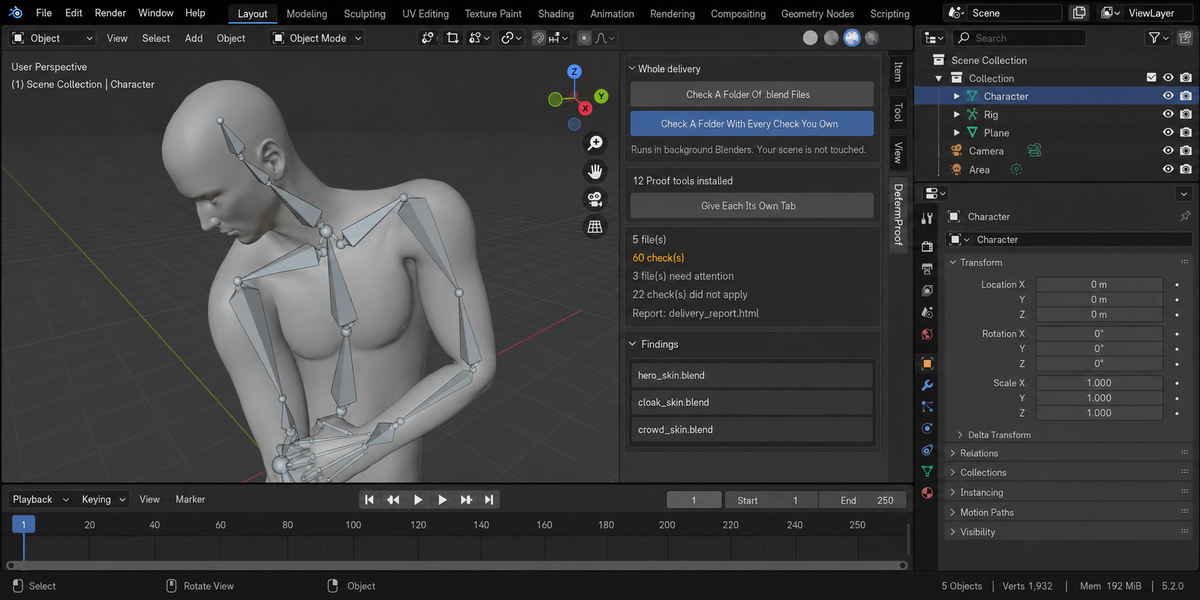
No internet is needed: the add-on makes no network connections and everything runs on your computer. The snapshot and the DeformProof Report text block live inside your .blend; the only file written to disk is the optional HTML report from Check A Folder Of .blend Files in the Whole Delivery panel, saved into the folder you pick. DeformProof is licensed GPL-3.0-or-later (full text in LICENSE.txt in the zip); the license covers the add-on code, and what you create with it is yours. Full documentation is on the Documentation & FAQ tab of this page; README.txt in the zip covers install and uninstall.
Have questions about this product?
Login to message
| Published | 3 months ago |
| Blender Version | 4.2 - 5.2 |
| Extension Type | N/A |
| Render Engine Used | Cycles, Eevee |
| License | GPL |