 Skava
Skava

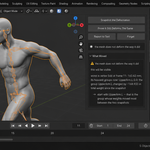
You fixed the shoulder. What did it do to the hips?
Weights get edited constantly — by hand, by transferring from another mesh, by re-running automatic weights, by a change in topology, by an add-on. And they get checked the same way every time: look at one pose, decide it looks right, move on. What the edit did to the other forty poses shows up later, in someone else's shot.
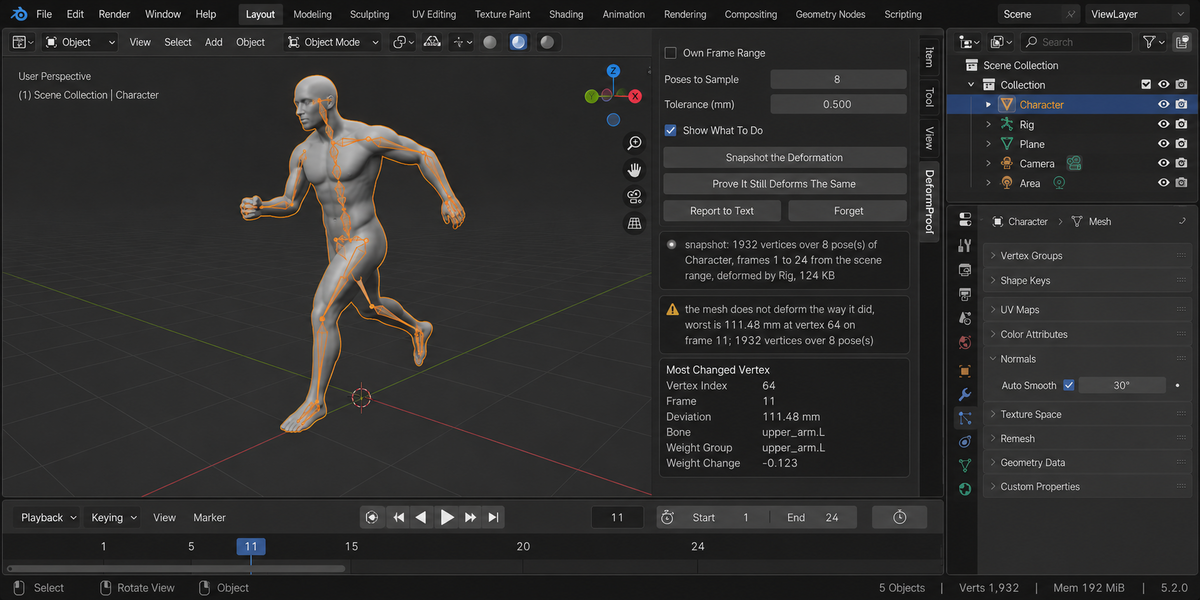
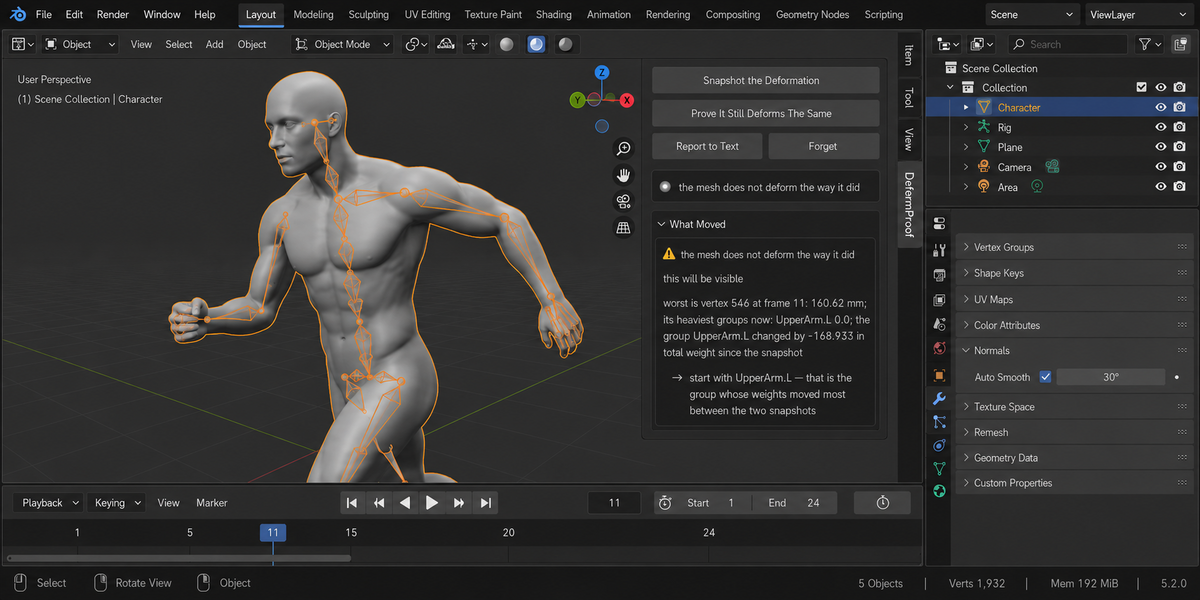
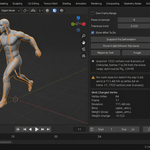
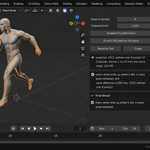
DeformProof remembers where every vertex of the deformed mesh ends up in each pose. You edit the weights however you like. Then one press says whether anything moved: which vertex, in which pose, by how many millimetres, and which weight group is behind it.
Eight tools edit weights. This one measures the result.
Search this marketplace for weight work and you find eight capable add-ons: weight shapers, weight painters, bone and weight splitters, transfer tools. All of them change weights. Not one of them compares the deformation before and after. That is not a gap in their feature lists — it is a different job, and nobody was doing it.
It measures the mesh, not the numbers
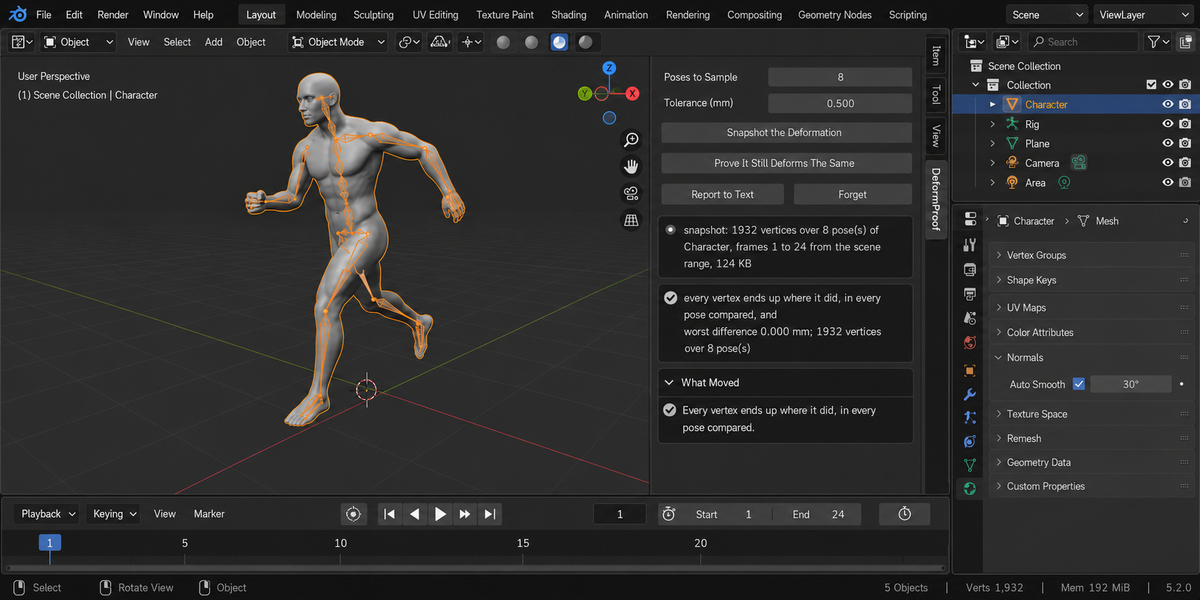
This distinction is the whole product, and it is easy to prove. Take every weight on a vertex and multiply it by 0.4. A tool that compares weights reports a change on every vertex you touched. The skin does not move at all — not by a micron — because the bone contributions are normalised. Measured: 0.000 mm.
Now zero the weight of a single vertex in one group: 111.48 mm, at vertex 64, in the pose on frame 11. Zero that group entirely: 160.62 mm. Transfer weights from another mesh the way people do every day: 630.16 mm. The same tool, silent on the change that changes nothing, loud on the ones that matter.
And it names the group
A distance alone sends you hunting. So the report also gives you that vertex's heaviest weight groups as they stand now, and the group whose total weight moved most since the snapshot: the group 'UpperArm.L' changed by −168.933 in total weight. That is where you start.
When no group's total moved, the report looks at how a group's weight is spread across its vertices instead — smoothing keeps the total to the last decimal and still shifts the skin, measured here at 19.61 mm, and the group is named anyway. And when neither the total nor the spread moved — weights swapped between vertices, measured at 190.16 mm — the report says plainly that no summary of a group can point at an edit like that, and sends you to the vertex. It does not hand you a group it cannot stand behind. A summary that always names someone is worth nothing.
It refuses when it cannot be honest
Vertices are compared by index. Change the topology and the indices stop meaning the same thing — so the add-on says exactly that and refuses to compare, rather than producing a confident number about the wrong vertices. A weight group that disappeared, a group that appeared, a modifier stack that is not what it was: each is named, because a difference may then come from something other than your weights.
Poses, not every frame
The skin is thousands of vertices per frame, so a sample of poses is measured rather than every frame — and which poses matters more than how many. They are not spread evenly across the range: an even spread catches the ends of the timeline, not the ends of the movement. On a shot where the rig only moves between frames 199 and 211, eight evenly spaced poses are eight copies of the same pose, and a wiped weight group passes as clean. So each pose is chosen to be as unlike the ones already taken as possible, measured on the bones. Eight of those and cost about a hundred kilobytes inside your file; every frame of a long shot would cost tens of megabytes. How many poses to take is yours to set, and the panel always says how many were taken and what the snapshot weighs. Without an armature there is no pose to read, so the frames are sampled evenly instead — and the panel says that too, rather than quietly measuring every frame in the range. The frame range comes from the same place Blender's own Bake Action takes it — including a preview range, if you have one set.
Measuring changes nothing
Snapshot and Prove do not edit the mesh. The one button that writes is Put The Weights Back, and only when you press it: it restores the weights from the snapshot, and Ctrl+Z takes that back. Measuring steps through poses to read the evaluated result and puts your current frame back. Testing fingerprints the frame, the mode, the vertex and group counts and the modifier stack before and after and requires them to be identical — and the add-on runs that check on itself every time and tells you if it ever fails.
Measured, not assumed
Seventy-one checks on Blender 4.2, 5.1 and 5.2, all three green. Then the same seventy-one were run against a deliberately broken build — one that reads the original mesh instead of the evaluated one, one that skips the topology check, one that ignores the preview range, one that leaves the timeline where it landed — and twelve of them went red. The first of those is the one worth naming: read the original mesh instead of the deformed one and the add-on reports "every vertex ends up where it did" while the skin has moved a hundred and eleven millimetres. A test that cannot fail proves nothing, so each of them was made to.
And now it can put the weights back
Blender's undo stops at the edge of your session. You painted weights in theevening, saved, opened the file the next morning — and there is nothing left toundo. The DeformProof snapshot lives inside the .blend, so it survives saving,closing and reopening.
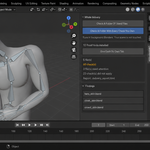
Take a snapshot with Remember Weights switched on, and one button puts everyweight back exactly as it was recorded, then measures again with the samemeasurement the product exists for. Measured: a wiped weight group put the skin615.1 mm out of place; after the restore the drift was 0.000 mm and the weightsmatched to nine decimal places.
A vertex group you deleted after the snapshot is recreated and named. A groupyou added after the snapshot is cleared only if it actually deforms this mesh;if it does not — a mask for a modifier, say — it is left untouched and named, because that is new work ofyours, not something the snapshot was asked to restore. If the topology changed,the restore refuses in words rather than matching up weights that no longercorrespond.
Whole deliveries, not one file at a time
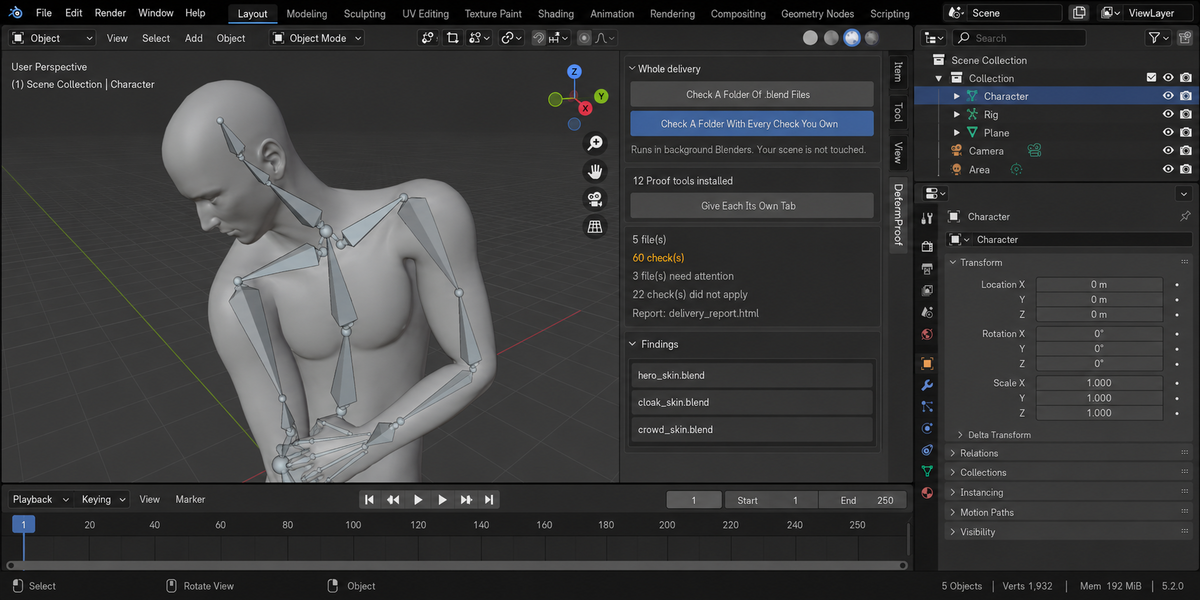
- Check a folder. Point it at a delivery and every .blend inside is checked, each in its own background Blender. The scene you have open is not touched — not opened over, not saved, not changed. A file that hangs or crashes takes only its own process down; the other thirty-nine still get checked.
- A report you can send. One self-contained page: verdict first, one sentence a lead can read, then the numbers, then every finding with its address. No internet, no fonts to load, no dependencies — it opens in six months on a machine with no network, which is exactly when someone asks what you delivered.
- Runs without a person. A single command from your pipeline writes the report and returns a code: clean, something blocking, or could not be checked. Those are three different codes on purpose — a check that did not run has not passed, and a gate that treats them the same is worse than no gate at all.
- Remembers last time. Save today's numbers as a baseline and a later run tells you what moved, in which direction, and which findings are new. A measurement that went up is not automatically bad: each product says which way is worse for its own numbers.
- One verdict for the whole delivery. If you own more than one of these tools, one run puts every check you have over every file and answers the only question that matters before you send it: can this go out? Each file is opened once and all the checks see the same state of it.