 cyberhirsch
in
cyberhirsch
in 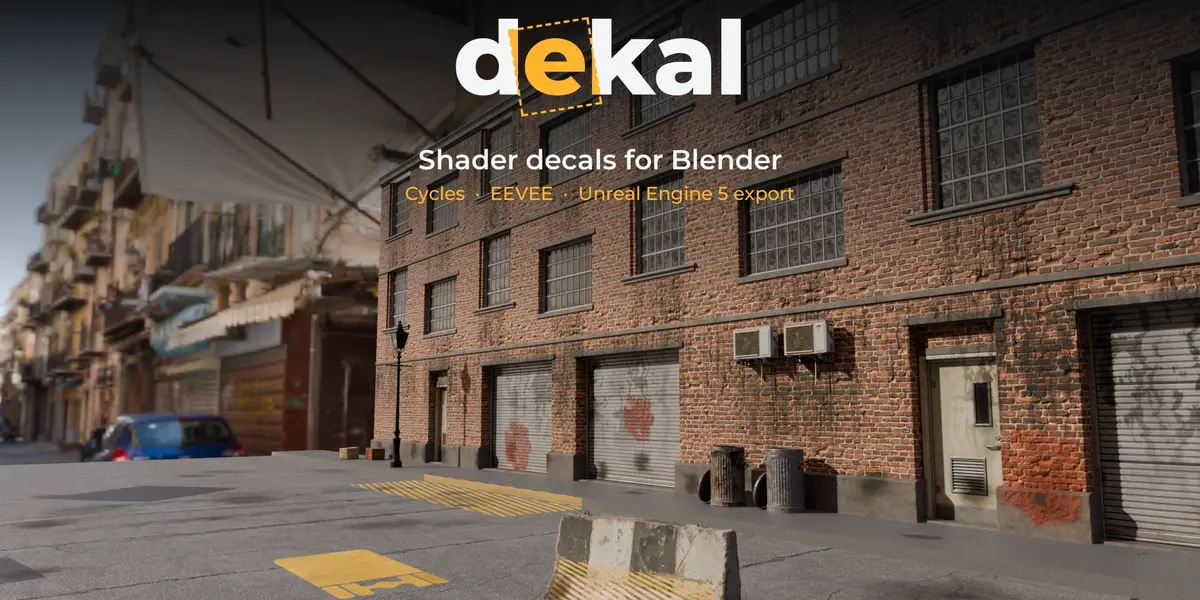
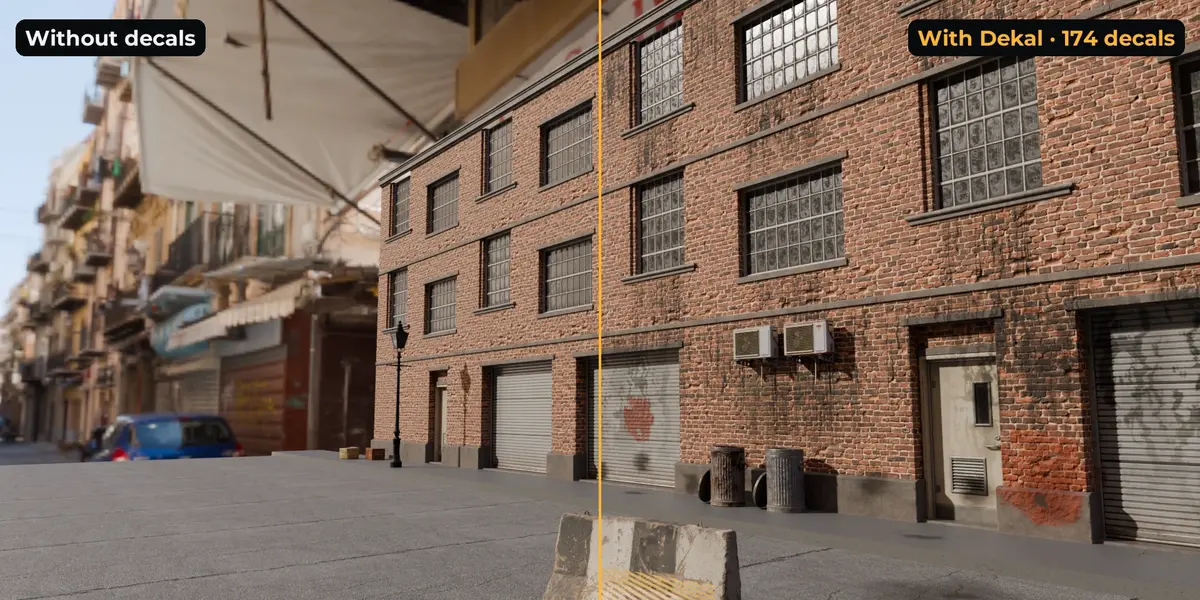
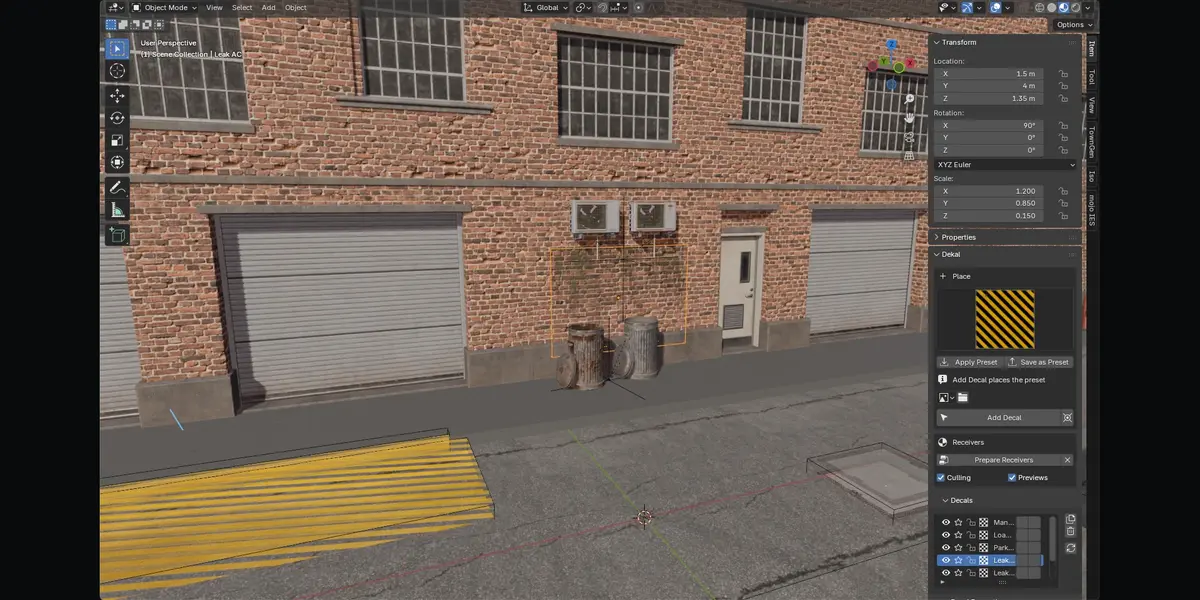
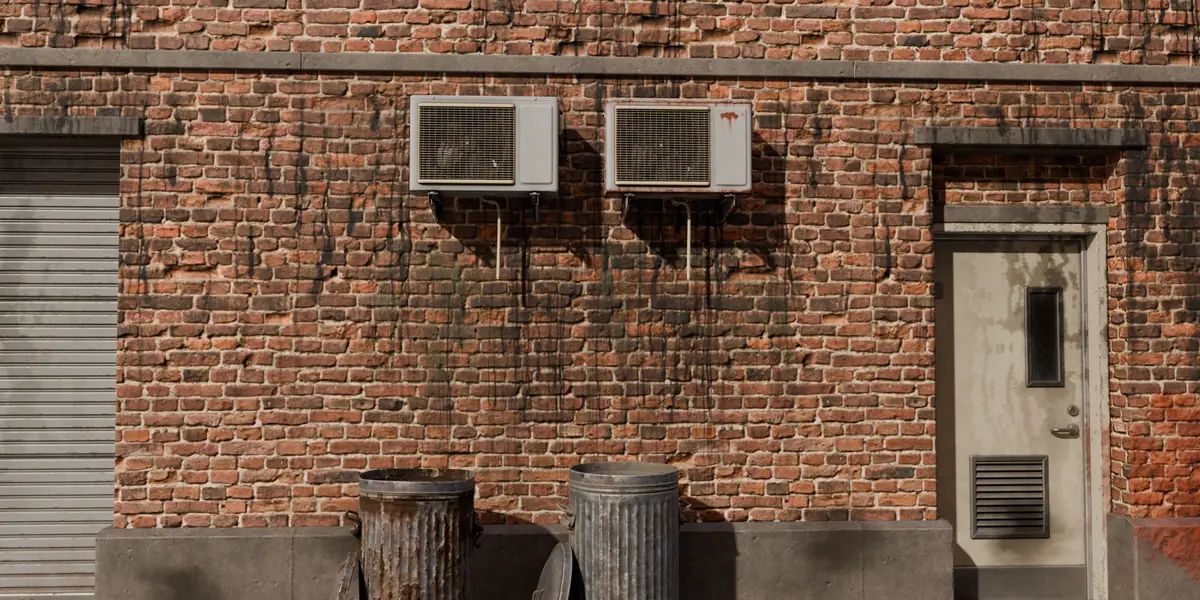
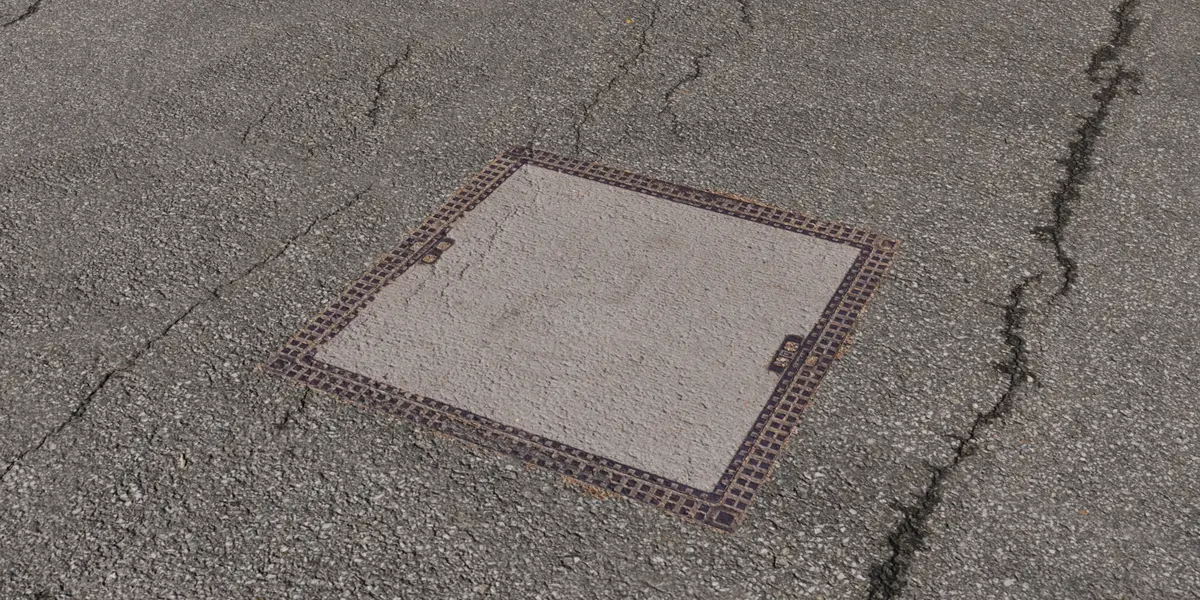
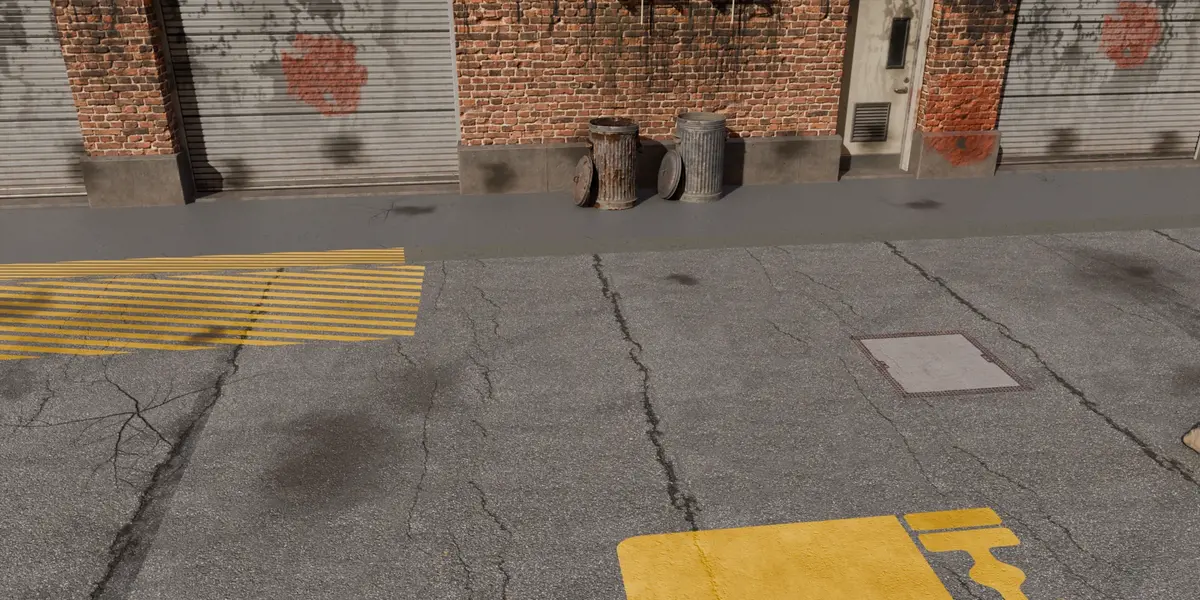
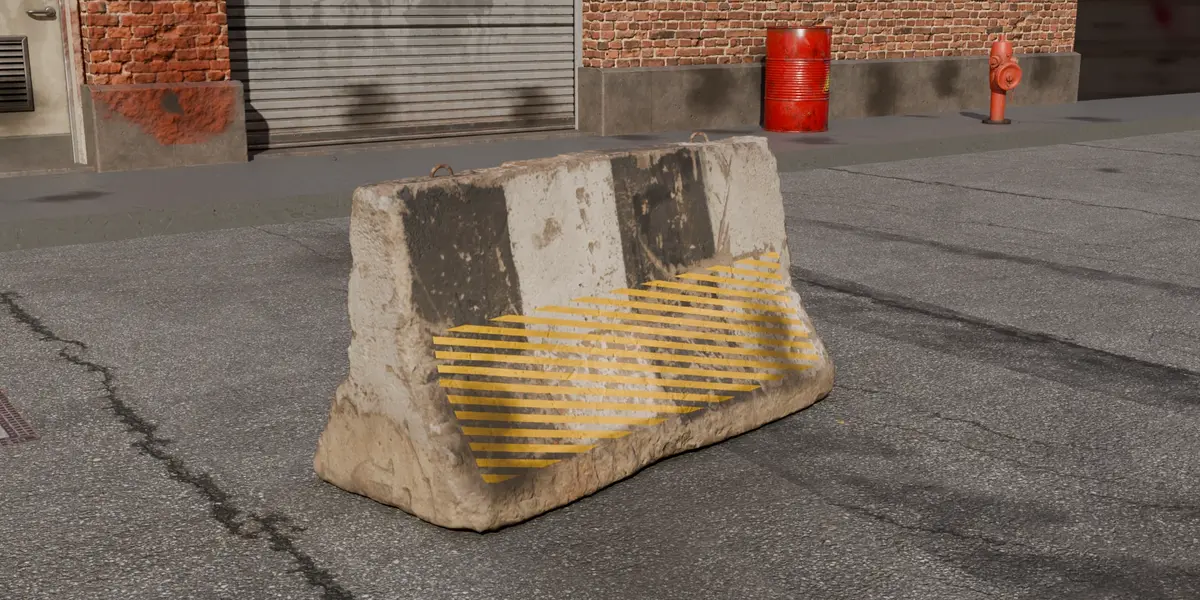
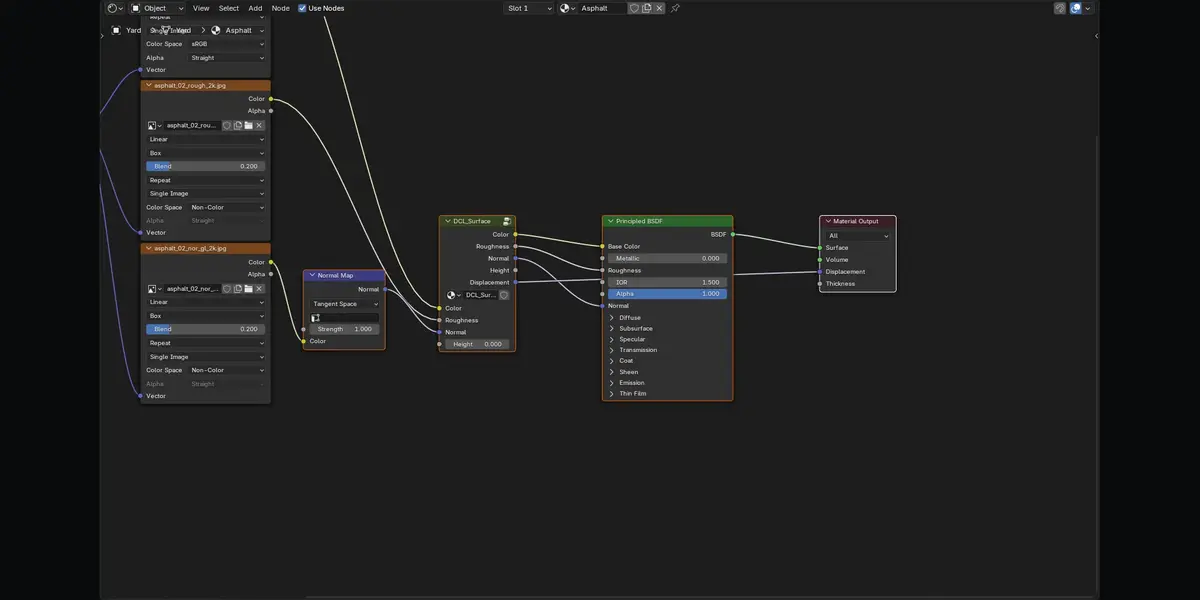
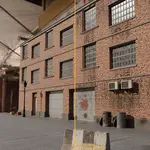
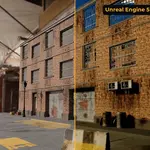
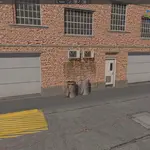
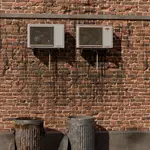
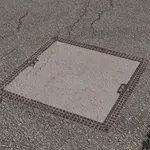
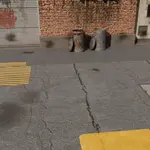
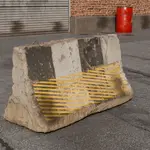
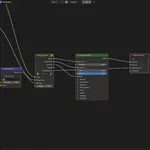
Decals in Blender usually mean floating planes, shrinkwrap modifiers, offsets against z-fighting, and a mess of extra geometry. Dekal works like decals in a game engine instead. Each decal is a box projector, and everything inside the box gets painted. The projection happens entirely in the material, so your meshes, UVs and original materials stay untouched.
Why you'll like it
- Zero geometry. A decal is an Empty: no planes, no modifiers, no z-fighting, ever.
- Live. Move, rotate or scale a projector and the decal follows instantly, in Cycles and EEVEE. Animated projectors render too.
-
One node per material. Every receiving material gets a single
DCL_Surfacenode, whether it carries 1 decal or 100. Remove it and your material is restored exactly, link for link. - Full PBR. Base color (Normal, Multiply and Overlay blends), roughness, normal maps (OpenGL or DirectX), bump and displacement, each with its own opacity.
- Smart projection. Angle and depth fades stop decals from smearing around corners or bleeding through thin walls. Decal layers keep decals off objects that share a material.
- Click to place. Pick a decal, click a surface, Shift+click to keep going, mouse wheel to scale.
- 43 decals included. 35 CC0 decals and atlas sets from ambientCG (leaks, graffiti, road markings, manhole covers, asphalt damage, tyre tracks, gum, tape, screws, leaves and more), plus eight procedural starters. Atlas sets place a random item per click. Filter by category, add your own library folders, or save any decal as a preset with one click.
- Flatten. Bake selected decals into an image layer to keep heavy scenes light, and unflatten whenever you want them back.
Made for Unreal Engine 5
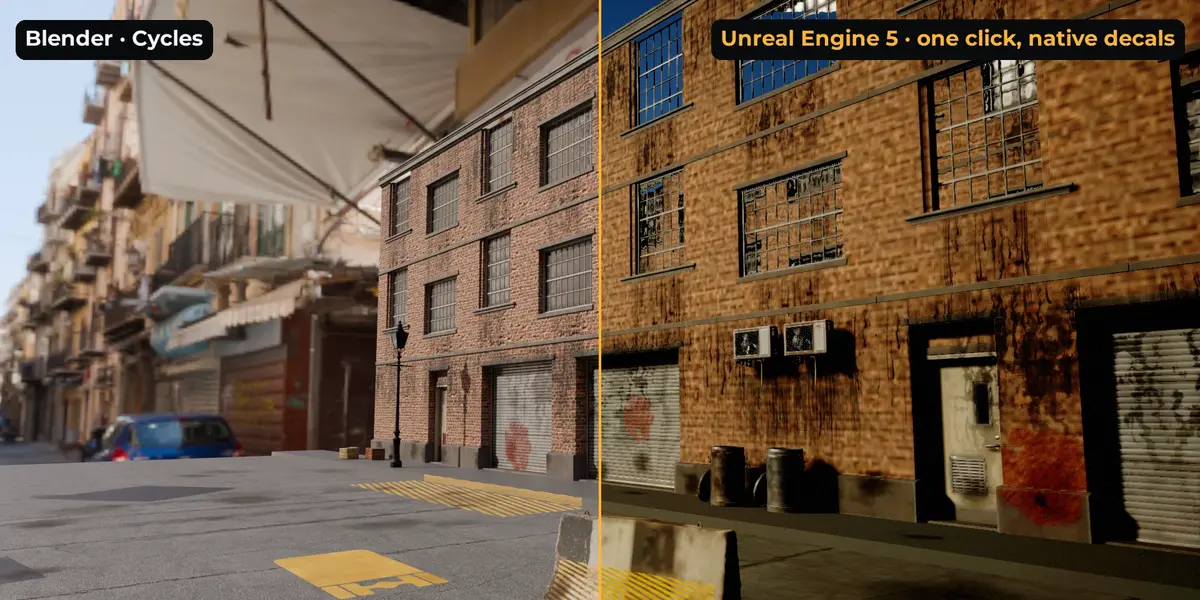
Press Send to Unreal and the scene appears in the open Unreal Editor:
- Meshes arrive through USD with their materials and textures, one actor per Blender object, placed exactly where they were in Blender.
- Every decal becomes a native Unreal DecalActor: still editable, still movable, no baking.
- Send again after a change and the previous import is replaced, not duplicated.
Setup is one click per Unreal project (Set Up Unreal Project): it installs a small Dekal plugin, enables USD import and lets Blender reach the editor. No editor open? Export writes a USD folder, and Tools › Import Dekal Scene… in Unreal brings it in.
Need baked textures instead? Baked Textures mode burns decals into each object's maps (_BC, _N, _ORM, _H) and exports FBX or glTF with your own exporter preset.
Checked in Unreal Engine 5.8: meshes land with 0.000 cm error, and a 174-decal scene arrives complete.
Built for big scenes
- Culling tests each decal against the receiver's real surface, so a decal only costs shader time where it actually lands.
- Decal maps are packed into shared atlases automatically, which keeps you under EEVEE's texture limit.
- Each material stays inside EEVEE's shader limits automatically. If a material is overloaded, the lowest-priority decals are left out and you get a warning instead of a broken (magenta) material.
Requirements
- Blender 4.2 LTS or newer. Tested on 4.5 LTS and 5.2.
- Cycles and EEVEE.
- Unreal Engine 5 for Send to Unreal (tested on 5.8). Set Up Unreal Project enables the plugins it needs. Baked Textures output works in any UE5 version.
- Windows, macOS, Linux. Pure Python, no compiled dependencies.
What's included
- The extension (
.zip, installs via Get Extensions › Install from Disk) - 35 CC0 decals and atlas sets from ambientCG, plus eight procedural starter decals
- The Dekal plugin for Unreal (installed for you by Set Up Unreal Project)
FAQ
Does it change my meshes or materials?
No. Decals are Empties. Receiving materials get one extra node, and Remove restores the original links and values exactly.
How many decals can I use?
There is no limit on decals in a scene. Per material, EEVEE has hard shader limits. Measured: about 100 color decals, or 65–80 full PBR decals, on one material, and the add-on stays inside them automatically. Cycles is not limited this way.
Do decals work on curved surfaces?
Yes. Normals and bump are built in a surface frame per pixel, so they light correctly on curved walls and spheres at any projector rotation.
What about displacement in EEVEE?
With the default Bump Only material setting, decal displacement shades as bump and is cheap. Set the material to Displacement Only or Both for real height.
Can I use my own decals?
Yes. Load any image, or build presets with color, mask, roughness, normal, bump and displacement maps. One texture sheet can serve many decals through the Atlas Region setting.
Which materials survive the trip to Unreal?
Image textures mapped on UVs, through USD's standard material. Procedural textures and box-projected images can't be carried by USD; the export report lists every material affected.
Is the source included?
Yes. Blender add-ons are GPL, and the full Python source ships in the extension.
