Dekal: Shader Decals for Blender and Unreal
 cyberhirsch
in Materials and Shading
cyberhirsch
in Materials and Shading
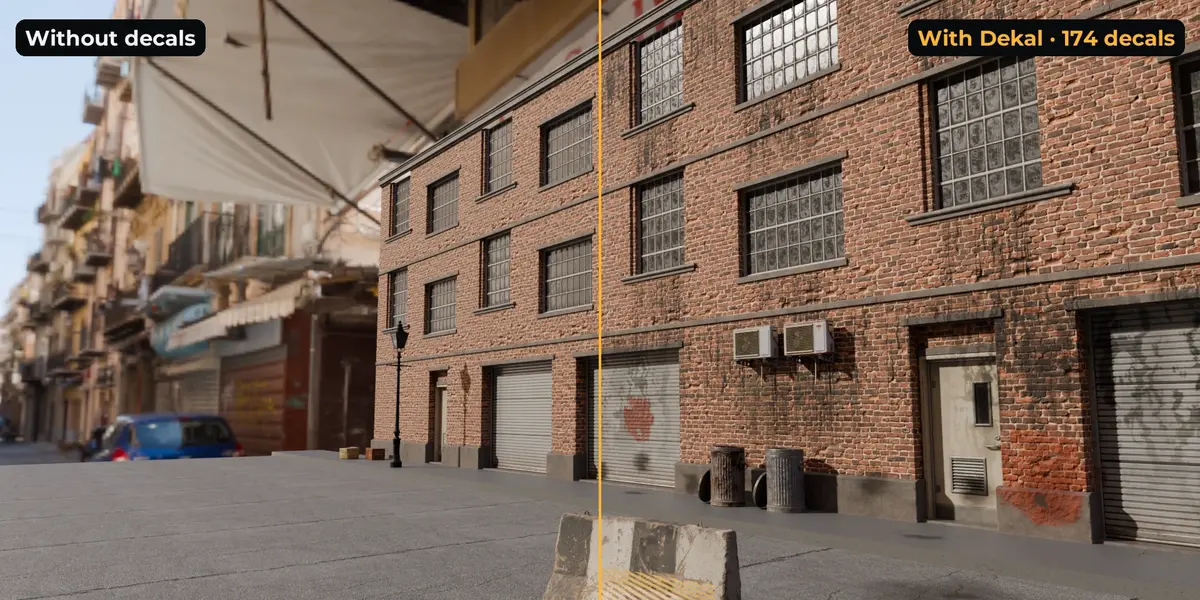
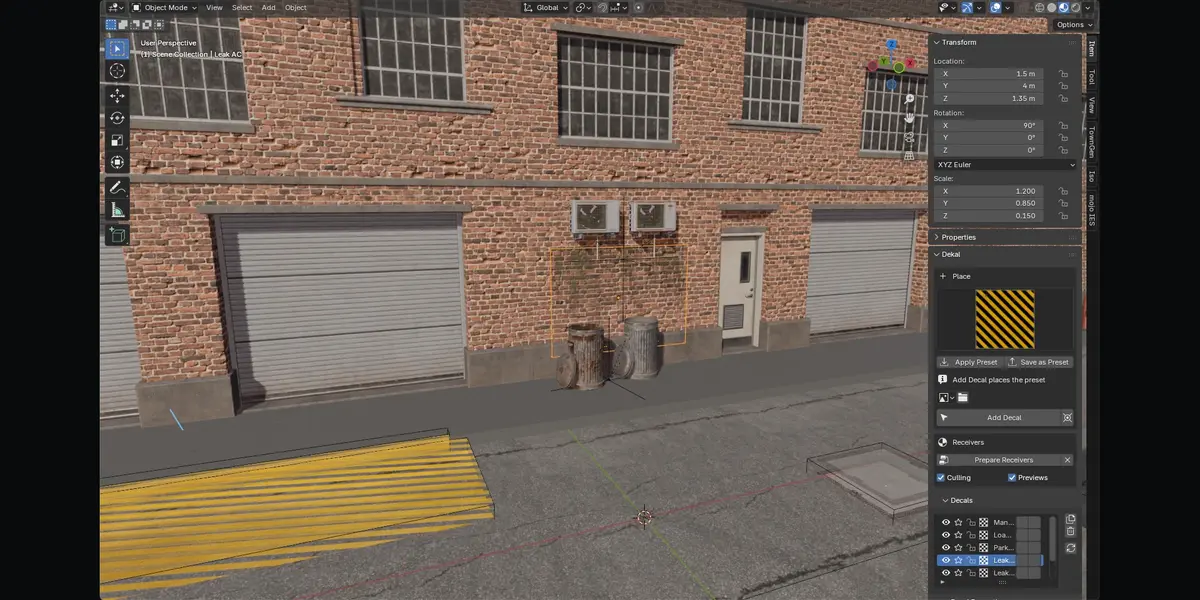
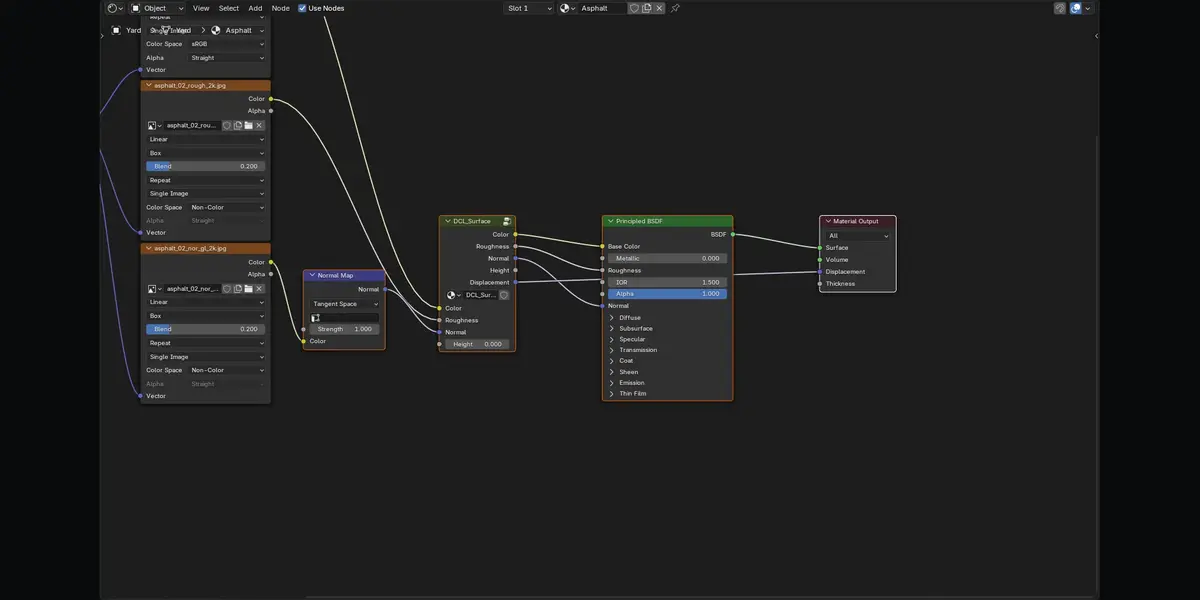
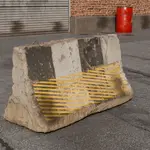
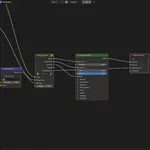
No. Decals are Empties. Receiving materials get one extra node, and Remove restores the original links and values exactly.
There is no limit on decals in a scene. Per material, EEVEE has hard shader limits. Measured: about 100 color decals, or 65–80 full PBR decals, on one material, and the add-on stays inside them automatically. Cycles is not limited this way.
Yes. Normals and bump are built in a surface frame per pixel, so they light correctly on curved walls and spheres at any projector rotation.
With the default Bump Only material setting, decal displacement shades as bump and is cheap. Set the material to Displacement Only or Both for real height.
Yes. Load any image, or build presets with color, mask, roughness, normal, bump and displacement maps. One texture sheet can serve many decals through the Atlas Region setting.
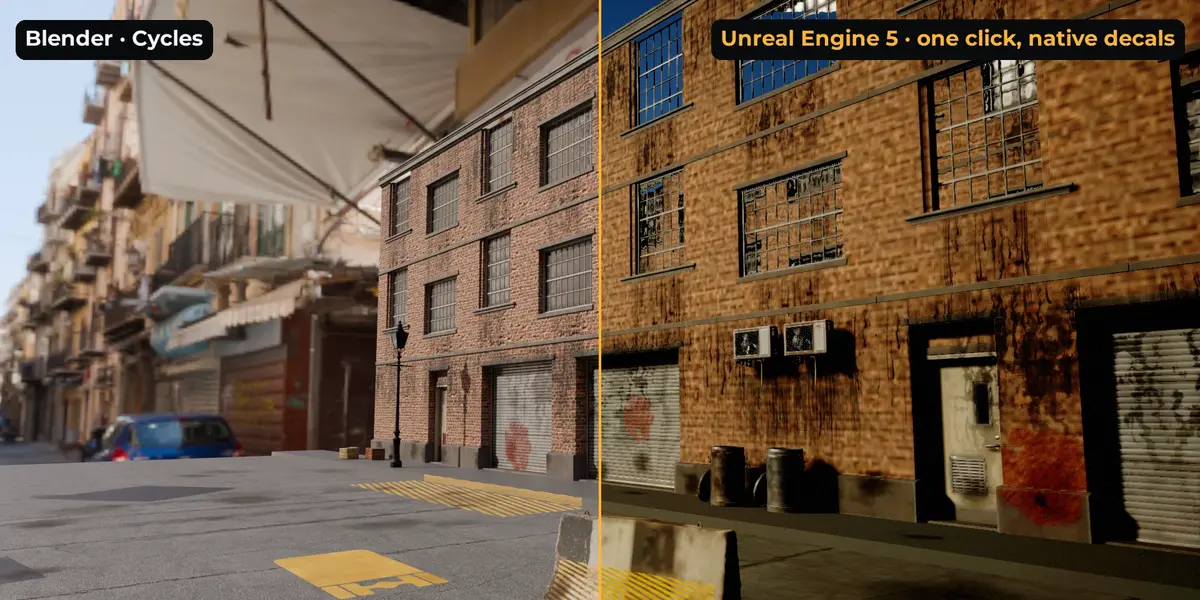
Image textures mapped on UVs, through USD's standard material. Procedural textures and box-projected images can't be carried by USD; the export report lists every material affected.
Yes. Blender add-ons are GPL, and the full Python source ships in the extension.
Have questions about this product?
Login to message
| Blender Extension Compatible | Yes |
| Published | about 11 hours ago |
| Blender Version | 4.2 - 5.2 |
| Extension Type | Add-on |
| Render Engine Used | Cycles, Eevee |
| License | GPL |

Discover more products like this
Unreal Engine materials game ready ue5 usd environment Shader Cycles eevee PBR projection decals