 Cgi Lab
DeLight & DeTile PBR Studio
Short description
Build brick and concrete materials from surface images, add editable architectural weathering, and bake their appearance into portable 16-bit object atlases inside Blender.
Product description
From a surface image to a weathered wall material, with an object atlas you can export.
DeLight & DeTile PBR Studio is designed for Blender artists working on architectural surfaces: brick walls, concrete, paving and similar photographed finishes. Its core workflow connects photographic material preparation, editable ageing and object-atlas export in the same tool.
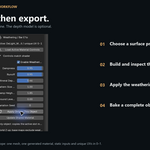
DeLight & DeTile PBR Studio combines photographic cleanup, seam synthesis and PBR estimation with a material workflow designed for walls, paving and other photographed surfaces. Start with a photograph, choose a surface preset, inspect the generated material, then adjust its response under your own lighting.
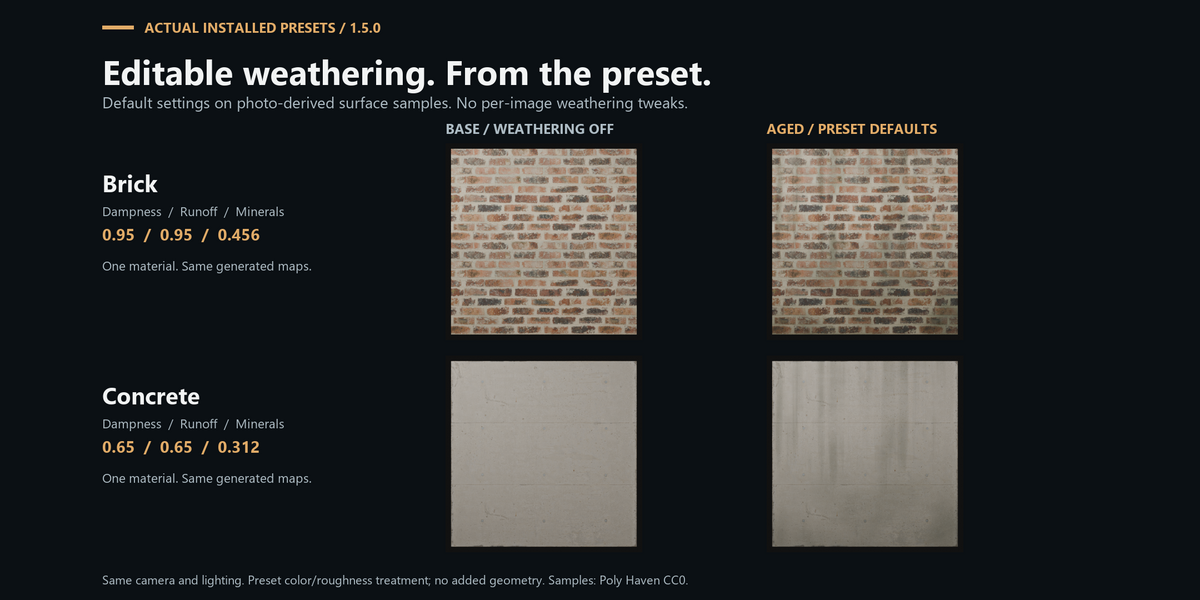
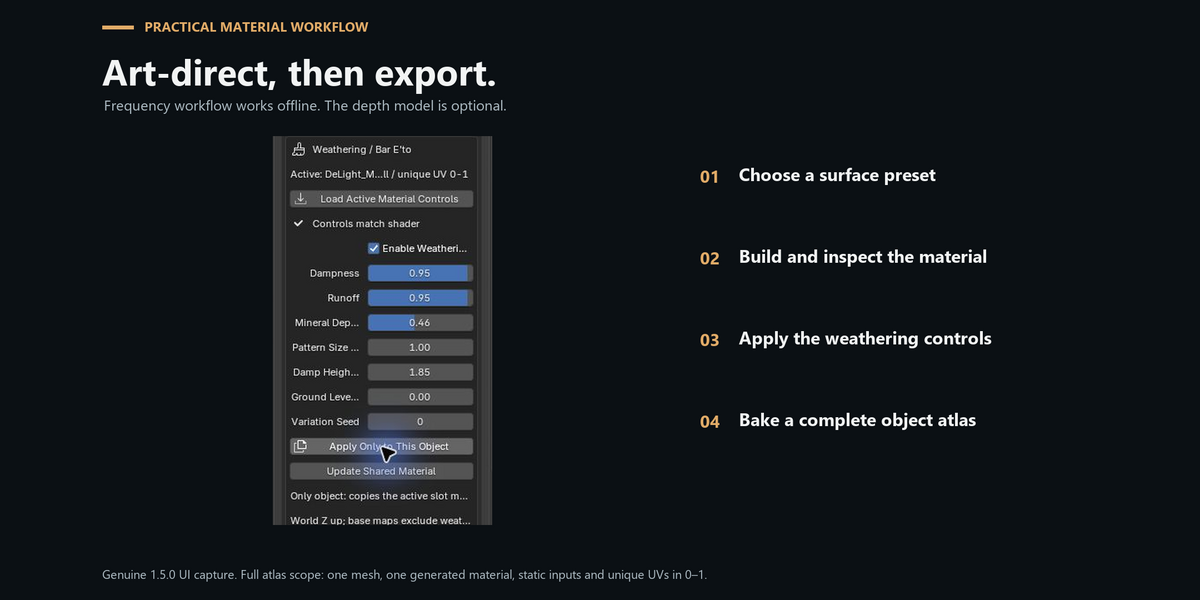
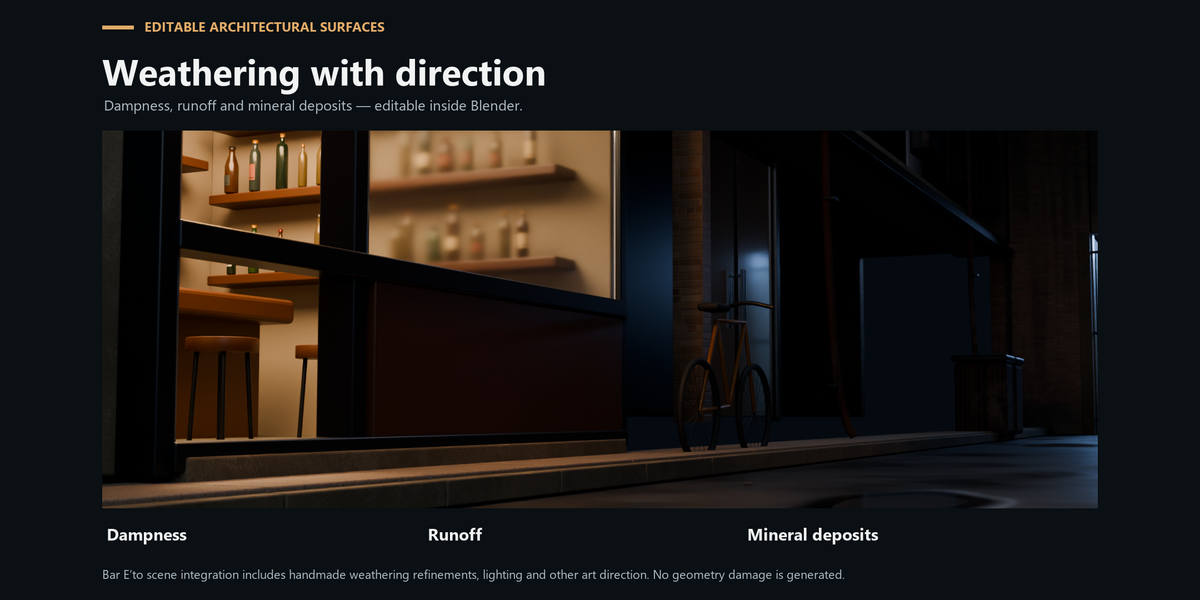
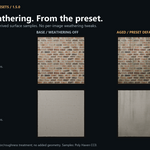
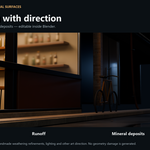
For aged architectural surfaces, the Aged Brick and Aged Concrete presets add editable dampness, runoff and mineral deposits. Control the pattern size, ground level, damp height and variation seed without processing the photograph again. Apply a change to one object or explicitly update a shared material.
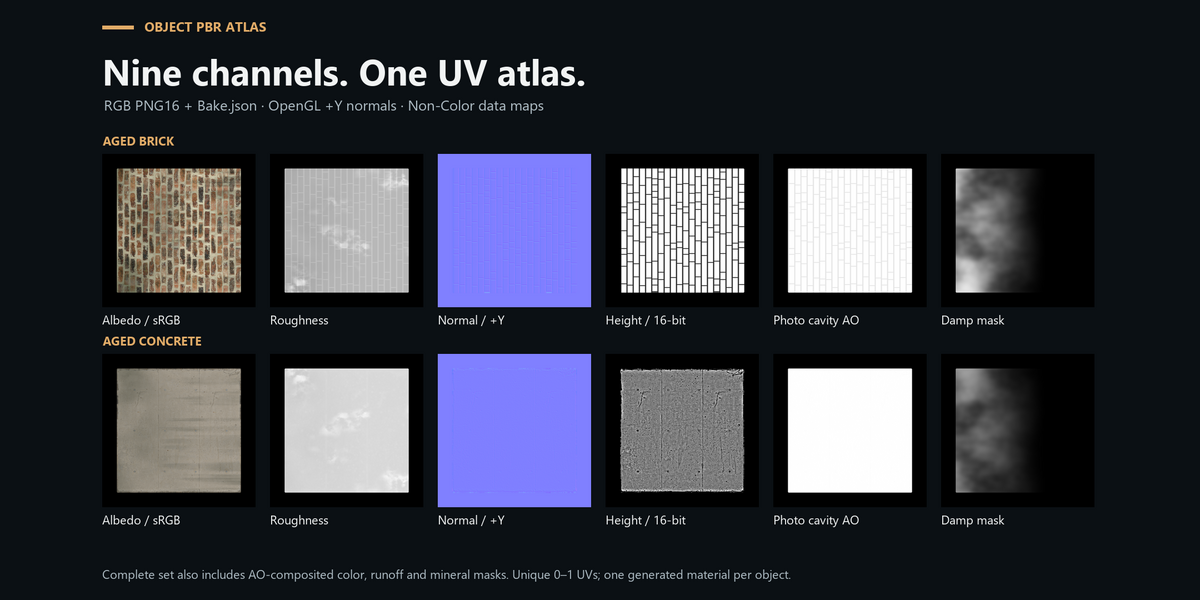
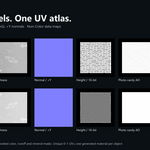
When the material is ready, export the base texture set or bake its current appearance into a unique UV atlas. Complete PBR Atlas produces nine RGB PNGs with 16 bits per channel: color, albedo, roughness, normal, height, photo-derived cavity AO, and three weathering masks. A JSON file records color spaces, UVs, normal convention, displacement settings and import recipes.
Image processing and atlas baking run in separate processes, with progress and cancellation inside Blender. A brief geometry snapshot starts each atlas bake.
Main features
- Photographic lighting reduction, highlight suppression and optional broad color correction.
- Seam synthesis with dedicated Brick / Mortar and Fine Concrete processing.
- Estimated normal, roughness, height and cavity AO maps.
- True 16-bit height in the base texture export.
- Editable, world-space architectural weathering affecting color and roughness.
- Object-only material updates that preserve other objects, including shared-mesh duplicates.
- A material test stage and a tiled preview for checking scale and repetition.
- Complete object atlas: nine RGB16 PNGs plus channel and import metadata.
- Atlas normals reprojected to the target UV tangent basis, always OpenGL +Y.
- Frequency-based processing that works without downloading an AI model.
- Optional Depth Anything V2 Small height estimation, downloaded only when requested.
Optional model weights are downloaded from Hugging Face only when requested; inference runs locally. No account, API key or subscription is required.
Launch pricing
US$15 for the first 14 days after launch, then US$19. The launch date will be shown when the product is published. The same 1.5.0 edition and included files are supplied at both prices.
Choose the export that matches your task
| Export | Use | Files |
|---|---|---|
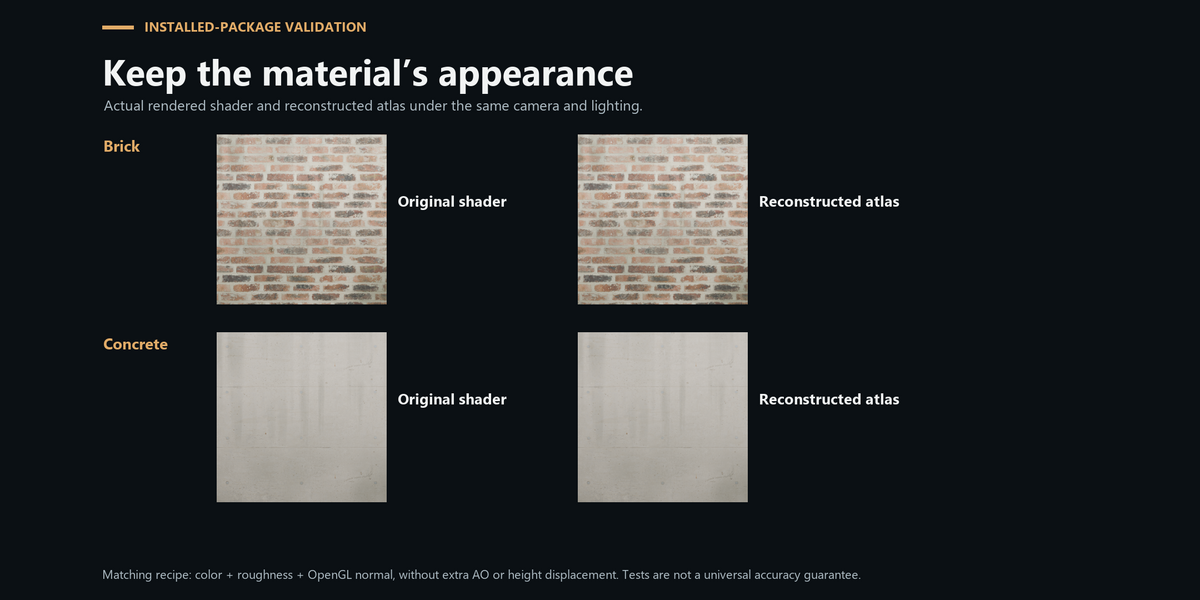
| Base PBR maps | Reusable photo texture tiles | Albedo, normal, roughness, height, AO and processing JSON. Height is 16-bit grayscale; the other base PNGs are 8-bit. Procedural weathering is not baked into this set. |
| Complete PBR Atlas | The current generated material on one uniquely unwrapped object | Nine RGB16 PNGs and Bake.json, including weathering and normal reprojection. Use atlas UVs at scale 1. |
| Color / masks mode | A lighter weathering export | Color, roughness and three effective masks as RGB16 PNGs, plus JSON. |
Requirements and scope
Windows x64. Tested with Blender 5.0.1 and Blender 5.2.1 LTS. The first full-atlas workflow supports one mesh in Object Mode, one generated DeLight material, static shader inputs and unique UVs inside 0–1.
The complete atlas does not currently support UDIMs, overlapping UVs, multiple material slots or additional shader displacement. The addon reports unsupported setups before baking.
PBR channels are estimates from a photograph. Results depend on source lighting, surface pattern, perspective and image quality. Weathering is art-directed; it does not simulate chipped geometry or physical material loss. AO represents photo-derived cavity detail, and height is estimated relief rather than measured geometry.
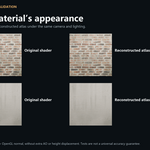
The full atlas stores both an AO-composited color and an albedo without the shader AO mix. For the closest source appearance, connect color + roughness + normal without adding AO again. The documentation includes the separate-channel recipe.
About the showcase
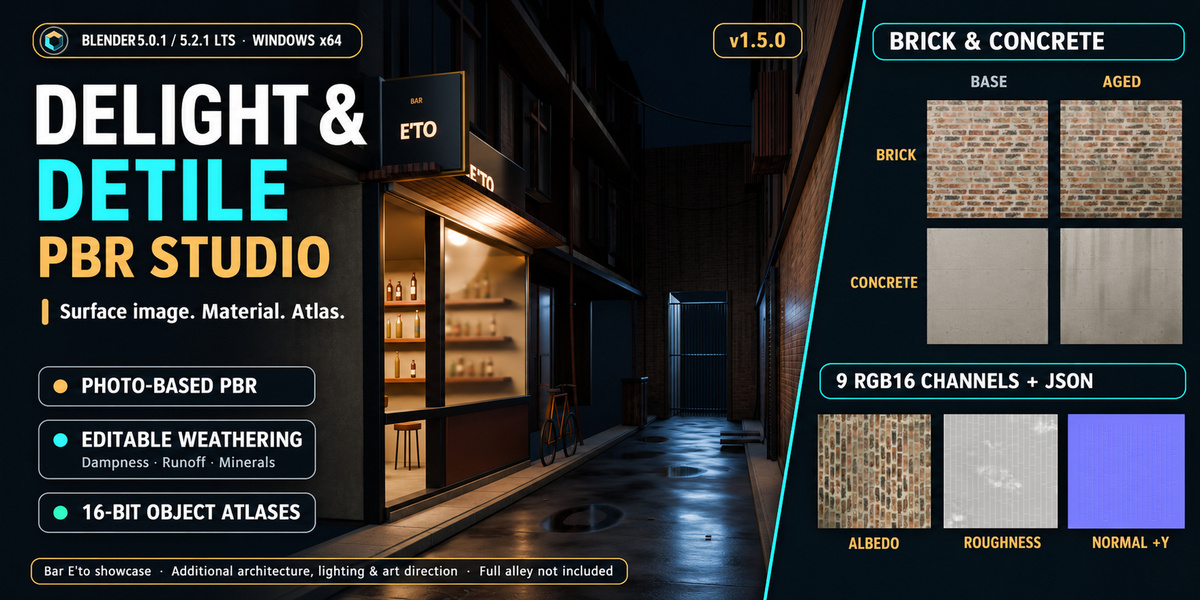
The main cover is an AI-assisted promotional composition based on project renders; its scene and material panels are illustrative. The gallery that follows shows actual preset comparisons, exported channels and Blender UI captures.
Bar E’to is a directed scene example combining photographed materials, architectural assets, lighting and additional art direction. It is not an automatic scene generator, and the full Bar E’to alley is not included with the addon. The download includes only the example files explicitly listed in its contents.
Included in your download
- DeLight & DeTile PBR Studio 1.5.0 extension installer ZIP.
- Seven-page Quick Start PDF, written walkthrough, FAQ and support checklist.
- Two credited CC0 photo-derived surface samples: brick and concrete.
- Start and Result learning scenes; the Result scene has its material textures packed.
- A silent 90-second guided overview, with English captions and an SRT file. It uses genuine UI stills and condensed waiting time; it is not a continuous real-time recording.
Extract the outer buyer package first. Install its inner delight_detile_studio-1.5.0.zip through Blender's Install from Disk menu. Keep the sample source image separately if you want to reprocess after moving the project; packing generated maps preserves the material, not the Source Texture filepath.
Installation and support
For direct installation, download delight_detile_studio-1.5.0.zip. The separate Buyer Package download includes the same installer together with samples, documentation and demo scenes.
Install the extension ZIP through Blender Preferences, enable it, then open View3D → N-panel → DeLight PBR. The quick-start guide uses the included CC0 samples and the offline frequency workflow.
For help, contact the creator through your marketplace purchase/support channel. Include the addon version, Blender version, Windows version, exact operation, error message and a small reproducible example when possible. Do not send confidential project assets.