DeLight & DeTile PBR Studio
 Cgi Lab
Does it need AI or an online service?
No. Frequency-based height processing works offline. An optional Depth Anything V2 Small model can be downloaded when requested. The model adds monocular depth estimates; it does not turn a photograph into measured geometry.
Optional weights are downloaded from Hugging Face, then inference runs locally. No account, API key or subscription is required. Once cached and verified, the model can be used offline.
Does it produce physically measured PBR maps?
It estimates material channels from image information. Source lighting, pigment, perspective and surface structure can affect the result. Inspect the material under your intended lighting and adjust it as part of your material workflow.
Can it remove every shadow or make any photograph seamless?
Lighting reduction and seam synthesis are tools rather than guarantees. Strong directional shadows, perspective distortion and irregular structural patterns may need source preparation. The brick processor reports detection warnings and uses conservative fallback when mortar structure is uncertain.
Are all exports 16-bit?
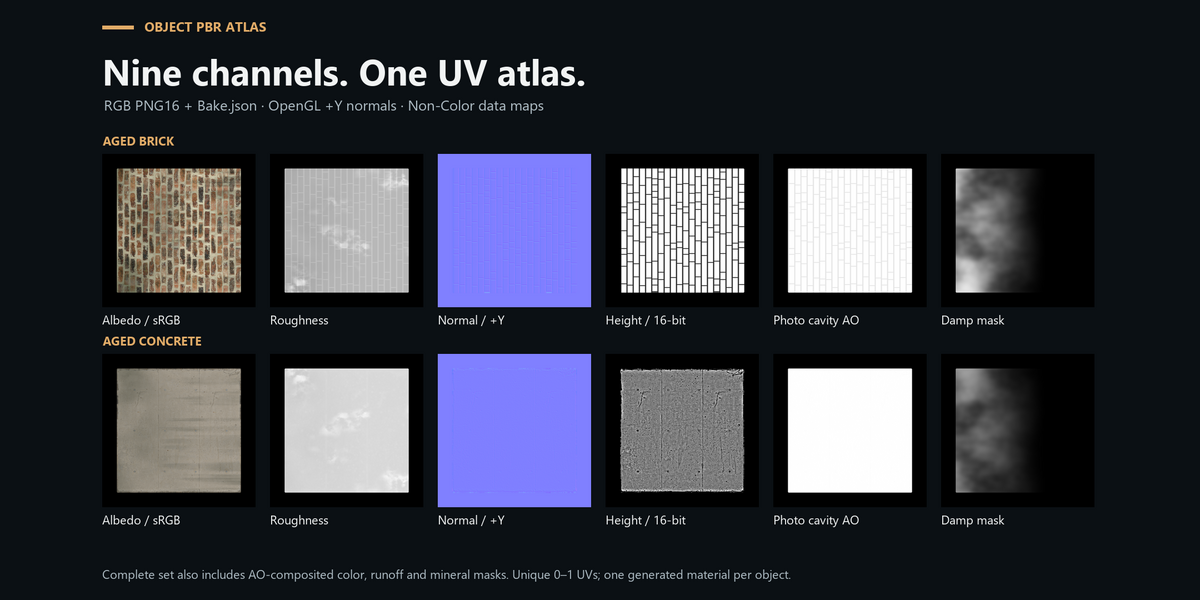
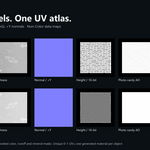
Complete PBR Atlas exports nine RGB PNGs with 16 bits per channel. The base texture export uses 16-bit grayscale height and 8-bit albedo, normal, roughness and AO.
Does base-map export include the procedural weathering?
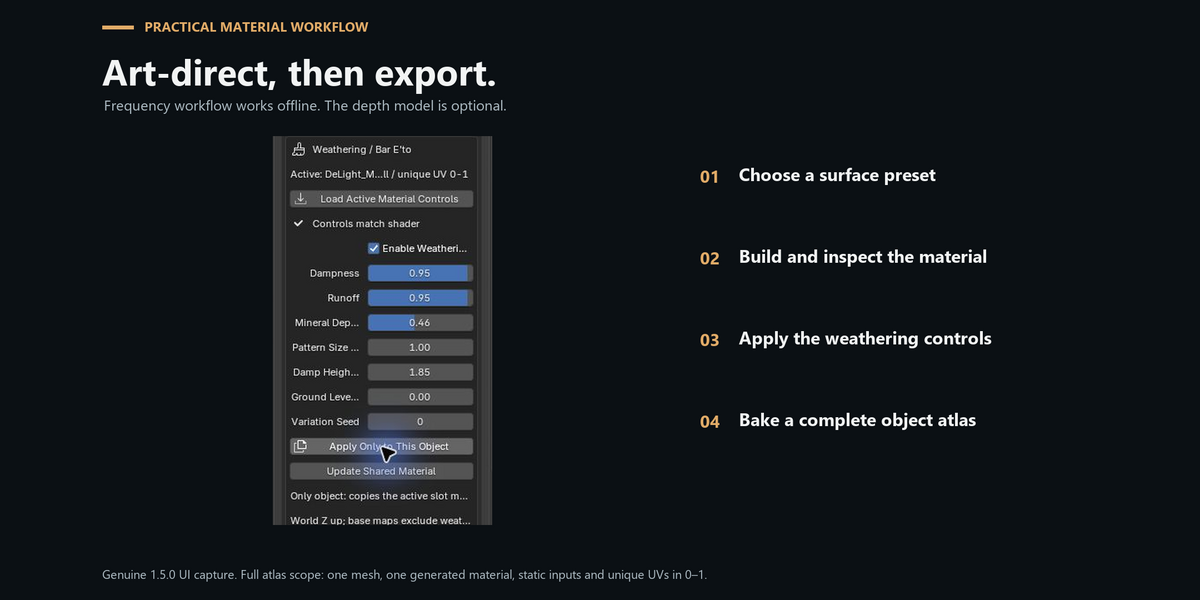
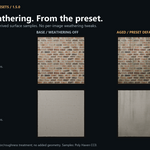
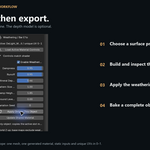
No. Use Object PBR Atlas Bake to capture the material’s weathering, color and roughness. Save and pack the .blend to keep the editable shader.
What UVs does atlas baking require?
One unique unwrap inside 0–1 with no overlapping or zero-area UV faces. Leave space between UV islands for the bake margin. Atlas maps use that UV map at scale 1; the existing source texture tiling is baked into the atlas.
Which normal convention does the atlas use?
OpenGL +Y, loaded as Non-Color with Normal Map strength 1. Source DirectX conversion and normal strength are captured in the bake. Do not flip the atlas normal again for Blender.
Why are both color and albedo included?
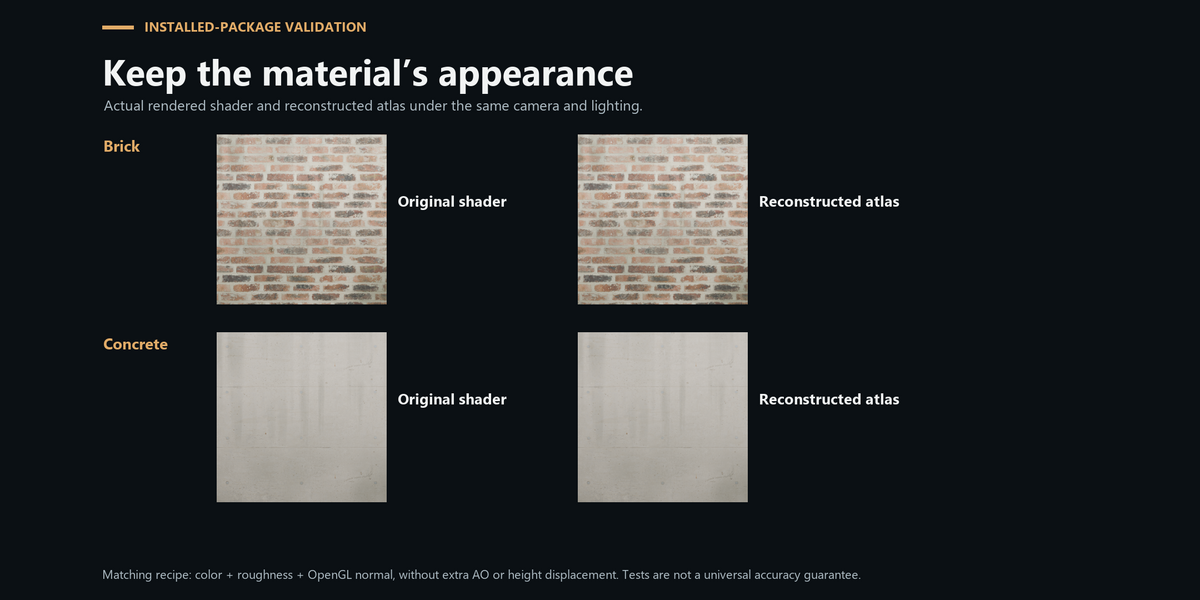
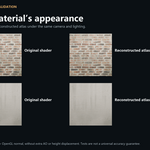
Color preserves the original shader’s AO-composited appearance. Albedo is weathered color without the shader AO mix, for a separate albedo + AO workflow. Do not add extra AO to color. Mineral blending occurs after AO in the source shader, so a separate-channel reconstruction can differ from the composite.
Can it bake UDIMs or several materials at once?
The current complete-atlas workflow supports one mesh with one generated DeLight material and unique UVs inside 0–1. UDIMs and multiple material slots are outside this release’s bake scope.
Does the weathering damage the geometry?
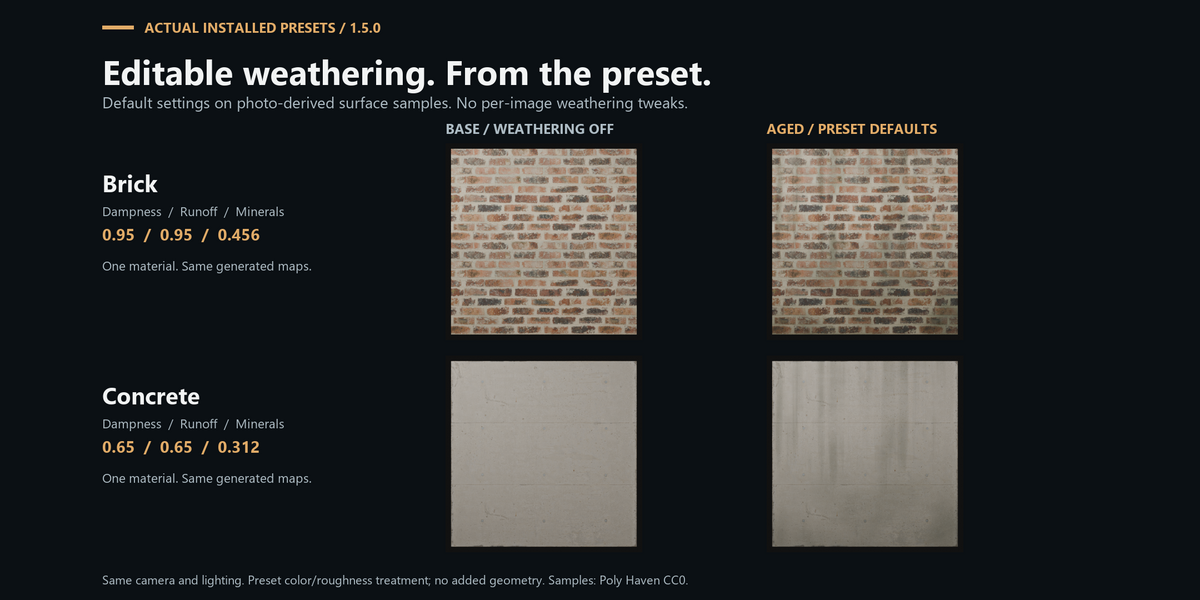
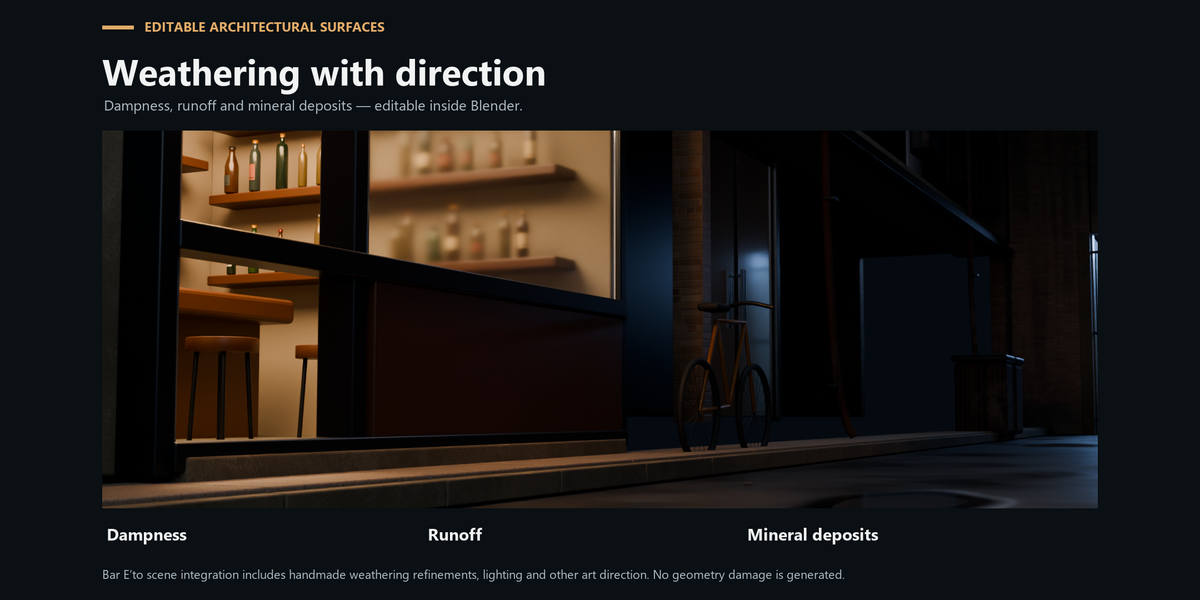
The editable layer changes color and roughness. It adds dampness, runoff and mineral deposits without generating cracks, chips or new mesh detail. Height remains optional photo-derived relief data.
Is the full Bar E’to scene included?
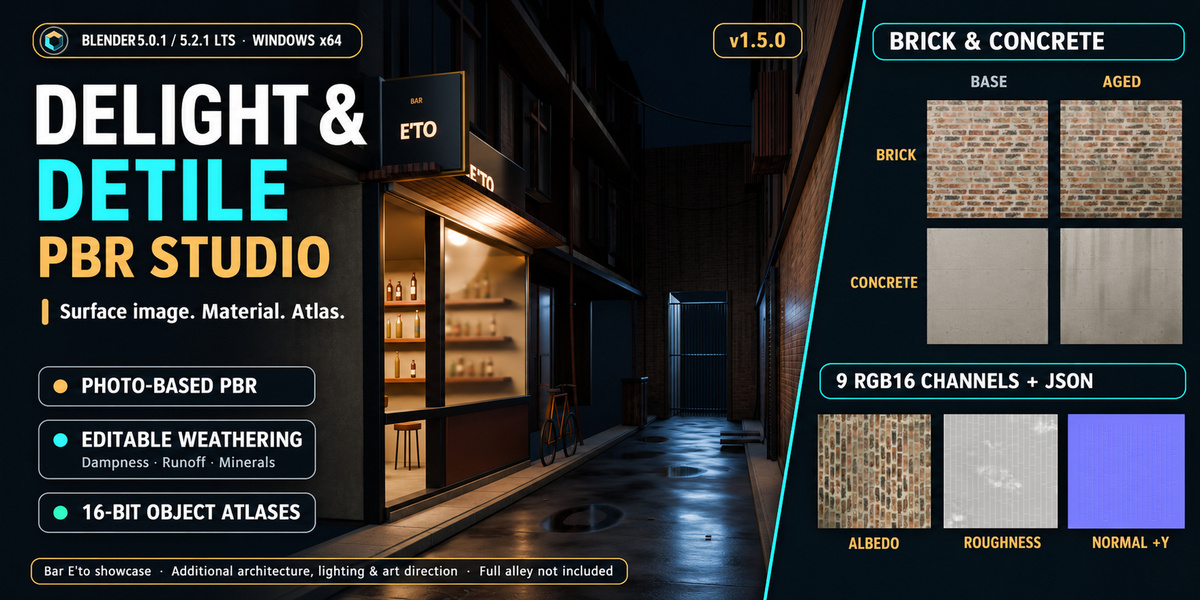
No. Bar E’to is a showcase of the materials within a directed scene using additional architecture, lighting and manual art direction. Refer to the download contents for the included sample files.
Can I use my own photographs?
Yes, using source images you have permission to use. Start with a sharp, approximately front-facing surface photograph and avoid reflections or deep cast shadows where possible. The included CC0 samples provide a reproducible first exercise.
Have questions about this product?
Login to message
| Blender Extension Compatible | Yes |
| Published | about 3 hours ago |
| Blender Version | 5.0 - 5.2 |
| Extension Type | Add-on |
| Render Engine Used | Cycles |
| License | GPL |
Discover more products like this
delighting Concrete PBR textures brick architecture seamless weathering baking Atlas materials height map