DepthForge — AI Image & Video to 3D
 Voyde Procedural
Does DepthForge require an internet connection?
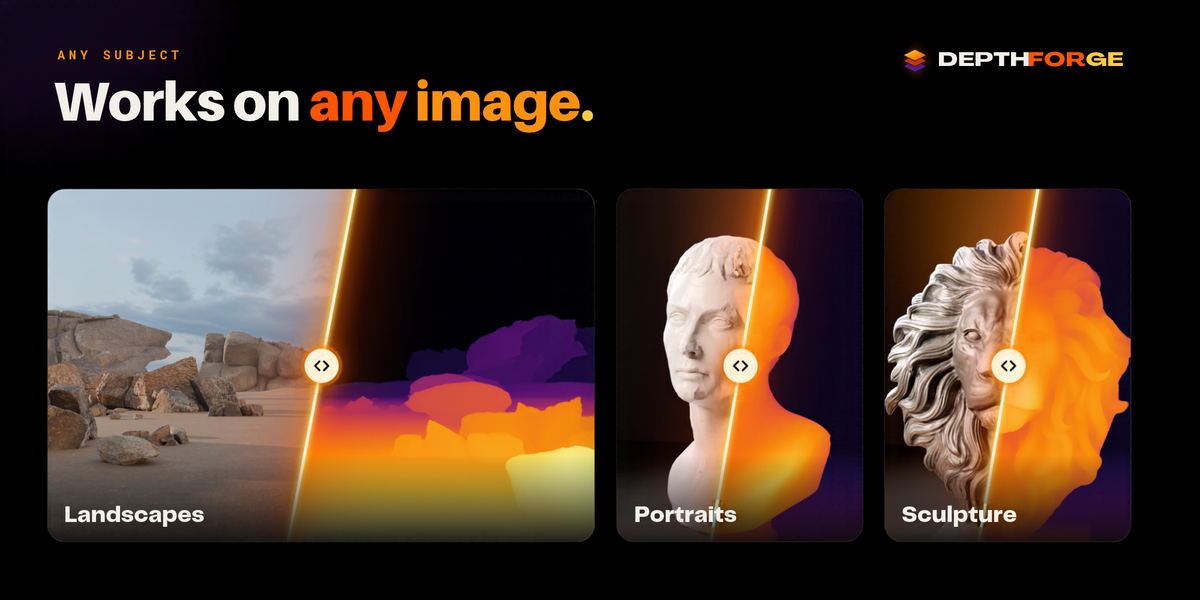
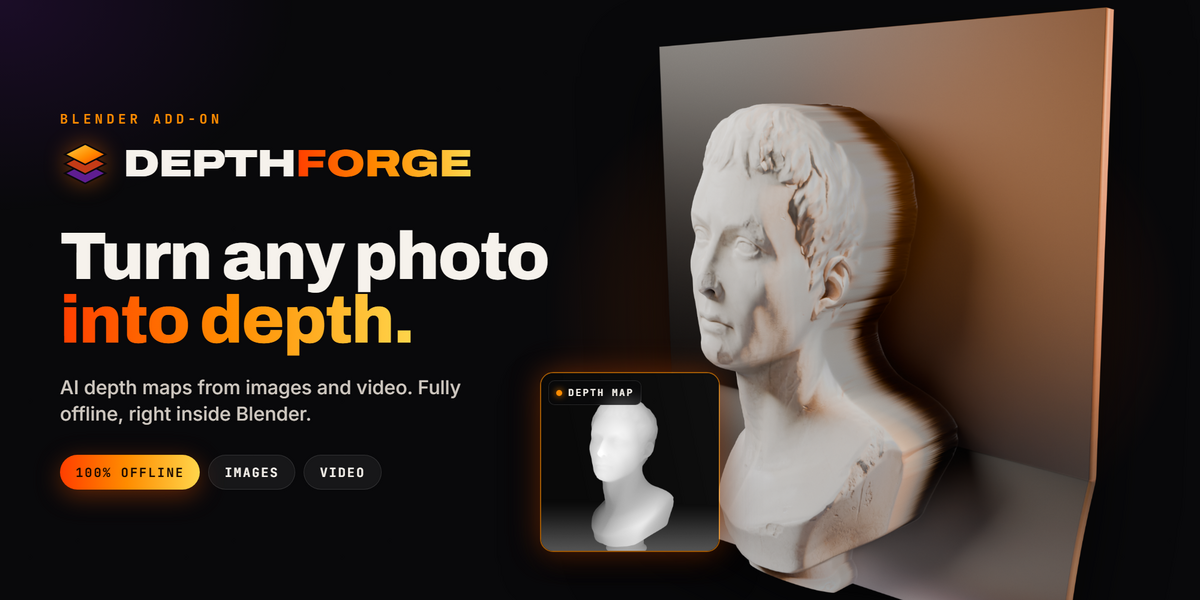
No. DepthForge works completely offline. All required AI models and runtime components are bundled with the add-on. No cloud services, API keys, accounts, or subscriptions are required.
Do I need an NVIDIA GPU or CUDA?
No. DepthForge uses CPU-based AI inference, so a dedicated GPU is not required. Processing speed depends on your CPU, input resolution, and available memory.
Can DepthForge convert videos into animated 3D geometry?
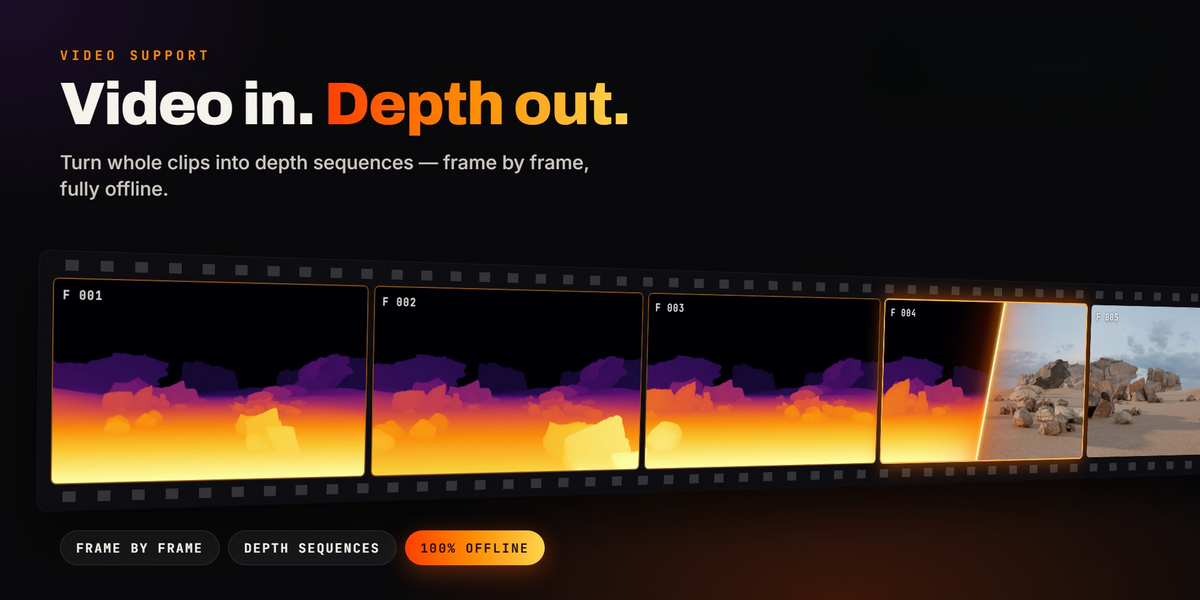
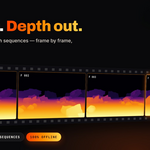
Yes. DepthForge generates depth sequences from videos or image sequences and uses them to drive animated relief geometry in Blender. The original footage can be displayed on the relief as a material.
Does DepthForge generate complete 3D models?
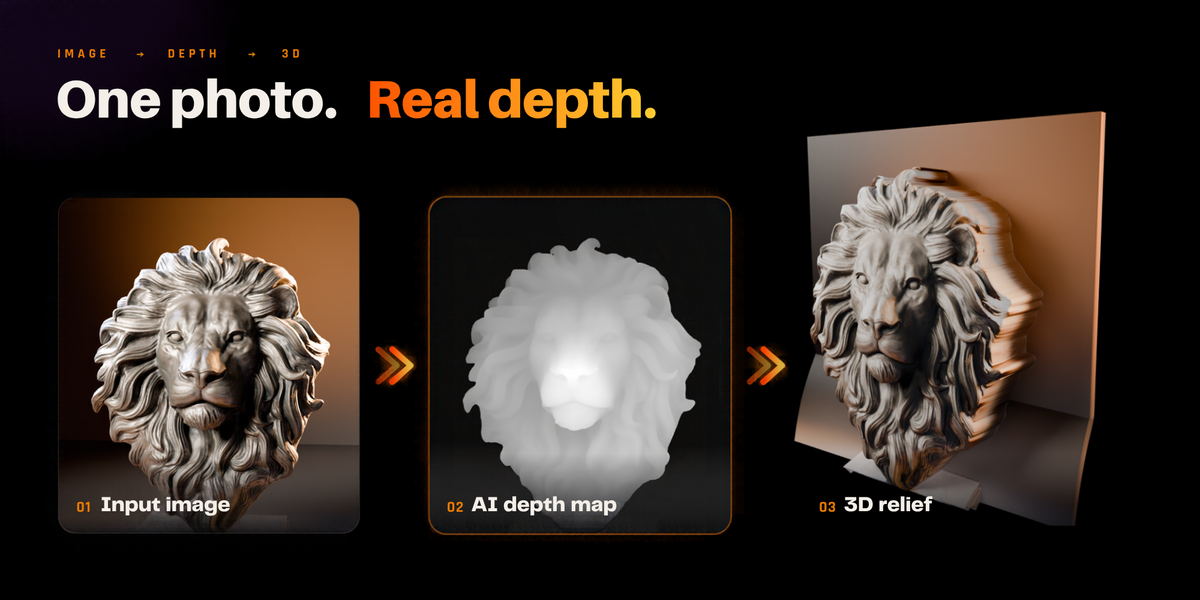
DepthForge creates depth-driven 2.5D relief surfaces, not complete 360-degree object reconstructions. AI-estimated depth is relative and does not represent exact real-world distances.
Which Blender versions and operating systems are supported?
DepthForge provides separate packages for Blender 4.2–5.0 and Blender 5.1+, covering Windows x64, macOS Apple Silicon, macOS Intel, and Linux x64. Current development testing has been completed on Linux with Blender 4.2.0 and 5.2.2; other platform builds are pending final validation.
Can I edit the generated geometry?
Yes. Every relief uses a procedural Geometry Nodes setup. You can adjust Height, Size, Resolution, Gamma, smoothing, depth cutoff, thickness, and more without regenerating the AI depth map.
Can I export the generated depth maps and meshes?
Yes. Image depth results can be exported as 16-bit PNG heightmaps. Video processing produces 16-bit PNG depth sequences. Convert to Mesh also lets you turn the current relief into standard Blender mesh geometry.
What image and video formats are supported? Copy
Video inputs include MP4, MOV, MKV, AVI, WebM, M4V, MPG, GIF, and MXF. Supported numbered image sequences include PNG, JPG, TIFF, EXR, BMP, WebP, and TGA. Actual video decoding depends on the file's codec and platform.
How much RAM do I need for video processing?
Memory requirements depend on resolution and clip settings. High-detail Video Depth Anything processing may require approximately 4–5 GB of available RAM. Lowering Detail can significantly reduce memory use and processing time.
Can I use DepthForge in commercial projects?
DepthForge is intended for creative and commercial Blender workflows. The add-on code is licensed under GPL-3.0-or-later, and bundled AI models carry their respective licenses. You are responsible for having appropriate rights to your input images, videos, and other assets.
Have questions about this product?
Login to message
| Blender Extension Compatible | Yes |
| Published | about 3 hours ago |
| Blender Version | 4.2 - 5.2 |
| Extension Type | Add-on |
| Render Engine Used | Cycles, Eevee |
| License | GPL |
Discover more products like this
2.5d depth map Image-to-3D video to 3d Bas Relief ai depth-estimation procedural animation Heightmap geometry nodes displacement