 Voyde Procedural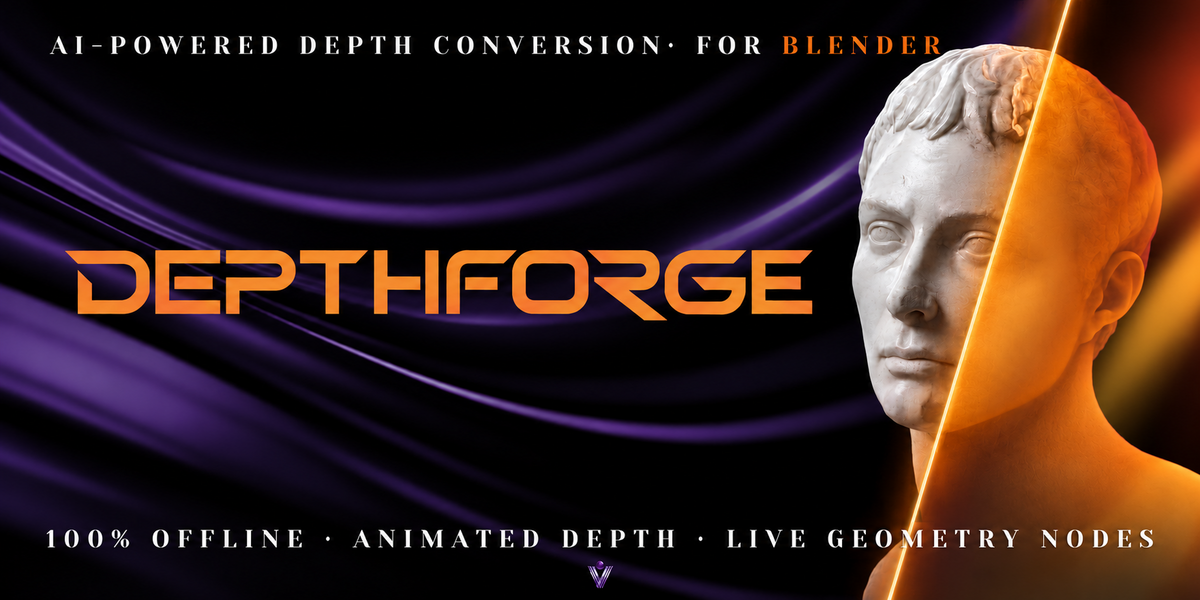
DEPTHFORGE
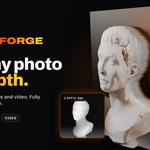
From Flat Images to Living 3D.
Transform images and videos into animated, fully editable 3D reliefs using locally powered AI and Blender Geometry Nodes.
From Images to Living Geometry.
Watch photos and videos transform into editable, animated 3D reliefs inside Blender.
IMAGE TO 3D · VIDEO TO 3D · LIVE GEOMETRY NODES
Give Your Images a New Dimension.
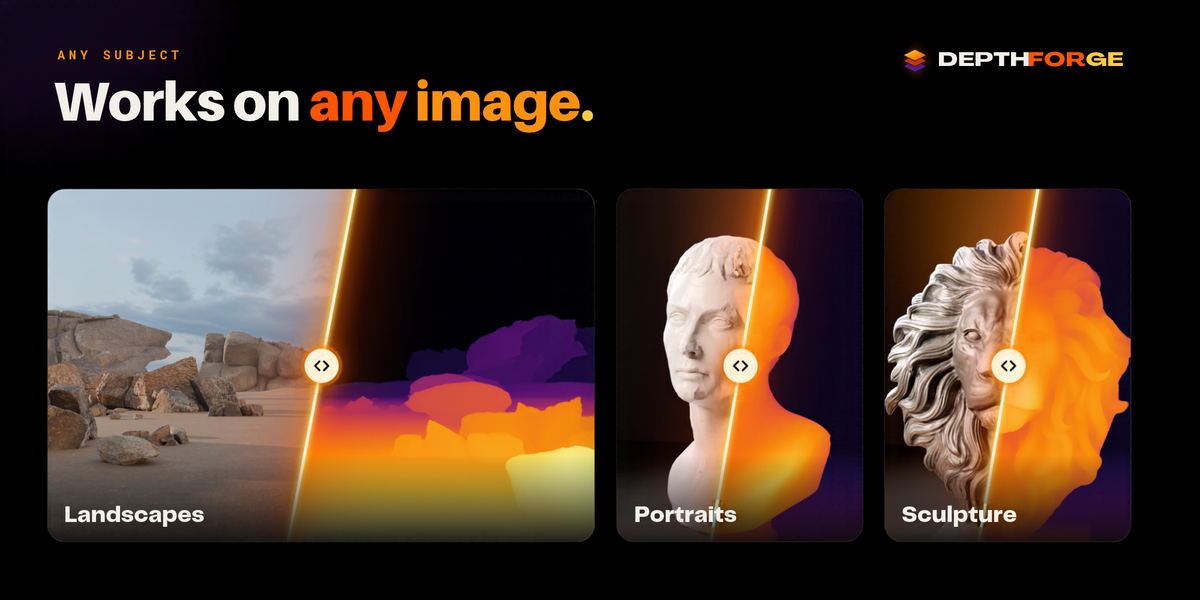
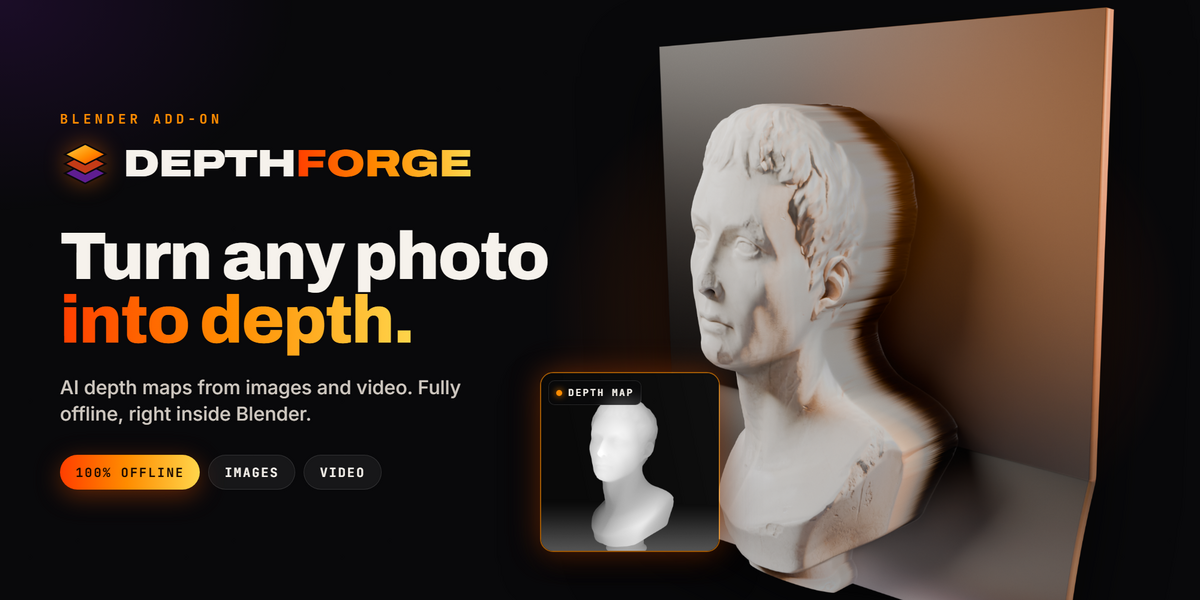
A photograph becomes a sculptural surface. A video becomes moving geometry. DepthForge combines AI depth estimation with procedural Geometry Nodes, unlocking creative 2.5D workflows without complicated setup or cloud processing.
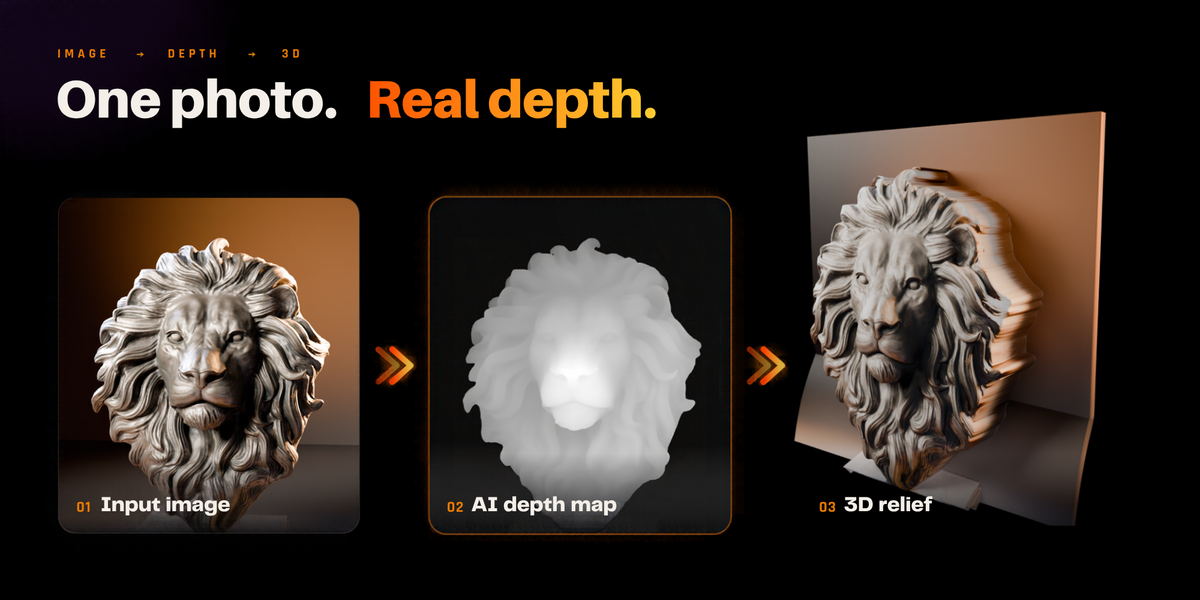
One Image. Real Geometry.
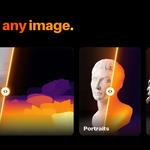
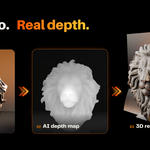
Import a photo, illustration, or artwork. DepthForge analyzes its visual structure and creates a depth-driven 3D relief that you can shape directly inside Blender.
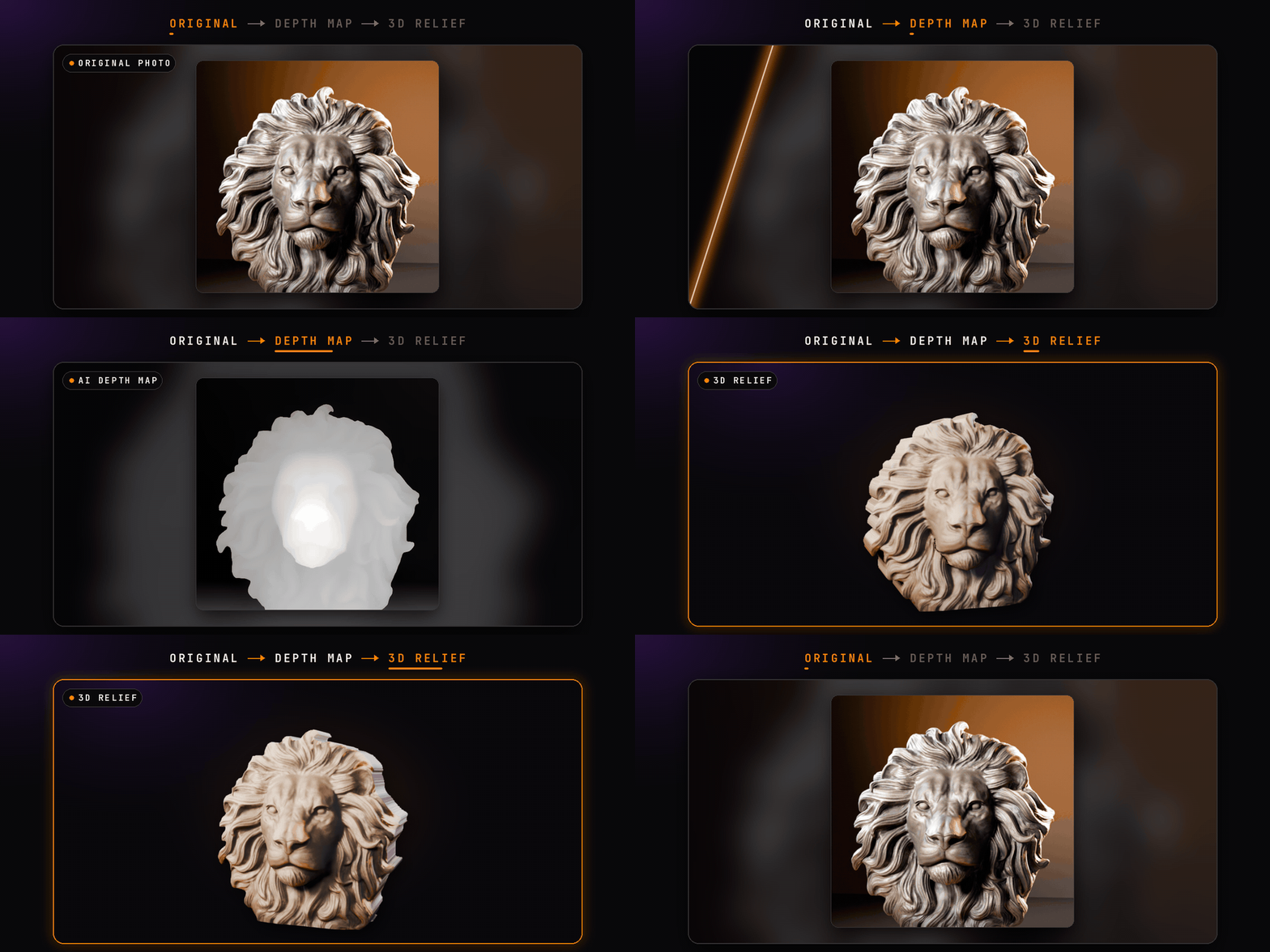
Detailed depth estimation using Depth Anything V2 Small.
A lightweight model for faster processing.
Convert brightness into height without AI inference.
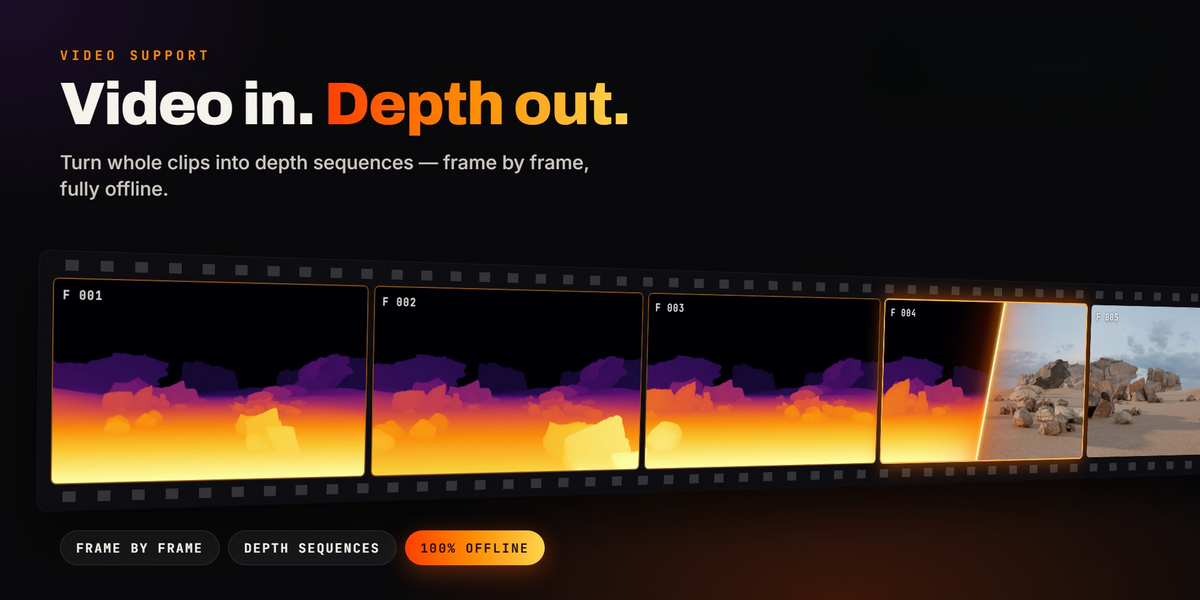
Your Footage. In Motion. In 3D.
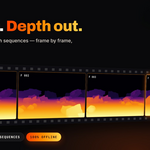
Why stop at a single frame? DepthForge transforms video footage into animated depth geometry, allowing your relief to evolve with the original motion.
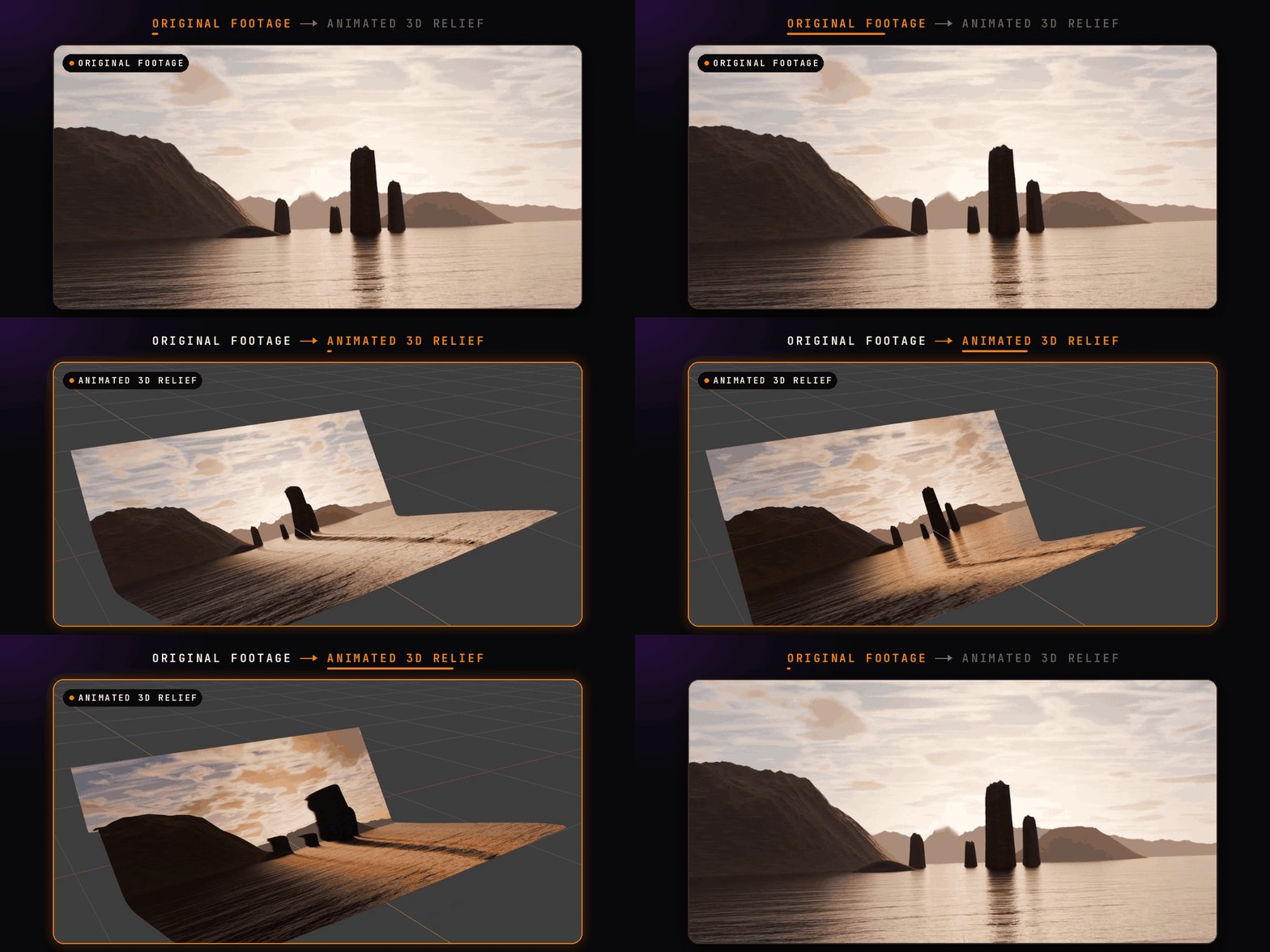
- Video Depth Anything with temporal modeling
- Alternative per-frame AI processing with temporal smoothing
- Asynchronous processing with progress and cancellation
- Animated 16-bit depth image sequences
- Original video mapped onto the resulting geometry
- Custom clip ranges and optional scene FPS matching
Every Detail. Under Your Control.
DepthForge isn't a one-click conversion with a fixed result. Every relief features a procedural Geometry Nodes modifier, giving you control over its shape and appearance.
Four Creative Presets
Powerful AI. Completely Offline.
All required AI models and runtime components are bundled with your installation package. Everything runs locally on your computer.
✓ No API keys or accounts
✓ No subscription fees
✓ No dependency installation
✓ No dedicated GPU required
✓ Your source files stay on your machine
Built for Blender Artists.
Export Depth
Save image-based depth results as 16-bit PNG heightmaps.
Convert to Mesh
Convert procedural reliefs into standard Blender meshes.
Update Source
Replace an image and update its depth without rebuilding the entire workflow.
Custom Models
Configure an external model directory or compatible ONNX depth model.
What Can You Create?
Motion graphics · 2.5D compositions · Sculptural portraits · Animated depth surfaces · Terrain concepts · Digital art · Relief designs · Experimental visual effects
Compatibility & Requirements
| Blender | 4.2 and newer |
| Windows | x64 |
| macOS | Apple Silicon / Intel |
| Linux | x64 |
| Inference | CPU / Local ONNX Runtime |
| Installation | Install from Disk |
Select the correct package for your operating system and Blender version. High-resolution video depth estimation can require approximately 4–5 GB of available memory. macOS 14+ is required for direct video decoding on Apple Silicon; image sequences can be used on older versions.
Install. Import. Create.
01. Download the package matching your OS and Blender version.
02. Open Blender → Preferences → Get Extensions → Install from Disk.
03. Open the 3D Viewport sidebar (N) → DepthForge.
04. Select an image or video and generate your relief.
05. Customize the result using live Geometry Nodes controls.
AI depth estimation produces relative depth rather than metric-accurate geometry. Results vary depending on image content, motion, lighting, and depth ambiguity. The video model prioritizes temporal consistency but cannot guarantee flicker-free output for every scene. Processing performance depends on your CPU, available memory, input resolution, and clip duration.
DepthForge uses Depth Anything V2 Small and Video Depth Anything Small models under Apache-2.0 licenses. Third-party attribution and license notices are included in the product package.
CREATE BEYOND 2D.
Your images have depth. Now give them geometry.