 Vertex Wizards
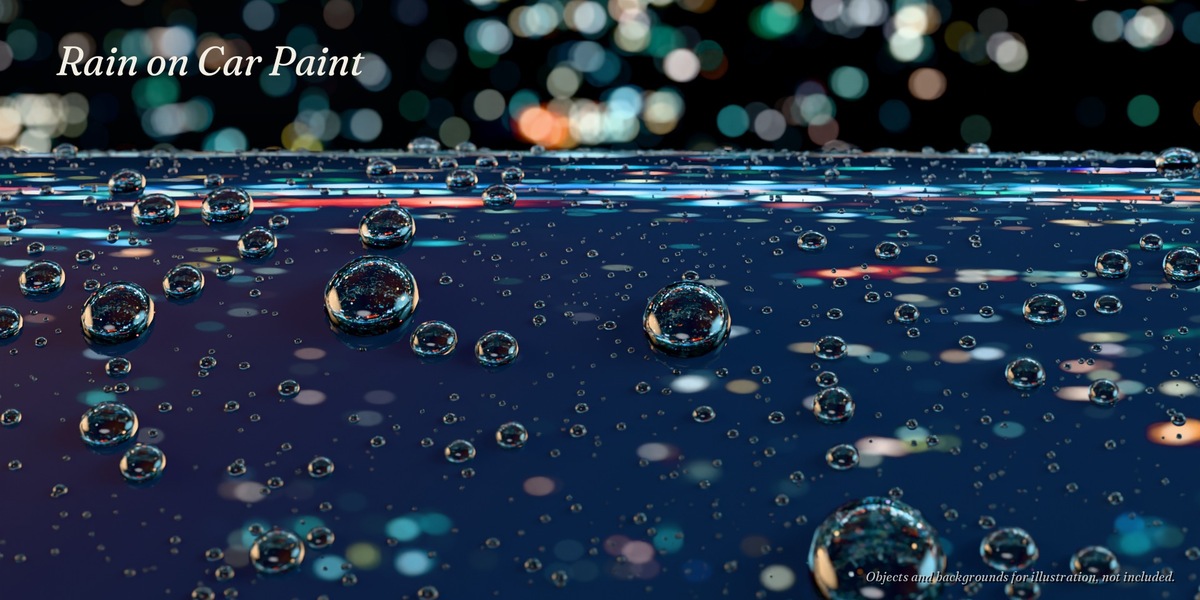
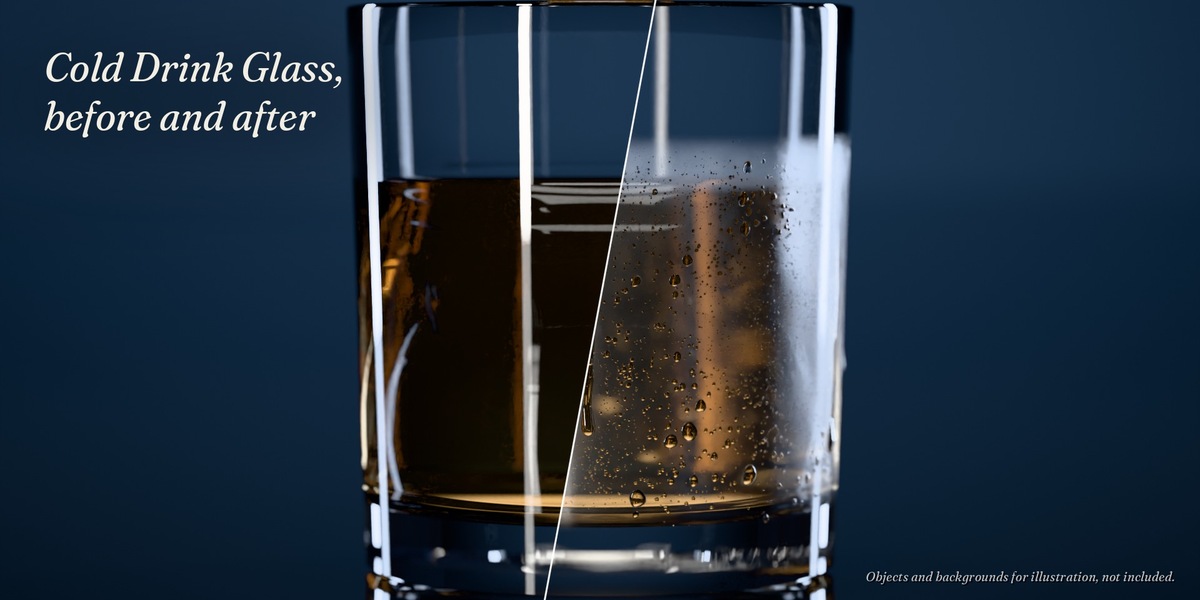
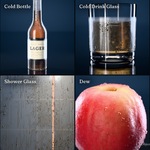

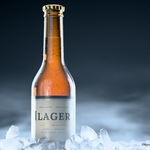

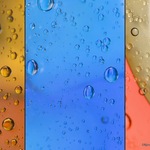
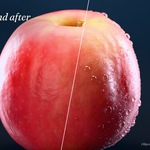
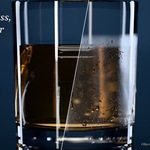
Condensation is what makes a cold drink look cold. Building it by hand means scattering thousands of droplets, adding a layer of fog and faking the clear trails of running drops, and it rarely looks right up close.
Dewmancy does it with one Geometry Nodes modifier on any mesh: fog, droplets and running drops as one system. Large drops sit in clear spots, tiny ones blend into the fog, running drops leave a clear trail behind them. No add-on needed, nothing to bake.
One modifier, any object
Cans, bottles, glasses, windows, shower walls, fruit, leaves, car paint. Add the modifier to your own model and pick a preset. Droplet sizes are real-world sizes, so the scale of your object does not matter.
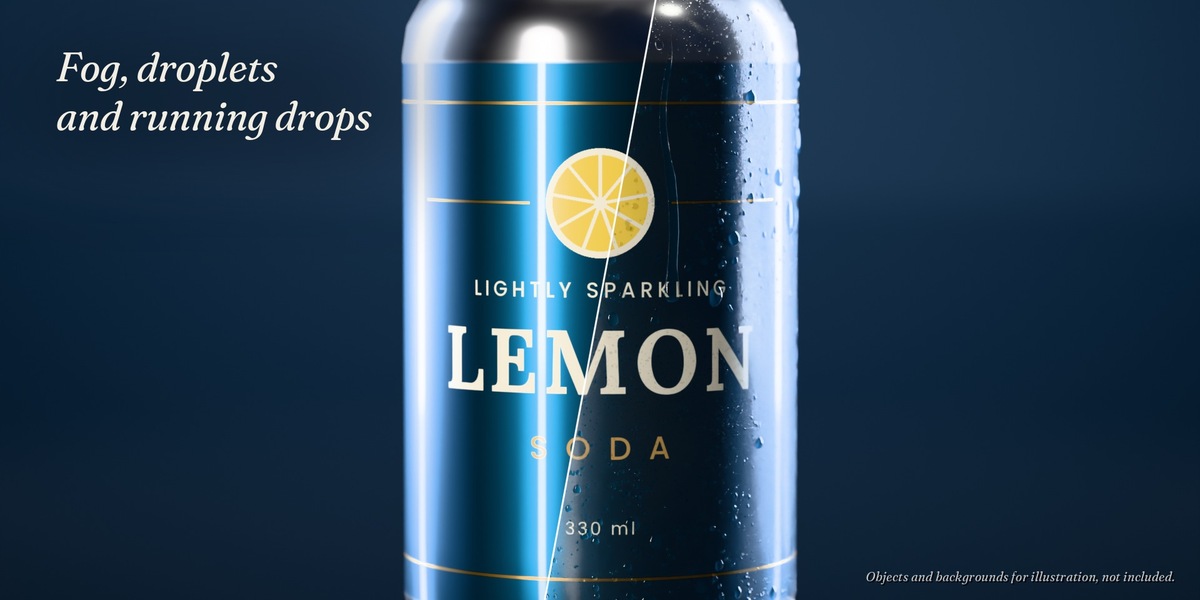
Fog, droplets and running drops
Amount, Fog, Droplet Size and Running Drops set the main look. Run Length and Run Angle control how far and where drops run, Size Variation mixes clear areas with big drops and areas of dense micro droplets, Drip Edge lets runs hang under a lower edge as a drop. Seed gives you another pattern.
Here Amount goes from 0 to 0.9 on a can.
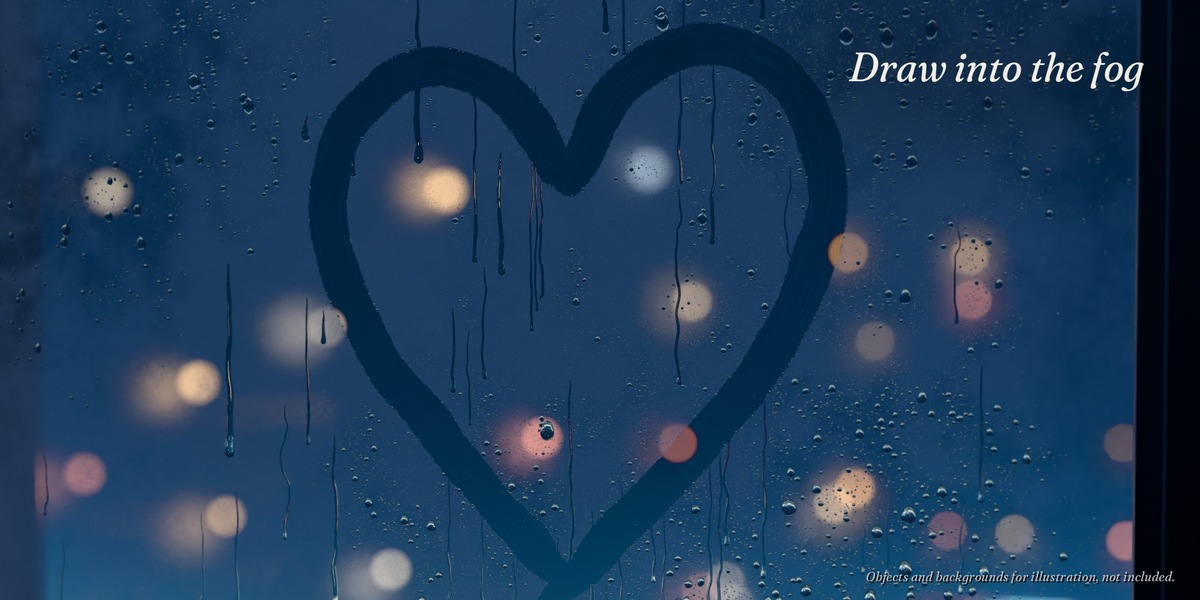
Draw into the fog
Draw a curve right on the surface and it wipes the fog away like a fingertip, with pen pressure if you use a tablet. The pushed water collects along the edge and some of it runs down. Running drops you wipe across get a gap there. The wiped area is clear glass in Cycles.
Keyframe Wipe Progress and the wipe is drawn stroke by stroke, then the pushed water runs down. An optional helper add-on draws the curve with one click.
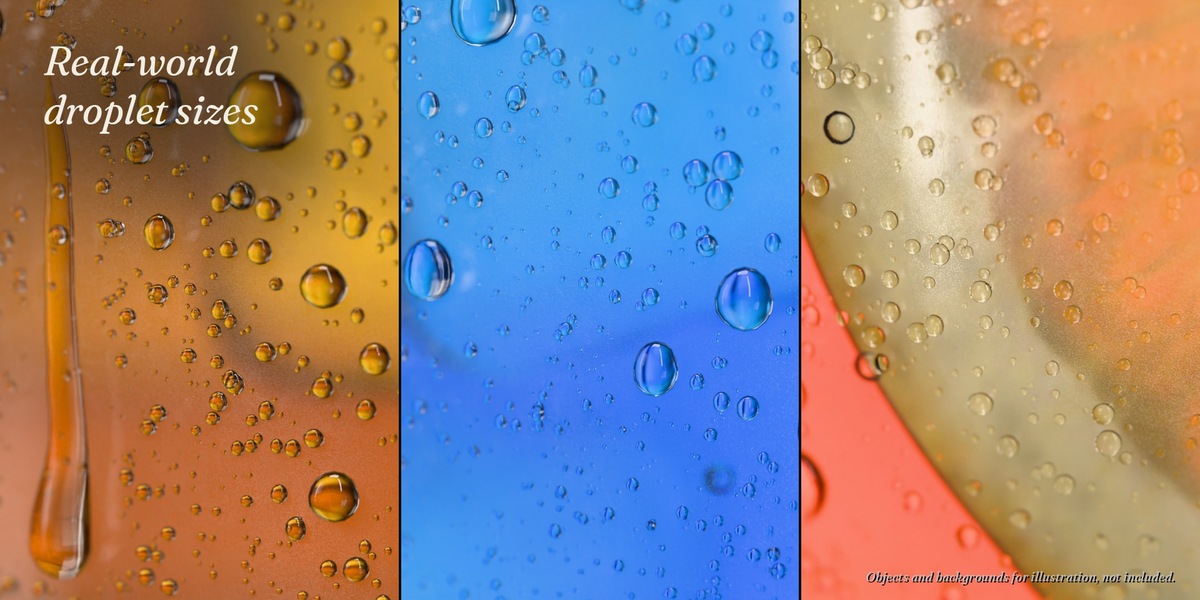
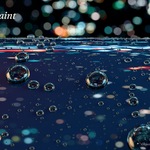
Up close
Real-world droplet sizes, rendered in Cycles.
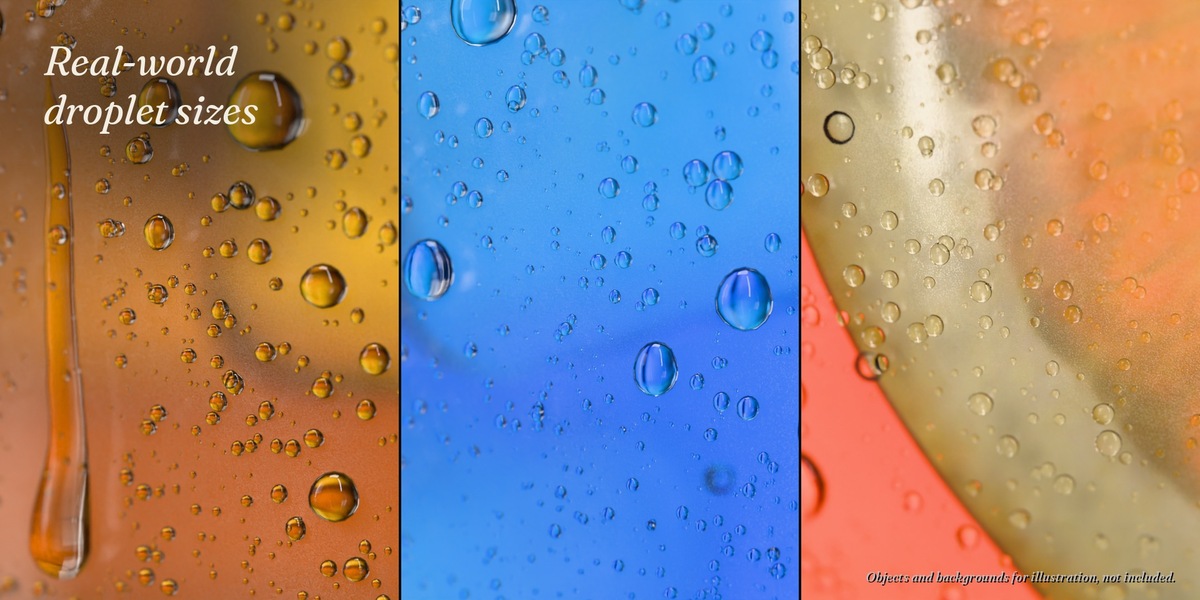
Only where it's cold
Limit the condensation to a height range (a glass up to its fill level), paint it with a vertex group, keep a paper label dry with Skip Material, or choose the outside, inside or one side of a pane.
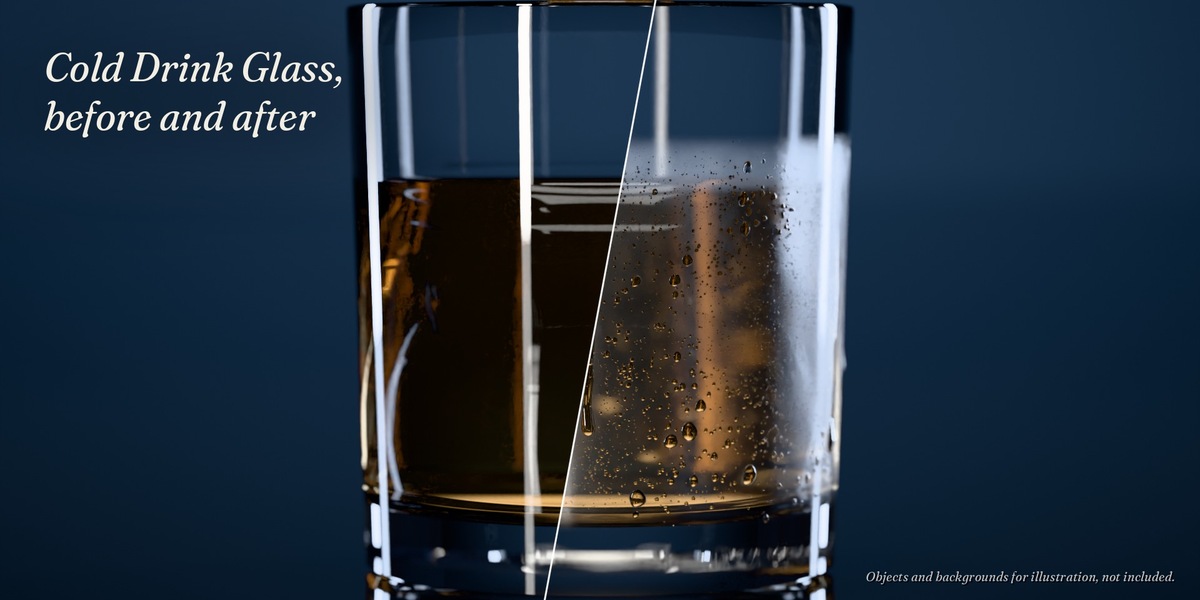
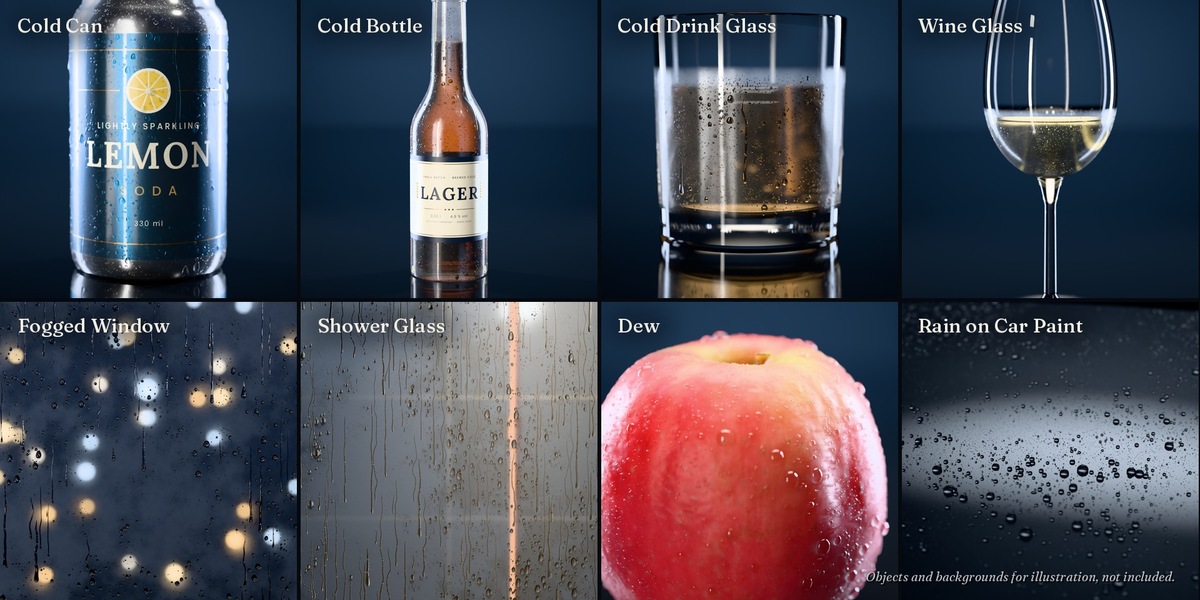
8 presets
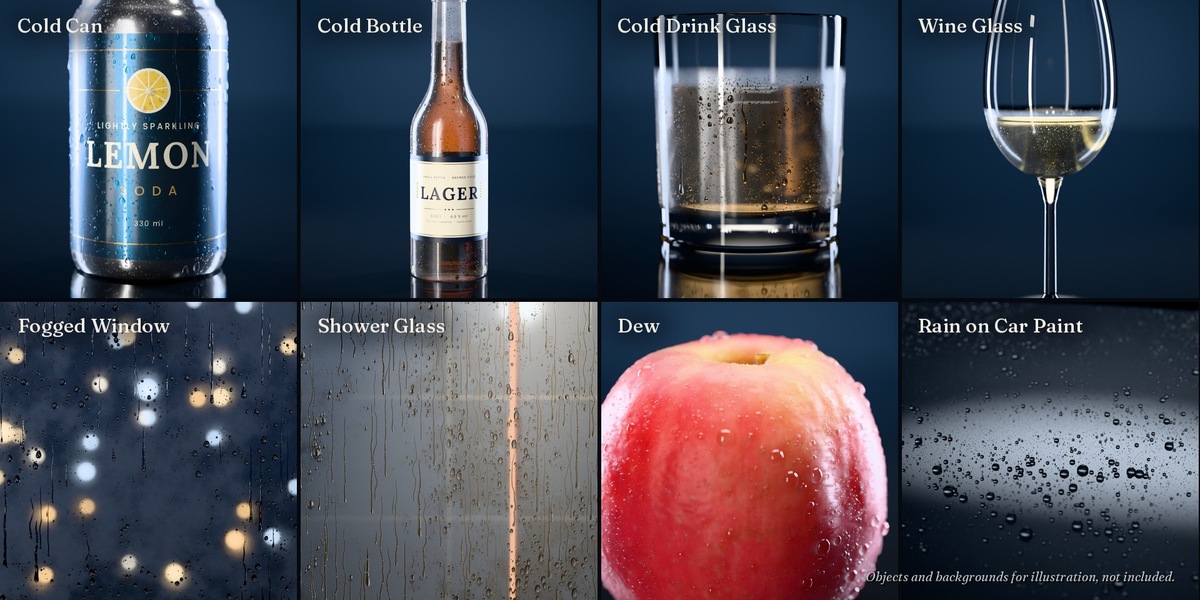
- Cold Can
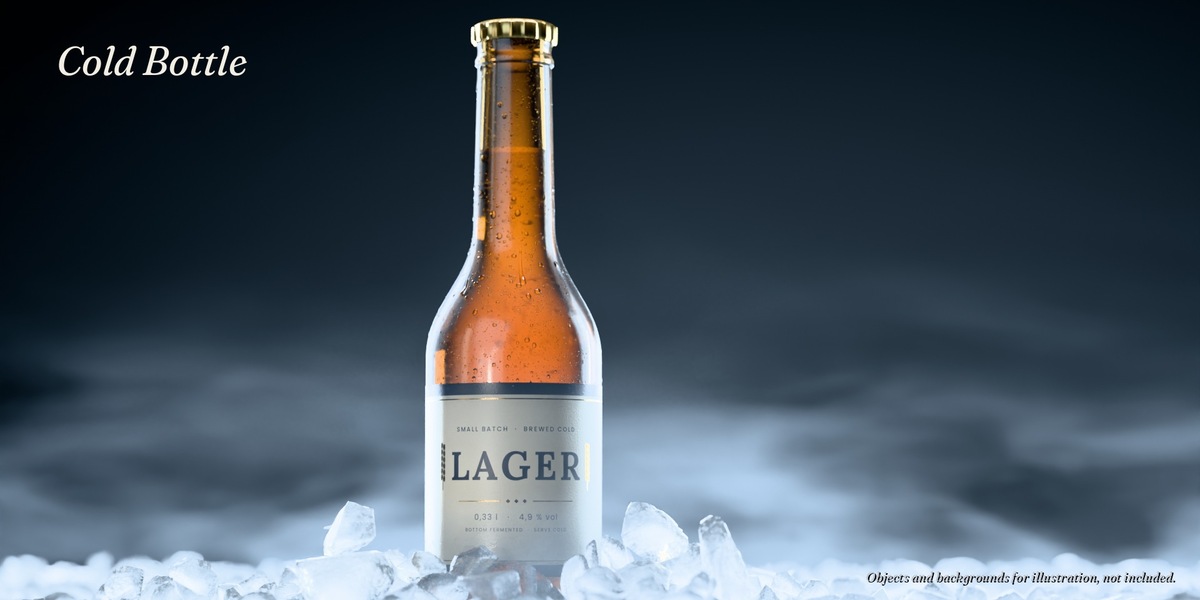
- Cold Bottle
- Cold Drink Glass
- Wine Glass
- Fogged Window
- Shower Glass
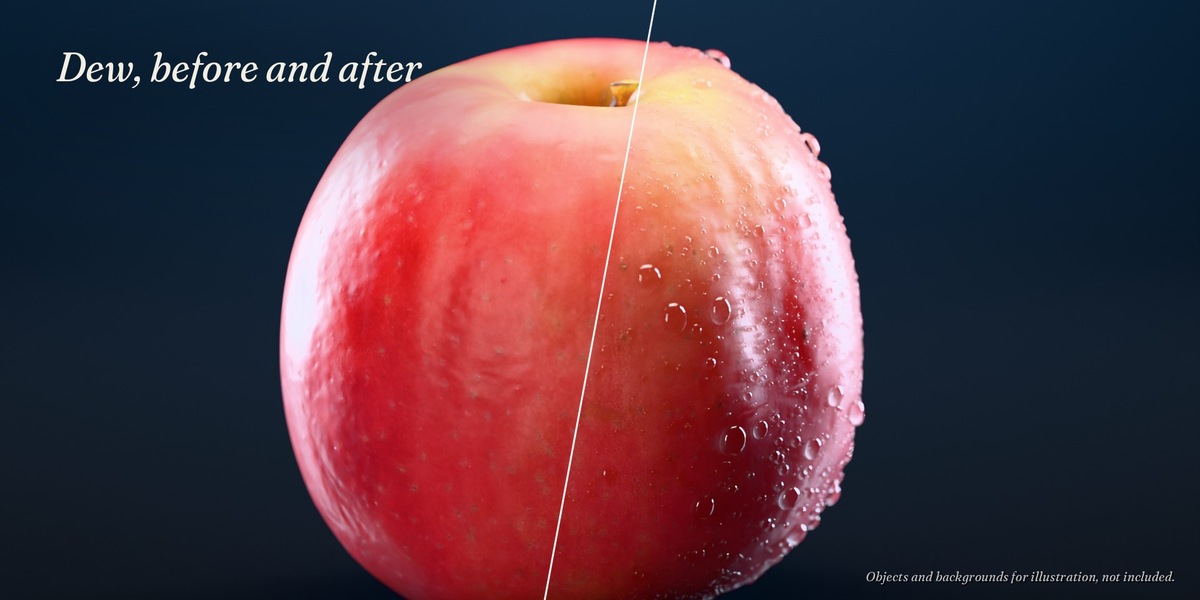
- Dew
- Rain on Car Paint
A preset is the same modifier with other default values. Everything can be changed afterwards.
What's included
- Asset library: the Condensation modifier, 8 presets and their materials, in the catalog "Dewmancy"
- Demo file: four studio sets (drinks, a can and bottles, a window, a leaf, car paint) with 13 camera shots, plus a preset overview. It works without the asset library.
- Optional helper add-on: draw a wipe on the surface with one click
- READ ME with setup, all settings and tips
How it works
- Add the folder as an asset library, use the folder that contains the "blender_assets.cats.txt" (once, about a minute).
- Drag a preset from the Asset Browser onto your mesh, or use Add Modifier > Dewmancy and pick a preset (the modifier itself is called Condensation).
- Adjust Amount, Fog, Droplet Size and Running Drops.
- Render with Cycles.
Compatibility
- Tested with Blender 4.2 LTS, 4.5 LTS, 5.1, 5.2 LTS and 5.3 on Windows and Linux, with the same droplets in all five versions.
- The modifier is pure Geometry Nodes and shader nodes. No add-on needed, nothing to install.
- Made for Cycles. EEVEE works with a simplified fog.
- Other render engines and export (FBX, glTF, USD): switch on Realize for real mesh geometry.
Performance
- Modifier evaluation: 0.01 to 0.12 s per demo object, the slowest being a window with 279,000 droplets. Changes show up immediately.
- Cycles: 12 to 26 s per demo shot (1600 x 1000 px, 256 samples, RTX 4070 Super).
- Memory: a whole shower wall (0.9 x 2 m) with Shower Glass needs about 2 GB of RAM while it is calculated.
Good to know
- Moving and rotating objects keep their droplets. Running drops follow world gravity and change when an object tilts (a bottle being poured). Deforming meshes work with a rest position.
- Backgrounds and props in the images are for illustration and not included; the demo file has its own studio scenes. The drinks are made with Barcane (sold separately).
All renders on this page are made in Blender Cycles.
Support
Questions and bug reports: through this Superhive page.
License
Superhive Standard Royalty-Free License: use the modifier and its results in personal and commercial work (renders, animations, product visuals, ads). Don't resell or share the files themselves.
Not allowed: using the files to train, fine-tune or test AI or machine-learning models, or adding them to datasets for that purpose. All rights to text and data mining are reserved (Section 44b German Copyright Act / Art. 4 EU Directive 2019/790).
The optional helper add-on is licensed under the GNU GPL v3 or later, like all Blender add-ons.
New: Barcane, drinks for Blender