Dewmancy - Condensation, Fog & Droplet Generator
 Vertex Wizards






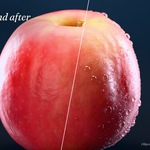
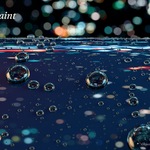

Blender 4.2 LTS up to 5.3, tested in 4.2, 4.5, 5.1, 5.2 and 5.3 on Windows and Linux, with the same droplets in all versions. It is pure Geometry Nodes and shader nodes: no add-on is needed.
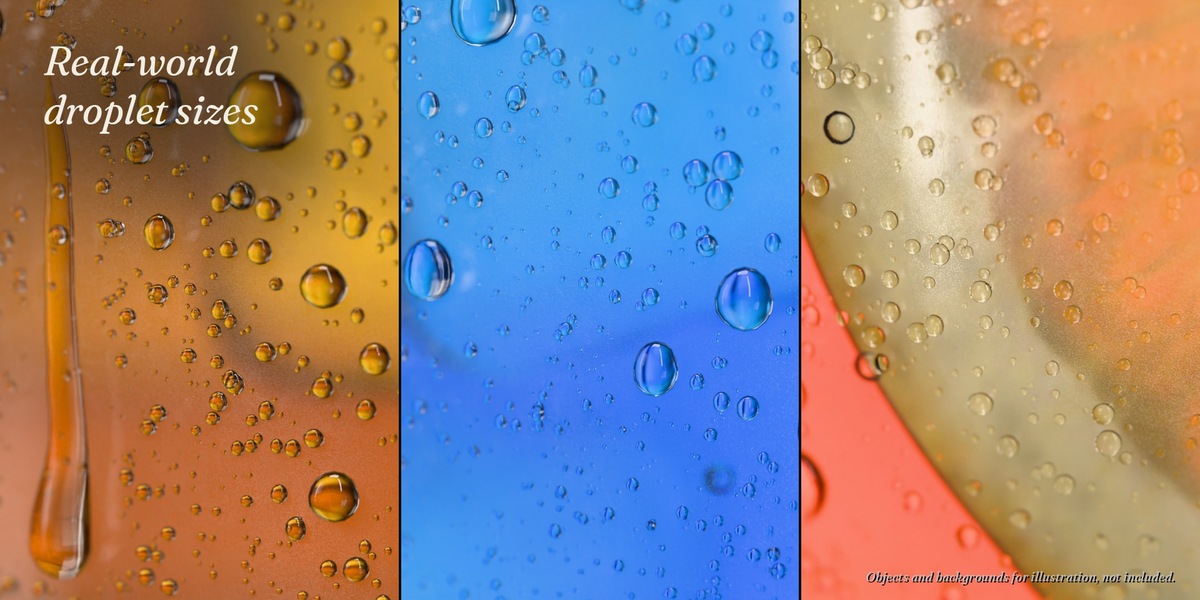
Yes, on any mesh. Droplet sizes are real-world sizes, so the object's scale does not matter. Put the modifier last in the stack and check that the normals point outwards.
Draw a curve right on the surface and set it as Wipe Object. The optional helper add-on does this with one click (right-click > Draw Wipe). Without it: an empty Bezier curve, Draw tool with Depth Surface, then pick the curve in the Wipe panel. Details in the documentation.
Moving and rotating objects keep their droplets. Running drops follow world gravity, so their trails change when the object tilts (a bottle being poured); for such shots set Running Drops to 0. Deforming meshes work with 'Add Rest Position' enabled (Object Data Properties > Shape Keys). The wipe can be animated with Wipe Progress (0 to 1), and the runs from the wiped edge flow down after it.
Yes, with a simplified fog: it does not blur what is behind, and a wiped area keeps its fog. Droplets refract with Raytracing enabled. For final images we recommend Cycles.
Check that Amount is above 0, that the normals point outwards (Overlays > Face Orientation: blue = outside) and Coverage > Side. A single plane gets droplets on its normal side only.
Raise Render Properties > Light Paths > Max Bounces > Transparent to 64 or more. Many droplets mean many transparent layers.
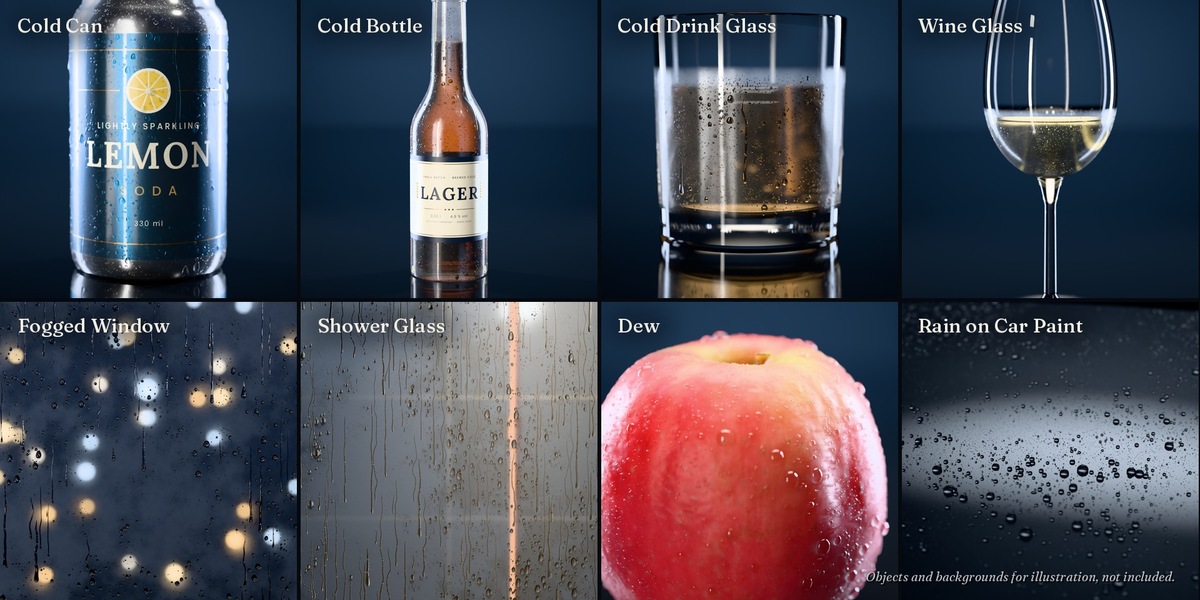
Yes. Coverage > Limit = Height Range, Top = fill height. The presets Cold Drink Glass and Wine Glass already do this. You can also paint a vertex group as Mask or keep a paper label dry with Skip Material.
Yes. Switch on Output > Realize first, then apply or export (FBX, glTF, USD). With many droplets the files get large.
No. It only makes drawing wipes quicker. Everything works without it.
Yes. The Superhive Standard Royalty-Free License allows personal and commercial work: renders, animations, product visuals, ads. You may not pass on or resell the files themselves, and you may not use them to train, fine-tune or test AI or machine-learning models.
Blender 4.x: "Append (Reuse Data)", the default. Blender 5.x: "Pack", the default, is fine for most work: every value works, only the node groups and materials stay locked. Choose "Append" if you want to edit them. Details in the documentation.
Click the refresh button next to the library menu, or restart Blender once after adding the library.
Have questions about this product?
Login to message
| Rating | 1 ratings |
| Published | 1 day ago |
| Blender Version | 4.2 - 5.3 |
| Render Engine Used | Cycles, Eevee |
| License | Royalty Free |
Discover more products like this
dew procedural droplets wet Glass product-visualization geometry nodes Water fog rain condensation window