 Sonneblom Digitaal
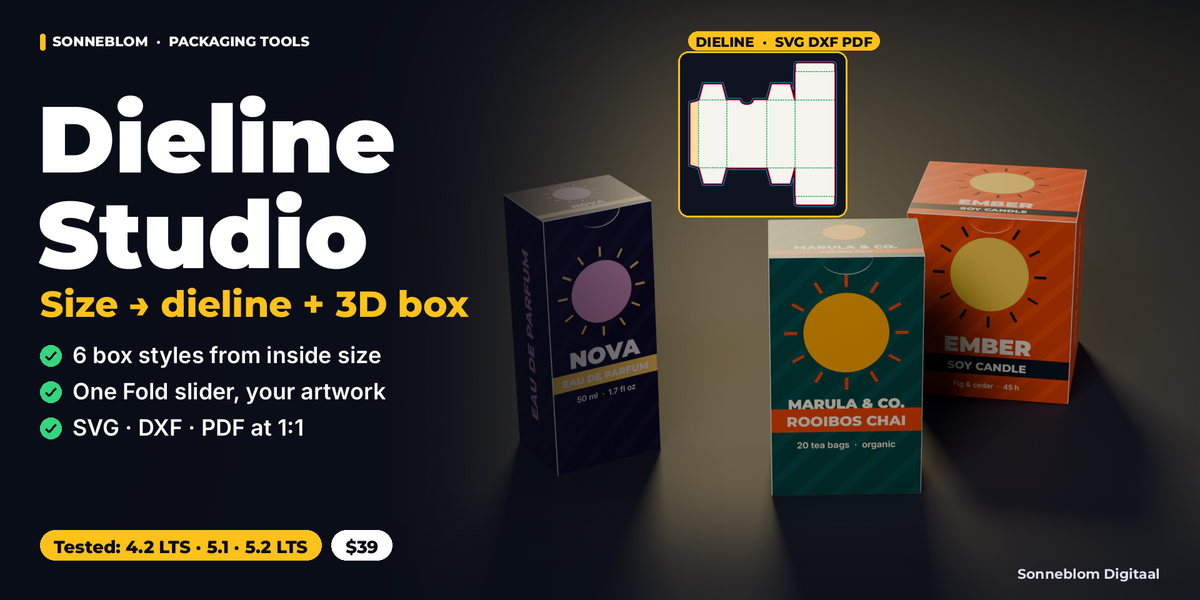
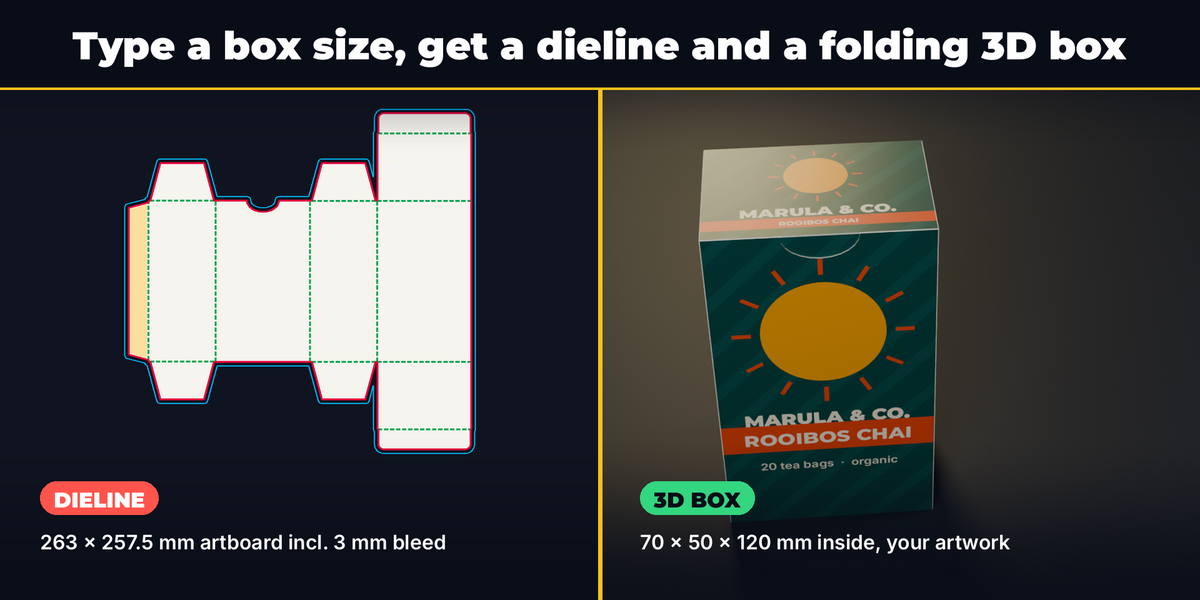
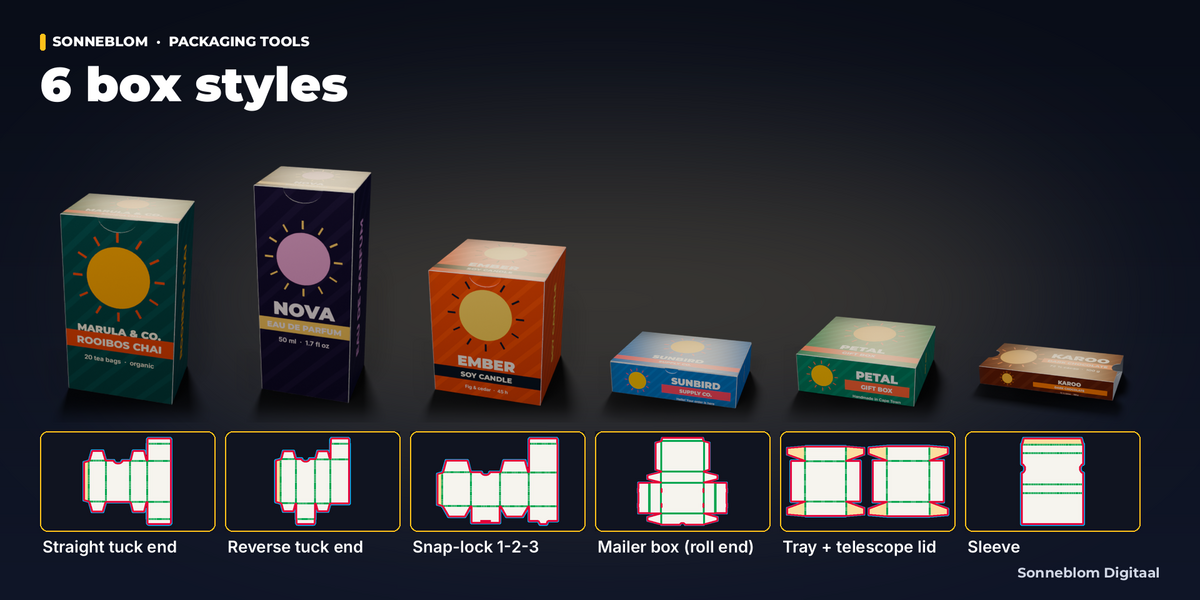
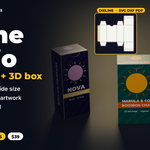
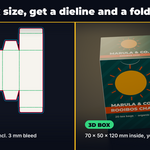
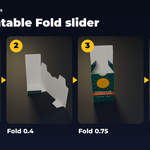
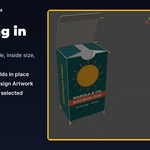
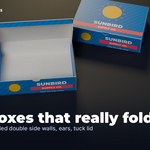
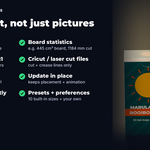
From a box size to a print-ready dieline and a folding 3D box in one click. Pick a box style, type the inside length, width and height in millimeters and the board thickness. Dieline Studio draws the flat dieline at true size (cut, crease, bleed, glue area) and builds a 3D box that folds from that same layout with one animatable Fold slider. Your artwork lands exactly on the right panels, and the dieline exports to SVG, DXF and PDF at 1:1 for your printer, cutting plotter or laser.
What it does
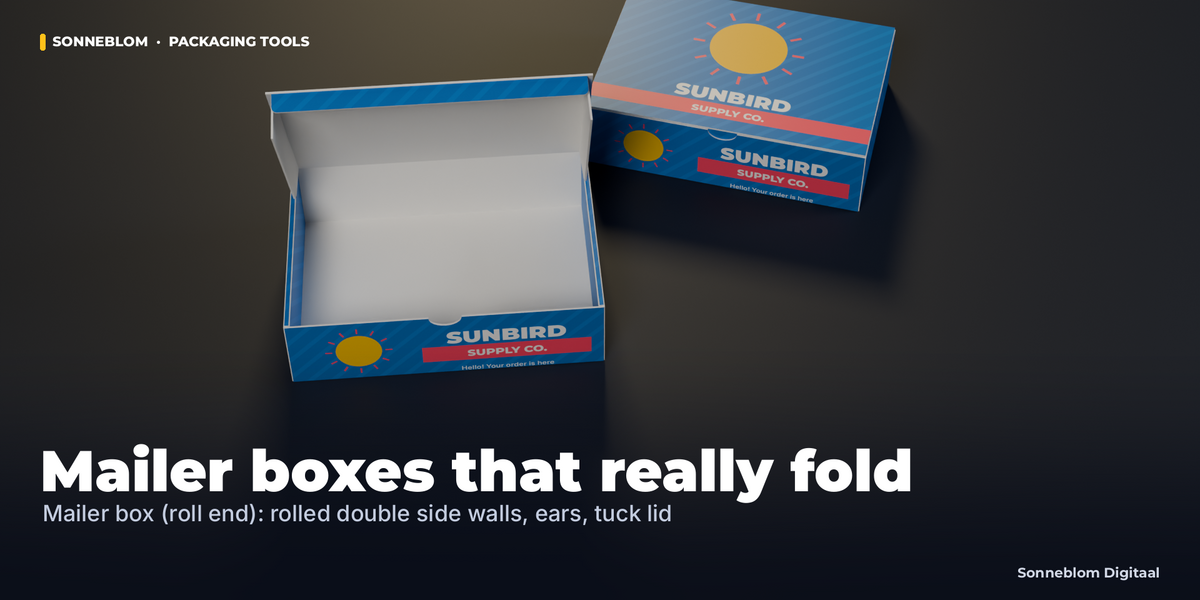
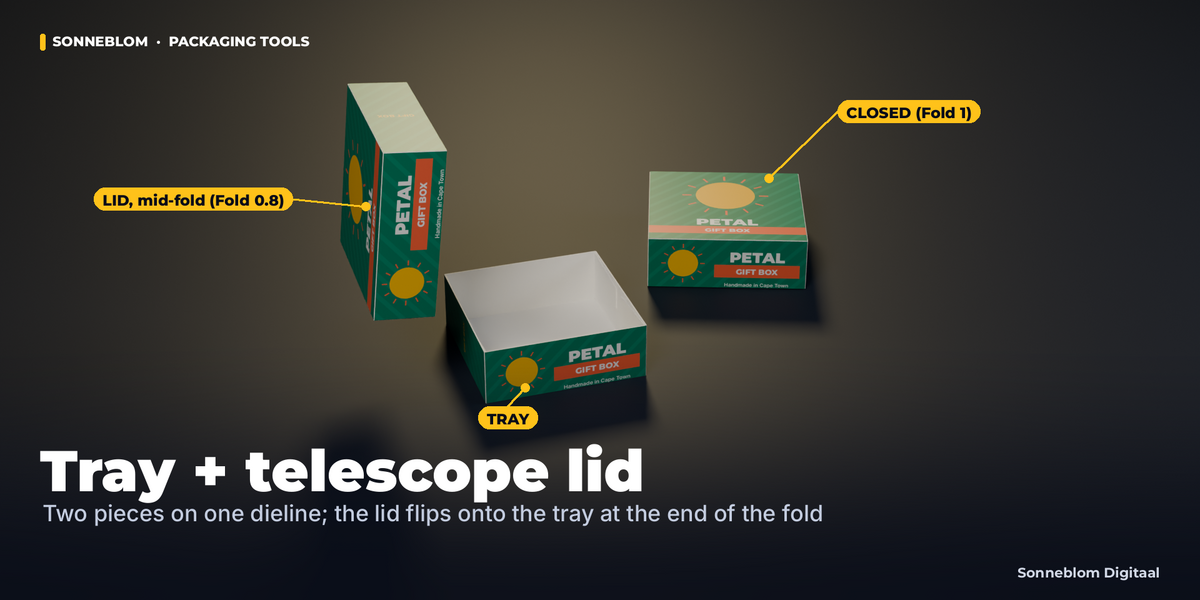
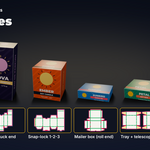
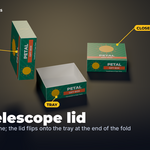
- Makes six standard box styles from inside dimensions: Straight tuck end, Reverse tuck end, Snap-lock bottom (1-2-3) with a tuck top, Mailer box (roll end, FEFCO 0427 style), Tray + telescope lid (two pieces) and Sleeve.
- Builds the board thickness in: on folding cartons every crease-to-crease panel is inside size + 1 x board, so the inside stays exact and the outside is inside + 2 x board (mailer, tray and sleeve have their own tested formulas, see the documentation).
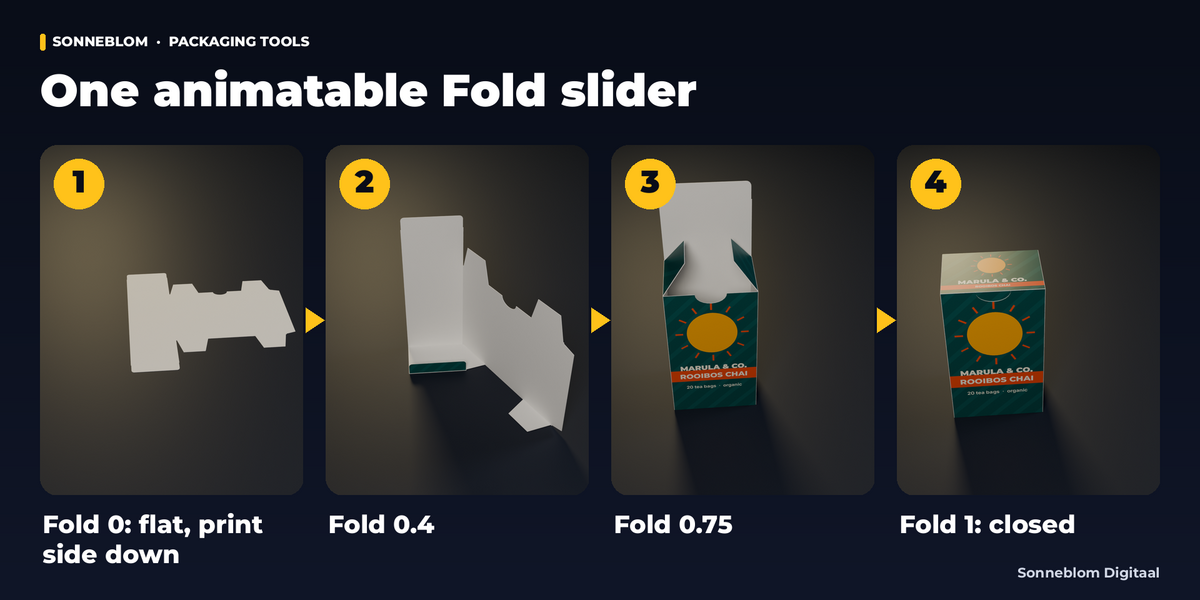
- Generates a flat dieline object and a folding 3D box (one bone per panel, one Fold slider from 0 = flat to 1 = closed). No DXF from packaging CAD needed.
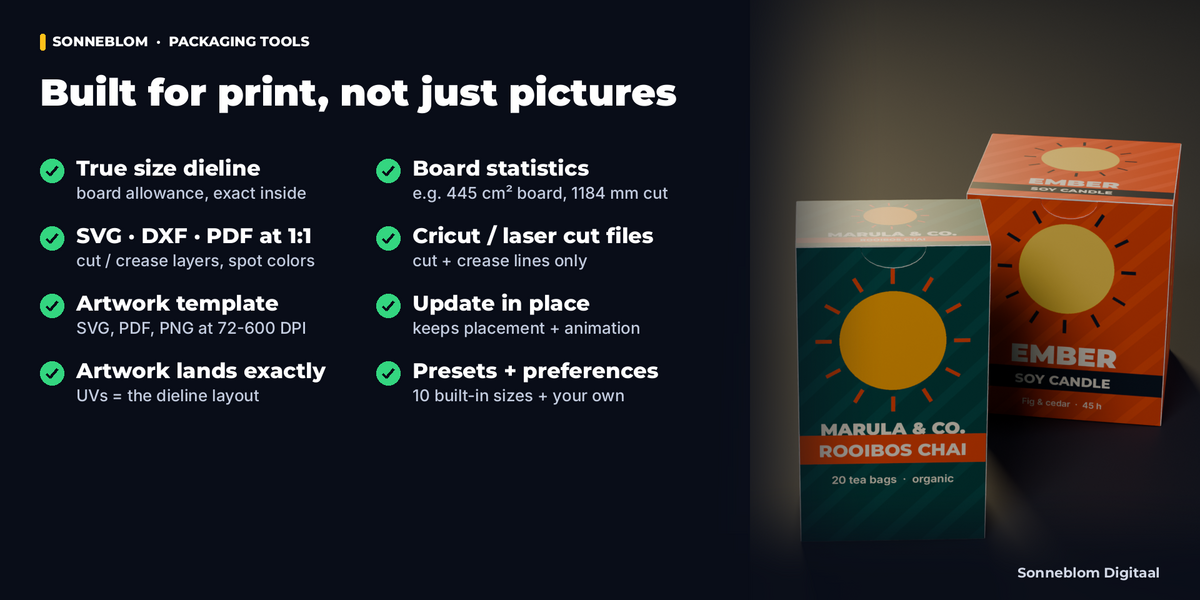
- Exports the dieline and an artwork template, and shows the artboard size, board area, cut and crease length, the numbers printers quote by.
Who it's for
Packaging designers, product-visualization and mockup artists, small brands designing their own boxes, print shops, and makers who cut boxes on a Cricut, laser or cutting plotter.
Key features
- 6 box styles with sensible defaults and clamps: glue flap width and taper, tuck flap length and corner radius, dust flaps on/off and length, thumb notch, lock tongue, lid height and clearance, bleed (3 mm default).
- One Fold slider (0-1), animatable, staged so panels fold in a natural order. Simple-expression drivers: the fold works in files opened with Python auto-run off and on render farms.
- Real board via Solidify, printed outside and a plain inside color; at Fold 1 the panels meet and the box has its exact outer size (tested for every style).
- Artwork that fits: UVs are the dieline layout, so an image made on the exported template lands exactly on its panels. Assign Artwork checks the image proportions and packs the image into the .blend by default. Flatten transparent PNGs (the print material ignores alpha).
- Print exports at 1:1: SVG (mm) and DXF R12 (unitless, drawn in mm) with CUT / CREASE / BLEED / GLUE / TEXT layers, vector PDF with layers and CutContour / Crease spot colors, and a printed legend with all sizes and a 50 mm scale bar to check the print scale. PDF on Fit, A4-A0, Letter or Tabloid with a fit check, up to the PDF page limit of 5080 mm (200 inch); bigger dielines export as SVG / DXF.
- Cutting-machine files: Cut SVG and Cut DXF with only the cut and crease lines (no bleed, glue or legend) for Cricut, Silhouette, LightBurn and other laser or plotter software. In the machine software set the CREASE lines to score.
- Artwork template as SVG, PDF (with TrimBox / BleedBox) and PNG (72-600 DPI) with the panel names (FRONT, BACK, LEFT, RIGHT, TOP, and per style BOTTOM, FLAP 1-3, LID, TUCK ...) turned so they read upright on the closed box.
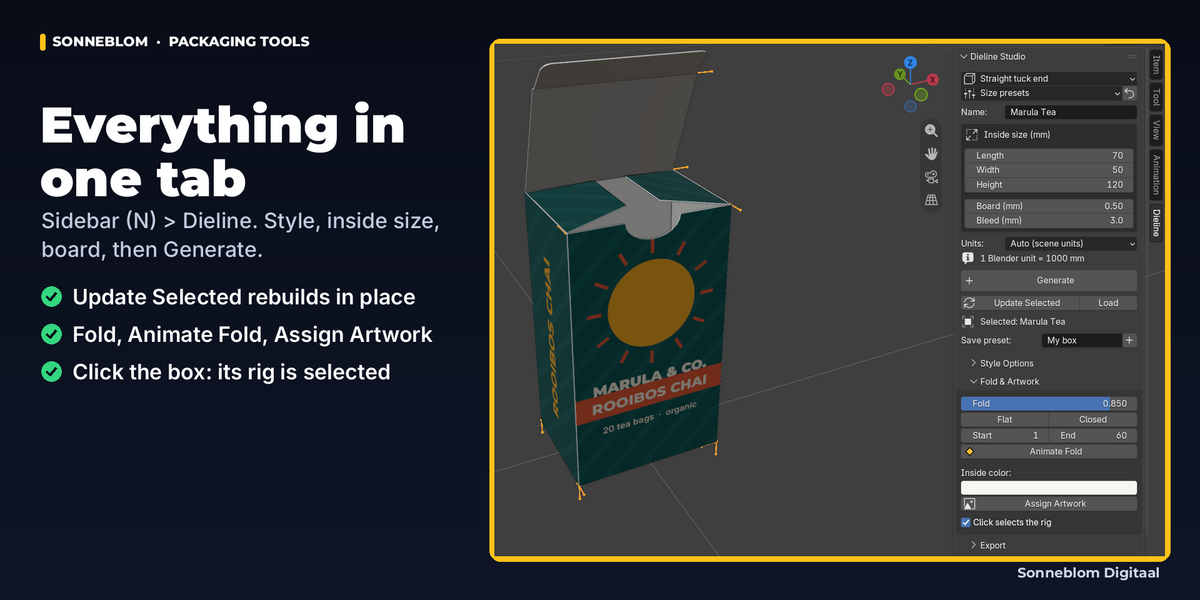
- Update Selected rebuilds a box in place with new sizes or style and keeps its transform, unit size, materials, extra modifiers and Fold animation. Animate Fold sets the keyframes for you (on every selected box).
- Presets: 10 built-in sizes (lip balm / lipstick, perfume 50 ml, soap bar, tea box, candle jar, phone accessory, small and A4 mailers, gift box, chocolate sleeve) plus your own, saved in the add-on preferences.
- Robust: clear messages instead of errors, nothing half-made (and Ctrl+Z restores a box if anything unexpected happens), real size in any scene unit setup, each scene keeps its own boxes, and it never changes your other objects' data (tested next to a 1-million-face mesh). Big PNG exports run with a progress bar and Esc to cancel.
How to use
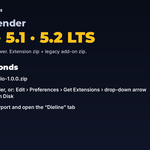
- Press N in the 3D Viewport and open the Dieline tab.
- Choose a style or a size preset, type the inside size in mm and the board thickness.
- Click Generate (or Shift+A > Dieline Box). A click on the box selects its rig, so G / R / S move the whole box. Drag Fold or click Animate Fold.
- Export the artwork template, design on it, then click Assign Artwork.
- Export the dieline as SVG, DXF or PDF for production.
Compatibility
Blender 4.2 LTS or newer, tested on 4.2 LTS, 5.1 and 5.2 LTS. Versions in between (4.3-4.5 LTS, 5.0) are not part of our test runs; the code checks for Blender features rather than version numbers. Ships as a Blender extension and as a classic add-on zip. Pure Python with no external programs. Our automated tests run on Linux only: Windows and macOS use the same code but are not tested by us, so please message us if anything behaves differently there.
Good to know
- Dieline Studio makes its own six styles from a box size; it does not import an existing DXF dieline from packaging CAD.
- The demo artwork (Marula, Nova, Ember, Sunbird, Petal, Karoo) and the studio lighting in the images are not included: the add-on makes the boxes, dielines and templates, you bring the artwork.
- Board allowance uses the common 1 x caliper per panel rule. Always confirm sizes with a printed sample or your printer before a production run.
- The 1-2-3 bottom uses a tongue-and-slit lock; the 3D model shows the bottom flaps layered. Mailer tab slots are cut lines in the dieline, the 3D base has no holes.
- Panels can pass through each other briefly during the fold animation of some styles; the closed box is exact.
- Update Selected keeps your artwork image; if the new size changes the template, the report tells you to export the new template and update the artwork.
- PDF and DXF text uses the Windows-1252 (Western) character set: other characters in a box name appear as "?" there (SVG keeps full Unicode).
- The dieline PDF's legend (sizes, color key, 50 mm scale bar) is on its TEXT layer and prints, so you can check the print scale; it uses process colors, never the cut / crease spot colors. Bleed and glue are non-printing guides. Text uses the standard Helvetica font, not embedded: if your printer's preflight flags it, switch the TEXT layer off in Acrobat or Illustrator, or send the Cut SVG / Cut DXF.
- With several boxes selected, Update Selected, Fold and Animate Fold act on all of them; Load, Assign Artwork and Export use the active box (its name is shown on the buttons).
- A box placed as a collection instance must be made a library override (Object > Library Override > Make) before it can fold.
Support
Questions or a bug? Use the Superhive product page messages and we reply within a day.