Dieline Studio - Packaging Dielines & Folding 3D Boxes
 Sonneblom Digitaal
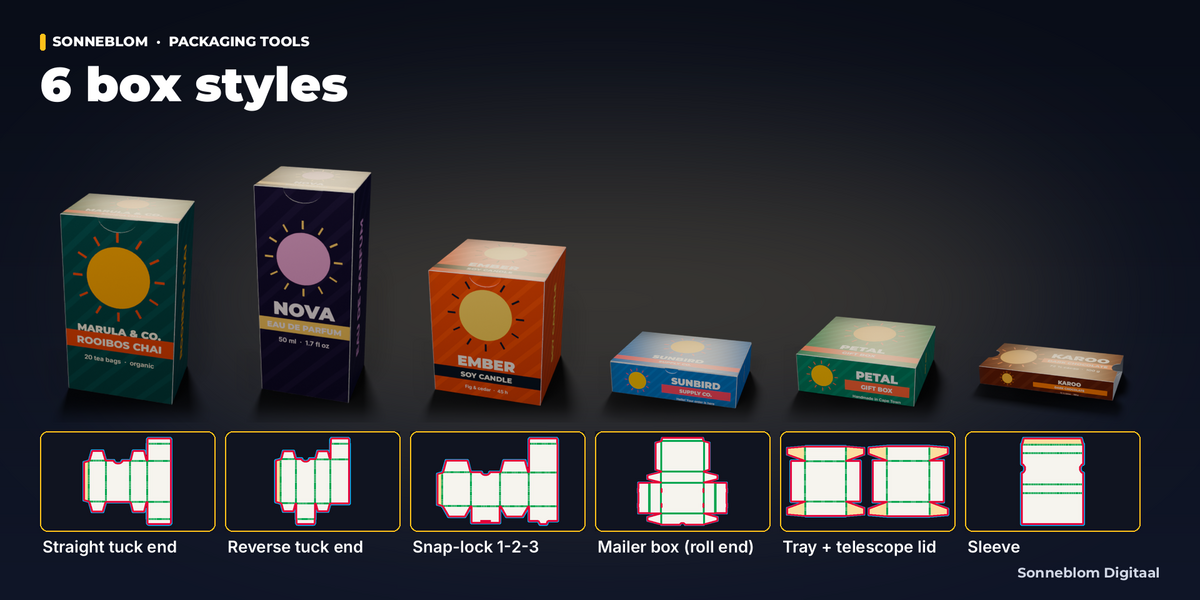
Do I need a DXF from packaging CAD (ArtiosCAD etc.) to start?
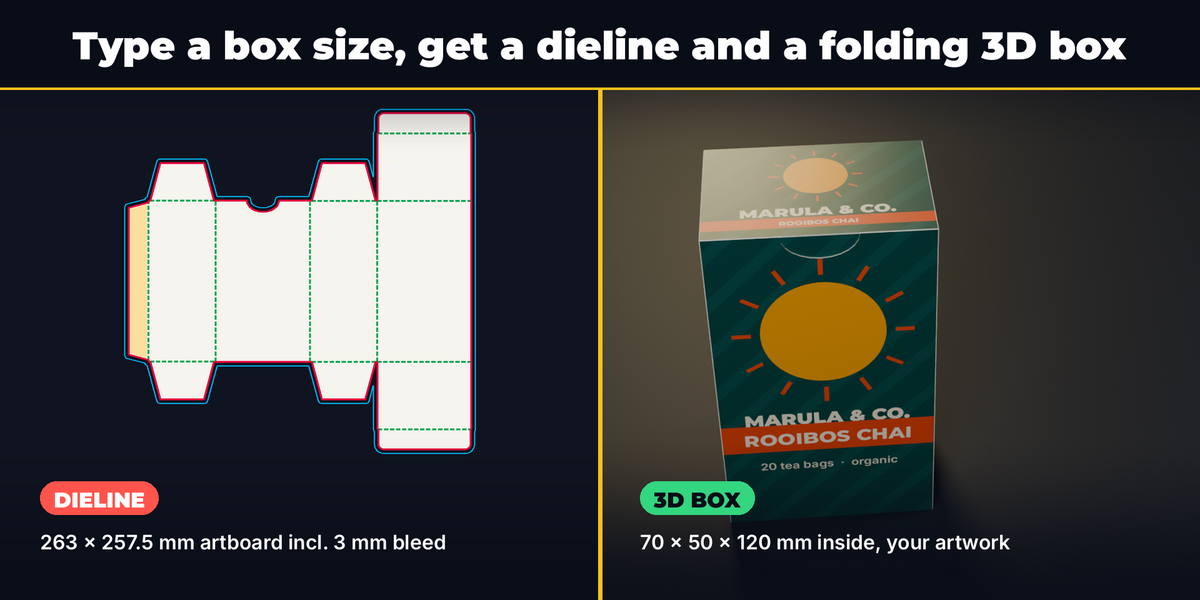
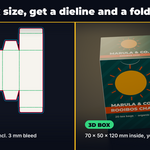
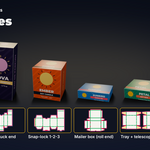
No. Dieline Studio draws the dieline itself from the inside size and board thickness, for six standard styles. It does not import an existing DXF dieline.
Are the sizes inside or outside sizes?
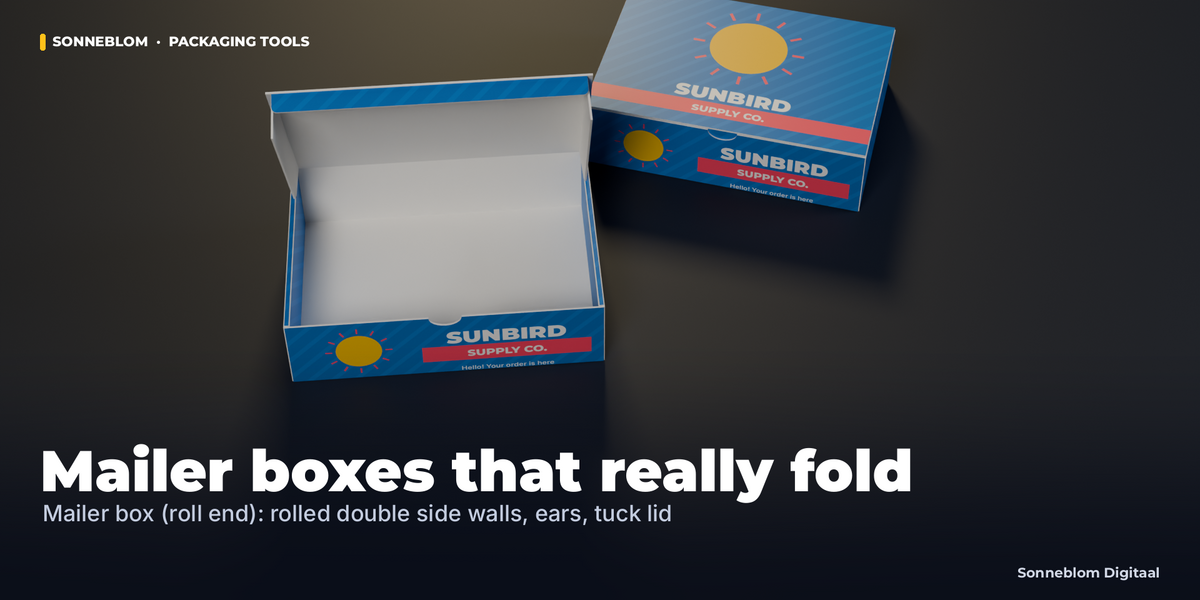
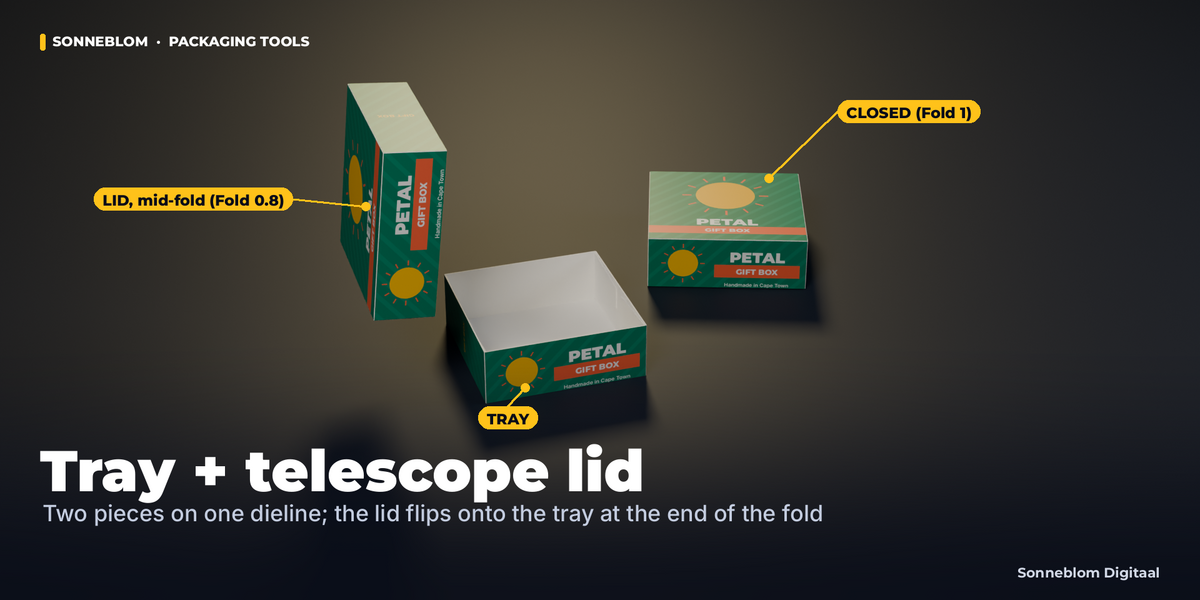
Inside. For folding cartons every crease-to-crease panel is inside + 1 x board, so the inside is exact and the outside is inside + 2 x board; the mailer, tray and sleeve formulas are in the "Box styles and the board formula" table of the documentation. The Statistics panel shows the outside size.
Can my printer, Cricut, laser or plotter use the files?
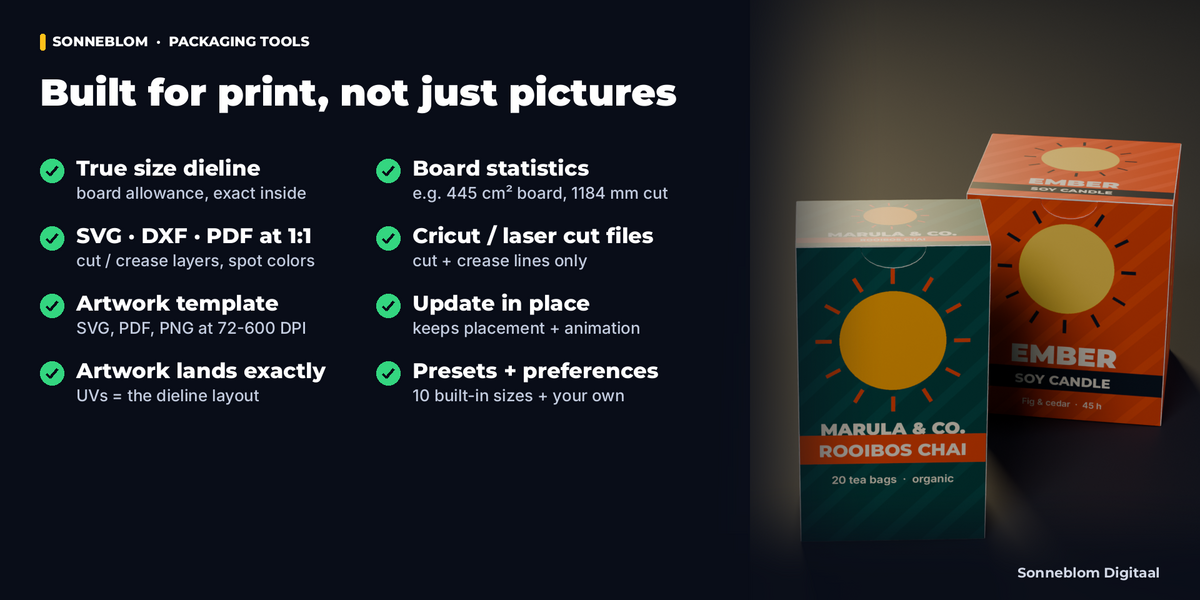
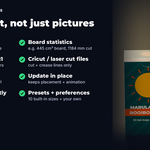
Yes: SVG in millimeters, DXF R12 (unitless, drawn in mm: choose mm on import), vector PDF at 100 %, and Cut SVG / Cut DXF files with only the cut and crease lines for Cricut, Silhouette and laser software, with cut and crease on separate layers (PDF: CutContour and Crease spot colors). The dieline PDF prints a 50 mm scale bar so you can check the print scale. Always confirm sizes with your printer before production.
How do I get my artwork exactly on the panels?
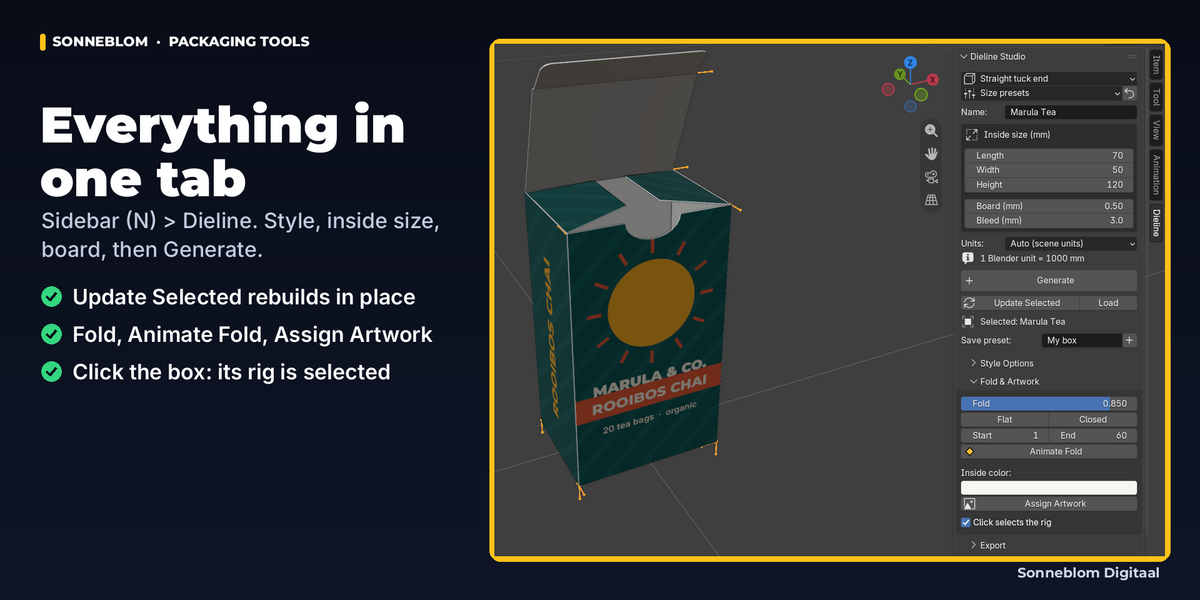
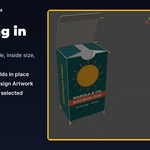
Export the artwork template (PDF, SVG or PNG), design on that page in any editor, export your image at the same proportions and click Assign Artwork. The UVs are the dieline layout, so it lands exactly. Panel names on the template are turned to read upright on the closed box.
Does the fold animation work without Python auto-run or on a render farm?
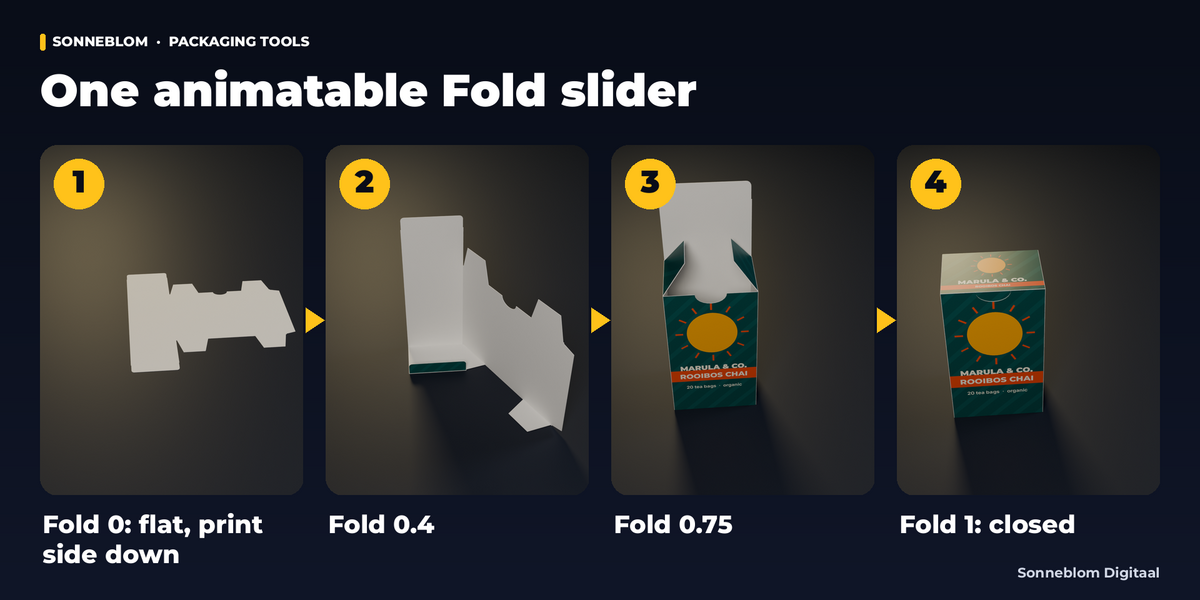
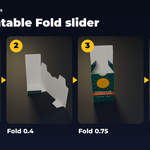
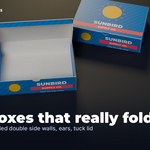
Yes. Each panel has one simple-expression driver reading the Fold property; Blender evaluates those without Python auto-run. This is tested by reopening a file with auto-run off.
Can I change the size after I animated and textured the box?
Yes. Select it, change the settings (or press Load first) and click Update Selected: the same objects keep their transform, unit size, materials, extra modifiers and Fold keyframes.
Why does the box look plain white from above at Fold 0?
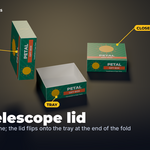
At Fold 0 the flat board lies print side down, exactly as you fold a real carton; the print is underneath. The separate Dieline object lies print side up.
Which Blender versions does it support?
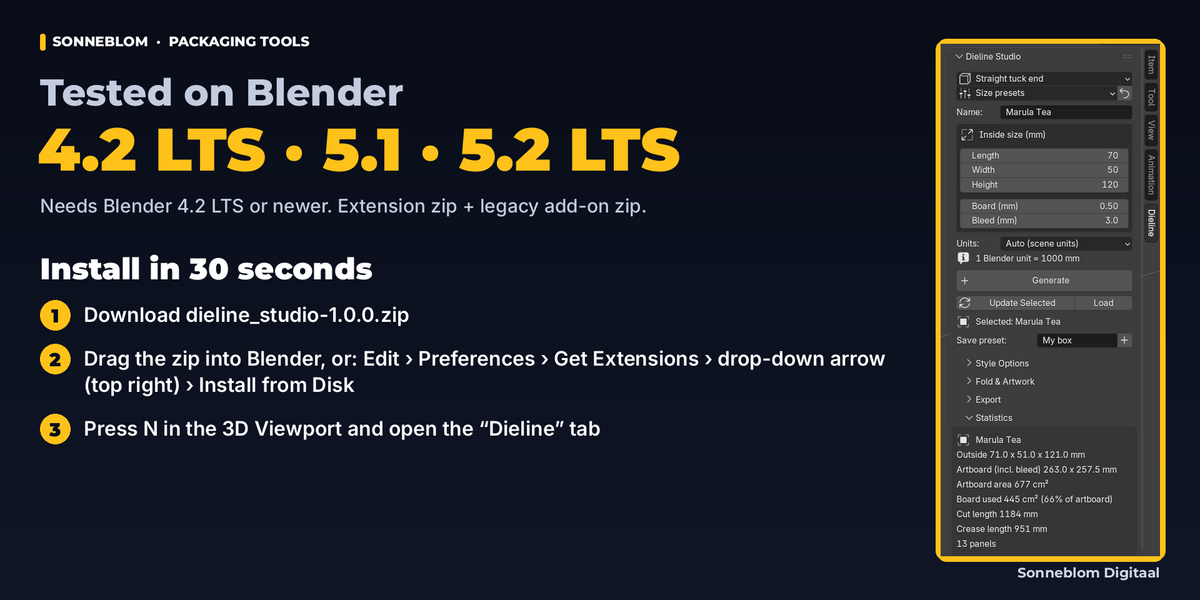
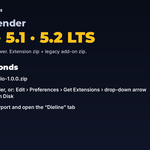
Blender 4.2 LTS or newer; tested on 4.2 LTS, 5.1 and 5.2 LTS (versions in between are not tested; the code checks Blender features, not version numbers). Our tests run on Linux; Windows and macOS are not tested by us. Both the extension zip and a classic add-on zip are included.
Will it slow down my big scenes?
No. It only touches the box's own objects; exports rebuild the dieline from the stored settings and never read your meshes. Tested next to a 1-million-face mesh: a box generated in 0.12-0.2 s on our 2-CPU Linux test server (the test fails above 2 s).
Have questions about this product?
Login to message
| Blender Extension Compatible | Yes |
| Published | 4 days ago |
| Blender Version | 4.2 - 5.2 |
| Extension Type | Add-on |
| License | GPL |
Discover more products like this
packaging cricut dxf product-visualization box mockup svg export folding animation dieline