 bhdesign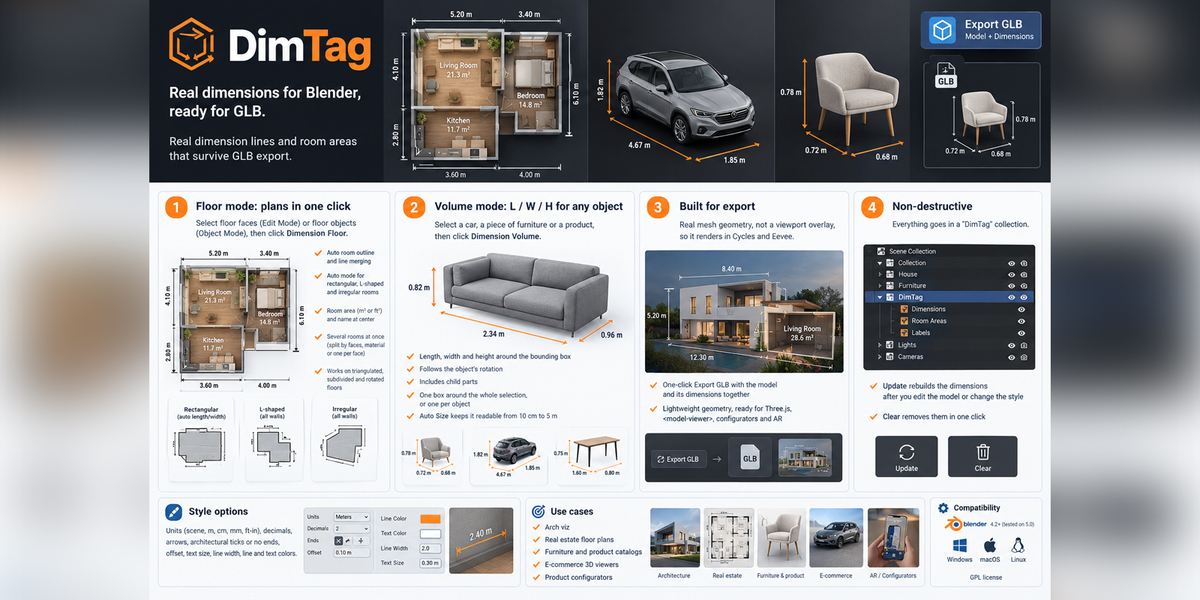
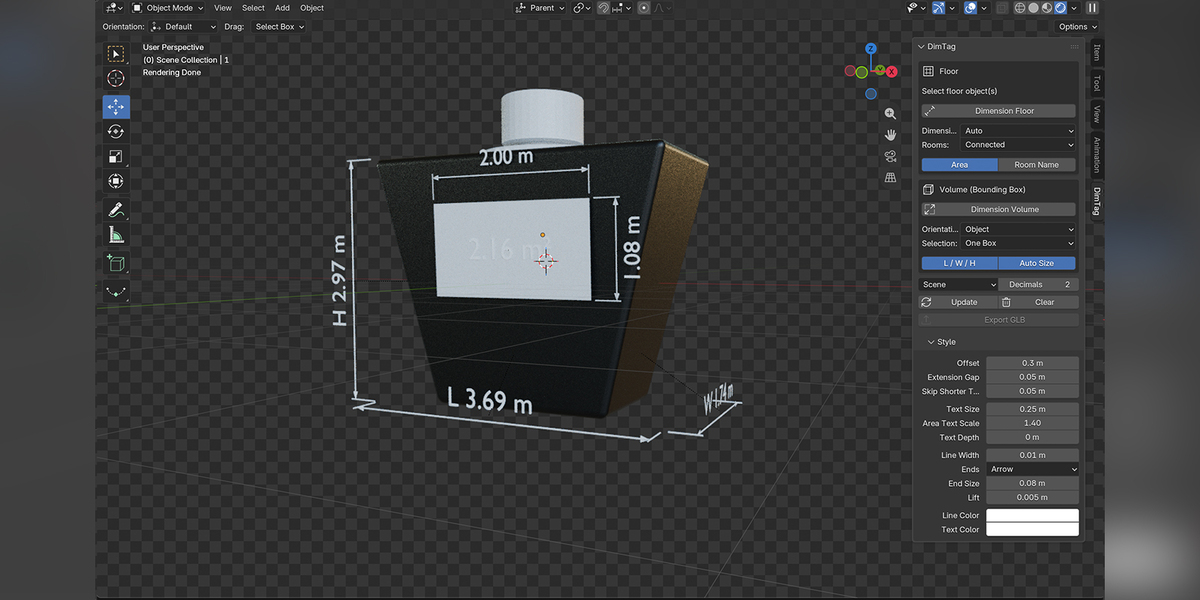
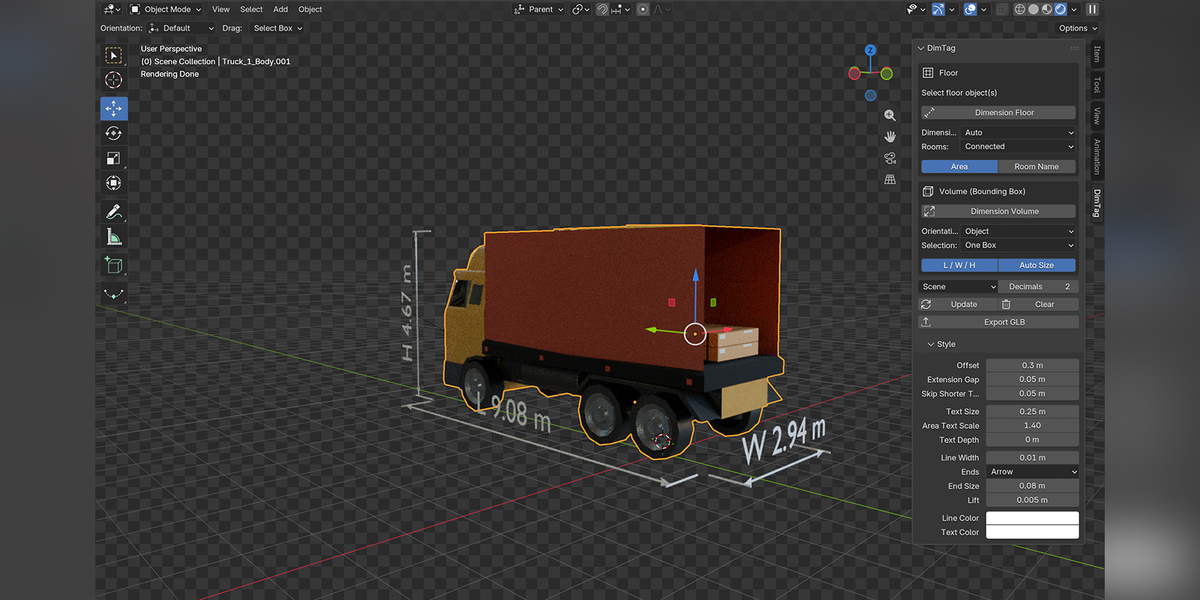
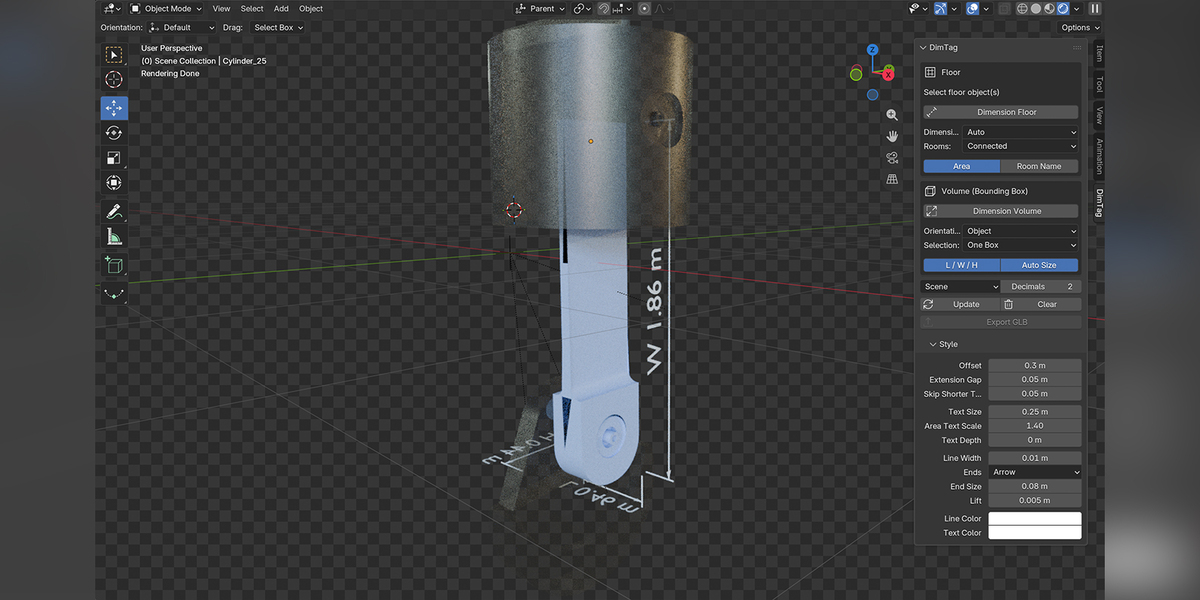
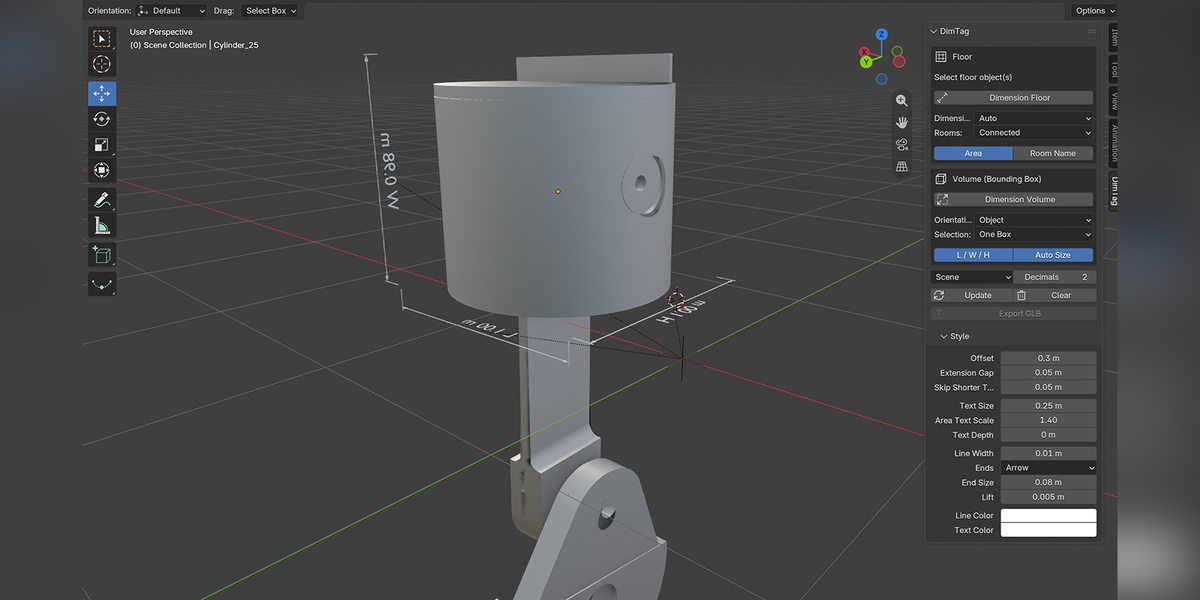
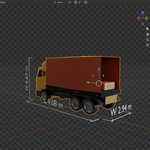
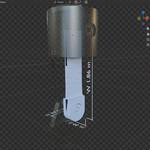
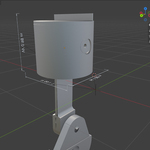
DimTag: Real dimensions for Blender, ready for GLB
Real dimension lines and room areas that survive GLB export.
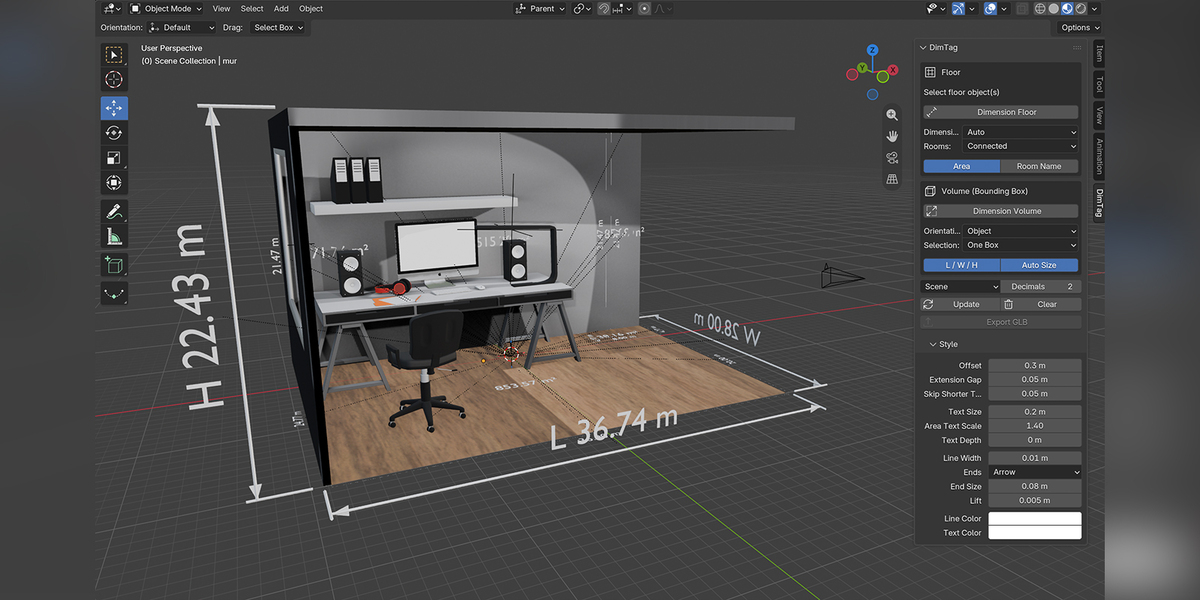
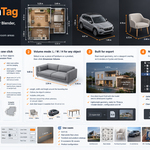
Select a floor or an object and click once: DimTag adds clean dimension lines, room areas and L/W/H measurements as real geometry that renders and exports to glTF/GLB.
Main features
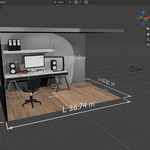
1. Floor mode: plans in one click
- Select floor faces (Edit Mode) or floor objects (Object Mode), then click Dimension Floor
- Finds the room outline automatically and merges segments that lie on the same line
- Auto mode: rectangular rooms get length and width, L-shaped and irregular rooms get every wall
- Room area (m² or ft²) and room name placed at the center
- Several rooms at once: split by connected faces, by material, or one room per face
- Works on triangulated or subdivided floors and on rotated objects
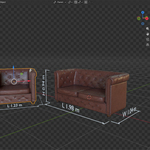
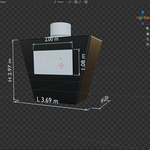
2. Volume mode: L / W / H for any object
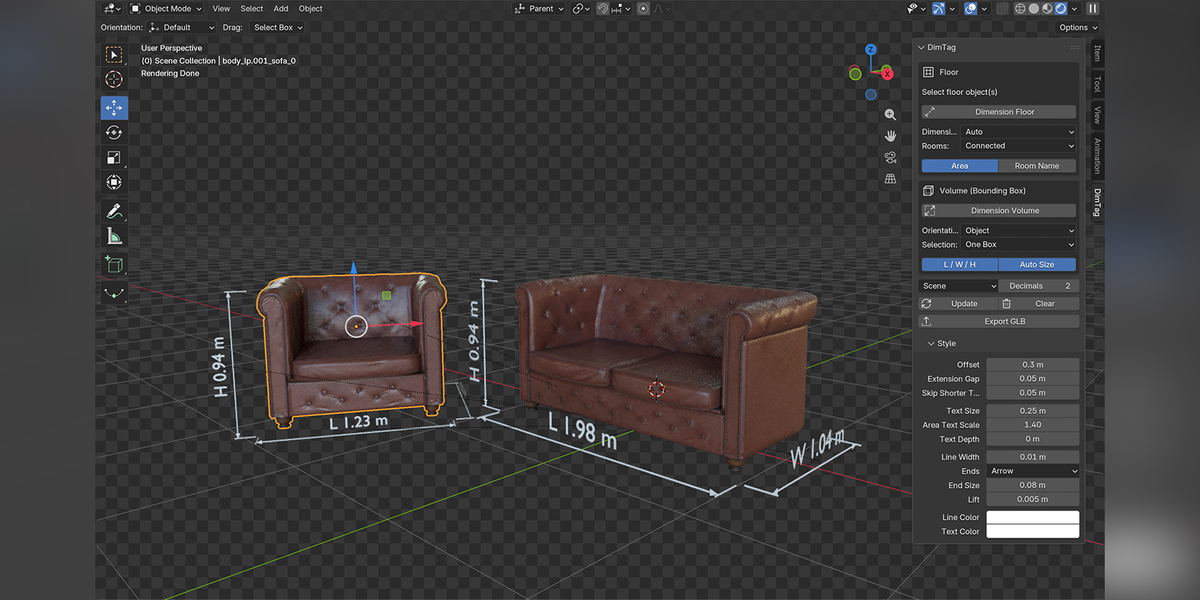
- Select a car, a piece of furniture or a product, then click Dimension Volume
- Length, width and height drawn around the bounding box
- The box follows the object's rotation, and child parts are included
- One box around the whole selection, or one per object
- Auto Size keeps it readable from a 10 cm mug to a 5 m car
3. Built for export
- Real mesh geometry, not a viewport overlay, so it renders in Cycles and Eevee
- One-click Export GLB with the model and its dimensions together
- Lightweight geometry, ready for Three.js,
<model-viewer>, configurators and AR
4. Non-destructive
- Everything goes in a "DimTag" collection
- Update rebuilds the dimensions after you edit the model or change the style
- Clear removes them in one click
Style options: units (scene, m, cm, mm, ft-in), number of decimals, arrows, architectural ticks or no ends, offset, text size, line width, and line and text colors.
Compatibility: Blender 4.2 or newer (tested on 5.0), Windows, macOS and Linux. GPL license.
Use cases: arch viz, real estate floor plans, furniture and product catalogs, e-commerce 3D viewers, product configurators.