 hodgson3d

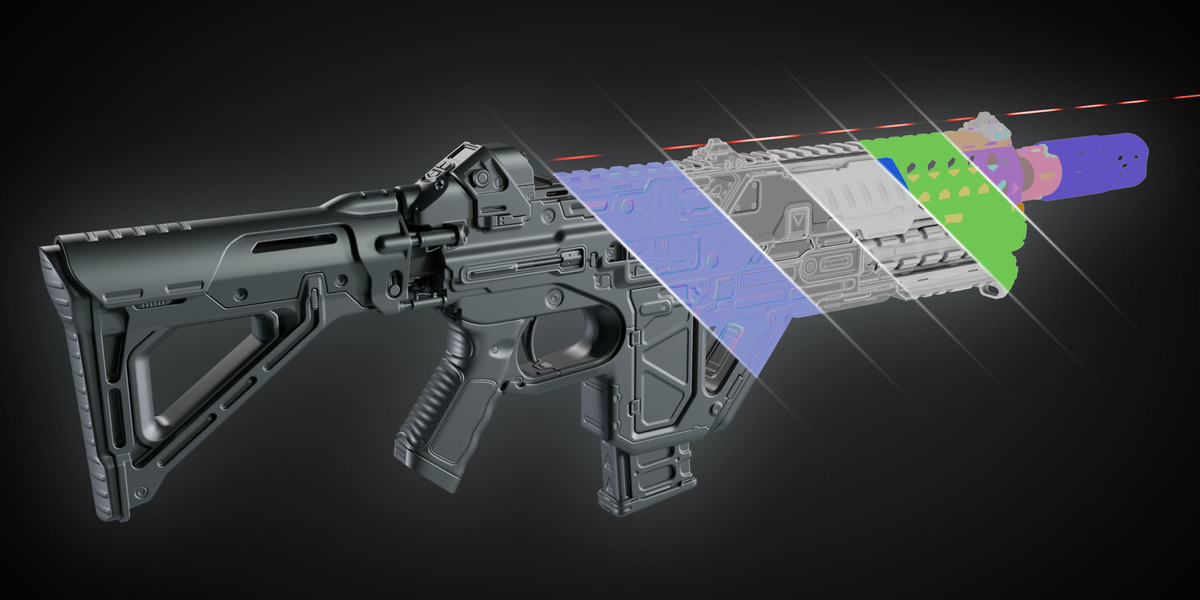


Spikes almost always come from rays that travel too far before hitting the high-res — near hard edges, deep concavities, or any spot where the low-res normal points off into empty space and the ray strikes a distant or unrelated surface. That single bad reading shows up as a bright/dark pixel and, once applied, as a literal spike on the mesh. A few common causes and fixes:
Ray Distance too high or low. A long ray distance lets rays reach far-off geometry. Lower it so rays only search as far as the gap between your low and high surfaces realistically needs.
Spike Threshold too high. This is the dedicated control for the problem. Any ray hit longer than the threshold is rejected and replaced with the more stable nearest-surface result. If you're getting spikes, lower it; if recessed detail looks shallow or smeared, you've gone too low — raise it until creases read correctly. A good value sits just above your deepest real displacement but below typical runaway-ray distances.
Low and high don't line up. The bake projects from the low cage along its normals. If the meshes are offset, scaled differently, or one has unapplied transforms, rays start in the wrong place and miss or overshoot. Apply transforms (Ctrl+A → All Transforms) on both, and make sure they occupy the same space.
SubD Level too low. The low cage is Catmull-Clark subdivided before sampling; too few subdivisions on a curved surface gives coarse, faceted normals that aim rays inaccurately. Bump SubD Level up on rounded forms. By default 2 its set 2 subdivisions works in most situations but if your low poly mesh is extremely low res you may need to increase this value to 3 or 4.
Wrong pairing (multi-part assets). If the low is being raycast against the wrong high-res — or against the merged high collection in Combined mode — rays hit a neighbouring part. Use By Name pairing (or the Organize tool) so each low only sees its own high.
UV / seam artifacts. Stray spikes along UV island edges are usually margin bleed; increase the Margin value. Overlapping UVs will also produce bad texels — check the UV layout.
Bad geometry. Non-manifold faces, flipped normals, or zero-area faces on either mesh produce unreliable hits. Recalculate normals (Shift+N) and clean up the meshes.
If it's still unclear which objects are at fault, run the Debug Selection button — it reports each object's bounding box, poly count, modifiers, and how things are pairing, which often reveals a mismatch or a wrong pair behind the artifacts.
