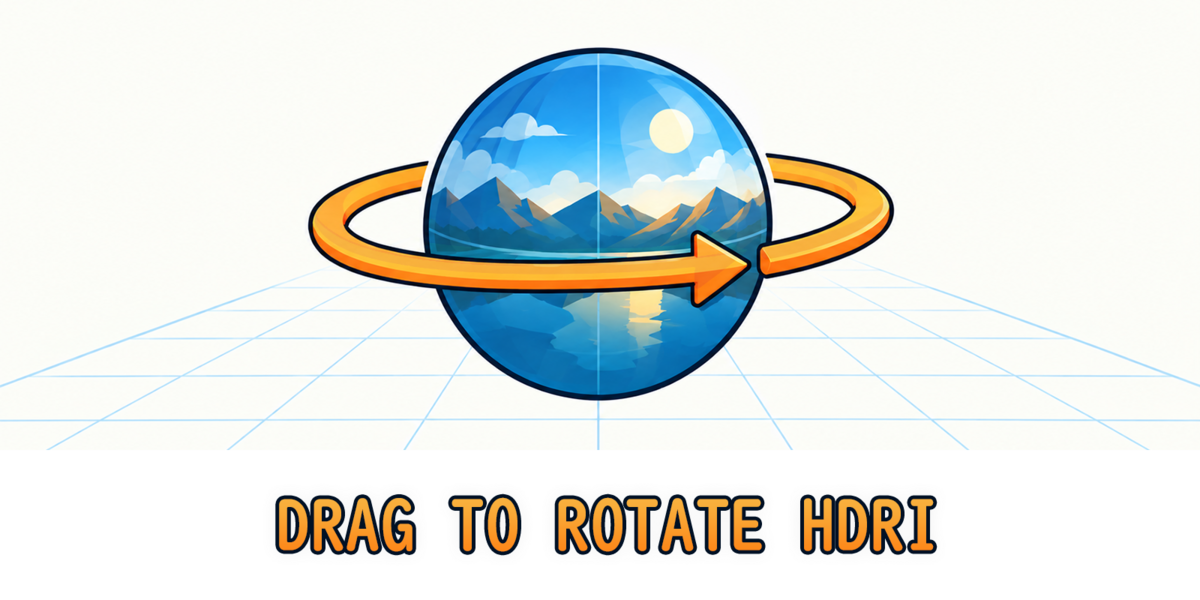
Drag to Rotate HDRI
 MNC Development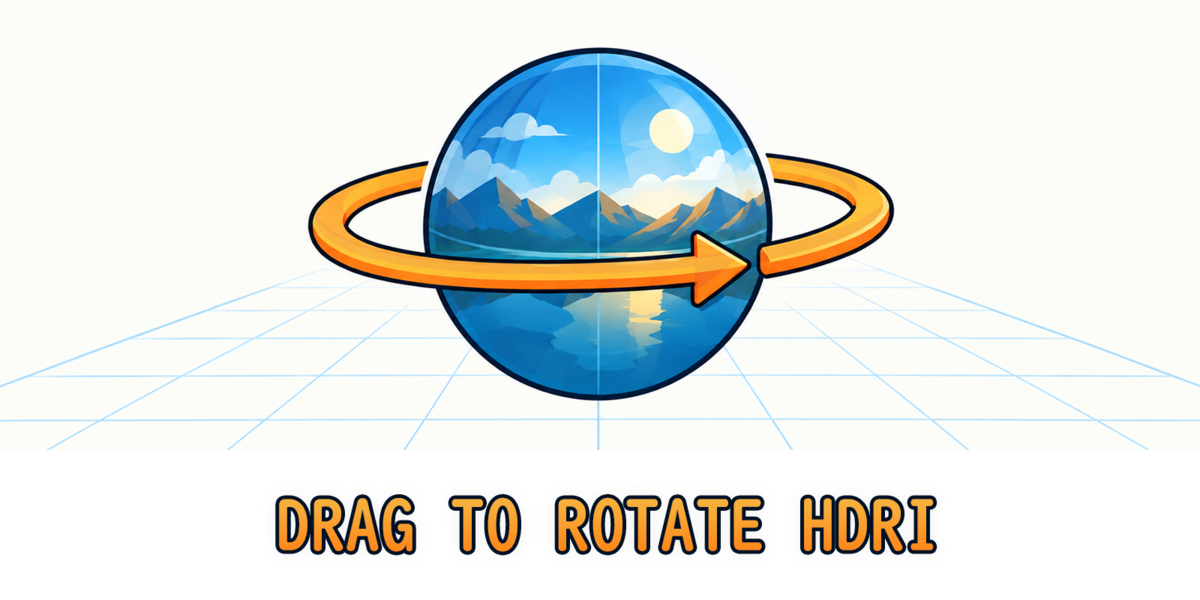
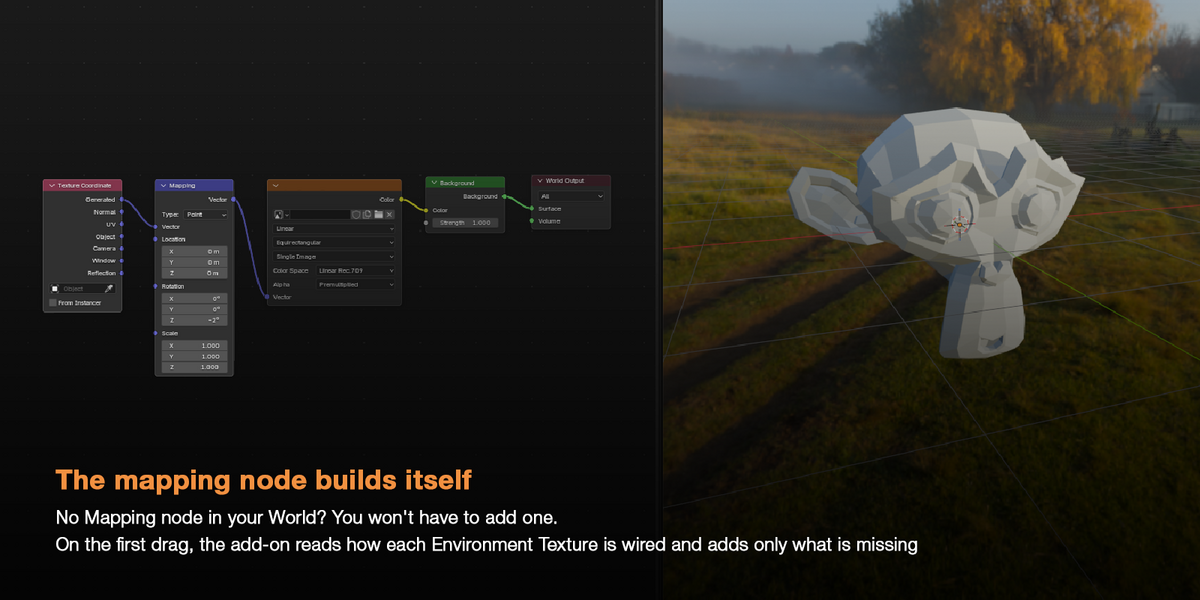
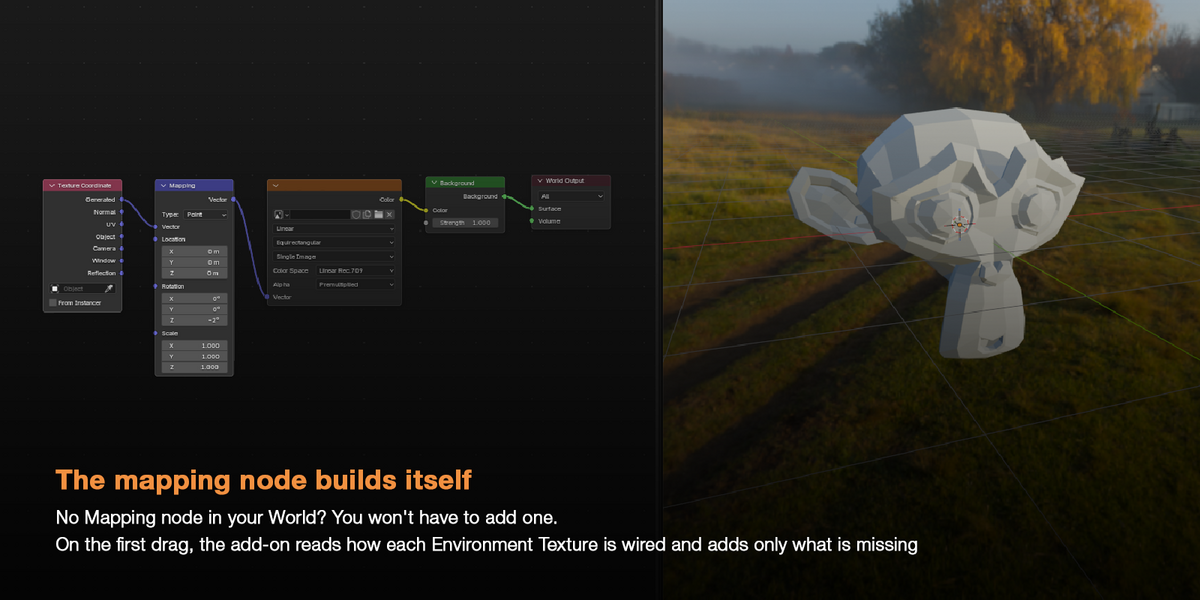
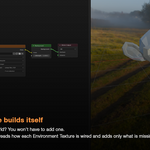
Do I need to add a Mapping node first?
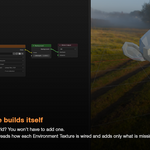
No. On the first drag, the add-on checks how each Environment Texture is wired and only adds what is missing. If nothing is plugged into the texture, it adds a Texture Coordinate and a Mapping node. If another node feeds the vector, it inserts a Mapping node in between. An existing Mapping node is reused as is, even behind reroutes. New nodes are standard Blender nodes, placed next to the texture.
I use one HDRI for the lighting and another for the background. Do they stay aligned?
Yes. Every Environment Texture connected to the World Output turns by the same angle in the same drag. This works through Mix Shaders, Light Path setups and reroutes.
$2.50
Have questions about this product?
Login to message
| Blender Extension Compatible | Yes |
| Published | about 11 hours ago |
| Blender Version | 5.2 |
| Extension Type | Add-on |
| Render Engine Used | Cycles |
| License | GPL |