 Flidoh Animations




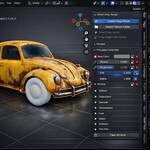

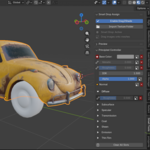
Drag2Shade
Drop any texture onto a mesh.
Drag2Shade eliminates the most repetitive node connecting, Just drop an image, and your material is done.
What is Drag2Shade?
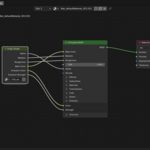
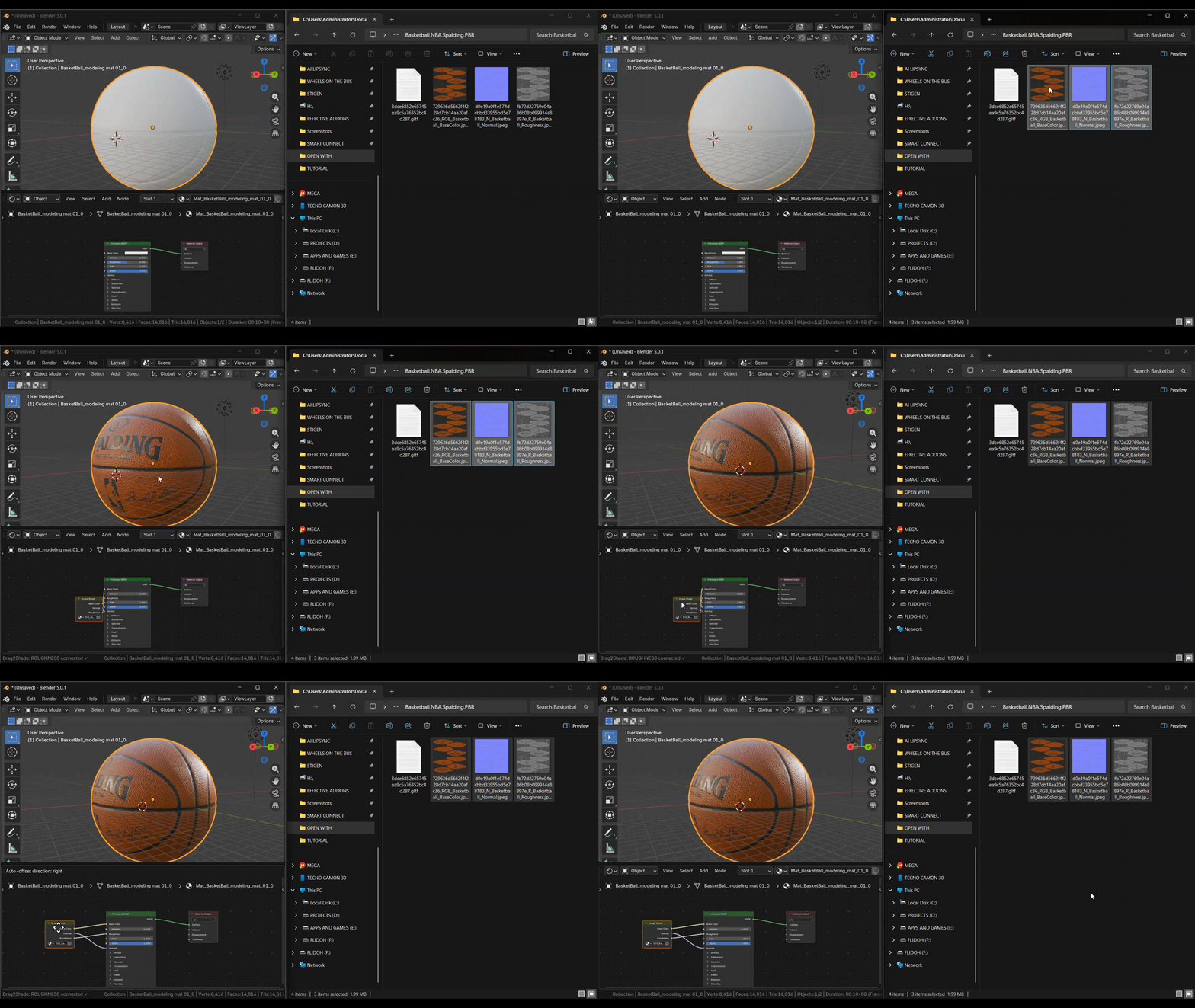
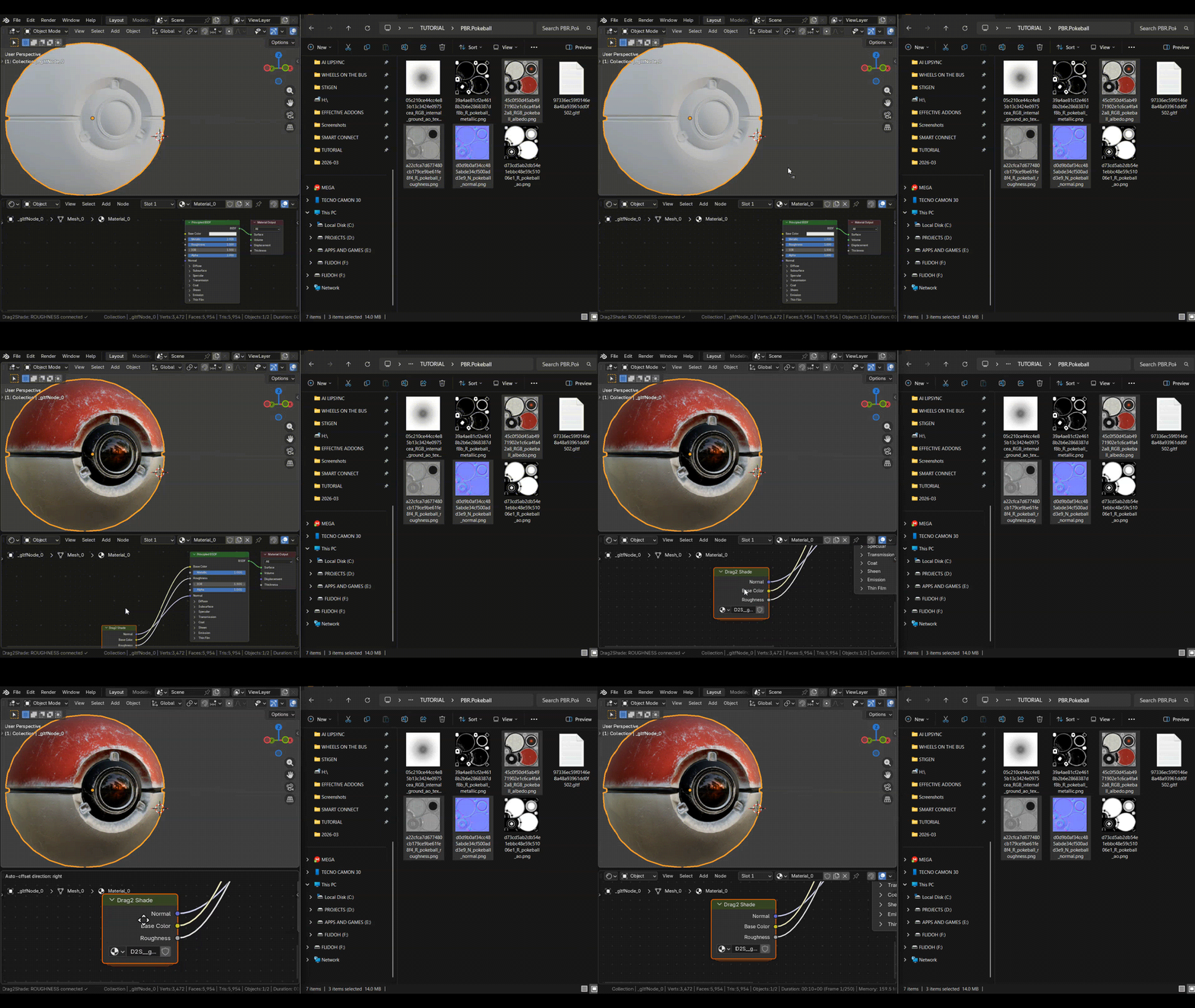
Drag2Shade handles the entire shading workflow. Instead of manually adding Image Texture nodes, hunting for the right slot, looking for math nodes, vector nodes, and connecting each one to the Principled BSDF, you simply drag an image file into the Shader Editor or directly onto a mesh in the 3D Viewport.
Drag2Shade Scans the file, identifies the texture type (Base Color, Roughness, Normal, and more), builds a clean node group, and wires everything to the Principled BSDF in one action.
Why You Need It
We all hate opening the node shader just to color something simple. Every object can involves more than one texture. Placing each one, connecting the correct channel, adding roughness, adding Normal Map nodes, plugging in displacement, it adds up to minutes of repetitive clicking per asset, and hours across a project.
Drag2Shade handles all of it invisibly so that you can focus on the creative work.
Key Features
Viewport Drag-and-Drop Import: Drop textures directly onto a mesh in the 3D Viewport. No manual node placement.
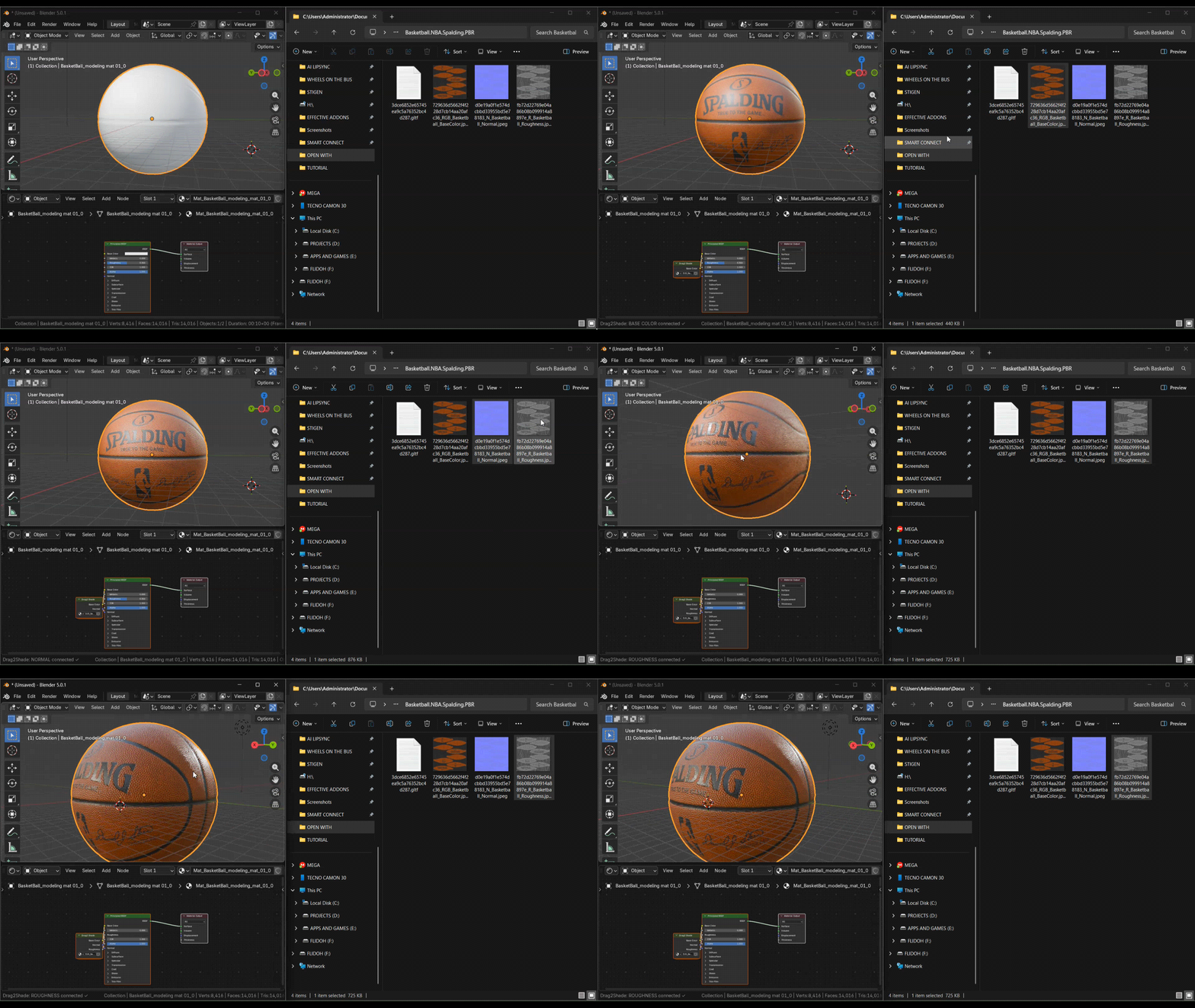
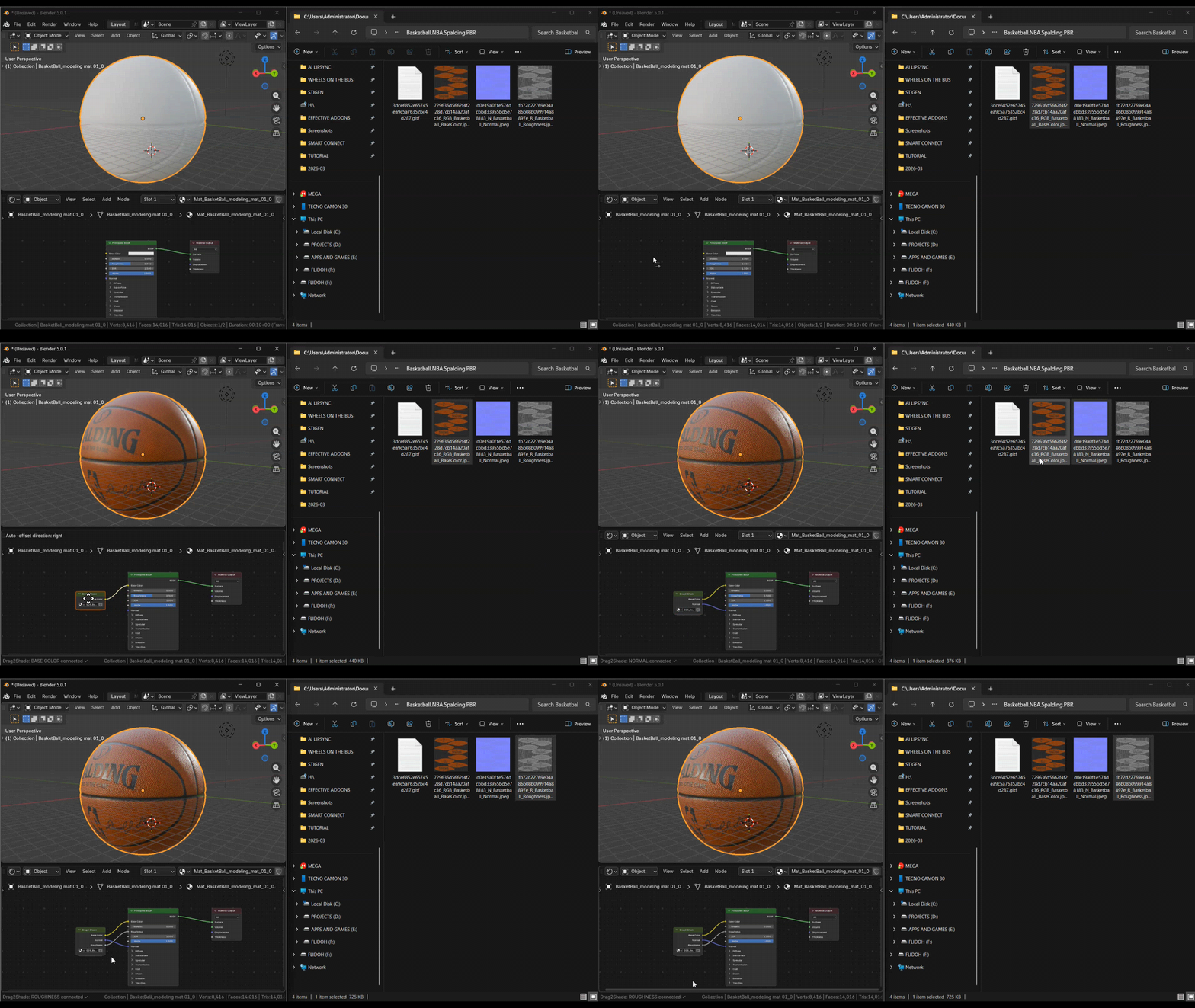
Node shader Drag-and-Drop Import: Drop textures directly onto the Shader Editor. No manual node placement.
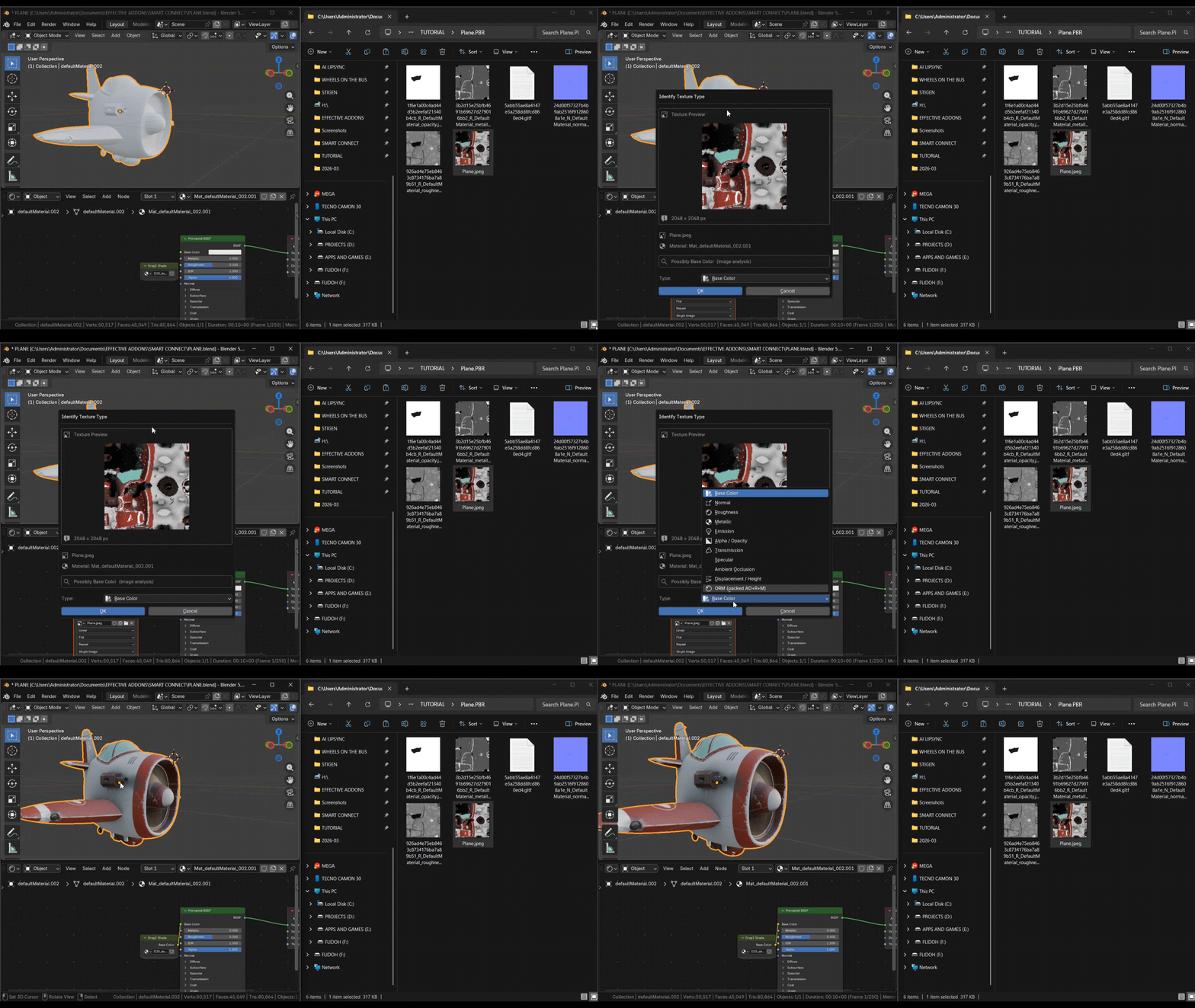
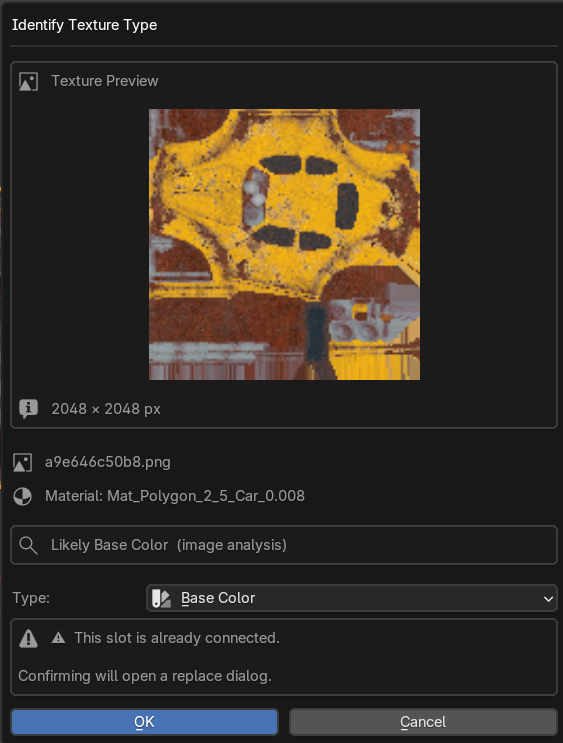
Classifier Popup: When a texture type is ambiguous, a lightweight popup lets you manually select the correct slot and confirm — no guessing required.
Smart Texture Detection: Reads filenames to identify Base Color, Metallic, Roughness, Normal, AO, ORM, Alpha, Emission, Transmission, Specular, and Displacement maps.
Clean Node Groups: All textures are encapsulated inside a single D2S_ObjectName node group per material, keeping your main node tree uncluttered and professional.
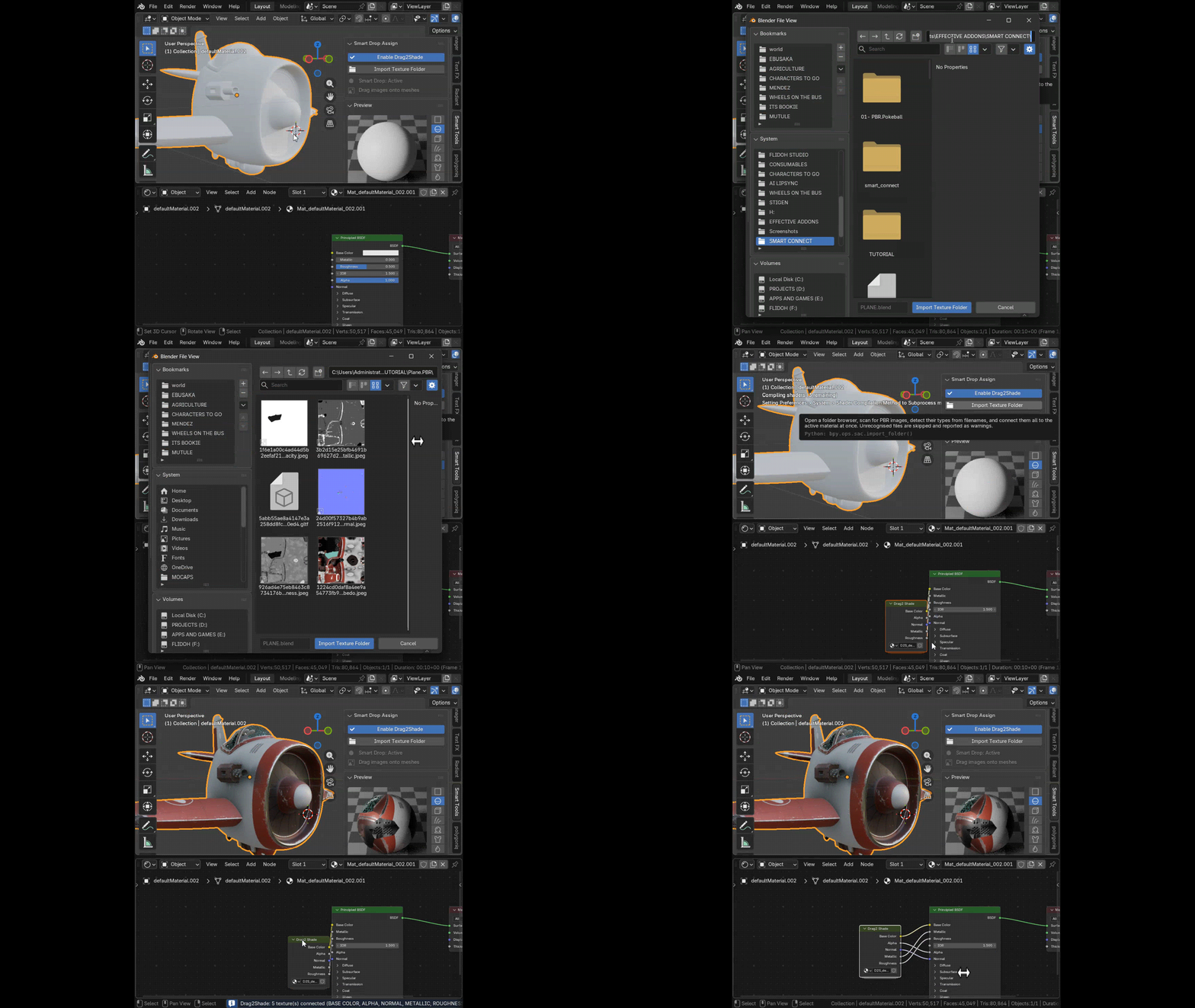
Import Folder: Batch-import an entire PBR texture set from a folder in one click via the N-panel. A smart queue handles multiple ambiguous textures.
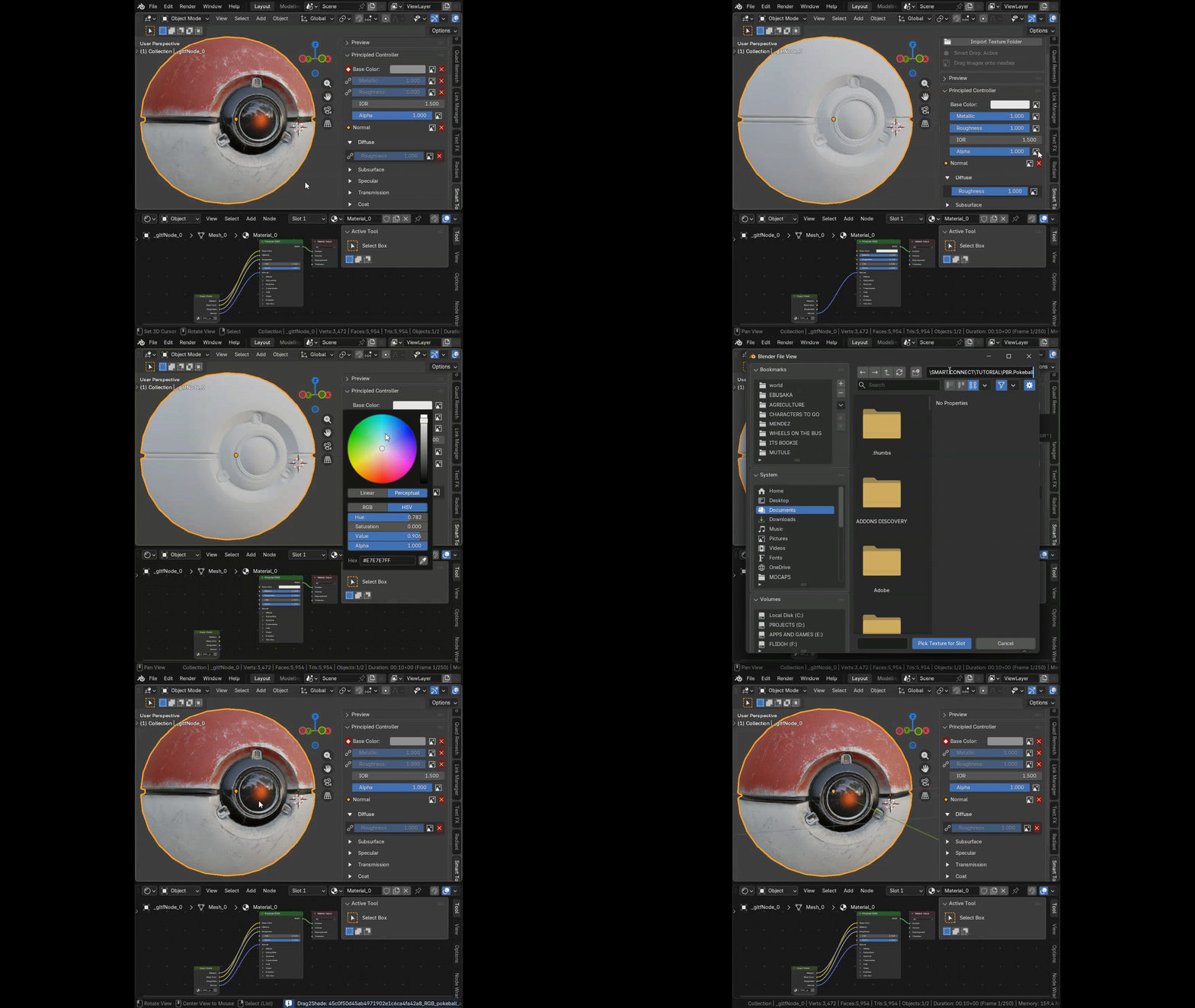
Paste Image URL:
Download and assign a texture directly from a web address using
the Paste Image URL button - ideal for online texture libraries.
Principled Controller:
A full Principled BSDF input editor with drag-highlight, per-slot image-picker buttons,
and URL-fetch in one convenient panel.
How It Works
1 - Drag onto a mesh
• Drag one or more image files from your file browser onto the mesh
• Drag2Shade detects each texture type from the filename and connects it automatically
2 - Drag into the Shader Editor
Open the Shader Editor with an active material
Drag an image file onto the node canvas
The texture is placed in the correct slot inside the D2S node group
3 - Import a full texture folder
Press Import Folder in the N-panel (Smart Tools tab)
Select the directory containing your PBR texture set
Drag2Shade scans and connects the entire set at once
4 - Paste a URL
• Press Paste Image URL in the N-panel
• Enter or paste a direct image URL
• Drag2Shade downloads and assigns the texture to the correct slot
Supported Texture Types
Drag2Shade recognises texture type from filename keywords automatically:
Texture Slot |
Short name |
Base Color |
color, albedo, col, base, diff, diffuse |
Metallic |
metal, metallic, metalness |
Roughness |
rough, roughness, gloss, glossy |
Normal |
normal, nrm, nor, bump |
Ambient Occlusion |
ao, ambient, occlusion |
Alpha / Opacity |
alpha, opacity, mask |
Emission |
emiss, emit, emission, glow |
Transmission |
transmission, transluc |
Specular |
spec, specular |
Displacement |
disp, displacement, height |
Compatibility
Blender Version |
4.2 or later (Extensions system). Legacy install supported for 4.1 and below. |
Renderer |
Cycles and EEVEE — any material using Principled BSDF |
Operating System |
Windows |
Who Is It For?
Character artists and environment artists working with high-resolution PBR sets
Product visualisation artists who need materials built quickly and consistently
Archviz professionals dealing with large libraries of tileable textures
Hobbyists and learners who want clean, production-grade node setups without manual wiring
Pipeline TDs who need repeatable, tidy material structures across every asset
Drag2Shade V1.1 · Made by Flidoh Animations Studio