 VertexModeler Inc.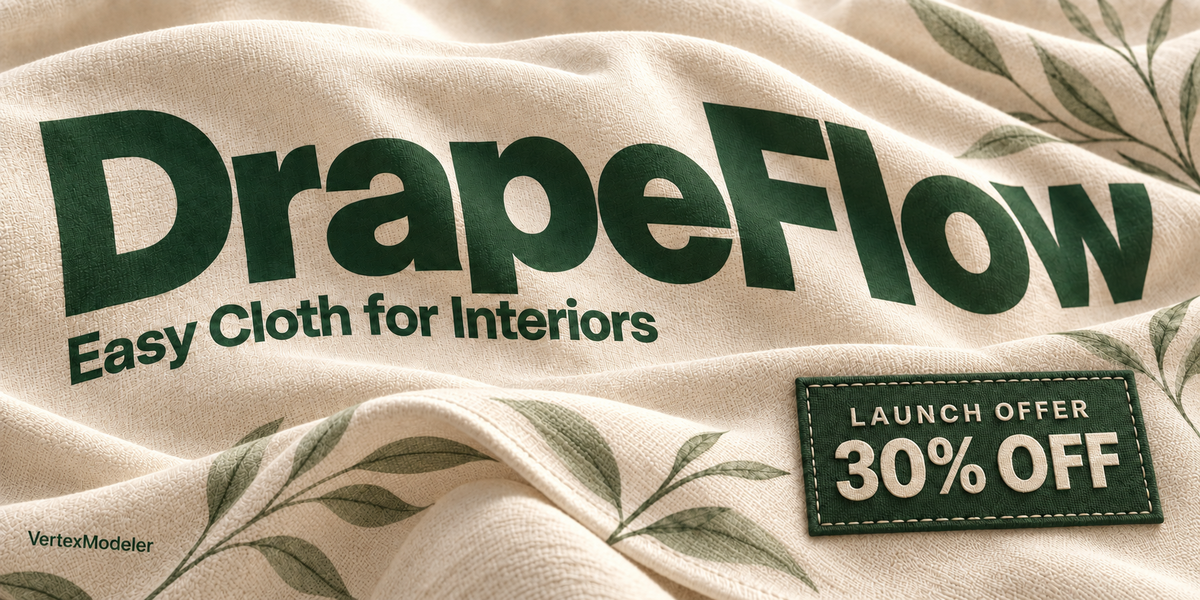
BLENDER 5.2 LTS · BY VERTEXMODELER
Easy drapes. 32 ready-to-use patterns.
Create sofa throws, hanging towels and decorative fabric. Place a sheet over your selected objects, shape the drape and bake a static mesh for your scene.
01 / SHAPE
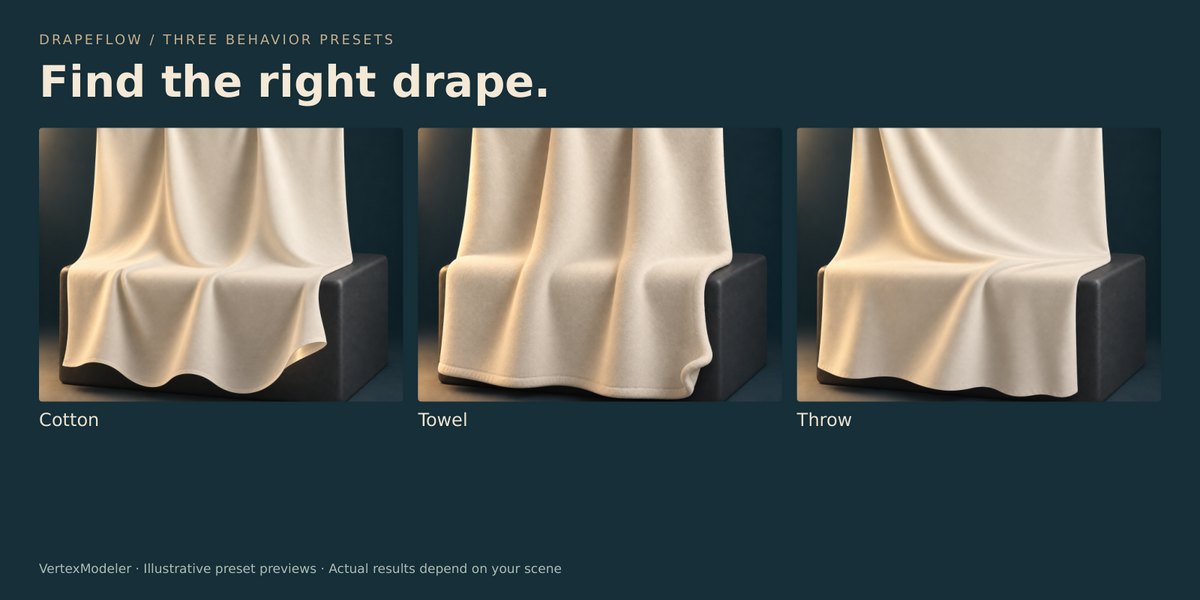
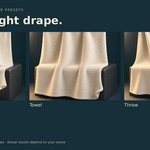
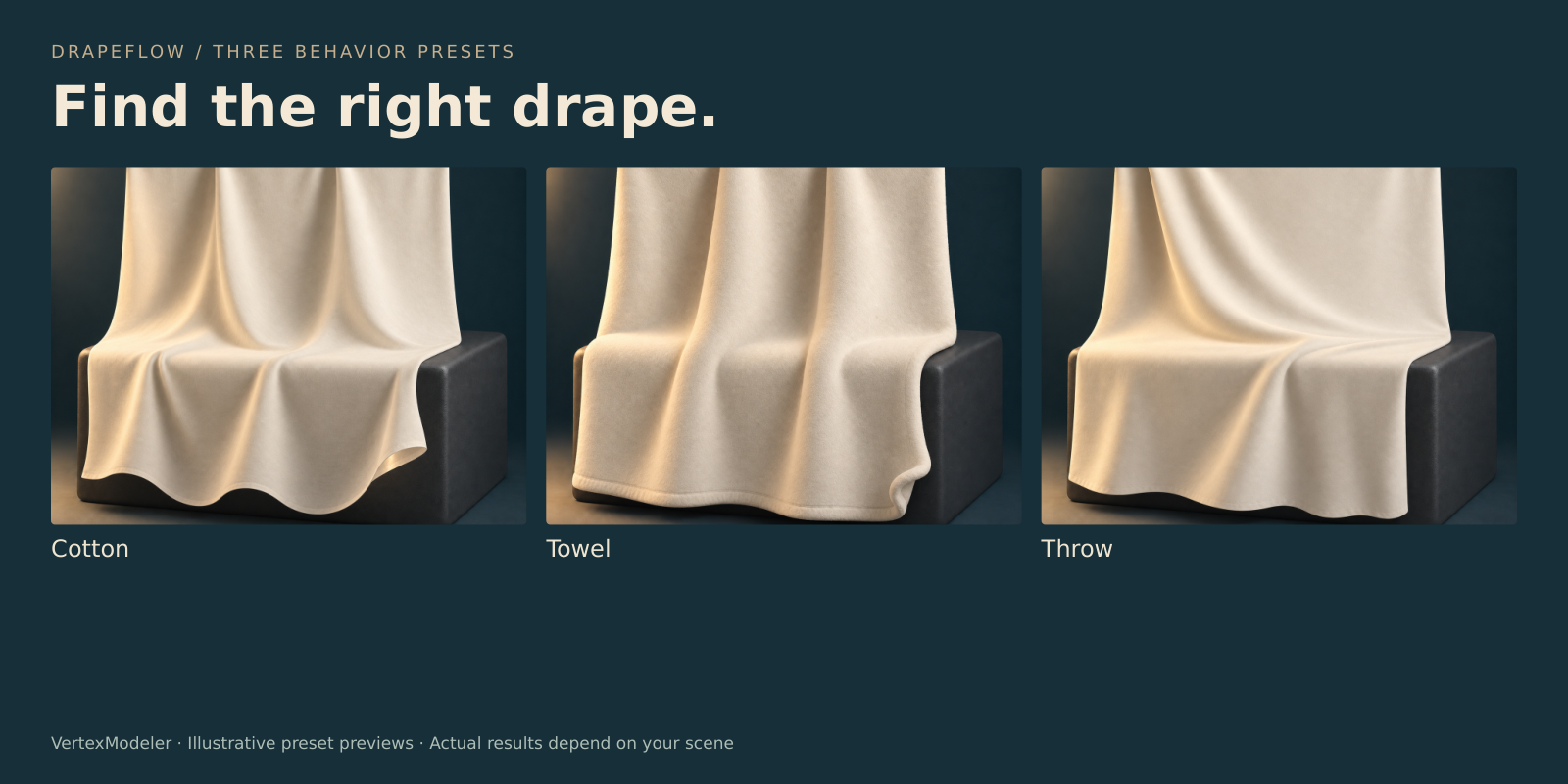
Find your drape.
Choose Cotton, Towel or Throw. Set the frame count and watch the cloth settle.
02 / CONTROL Keep the right parts in place.Paint connected pin regions, move them together and confirm with clear feedback. Adjust Folds helps refine a result before baking. |
 |
 |
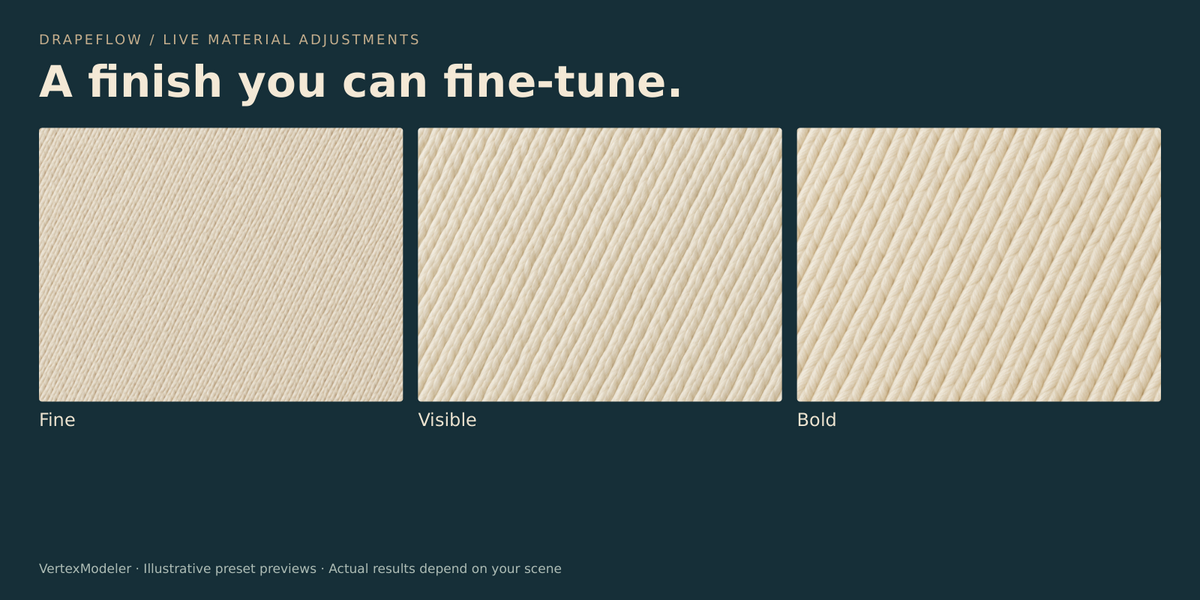
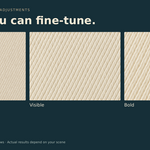
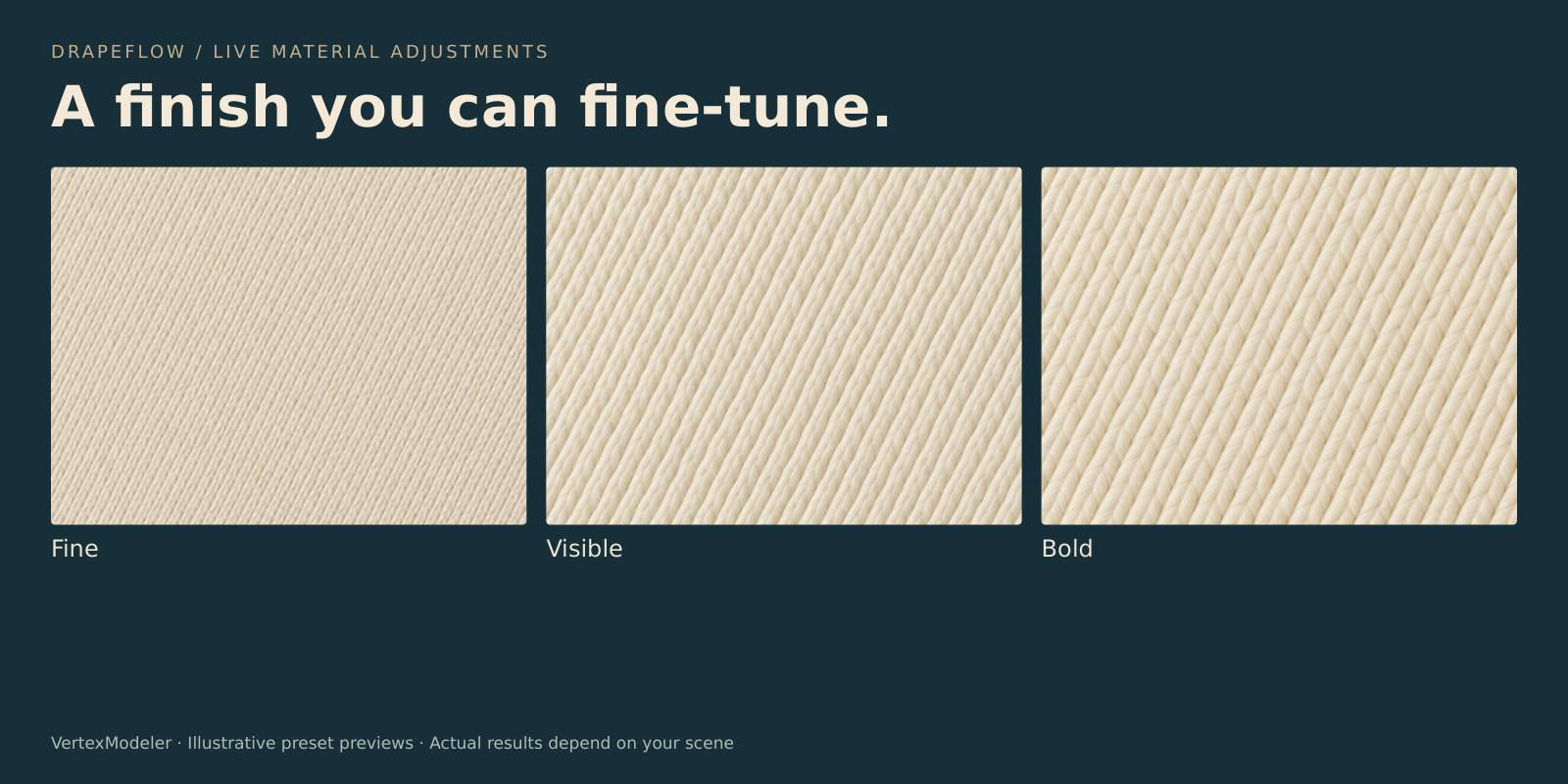
03 / FINISH Change the look after the fall.Adjust the pattern, thread scale, normal detail, roughness and sheen without repeating the simulation. Material controls remain available on baked cloth. |
04 / REFINE Shape the final folds.Use Adjust Folds to refine the drape. Confirm to settle the cloth, or cancel to restore the previous result. |
 |
05 / ARTWORK
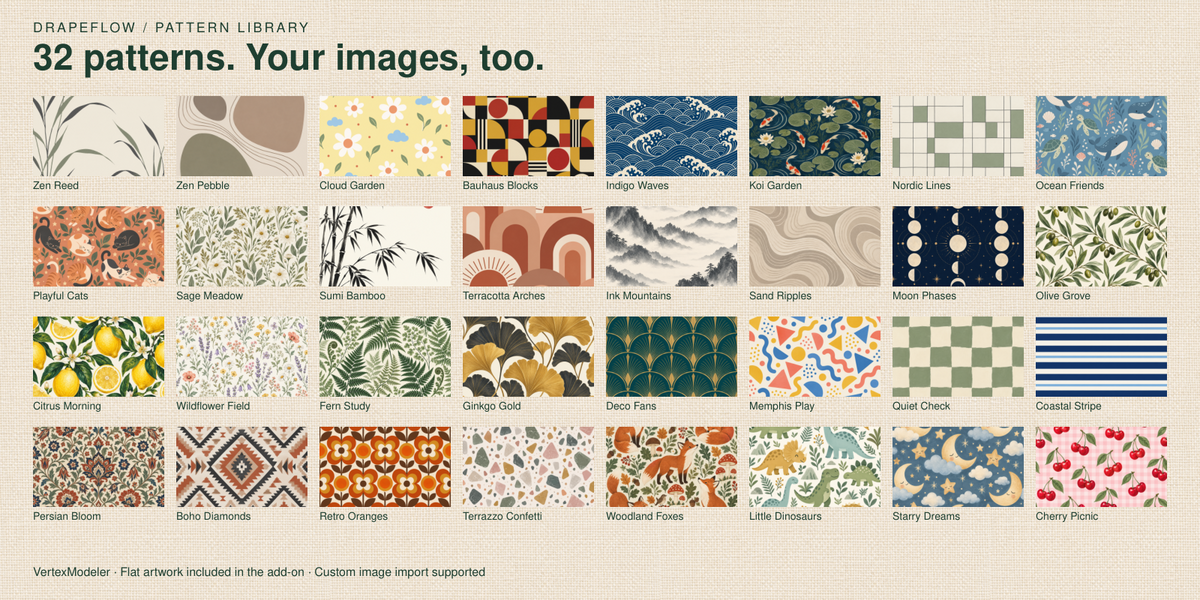
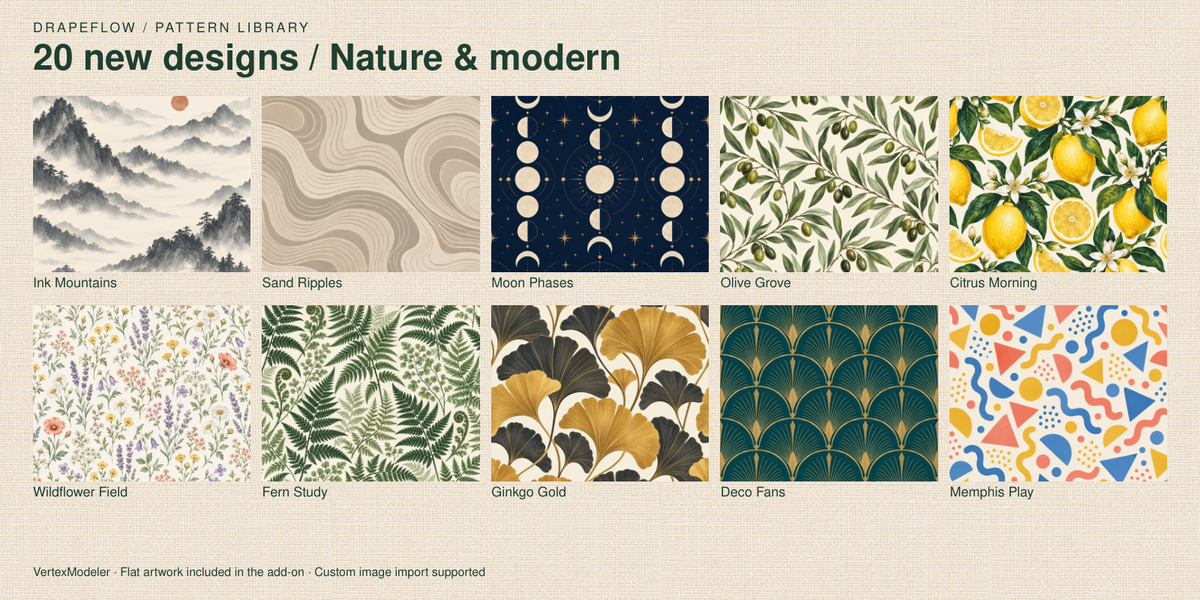
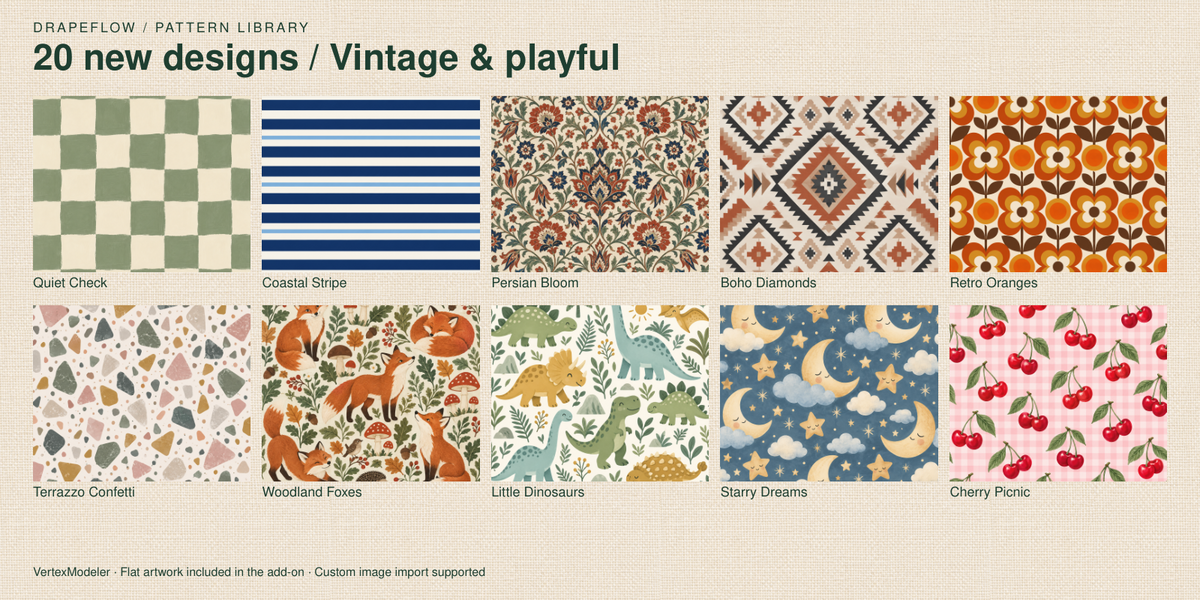
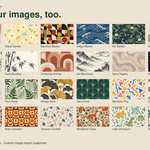
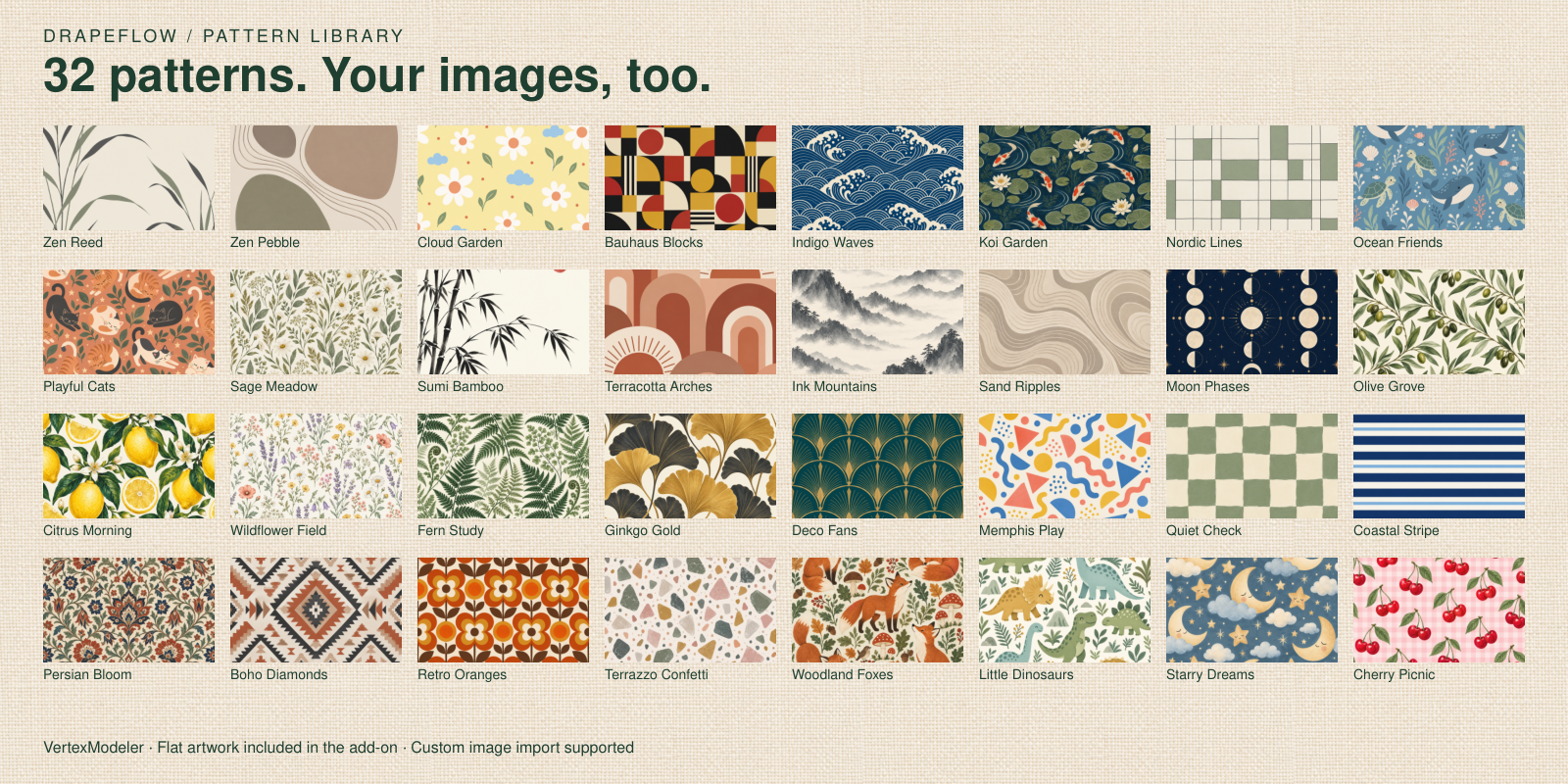
32 patterns. Your images, too.
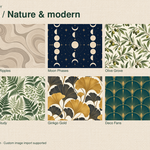
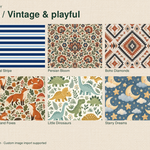
32 built-in patterns, from calm botanicals to playful prints. Import your own artwork, too.
06 / STRUCTURE
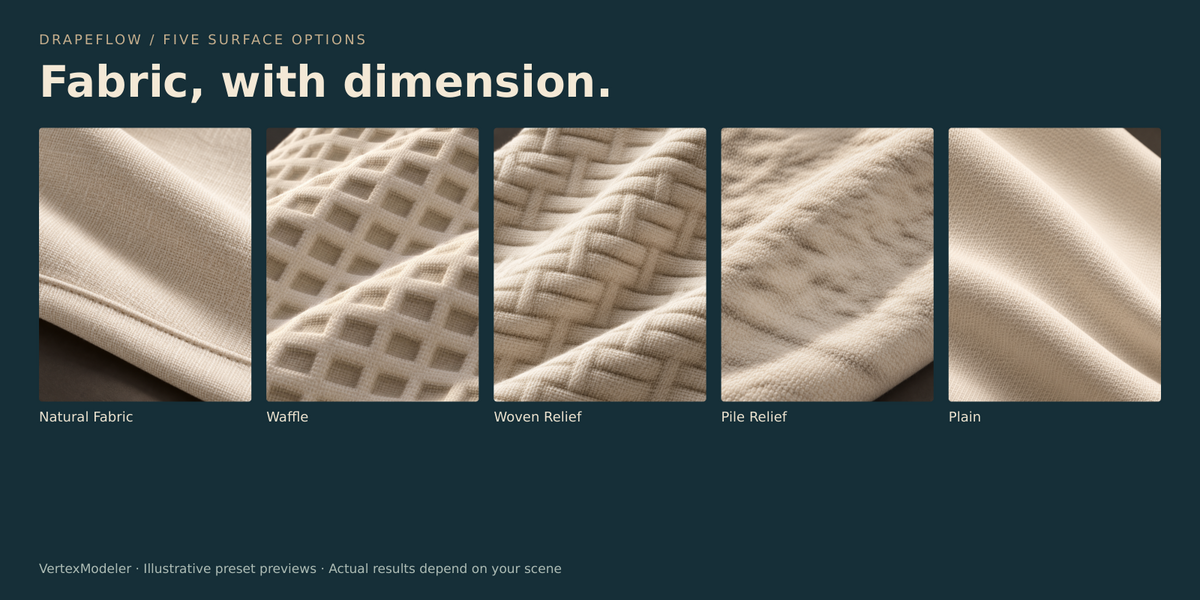
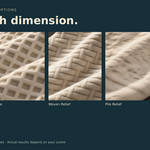
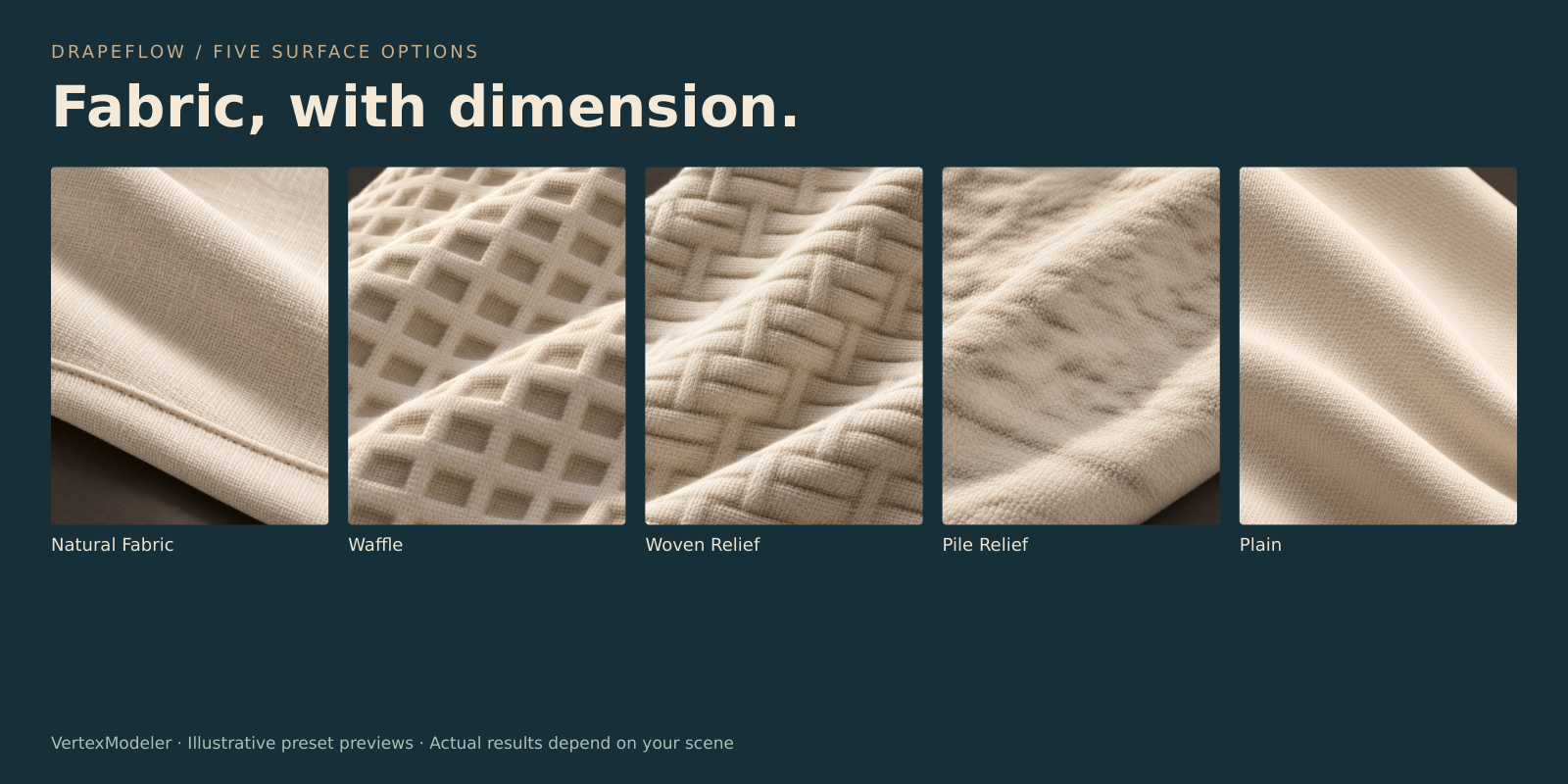
Give the surface dimension.
Five surface options, from natural fabric to geometric relief. Apply structure after simulation.
Bake it into your scene.
Freeze the result as a static mesh with UVs and materials. The source sheet is retained for another drape.
Included: Blender extension, 32 artwork presets, fabric normal maps, visual preset library and English documentation.
Good to know: Target: Blender 5.2 LTS. No hair or Fuzz generation. Pile Relief is a continuous relief surface. Default duration is 150 simulation frames, not a promised computation time. Inspect tight folds and contacts before baking.
Styled fabric images illustrate the intended material character. Actual results depend on geometry, scale, lighting and simulation settings.
