 Sonneblom Digitaal
What it does
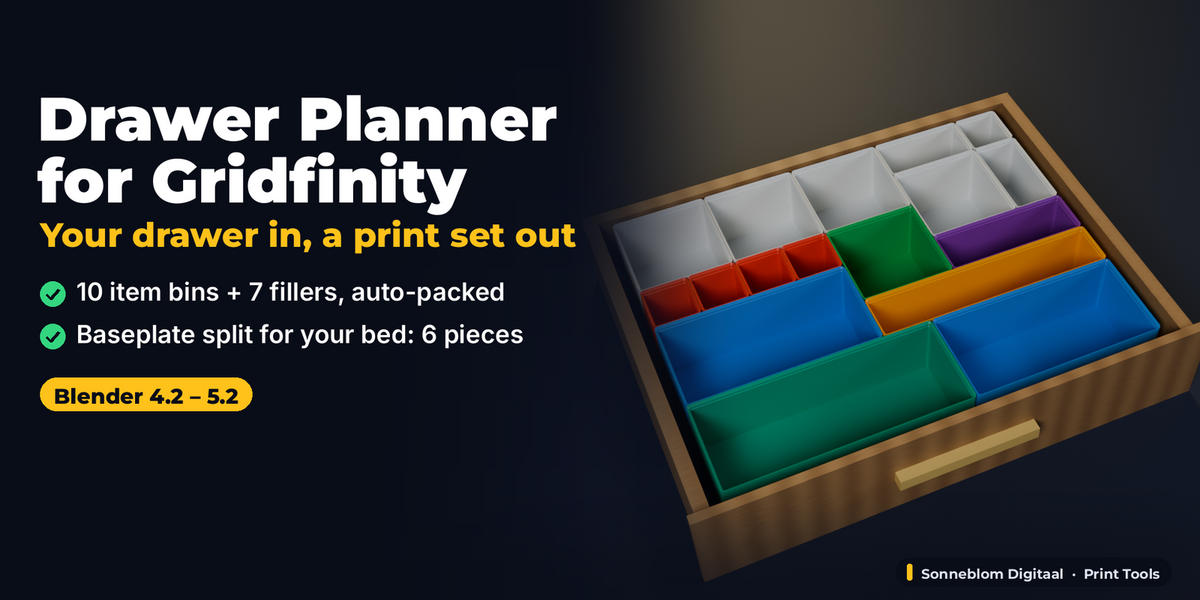
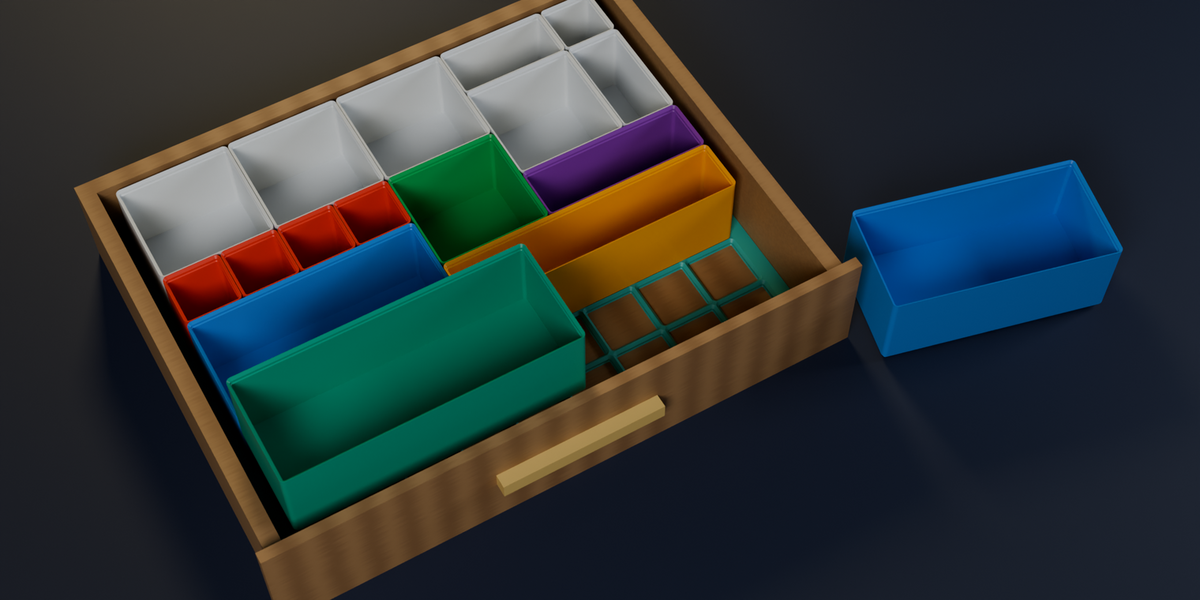
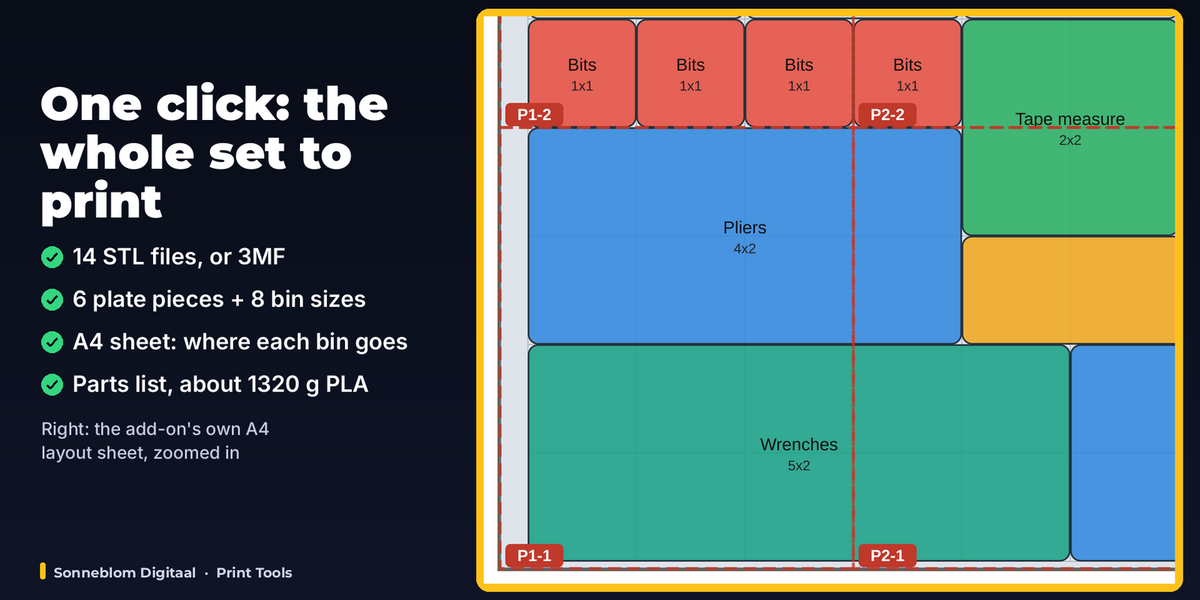
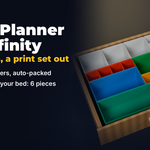
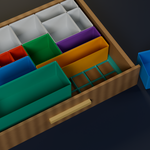
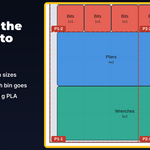
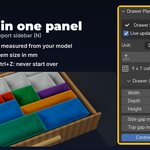
Drawer Planner for Gridfinity fills a whole drawer with Gridfinity in one go. Type the inside size of your drawer (or click a box you modelled or imported), list what you want to store, and it makes the complete set in millimetres: the bins for your items, packed into the 42 mm grid; filler bins for every cell that is left; a baseplate that fills the drawer edge to edge with a solid filler frame; and that baseplate cut into pieces that fit your print bed. Export Set writes every part as STL or 3MF, one file per bin size with the count in its name, plus a printable layout sheet (A4, to scale) and a parts list with sizes and grams of filament.
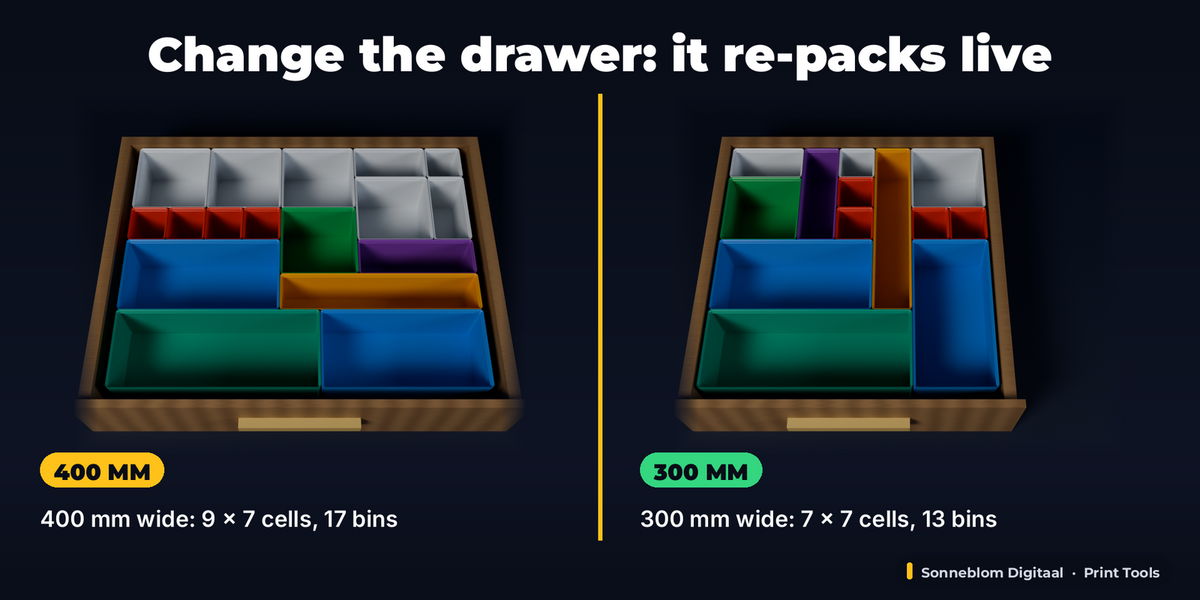
Nothing is final: the settings live on the plan, so change the drawer size, an item, the bin height or the bed and the same plan is rebuilt in place right away.
Who it's for
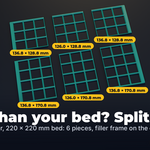
Makers who want their tool drawer, desk drawer, kitchen drawer or workshop cabinet organised with Gridfinity without the trial and error: how many cells fit, what to do with the 17 mm left over, which bins take the pliers, and how to cut a 400 mm baseplate for a 220 mm bed. Single-bin generators and the free web layout tools leave the packing, the filler and the bed split to you, or need you to drag every bin by hand; this does all of it inside Blender, from item sizes, with real spec-exact geometry you can print.
Key features
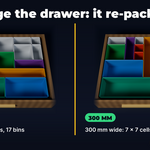
- Drawer in, grid out: the most 42 mm cells that fit the drawer, with the rest filled by a solid filler frame on the baseplate (centred, or all at the back and right).
- Bins from item sizes: give a bin in cells, or type the item's length and width in mm and the add-on picks the smallest bin it fits through, stacking lip included. Optional item height is checked against the inside depth.
- Automatic packing: biggest bins first, each at the front-left-most free spot, turned 90° when that fits better. Items that do not fit are listed by name with what to change.
- Fill the gaps: every free cell gets a filler bin (up to the size you choose, never larger than your bed), or leave them empty.
- Bin height from the drawer: the tallest bins in 7 mm Gridfinity steps that still let the drawer close (with your top gap), or a fixed height. Stacking lip and magnet holes optional.
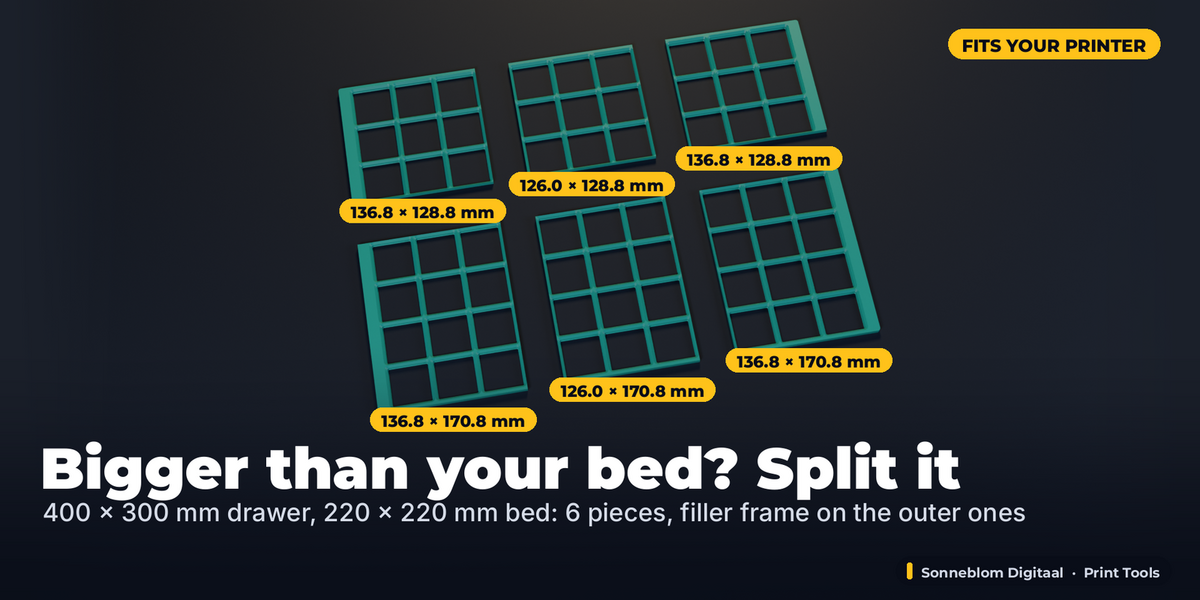
- Split for your print bed: the baseplate is cut into the fewest, most even pieces of whole cells that fit your bed; the filler frame stays on the outer pieces.
- Measure Selected Drawer: click a box the size of the drawer's inside (scale and modifiers included) and the plan is made inside it.
- Export the whole set: STL or 3MF in mm, one file per baseplate piece and per bin size ("print 4x" in the name), the layout sheet (SVG, A4, to scale, with every bin named) and a parts list with sizes and grams.
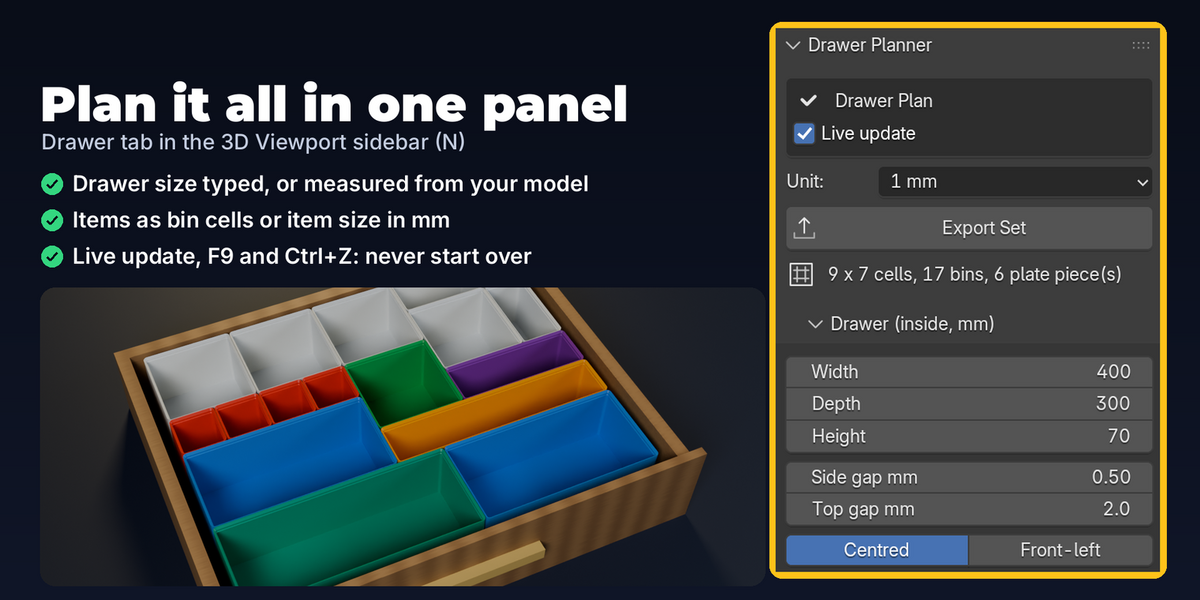
- Live readout in the panel: grid, baseplate size, filler frame per side, pieces and their sizes, number of bins, bin height and inside depth, warnings, and the check of the final parts.
- Checked output: every part is checked after each change: closed (0 open edges), one shell, positive volume; bins never overlap, pieces tile the grid exactly once and the plate stays inside the drawer.
- Live and undoable: every setting is stored on the plan and rebuilds it in place (no new plan per tweak), F9 right after Plan Drawer, Ctrl+Z, Reset Settings, Remove Plan.
How to use
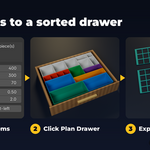
- Install the zip, press N in the 3D Viewport and open the Drawer tab.
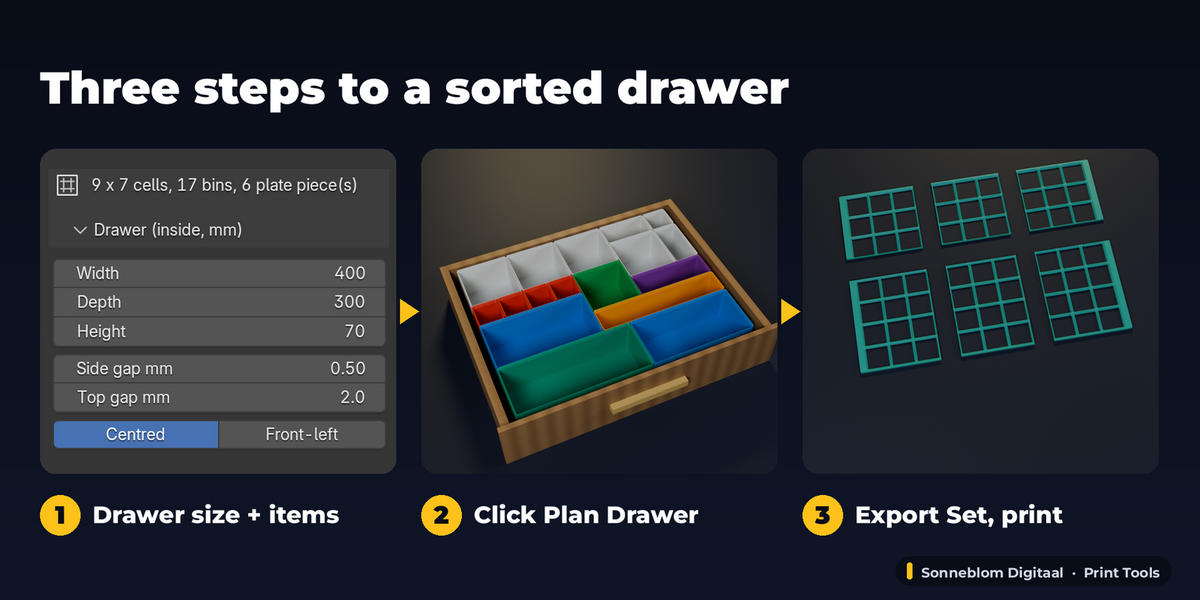
- Type the inside Width, Depth and Height of your drawer in mm (or select a box of that size and click Measure Selected Drawer).
- Add a row per kind of item: bin cells, or the item's size in mm, and how many. No items? The drawer is filled with filler bins.
- Set your bed size and click Plan Drawer. Change anything afterwards: the plan updates live.
- Click Export Set and print the files; the layout sheet shows where everything goes.
Compatibility
Blender 4.2 LTS or newer, tested on 4.2 LTS and 5.2 LTS. Extension zip for Blender's Get Extensions, plus a legacy add-on zip. Pure Python: no extra downloads, no internet connection.
Good to know
- Bins are standard open Gridfinity bins (stacking lip, optional magnet holes, wall and floor thickness). No dividers, scoops, label shelves or screw holes; for one-off custom bins use a single-bin generator such as our Gridfinity Forge.
- All bins of one plan have the same height. Plan a second layer or a second drawer as its own plan.
- The packing is automatic (a setting change packs again); you cannot drag single bins to another spot and keep them there. Change the order of sizes, the counts or the filler size instead.
- Rectangular drawers from 43.5 mm up to 1200 mm each way. The baseplate is the open (lightweight) type; the filler frame is solid, 4.65 mm high.
- Sizes are in mm. For inches, type the sum in the field: 15.75*25.4 gives 400 mm.
- Exported files always have the planned size: they do not follow a scale or rotation you give the plan object, and hand edits to a part are replaced at the next change.
- Grams are the solid volume of the parts x 1.24 g/cm³ (PLA); your slicer's number depends on walls and infill.
Support
Questions or a bug? Use the Superhive product page messages and we reply within a day.