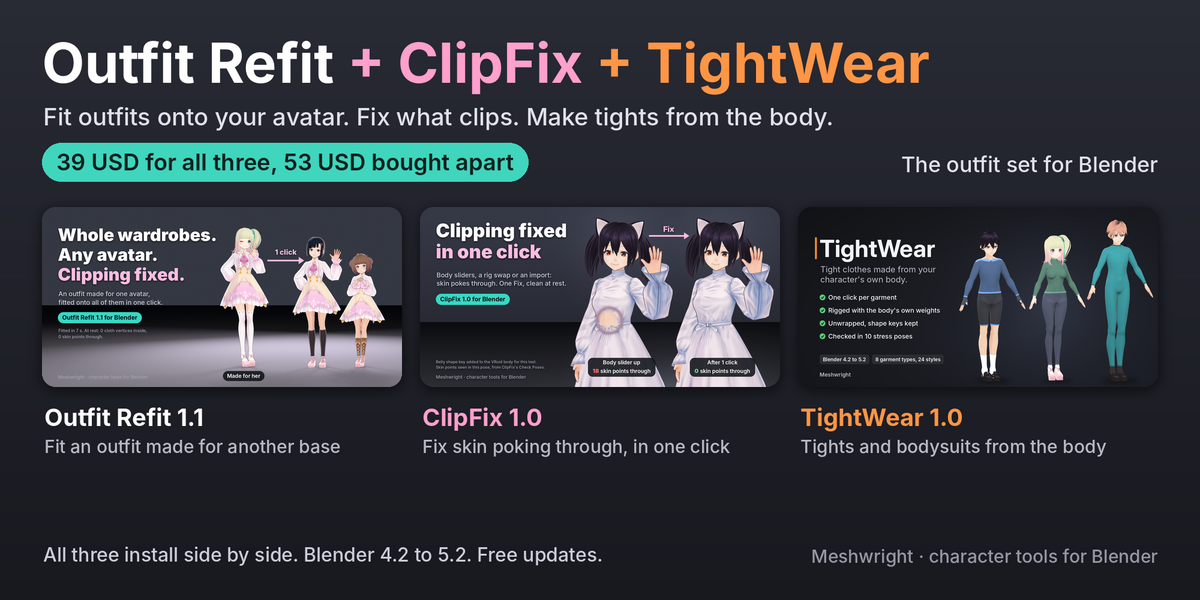
Dress Your Avatar Set: Outfit Refit + ClipFix + TightWear
 Meshwright
Install
- In Blender open Edit > Preferences > Get Extensions.
- Open the menu at the top right and choose Install from Disk.
- Pick each zip once: outfit_refit-1.1.0.zip, clipfix-1.0.0.zip, tightwear-1.0.0.zip. Do not unzip them.
Each add-on then appears in the 3D Viewport sidebar (press N).
Guides
- Outfit Refit: the user guide included in this set (Outfit_Refit_1.1_User_Guide.html) and the demo scene outfit_refit_demo.blend.
- ClipFix: the Documentation tab of ClipFix.
- TightWear: the Documentation tab of TightWear.
Suggested order
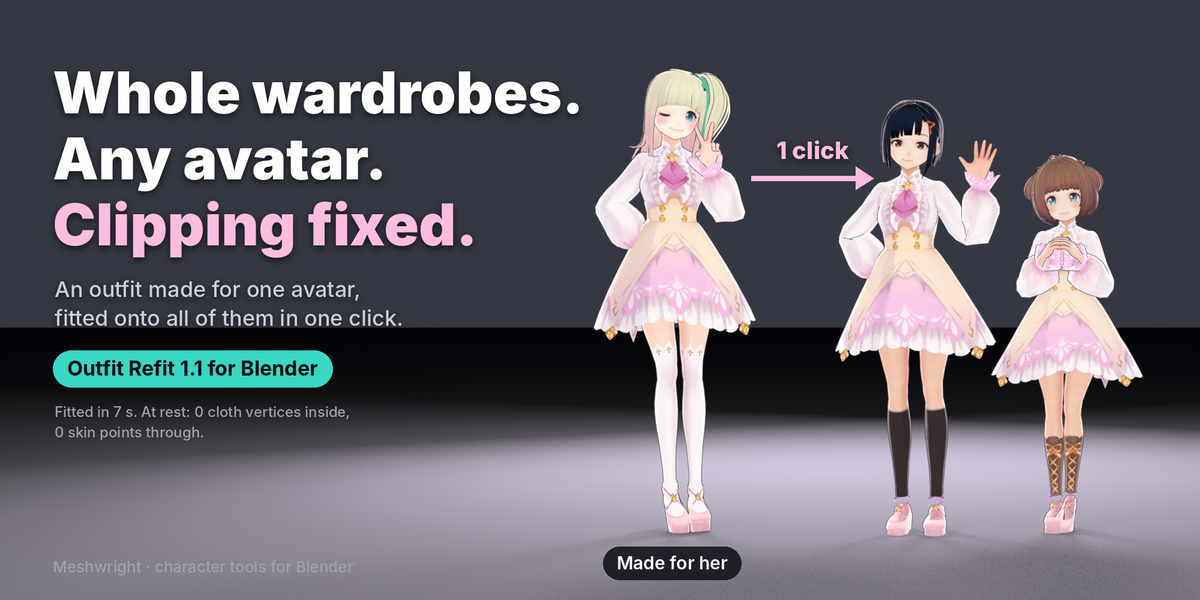
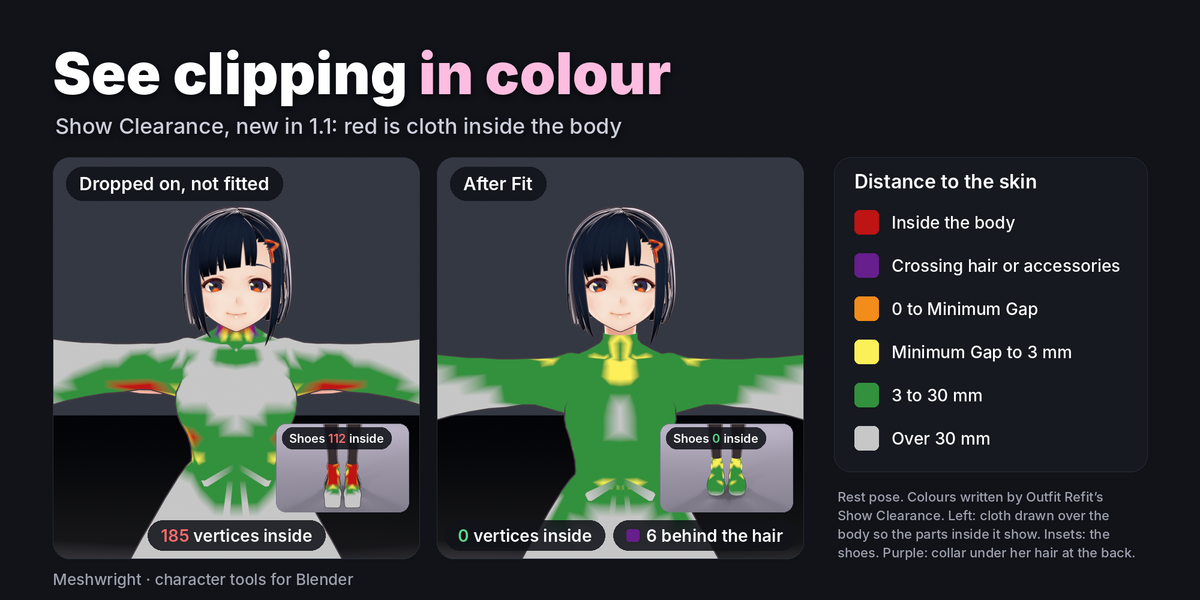
- Outfit Refit: fit an outfit made for another base onto your avatar.
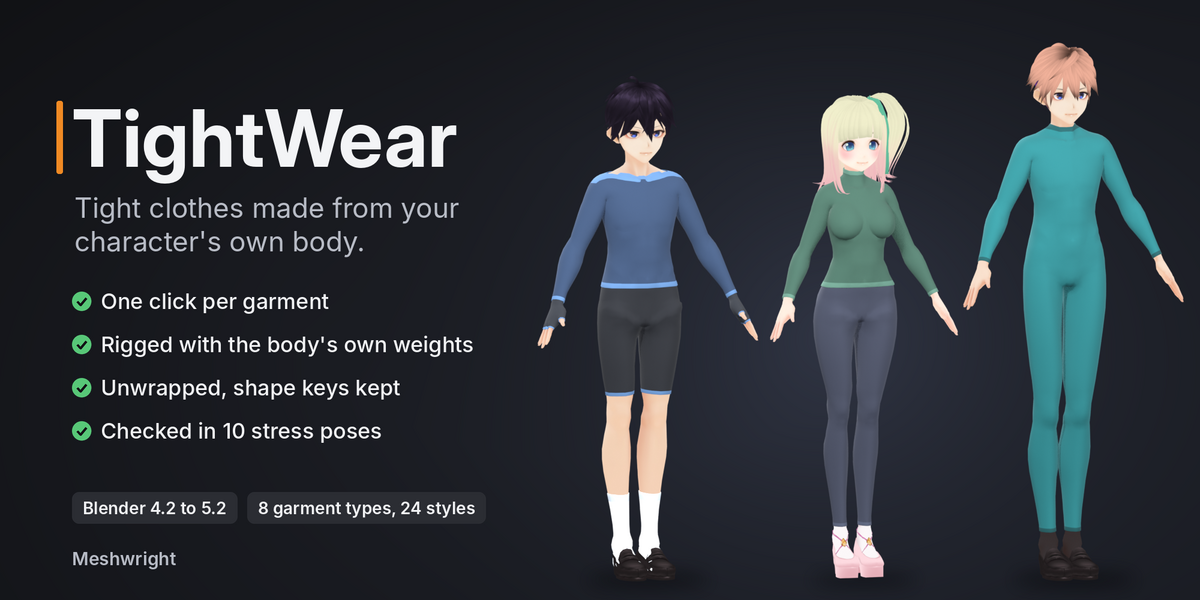
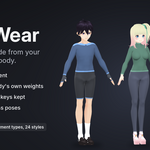
- TightWear: make tights, socks or a bodysuit from the body for the layer underneath.
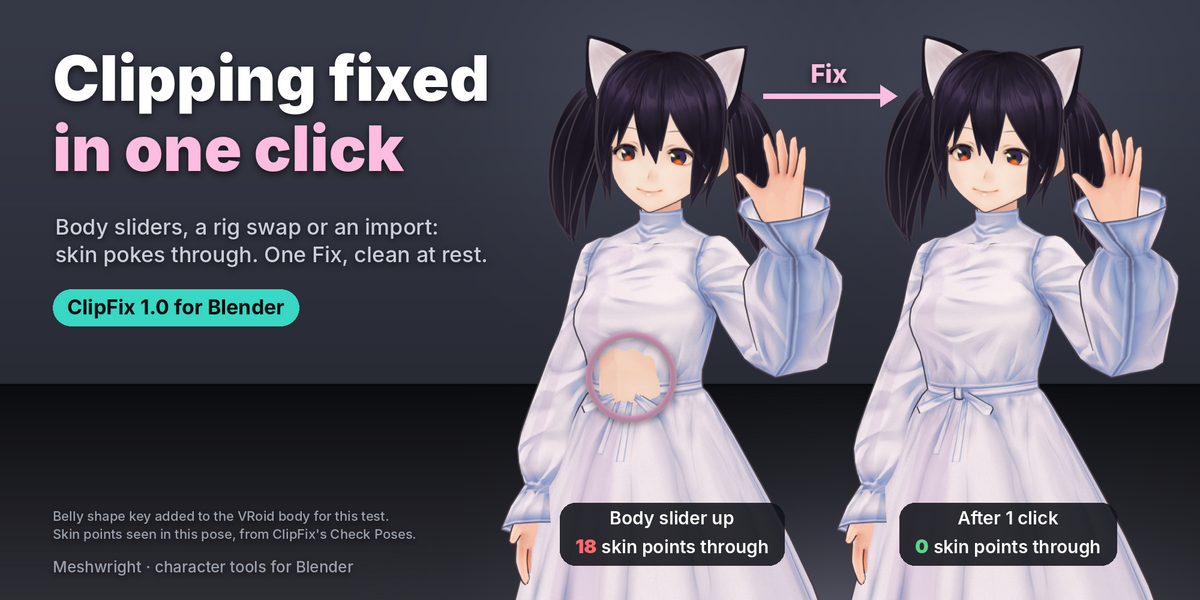
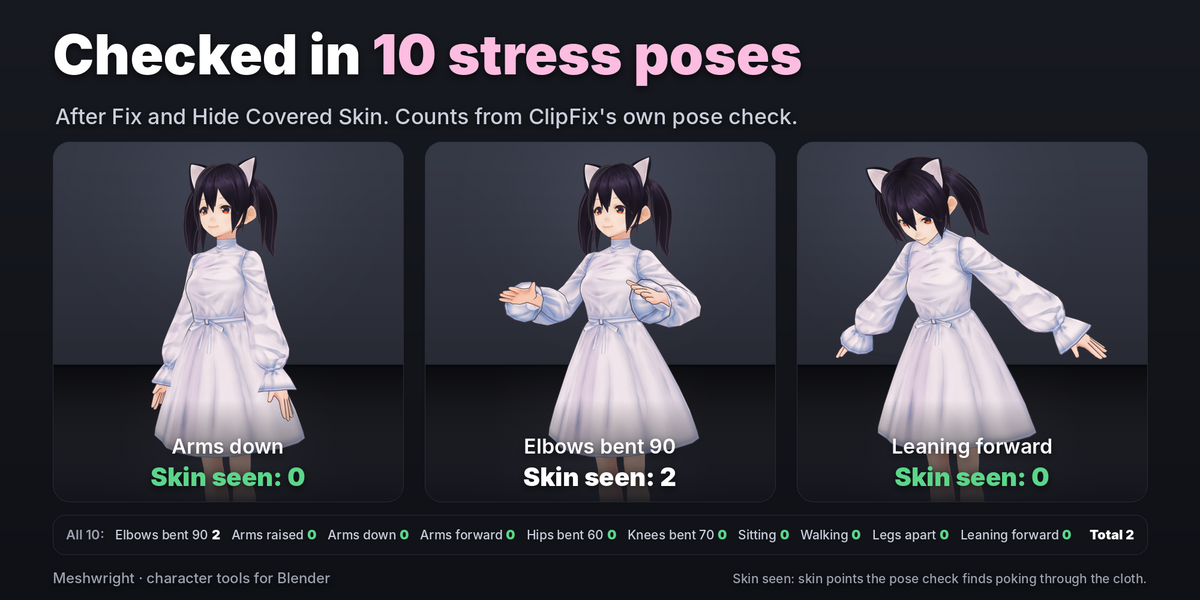
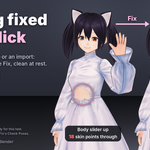
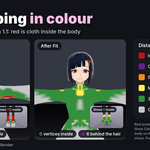
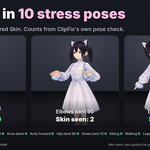
- ClipFix: fix whatever still pokes through, then check the 10 stress poses.
Questions: [email protected]
Have questions about this product?
Login to message
| Blender Extension Compatible | Yes |
| Published | 2 days ago |
| Blender Version | 4.2 - 5.2 |
| Extension Type | Add-on |
| Render Engine Used | Cycles, Eevee |
| License | GPL |
