 Meshwright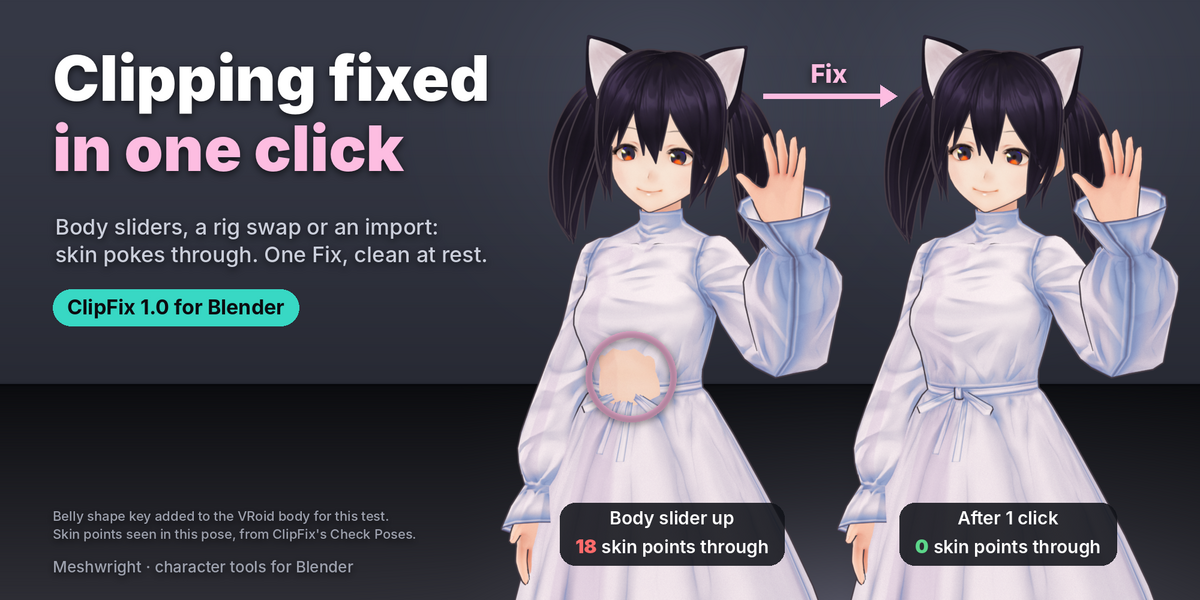
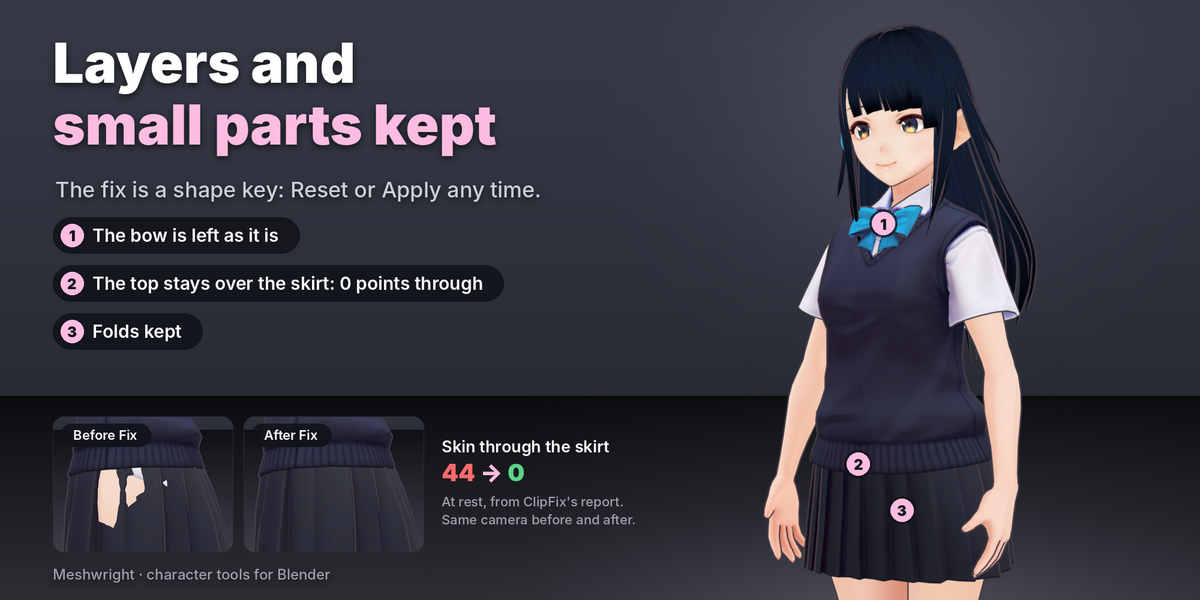
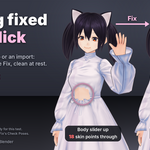
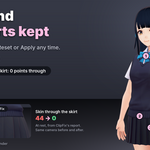
Clothes poking through the body after a slider change, a rig swap or an import? Select the garments, then the body last, and press Fix. ClipFix pushes the cloth out of the body at rest and covers skin that pokes out between cloth vertices, from the innermost garment out, so layers stay in order and folds stay where they were. In our test scenes (9 rigged outfits and a body-slider test, on Blender 4.2 and 5.2), every garment ended with 0 cloth inside the body and 0 skin poking through at rest. The fix is a shape key named ClipFix: turn it down to compare, Reset to remove it, or Apply it before you export.
A garment can also carry modifiers that reshape it after the fix, such as Subdivision Surface or Solidify. ClipFix checks each garment with its modifiers on as well, names any modifier that still clips and tells you what clears it.
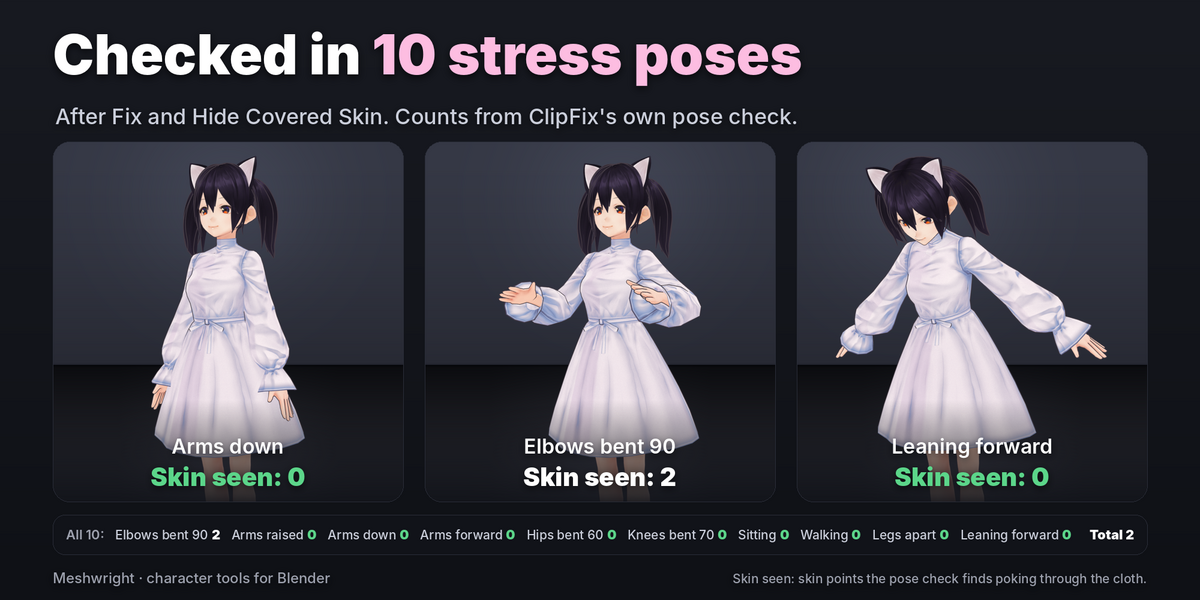
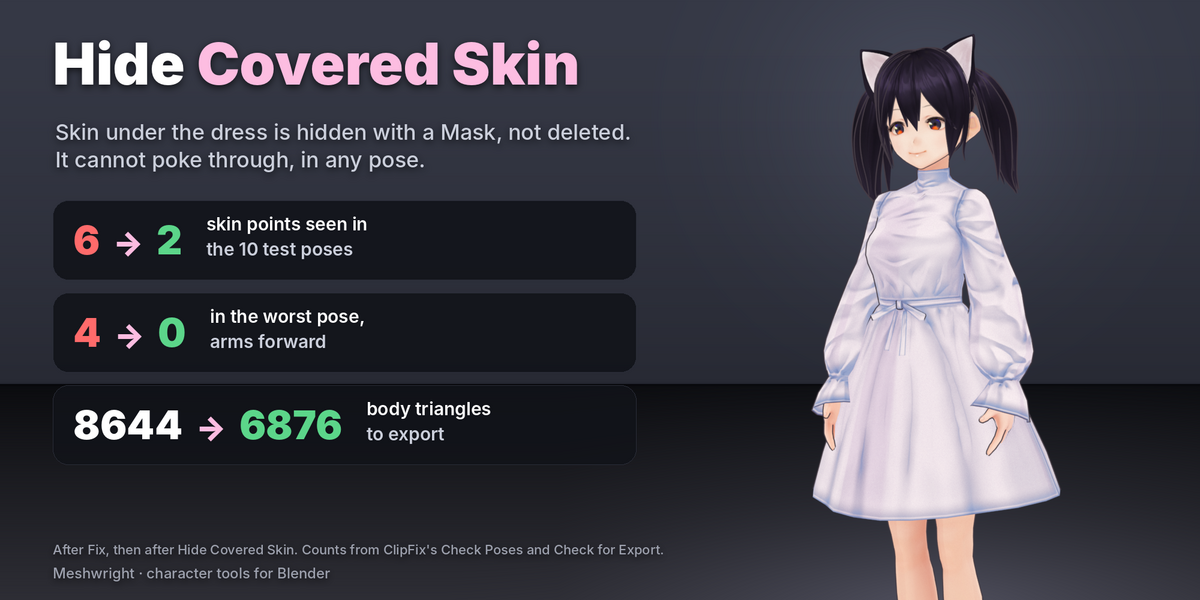
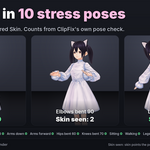
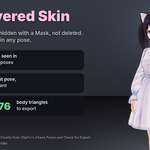
Rest is only half the story. Check Poses puts the outfit through 10 stress poses built from your rig (or up to 24 frames of your own animation) and shows, per pose, the cloth dipping into skin and the skin poking out. Show any pose in clearance colours and jump to the worst one. Clipping in poses comes from the weights, so ClipFix does not pretend to fix it by moving cloth. Hide Covered Skin does what works: a Mask modifier hides the skin under tight cloth, with the body mesh unchanged. On our four test bodies in a tight casual outfit, 81 to 94% fewer skin points showed through in the 10 poses.
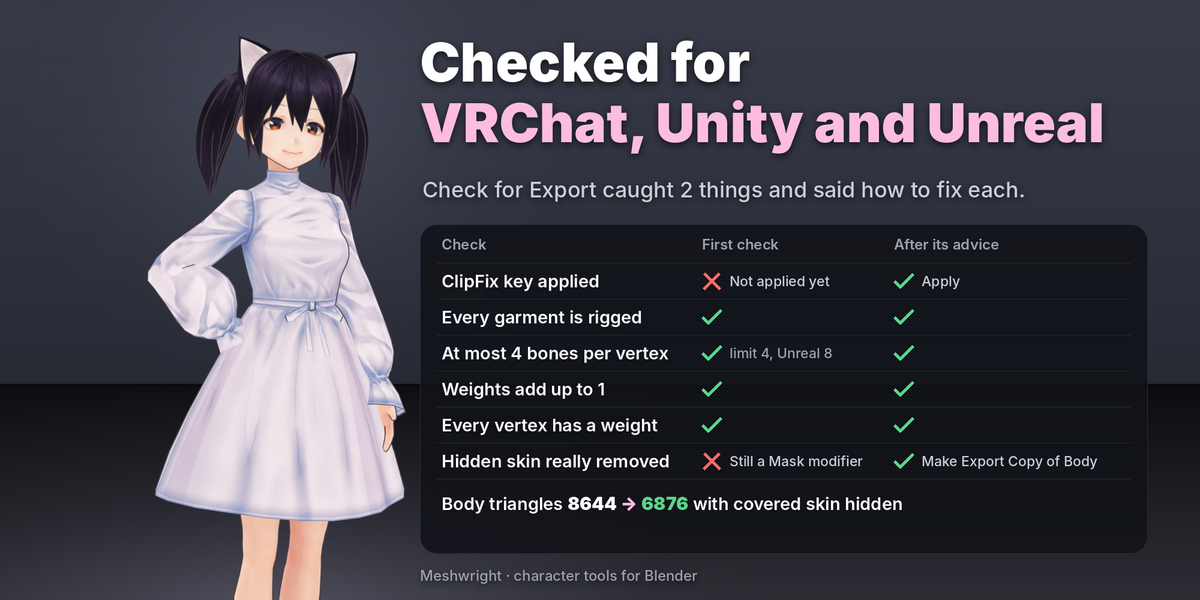
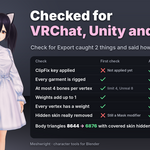
ClipFix checks the setup before it touches anything: it stops if the active mesh does not look like the body or its faces point inward, skips linked duplicates and garments on another rig with a different rest pose, and leaves hair and the separate head out of the garment list. It handles layers joined into one object, closed thick cloth and small pieces such as bows. Hair, necklaces and other clothes the outfit crosses are reported, and nothing happens to them until you pick Under or Over. A last check gets the outfit ready for VRChat, Unity or Unreal.
ClipFix fixes outfits on the body they are on. To move an outfit to another body, base or rig, use Outfit Refit. The two work together in one file.
Features
- One click at rest. Cloth out of the body to a Minimum Gap (1 mm for a 1.7 m body), skin covered, layers kept from the innermost garment out, folds kept, buttons and buckles rigid. About a second for a typical outfit. Saved as the shape key "ClipFix": Reset removes it, Apply bakes it for FBX and VRM export and keeps your other shape keys and drivers.
- Clearance colours from red (inside the body) to green (clear), at rest or in any pose, with a count per band.
- 10 stress poses from your rig or your own animation: Mixamo, Unreal, Rigify, VRM and VRoid, MPFB, with Daz, Character Creator and Cats bone names; other humanoid rigs are found by bone position. A table per pose, Show Worst, and Back to Rest that puts the rig back exactly.
- Hide Covered Skin without deleting it: 81 to 94% fewer skin points showing through in the stress poses on 4 test bodies. A Mask modifier; the body mesh is not changed.
- Safe on real files. Protect group for straps, logos and buttons sewn into the cloth (weight 1 never moves). Setup checks before anything changes. Hair and accessories only move cloth when you pick Under or Over. Export check for VRChat, Unity (4 bones) and Unreal (8 bones). Blender 4.2 to 5.2, pure Python, GPL.
Limits
- ClipFix aims for zero clipping at rest only, on the garment's own mesh, and reports anything left (cloth lying right on the skin can need a larger Minimum Gap; the report says so). In poses ClipFix measures and hides skin; it does not re-weight or simulate cloth.
- Modifiers that reshape a garment after the fix (Subdivision Surface, Solidify growing inward, Displace, Shrinkwrap, Corrective Smooth) can leave clipping while they are on. ClipFix measures it with the modifiers on and says what clears it: apply the modifier, then Fix (Blender can only apply a modifier to a garment without shape keys, so Reset first), set a Solidify to grow outward, or turn a Shrinkwrap off. A garment with shape keys of its own cannot have the modifier applied.
- Big body changes stretch cloth. ClipFix fixes it, shows the stretch and points to Outfit Refit, which refits an outfit to a new body shape without stretching.
- Fix can add places where cloth crosses itself on garments that move a lot. ClipFix counts and flags them.
- Closed thick cloth can end pinched in a few places (up to a tenth of its outer sheet).
- Tucking a collar under long hair can flatten the collar. It only happens when you pick Under.
- A garment over the face (a mask over nose and eyes) can move a lot; ClipFix flags it.
- Garments rigged to another armature whose rest pose differs from the body's rig are skipped with a note: rig them to the body's armature first.
- English only.
Store images show CC0 VRoid sample avatars (HairSample Female, Sendagaya Shino) with real ClipFix results.
More character tools from Meshwright
- Outfit Refit + ClipFix Set: both outfit add-ons for 27 USD (34 USD bought apart).
- Outfit Refit: move an outfit from any base onto your avatar, with weights and shape keys.
- SkinKit: one-click weights for VRoid, VRM and FBX avatars.
- FaceKeys: 52 ARKit face shape keys from your head mesh.
- HeadWrap: automatic head retopology with eyes and teeth.
