 nice mesh
🍯 Drip
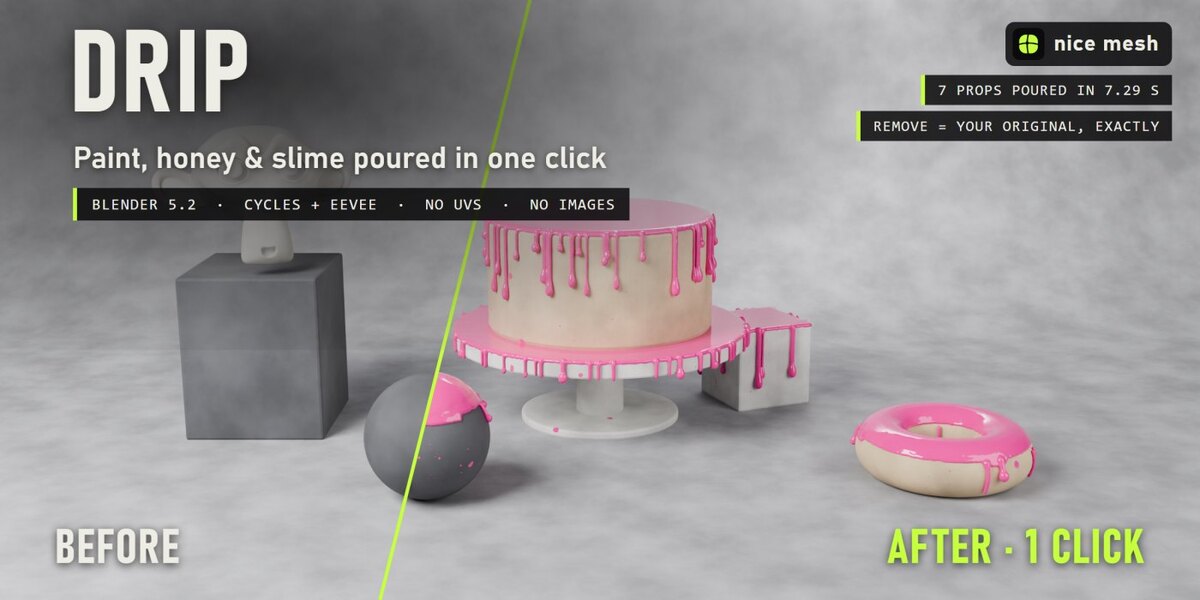
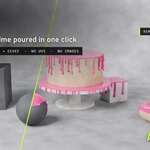
A real liquid poured over your objects: one smooth skin, drips that follow the shape. Real geometry, no UVs, fully removable.
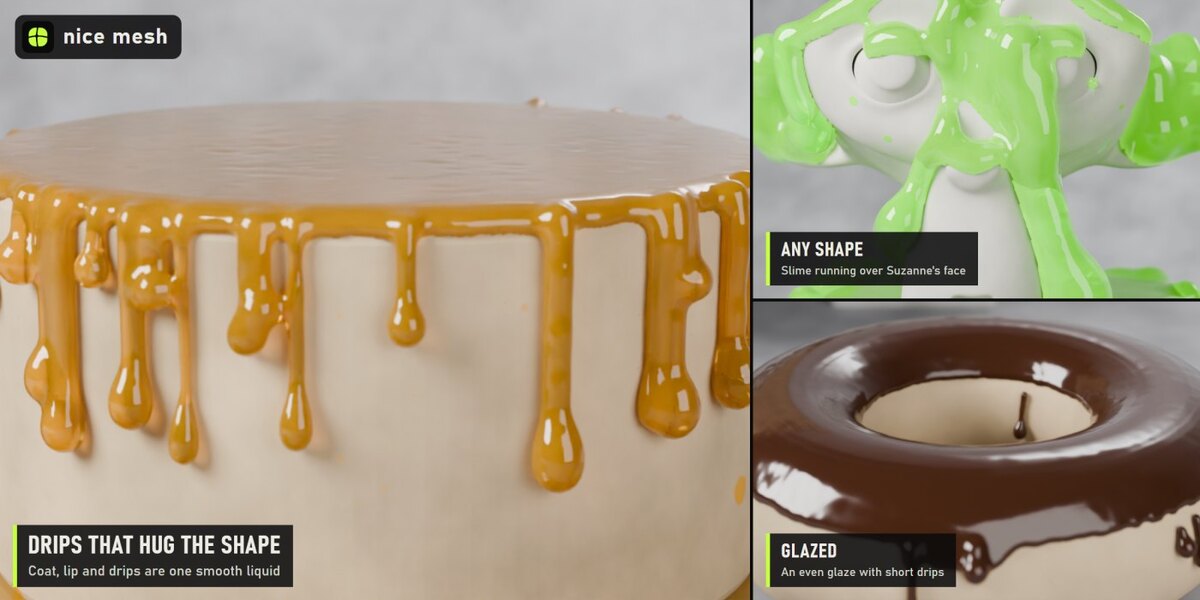
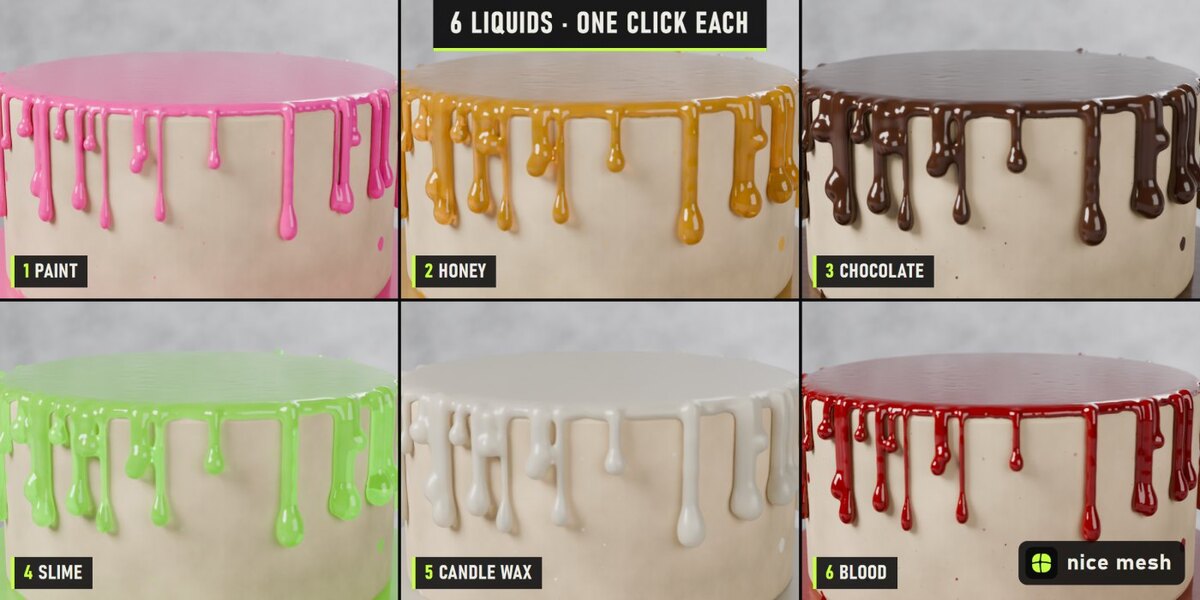
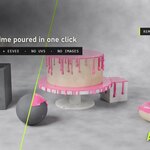
Select your objects, pick a liquid and how much to pour, and Drip coats the top of each object and lets it run over the edges in drips of every length. The coat, the rounded lip and the drips are one smooth skin, and every drip hugs the shape it runs over, around a sphere, down a cake, over a face, and ends in a fat drop. Six liquids from glossy paint to clear honey and glowing slime.
The problem
Drip cakes, paint-dipped props, slimed monsters and melting candles are everywhere, and every one is modelled or simulated by hand: sculpt the drips, match them to the edge, fake the thickness, or wait for a fluid simulation that never quite sticks to the object.
How it works
- Select your objects (not the floor). Cakes, heads, boxes, spheres, logos: any mesh.
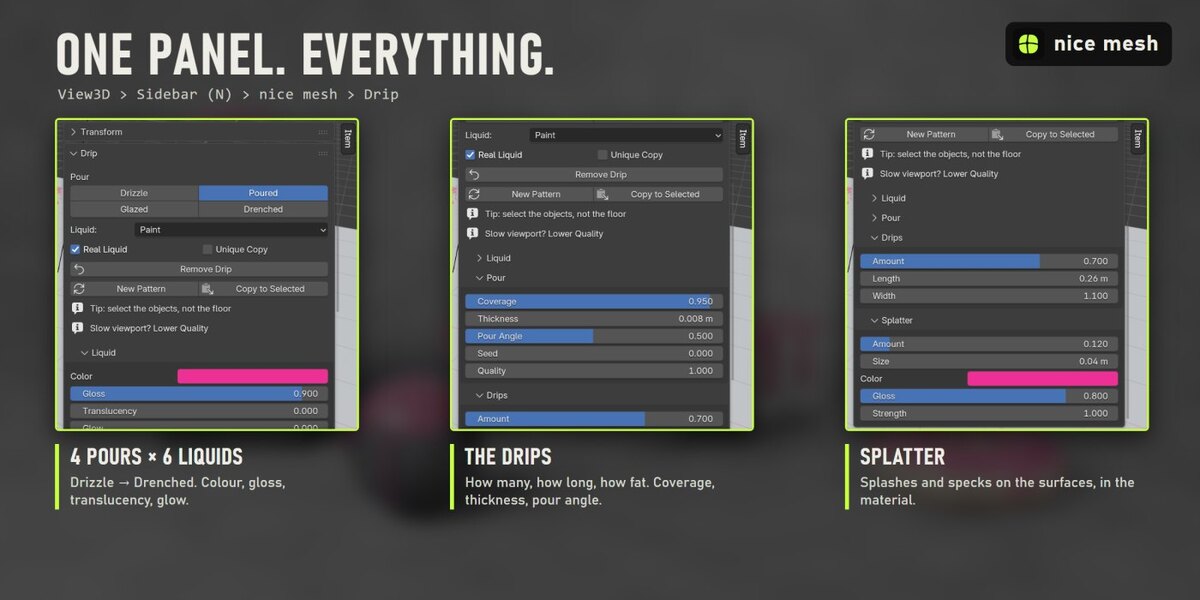
- Click a pour: Drizzle, Glazed, Poured or Drenched, in Paint, Honey, Chocolate, Slime, Candle Wax or Blood.
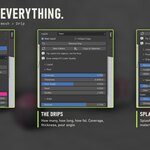
- Tweak if you want. Coverage, thickness, drip count, length and width, colour, gloss, translucency and glow.
What you get
- One smooth liquid: The coat on top, the rounded lip and the drips are a single skin, smoothed, so the drips grow out of the coat instead of being stuck on.
- Drips that hug the shape: Each drip runs straight down and is pulled onto the surface: it follows spheres, cakes, faces and slopes, and stops where the surface turns under.
- Every length: Many short drips, a few long ones, in clusters, each ending in a fat drop. Count, length and width controls.
- Sharp edges and smooth shapes: Drips start at the top edges of boxes and cakes, and at the rim of the coat on round objects (spheres, heads, donuts).
- Coverage & pour angle: From splats and puddles to a full coat; how steep a surface can still hold the liquid.
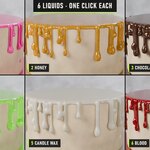
- 6 liquids: Paint, Honey, Chocolate, Slime, Candle Wax and Blood, each with its colour, gloss, translucency (thin edges glow through) and glow. All editable.
- Splatter: Splashes and specks of the liquid on the surfaces, in the material.
4 presets
- Drizzle: A thin trickle: patchy coat, a few long thin drips
- Glazed: An even glaze on top with lots of short drips
- Poured: A thick pour: heavy coat, drips of every length
- Drenched: Dumped all over: very thick, long drips everywhere
6 liquids
- Paint: Glossy, opaque paint
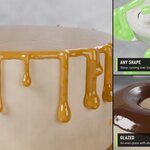
- Honey: Golden, clear and syrupy
- Chocolate: Thick melted chocolate
- Slime: Translucent green goo with a faint glow
- Candle Wax: Creamy, soft, light comes through it
- Blood: Dark red, glossy (horror)
Measured, not promised
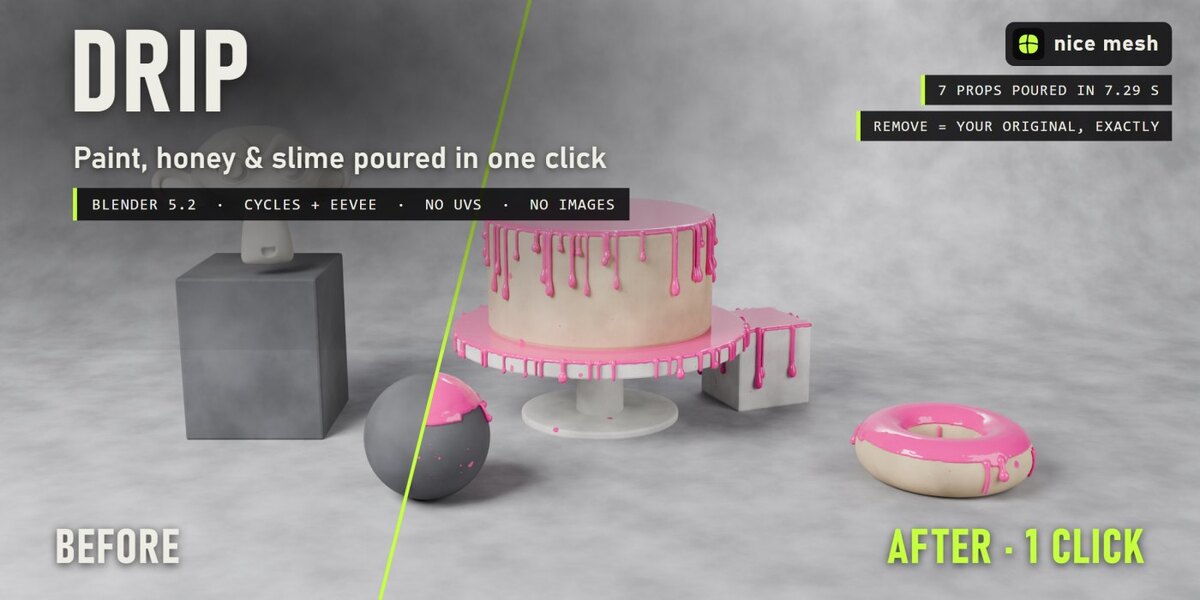
- Studio set of 7 props (cake, cake stand, donut, Suzanne, pedestal, sphere, cube): all done in 7.29 s on a laptop RTX 3060 (first click, which also builds the node groups).
- Render 2400 × 1200, Cycles, 64 samples: 31.2 s before, 40.3 s after.
- Remove: every material link, node, slot and modifier comes back exactly as it was (checked by automatic tests).
Safe with your scenes
- Your material stays: the effect is mixed on top of your shader, nothing is replaced.
- Shared materials, empty or multiple slots, linked duplicates and materials from other files are handled. Unique Copy changes only the selected objects even when a material is shared.
- Plays nicely with the other surface add-ons (Timeworn, Overgrowth, Frostbite, Scorched...): removing one keeps anything stacked after it connected.
- Full undo, and the result is saved in your .blend. Remove puts every link, node, slot and modifier back exactly as it was (checked by automatic tests).
Where to find it
3D View > Sidebar (N) > nice mesh tab > Drip, and in the Object menu.
Good to know
- It pours from above: only surfaces that see the sky get coated (nothing under a table top).
- It is not a fluid simulation: drips don't run onto other objects or pool on the floor.
- The liquid is real, dense geometry (about half a million faces on a test scene of six objects). Lower Quality while you work.
- Curves and text get the splatter only; the liquid needs a mesh.
Install
Edit > Preferences > Add-ons > drop-down arrow > Install from Disk, pick drip_v1.0.0.zip (don't unzip it) and tick Drip. Requires Blender 5.2 or newer.
Made by nice mesh.