Drip - Procedural Paint, Honey & Slime Drips
 nice mesh
How do I install it?
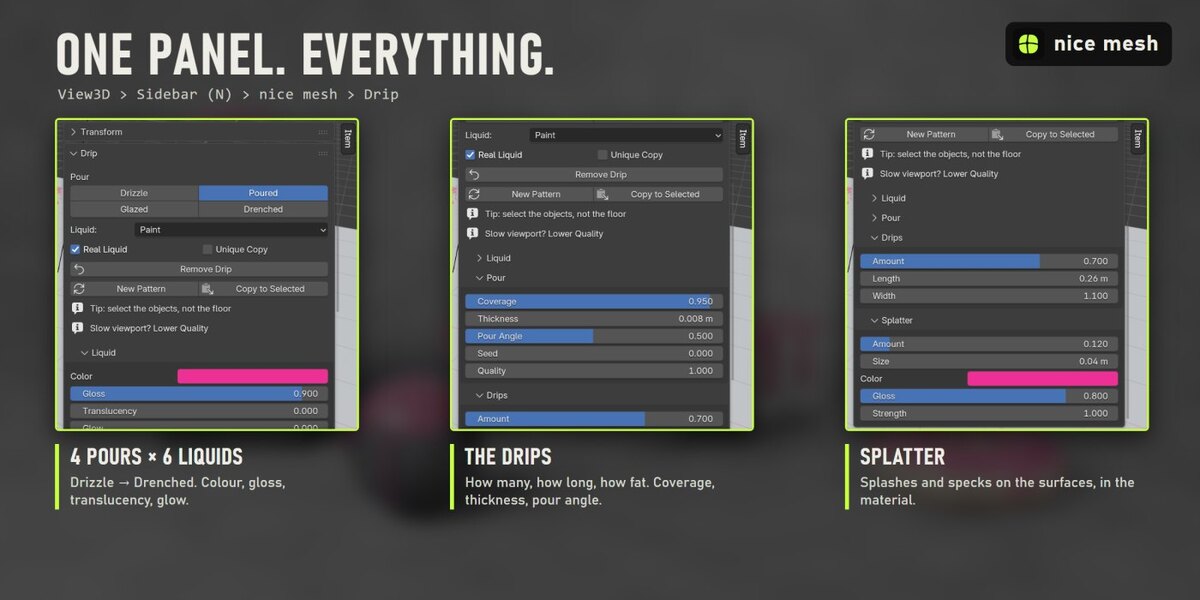
Edit > Preferences > Add-ons > drop-down arrow > Install from Disk..., pick drip_v1.0.0.zip (don't unzip it) and tick "Drip". The panel is in the 3D View sidebar (N) > nice mesh tab.
Why is the floor not coated?
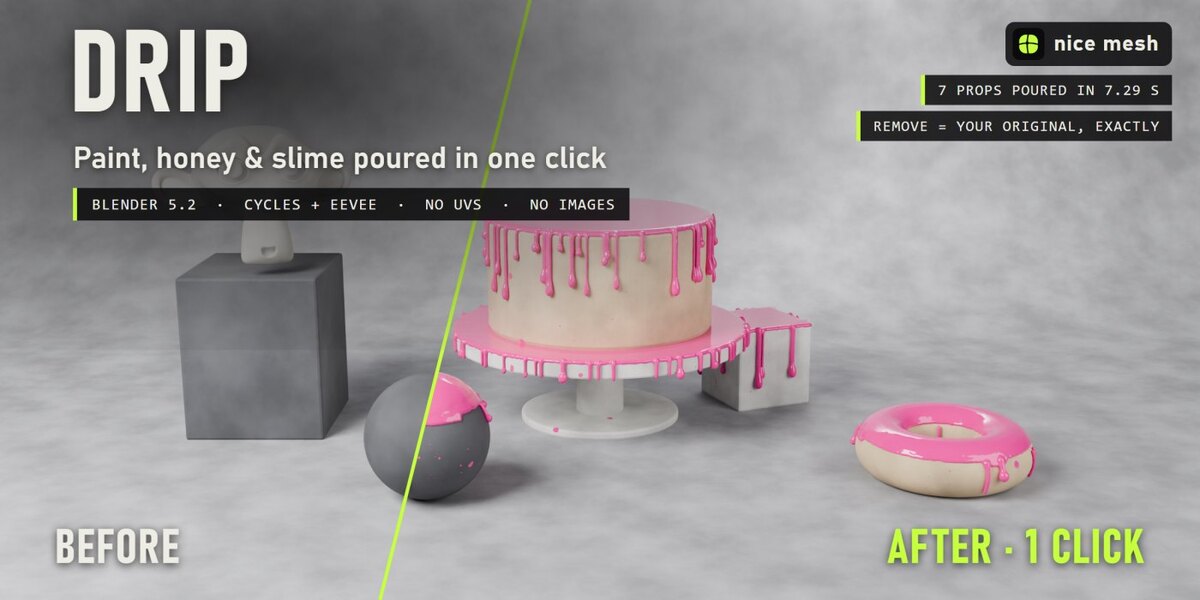
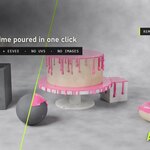
It is, if you select it. Usually you select only the props: each selected object gets its own pour.
Can I use my own colour?
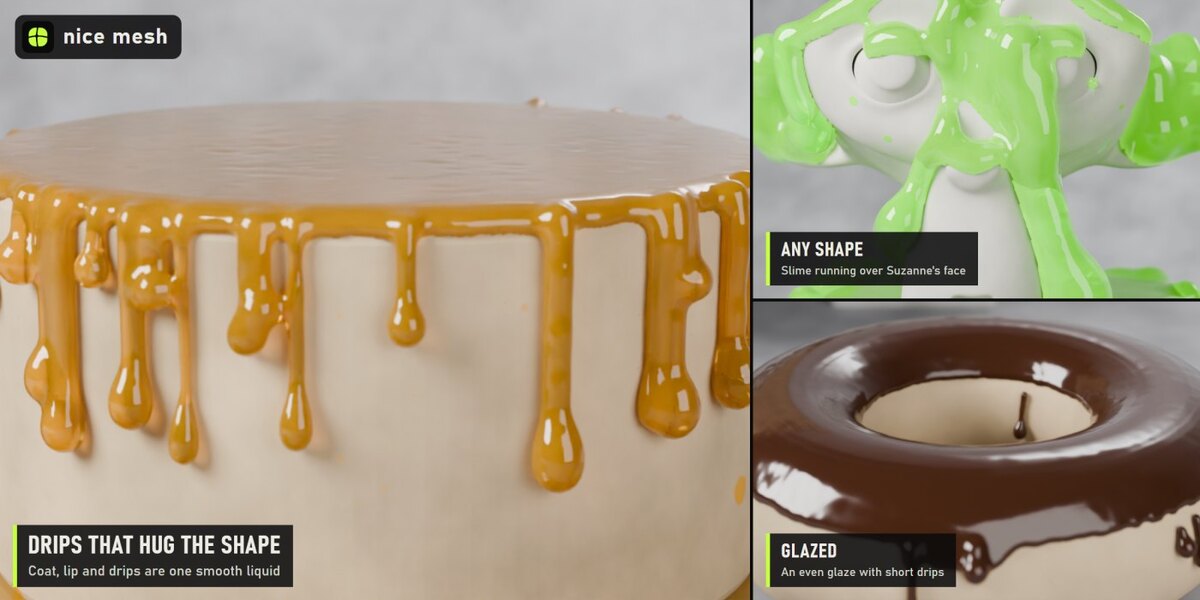
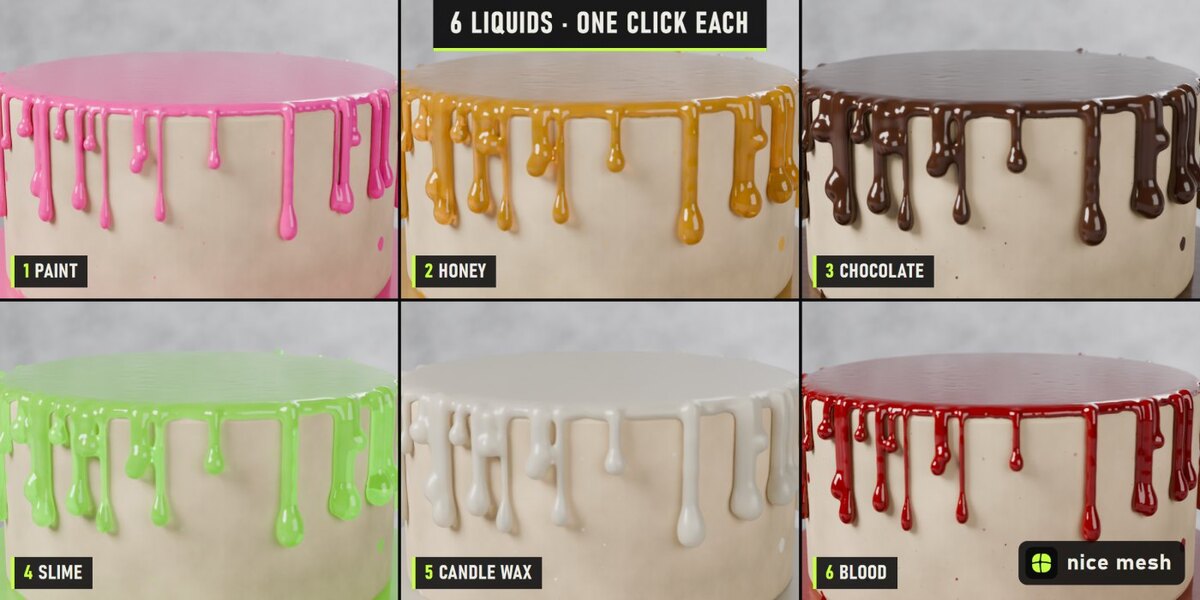
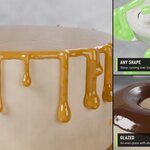
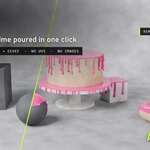
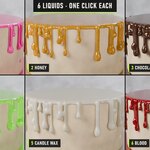
Yes. Liquid Color takes any colour; Translucency and Glow turn paint into honey or slime.
Is it a fluid simulation?
No, it is instant: one click and it's there, no baking. The drips follow the surface of each object, but they don't flow onto other objects.
Have questions about this product?
Login to message
| Published | about 13 hours ago |
| Blender Version | 5.2 |
| Extension Type | N/A |
| Render Engine Used | Cycles, Eevee |
| License | GPL |
Discover more products like this
geometry nodes chocolate goo procedural wax drip paint liquid honey slime