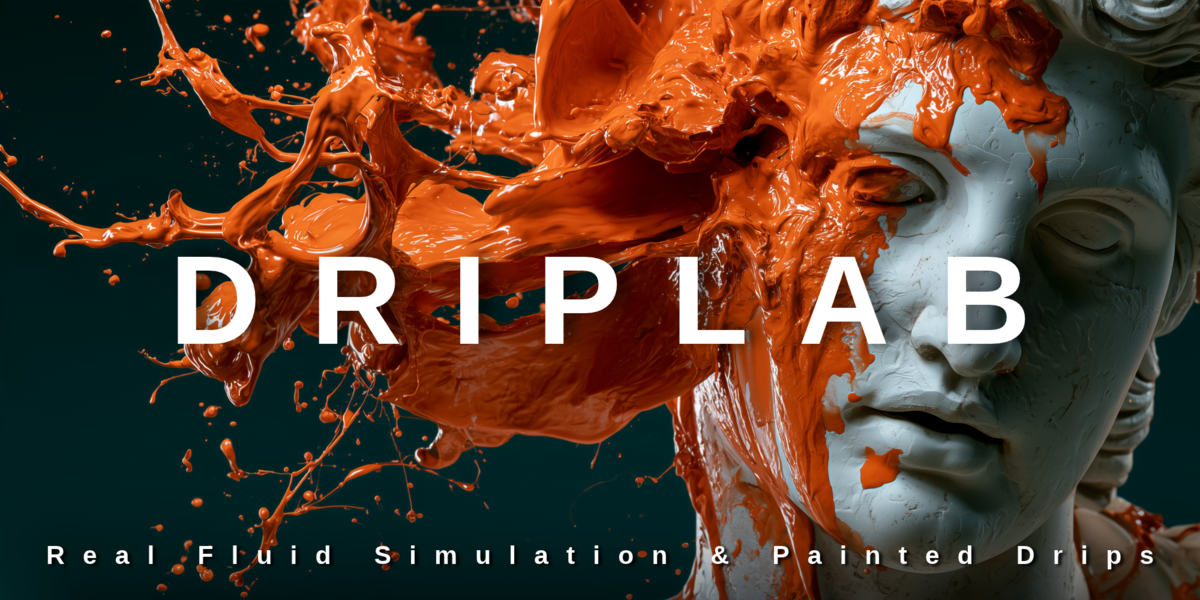
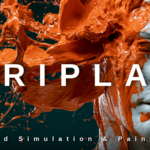
DripLab - Real Fluid Simulation & Painted Drips
 Voyde Procedural

Requirements
Blender 5.0 or newer (tested on 5.0, 5.1, 5.2 and 5.3). Cycles and EEVEE.
Installation
- Download drip_lab-1.0.0.zip from your Superhive library. Do not unzip it.
- Drag and drop the zip into the Blender window, or go to Edit > Preferences > Get Extensions, open the menu at the top right and choose Install from Disk...
- The add-on is enabled automatically. The DripLab tab appears in the 3D Viewport sidebar (press N).
Quick start: paint a fluid (nothing to bake)
- Select the object you want to paint on.
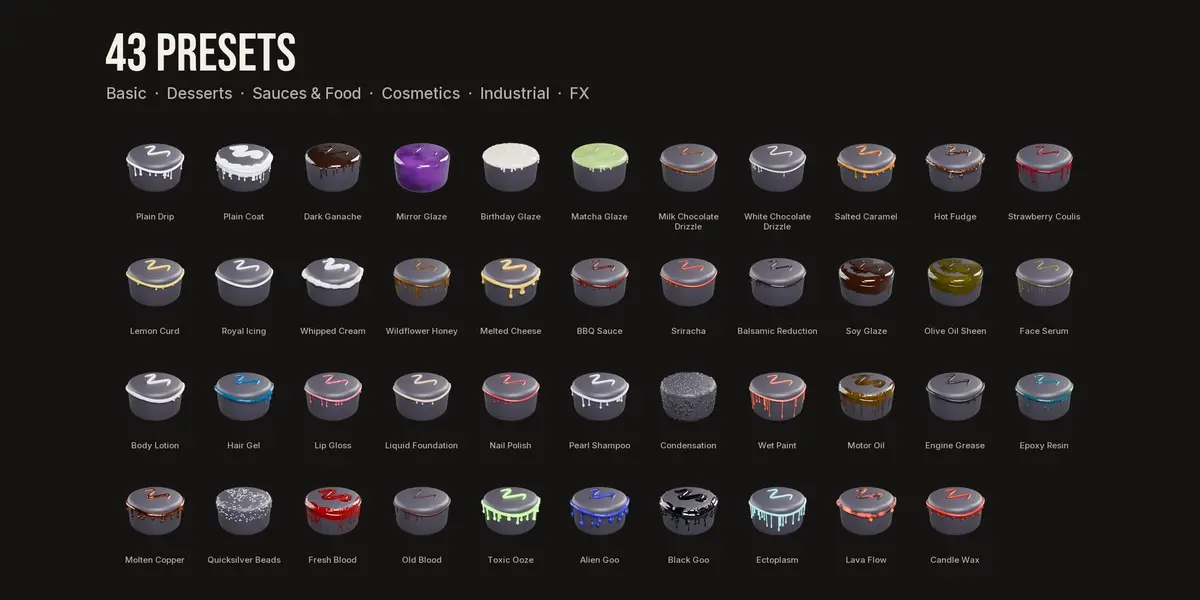
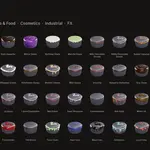
- In Add Fluid, pick a preset from the gallery and press Add Fluid.
- You are now drawing: paint strokes on the surface. Press Stop Drawing (or Tab) when done.
- Tweak everything in Fluid Editing.
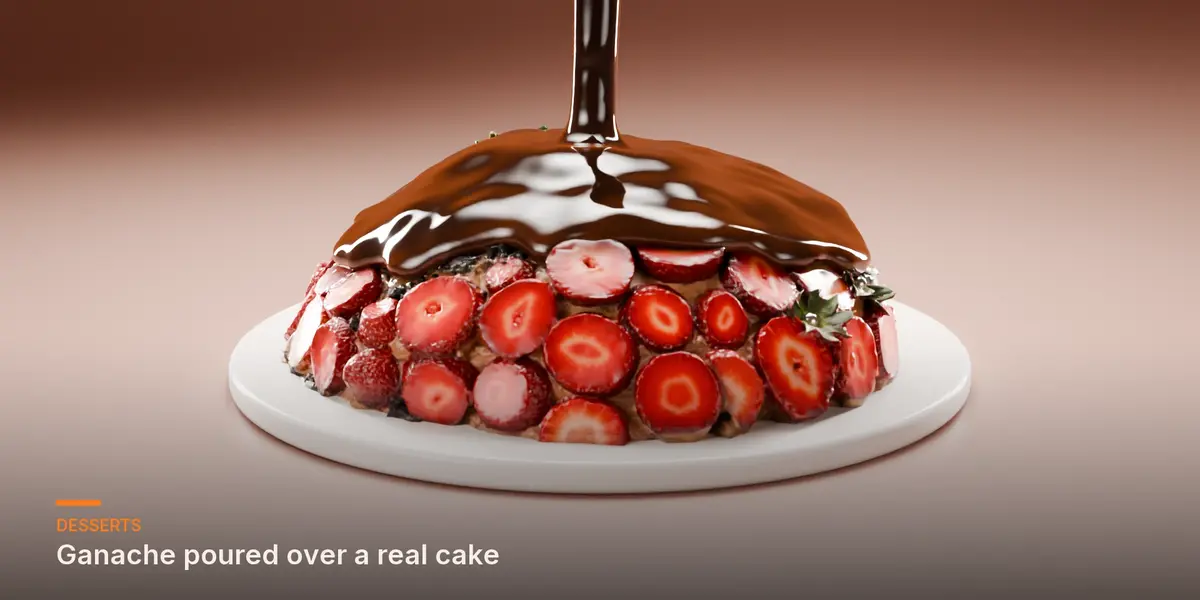
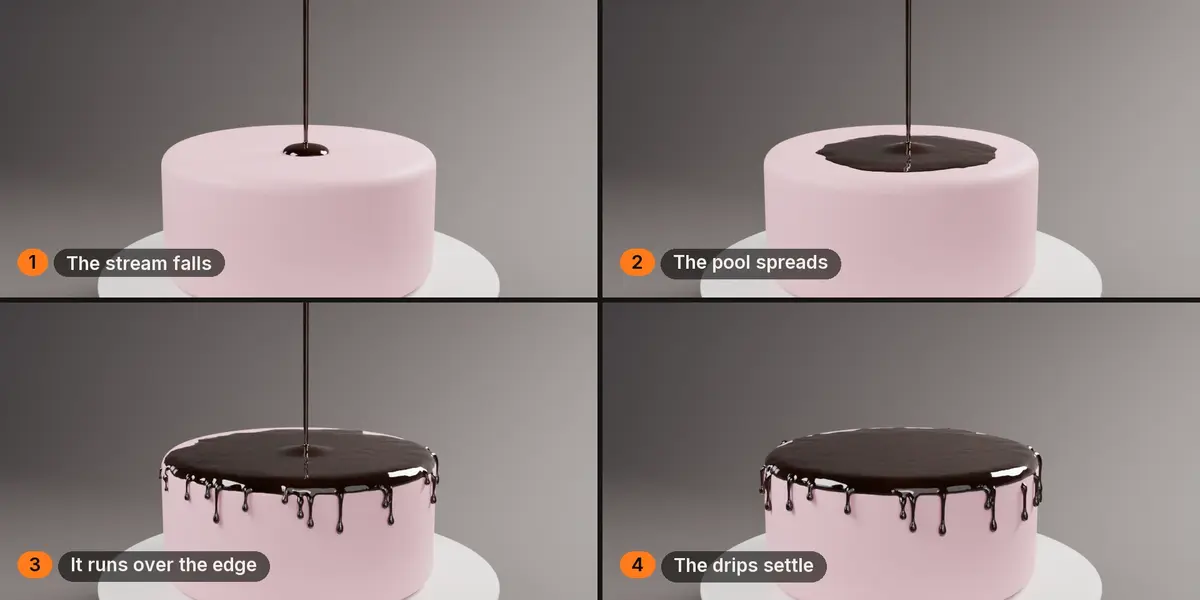
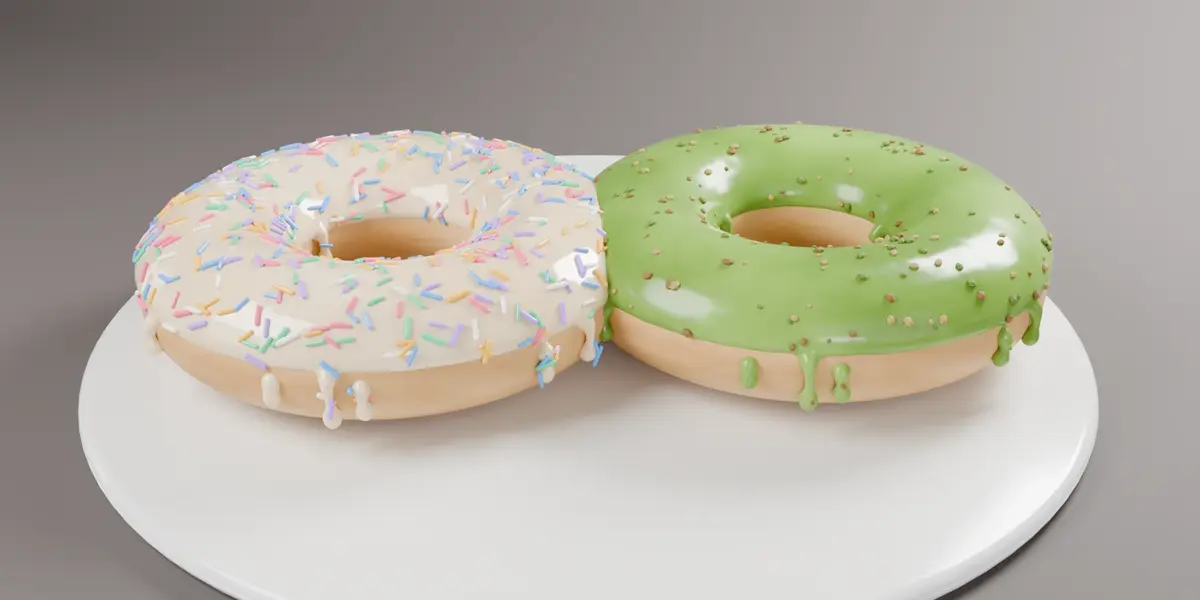
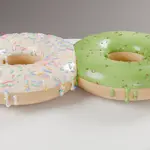
Coating presets (glazes, ganache, oil sheens, droplets) spread a film over the selected objects around your strokes. Strokes drawn downward become hand-placed drips.
Quick start: simulate a pour (real liquid simulation)
- Select the product the liquid should land on.
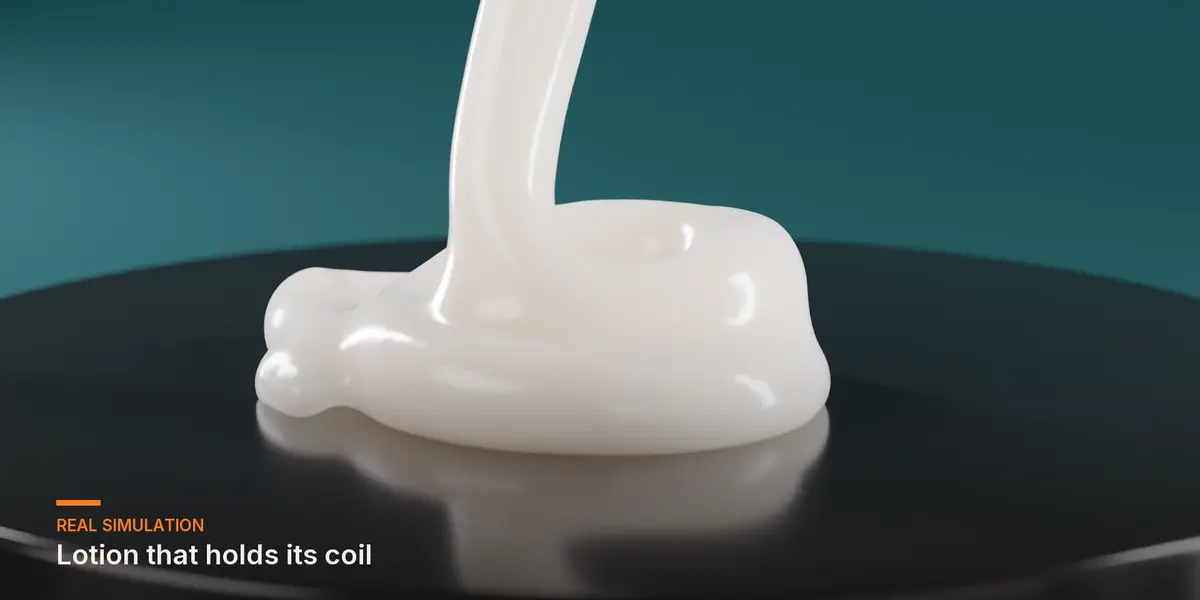
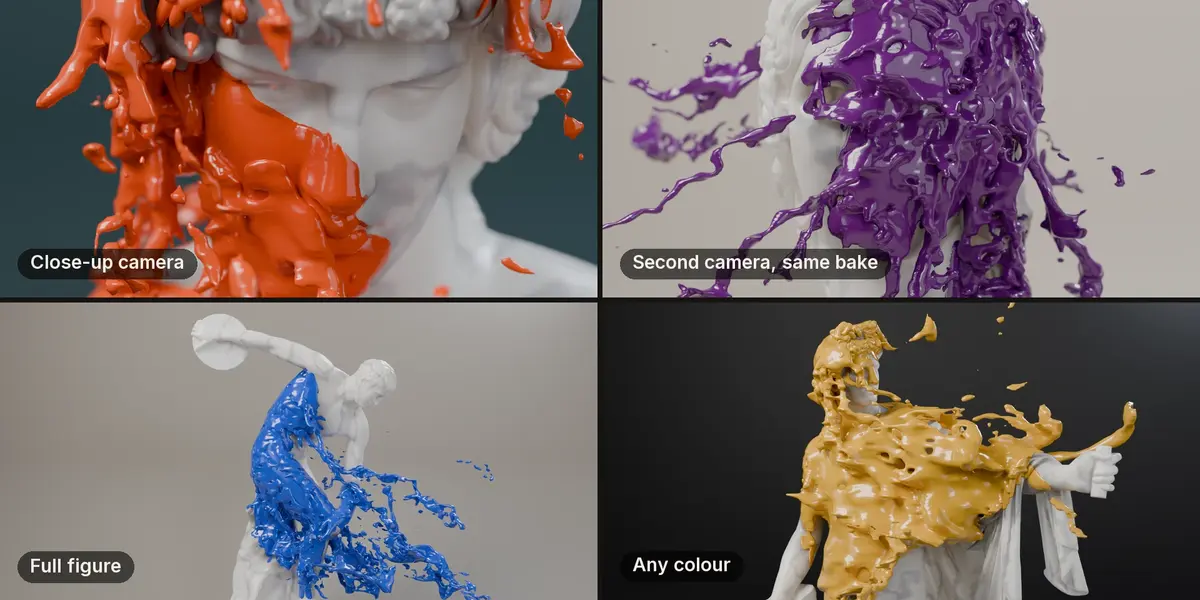
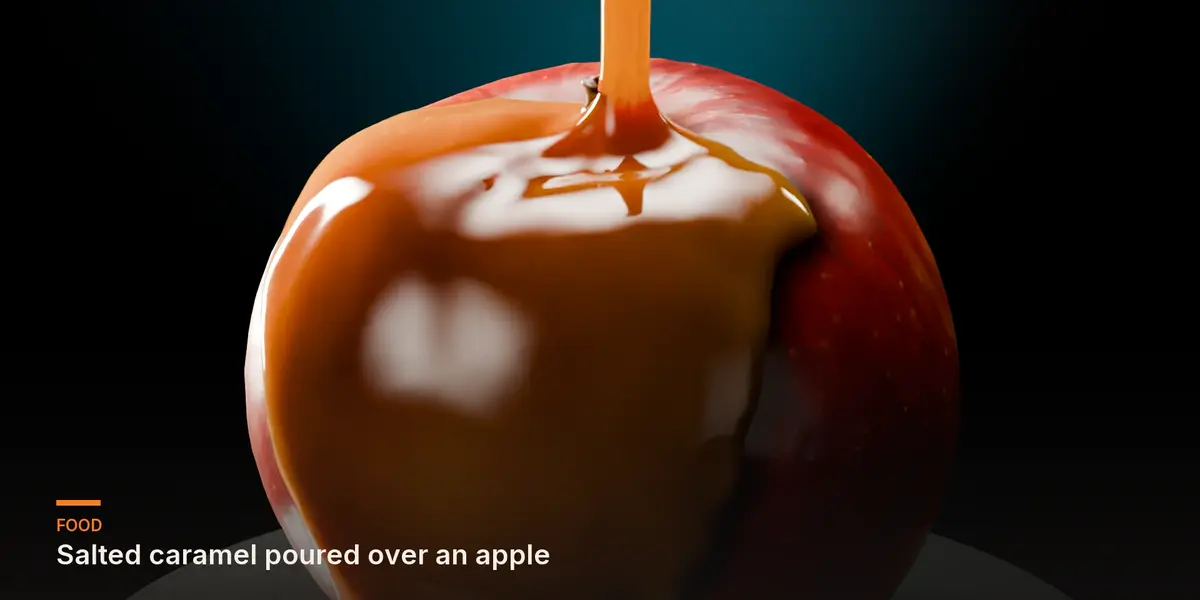
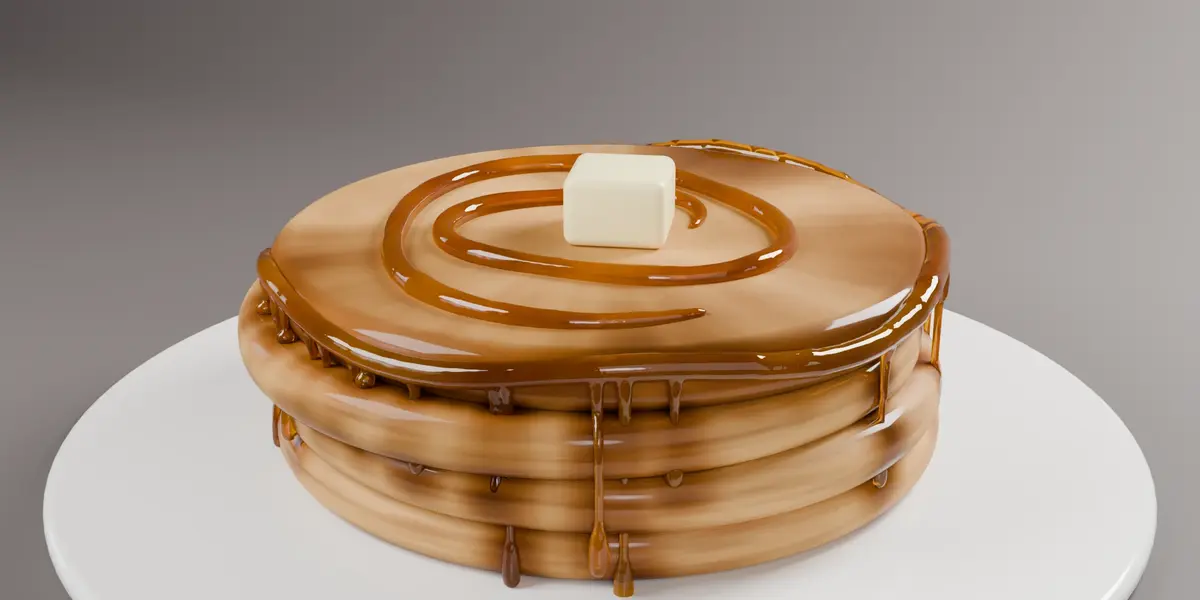
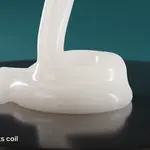
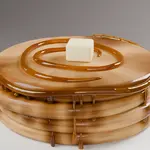
- Pick a preset in Add Fluid (honey, chocolate, lotion, shampoo, serum, paint...).
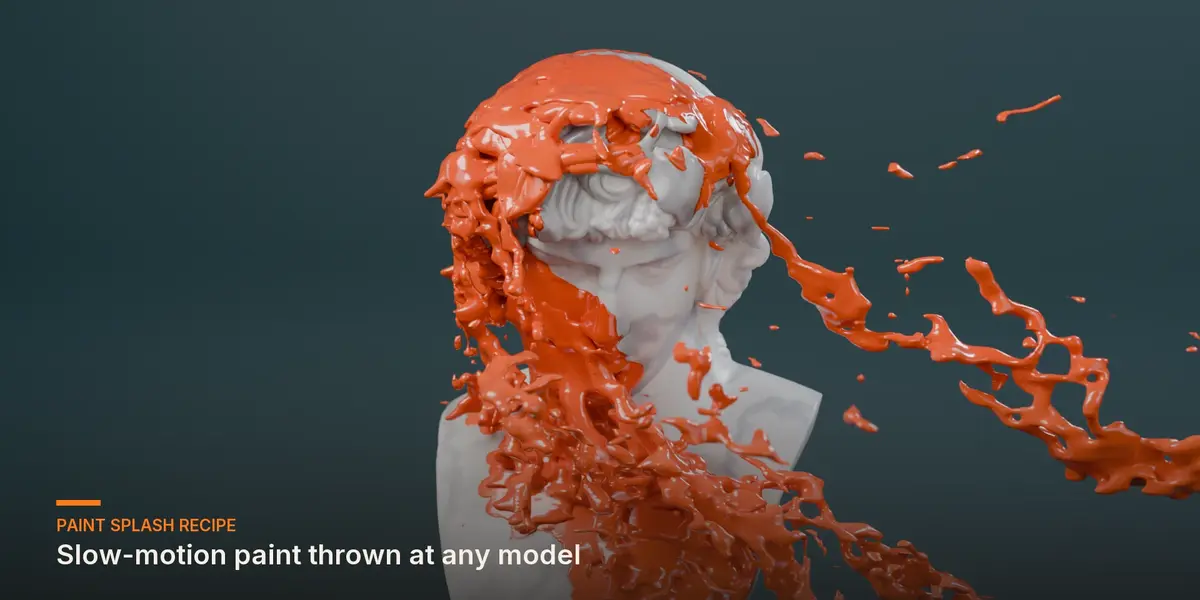
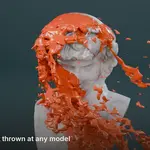
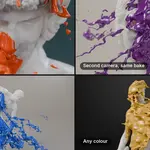
- In Simulation, choose a shot under Shot Recipes (Hero Pour, Speed Ramp Pour, Cream Swirl, Thin Drizzle, Pipette Drops or Paint Splash) and press Build Shot: the pour, its timing, the studio and a camera move are set for you.
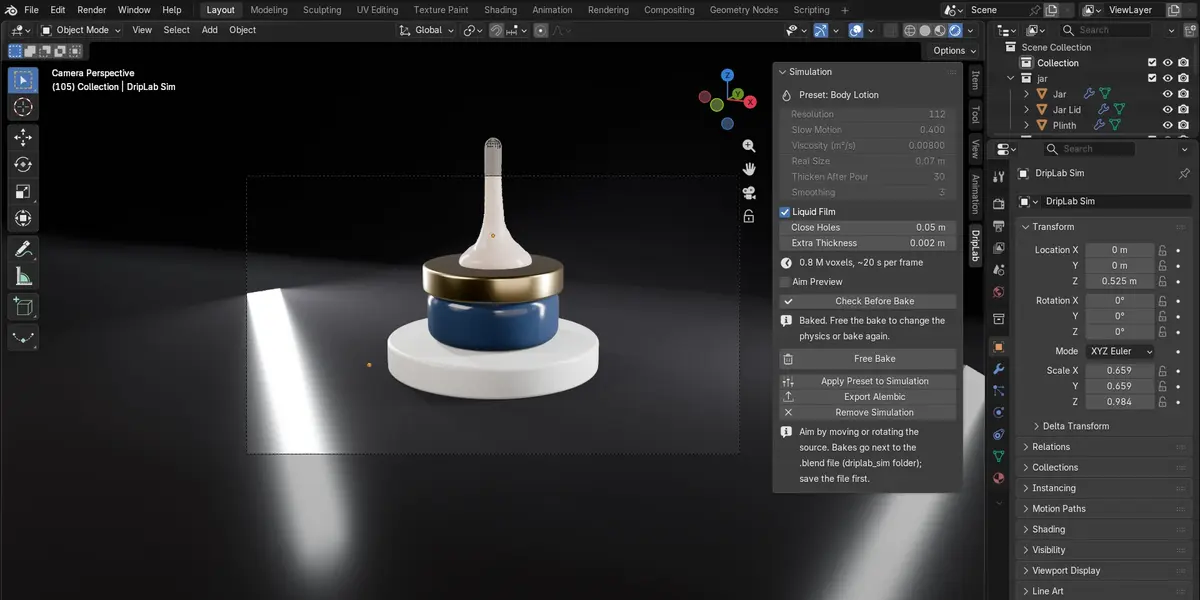
- Move the source to aim and rotate it to pour at an angle. Aim Preview draws the stream's arc and landing point before anything is baked.
- Save the file, press Check Before Bake, then Bake Simulation. Play the timeline when it is done.
Demo scene
DripLab_Demo.blend (a separate download next to the zip) has five ready-made setups, each in its own collection with its own camera. Open it with DripLab installed and press Space to play.
Full guide
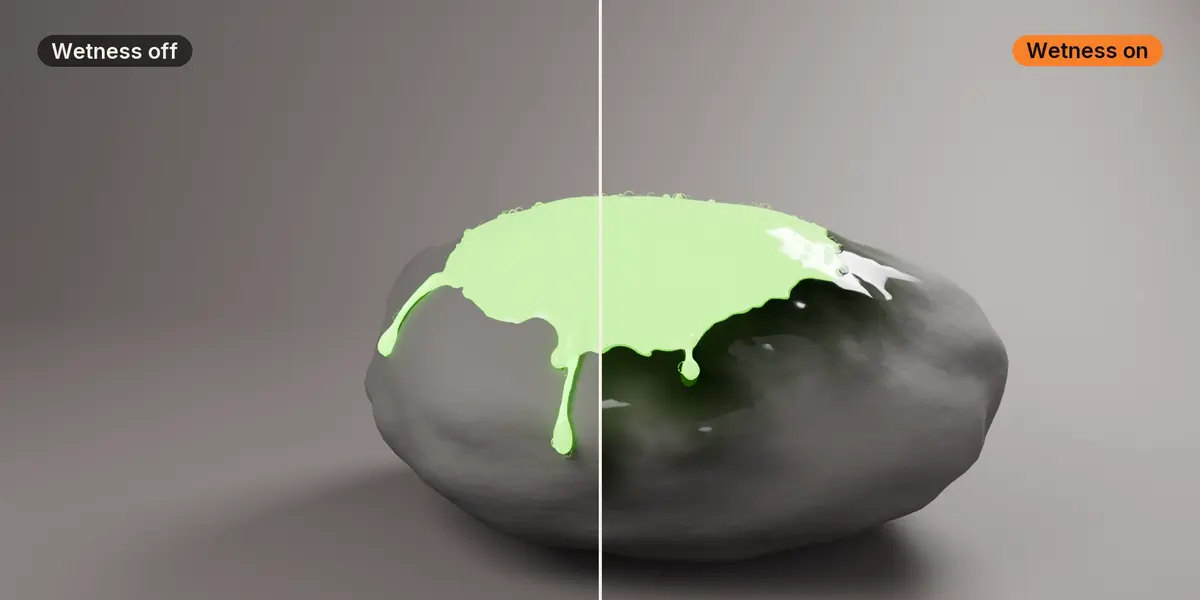
DripLab_Documentation.md (in your downloads) covers every panel and setting: Simulation, Product Studio, Pour, Wetness, presets, performance and troubleshooting.
Have questions about this product?
Login to message
| Blender Extension Compatible | Yes |
| Dev Fund Contributor | |
| Published | about 1 hour ago |
| Blender Version | 5.0 - 5.3 |
| Extension Type | Add-on |
| Render Engine Used | Cycles, Eevee |
| License | GPL |
Discover more products like this
food product shot glaze cosmetics Mantaflow pour liquid drips geometry nodes paint splash Fluid-simulation packshot