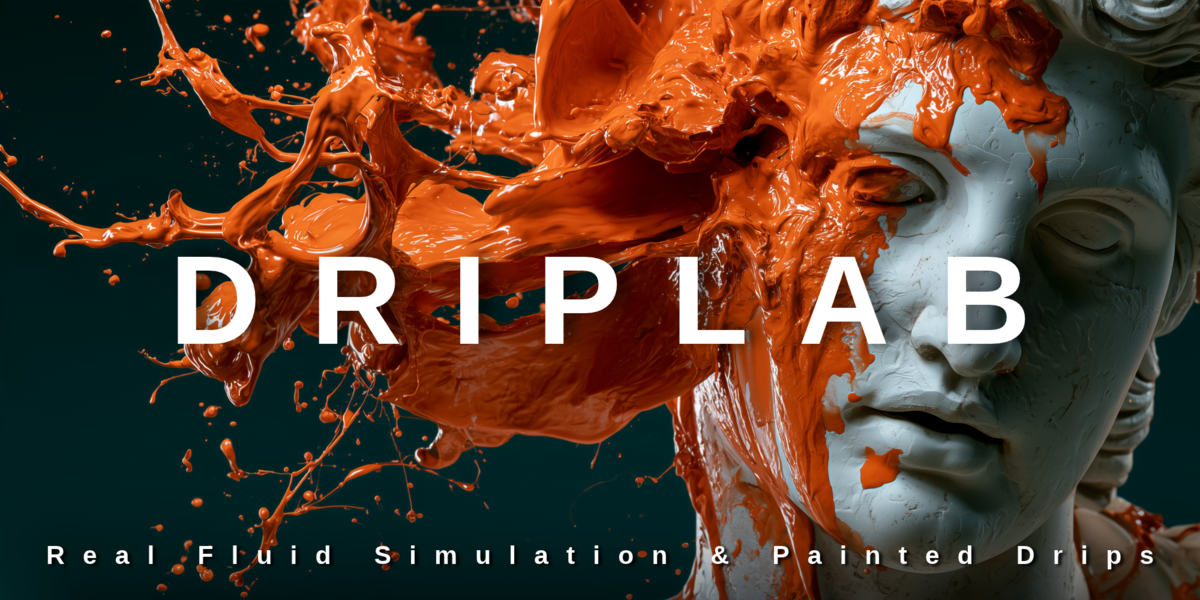
DripLab - Real Fluid Simulation & Painted Drips
 Voyde Procedural
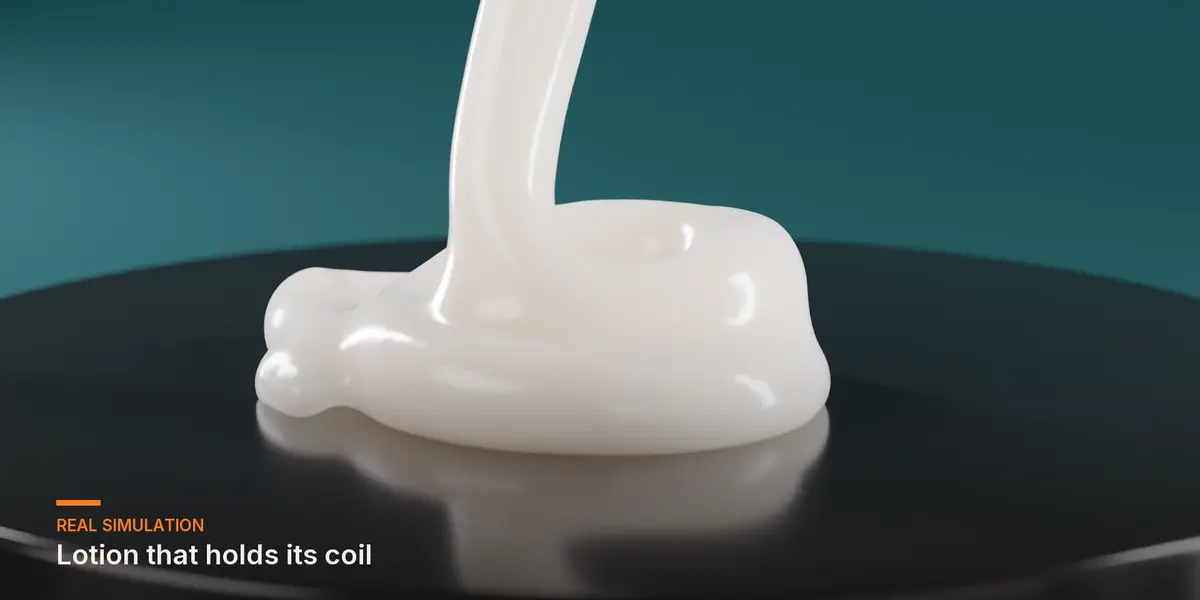
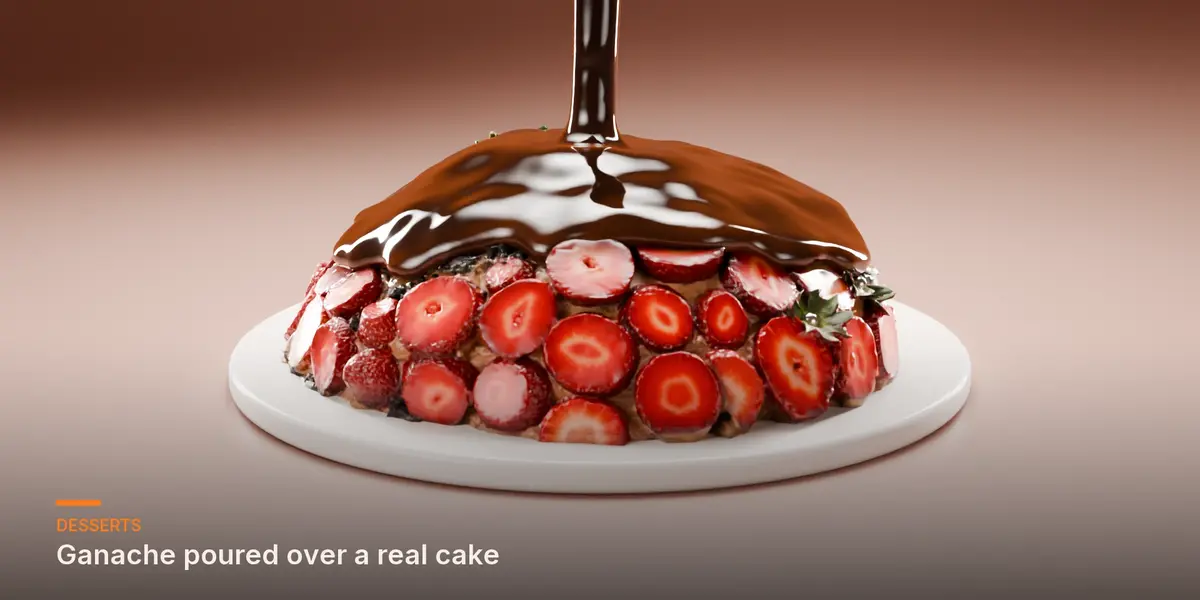
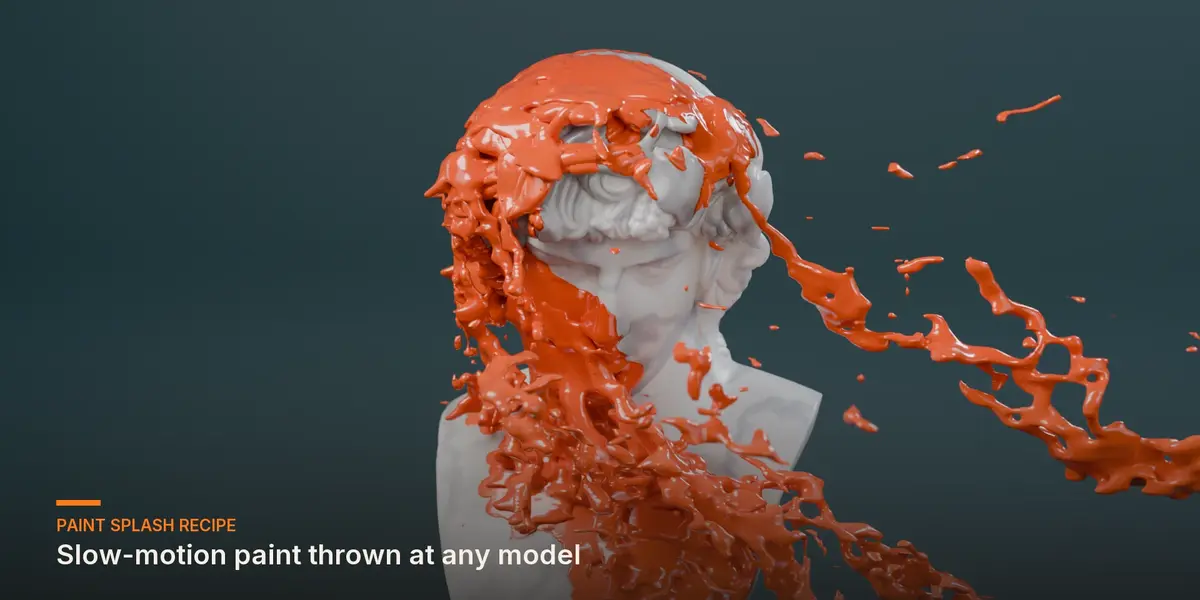
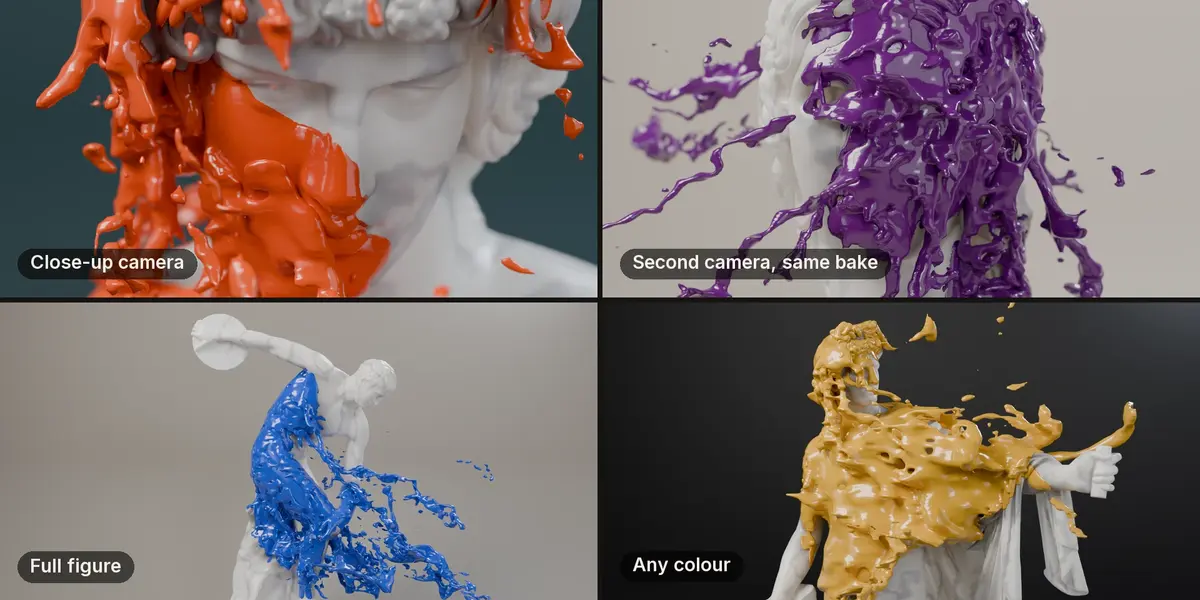
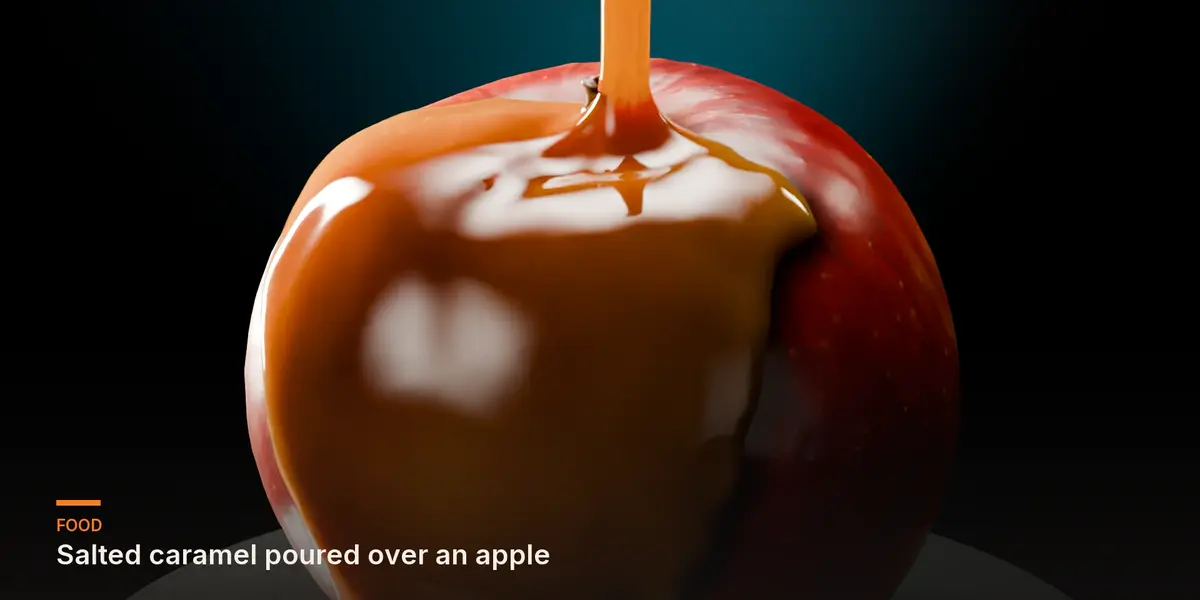
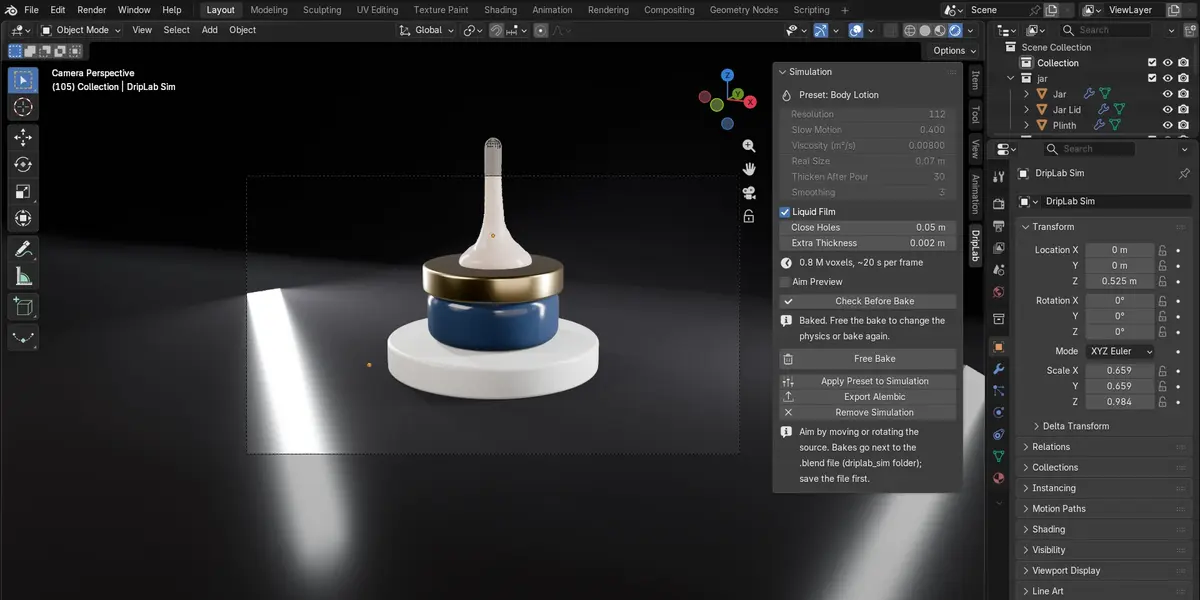
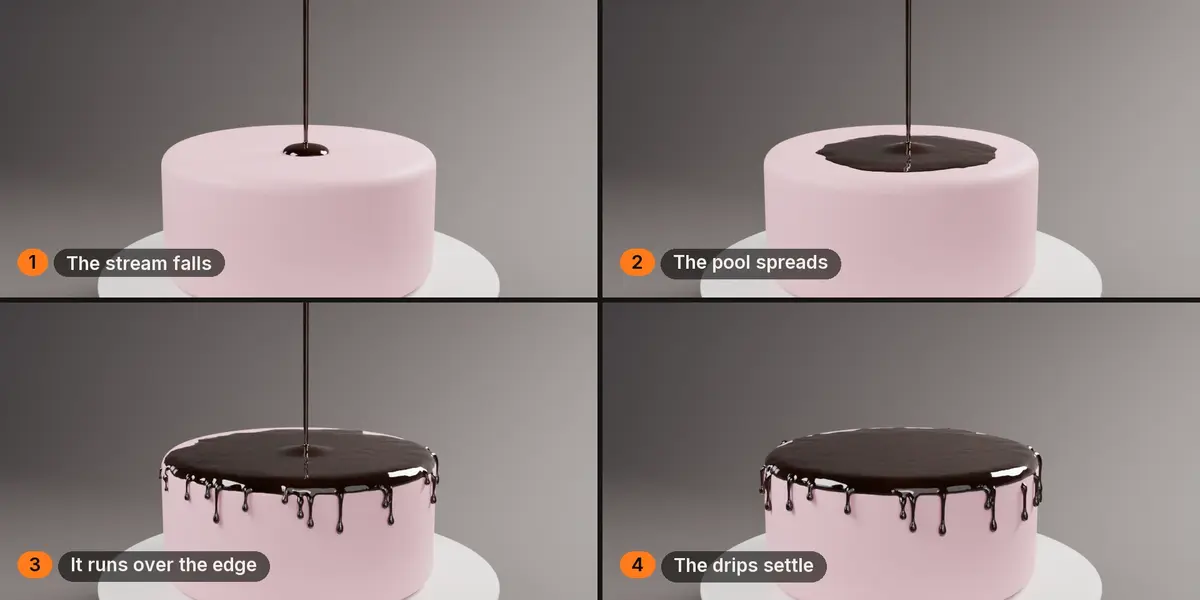
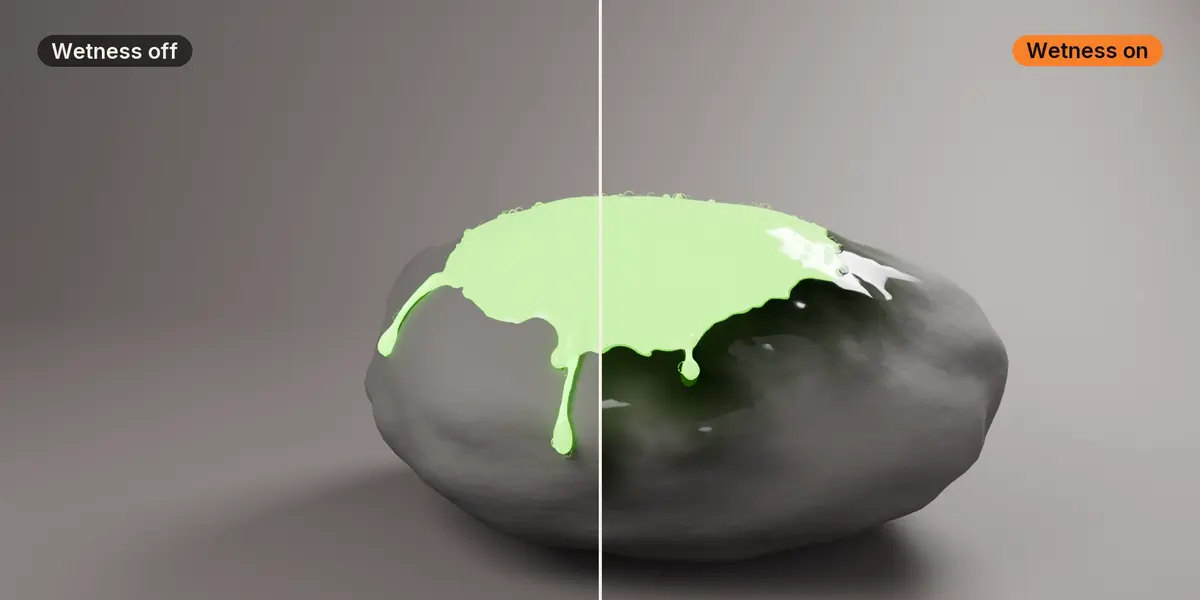
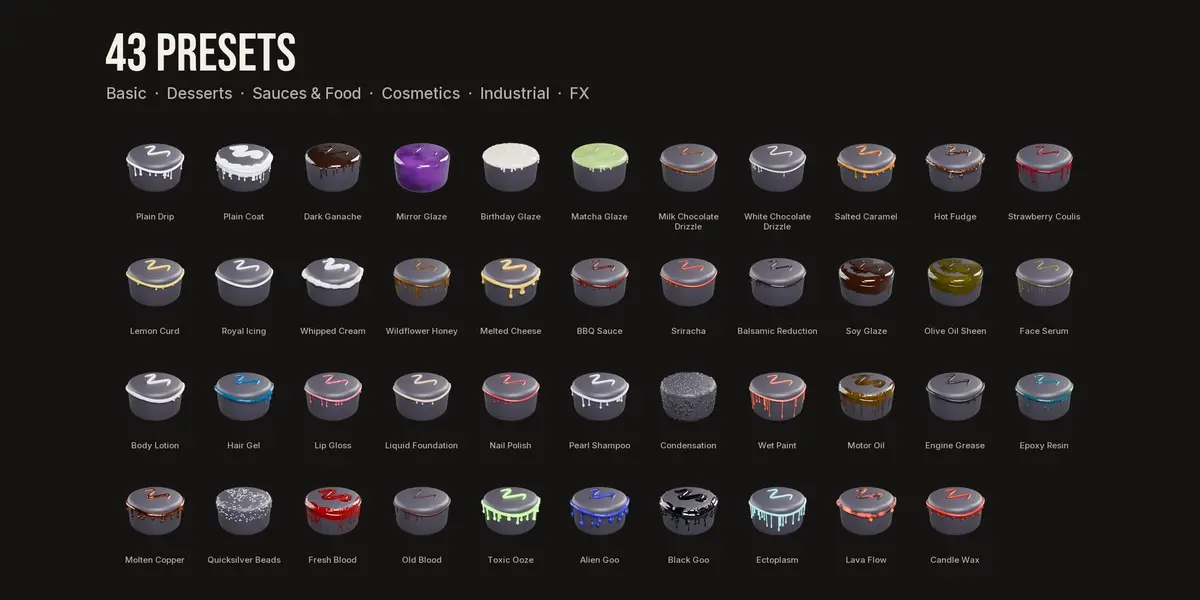
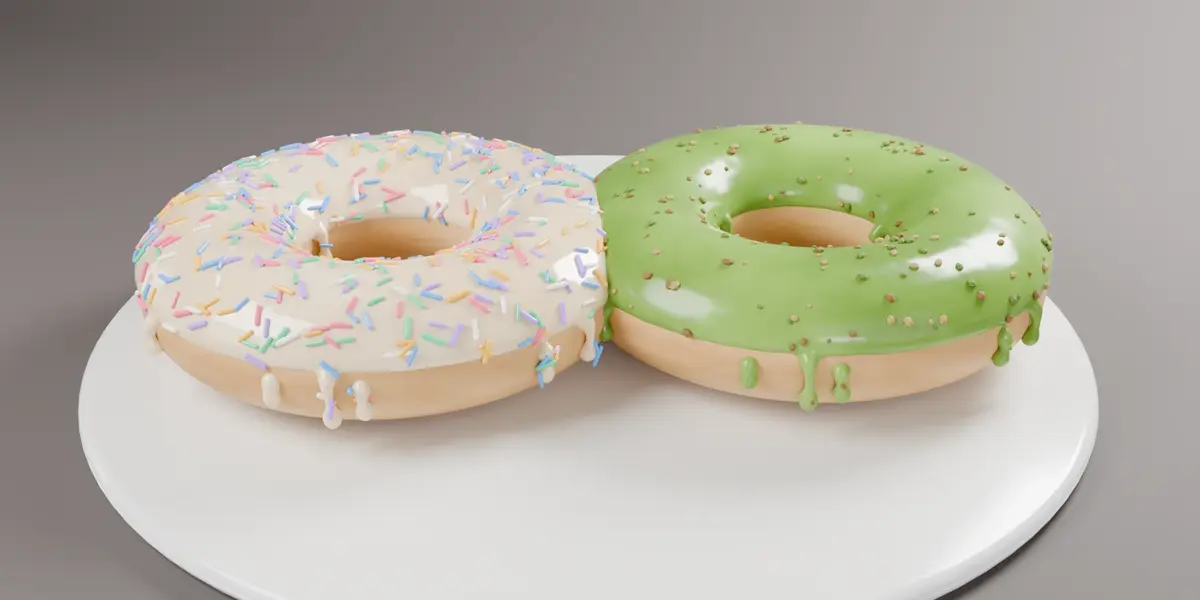
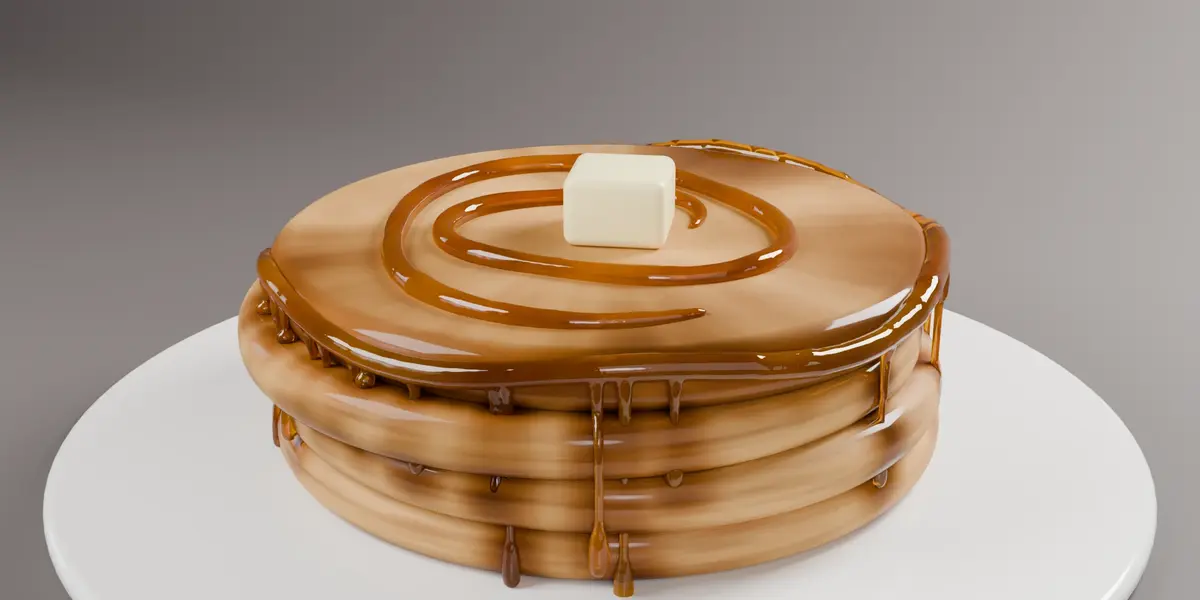

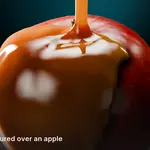
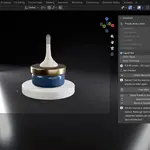
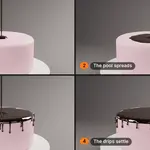
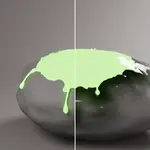
Yes. It runs on Mantaflow, the liquid solver built into Blender, with nothing extra to install. DripLab sets it up for product shots; you bake it like any Blender simulation, and the bake is a folder next to your .blend file.
Yes: press Free Bake, change the settings or the preset, and bake again. Liquid Film and the toppings stay editable on a bake.
No. They are Geometry Nodes driven by the frame, so every frame can be scrubbed, re-timed and changed at any moment.
Both. The materials are procedural, and the wet layer uses blended transparency in EEVEE.
Fluids are meshed from a volume. Lower Quality > Resolution Viewport while you work and keep Use Render Resolution on for full detail in renders. Animated fluids update on every frame of playback, so hide the ones you are not working on or turn finished ones into meshes.
Yes. Fluids are Geometry Nodes and materials stored in the .blend file, so it also renders on a machine or render farm without DripLab. A simulation also needs its bake folder, which sits next to the .blend file.
Yes: Stick to an animated object binds a painted fluid to a deforming mesh with Surface Deform or armature weights, and Unstick brings the editable fluid back.
Blender 5.0 or newer. It was tested on Blender 5.0, 5.1, 5.2 and 5.3.
Yes. Your renders and animations are yours to use in any project.
Have questions about this product?
Login to message
| Blender Extension Compatible | Yes |
| Dev Fund Contributor | |
| Published | about 1 hour ago |
| Blender Version | 5.0 - 5.3 |
| Extension Type | Add-on |
| Render Engine Used | Cycles, Eevee |
| License | GPL |
Discover more products like this
drips food Fluid-simulation cosmetics paint splash pour Mantaflow geometry nodes product shot packshot glaze liquid