 ZEG
ZEG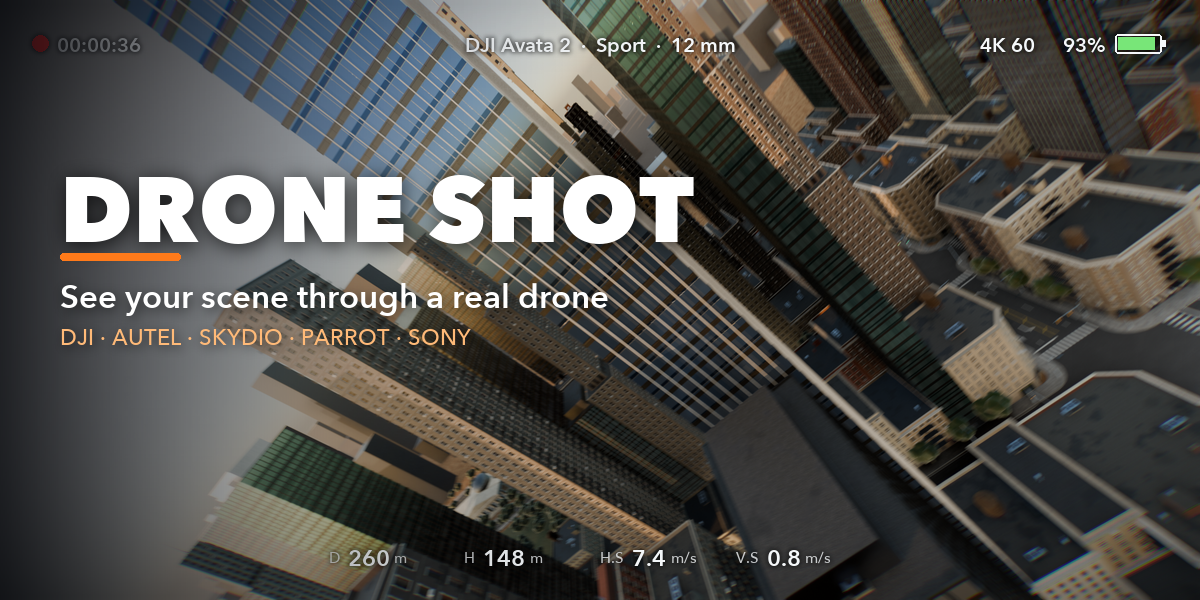
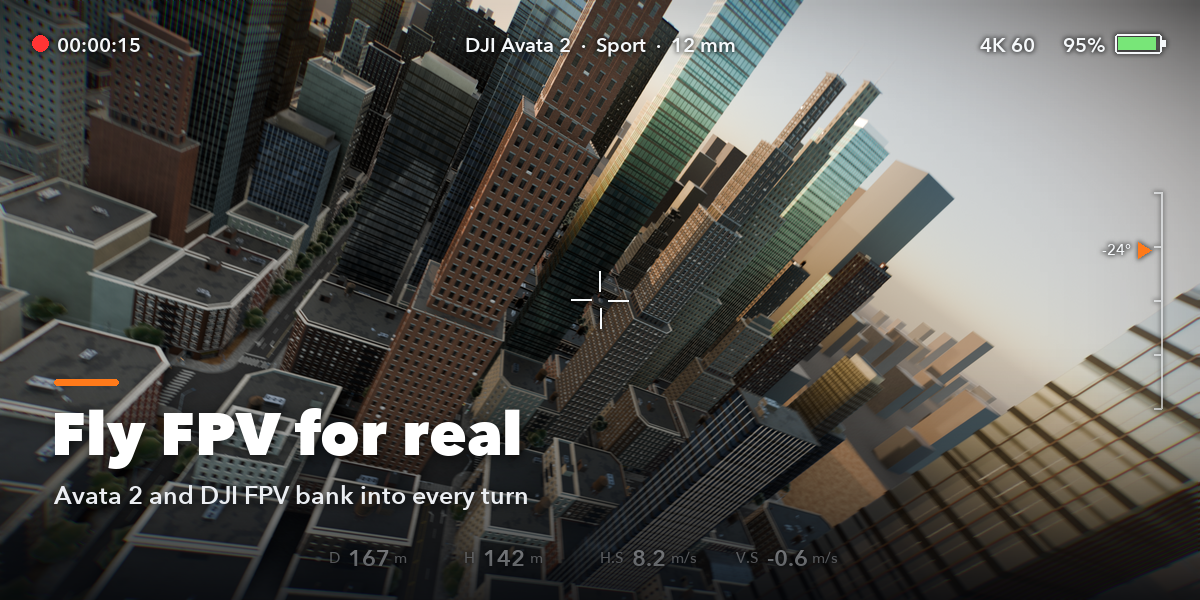
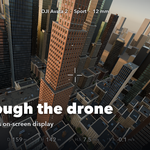
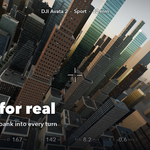
Drone Shot turns your scene into real drone footage. Mark the buildings or spots that matter, pick the drone you would fly in real life, and press Plan & Fly: the add-on plans a safe route around your geometry, flies it with that drone's physics and gives you a camera with its real lens, sensor and gimbal. Then you watch the flight through the drone's eyes, with a live telemetry overlay like on a drone controller.
Built for architecture visualization, real estate, urban planning and environment shots, where a believable aerial camera matters more than a perfect curve.
FPV flights that bank
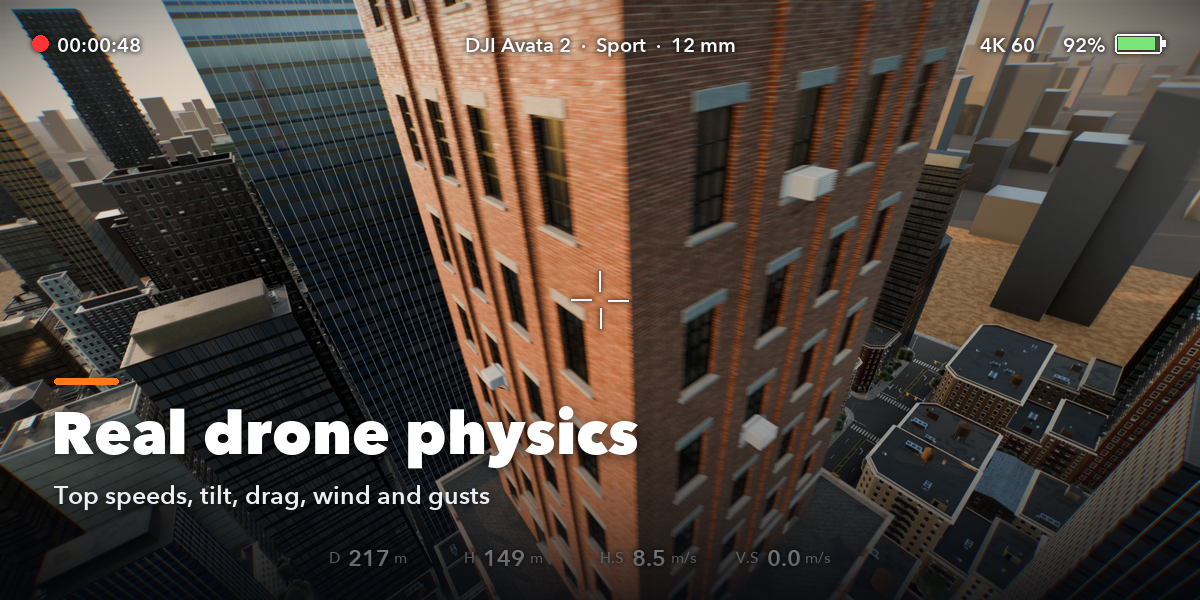
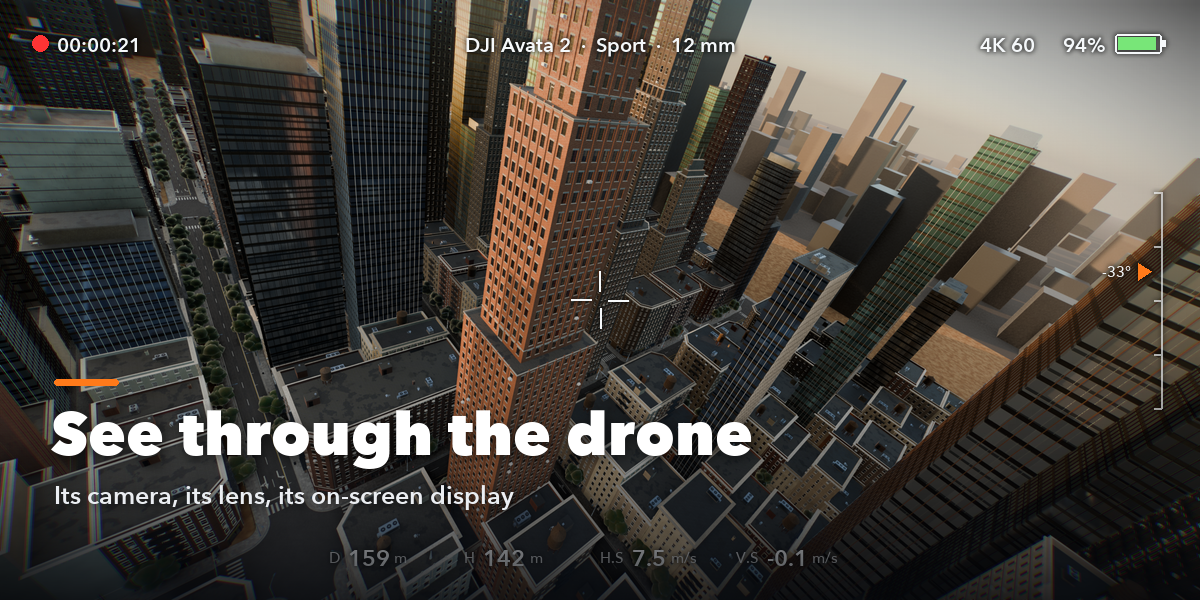
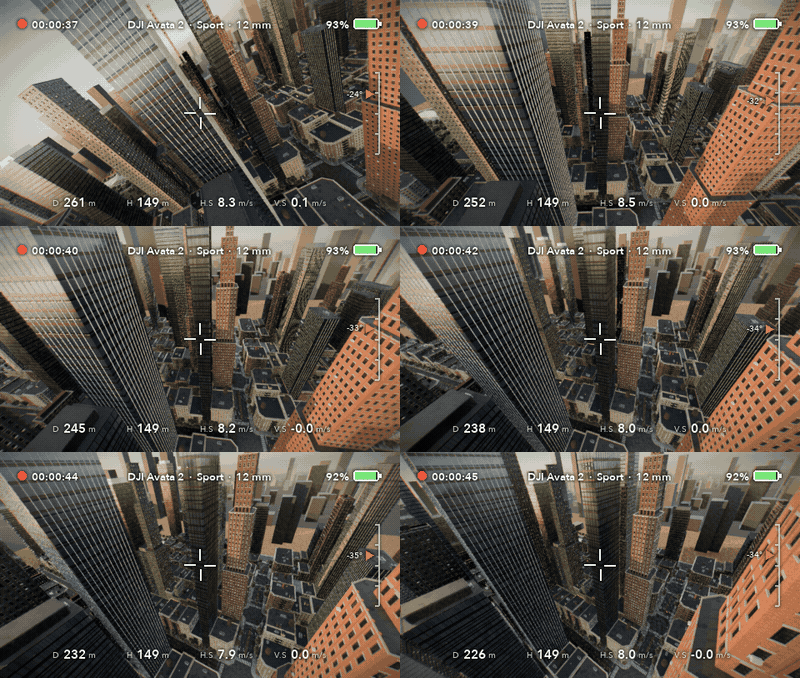
A DJI Avata 2 in Sport mode threads between the towers. FPV drones carry their camera fixed to the body, so the picture banks into every turn, like real FPV footage.
Pick a drone, mark, fly
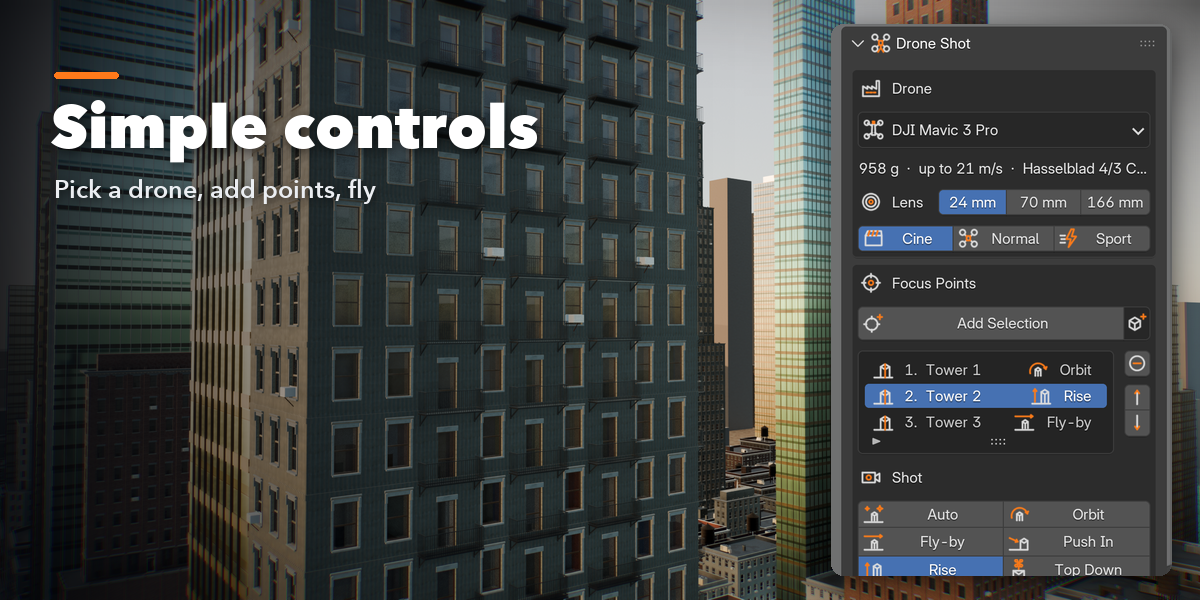
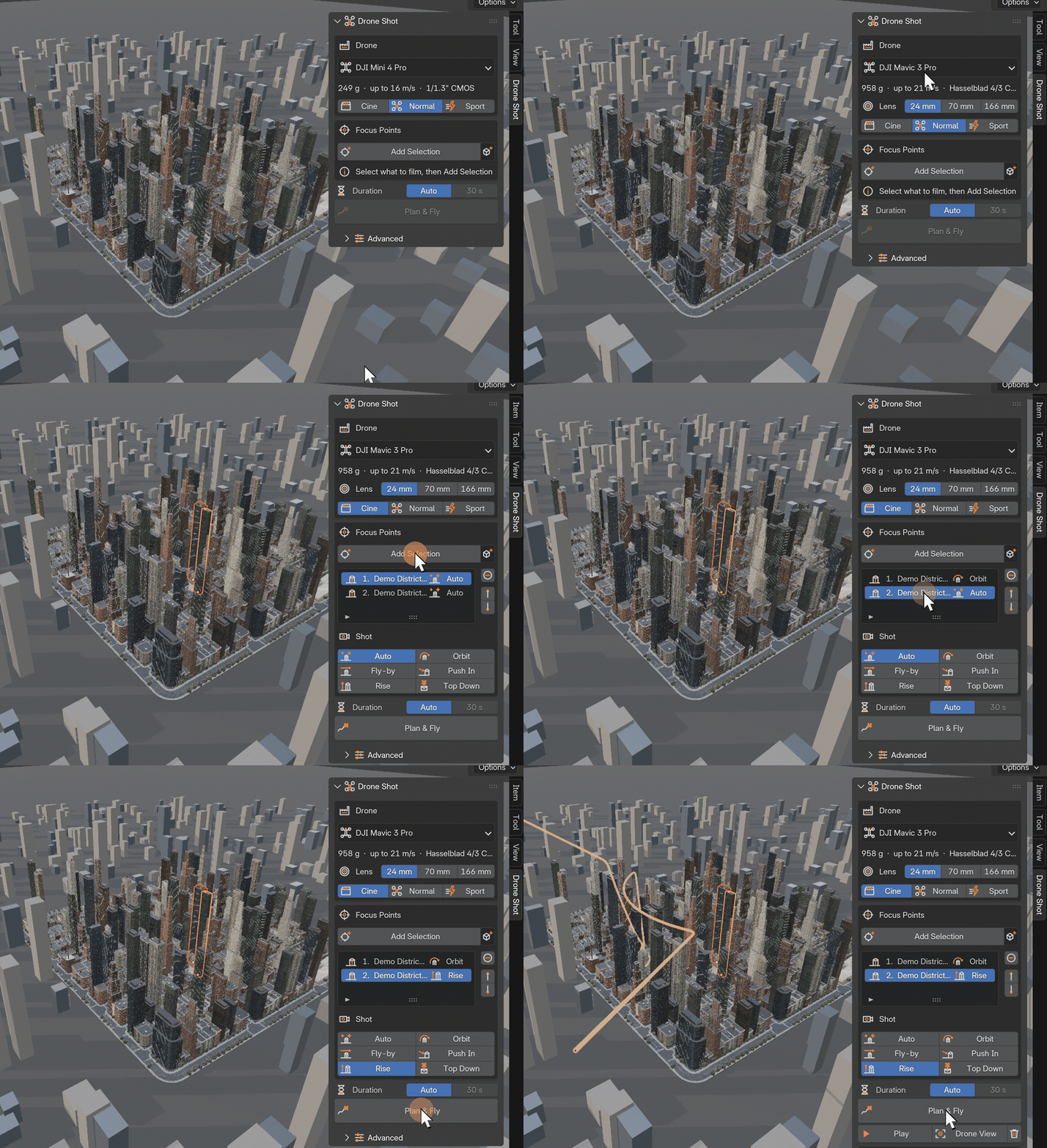
Choose the drone and its flight mode, add the buildings to film, pick a shot for each and press Plan & Fly. The whole route is planned for you in one click.
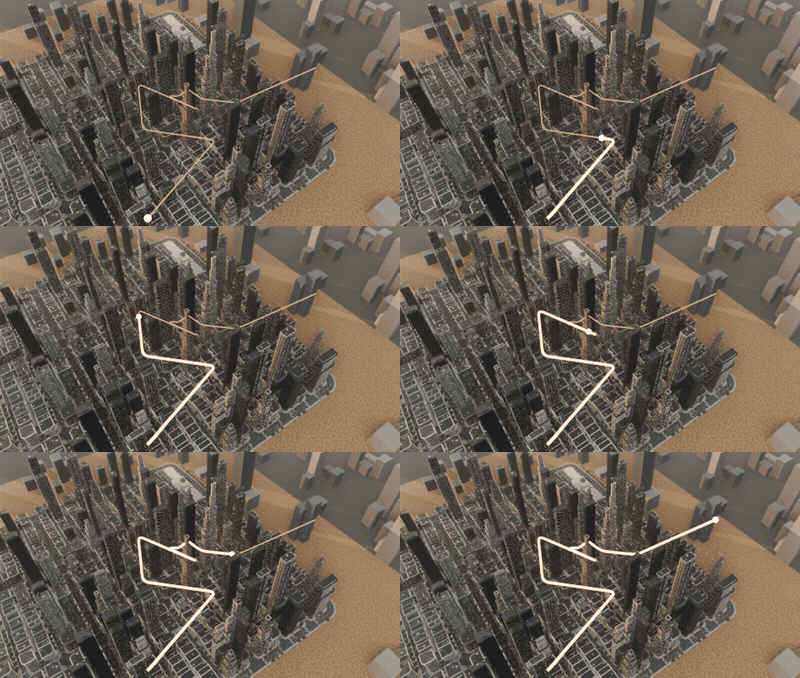
A safe route, planned for you
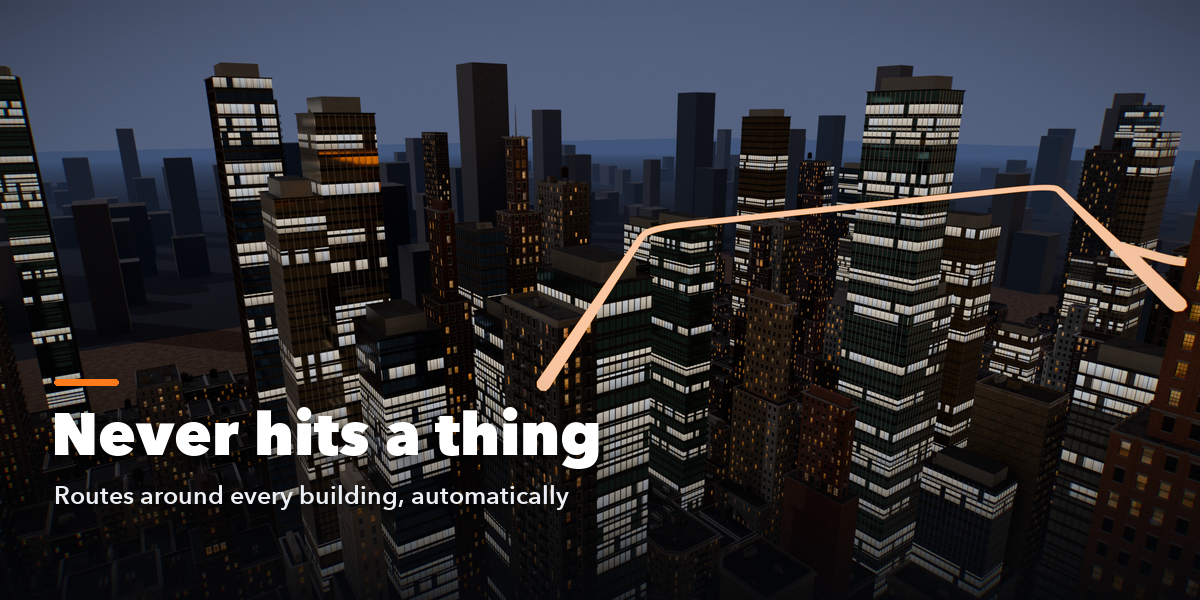
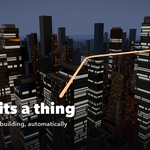
Mark the buildings that matter and press Plan & Fly. Drone Shot finds a smooth route that keeps your safety distance from every object and flies around or over anything in the way.
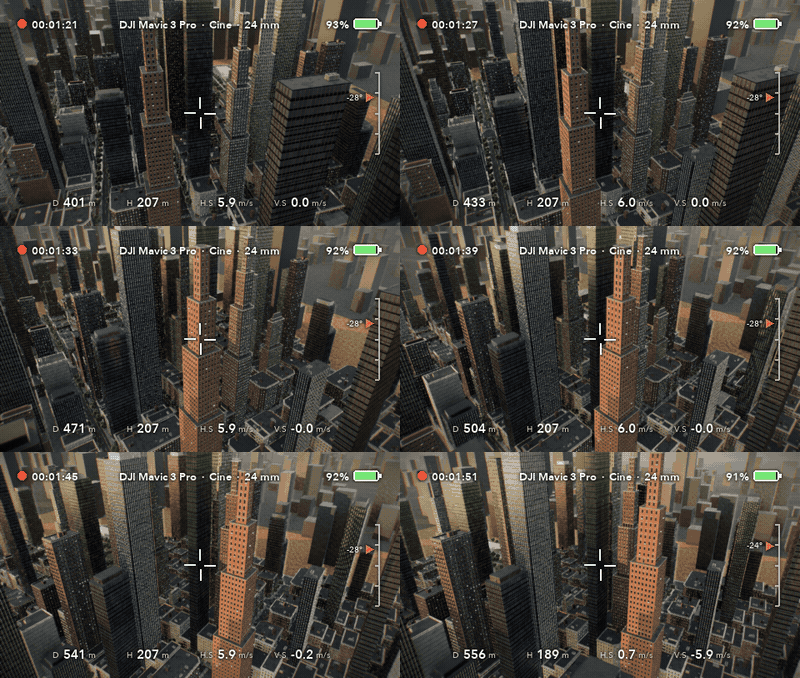
Cinematic orbits
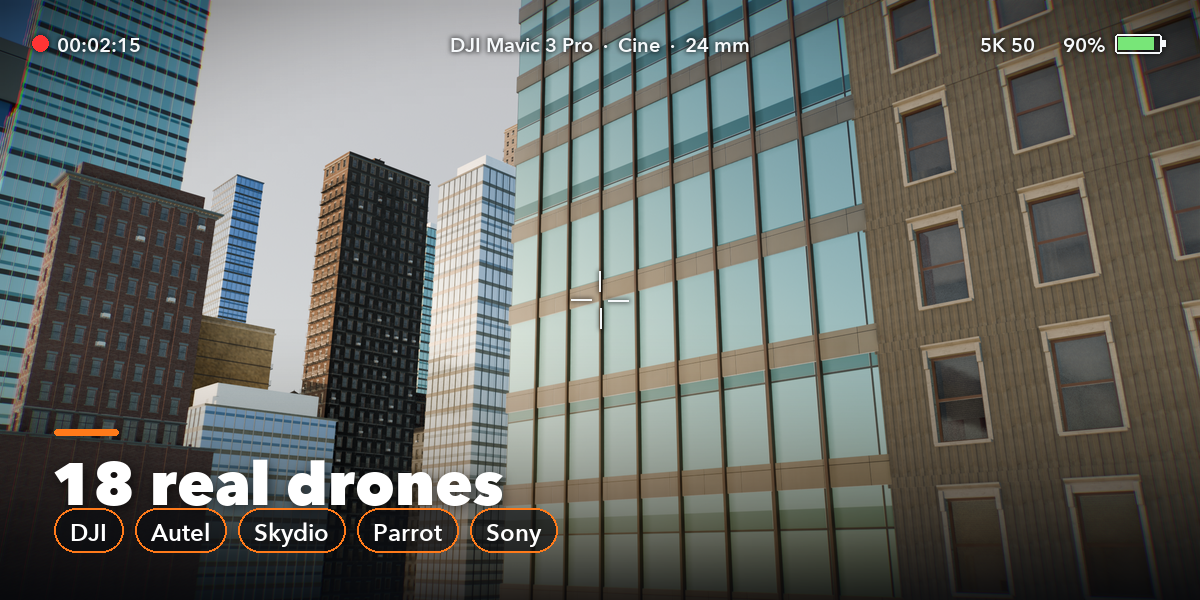
A DJI Mavic 3 Pro in Cine mode circles a tower while the gimbal keeps it framed, seen through the drone's own camera with a controller-style telemetry overlay.
Features
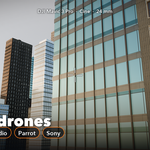
- 18 real drone profiles: DJI Mini 4 Pro, Mini 3, Neo, Air 3, Air 3S, Mavic 3 Pro, Mavic 4 Pro, Phantom 4 Pro, Inspire 2 and 3, Avata 2 and FPV, Autel EVO II Pro, EVO Lite+ and EVO Nano+, Skydio 2+, Parrot ANAFI Ai and Sony Airpeak S1
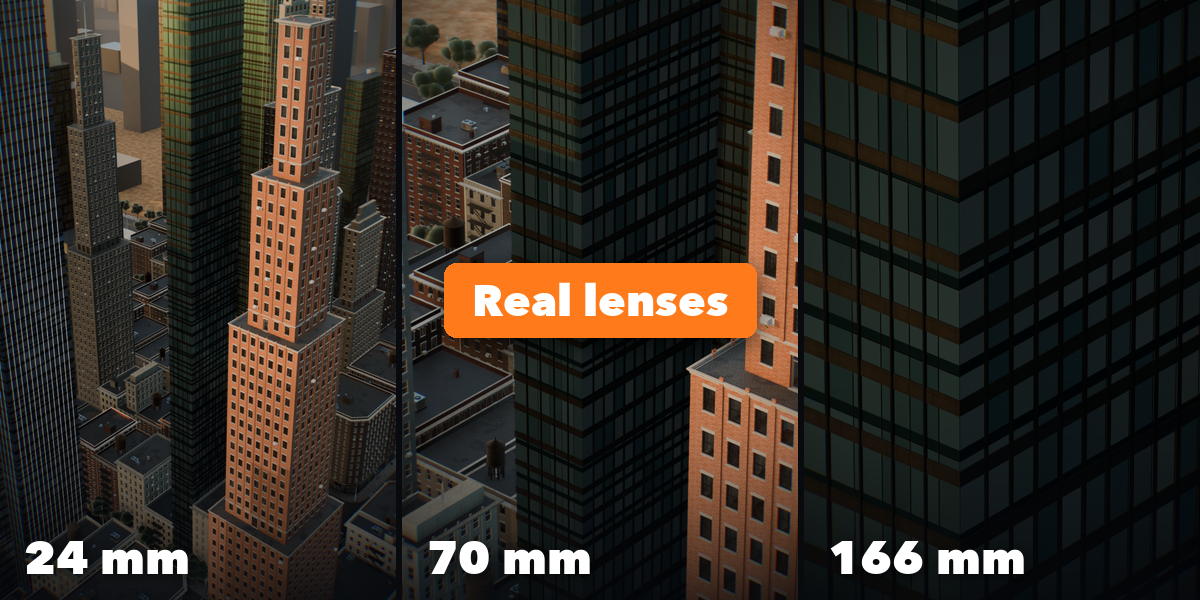
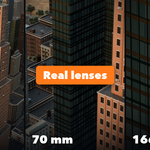
- The real camera of each drone: sensor size, every lens (24, 70 and 166 mm on the Mavic 3 Pro, full-frame DL lenses on the Inspire 3), aperture for depth of field, gimbal limits and video resolution
- Cine, Normal, Sport and Manual flight modes with each drone's published top speed, climb and descent rates
- Physically simulated flight: thrust and tilt limits, air drag, steady wind, gusts and turbulence, so the drone tilts into its turns and against the wind and eases in and out of every move
- Collision-free routes: the planner keeps a safety distance from every object, including modifiers and instances, and goes around or over anything in the way
- Automatic, smart start and end: an open, elevated approach and a pull-back reveal of the whole site, or your own start and end markers
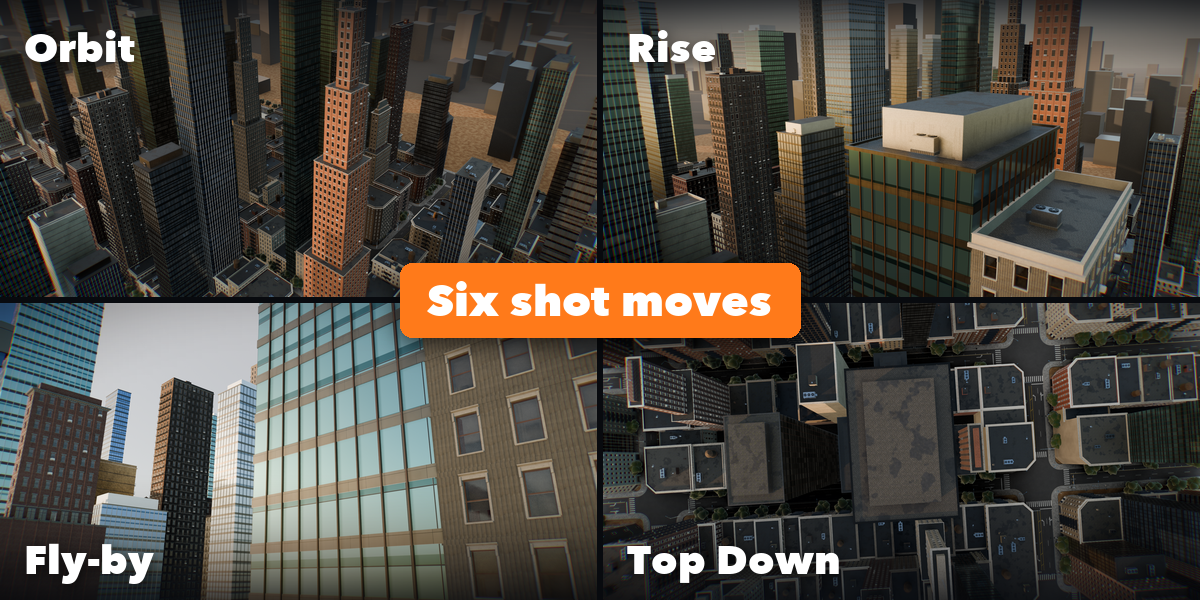
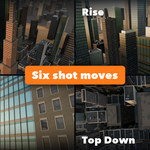
- Six shot moves per point: orbit, fly-by, push in, rise, top down or automatic
- FPV drones bank with the picture; gimbal drones keep the horizon level with a trace of real vibration
- DJI-style telemetry overlay: height, distance, speeds, gimbal pitch, battery and timecode
- Clean sidebar UI with its own SVG icon set
Requires Blender 4.2 or newer. Tested on Blender 4.2, 4.5 and 5.2 LTS. Drone and brand names belong to their owners; the profiles only describe which drone the camera and flight imitate.
