 ZEG
ZEG
Installation
In Blender open Edit, Preferences, Get Extensions, then use Install from Disk and pick the zip.
Usage
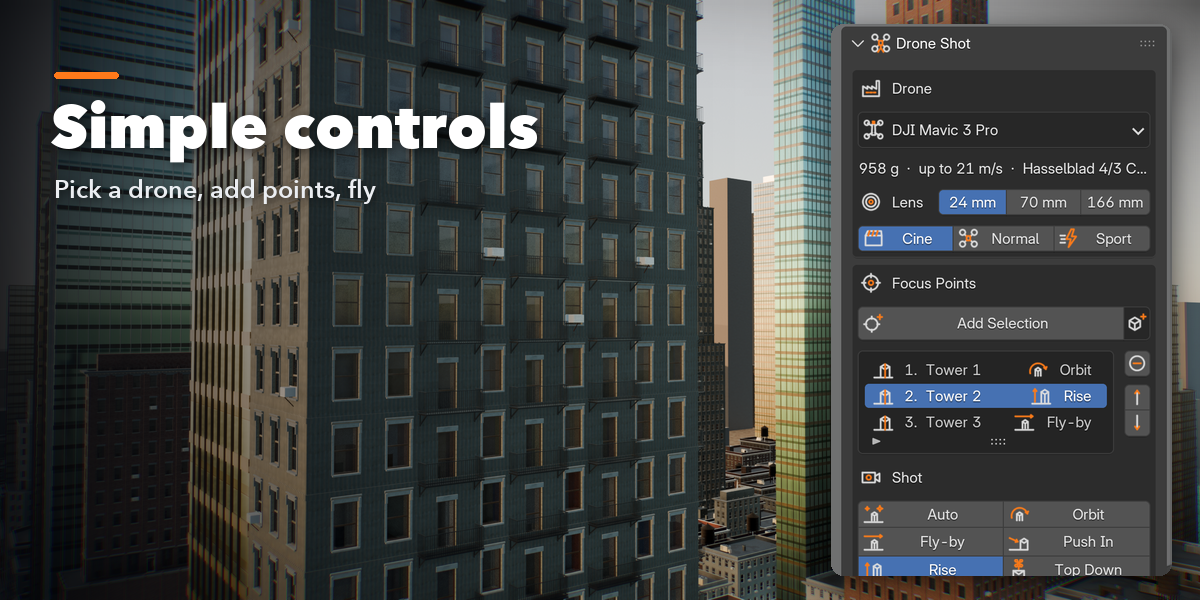
- Open the Drone Shot tab in the 3D viewport sidebar (N).
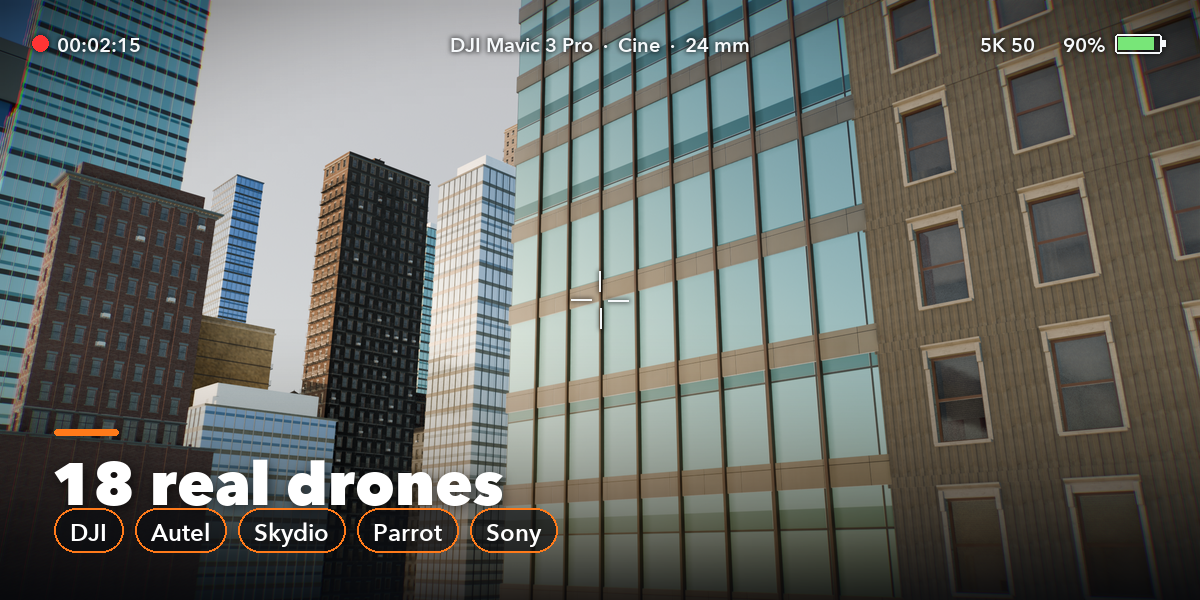
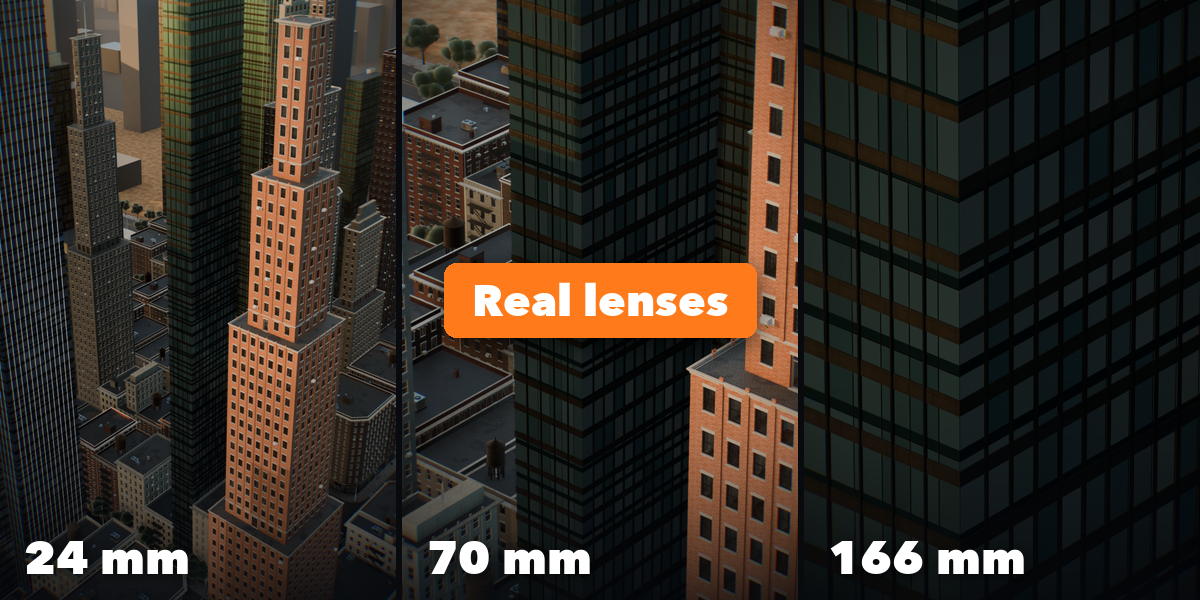
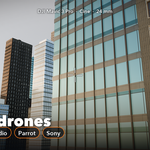
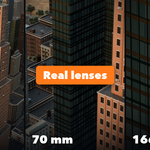
- Pick a drone, its lens and a flight mode (Cine is the smoothest).
- Select the buildings or objects to film and click Add Selection. In Edit Mode it adds the selected vertices; with nothing selected it adds the 3D cursor.
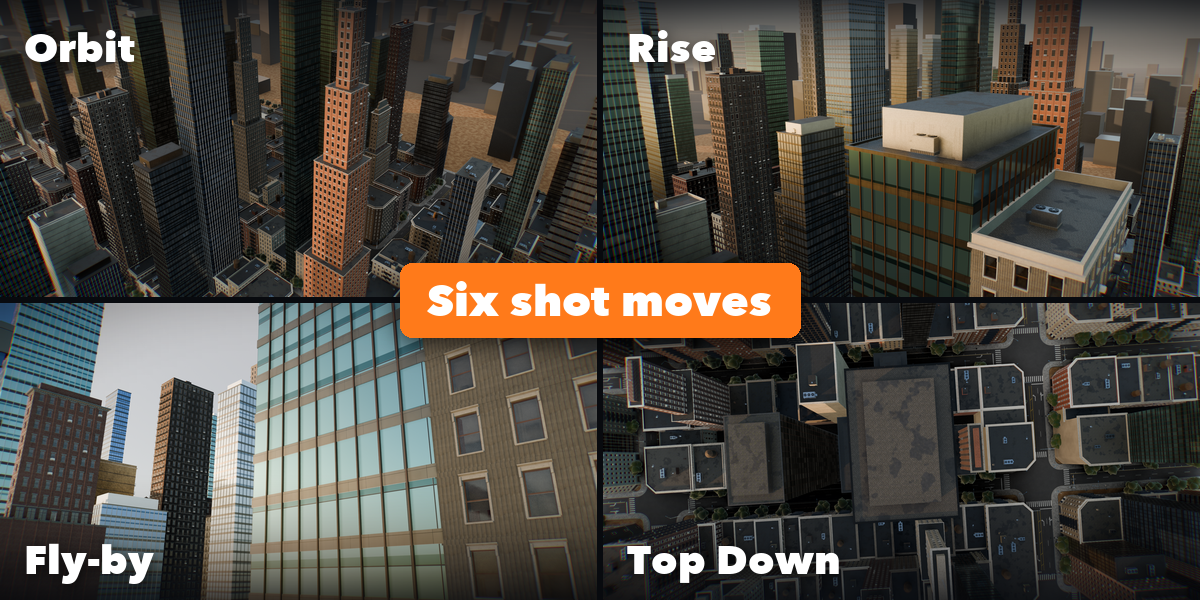
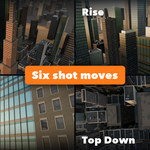
- Choose a shot for each point (Auto, Orbit, Fly-by, Push In, Rise, Top Down) and, if you like, a hover time.
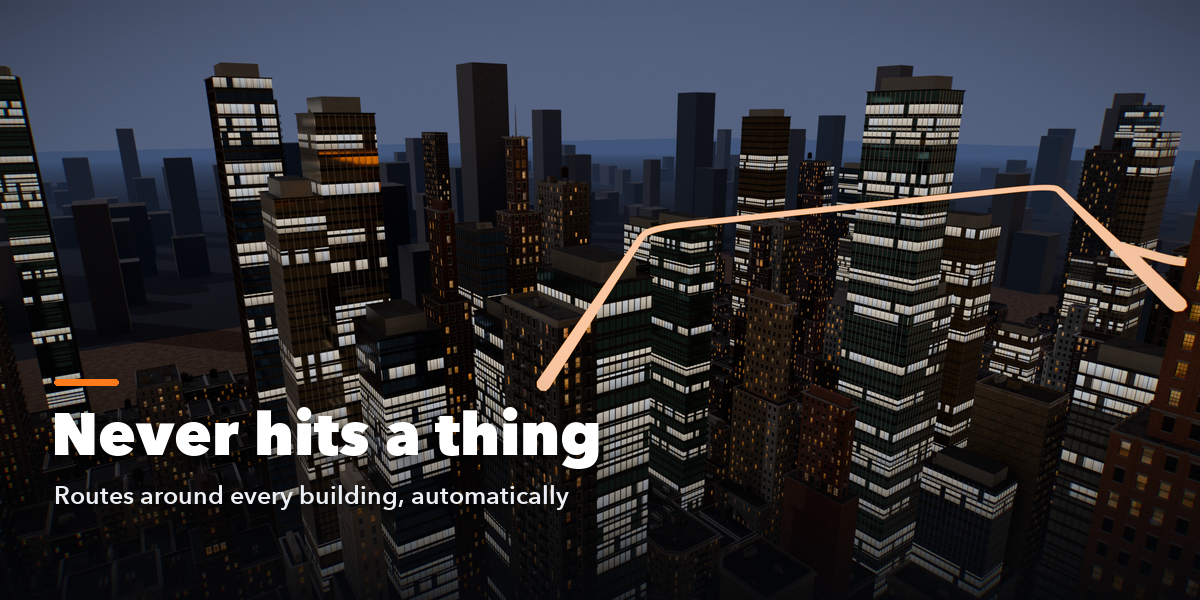
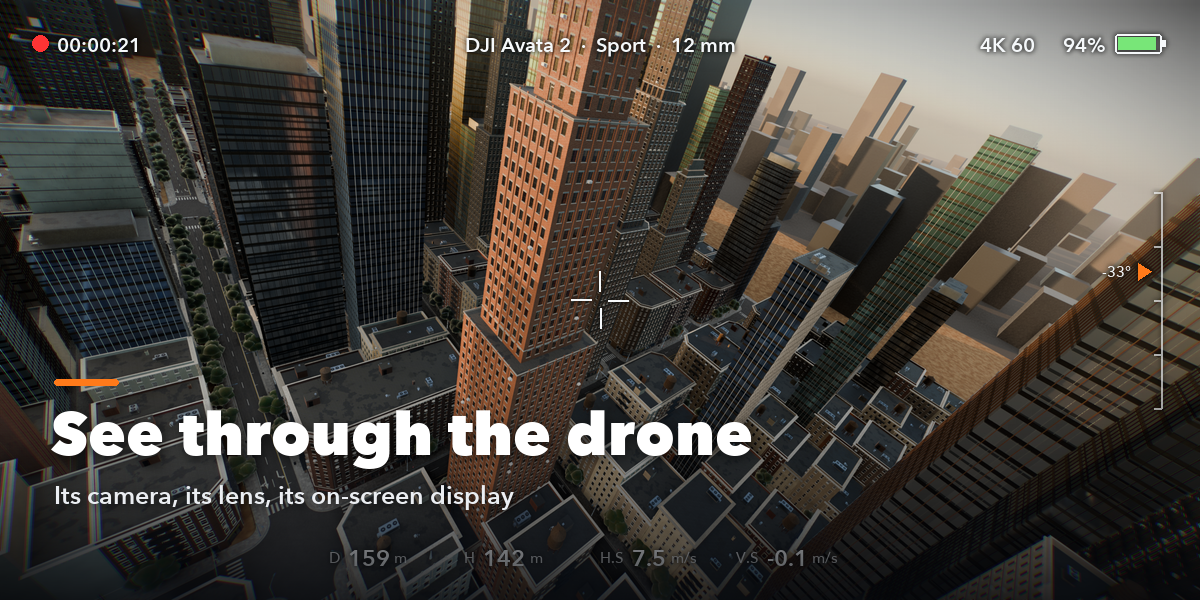
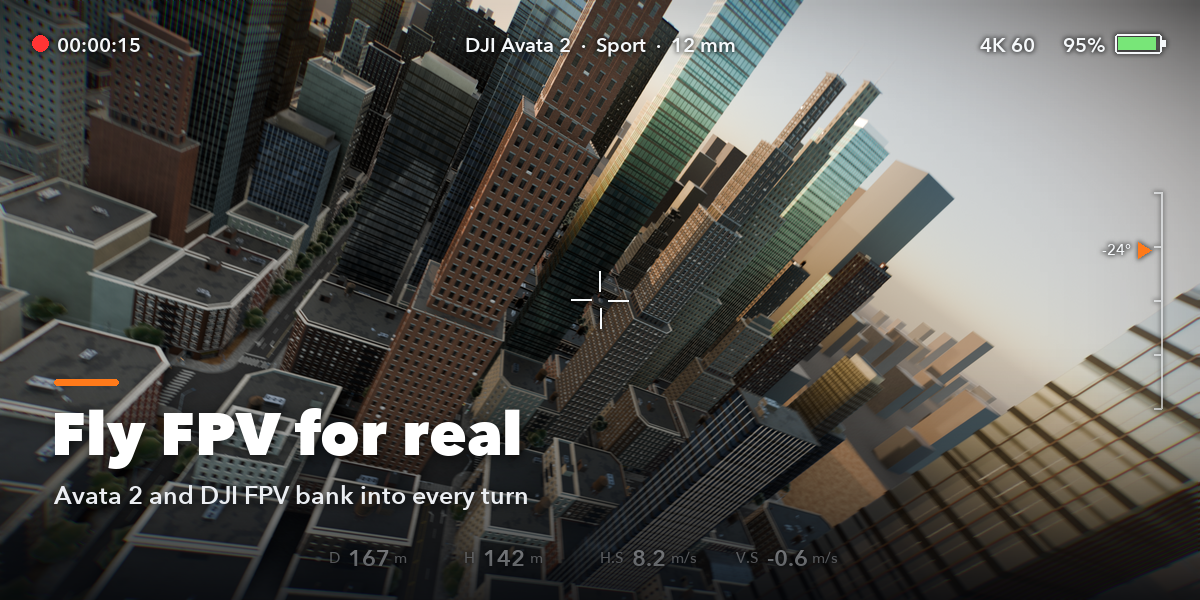
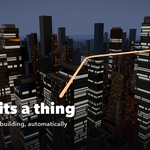
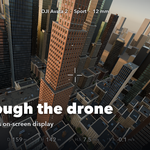
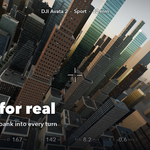
- Click Plan & Fly. The drone, its camera and the flight path are created and the flight plays through the drone camera.
- Optional: under Start & End use markers for your own start and end or fly back Home; set a fixed Duration instead of Auto.
- Everything else is under Advanced: Flight Settings (speed, safety gap, heights, take-off and landing, fine-tuning of each shot), Camera & Gimbal, Wind & Realism and Display.
Have questions about this product?
Login to message
| Blender Extension Compatible | Yes |
| Published | about 17 hours ago |
| Blender Version | 4.2 - 5.2 |
| Extension Type | Add-on |
| Render Engine Used | Cycles, Eevee |
| License | GPL |
