 Sonneblom Digitaal
What it does
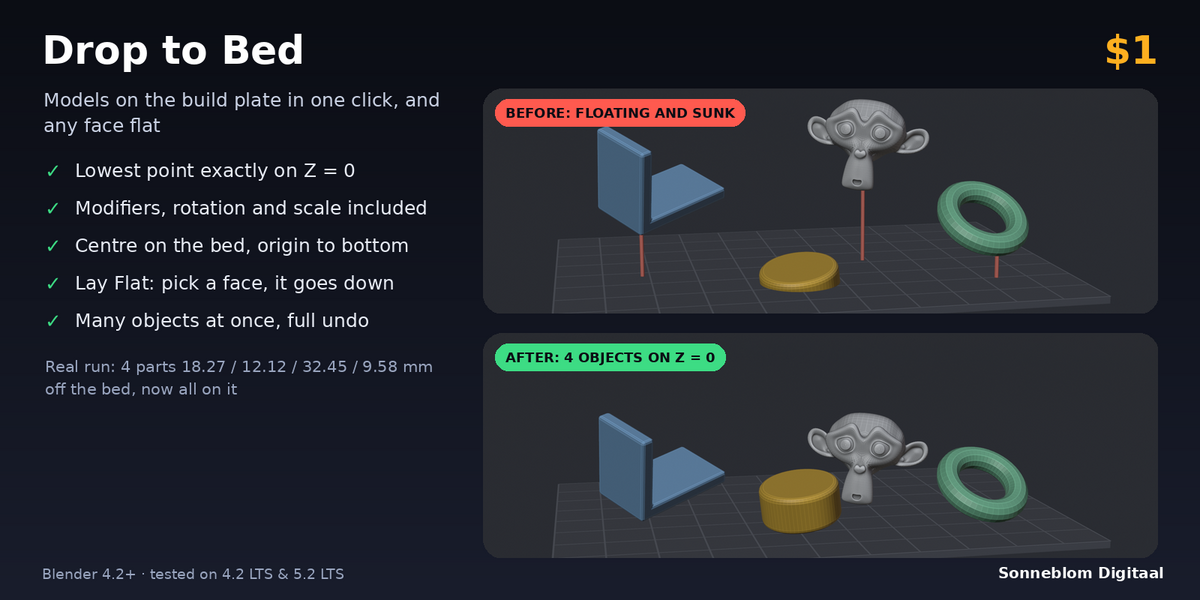
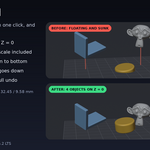
Drop to Bed puts your models exactly on the build plate before you export them to the slicer. One click moves the selected objects so their lowest point sits on Z = 0. It measures the real, final shape: rotation, scale (applied or not), parents and modifiers such as Array, Solidify or Subdivision Surface are all included, so nothing floats above the bed and nothing sinks into it.
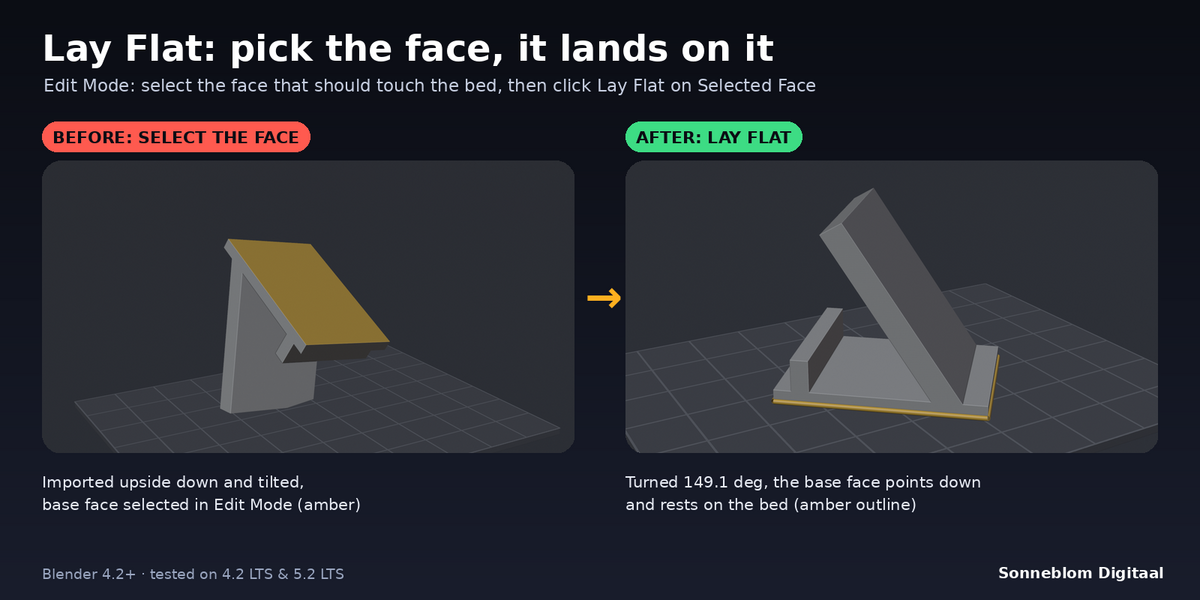
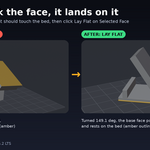
Lay Flat handles the other fiddly job: in Edit Mode, select the face that should rest on the bed and click Lay Flat. The object turns so that face points straight down and lands on the bed. No more rotating by eye and nudging the Z value.
Who it's for
Anyone who prints from Blender: people who download or import STL, OBJ and 3MF files, people who model parts and want them flat on the plate, and anyone who exports many parts at once and wants them all at Z = 0 with a clean origin.
Key features
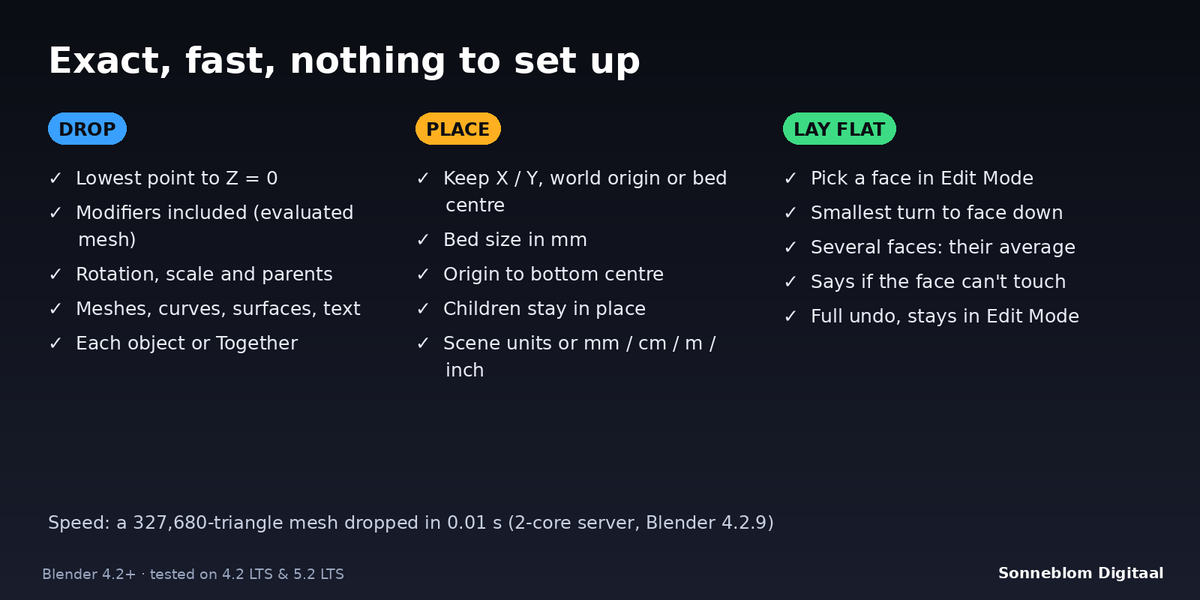
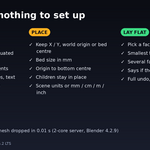
- Drop to Bed: lowest point of each selected object to Z = 0, measured on the evaluated mesh in world space (modifiers, rotation, scale and parents included). Works on meshes, curves, surfaces and text.
- Each object or Together: drop every object on its own, or move the selection as one block so the parts keep their spacing.
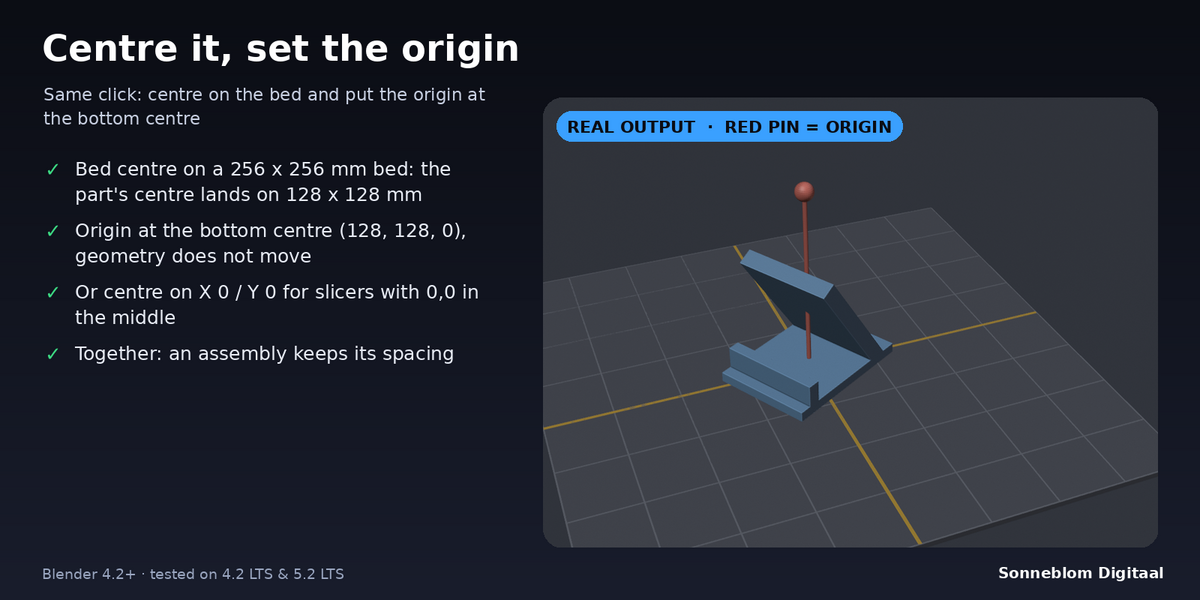
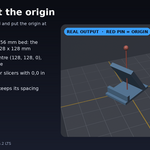
- Centre: keep X / Y, centre on the world origin (X 0, Y 0), or centre on the middle of your bed (bed size in mm, default 220 x 220). The bounding-box centre is used, not the origin.
- Origin to bottom centre: optionally put the origin at the bottom centre of the object without moving the geometry. Children stay where they are.
- Lay Flat on Selected Face: pick one face (or several faces on one side) in Edit Mode; the object turns so that face points down and is dropped onto it. If another part reaches lower, the report tells you how high the face is above the bed.
- Units: Auto follows Scene > Units (unit scale 0.001 = 1 unit is 1 mm), or set 1 mm / 1 cm / 1 m / 1 inch. The report gives every move in mm.
- Full undo (Ctrl+Z), clear reports, a sidebar panel in the Print tab, a tooltip on every setting.
How to use
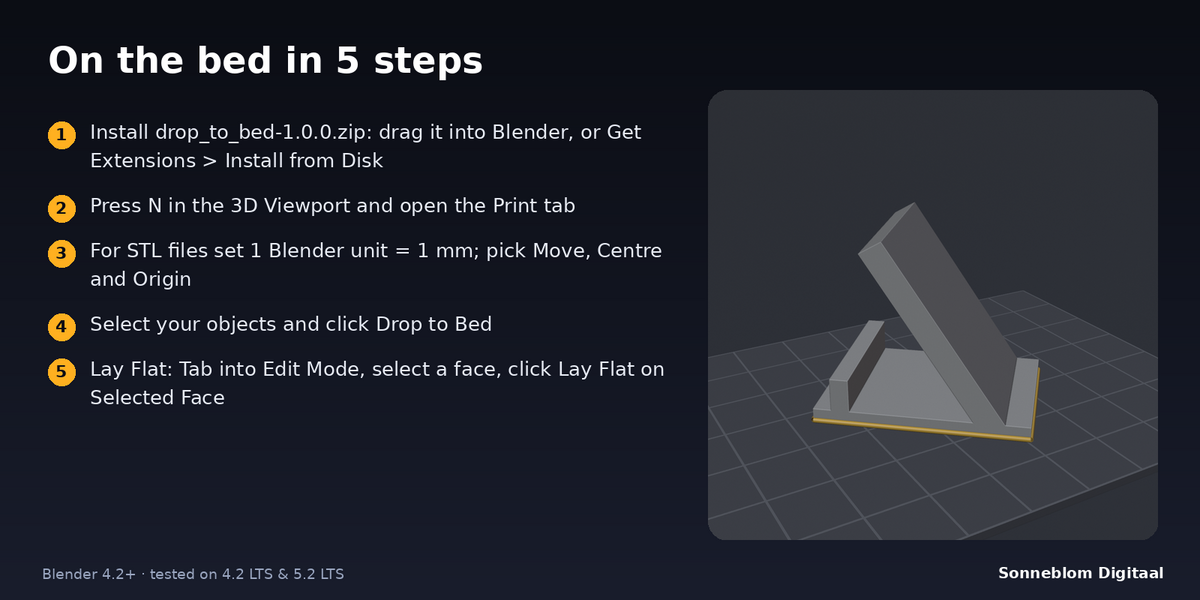
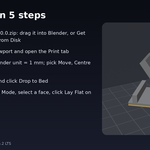
- Install the zip and press N in the 3D Viewport, open the Print tab.
- Set 1 Blender unit = (choose 1 mm for STL files) and pick Move, Centre and Origin.
- Select your objects and click Drop to Bed.
- To lay a face flat: press Tab for Edit Mode, select the face that should touch the bed and click Lay Flat on Selected Face.
Compatibility
Blender 4.2 LTS or newer, tested on 4.2 LTS and 5.1 (and 5.2 LTS). It installs as a Blender extension (Get Extensions > Install from Disk), and a legacy add-on zip is included.
Good to know
- It only moves, rotates and (for the origin option) shifts mesh data. It never cuts, remeshes or repairs your model.
- It does not search for the best print orientation; you choose the face. It does not add supports or check overhangs.
- Lay Flat uses the faces of the base mesh (what you see in Edit Mode). With modifiers that change the shape, the object still rests on the lowest point of the final shape.
- Objects with keyframes on their location jump back when the frame changes; key the new position or remove the keys.
- Instances made by Geometry Nodes or collection instances are not measured. Empties, cameras and lights are skipped and the report says so.
- The origin option works on meshes that are not shared with other objects; for shared meshes and curves the origin is left as it is and the report says why.
Support
Questions or a bug? Use the Superhive product page messages and we reply within a day.
More tools from Sonneblom Digitaal
On the bed and ready to export? Printability Check is our separate add-on that tells you if the mesh will slice: holes, non-manifold edges, inside-out faces and more, with a Select button for each problem. Printability Check