 nice mesh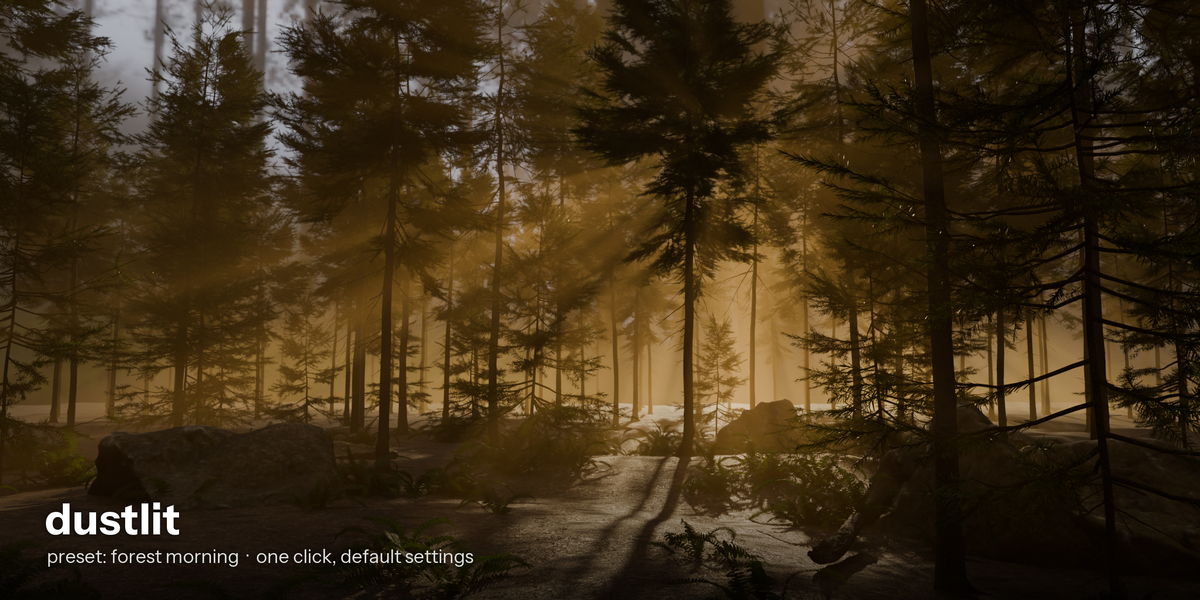
BLENDER ADD-ON · NICE MESH
Haze, light rays and dust in one click.
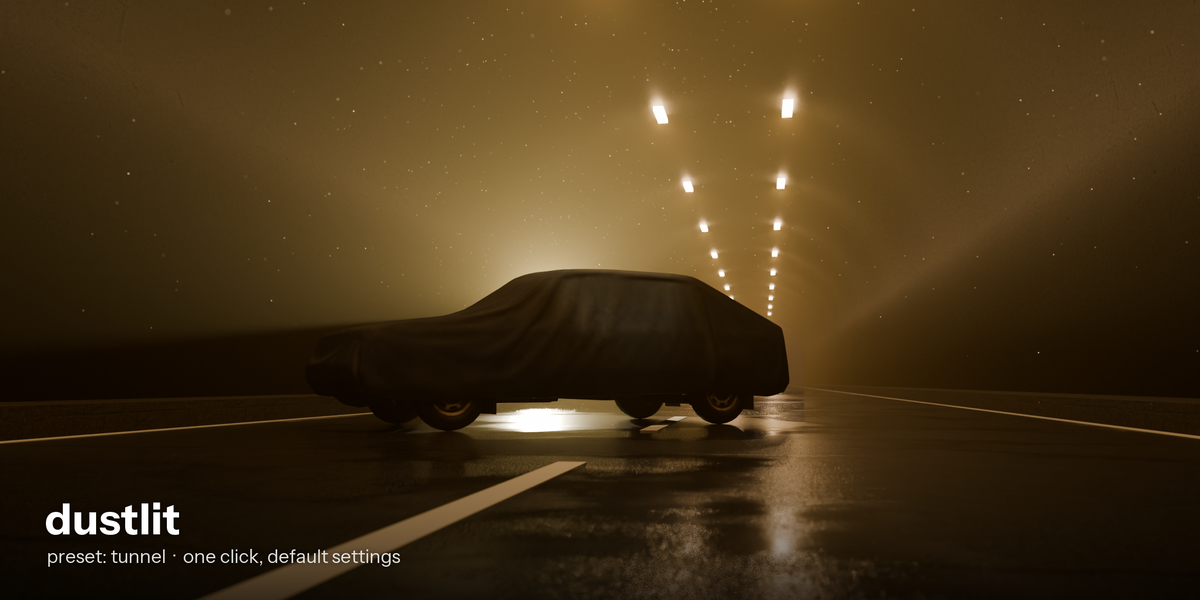
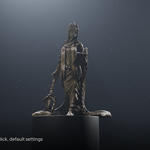
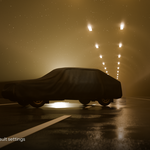
Pick a preset, press Add haze. Dustlit builds volumetric haze, visible light beams and floating dust that only shows where a light reaches. Auto-fit refits everything to your scene and lights, Settle makes the haze sink and cling to surfaces. One button removes it all.
Blender 5.2Cycles + EEVEE8 presetsAuto-fitRemove = clean
Good light rays are slow to build by hand
You add a volume, guess a density, find that the beam is invisible or the whole frame is a flat glow, add a spot light, aim it, tune the volume bounces, then try to get dust that shows only inside the beam. Each step is easy to get wrong, and at the end you cannot tell what you added.
How it works
1 |
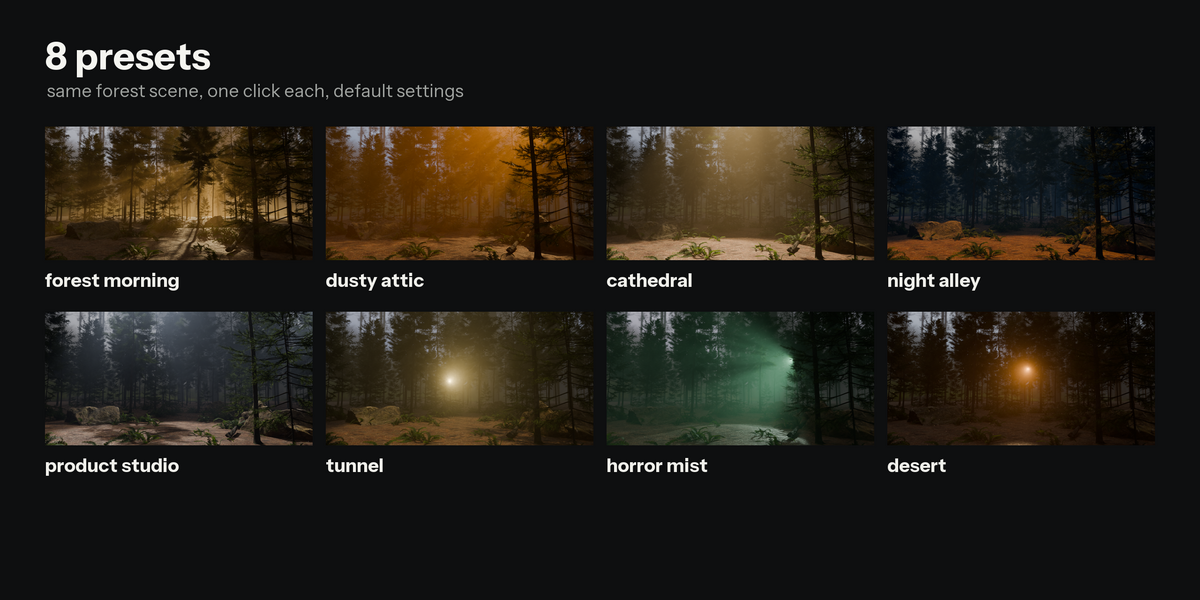
Pick a preset. Forest morning, dusty attic, cathedral, night alley, product studio, tunnel, horror mist or desert. |
2 |
Press Add haze. A volume box is fitted around your scene and camera, one to three beam lights are aimed at what the camera sees, and dust specks are placed only where a light reaches. |
3 |
Tune it. Four sliders: density, intensity, settle, color. Moved things around? Press Auto-fit. Done? Remove haze deletes everything and restores your render settings. |
A real example (measured)
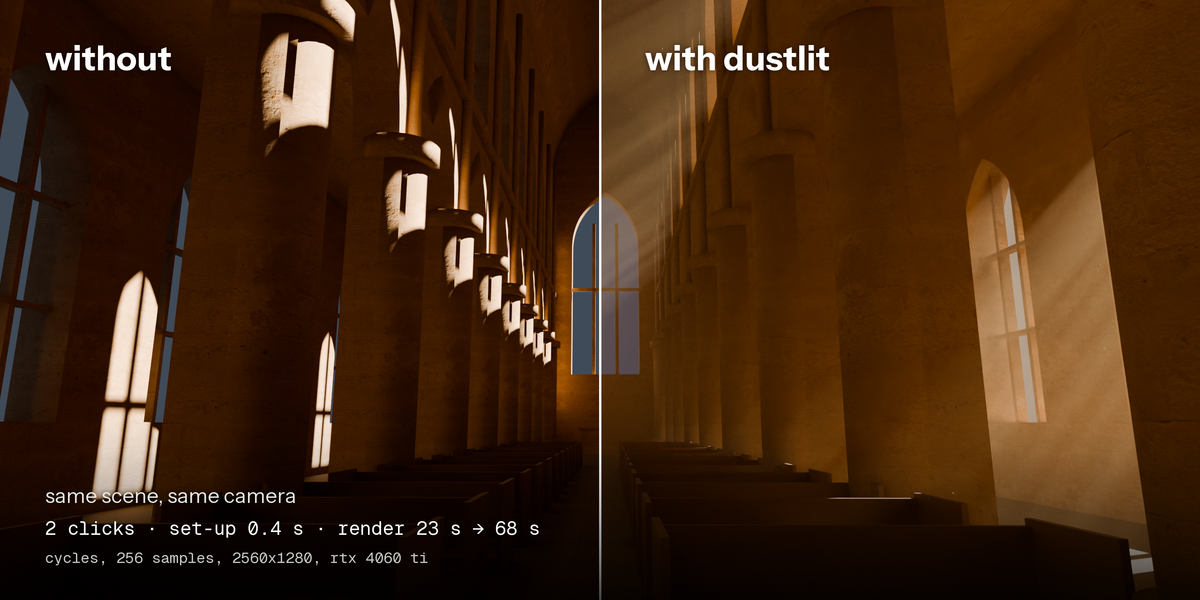
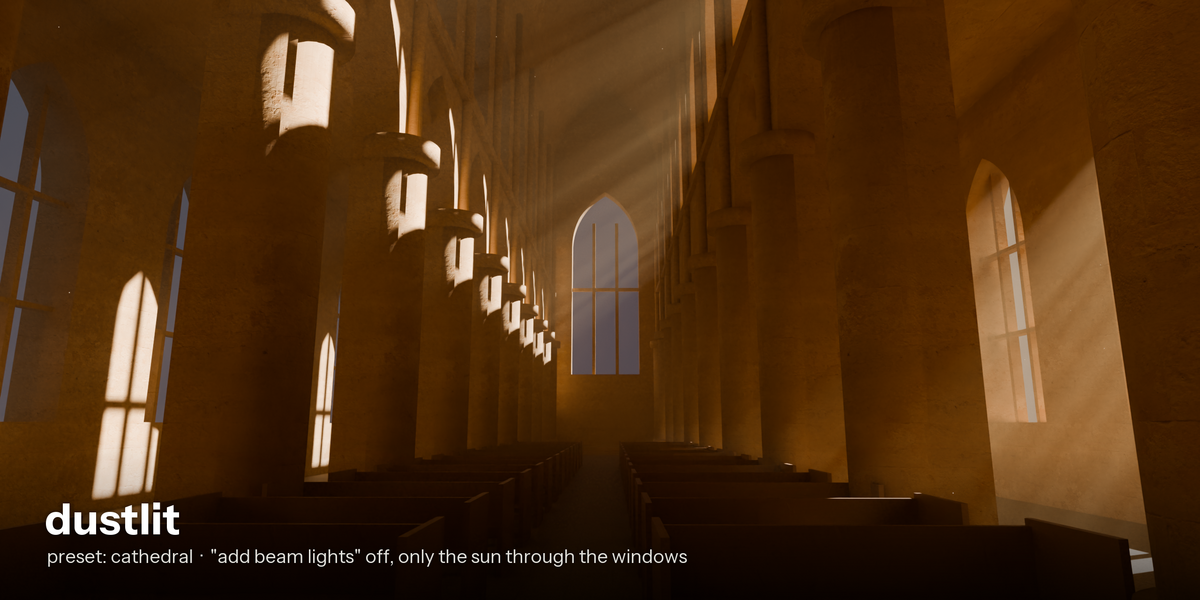
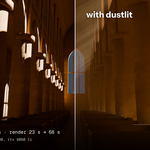
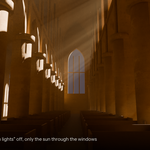
Cathedral scene with a sun already shining through the windows. Preset "cathedral", option "add beam lights" turned off so only the sun lights the haze (2 clicks). Same scene and camera, Cycles, 256 samples, 2560 x 1280, RTX 4060 Ti:
| Without Dustlit | 23.5 s |
| With Dustlit | 67.8 s |
| Set-up time (the click) | 0.4 s |
Haze costs render time. On our two demo scenes: 2.5 to 9 times longer in Cycles, 3 to 19 times in EEVEE (EEVEE cost grows quickly with resolution). Your scenes will differ.
What you get
| Density | How thick the haze is. |
| Intensity | How bright the rays and the added beam lights are. Your own lights are never changed. |
| Settle | 0 = even haze. Raised, the haze gathers near the ground, thickens in hollows and corners and clings to objects. Off by default because it adds render time (+8 % to +96 % on our test scenes at 0.5). |
| Color | Tint of the haze and of the added beams. |
| Auto-fit | Reads the bounding box of your objects and your lights (sun, spot, area) and places the volume and beams again in about 0.003 s. The first beam follows your strongest light (within 3 degrees in our tests). Dust is not moved: press Refresh. |
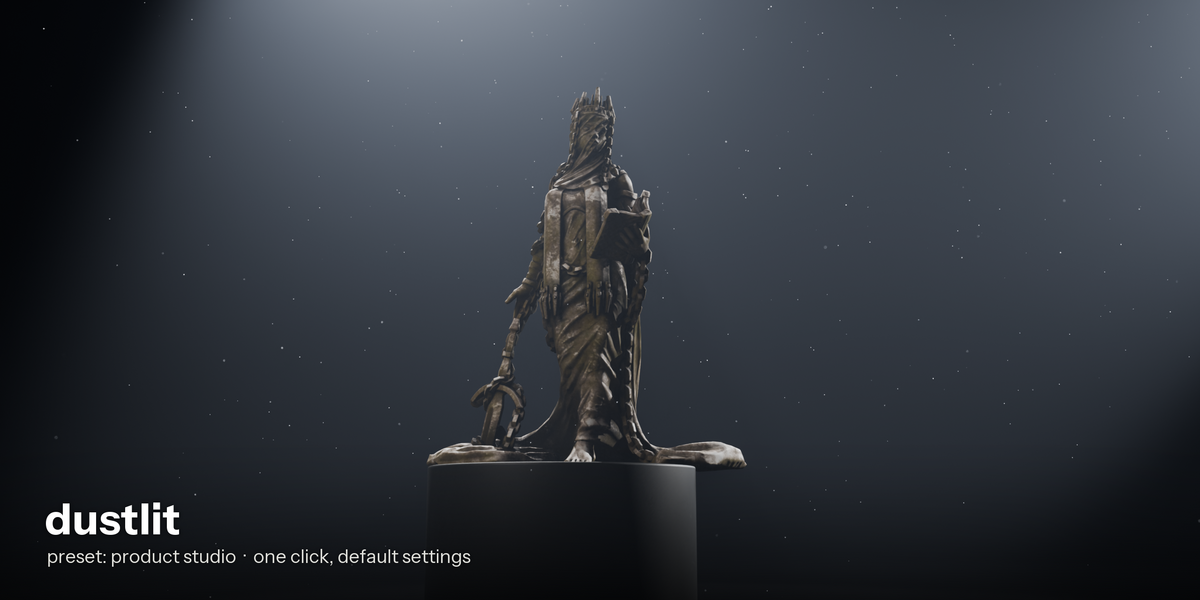
| 8 presets | Each good on the first click: forest morning, dusty attic, cathedral, night alley, product studio, tunnel, horror mist, desert. |
| Dust | Real geometry-nodes specks, at most 900, created only where a light reaches (97 % or more checked with independent ray casts). |
| Separate and removable | Everything lives in one collection named Dustlit. Remove deletes the objects, materials and node group and restores your render settings. |
| Undo / redo | Add and Remove work with Ctrl+Z, tested in a real Blender window. |
Safe with your scenes
- Your lights, objects, world and camera are not modified.
- Works in Cycles and EEVEE. One .py file, English interface, nothing outside Blender needed.
- No banding in the beams: largest jump between neighbouring pixels 1.1 and 0.9 levels out of 255 on test renders.
- 390 automated checks on 3 test scenes and all 8 presets, install, disable, re-enable, undo/redo, save and reopen.
Great for
Interiors with a window or ceiling light (churches, warehouses, attics, corridors), forest mornings with a low sun, product and character shots in a dark room, horror and night scenes, quick atmosphere on a scene you already lit.
Where to find it
3D Viewport > Sidebar (N) > Dustlit tab. Preset menu, Add haze, the four sliders, Auto-fit and Remove haze. An Options sub-panel holds dust amount, add beam lights, render-settings tuning and Refresh.
Install
1 |
Download the zip. |
2 |
Blender: Edit > Preferences > Add-ons > arrow menu > Install from Disk, pick the zip. |
3 |
Tick Dustlit, press N in the 3D Viewport and open the Dustlit tab. |
Good to know (honest limits)
- Without a window or an opening in your geometry, an added beam gives a cone of light, not rays cut by a window frame. No gobos or light textures.
- Dust is placed once, for the camera and lights at the moment you press Add or Refresh. Press Refresh after moving the camera.
- Settle needs your objects as references and is skipped above 4 million faces.
- Added beam lights also light your scene. Turn them off in Options to use only your own lights.
- Not included: smoke simulation, physics, color grading, flow maps.
- Tested on Blender 5.2.2, Windows, NVIDIA RTX GPU. Not tested: Blender 5.0 and 5.1, Cycles on CPU, AMD or Intel GPUs, macOS, Linux, non-English interface.
- Something wrong? Send your Blender version, your OS and the error text (Window > Toggle System Console on Windows).
MADE BY NICE MESH · BLENDER ADD-ONS & ASSET PACKS