 Onion365studio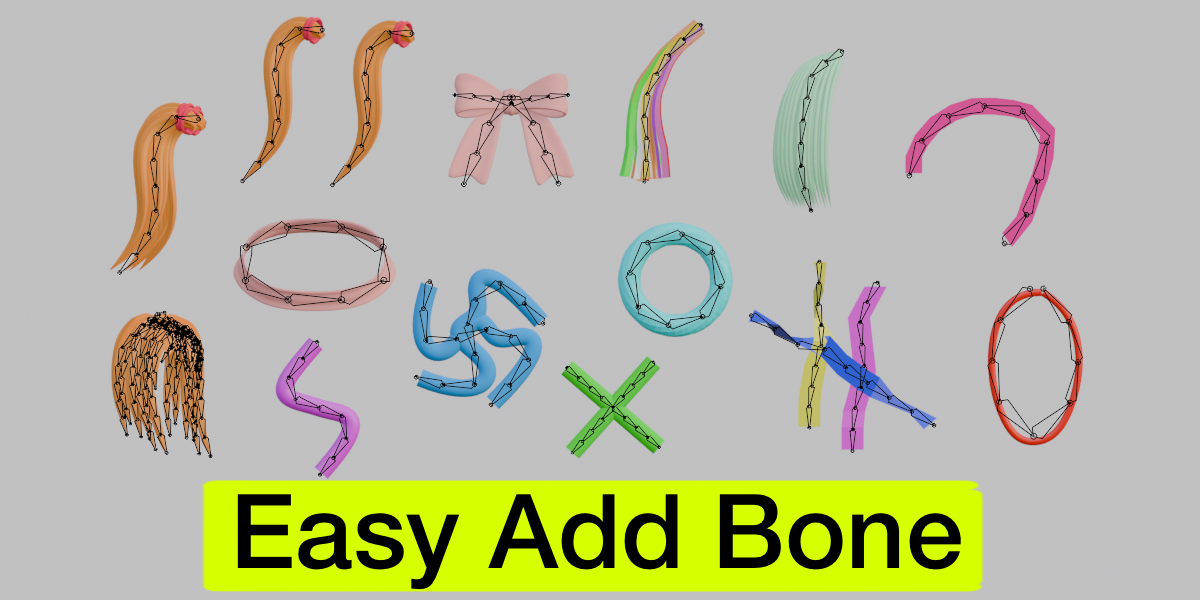

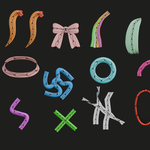
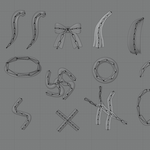
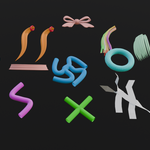
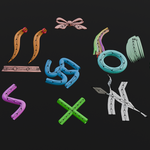
Easy Add Bone
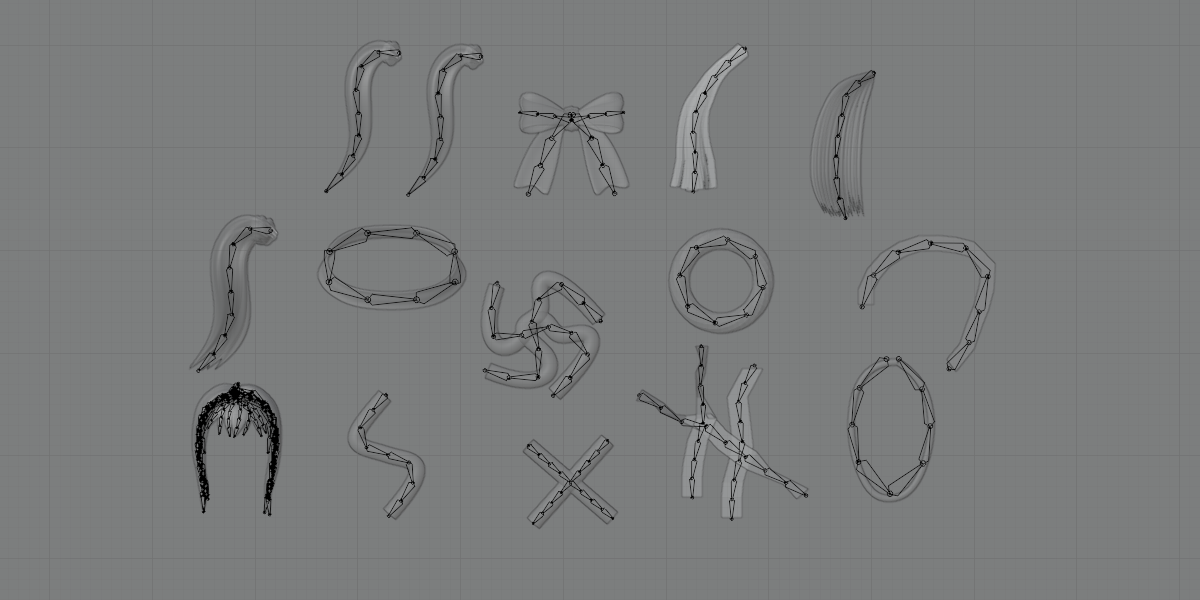
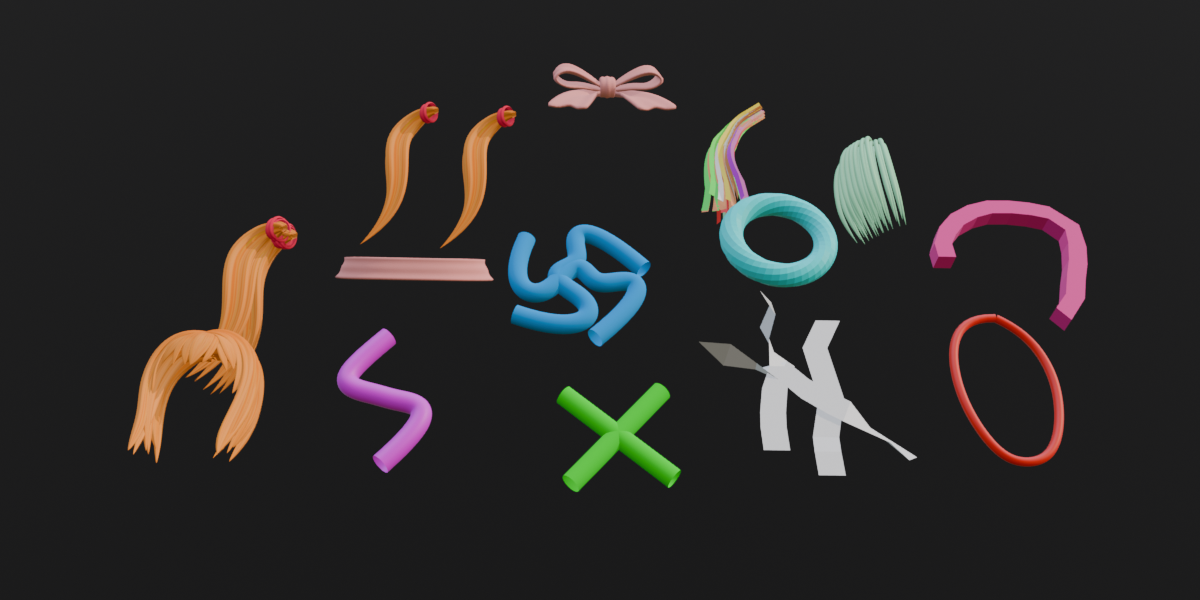
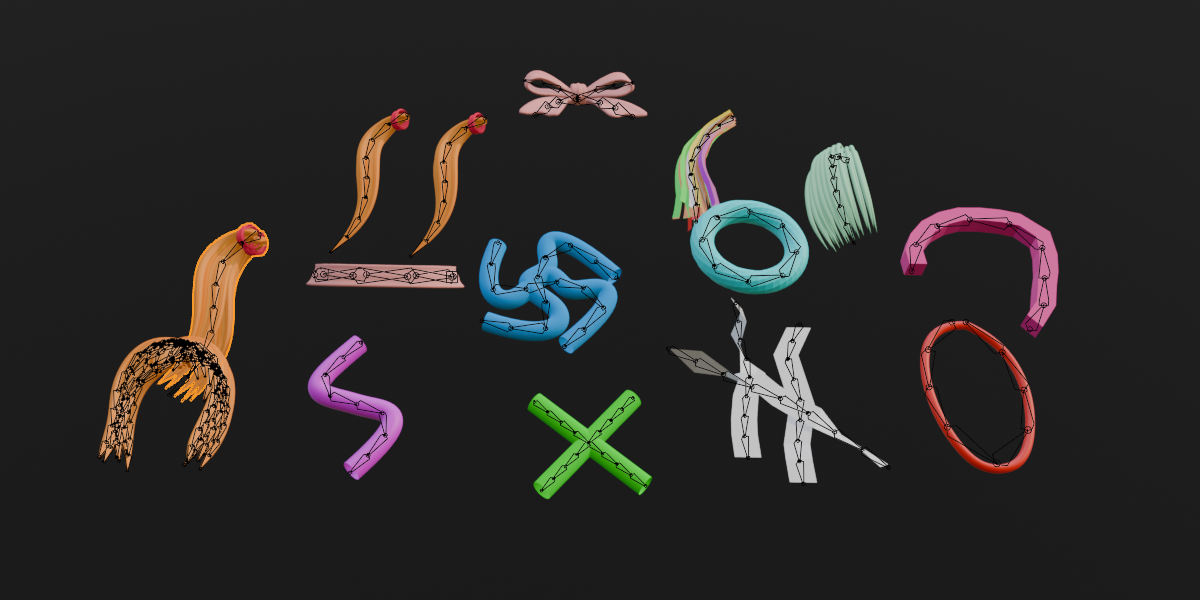
Turn hair, tails, ropes and other strand shaped meshes into bone chains in one click.
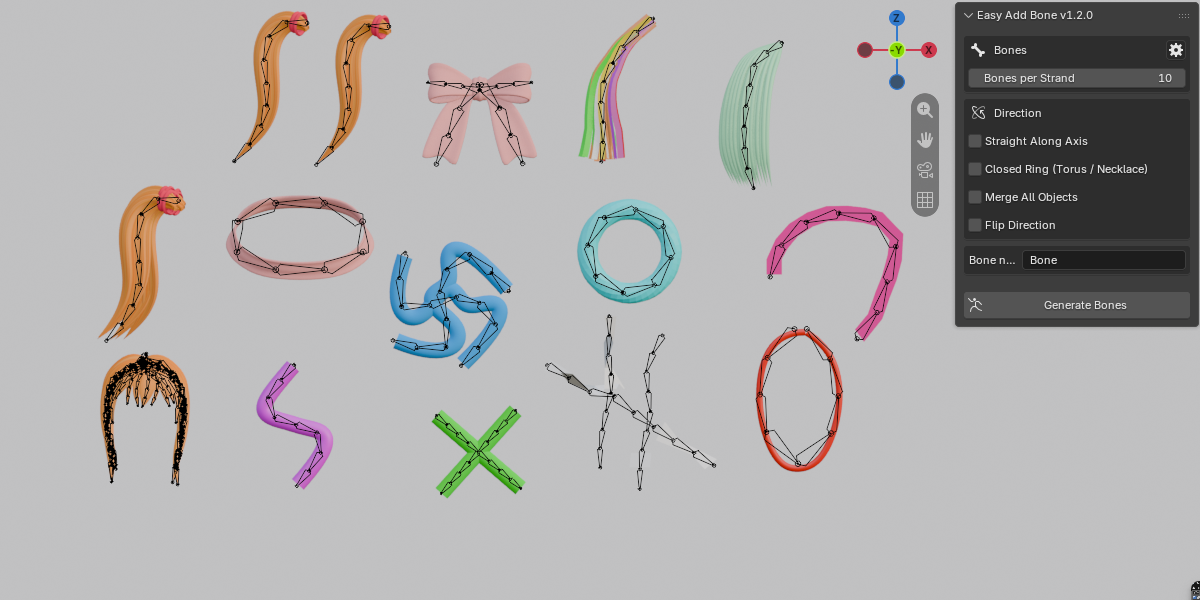
Rigging a ponytail, a tail or a rope by hand means placing bone after bone along a curve and then painting weights. Easy Add Bone does that part for you. Select your meshes, choose how many bones you want, press Generate Bones, and get an armature that follows the shape of every strand, already weighted and parented.
FEATURES
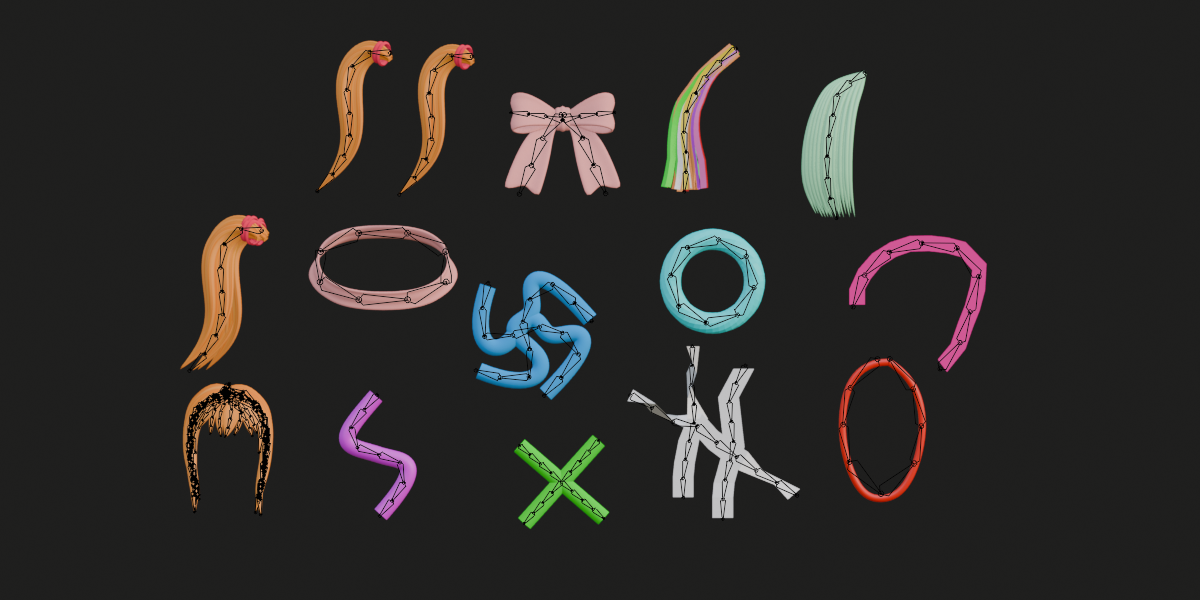
Follows the curve: Every loose part of your mesh gets its own bone chain that runs along its centre line and bends with it. Works on tubes, strips and curved planes such as hair cards.
Any bone count: 1 to 200 equal length bones per strand.
Weights set up for you: Creates a vertex group for every bone, adds an Armature modifier and parents the mesh to the armature. A Weight Blend slider goes from a hard cut at each joint to a fully smooth blend, and each step can be switched off.
Merge All Objects: Hair made of many separate planes, or a lock built from several objects? Turn on one checkbox and all planes of all selected meshes become a single strand with one bone chain through the centre of the whole combined shape. Every object is weighted to it. Set Bones per Strand to 1 if you only want a single bone.
Closed rings: Torus, necklace and bracelet shaped parts get a closed circle of bones (at least 3 bones), the last bone ending where the first one starts.
Straight along axis: Prefer a perfectly straight chain? One switch builds straight bones from right to left, centred on the mesh.
Smart root detection: By default the wider end of a strand becomes the root. Flip Direction swaps root and tip.
Small parts handled: Hair ties, rubber bands and clips get no bones of their own, but the bones of the nearest strand still weight them, so a hair tie follows its ponytail.
Many objects at once: Select several meshes and every loose part is rigged in a single run.
HOW TO USE
1. Select one or more meshes.
2. Open the sidebar (N) and go to the Easy Bone tab.
3. Set Bones per Strand. Optionally turn on Merge All Objects, Closed Ring, Straight Along Axis or Flip Direction.
4. Click Generate Bones.
GREAT FOR
Hair, ponytails, twin tails, bangs, ahoge, animal tails, ropes, cables, ribbons, necklaces and bracelets. The result is a standard armature, so you can use it with any animation or physics setup.
Meshes need edges, and each loose part needs at least 4 vertices.
Merge All Objects treats everything selected as one strand, so select only the objects that belong together. Closed rings and small parts are not merged.
Easy Add Bone only builds the rig. It does not add physics or animation.
Weights are generated automatically. For complex meshes you can adjust them in Weight Paint.
Blender 5.2.2 or newer.